
Quick Answer
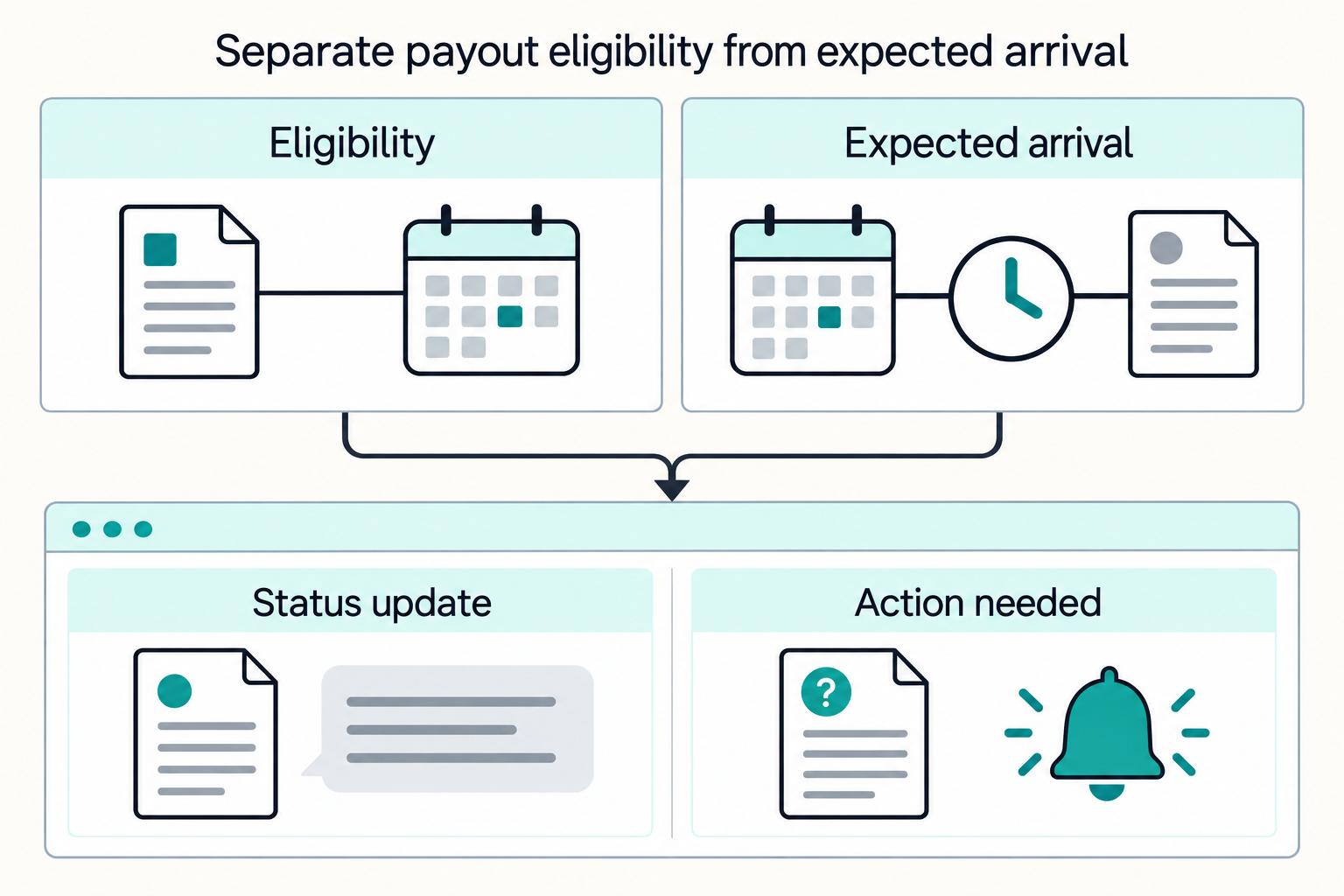
Separate work acceptance, funding availability, scheduled release and expected arrival. Define cadence and cutoff rules in the contractor agreement and cohort policy, reserve usable funds, keep one executor per obligation, and reconcile contractor payables separately from provider cash.
Give contractors a payday your systems can deliver#
A flexible payout calendar defines when an approved contractor balance is released and how long it is expected to take to arrive. Weekly batches, milestone payments and optional faster withdrawals can coexist, provided each obligation has one execution owner and the funding path can support the promise.
Start with the contractor agreement. Confirm the payment schedule, invoicing requirements and release conditions before changing cadence. Keep the agreed terms alongside accepted work and adjustments so support can explain the amount due and the next release date. Worker classification and local payment obligations determine which terms are permissible; a calendar setting does not settle those questions.
Separate the four clocks#
| Clock | What it means | Example record |
|---|---|---|
| Work accepted | The platform has approved the completed work or invoice | Milestone acceptance and amount owed |
| Funds available | The designated funding source can actually support release | Available provider balance in the payout currency |
| Release scheduled | The obligation passed its gates and entered the selected run | Friday 14:00 America/New_York batch |
| Expected arrival | The receiving bank or payout method is expected to make funds accessible | Provider estimate attached to the submitted payout |
Customer payment capture is not automatically contractor eligibility or available funding. A provider balance can contain pending funds, reserves or money already committed to other obligations. Model those separately from the contractor payable, and use the balance the payout method is allowed to spend.
For a concrete provider example, Stripe Connect payout schedules distinguish settlement delay from the daily, weekly, monthly or manual payout interval. Switching to daily payouts does not erase the account’s settlement delay. The delay can be measured in business or calendar days depending on the connected account’s country, and the platform’s control depends on its account configuration and liability responsibilities. Check the actual account before presenting a setting as available.
Choose cadence by work pattern and funding needs#
| Cadence | Good operating fit | Cost of the choice |
|---|---|---|
| On completion or milestone | Discrete work with explicit acceptance points | Acceptance disputes can postpone release; do not substitute a booking status for approval |
| Daily | Many small approved obligations and reliable daily funding | More batches, funding checks and reconciliation events |
| Weekly | A predictable payday for mixed contractor cohorts | Work accepted just after cutoff waits for the next scheduled run |
| Biweekly or monthly | Invoice relationships whose terms permit a longer cycle | Longer waits for contractors; align expectations before work begins |
| Optional faster withdrawal | Eligible contractors with a supported method and disclosed fee | Separate eligibility, limits, liquidity and consent from the standard schedule |
A shorter cycle may improve the contractor experience, but judge the change using your own late-payment tickets, processing costs and retention data. Compare the same cohorts before and after the change rather than assigning a universal retention improvement to weekly pay.
Manual release also has provider limits. Stripe’s manual-payout documentation specifies maximum holding periods by business country: 10 days in Thailand, two years in the US and 90 days elsewhere. Those provider limits do not replace shorter contractual or legal payment obligations. Stripe expressly distinguishes delayed manual payouts from escrow; do not label the feature escrow or use it to justify indefinite holds.
Write a release policy that support can explain#
Create a versioned policy for each cohort: agreement terms, work-acceptance rule, required recipient verification, permitted destination, minimum payout if any, currency, cadence, cutoff timezone, holiday treatment and approval authority. Determine tax-document requirements for the relevant payer and recipient relationship; a US form is not a universal gate for every contractor.
Keep holds specific. “Invoice not approved,” “bank details need updating,” “additional review” and “funding unavailable” have different owners and resolutions. Store the reason, start time, owner and next review time. Show contractors the action they can take without exposing sensitive screening details. A hold should remain visible when the next calendar run is created, rather than disappearing from the queue.
At cutoff, capture the policy version, approved amount, payee, destination version and available funding decision for each included obligation. If an obligation is held, retain its place in the unpaid balance. Resolve the hold against the agreed terms; do not silently restart its waiting period every time a batch runs.
Work through a Friday cutoff before launch#
Consider an illustrative platform policy: USD contractor invoices accepted by Friday at 14:00 America/New_York enter that Friday’s run. Later approvals enter the next Friday run. The chosen provider’s tested arrival estimate for this cohort is two business days after release. This example assumes no bank holiday; it is not a Stripe-wide timing promise.
| Invoice | Approval and funding | Release decision | Contractor message |
|---|---|---|---|
| A: $400 | Approved Friday 13:00; required checks and available funding complete | Include in Friday run | Scheduled Friday; expected Tuesday after submission |
| B: $300 | Approved Friday 14:05 | Next Friday under the agreed cutoff rule | Approved; next scheduled release Friday |
| C: $200 | Approved before cutoff; destination details need correction | Hold C separately; do not label it sent | Update bank details; next review after correction |
If A’s funding becomes available only after cutoff, the promised Friday execution cannot be inferred from invoice approval. Follow the documented exception policy and communicate the revised release date. If Monday is a bank holiday for the relevant route, recalculate the business-day estimate. Store the timezone identifier and resolve daylight-saving changes; a fixed UTC offset can move the local cutoff during the year.
Make the funding calculation visible: eligible amounts plus platform-paid transfer fees, less usable uncommitted funds, equals the funding shortfall. Exclude pending balances. A batch of 100 payouts at $200 each, with an illustrative $0.50 platform-paid fee each, needs $20,050 before any additional buffer. If only $18,000 is usable, the shortfall is $2,050. These are example amounts, not provider prices. Decide partial-batch priority in advance instead of letting processing order pick who gets paid.
Reserve currency and keep routing under one owner#
For cross-border obligations, record the source currency, contractor’s agreed receiving amount or currency, quote rate, expiry, fees and who bears conversion costs. If the quote expires before submission, obtain a valid quote and apply the agreed repricing rule. Do not silently reduce the contractor’s promised net amount. Reserve both the available funds and the obligation so another worker cannot spend or send them simultaneously.
Choose the route before creating the provider instruction. A different bank or method can be used for an unsent obligation when policy permits. Once an attempt has an unknown result, changing routes risks paying twice. Keep that obligation locked for investigation until the first attempt is conclusively canceled or failed and unable to complete.
Make retries recover the original payout#
- Give the obligation a durable identifier and record its approved amount and destination. Commit the claim on that obligation and the intended send record together in your own database.
- Send through one designated executor using the provider’s supported idempotency mechanism. Keep the exact request parameters, key and provider reference with the attempt.
- After a connection timeout, recover the existing provider result or repeat the same request only within the documented idempotency contract. Do not create a new operation or switch providers simply because the response was missing.
- Apply provider status events idempotently and reconcile them against current provider records. A repeated event must not create another journal or contractor notification.
The provider’s protection has a boundary. Stripe idempotency keys return the original response for repeated requests, including saved server errors; keys can be removed once at least 24 hours old. Reusing a pruned key can create a new request. Keep your durable obligation-level duplicate control beyond that window, and investigate an unresolved result rather than treating key reuse as permanent protection. A local database transaction cannot make the external payment call atomic with your ledger.
Show schedule and arrival as separate fields#
In the contractor portal, show approved balance, scheduled release, expected arrival when known, current status and any required action. Preserve the original schedule when the estimate changes so a delayed payout remains visible as a delay. An eligibility date should never appear as “paid.”
| Operational state | Useful contractor message | Next action |
|---|---|---|
| Approved, waiting for run | Approved; scheduled for Friday | Include at cutoff if all gates remain satisfied |
| Held for destination correction | Update your bank details before release | Recipient updates details; owner rechecks |
| Submitted or in transit | Sent; expected arrival Tuesday | Track the same provider reference |
| Unknown response | We are checking the payment; next update at 16:00 | Investigate existing attempt; block replacement |
| Confirmed failure | Payment failed; we need updated details | Resolve cause and confirm funds/release eligibility before a new attempt |
Stripe’s connected-account payout lifecycle distinguishes pending, in transit, paid, failed and canceled. Its events include payout creation, updates, payment and failure. Map the current provider object to your portal state instead of assuming every webhook arrives once or in the order your application expects. Preserve a return or failure correction as a new event in the history; do not erase the earlier submission.
Close the payable and the cash movement separately#
Finance needs the contractor obligation, release attempt, provider debit, fees and settlement outcome connected by identifiers. Use the accounting policy for recognition of accepted work; the payout calendar itself does not decide the contractor’s personal tax year or eligibility for a foreign-income exclusion.
For an illustrative company paying a contractor for its own services, an accepted $400 invoice creates a $400 contractor payable and the applicable expense or asset. If the company pays a $0.50 transfer fee, record that fee separately. Under a clearing-account approach, submission moves $400 from contractor payable to payout clearing; a confirmed cash debit then clears $400 against the provider balance, with $0.50 posted to transfer fees. Actual journal timing follows your accounting policy and provider evidence. A returned payment requires linked correction entries and reopens the amount still owed; it is not a second expense for the same work.
A marketplace holding money for others has a different recognition model. Do not post every seller earning as the platform’s contractor expense. Identify whose funds and liabilities the ledger represents before applying the example. At period end, reconcile opening unpaid obligations plus accepted additions and approved adjustments, less completed payments, to closing unpaid and in-flight obligations. Reconcile provider cash independently, including returns, fees and funds in transit. Explain cutoff differences as reconciling items rather than deleting them to make totals match.
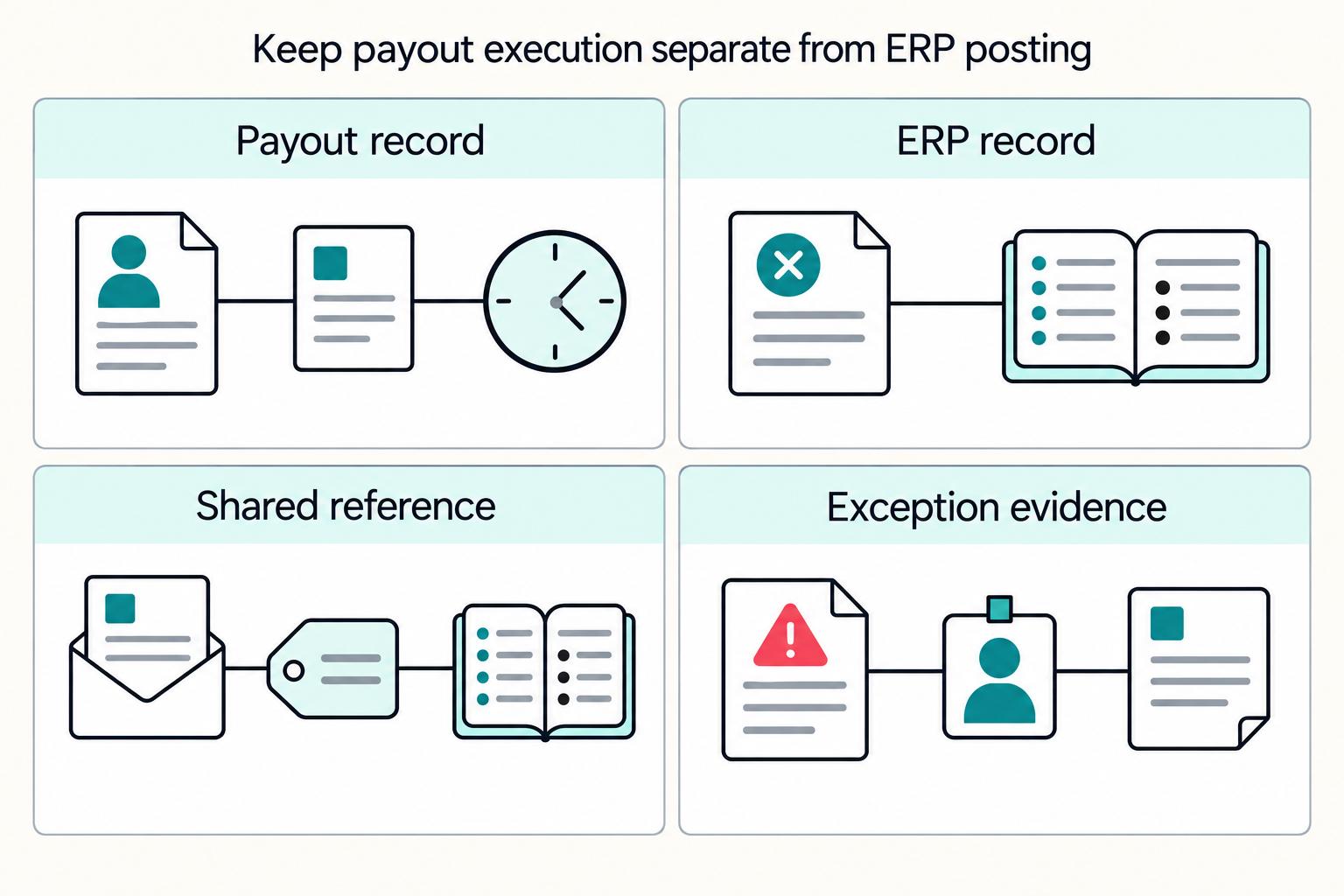
For the ERP handoff, keep batch, obligation, provider and journal references together. The ERP payout integration guide is a companion for mapping those records; replaying an export must not execute another payout.
Pilot one complete pay cycle#
Start with one cohort, one currency and one route. Include an approval after cutoff, a bank holiday, insufficient funding, an expired FX quote, a held destination, a timeout and a duplicate status event. Agree go/no-go measures before launch: on-time release and receipt, unresolved attempts, exceptions by reason, manual handling time, fee per payout and reconciliation differences. Measure receipt separately from provider submission.
Expand after the cohort completes a reconciled cycle and support can explain every held or delayed item. If you roll back a new calendar, apply the prior policy to future unsent obligations. Continue tracking all attempts already sent under their original references. Pausing a scheduling job cannot undo money already in flight.
Make flexibility a predictable choice#
Give contractors a clear standard payday first. Add faster or alternative schedules where the agreed terms, available funding and receiving method support them. The calendar is working when the contractor can see the next meaningful date, operations can recover an interrupted send and finance can explain the balance still owed.
Frequently Asked Questions
Does a daily payout schedule mean contractors receive funds instantly?
No. Work eligibility, funding availability, scheduled release and bank arrival are separate clocks. A daily schedule groups or releases eligible funds more frequently but does not erase settlement delays or receiving-bank processing.
What happens when an invoice is approved after cutoff?
Apply the agreed cutoff policy to the next scheduled run and show that release date to the contractor. Treat late approval separately from a hold, and retain the original obligation and approval history.
Can we use another provider after a payout timeout?
Keep an unknown attempt under investigation and block replacement. Switch routes only for an unsent obligation or after the first attempt is conclusively failed or canceled and cannot still complete. Retain one execution owner across routes.
What should finance reconcile for every batch?
Connect each contractor obligation to its release attempt, provider cash movement, fees and outcome. Reconcile unpaid and in-flight balances as well as provider cash, and record returns or corrections without recognizing the same work expense again.
Where Gruv fits
Plan and approve payout batches
See how payee status, approval rules, route review, and exception handling sit in one payout workflow.
See reconciliation and mismatch review
Compare ledger entries, provider payment records, and statement rows to see what matches and what finance needs to review.
Researched and edited by the Gruv editorial team. Gruv builds cross-border billing, payouts, and finance-operations software for global businesses.
Sources
Educational content only. Not legal, tax, or financial advice.
Related Posts
ERP Integration for Payment Platforms: How to Connect NetSuite, SAP, and Microsoft Dynamics 365 to Your Payout System
Connecting NetSuite, SAP, or Microsoft Dynamics 365 to a payout system is more likely to hold up over time if you do three things from day one: prevent duplicate payouts, keep transaction-to-payout records traceable, and avoid brittle point-to-point integration debt.

The Freelance Payment Penalty: A Modeled Audit of Platform Fees, FX Spreads, and Payout Delays
The money rarely disappears through a single, easy-to-spot fee. The real loss is stacked. A marketplace takes its commission, a processor adds a charge for international cards, a bank or payment company converts the currency at a spread, a platform holds the funds before release, and a wire sheds a little to intermediaries on the way in. Each layer looks defensible on its own, but the worker feels the combined result as a smaller deposit and a later payday.

How to Respond to a Subpoena for Business Records
Move fast, but do not produce records on instinct. If you need to **respond to a subpoena for business records**, your immediate job is to control deadlines, preserve records, and make any later production defensible.