
Keep PHI out of Gruv
Gruv does not offer a Business Associate Agreement. Do not enter or upload protected health information in product fields, files, or support messages.
Sensitive-data boundaries
Keep clinical information and raw card details in the systems designed to handle them. Use this page to plan what enters Gruv, what stays with the payment provider, and what your team should share during procurement or support.
Gruv does not offer a Business Associate Agreement. Do not enter or upload protected health information in product fields, files, or support messages.
Payment-card responsibilities depend on the exact checkout, payout, provider, and integration path. Never paste a full card number or security code into notes, uploads, or support messages.
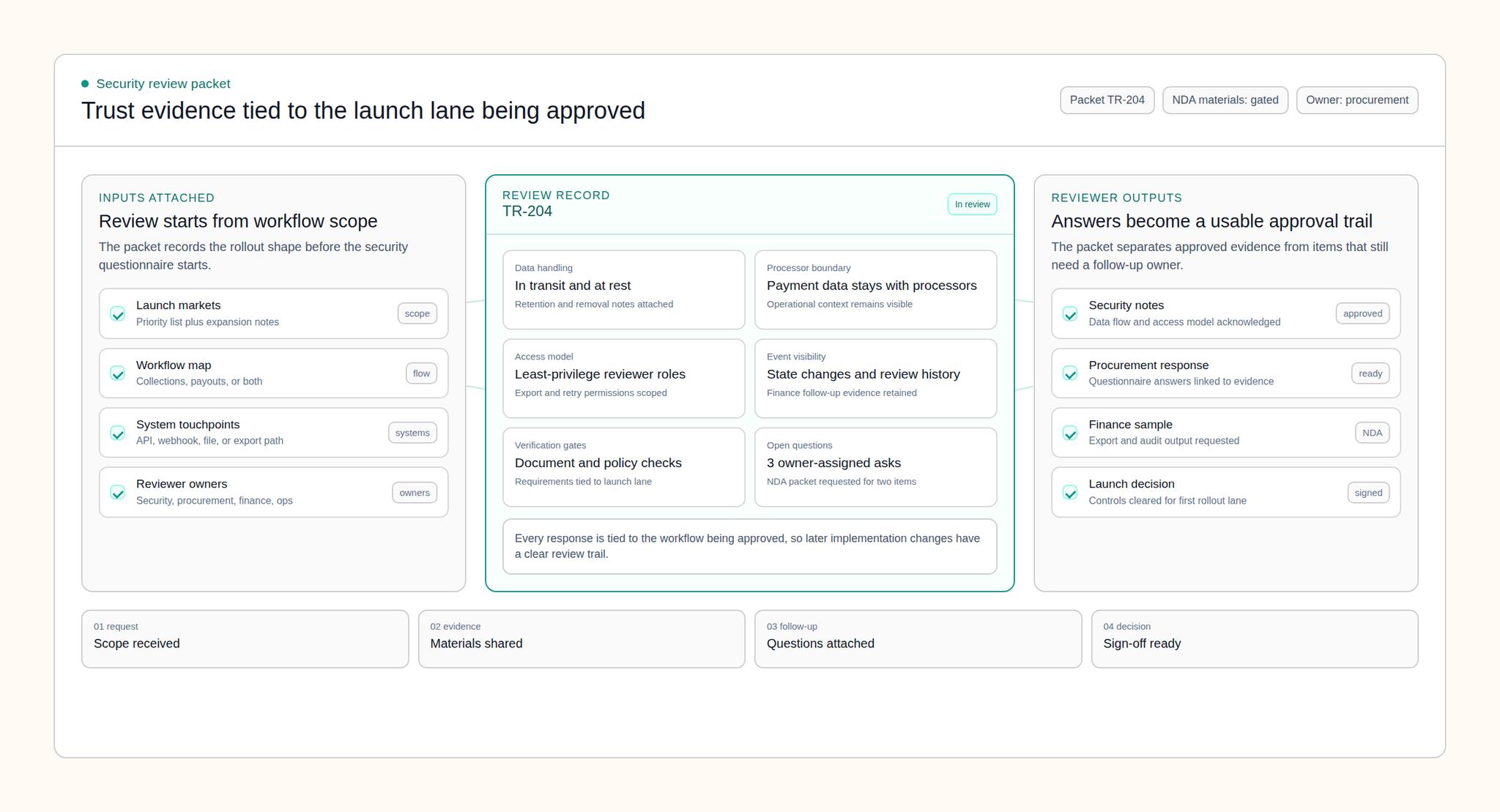
Confirm what a user enters, which system receives it, what Gruv stores, and which references return from the payment provider.
Share the right context
Procurement and support usually need the shape of the workflow, not the live clinical or card data inside it. Redact examples before sharing them and use provider references wherever possible.
Payment-card planning
PCI DSS scope is determined by the systems that store, process, transmit, or can affect the security of cardholder data. A provider logo alone does not answer that question.
No. Gruv does not offer a Business Associate Agreement, so PHI must remain outside Gruv product fields, attachments, and support channels. A healthcare company can evaluate a workflow only when the data sent to Gruv excludes PHI.
No. PCI scope depends on the exact card entry point, provider integration, and systems that can affect the card-data environment. Confirm that path before launch instead of relying on a generic platform statement.
Do not send full card numbers, security codes, PIN data, or screenshots containing them. Share the provider reference, status, timestamp, and a redacted view instead.
Bring the proposed data flow, field inventory, payment entry point, provider setup, files or screenshots users may upload, support path, and the people responsible for security and procurement.