
Quick Answer
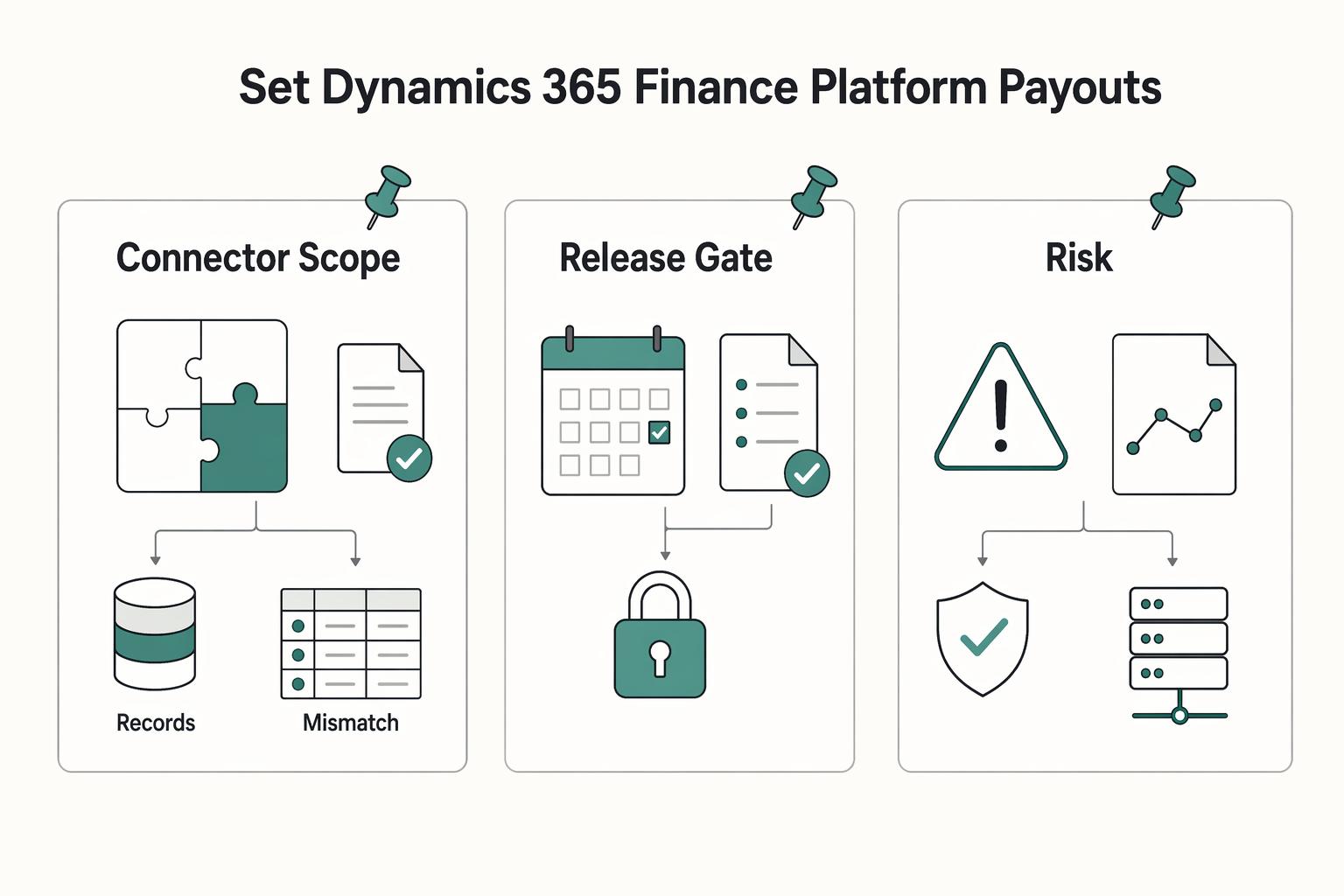
Integrate platform payouts into Dynamics 365 Finance through an agreed posting model and supported entities. Use the combined General journal entity for DMF imports or separate header/line entities for OData. Configure legal entity, accounts, dimensions and journal controls, then track import completion, posting, invoice settlement and provider money movement separately.
Build the payout-to-accounting handoff in Dynamics 365 Finance#
A payment platform integrating with Dynamics 365 Finance needs a defined accounting handoff: which legal entity owes the money, what external event justifies a posting, which vendor or ledger record receives it, and how finance reconciles the result. Start with one entity, currency and payment flow, then connect the agreed records through a supported Finance integration surface.
An external payout provider supplies the money-movement events for this Finance journal and reconciliation pattern. Journal import and the instruction to move money are separate operations. Microsoft’s Commerce payment module handles customer checkout with payment connectors; that is a different task from recording contractor payments or other platform disbursements in Finance. Business Central is also a separate product, so a connector advertised for it is not proof of a Finance integration.
Choose the supported journal integration surface#
Microsoft’s journal import guidance identifies two choices. The General journal entity combines headers and lines for the data management framework (DMF). The Ledger journal header and Ledger journal line entities separate them and support OData. Select from the workload and required processing pattern rather than treating every journal as one generic API resource.
| Pattern | Documented surface | Use and constraint |
|---|---|---|
| Package/batch journal import | General journal entity through DMF | Recommended by Microsoft for most journal import scenarios and high-volume imports; combined header and lines |
| OData journal records | Ledger journal header and Ledger journal line entities | Separate records for a synchronous entity integration; inspect the deployed metadata and keys |
| Custom business operation | A deliberately implemented custom service | Use when an agreed operation needs logic beyond the chosen entity import; its behavior is implementation-specific |
The General journal entity supports Bank, Customer, Ledger and Vendor account types. Its summary lists no public OData entity or collection, so do not invent a /data/GeneralJournals endpoint for it. It also does not support intercompany transactions. Centralized or cross-company payments need their appropriate design rather than a mixed-company file forced through this entity.
For an externally scheduled package flow, the DMF package API accepts data packages. Recurring integrations have a different scheduling model inside Finance and operations apps and can accept files or packages. Use the route that matches your operations; an ordinary CSV is not itself a complete DMF package.
Configure the accounting boundary before importing#
- Confirm the target legal entity, accounting currency, permitted posting period and the obligation the platform is recording.
- Set up the required vendor/customer or ledger accounts and the bank/provider-clearing mapping. Use subledger accounts where the obligation belongs there.
- Create or select journal names appropriate to the intended transactions and restrict the allowed companies and account types.
- Configure financial dimension formats for integration and map required dimension values in a known order.
- Define approval, posting and settlement responsibilities, including who resolves rejected imports and unexplained clearing balances.
Microsoft’s general journal processing guidance documents journal-name default values, journal controls and workflow approval. A dedicated name for the external integration can make its purpose and permissions clear. Finance should decide the approval rules and account restrictions before the service account starts creating records.
For Ledger account display values, configure the Ledger dimension format under Financial dimension configuration for integrating applications. Non-ledger default-dimension values use the corresponding Default dimension format. Do not concatenate an account number and department in an arbitrary order and assume Finance will interpret it correctly. Validate the actual format and required values against the target entity.
Identify whose funds and expense are represented. Paying the platform’s own contractor expense is different from passing a marketplace seller’s funds through a seller-payable model. Importing every payout as an expense can misstate a marketplace’s accounts even if the journal balances. The worked example below deliberately uses an ordinary company vendor obligation.
Register the integration identity and restrict its access#
The Finance service-endpoint documentation supports OAuth 2.0, including service-to-service client credentials with a secret or certificate. Register the application with Microsoft Entra ID, then map its client ID in Finance at System administration > Setup > Microsoft Entra applications to an appropriate service-account user.
Give that user the permissions needed for the chosen entities, legal entities and operations. Microsoft recommends a dedicated account with the correct permissions rather than using Admin. Protect and rotate credentials, keep environment identifiers explicit and separate production from test configuration. A valid token establishes authentication; the mapped user’s security still governs what the application can do.
For this cloud pattern, acquire a token for the intended Finance environment and send it in the authorization header. Follow the current identity-library and tenant configuration rather than copying an old password-based sample into a new service. On-premises deployments have their own AD FS details in the package documentation.
Create a field map that survives import and posting#
| Field or reference | Mapping rule | Reason |
|---|---|---|
| legalEntityId | Pass the intended company in the package import operation | Prevent a valid journal from landing in the wrong books |
| JOURNALNAME / JOURNALBATCHNUMBER | Use an approved name and preserve the mapping from any placeholder to the actual journal batch | Separate configuration from the imported journal’s identity |
| LINENUMBER | Unique line key within the journal batch | Required line identity; not the durable payout deduplication key |
| VOUCHER / TRANSDATE | Group balanced lines with the same voucher and transaction date | The combination determines the physical voucher |
| ACCOUNTTYPE / ACCOUNTDISPLAYVALUE | Use the correct Vendor, Bank, Customer or Ledger identity and configured formats | Keep subledger balances and account combinations correct |
| CURRENCYCODE / amounts | Use explicit currency and balanced debit/credit values | Avoid confusing payout amount, fee and funding amount |
| External references | Persist business payout ID, provider attempt ID, import execution ID, journal batch and posted voucher in an integration record | Trace retries and close exceptions across systems |
TRANSDATE, VOUCHER, CURRENCYCODE and LINENUMBER are required in the General journal entity. Header-level fields must agree for rows in the same batch. The entity can replace placeholder batch/voucher values using number sequences, so preserve the resulting identifiers; a placeholder alone is not the final posted reference.
Microsoft notes that new dimension combinations can slow imports and suggests financial tags for suitable high-cardinality values. Do not create a dimension value for every provider attempt merely to make it searchable. Decide whether a financial tag, supported document field, extension or external mapping record best preserves the reference. The article’s mapping record is an integration design recommendation, not an automatically supplied Finance payout entity.
Run the package import and inspect its outcome#
- Create a Data management import project with the General journal entity and export a valid template/package to establish the deployed field mapping.
- Populate the package from the approved posting map, validate totals and upload it through the documented storage process.
- Invoke the documented ImportFromPackage or async variant with the package URL, project ID and target legalEntityId; retain the execution ID.
- Poll GetExecutionSummaryStatus for that execution and retrieve GetExecutionErrors and applicable staging/target error files.
- Compare expected and imported records before allowing the journal to proceed to approval and posting.
The package API’s ImportFromPackage action is under /data/DataManagementDefinitionGroups/Microsoft.Dynamics.DataEntities.ImportFromPackage. Its parameters include packageUrl, definitionGroupId, executionId, execute, overwrite and legalEntityId. Follow the documentation’s parameter rules for the actual package: execute controls running the target import step, and overwrite has specific composite versus non-composite package rules. Neither flag is a business-level guarantee against duplicate payments or journals.
A response with an execution ID is not proof that all records imported. GetExecutionSummaryStatus can report Unknown, NotRun, Executing, Succeeded, PartiallySucceeded, Failed or Canceled. The async variant requires later status checking. Persist progress durably and investigate a partial result at record level rather than starting a new job for every line.
Microsoft warns against calling ImportFromPackage in parallel threads; use the documented Data management parallel-processing rules for parallel imports. Archive the relevant errors and execution results in your operational records rather than relying on temporary storage to retain them indefinitely.
Keep import, posting, settlement and payout states separate#
| State | What it establishes | What is still separate |
|---|---|---|
| Provider request accepted | The provider received the instruction | Final money movement and the accounting trigger |
| Provider outcome confirmed | The event meets the agreed accounting policy | Successful Finance import and journal posting |
| DMF import succeeded | The selected import job completed | Journal approval/posting and invoice settlement |
| Journal posted | Finance recorded the accounting transaction | Correct application to the invoice and reconciliation |
| Invoice settled / balances reconciled | The payment was applied and the relevant records agree | Any later return, correction or additional fee |
Review imported journals through General ledger > Journal entries > General journals using the configured name and controls. Microsoft distinguishes Validate from Simulate posting: simulation runs posting processes without actually posting and is available on the Validate menu for most journals, but is not available for ordinary batch processing. Use the applicable review/approval and Post action; an import status must not be used as a substitute for posted-voucher evidence.
Finance settlement applies one transaction to another, such as a vendor payment to its invoice. Mark the intended invoice/payment through the supported settlement process, either before posting or afterward as appropriate. Parameter-driven automatic settlement can select transactions differently from a deliberate invoice reference. Test the actual configuration so the correct invoice closes.
Settlement can create additional transactions, including discounts, realized gains/losses, write-offs or rounding differences. Importing a balanced payment journal therefore does not prove that every later accounting effect is represented by its original lines. Separate those adjustments in the reconciliation and retain the reasons.
Trace a $100 vendor payment and a $2 provider fee#
Assume the company owes a vendor $100 for its own expense, pays a $2 provider fee and has no tax, FX or discount effects. Its accounting policy treats the confirmed provider payment as discharging the vendor obligation. The provider is prefunded with $102. The following is an illustrative accounting map, not a universal chart of accounts or a marketplace seller-funds model.
| Event | Debit | Credit | Expected remaining balance |
|---|---|---|---|
| Approved vendor invoice | Expense $100 | Vendor payable $100 | Vendor payable $100 |
| Bank funds provider | Provider clearing $102 | Bank $102 | Provider clearing debit $102 |
| Confirmed vendor payment | Vendor payable $100 | Provider clearing $100 | Vendor payable zero after correct settlement; clearing debit $2 |
| Confirmed provider fee | Provider fee expense $2 | Provider clearing $2 | Provider clearing zero |
The vendor payment should use the vendor subledger, with its corresponding payable posting, rather than directly debiting the payable control account and leaving the vendor invoice open. Map the provider-clearing offset and the separate fee through suitable journals. Each voucher must balance, and invoice settlement must be checked independently. A provider fee borne by the company does not reduce the vendor’s $100 payment in this example.
Reconcile the $102 bank debit, $102 provider funding, $100 payment, $2 fee, posted vouchers, closed vendor invoice and zero clearing remainder. If only the $100 payment is recorded, the unexplained $2 belongs in the fee investigation rather than an arbitrary adjustment. If payout confirmation is still unknown, retain the appropriate pending accounting state under the agreed policy instead of marking the vendor paid merely because the request was accepted.
Recover from partial imports without duplicating effects#
Keep a durable business key for the payout and a separate accounting-operation key for each intended invoice/payment/fee effect. Atomically record the accepted event and pending work before acknowledging it. Store the provider attempt, package checksum, execution ID and resulting Finance keys. An execution ID or journal line number alone does not deduplicate the entire business operation.
After a lost response, inspect the known job and Finance records before submitting again. A partial import can leave valid records in place. Retry only the unresolved work through the supported correction process, with reconciliation to the existing batch and lines. Do not assume that reusing a job ID or changing overwrite will make an arbitrary replay safe.
For example, if a payment imported but the fee failed due to an invalid dimension, correct the rejected fee mapping and preserve the existing payment. Reimporting the whole payment under a new batch can create another payable reduction. If a posted accounting entry needs correction, use an appropriate reversal or correcting entry; Finance does not allow deletion of posted transactions. An accounting reversal also does not itself recall the provider’s money transfer.
Verify the complete flow before expanding it#
Check one ordinary payment, one fee, a duplicate event, a lost import response, a partial import, a rejected dimension, a closed posting period and a returned payment. Reconcile the provider report and bank movement with the posted Finance records and vendor balances. These are implementation acceptance checks for the integration team, not claims that this article has executed a live tenant test.
Expand legal entities, currencies and volumes only after the accounting policy and recovery behavior are clear. For broader architecture choices, see ERP integration for payment platforms. Keep vendor-specific orchestration or compliance capabilities tied to actual product contracts instead of inferring them from the existence of a Finance journal interface.
Frequently Asked Questions
Can I call the General journal entity through a public OData collection?
Microsoft lists no public OData entity or collection for the combined General journal entity. Use its DMF import path, or the separate Ledger journal header and Ledger journal line entities for the documented OData pattern. Inspect deployed metadata and keys rather than inventing an endpoint.
Does a successful package import mean the payout is complete?
No. Track provider outcome, import completion, journal posting, invoice settlement and reconciliation separately. A returned execution ID or Succeeded import status does not by itself prove that money moved or that the journal posted.
Can the General journal entity import intercompany transactions?
Microsoft states that this entity does not support intercompany transactions. Use the appropriate cross-company or centralized-payment design and separate accounting controls rather than forcing a mixed-entity journal through it.
How should a partial import be retried?
Inspect the execution status, error records and already imported journal records. Correct and retry unresolved work with durable business/accounting keys and preserved Finance references. Recreating the whole batch under new identities can duplicate effects.
Why can settlement create additional entries?
Settlement applies payments and other transactions to invoices and can generate discounts, realized exchange gains/losses, write-offs or rounding adjustments. Reconcile those effects separately from the imported journal lines and verify the intended invoice balance.
Researched and edited by the Gruv editorial team. Gruv builds cross-border billing, payouts, and finance-operations software for global businesses.
Sources
Includes 2 external sources outside the trusted-domain allowlist.
Educational content only. Not legal, tax, or financial advice.
Related Posts
ERP Integration for Payment Platforms: How to Connect NetSuite, SAP, and Microsoft Dynamics 365 to Your Payout System
Connecting NetSuite, SAP, or Microsoft Dynamics 365 to a payout system is more likely to hold up over time if you do three things from day one: prevent duplicate payouts, keep transaction-to-payout records traceable, and avoid brittle point-to-point integration debt.

The Freelance Payment Penalty: A Modeled Audit of Platform Fees, FX Spreads, and Payout Delays
The money rarely disappears through a single, easy-to-spot fee. The real loss is stacked. A marketplace takes its commission, a processor adds a charge for international cards, a bank or payment company converts the currency at a spread, a platform holds the funds before release, and a wire sheds a little to intermediaries on the way in. Each layer looks defensible on its own, but the worker feels the combined result as a smaller deposit and a later payday.

How to Respond to a Subpoena for Business Records
Move fast, but do not produce records on instinct. If you need to **respond to a subpoena for business records**, your immediate job is to control deadlines, preserve records, and make any later production defensible.