
Quick Answer
Start by assigning ownership: Acumatica owns AR/AP accounting records, while your payout stack owns routing, retries, and execution history. Lock webhook payload contracts and idempotency handling before choosing API, connector, or middleware. Then run inbound acceptance first and verify traceability from source event to AR302000 and settlement handling in CA507000 and CA307000. Move to outbound payouts only after each Payout Batch ID maps cleanly to an AP302000 document.
Why this integration gets messy fast and how this guide prevents platform debt#
The fastest way to create platform debt in an acumatica payment platforms cloud erp payout infrastructure integration is to assume ERP coverage means payout ownership. Acumatica can handle important payment-acceptance and accounting-posting workflows, but you still need explicit ownership for payout execution, reconciliation, exceptions, and operator controls.
Set scope correctly from the start. Acumatica Integrated Payment Processing is positioned around payment acceptance and processing, and Acumatica also includes AR automation. Its Accounts Receivable module works across other Acumatica modules, supporting inbound money movement and customer-side posting.
AP matters too, but it solves a different problem. Acumatica's Accounts Payable capabilities help track outstanding invoice payments and automate vendor-invoice intake. That supports payable-side recordkeeping and posting, but by itself it does not define payout orchestration for your platform. Acumatica's BILL integration also shows that vendor payment execution can be handled through partner tooling while payment status is reflected in ERP.
Assign payout and reconciliation ownership before you choose tools. Teams often treat "payments" as one problem, but acceptance, payout execution, and ERP posting are separate responsibilities. Reconciliation is separate too. You need to know which transactions are included in a payout, and for manual payouts the platform operator is responsible for reconciling payouts against transaction history.
Before implementation, define clear owners for:
- payment acceptance state
- AR posting
- payout initiation
- payout status history
- AP posting
- reconciliation exceptions
If ownership is fuzzy here, your integration choices become much harder to audit later.
Keep your roadmap loosely coupled from ERP implementation details. Acumatica exposes integration surfaces through REST API, screen-based SOAP API, and OData, so you can keep clean system boundaries without forcing payout logic into ERP customizations.
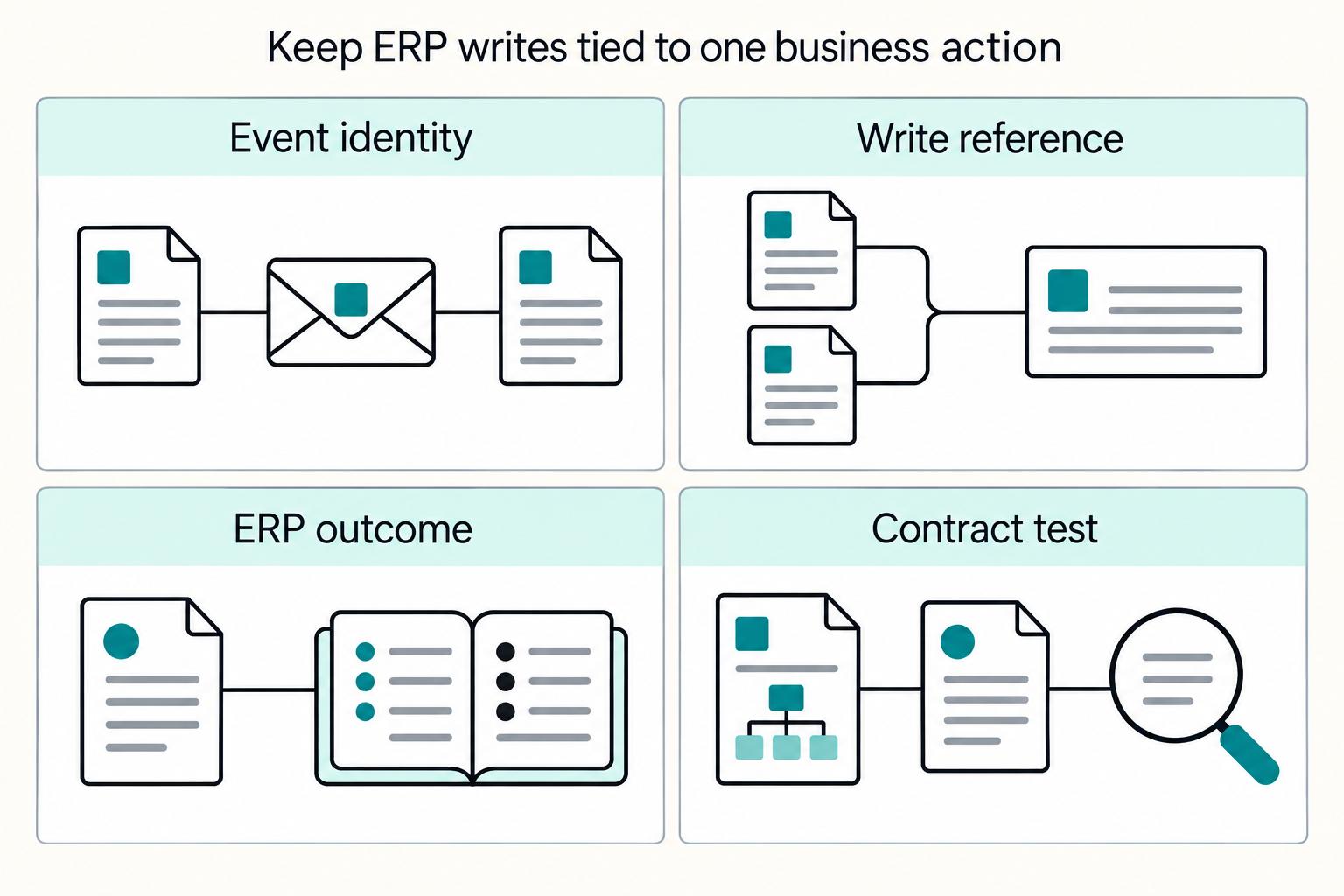
That boundary protects agility. When payout routing or operator rules change, tightly coupled systems can force changes across dependent components and make change riskier. In practice, the minimum target is simple: one external payment or payout reference should trace cleanly to its ERP-facing record.
Use this guide as a decision sequence, not a connector checklist. The goal is an integration that stays auditable as complexity grows across AR, AP, and payout operations.
Order matters:
- decide ownership first
- define boundaries second
- choose APIs, connectors, or middleware last
That sequence helps you avoid hard-coupling product behavior to a single Cloud ERP implementation. If you want a deeper dive, read SAP Integration for Payment Platforms: How to Connect Your Payout Infrastructure to SAP ERP.
Pick your operating model before you pick tooling#
Choose the operating model first, then choose tools that fit it. Two rules do most of the work here. If payout logic changes often, keep orchestration outside Acumatica and keep ERP focused on accounting truth. If finance needs standardization with lower engineering lift, start closer to Acumatica Integrated Payment Processing and extend only where the gaps are real.
Compare models by ownership, not feature lists. What matters in practice is where change happens, where reconciliation lives, how failures spread, and where lock-in starts to build.
| Model | Best fit | Change velocity | Reconciliation burden | Failure blast radius | Lock-in risk |
|---|---|---|---|---|---|
| Acumatica-led using Acumatica Integrated Payment Processing | Finance-led standardization, lighter custom payout behavior, lower engineering lift | Usually lower for product-specific payout changes | Can be lower early when acceptance and posting stay together | Can be higher if ERP-facing payment handling is in the critical path | Can be higher when process depends heavily on tenant-specific setup, plug-ins, or available connectors |
| Platform-led payout stack | Frequent payout logic changes, product-owned operations | Often higher for payout logic changes | Can be higher because external payout state still has to map into AR/AP | Can be narrower when ERP posting is downstream and decoupled | Can be lower when you keep neutral domain models and standards-based APIs |
| Hybrid with API boundaries | Teams that need finance control and product agility | Moderate to high when boundaries stay strict | Moderate when references and status ownership are explicit | Easier to contain when failures stop at the boundary | Moderate, depending on whether integration stays API-first or drifts into connector or screen coupling |
Apply the first rule directly. If payout logic changes frequently, keep orchestration in your payout infrastructure, not inside Acumatica. Let Acumatica act as the accounting endpoint.
Acumatica provides contract-based REST API and screen-based SOAP API, and its REST contracts stay fixed across customization and localization changes. That makes explicit API boundaries a clean way to separate product logic from ERP accounting.
Apply the second rule when finance speed matters most. Start near Acumatica Integrated Payment Processing and extend selectively. That can reduce initial engineering lift and help standardize acceptance and posting.
Acumatica supports integrated acceptance and processing patterns, external processor integration, and webhook-triggered payment creation. On AP outcomes, released payments create ledger-impacting batches. That is strong for accounting control, but it is still different from owning platform-grade payout orchestration.
For many payment platforms, a hybrid model can be the most durable. Keep accounting truth in Acumatica, keep orchestration and exception handling outside it, and connect the two through explicit API boundaries.
Use Prebuilt Connectors for stable, standard flows when they fit your tenant capabilities. Use API-led integration for payout logic that is likely to change. In some cases, direct API calls are enough. In others, asynchronous messaging or events are the safer design for reliability and containment.
Related: ERP Integration Architecture for Payment Platforms: Webhooks APIs and Event-Driven Sync Patterns.
Set system-of-record boundaries and data contracts#
Once the operating model is clear, lock the boundary. Keep Acumatica as system of record for AR and AP accounting, and keep your payout infrastructure as system of record for payout execution state. Do not use shared tables or dual writes across that line.
Assign ownership by object, not by team. A system of record is the authoritative source for a business domain or process, so set ownership by object before field mapping starts. Acumatica already fits accounting ownership through AR and AP.
| Object or state | Primary owner | Why this owner should win |
|---|---|---|
| Invoice, AR balance, payment application, AP liability state | Acumatica | Finance-facing accounting records should stay anchored in ERP |
| Payout intent, provider routing choice, execution attempts, status history | Your payout infrastructure | Product and provider orchestration state changes faster than ERP accounting |
| Settlement import artifact and ERP-side batch record | Acumatica, with external reference back to provider | Acumatica imports settlement batches and stores processing-center Ext. Batch ID |
| Cross-system lookup map | Separate integration store or clearly owned adapter | Keeps neutral references without direct cross-service data mutation |
If both sides can mutate the same payout state, you create coupling and eventually lose clean auditability.
Define event contracts early and version them. Define canonical event names and payloads early in implementation for both Webhooks and internal Event-Driven Sync Patterns. Keep one versioned envelope, with required context fields such as id, source, specversion, and type.
That gives you stable routing and replay even when provider payloads differ. It also protects you from duplicate delivery behavior. Stripe notes that webhook endpoints can receive the same event more than once, and undelivered events can be retried for up to three days.
Use idempotency keys where supported, and keep reference mapping on every transfer object. Every transfer object needs dedupe where available plus traceability: provider reference, ERP reference, and event reference. Apply that to Payout Batches, payout items, inbound events, and Settlement Batch Imports.
For example, PayPal uses sender_batch_id for duplicate protection and payout_batch_id for status lookup. On the ERP side, map settlement imports to Acumatica's Ext. Batch ID so provider and ERP records stay linked through retries and corrections.
Before implementation, make exception ownership explicit. Define ownership for disputes, reversals, and partial failures. If a provider payout succeeds but AP posting fails, payout execution truth should remain in your payout infrastructure, while Acumatica owns the accounting correction path.
Also confirm webhook routing assumptions in Acumatica setup: for a merchant location, only one processing center receives webhook notifications. Before build, run a traceability check for one invoice, one payout batch, and one settlement import from source event to Acumatica record and back again.
If you want a concrete API/webhook reference while you lock ownership, events, and idempotency rules, review the Gruv docs.
Prepare prerequisites and the integration evidence pack#
Before you build, prove the path is testable across Acumatica, your payout provider, and finance controls. Otherwise, design decisions get made on assumptions instead of evidence.
| Area | Requirement | Verification |
|---|---|---|
| Acumatica sandbox | Use an Acumatica sandbox for significant or irreversible changes | One engineer can authenticate to the sandbox API and read a known record |
| API access | Confirm the integration client can call the web services API or OData endpoint with an access token in the Authorization header | If auth uses OAuth or OIDC, verify HTTPS with an SSL certificate before implementation starts |
| Processing Center test setup | Collect test credentials and verify behavior at the Processing Center level | Validate at least one processing-center test credential set |
| Stripe test mode | Acumatica documents Test Credentials and Test Mode for Stripe, including a 0.00 validation transaction that is immediately voided | Do not assume every provider integration behaves the same way |
| Evidence pack | Include sample records, expected statuses, and reference IDs for Credit Card Payments and, where applicable, ACH or Electronic Funds Transfer (EFT) flows | Include the Import Settlement Batches flow |
| Finance controls | Get written sign-off on Accounts Receivable (AR) and Accounts Payable (AP) posting behavior; confirm whether Automatically Post on Release is enabled and confirm AP release behavior | Finance signs off on posting policy, reconciliation export format, and the sample evidence pack before the first production-facing integration story is accepted |
Provision the non-production access you actually need. Use an Acumatica sandbox for significant or irreversible changes, and confirm your integration client can call the web services API or OData endpoint with an access token in the Authorization header. If auth uses OAuth or OIDC, verify HTTPS with an SSL certificate before implementation starts.
On the provider side, collect test credentials and verify behavior at the Processing Center level. Acumatica documents Test Credentials and Test Mode for Stripe, including a 0.00 validation transaction that is immediately voided. Do not assume every provider integration behaves the same way.
Verification: one engineer can authenticate to the sandbox API, read a known record, and validate at least one processing-center test credential set.
Assemble an evidence pack with representative money movement cases. Build the evidence pack as execution proof, not meeting notes. Include sample records, expected statuses, and reference IDs for the payment paths in scope, such as Credit Card Payments and, where applicable, ACH or Electronic Funds Transfer (EFT) flows.
Cover both the happy path and edge conditions, including settlement import. Include the Import Settlement Batches flow so you validate settlement-batch handling, not just payment initiation.
Lock finance controls before development starts. Get written sign-off on Accounts Receivable (AR) and Accounts Payable (AP) posting behavior before development. In AR, confirm whether Automatically Post on Release is enabled. In AP, confirm release behavior because releasing a bill creates general-ledger impact.
At the same time, agree on reconciliation outputs. If finance needs investigation-ready exports, define the requirement for exporting selected bank transactions to Excel and assign exception review ownership.
Verification: finance signs off on posting policy, reconciliation export format, and the sample evidence pack before the first production-facing integration story is accepted.
Choose the integration surface with explicit decision rules#
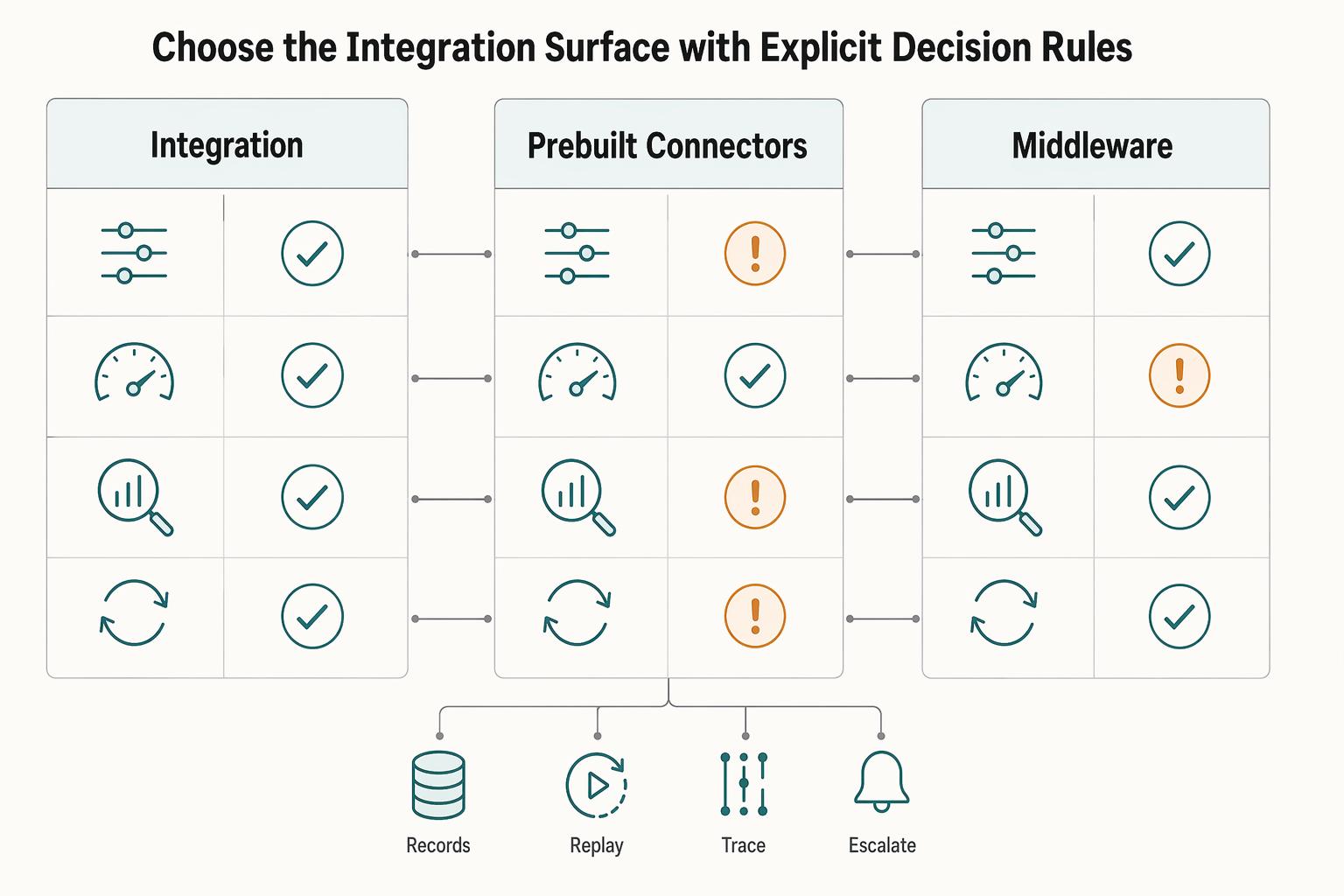
Choose the integration surface by priority. Prioritize API when payout behavior is likely to change, Prebuilt Connectors when speed is the main constraint and scope is stable, and Middleware when one integration must serve multiple ERPs.
Score each option against the same four criteria. Use the same four lenses every time: control, implementation speed, observability, and change tolerance.
| Surface | Control | Implementation speed | Observability | Change tolerance |
|---|---|---|---|---|
| API | Highest control. Acumatica exposes contract-based REST and screen-based SOAP APIs. | Can be slower to start because you own mapping and error handling. | Can be strongest when you own request, response, and event logs. | Strong. Acumatica REST contracts stay fixed even when UI customizations change. |
| Prebuilt Connectors | Moderate. Good for standard sync patterns; may be less flexible for custom payout states. | Often fastest to start. Vendors position connectors as faster delivery, but treat this as directional. | Mixed; confirm logging, retry behavior, and failed payload visibility. | Good for stable requirements; weaker when status models change often. |
| Middleware | Variable; can centralize policy but adds a translation layer. | Often between connector-first and fully custom API builds. | Can be strong with centralized monitoring. | Strong when one integration must support multiple systems in parallel. |
Practical rule: score each option against your evidence-pack cases. If it cannot preserve external reference IDs, settlement imports, or exception statuses, eliminate it.
Prefer API plus webhooks when payout behavior is likely to change. If you expect custom payout states, provider failover, or product-owned routing logic, direct API integration with webhooks can be a better fit than a connector-only pattern.
Acumatica provides REST and SOAP access, and its contract-based REST model stays useful when ERP customizations change the UI. Acumatica also documents webhook support for ingesting external application data, and webhook patterns follow HTTP publish and subscribe. That combination can give you more control over event-driven status handling over time.
The tradeoff is straightforward. You own more implementation and more failure handling.
Start with prebuilt connectors when timeline pressure is high and scope is stable. Acumatica has an official connector presence in Microsoft's connector network, so this is a real integration surface, not just a sales concept.
Keep ERP-specific transforms in one adapter layer you control. That gives you a cleaner exit later if your connector strategy changes and keeps your business event model from being shaped around connector field names.
Also test operational limits early. The Microsoft Acumatica connector publishes 100 API calls per connection per 60 seconds. Validate that against your actual traffic profile, retries, and reconciliation needs.
Use middleware when the integration layer is genuinely shared across systems. That often means Acumatica plus another ERP such as SAP ERP, NetSuite, or Microsoft Dynamics.
SAP Integration Suite is positioned as enterprise iPaaS, and SAP Open Connectors cites connectivity to more than 170 third-party applications. NetSuite supports both direct API and middleware approaches. Microsoft guidance says integration choice should match business and technical needs.
If you are integrating only Acumatica with no near-term cross-ERP program, middleware may add extra indirection without enough return. For a broader cross-ERP comparison, see ERP Integration for Payment Platforms: How to Connect NetSuite SAP and Dynamics to Your Payout System.
You might also find this useful: SOC 2 for Payment Platforms: What Your Enterprise Clients Will Ask For.
Implement inbound money movement and AR posting first#
After you choose API, connector, or middleware, start with inbound AR posting before payouts. It is the fastest way to expose reference-ID issues, payment-method assumptions, and settlement mismatches while scope is still contained.
Normalize each acceptance event into one canonical payload in your integration layer before it reaches Acumatica. Keep, at minimum, an external transaction reference, invoice or sales-order reference, amount, payment instrument, event timestamp, and the processing-center context needed for reconciliation.
Post AR payments into Acumatica through supported AR objects, then verify the result on Payments and Applications (AR302000). Acumatica REST supports creating AR payments for invoices and sales orders, and created payments are viewable on AR302000.
Use a consistent reference ID across retries and related events where your integration supports idempotent handling. Acumatica validates payment and prepayment reference numbers to help prevent duplicates, but you should still test duplicate delivery from your integration side.
Split instrument paths and test them separately. Credit Card Payments, ACH-related flows, and EFT may look similar in your event model, but they can behave differently in ERP and settlement handling.
| Instrument path | What to map explicitly | Early check |
|---|---|---|
| Credit Card Payments | Payment method, external transaction reference, invoice application, processing-center context | Confirm the AR payment on AR302000 carries the same external reference |
| ACH-related flows | Reference mapping and status handling kept distinct from card assumptions | Verify tenant-specific ACH behavior before reusing card flow logic |
| EFT | Processing center, settlement status, external transaction reference | Validate settlement-import and reconciliation behavior early |
For integrated processing methods such as Credit Card and EFT, Acumatica can insert a default processing center from branch-level overrides. Verify that value explicitly so valid AR records do not reconcile against the wrong center.
Validate settlement imports early, not after AR posting looks correct. The Import Settlement Batches (CA507000) form starts settlement-batch imports from a selected processing center. Its default Import Batches Through logic can extend to 7 days after Last Settlement Date. If your event window differs, that can create quiet mismatches that are easy to miss.
Review imported batches in Settlement Batches (CA307000). Operators can hide, record, or match transactions there. Treat that as a control point: a Processed batch means transactions were matched or hidden, not necessarily that all outcomes were matched the way your team expects.
For EFT, test with extra care. Acumatica documents fetching EFT transactions from the processing center, creating a batch per settled, rejected, or voided EFT transaction, and one transaction per EFT batch.
Add a hard traceability checkpoint before you move on. For each inbound state change you support, define and test a reproducible chain across integration records and ERP records:
source event -> AR record on AR302000 -> related settlement handling on CA307000
Use CA507000 when settlement import context applies. If that chain is not reliably reproducible in test scenarios, pause and fix traceability controls before you expand into downstream payout and finance flows.
Implement outbound payouts and AP orchestration second#
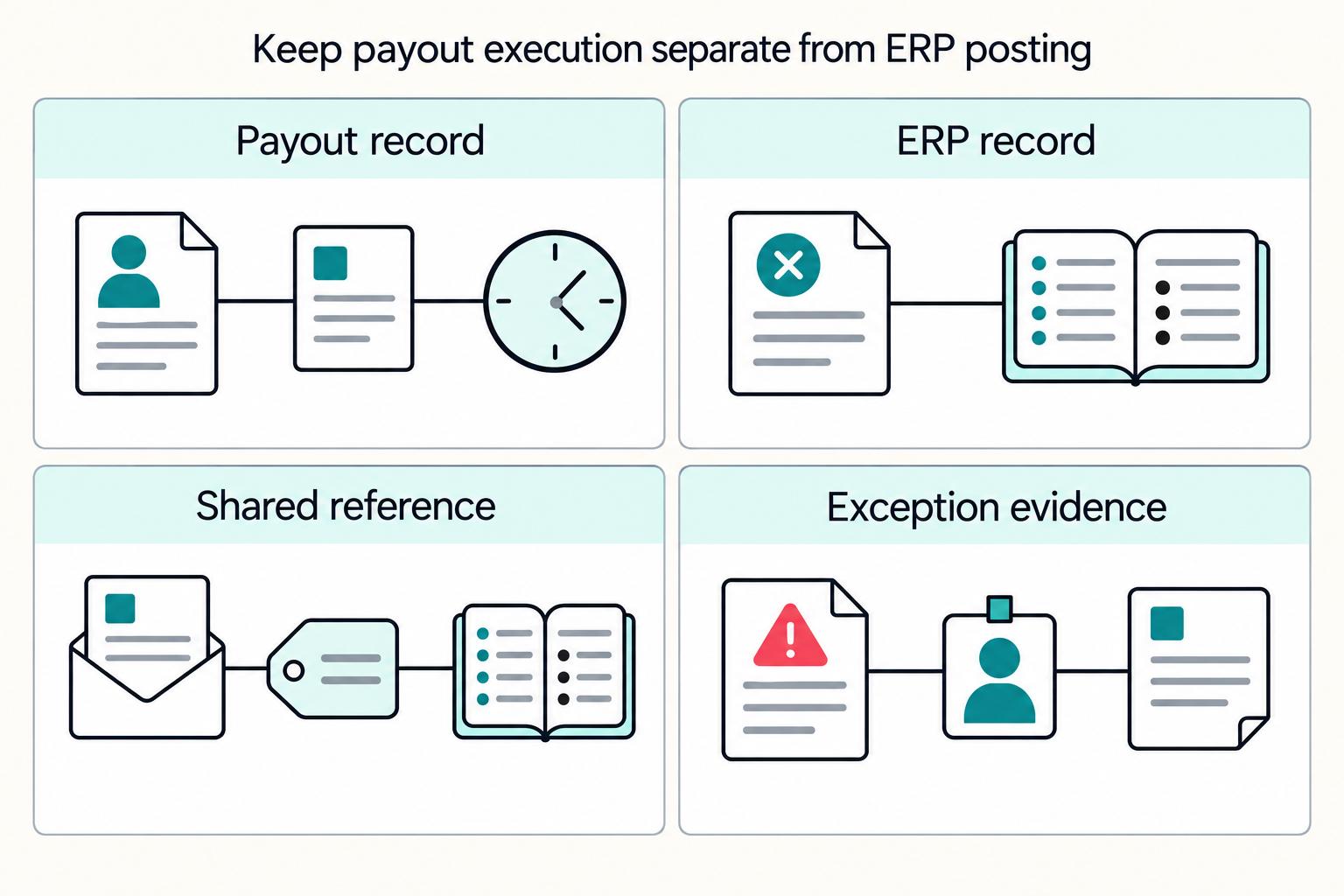
Once inbound traceability is stable, keep payout orchestration outside ERP for this operating model. Let your payout service run Payout Batches, provider routing, retries, and callbacks, while Acumatica records the AP outcomes finance needs to approve, release, or reverse.
For this operating model, keep payout execution outside Acumatica. Your payout layer should own routing rules, provider responses, retry counts, return reasons, and attempt history. Acumatica should receive accounting-facing results plus audit references that tie each AP record back to the payout batch and provider payout reference.
Use AP surfaces for AP records, not routing logic. Checks and Payments (AP302000) holds AP payment documents, including payments, prepayments, refunds, and voided payments. If you run ACH from Acumatica, Process Payments / Print Checks (AP505000) can batch one or many ACH payments and export a batch file.
Use this verification checkpoint for each test payment:
Payout Batch ID -> provider payout reference -> AP document in AP302000
If any step still depends on an inbox or spreadsheet lookup, your boundary is too weak.
Map payout outcomes to AP states on purpose. Only finance-relevant outcomes belong in AP. Acumatica gives you useful workflow states like On Hold and Pending Approval, but it is not a universal retry or return taxonomy for every payout rail.
| Payout outcome in your engine | AP treatment in Acumatica | Why |
|---|---|---|
| Needs manual review before release | On Hold or Pending Approval | Built-in hold and approval control |
| Provider is retrying delivery | Keep retry state outside ERP; do not post final AP outcome yet | Retry is operational, not always accounting-final |
| Returned, rejected, or reversed after posting | Use an AP exception path in AP302000 such as refund or voided payment, based on finance policy | Corrections need an auditable accounting trail |
Because webhook endpoints can receive the same event more than once, make callback handling idempotent before you write final AP outcomes.
Do not overwrite a final-looking AP status with later provider outcomes and lose evidence. Preserve the original payout attempt reference, provider return reason, and the approved AP correction path.
Validate tenant-level product reality before you rely on it. Treat CoreChain Technologies as market context, not tenant proof. Acumatica describes CoreChain as outbound AP payments orchestration capability, but that does not tell you what is enabled in your tenant.
Validate in sandbox what is actually live: enabled modules, configured payment methods, approval flow, status sync behavior, and which records your REST API integration can create or update. If you integrate through API, verify contract details up front. Acumatica 2025 R2 documents Contract Version 4 for the system contract.
Post summarized AP artifacts when routing changes often. Keep routing outside ERP and send summarized accounting artifacts back to Acumatica. At minimum, post the AP payment document, any related refund or voided payment, the payout batch reference, and the provider reference used for audit.
That keeps AP clean and avoids hard-coding ERP-specific states into payout operations. A useful staging test is to reroute the same payout between providers and confirm AP mapping changes only when the accounting outcome changes.
Build eventing, idempotency, and reconciliation controls#
Treat replay safety as a hard requirement. Retries and replays should never create a second accounting result in Acumatica. If a redelivered webhook or rerun sync can post another payment, refund, or AP update, the boundary is not stable yet.
Make every handler idempotent. Apply idempotency at every entry point, not just provider API writes: Webhooks, internal event-driven sync paths, manual replay jobs, and any Acumatica push-notification destination such as webhook, queue, or SignalR.
At minimum, persist a dedupe record keyed by external event ID or related object ID plus the action. Store:
- processing status and first-seen timestamp
- request ID, when available
- provider reference
- ERP record reference
Provider idempotency features help, but they may not cover every replay scenario on their own. Keep your own dedupe history long enough to cover delayed retries and replay jobs, and for already-processed events return a successful response so retries stop.
Reconcile at three layers because each one catches a different failure mode.
| Layer | What must match | Practical key |
|---|---|---|
| Transaction reference | Provider object to ERP document | request ID, provider reference, ERP record reference |
| Settlement artifact | Provider payout grouping to imported ERP batch | Settlement Batch Imports reference number, processing center |
| Finance totals | AR/AP outcomes finance sees | posted payments, refunds, open-balance movement |
Use transaction references to confirm each state change maps cleanly to one ERP record. Use settlement checks to catch batch-level errors. In Acumatica, settlement imports run through CA507000, expose a Reference Number, and cannot run concurrently for the same processing center.
Then validate AR and AP totals so accepted upstream events did not still produce duplicate refunds, missing reversals, or other finance-impacting drift.
Define alerts by failure class so the first operator action is obvious.
| Failure class | Trigger example | First operator action |
|---|---|---|
| Missing callback | Expected state change does not arrive in time | Query provider by related object ID or request ID; replay or mark delayed |
| Mismatched amount | Provider amount differs from ERP posting or settlement batch | Pause auto-posting for that record; compare payload to ERP document |
| Unknown status transition | Event requests a transition you did not map | Route to manual review before AR/AP mutation |
| Duplicate external reference | One provider reference maps to multiple ERP mutations | Stop retries; inspect dedupe record before correction |
Include a standard evidence packet with each alert: event ID, request ID, provider reference, related object ID, ERP record reference, and the last successful state transition.
Enforce an audit-trail rule for every state change. Set a release gate so each payout and payment state change your integration records includes request ID, provider reference, and ERP record reference. Apply the same rule to automated updates and manual corrections such as voids, refunds, and AP exceptions.
Acumatica Audit History can show who changed a record, when, and what operation occurred, but it only helps if your integration writes traceable references consistently. Validate both directions in testing: source request to ERP record, and ERP record back to the exact provider event or request.
Roll out in phases with hard go or no-go checkpoints#
Use a phased rollout so go or no-go decisions stay evidence-based, not date-based. Start with the narrowest production slice you can defend: prove inbound AR posting in Acumatica before you allow outbound payout execution or full bidirectional sync.
| Phase | Scope | Gate |
|---|---|---|
| Phase 1 | Let payment or collection events post AR outcomes in Acumatica, and keep outbound payout actions out of the live path | Replay the same webhook or sync input with the same idempotency key and confirm the second attempt creates no new accounting result; verify settlement handling reaches a usable Acumatica state, preferably Processed, and review anything in Pending Review |
| Pilot cohort | Introduce limited outbound payout execution for a pilot cohort only after inbound controls are stable | Use a signed cutover task list as a gate. Name who verifies idempotent replay, who checks reconciliation, who reviews exceptions, and who gives final release approval |
| Full bidirectional automation | Promote to full bidirectional automation only after the same gates pass repeatedly in production-like cycles, not just once | Define reconciliation and exception-age checks in the cutover plan, with finance sign-off before release |
| Final cutover | Avoid book-close or reporting windows and keep the switch small enough to verify and sign off within a short cutover window, often less than 48 hours | If a gate fails, use a standard evidence packet with event ID, request ID, provider reference, ERP record reference, current exception age, and last successful reconciliation result |
Prove inbound-only AR posting first. Phase 1 should stay narrow: let payment or collection events post AR outcomes in Acumatica, and keep outbound payout actions out of the live path. Keep references consistent so source events and settlement artifacts remain traceable.
Your first gate should be measurable:
- replay the same webhook or sync input with the same idempotency key and confirm the second attempt creates no new accounting result
- verify settlement handling reaches a usable Acumatica state, preferably Processed, and review anything in Pending Review
- confirm exceptions are cleared and monitor oldest-item age during rollout
If finance still needs engineering to identify which event created an AR posting, do not move to Phase 2.
Introduce limited outbound payout execution for a pilot cohort only after inbound controls are stable. Send AP-relevant outcomes and audit references back into Acumatica so ERP remains the accounting source of truth while you observe retries and exception handling in production.
Keep the cohort deliberately limited but varied. As you expand, align release scope to business objectives, risk appetite, and operational constraints.
Use a signed cutover task list as a gate. Name who verifies idempotent replay, who checks reconciliation, who reviews exceptions, and who gives final release approval.
Promote to full bidirectional automation only after the same gates pass repeatedly in production-like cycles, not just once. Duplicate event delivery can happen in normal operations, so replay safety has to hold under rollout traffic.
Define reconciliation and exception-age checks in the cutover plan, with finance sign-off before release. If your async layer is Amazon SQS, track ApproximateAgeOfOldestMessage. Otherwise, track the equivalent oldest-unprocessed-item metric.
For final cutover, avoid book-close or reporting windows and keep the switch small enough to verify and sign off within a short cutover window, often less than 48 hours. If a gate fails, use a standard evidence packet with event ID, request ID, provider reference, ERP record reference, current exception age, and last successful reconciliation result to support fast, reversible no-go decisions.
Recover cleanly when failures happen in production#
Treat recovery as a standard production path. Isolate the failure, re-establish one source of truth, replay safely, and avoid manual edits that distort AR or AP history.
| Recovery step | Key action | Evidence/status |
|---|---|---|
| Pause the failing sync path | Stop the specific consumer or integration path that is producing bad outcomes, not every surface | If you run Paystand-managed webhooks, disabling webhook transmission during maintenance is supported |
| Reconcile to one source of truth | Pick the controlling record for the incident before any retry: provider event history, payout-platform status, or the current Acumatica document | For Settlement Batch Imports, treat Pending Processing and Error as unresolved |
| Replay idempotently | Use the original idempotency key and verify that a retry returns the original outcome instead of creating a new side effect | Stripe can automatically resend undelivered events for up to three days |
| Use formal ERP corrections | For Accounts Receivable (AR), correct invalid incoming payments by voiding the payment in Acumatica; for Accounts Payable (AP), correct released documents with debit or credit adjustments | Require incident notes with transaction ID, date and time, and reason for the correction path |
| Escalate with evidence | Escalate when status drift persists, settlement imports keep failing after a clean replay, or vendor-side outage risk cannot be ruled out internally | Send transaction ID, issue description, date and time, business impact, and affected Acumatica record or settlement batch reference |
Pause only the failing sync path. Stop the specific consumer or integration path that is producing bad outcomes, not every surface. Duplicate webhook delivery can happen normally, so first confirm whether the same event ID or idempotency key already produced an ERP result.
If you run Paystand-managed webhooks, disabling webhook transmission during maintenance is supported. After the pause, confirm that path is no longer creating new AR postings, AP updates, or settlement imports.
Reconcile to one source of truth before replay. Pick the controlling record for the incident before any retry: provider event history, payout-platform status, or the current Acumatica document. If references are stale or no longer map cleanly, keep automation closed until you can map one external reference to one ERP record.
For Settlement Batch Imports, triage by Acumatica status. Treat Pending Processing and Error as unresolved, and check related posting activity before any retry.
Replay only with idempotent keys. Replay is safe only when it is idempotent. Use the original idempotency key and verify that a retry returns the original outcome instead of creating a new side effect.
Also account for delayed provider redelivery. Stripe can automatically resend undelivered events for up to three days, so manual replay without deduplication can create status drift.
Use formal ERP corrections for AR and AP. For Accounts Receivable (AR), correct invalid incoming payments by voiding the payment in Acumatica. For Accounts Payable (AP), correct released documents with debit or credit adjustments.
Do not patch released records with ad hoc edits. For any manual correction, require incident notes with transaction ID, date and time, and reason for the correction path.
Escalate vendors with evidence, not symptoms. Escalate when status drift persists, settlement imports keep failing after a clean replay, or vendor-side outage risk cannot be ruled out internally.
Check Acumatica status signals first, then escalate as needed. Use Tipalti support for integration troubleshooting, and route Paystand incidents through support during published hours.
Send a compact escalation payload: transaction ID, issue description, date and time, business impact, and affected Acumatica record or settlement batch reference. This gives vendors the context they need to troubleshoot.
Avoid the mistakes that create long-term coupling debt#
Recovery is not enough if every release reintroduces tight coupling. Keep ERP specifics at the edge, keep your own event history outside connector tooling, and validate product claims against the exact AR, AP, and payout flows you actually run.
Introduce neutral domain events above Acumatica mappings. Keep product logic independent from Acumatica status names and document behavior. Emit neutral events like payment_authorized, payment_settled, payout_submitted, payout_returned, or ap_hold_released, then map them to Acumatica objects and statuses in a single adapter layer.
This aligns with clean-core governance: maintainability and upgrade stability improve when custom behavior is not welded into ERP internals. If posting rules change, a connector changes, or another ERP is added, you update the mapper instead of core product code. A practical check is simple: if you cannot rename or split one Acumatica status without editing product service code, coupling debt is already present.
Maintain a mapping artifact with three fields: neutral event, external provider reference, and ERP target object or status. Without that boundary, status drift becomes hard to diagnose.
Build observability outside prebuilt connectors. Use connectors for speed, but do not treat them as your system of record. Acumatica Marketplace materials explicitly pair prebuilt connector options with API-based customization, and one listing states that API fallback is needed when prebuilt coverage is unavailable.
Keep an independent event log with request ID, idempotency key, provider reference, connector or API response, and resulting Acumatica record reference. This matters because connector-side logs may not track every operation, and integration flows need ongoing monitoring rather than a one-time setup.
Verification check: take one failed transaction and reconstruct the inbound event, retry attempt, and ERP write without relying on connector UI alone. If replay is only "run sync again," control is not strong enough for production.
Validate integrated-payments claims against your actual use cases. Treat "integrated payments" as a hypothesis, not a final architecture decision. Acumatica markets card, ACH, and EFT support, positions CoreChain as embedded B2B payments orchestration, and offers AP automation with BILL as a separate path. Those are useful signals, but they do not prove that your tenant and enabled modules cover your exact AR, AP, and payout requirements.
Require proof on the flows you need: inbound acceptance, settlement traceability, outbound payout orchestration, AP exception handling, and reconciliation artifacts. Ask for sample records for card, ACH, EFT, one outbound payout, and one failed case. If those references cannot be shown in Acumatica, plan for API work.
Test portability before SAP ERP, NetSuite, or Microsoft Dynamics enters scope. If a second ERP is even plausible on your roadmap, test portability early. Do not assume status models, logs, or API surfaces align across systems.
Microsoft documents that Dynamics app families require different integration approaches, and its Web API is based on OData 4.0. NetSuite REST also has explicit functional limits, including unsupported legacy tax features. Those differences can break one-to-one ports.
Run one pre-go-live portability drill: map five neutral events to Acumatica and to SAP ERP, NetSuite, or Microsoft Dynamics. If any event forces ERP-specific branching in core product code, refactor before go-live. For a deeper cross-ERP comparison, see ERP Integration for Payment Platforms: How to Connect NetSuite SAP and Dynamics to Your Payout System.
We covered this in detail in Payments Infrastructure for Creator Platforms: A Complete Build vs. Buy Guide.
Final recommendation and copy-paste launch checklist#
For many platform implementations, a hybrid boundary can work well: keep payout orchestration in your payout infrastructure, and keep Acumatica as the system for finance-facing AR and AP records. Validate scope with tenant evidence, not packaging claims, especially for Acumatica Integrated Payment Processing and connector coverage.
Define system-of-record ownership before mapping begins. A common ownership split is for Acumatica to own invoices, AR states, vendor obligations, and posted AP outcomes, while your payout infrastructure owns payout intent, provider routing, execution history, retries, and provider references. If reconciliation is separate, document that owner too.
Choose your integration surface and record the tradeoff. Use the contract-based REST API endpoint when you need control over entities, fields, actions, and references. Use Prebuilt Connectors only when your flow matches tenant and edition coverage. For example, Retail Edition includes 1 connector by default, BigCommerce or Shopify, which does not by itself prove payout fit. Add Middleware only when you need an intermediary layer across multiple applications.
Lock contracts for webhooks, state transitions, and reference IDs. Acumatica supports push-notification webhooks, and webhook consumers should expect duplicate deliveries. Use idempotency keys or equivalent processed-event logging so retries do not create duplicate accounting effects, and define retention windows for replay protection because some payment APIs may prune keys after 24 hours.
Gate launch on reconciliation proof with Settlement Batch Imports. Confirm the form is available in your tenant, since it appears only when Integrated Card Processing is enabled. Test card, ACH, and EFT paths, and account for Acumatica's documented EFT behavior of one transaction per EFT batch.
Roll out in phases. Start with inbound AR posting, then add limited outbound AP and payout posting, then expand to full automation. Promote each phase only after you can trace source event -> webhook or API call -> ERP record -> reconciliation record without manual guesswork.
Publish production recovery steps before go-live. Cover duplicate webhook delivery, stale references, failed AR posting, failed payout batch handling, and failed settlement imports. Use a fixed sequence: pause the affected sync, reconcile the source of truth, replay only idempotent events, then resume automation.
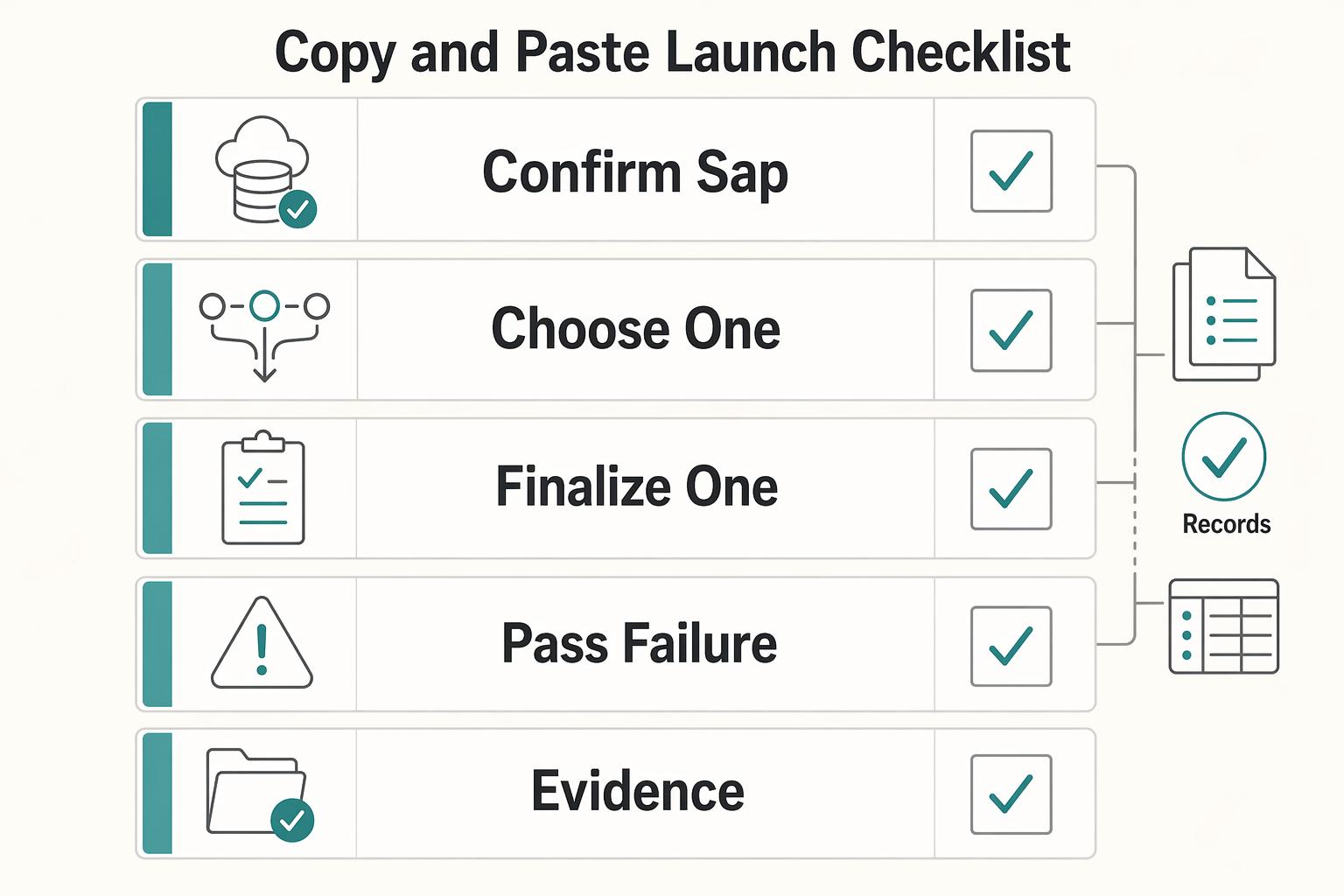
Copy-paste checklist:
- Confirm system-of-record boundaries for Acumatica, payout infrastructure, and reconciliation store.
- Choose API, Prebuilt Connectors, or Middleware with written rationale.
- Lock contracts for Webhooks, state transitions, and reference IDs.
- Prove duplicate-event replay and Settlement Batch Imports reconciliation in staging.
- Roll out by phase: inbound AR, then outbound AP and payouts, then full automation.
- Publish operator recovery steps for webhook, AR posting, payout batch, and settlement-import failures.
- Validate by tenant implementation evidence, not vendor positioning.
Before rollout, pressure-test your AR/AP boundary decisions against your payout operating model with Gruv Payouts.
Frequently Asked Questions
Can Acumatica handle both payment acceptance and payouts for a payment platform?
It can cover part of the stack, but you should not assume it owns end-to-end money movement. Acumatica positions integrated payment processing for acceptance, including credit card, ACH, and EFT, and it supports AP payment workflows, while some payment methods are record-keeping only. If you need payout routing, failover, and retry orchestration, keep that in your payout infrastructure and write finalized accounting outcomes back to ERP.
When should we integrate through API instead of prebuilt connectors or middleware?
Use Acumatica’s contract-based REST API when you need direct read/write integration with ERP records and tighter control over mapping. Prebuilt connectors are useful when your flow fits their prebuilt operations. Add middleware when you need a dedicated coordination layer across applications.
What should Acumatica own versus what payout infrastructure should own?
Let Acumatica own accounting records and finance-facing states such as AR invoices, vendor bills, and bill-payment outcomes. Let your payout infrastructure own payout intent, provider routing, execution history, retries, and provider-side references. The handoff should preserve traceability between the ERP record and the external request or reference that produced it.
What are the top integration risks to test before go-live?
Prioritize duplicate events, delayed delivery, and status mismatches. Stripe notes that webhook endpoints can receive the same event more than once, and Acumatica push notifications can retry failed delivery up to five attempts, so exactly-once assumptions are unsafe. Validate that each accepted event maps cleanly to one ERP record and one provider reference, including failure paths.
How should we sequence AR integration, payout integration, and reconciliation validation?
There is no universal mandatory sequence. A practical pattern is to start with one inbound-to-AR flow, then add outbound payout and AP flows, while validating reconciliation references and totals from the first flow onward. If your business is payout-heavy, you can run a narrow payout pilot in parallel with explicit traceability checks. The key is to keep each phase small enough that you can prove ownership, references, and reconciliation before you widen scope.
How do we prevent duplicate postings when webhooks are retried or delayed?
Treat inbound webhooks and outbound writes as retryable operations. Log processed event IDs, use idempotency keys where the provider supports them, and store the ERP record reference created by each successful attempt. This matters because redelivery can continue for up to three days and manual recovery windows may be limited to the last 30 days of events.
Try a related tool
Where Gruv fits
Plan and approve payout batches
See how payee status, approval rules, route review, and exception handling sit in one payout workflow.
See invoice-linked collection
Issue a payment request against an invoice, open hosted checkout, and keep provider status and finance references connected.
Researched and edited by the Gruv editorial team. Gruv builds cross-border billing, payouts, and finance-operations software for global businesses.
Sources
Includes 4 external sources outside the trusted-domain allowlist.
- developer.paypal.com/docs/api/payments.payouts-batch/v1trusted
- docs.stripe.com/payouts/reconciliationtrusted
- docs.stripe.com/api/idempotent_requeststrusted
- ecfr.gov/current/title-12/chapter-II/subchapter-A/par...trusted
- acumatica.com/cloud-erp-software/paymentsexternal
- acumatica.com/cloud-erp-software/bill-paymentsexternal
- docs.aws.amazon.com/wellarchitected/latest/framework/rel_prevent...external
- help.acumatica.com/%28W%28298%29%29/Wiki/ShowWiki.aspxexternal
Educational content only. Not legal, tax, or financial advice.
Related Posts
SAP Integration for Payment Platforms: How to Connect Your Payout Infrastructure to SAP ERP
Define the SAP boundary before you choose integration tooling. For payout work, an early decision is whether SAP S/4HANA is only the destination for postings or whether it also sits inside payment acceptance, payout state tracking, and reconciliation control.
ERP Integration for Payment Platforms: How to Connect NetSuite, SAP, and Microsoft Dynamics 365 to Your Payout System
Connecting NetSuite, SAP, or Microsoft Dynamics 365 to a payout system is more likely to hold up over time if you do three things from day one: prevent duplicate payouts, keep transaction-to-payout records traceable, and avoid brittle point-to-point integration debt.
ERP Sync Architecture for Payment Platforms Using Webhooks, APIs, and Event-Driven Patterns
If you run payouts into an ERP, "just use an API and a webhook" is not enough. The design has to survive retries, late events, and finance scrutiny without creating duplicate payouts or broken reconciliation. The real question is not which transport looks modern. It is which pattern keeps postings correct, traceable, and recoverable when delivery gets messy.