

Quick Answer
Choose the exact payroll or API payout product, confirm funding and recipient eligibility, and validate the bank destination. Record provider requirements separately from tax reporting and withholding. Preserve payout intent and attempt identities, resolve unknown outcomes before replacement, and reconcile actual money movements with ledger artifacts before scaling.
Why Most Direct Deposit Setups Break at Scale#
If you only pay a handful of 1099s, the product docs are often enough to get started. Once you own payouts for a contractor base, they are just the starting point. This guide is about getting direct deposit live without creating reconciliation headaches, support blind spots, or manual cleanup later.
For the QuickBooks contractor flow, configure company direct deposit, then add the contractor’s bank details to the profile. The current Intuit setup instructions distinguish Intuit QuickBooks Workforce and Desktop Payroll. Confirm your subscribed product before following its steps. An API payout product may use a different funding and recipient setup.
That is the gap this article covers. Search results usually answer, "Where do I click to enable direct deposit?" Platform teams need answers to harder questions. Who owns bank-detail edits? How is payout status exposed to ops? What reference lands in finance? What is your recovery path when a transfer does not complete? A payroll-led tool can help you send money, but it does not automatically give you the controls and visibility you need to run payouts day after day.
Do not stop at successful data entry. Confirm that bank details reached the payer context, a payment can be submitted, finance can find its reference, and support can distinguish pending execution from confirmed completion. This is a release check, not a claim that every provider has the same onboarding defect.
Failure handling is where basic setup guides get thin fast. Stripe Connect documents webhook-based payout tracking and a distinct payout.failed event when a payout cannot be completed. Even if Stripe is not your provider, that is the operating standard to ask for. If a provider cannot tell you what events exist, what the retry behavior is, and how failed payouts surface, you are probably signing up for manual exception work later.
Choose the operating path, then confirm its funding, cutoff and delivery terms for the actual account. A scheduled payroll pay run and an API-controlled disbursement can have different availability and recovery rules. Avoid promising an arrival time from another product’s documentation.
For a step-by-step walkthrough, see Visa Direct vs Mastercard Send Payouts for Platform Teams. If you came here looking for "set up direct deposit contractor payouts platform," try the free invoice generator.
Decide Your Operating Path Before Any UI Setup#
Decide the operating model first: use a payroll-led setup for basic domestic contractor direct deposit, or use platform payout infrastructure if payouts are part of your product and need tighter control, statusing, and compliance ownership.
Step 1 Choose the path that matches your payout model#
A payroll-led setup can work for a limited group of U.S. independent contractors. The Intuit flow collects the applicable W-9 and bank details, then supports payment submission and notices. Its Desktop Payroll instructions document that split direct deposit is unavailable for independent contractors; confirm restrictions for your actual subscribed product.
Stripe Connect can manage payouts from eligible connected-account balances. The funding step that credits a connected account is separate from the payout to its external bank account. Confirm that your commercial flow, recipient type and country fit Connect; it is not a generic API for sending any contractor payment from any company bank account.
| Selection criterion | Payroll-led setup | Platform payout infrastructure |
|---|---|---|
| Compliance scope | Can support basic payee setup, but you still need to confirm ownership for W-9, 1099-NEC, and legal KYC obligations | Supports broader identity and payout controls, but provider verification is not a substitute for your independent legal KYC/AML obligations |
| Payout rails and control | Best for standard direct-deposit flows with limited configuration | Better when you need platform-managed scheduling, manual release controls, or instant payout options where supported |
| Reconciliation depth | Often sufficient for simple pay runs, but can be thin when ops needs event-level visibility | Better when you need provider references, status progression, and finance-ready audit trails |
| Engineering surface area | Lower setup effort up front | More build effort and more cross-functional ownership |
Step 2 Apply a simple decision rule#
Use this rule: if your near-term needs are basic domestic contractor pay, payroll can work; if you need multi-mode payouts, policy gating, granular statuses, or marketplace-style controls, design for platform payouts early.
Run a pilot in the payer account and product your team will operate. Confirm data submission, payment creation, references and notices. For QuickBooks Desktop Payroll, the optional setup confirmation email is documented two days before posting; verify the notice behavior in your own product rather than applying that timing universally.
Step 3 Count hidden costs before you commit#
The wrong path usually breaks first in exceptions and ownership boundaries. Stripe documents that a failed payout disables the external account involved until it is updated, which can create manual remediation work if failure states are not visible and practical.
Assign tax-document and reporting duties separately from provider verification. A U.S. payer may need a W-9 and information reporting; foreign-payee treatment depends on tax status and income source. Provider KYC does not discharge any independent legal duties. U.S. CDD beneficial-owner rules apply to covered institutions and accounts, not automatically every company paying a contractor.
Before configuration, assign clear owners for bank-data collection, W-9 capture, 1099-NEC reporting, identity checks, payout release, failure handling, and reconciliation. If ownership is unclear, you are choosing tools before choosing an operating model.
Related: How to Lock In FX Rates for Contractor Payouts Using Forward Contracts.
Gather Prerequisites and the Evidence Pack#
Document the prerequisites for the selected provider and legal payment flow. Distinguish data needed to route money from required verification, tax documentation, withholding and lawful release conditions. Missing paperwork is not a universal authority to withhold money already owed.
Step 1 Assemble the minimum contractor record#
Start with a complete Contractor profile, since direct deposit depends on it. For each payee, capture legal entity or individual name, payout country (if relevant), Bank routing number, and Bank account number.
Treat routing data as a hard validation point. The ABA routing number is 9-digit, so reject invalid input and keep an audit trail when bank details change. Before marking anyone payout-ready, verify one full profile end to end.
Step 2 Collect the right compliance and tax artifacts#
Determine U.S. versus foreign tax status and individual versus entity before choosing a form. W-9 supplies a U.S. person’s TIN; W-8BEN generally documents a foreign individual and W-8BEN-E a foreign entity. Other forms or withholding treatment may apply. A foreign address alone does not choose the form or make the payment foreign-source.
Keep verification requirements explicit in your flow. KYC requirements vary, and verification can require legal-entity details plus information on a business representative. If business verification applies, keep KYB evidence in the same record and gate payout release until required checks are complete.
Step 3 Assign owners and resolve provider unknowns#
Set ownership before go-live so exceptions do not float: product for onboarding flow, engineering for idempotency keys and webhook handling, and finance for reconciliation and tax evidence retention. The exact split can vary, but unclear ownership is a launch risk.
Confirm funding availability, banking-day cutoffs, delivery estimates, fees, payout limits, return handling and support in writing for your selected product. Separate provider acceptance from beneficiary receipt. Map failure codes and unknown outcomes to recovery actions before launch.
Step 1 Configure Company Direct Deposit With Guardrails#
In the QuickBooks contractor flow, activate company direct deposit before paying contractors. For a platform API, confirm the equivalent payer funding, permissions and recipient capability instead of assuming a payroll setting exists. Restrict changes to those payout-critical settings.
Enable the business setting first#
Complete the funding and account configuration required by the selected path. A complete recipient profile does not prove that the payer can submit or fund the payment.
Treat this as an ongoing control point. Keep a short, explicit access list for who can:
- change company bank settings
- add or edit contractor bank details
- release payouts
Avoid a single user having both bank-edit and payout-release authority.
Gate bank edits and payout release#
Require strong authentication and independently verified approval for changes to payout destinations. Confirm the provider’s actual bank-edit controls and use a known contact channel for suspicious change requests. A valid routing number is not proof that the contractor controls the account.
Use a simple approval flow in your own product or ops process when needed:
- Hold payouts for newly added payees or recently edited bank details until review.
- Separate bank-edit review from payout-release approval.
- Pause release when bank details changed but required verification artifacts are incomplete.
Protect account data and verify the full path#
Handle bank data as sensitive data end to end. Show masked values in notifications and admin views where full values are not needed; QuickBooks-style confirmation details that show only the last four digits are a practical pattern.
For storage, protect data at rest with cryptographic controls. For logs and events, avoid raw bank fields and apply masking controls where available, for example bank-account masking in CloudWatch.
Before go-live, run a controlled test payout, sandbox first where supported. Confirm:
- payout status progression is correct
- notification behavior is correct
- account details remain masked in notifications
- finance can see payout records and expected deposit timing in the provider dashboard
Save the pilot’s actual notice and payment-reference evidence. A scheduled confirmation message establishes that an instruction exists, not that the bank delivered it. Related reading: Batch contractor payouts for staffing agencies.
Step 2 Build Contractor Onboarding That Is Usable and Compliant#
Keep data collection and release eligibility separate. Use the provider’s current requirements and lawful payment policy to decide which checks block submission. Track missing tax documents and any applicable withholding separately from a routing or verification failure.
Sequence onboarding before enabling payouts#
Use a fixed flow:
- Create the contractor record with accurate legal name and provider-required identity details.
- Collect and validate the bank destination for the selected rail.
- Determine applicable tax documentation, reporting and withholding from payee status and income source.
- Enable submission when provider requirements and lawful release conditions are satisfied; retain unresolved tax work with an owner.
Bank data can be collected before the rest of onboarding is complete. Mark the actual missing requirement and its effect. Do not label every unsigned tax form a mandatory payment freeze; apply required withholding or another authorized treatment where appropriate and meet payment obligations.
Gate payout release on verification and exception handling#
Confirm which provider requirements currently block payout release and which are future collection requirements. Resolve the current blocking requirements and any applicable lawful payment conditions; track future requirements with their deadlines rather than imposing an automatic hold.
Keep the payer’s reporting and withholding work separate from the contractor’s personal tax affairs. FBAR and foreign-earned-income-exclusion eligibility do not determine whether an ACH credit can be sent. Record applicable U.S. contractor reporting by payment year and recipient status rather than importing a personal-tax checklist into payout eligibility.
Validate bank fields and preserve edit history#
Make bank-entry validation explicit and user-readable. Validate Bank routing number as nine digits, validate Bank account number against your provider rules, and show field-level errors instead of generic failure banners.
Treat first-time bank entry as high risk. In some online ACH contexts, first-use consumer account information must be validated for consumer debit payments; treat that as a design signal even when contractor payout credits follow different rules. Keep edit history with timestamp, actor, masked account tails, and status transitions.
Audit one profile from data collection to submission permission. Keep a masked bank destination, identity/verification outcome, applicable tax-document status or withholding decision, and the actor who authorized release. Each unresolved requirement needs a reason and an owner.
Related: Debit Card Push Payouts: How Platforms Deliver Funds Directly to Any Visa or Mastercard Debit Card.
Step 3 Execute Payouts With Idempotent Retries and Clear Statuses#
Once a contractor is eligible, execute payouts with two controls: idempotent create requests and a status trail ops can trust.
Store a durable payout intent with separate provider attempts. Reuse the attempt’s idempotency key only under the provider’s supported scope and retention. Stripe can cache the first response, including a 500, and prune keys after at least 24 hours. Resolve an unknown original result before a new key, replacement attempt or route change; an expired key is not evidence that the first payout failed.
Track internal and provider statuses separately#
Map the provider’s lifecycle rather than treating requested, pending, failed and settled as a single linear sequence. Preserve an unknown-result state, and permit a later confirmed return or reversal with a separate financial event. Accounting posting and beneficiary receipt remain distinct facts.
For Connect, payout events describe the external-account payout, not the preceding balance transfer. Authenticate events, durably store them and process them with recoverable completion state. Deduplicate delivery IDs and financial effects separately; a worker failure after intake must not lose the posting or create another payment.
Retry by failure type, not by habit#
Retry only where the provider contract makes the same attempt safe. Connectivity or server failure can leave execution unknown, so inspect provider records and preserve attempt identity. Correct invalid data or required verification, then authorize a replacement only when the original can no longer execute or has a confirmed result.
| Failure type | Retry rule | Note |
|---|---|---|
| Transient connectivity failures | Provider-contract-dependent retry | Preserve attempt identity, retention scope and unknown-result handling before replacement. |
| Invalid request content | Do not auto-retry | Fix the underlying issue before resubmitting |
| Compliance-blocked payouts | Do not auto-retry | A human should fix the underlying issue and resubmit |
Do not import payroll timing assumptions into platform payouts#
Read cutoff and delivery guidance for your exact payroll subscription or API payout product. Use banking days, holiday rules and funding availability in the promised pay date. A faster interface or immediate API acknowledgement does not make a bank credit instant.
Treat payroll timing as a separate mode, not a hidden default in your platform payout UX or ops promises. Related: Bad Payouts Are Costing You Supply: How Payout Quality Drives Contractor Retention.
Step 4 Reconcile Every Payout to the Ledger#
Reconciliation is only done when each payout is traceable end to end: internal request, provider payout ID, ledger posting, and finance export, with no unexplained gaps.
You are still responsible for matching payout records to transaction history, even when provider tooling helps with bank reconciliation. Build your reconciliation table with durable IDs from both systems, not just amount-and-date matching.
Build the table around durable identifiers#
Keep one row per payout attempt with: internal payout ID, provider payout ID, provider reference, your internal or merchant reference, contractor ID, current payout status, ledger journal entry ID, bank deposit match status, and export package ID.
Store the provider reference with its object type and account scope. In Connect, retain both the funding/transfer reference and the external payout reference where applicable; they describe different legs. Match your reports to the actual product rather than copying another provider’s identifiers.
Validate the full audit chain before posting#
Before scaling volume, verify this chain is complete and queryable for every payout:
- Internal payout request created
- Provider event attached to that payout
- Ledger journal posted with the payout reference
- Finance export package generated from the posted record
A journal posted in your ledger is an accounting fact. A provider’s posted label, where used, has that product’s own meaning and may not prove receipt by the beneficiary. Keep both states and supporting evidence.
Bucket exceptions before finance close#
Use explicit exception queues, not one generic recon-failed bucket.
| Exception bucket | Typical trigger | First checks |
|---|---|---|
| Unmatched provider events | Event has no internal payout match | Provider reference mapping, missing or duplicate event ingestion |
| Returned transfers | Payout is returned and funds come back separately | Original payout ID, linked return transaction, contractor bank detail history |
| Stale pending items | Pending beyond your internal SLA | Latest provider event, support notes, bank or country delay context, posted-vs-received state |
Track a return as its own financial event linked to the original attempt. Return timing and reasons depend on the rail and provider. Update the payable or clearing records under the approved accounting policy before authorizing another attempt.
Verification checkpoint: close one payout cycle with zero unexplained variance across reconciliation records, ledger postings, and the finance export before broad rollout.
Need the full breakdown? Read FDIC Pass-Through Insurance for Platform Wallets: How to Protect Your Contractor Funds.
Mistakes That Create Ops Debt and How to Recover#
If Step 4 keeps surfacing the same exceptions, fix policy upstream instead of adding more manual cleanup. The fastest recovery is to close three gaps before volume grows.
Step 1 Match recipient eligibility to the selected product#
The QuickBooks contractor workflow is scoped to independent contractors. That restriction belongs to the product workflow; ACH direct deposit itself also supports other eligible payment types. Use a recipient path appropriate to the relationship and avoid forcing employees or general bill payments into a contractor product.
Run a negative test before launch: a non-eligible payee should fail payout enablement.
Step 2 Separate release requirements from tax treatment#
Collect the applicable tax documents and determine reporting and withholding separately from routing eligibility. W-9 supplies a U.S. person’s TIN; foreign individuals and entities may need different W-8 forms. Missing documentation may require withholding or other treatment, but does not itself establish a universal right to delay an owed payment.
Monitor provider requirements and capability status over time. Freeze submission only when the provider or applicable lawful condition requires it, and give the unresolved requirement an owner and escalation path.
Step 3 Pre-plan a fallback rail for contractor-critical payouts#
If payout experience is a priority, define fallback routing before go-live. Card payouts over Visa Direct and Mastercard Send can be part of that fallback where supported.
A fallback needs eligible recipients, consent where required, supported coverage and a defined trigger. Resolve the original payout before switching rails; slow delivery or an unknown response is not proof that another payment is safe.
If you want a deeper dive, read USDC Payouts for Platforms: How to Offer Stablecoin Settlement to Contractors.
Launch Checklist You Can Copy Into Your Project Tracker#
Treat contractor direct deposit launch as a gated release, not a settings task: do not scale until your path, prerequisite pack, controls, and reconciliation pass a pilot.
Step 1. Choose the operating path and owners. Record the exact payroll subscription or API product, supported recipient relationships, funding model and accountable owners. Confirm current QuickBooks instructions for your product before using its contractor flow.
Step 2. Validate prerequisites. Confirm payer funding and configuration, the recipient profile and bank destination, and applicable verification. Record tax reporting and withholding separately, with a lawful basis for any payment hold. Validate the record in the actual payer context before release.
Step 3. Complete the four operational checkpoints in order. Track these as separate checklist items, not one generic "ready" status:
- Controls: confirm the selected product’s funding, permissions and recipient capability. Authenticate webhook events before durable processing; for Stripe, verify
Stripe-Signature. - Onboarding: validate the recipient and bank data and satisfy currently release-blocking provider requirements. Track tax collection, reporting and any applicable lawful withholding treatment separately, with an owner.
- Execution: durable intent and provider-attempt identities, supported idempotency and resolution of unknown outcomes before replacement.
- Reconciliation: finance can use payout reconciliation reporting and map payout contents to internal payout records.
Use one controlled test payout to confirm a full audit chain from request to provider event to reconciliation output.
Step 4. Run a pilot cohort and document failure handling. Launch to a small contractor cohort first. A phased rollout is how you surface real-world bugs, bad data, and support gaps before broad release. Document outcomes and fix paths for missing recipient info, bad bank details, signature-verification failures, retry behavior, and unmatched payout records.
Step 5. Publish go-live criteria and escalation paths before scaling. Write explicit stop or go rules in your tracker: escalation owners, provider support path, blocker definitions, and what qualifies as clean reconciliation. Scale only after clean reconciliation cycles with no unresolved payout exceptions. If reconciliation breaks or event-authenticity checks fail, pause expansion and fix that first. This pairs well with our guide on Should Your Platform Add BECS Direct Debit for Australian Subscriptions.
Frequently Asked Questions
What do you need before enabling contractor direct deposit on a platform?
For QuickBooks, complete company direct deposit, the contractor profile and bank destination. For an API product, confirm its funding and recipient requirements. In either path, verify timing, fees, return handling and support, and separate applicable tax/withholding treatment from payment routing.
Can direct deposit be used for non-contractor payouts?
The QuickBooks contractor workflow described here is for independent contractors. Direct deposit as a payment rail can serve other eligible recipient types through appropriate products. Keep the relationship and reporting path correct rather than treating a contractor-product limit as a universal ACH rule.
What contractor details are mandatory to create a payout-ready profile?
Capture the legal recipient, payer relationship and bank destination required by the provider. Record required verification and applicable tax-document status separately. If a tax document is missing, determine the lawful withholding or payment treatment before deciding whether submission must wait.
What changes between payroll tools and platform payout infrastructure?
In payroll tools, the flow is mostly about enabling business direct deposit and entering contractor payment details inside the product. Platform payout infrastructure adds controls you need at scale, especially API idempotency. If you need retry safety, do not assume a payroll-style setup gives you that automatically.
How should we handle failed direct deposits and retries without duplicate payments?
Preserve a durable intent and the original provider attempt. Follow the API’s idempotency scope and retention, and resolve an unknown result before replacement or rerouting. Authenticate and durably process events, then recover unfinished effects with stable posting identities. After a confirmed failure, correct the cause and authorize the next attempt explicitly.
Which provider terms must be confirmed before go-live?
Confirm funding availability, cutoff, delivery estimate, fees, limits, return windows and permitted reversal reasons for the actual product. A reversal is not a general-purpose undo and may not succeed. Avoid copying merchant-balance limits or another payroll provider’s fees into a contractor disbursement policy.
When should we add alternative rails like USDC or Visa or Mastercard push payouts?
Consider another rail when the commercial model and recipient eligibility support it and the costs, consent and recovery rules are clear. Resolve an already-submitted original first. A delayed ACH credit cannot safely be replaced while it may still reach the contractor. Do not promise universal card or stablecoin coverage.
Try a related tool
Where Gruv fits
Plan and approve payout batches
See how payee status, approval rules, route review, and exception handling sit in one payout workflow.
See reconciliation and mismatch review
Compare ledger entries, provider payment records, and statement rows to see what matches and what finance needs to review.
Researched and edited by the Gruv editorial team. Gruv builds cross-border billing, payouts, and finance-operations software for global businesses.
Sources
Includes 4 external sources outside the trusted-domain allowlist.
- docs.stripe.com/api/idempotent_requeststrusted
- docs.stripe.com/connect/identity-verificationtrusted
- irs.gov/forms-pubs/about-form-w-9trusted
- irs.gov/forms-pubs/about-form-w-8-bentrusted
- cheatsheetseries.owasp.org/cheatsheets/Cryptographic_Storage_Cheat_Shee...external
- nacha.org/content/account-validation-resource-centerexternal
- quickbooks.intuit.com/learn-support/en-us/help-article/direct-depo...external
- quickbooks.intuit.com/learn-support/en-us/help-article/payroll/pay...external
Educational content only. Not legal, tax, or financial advice.
Related Posts

USDC Contractor Payouts: Design Delivery and Safe Recovery
A USDC payout program changes the delivery of an existing payment obligation. Start with the contractor’s agreement: whether they choose this method, what currency the obligation uses, how many tokens settle it, which network and token are accepted, who pays fees and when delivery discharges the obligation. Do not replace a promised bank payment with crypto merely because the platform can send it.
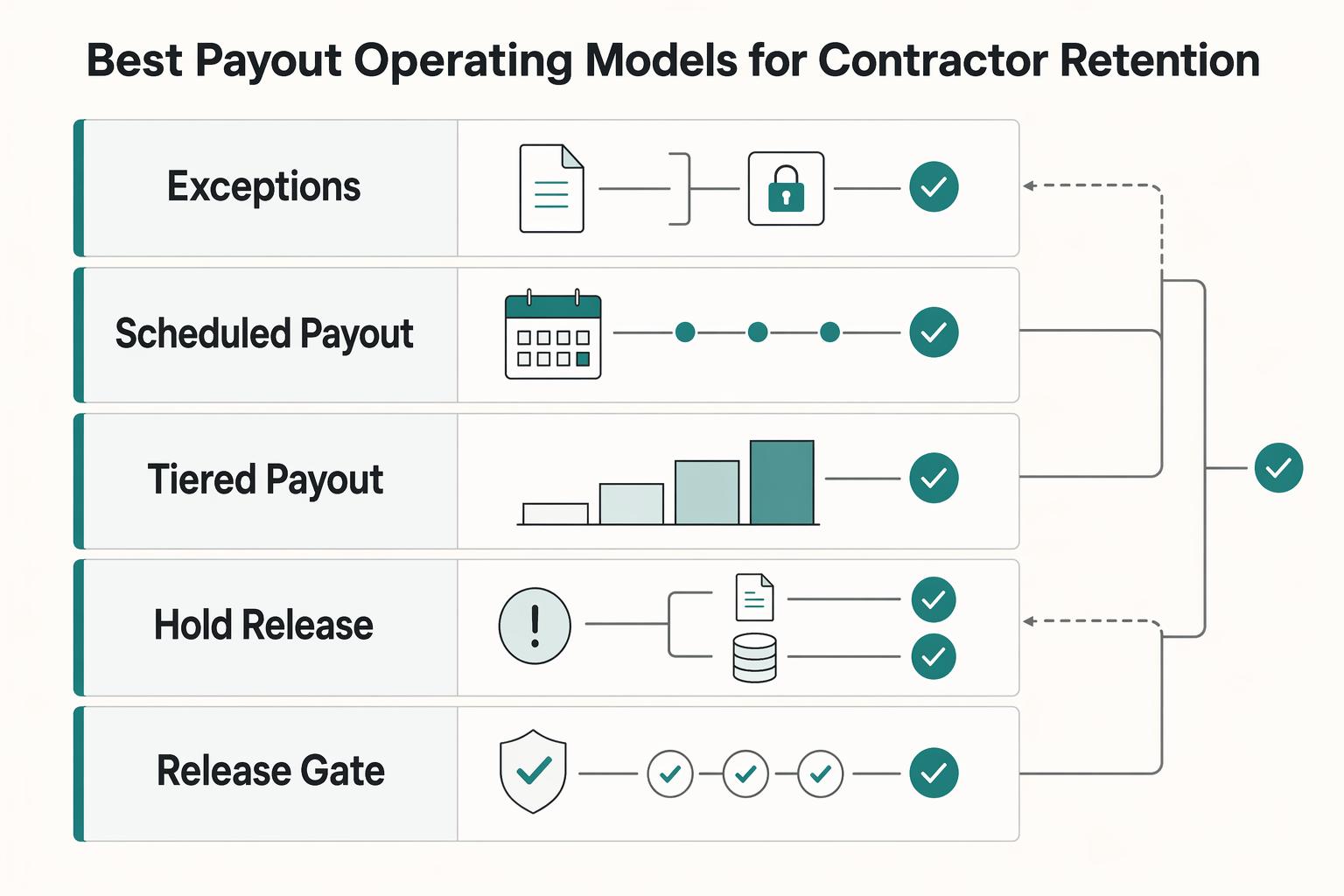
Bad Payouts Are Costing Your Supply in Two-Sided Platforms
Payout issues are not just an accounts payable cleanup task if you run a two-sided marketplace. They shape supply-side trust, repeat participation, and fill reliability. They can also blur the revenue and margin signals teams rely on.
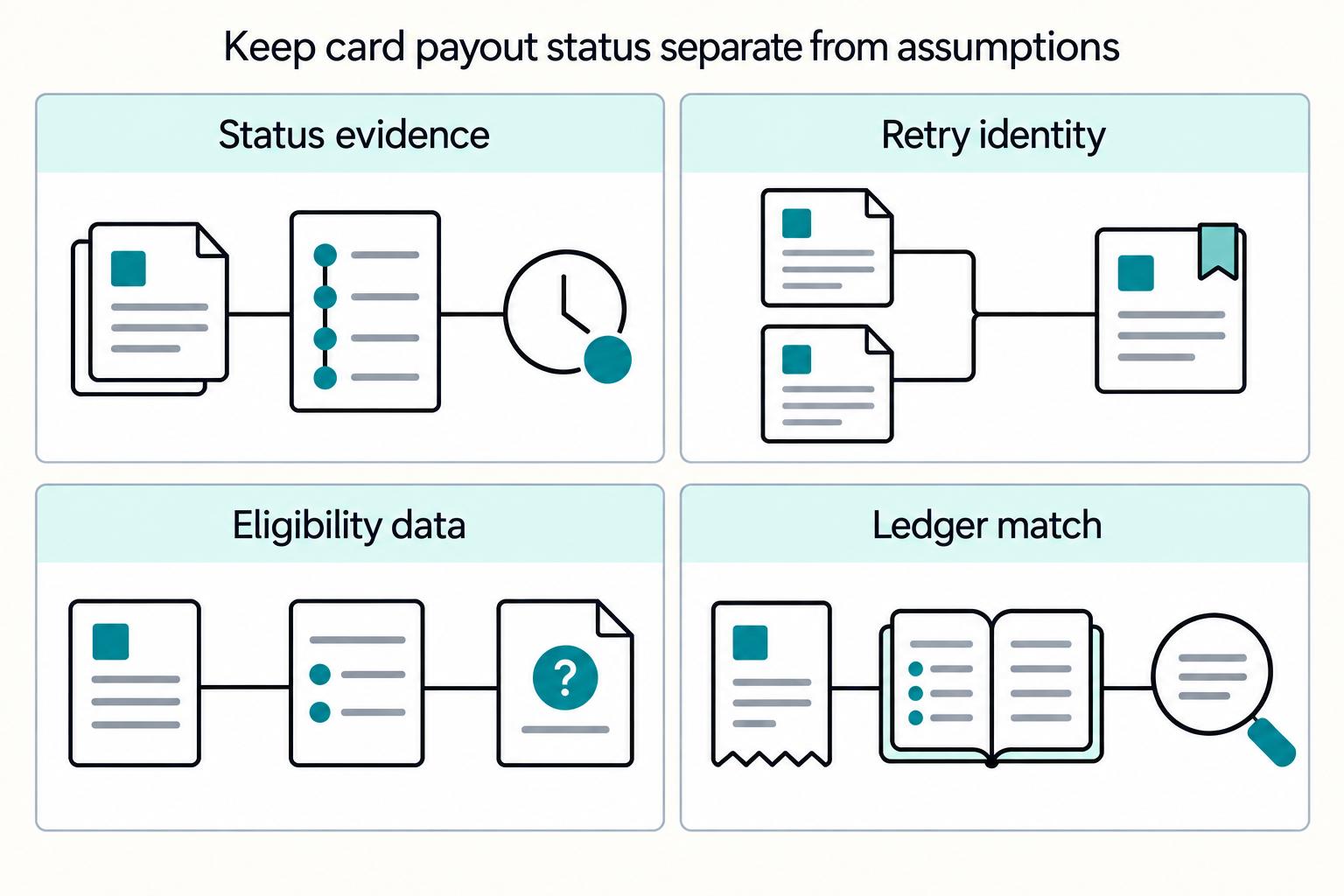
Choosing Visa Direct or Mastercard Send for Debit Card Push Payouts
The core decision is usually not "Visa Direct or Mastercard Send?" in isolation. Start with your recipient card mix, your tolerance for payout exceptions, and how much integration and operational complexity your team can absorb right now.