
Quick Answer
Build the process in sequence: complete intake, assign a tier, run screening, record signoff, then enable payouts. For U.S.-linked flows, collect Form W-9 or Form W-8BEN as applicable, and block activation when required records are missing or inconsistent. Keep approval separate from payout release, with named escalation ownership and a single retrievable file containing reviewer identity, rationale, alert disposition, and timestamped decisions.
Why most contractor approval processes fail before they scale#
Most contractor approval processes break as volume rises because they are built like a front-door checklist instead of a full lifecycle. This guide shows how to build a right-sized approval process for your contractor onboarding program that stays audit-ready without forcing every case through the same friction.
Step 1 Treat approval as a lifecycle, not a single gate#
The first mistake is designing approval as a one-time intake checkpoint. In practice, scalable third-party review needs to work across stages. The OCC describes the third-party risk management life cycle as planning, due diligence and selection, contract negotiation, ongoing monitoring, and termination. Use that lifecycle framing as a design rule here. If your process explains only how a contractor gets approved, but not how the contractor is monitored, rechecked, or exited, it is more likely to fail once payout volume grows.
Use a simple verification point: before you configure any approval workflow or onboarding tool, make sure your process has a clear decision point for initial review, follow-up evidence, and post-approval monitoring. If you cannot show where a case moves when new risk appears, you do not have a scalable process yet. A common failure mode is fast intake approval followed by reactive cleanup during later monitoring.
Step 2 Calibrate controls to risk and to the teams involved#
Approvals often stall when teams optimize for different outcomes and nobody agrees on what "enough review" means. Compliance may prioritize consistent controls, Legal may focus on market-specific obligations, Finance may prioritize payout readiness, and Risk may require a clear escalation path for exceptions.
| Team | Priority |
|---|---|
| Compliance | Consistent controls |
| Legal | Market-specific obligations |
| Finance | Payout readiness |
| Risk | Clear escalation path for exceptions |
The answer is not to make every file equally heavy. FDIC guidance on third-party risk management emphasizes proportionality to risk, complexity, and organizational size. In practice, that means low-risk cases should move on a lighter evidence pack, while higher-risk cases should trigger deeper review and clearer signoff. If your queue treats a lower-risk domestic payout and a higher-risk cross-border contractor arrangement the same way, friction goes up without improving control quality.
Step 3 Set boundaries early, especially for multi-market payouts#
There is no single global legal checklist that works unchanged across all programs and jurisdictions. The Financial Stability Board noted on 12 December 2024 that jurisdictions have taken varying, and sometimes inconsistent, approaches to regulating and supervising cross-border payment services. So this guide is not a universal legal rulebook. It gives you a decision structure, evidence expectations, and escalation points for when the facts stop being routine.
Before you automate anything, classify which outsourced activities are critical or important, then set control intensity from there. If a contractor program supports a critical service, expect tighter review and stronger evidence retention. A red flag is any onboarding setup that hard-codes one approval path for every market. That may look efficient at launch, but it usually creates expensive rework when a specific jurisdiction, program type, or payout model needs a different standard.
Related: Vendor Selection Process for Platforms: How to Evaluate and Choose Third-Party Service Providers.
What to prepare before you review a single contractor#
Lock your intake controls before volume starts: no file should enter review until the minimum packet, ownership, evidence location, and stop conditions are already defined.
Before you start#
Use one intake standard per program, not one global checklist for every market. For U.S.-linked payouts, your document flow should support Form W-9 and, where applicable, Form W-8BEN requests. Where CDD obligations apply to legal-entity onboarding, capture beneficial ownership data at account opening.
| Intake element | Reviewer confirms |
|---|---|
| Identity details | Who is being paid |
| Business or tax profile | On what tax basis |
| Payout method | Through which payout rail |
| Jurisdiction data | In which country or countries |
Step 1. Define the minimum intake packet. Collect identity details, business or tax profile, payout method, and jurisdiction data needed for third-party screening. A reviewer should be able to confirm who is being paid, on what tax basis, through which payout rail, and in which country or countries. If screening starts with partial records, mismatches usually surface later when tax forms or jurisdiction details do not align with payout setup.
Step 2. Assign ownership in the approval workflow. Set who can submit, who can approve standard cases, and who can trigger manual review before launch. Due diligence should happen before relationship entry, not after activation. If escalation ownership is unclear, borderline files get cleared under time pressure.
Step 3. Keep decision evidence in one place. Store the intake packet, screening output, reviewer identity, approval or rejection rationale, and escalation notes together. For any case, you should be able to reconstruct the decision path without pulling data from multiple systems. Retention depends on regime, so avoid a universal rule: some BSA records are retained for five years, while certain OFAC-related transaction records must be available for examination for at least 10 years.
Step 4. Define stop conditions before the queue fills. Set hard stops for missing documents, mismatched data, unresolved alerts, and potential prohibited-payment scenarios. When a file hits a stop condition, block approval and route it to the named owner. Do not run an "approve now, document later" process.
For sourcing and onboarding context, see What Is Sourcing? How Platforms Find and Onboard the Best Contractors and Vendors.
Set risk tiers and decision rules before tool configuration#
Define the risk logic first, then configure tools to enforce it. If routing is built before policy is clear, you hard-code gaps and ownership confusion into every case.
Risk-based procedures should follow the actual risk in each relationship, not one uniform path. Your tier model can be simple, but each tier needs a clear next action tied to recorded intake facts.
Step 1. Define tiers from real risk factors. Use factors you already collect, such as jurisdiction, payout pattern, relationship complexity, and whether required identity or tax records are complete and consistent. A low/medium/high model can be practical, but the key is defensible logic, not a fixed number of tiers.
Step 2. Convert tiers into explicit if-then rules. Write routing rules in plain language before tool setup. Use hard stops for core blockers: if a case involves a FATF high-risk call-for-action jurisdiction, route to enhanced review; if required records are missing or unusable, block onboarding until fixed. The cited FATF call-for-action publication is dated 13 February 2026.
Step 3. Keep screening outcomes separate from approval outcomes. Screening status should drive routing, not replace approval. If you use labels like "clear," "needs remediation," and "reject," attach a defined next action to each, including who acts and what evidence must be stored.
Step 4. Publish a decision table with named accountability. Document, by tier, the primary owner, target handling time, and who can override the normal path. Titles can vary, but accountability should be clear at management level so escalation does not become a silent handoff.
| Tier | Route | Primary owner | Handling target | Override authority |
|---|---|---|---|---|
| Low | Standard review after complete intake and no major flags | Named reviewer | Standard queue target | Designated compliance owner |
| Medium | Standard review plus focused follow-up on trigger factors | Compliance owner | Escalated target | Compliance lead or delegated policy owner |
| High | Enhanced review before approval or activation | Compliance owner with Legal input when needed | Enhanced-review target | Senior manager or delegated senior policy owner |
Step 5. Automate after rules are stable. Validate the rules on real cases first, then encode branches, blocks, and escalation paths in onboarding software. This reduces rework and helps keep decisions explainable in audits.
If your approval flow starts before a PO exists, see How Platforms Automate Pre-PO Approval with Purchase Requisitions.
Assign signoff rights and escalation ownership#
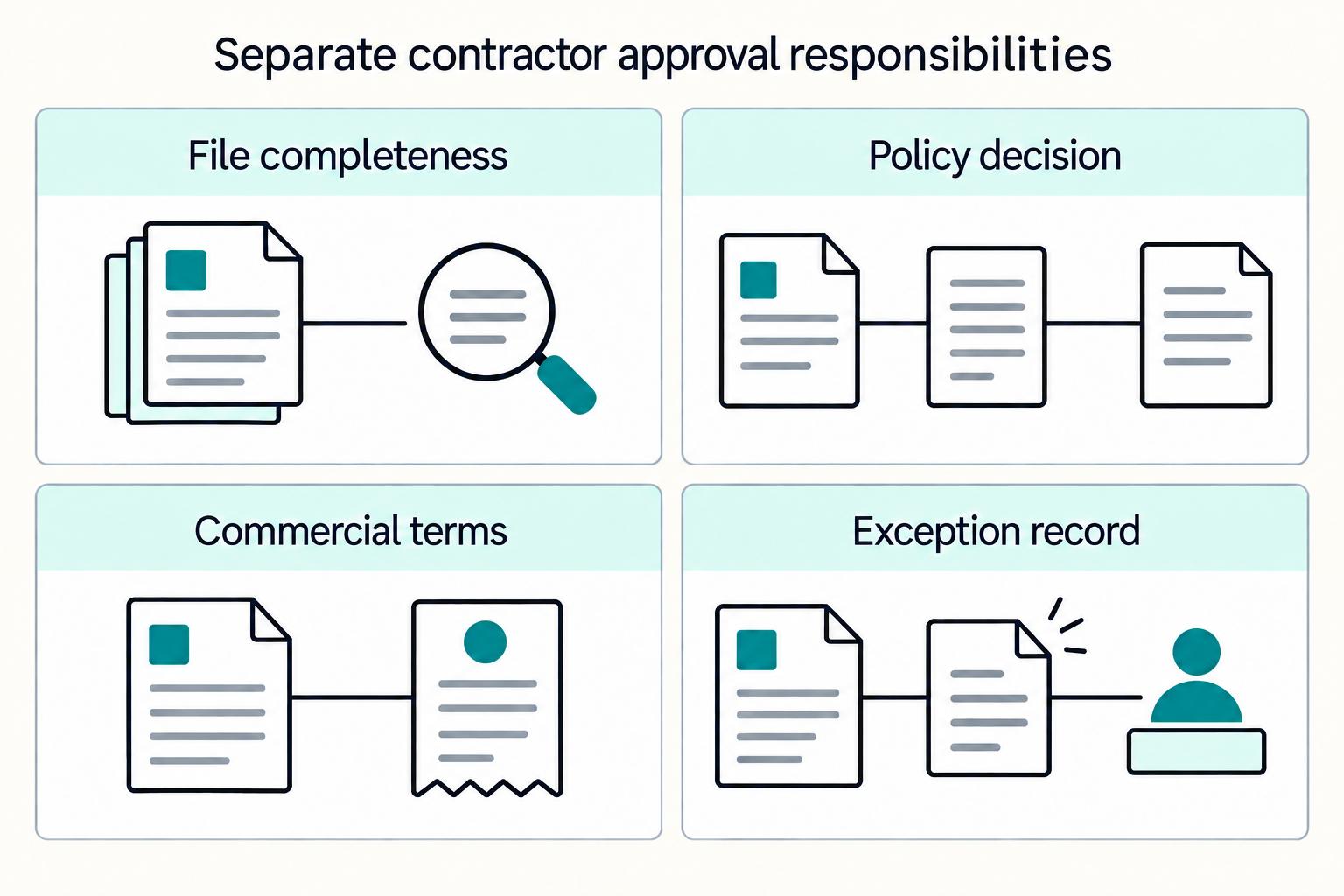
Once tiers and routing rules are set, assign approval rights by decision type so ownership is explicit and defensible. We recommend keeping operational completeness checks, policy/risk decisions, and commercial terms as separate approvals.
Step 1. Split signoff by decision type and risk tier. Do not run all approvals through one queue. In contractor onboarding, separate: file completeness, policy/risk acceptability, and commercial or payout acceptability.
| Case type | Primary reviewer | Who signs policy/risk decision | Who signs commercial or payout terms |
|---|---|---|---|
| Low risk, complete file, no material alerts | Operational or compliance reviewer | Named compliance owner if policy requires it | Finance or commercial owner where relevant |
| Medium risk, document mismatch, remediable alert | Compliance reviewer | Compliance lead or delegated policy owner | Finance/commercial owner stays separate |
| High risk or exception case | Operational reviewer documents facts | Senior policy owner, with MLRO oversight if your program has one | Commercial owner decides terms separately, not the exception |
This aligns with governance expectations for clear, consistent responsibility lines and senior accountability for financial-crime risk decisions.
Step 2. Codify adverse-media ownership before alerts go live. Define alert governance in procedure and tooling up front: who can clear likely false positives, who can request additional evidence, and who has final reject authority when concerns remain unresolved.
Record the alert ID, relevance decision, requested evidence, and final disposition owner. If an alert affects financial-crime risk, route the decision to the policy owner.
Step 3. Use two-step approval for exception and high-impact cases. For exceptions, separate fact confirmation from final approval. One reviewer documents the file and exception facts; a senior policy owner decides whether the relationship proceeds.
This structure is consistent with FCA FG25/3, where a suitably senior person signs off and MLRO oversight is retained. If your program has no MLRO, keep equivalent senior compliance oversight outside the operational reviewer.
Step 4. Validate the matrix against live files. Test recent low-, medium-, and high-tier cases to confirm roles are acting within scope and reject decisions have named authority plus recorded rationale.
Your process should show reviewer identity, approval timestamp, escalation notes, and final authority for each exception.
Related reading: Vendor Relationship Management for Platforms That Finance and Ops Can Run.
Build screening and document controls in the right sequence#
Put screening and document controls before payout activation, so remediation happens before funds move. If you let payouts go live first, routine onboarding issues become live-funds issues that are harder to contain and audit.
Step 1. Gate payout activation on screening completion. Run third-party screening before a contractor can receive funds, not after account setup or after the first transfer is queued. When sanctions risk is identified, firms are expected to restrict access promptly, so payout activation should stay blocked until screening is cleared or formally resolved.
Keep screening disposition separate from commercial approval. A case can be commercially acceptable and still not be safe to activate. In approved files, you should be able to see the screening result, review timestamp, alert disposition (if any), and that activation occurred only after the screening gate.
Step 2. Make document status drive approval and expiry handling. Use document statuses that change workflow state, not just storage labels. The labels can vary, but the control logic should be explicit:
| Document status | Operational meaning | Approval effect |
|---|---|---|
| Incomplete | Required file is missing or unusable | Do not send for final approval |
| Submitted | File received but not yet checked | Hold in intake or reviewer queue |
| Verified | File checked and accepted | Eligible to support approval |
| Expired | File was valid but is no longer current | Route to re-validation before proceeding |
| Blocked | Serious issue or unresolved mismatch | Stop approval and escalate |
Retain the identification records used for due diligence, plus reviewer notes on acceptance or rejection. If your system supports expiration alerts, use them for identity and tax records so expired files move into a visible re-validation queue.
Treat expiry handling as part of ongoing monitoring, not a reminder-only feature. An expired tax or identity record should change case state in a way operators can act on.
Step 3. Define first-line false-positive checks and escalation triggers. Build a checkpoint for evidence-based false-positive resolution before manual escalation. Poorly calibrated screening can generate high false-positive volume, but front-line teams should not clear close matches without clear supporting evidence.
Use a two-part rule: clear in first line only when the mismatch is obvious and documented; escalate when key details do not clearly rule out a match or evidence is incomplete. For cleared alerts, keep an auditable record with alert ID, evidence used, reviewer name, and disposition reason.
Step 4. Start strict at onboarding, then tune with evidence. At onboarding, apply tighter matching and complete document requirements because you have the least history on the contractor. If review outcomes later show repeat low-value noise, calibrate based on documented evidence rather than volume pressure.
This sequencing reduces retroactive cleanup risk. After onboarding, keep proportionate screening and active alert review during live business activity instead of treating intake as the end of control.
Execute onboarding for cross-border payouts without losing traceability#
After approval, traceability usually fails at payout activation. Keep the controls sequenced and evidenced in your workflow: record the approval decision, then activate the rail, then release the first transfer.
Step 1. Separate approval from payout activation. Treat approval and payout activation as different controls, even in one system. A contractor can be approved for onboarding but still not ready for live cross-border payouts if market/program support, required beneficiary data, or tax documentation is incomplete.
Check one approved case end to end: approval timestamp, approver, activation timestamp, and proof activation happened only after screening clearance. A common miss is enabling batch payouts on commercial approval while required data is still missing.
Step 2. Confirm market support and tax readiness before enabling batch payouts. Before enabling recurring or batch transfers, confirm three items together: provider support for the target market/program, internal policy clearance for that route, and usable tax documents. Do not assume one document package works across every corridor.
If the payer or withholding agent requests Form W-8BEN, obtain it before relying on foreign beneficial owner treatment. Your record should show which form was accepted, who reviewed it, and whether payout restrictions remain.
Step 3. Capture the payment trail end to end. For cross-border payouts, traceability is the operational control that protects you during exceptions and audits. Link the internal request ID, contractor ID, approval record, provider payment reference, and ledger posting in one case trail.
Where SWIFT is in the flow, store the UETR so teams can track status consistently. A practical test is simple: operations or Finance should be able to trace one payment from approval to provider reference to ledger entry without side channels.
Step 4. Create an exception lane for failed or returned payouts. Do not let an "active" onboarding status hide unresolved payout failures. Exception handling should have its own queue with clear decisions on whether to proceed, reject, or suspend transfers when required originator or beneficiary data is missing.
Route rejected, returned, or suspended payouts into a review state that can block further transfers, preserve provider status updates, and assign ownership for resolution (data correction, banking issue, or compliance re-review).
Monitor approved contractors in the first 90 days#
Treat approval as a starting state, not an endpoint for your team. Use the first 90 days as a defined monitoring window, then keep ongoing due diligence in place based on risk tier.
Step 1. Schedule rechecks at approval, based on risk tier. Set the next review date when the contractor is approved, and tie cadence to risk tiering rather than a one-size-fits-all schedule. Ongoing due diligence and adverse/negative-news checks should apply to existing approved relationships, not only new intake. In practice, lower-risk cases can run on lighter rechecks, while higher-risk cases should get more frequent adverse media screening and closer early-activity review.
A quick control test: open one approved record and confirm the tier, next screening date, and rule behind that cadence are visible.
Step 2. Add trigger-based monitoring between scheduled reviews. Do not wait for calendar reviews when risk changes in real time. Start with triggers for document expiry, material profile changes, abnormal payout behavior, and unresolved provider returns.
Handle triggers proportionately. Some can route to remediation with a deadline; others should move directly to enhanced review.
Step 3. Define downgrade and suspension criteria in the escalation path. Document what causes a downgrade, what conditions block payouts, who can clear the case, and what evidence is required. Teams act more consistently when those decisions are predefined.
Your evidence pack should include trigger source, reviewer notes, decision owner, date, supporting documents, and final disposition.
Step 4. Use a monthly governance pack as an operating control. A monthly cadence is an operating choice, not a universal legal requirement. Track approval volume, exception rate, enhanced review outcomes, and open remediation items so governance can see whether controls are holding in live operations.
For ongoing screening after approval, see Adverse Media Screening for Contractors: How Platforms Monitor Negative News in Real Time.
Common mistakes that create avoidable regulatory surprises#
Most avoidable surprises come from operating shortcuts between screening, approval, and payout activation, not from obscure rule changes.
| Mistake | What the section says |
|---|---|
| Treat supplier onboarding software as policy | Automation can push weak decisions through faster |
| Approve or activate while alerts are pending | Expect inconsistent outcomes under external review |
| Store incomplete or hard-to-access decision records | Audit evidence fails when records are incomplete or hard to access |
| Treat approval as permanent after go live | Approval is a point-in-time decision, not lifetime clearance |
Step 1. Treat supplier onboarding software as execution, not policy. Supplier onboarding software helps manage intake tasks, but it does not set risk appetite or decide when a case must stop for review. Keep the policy judgment outside the tool, and calibrate controls to risk and complexity. Otherwise, automation can push weak decisions through faster.
Step 2. Block completion when alerts are still pending. Do not let "approve now, review later" become normal. Before a case is active, confirm unresolved alerts are not hidden behind status labels, and confirm cleared hits include reviewer notes and signoff. If payouts can activate while alerts are pending, expect inconsistent outcomes under external review.
Step 3. Store complete decision records that are easy to retrieve. Audit evidence fails when records are incomplete or hard to access. Keep one retrievable record with the decision, reviewer, date, rationale, supporting documents, and escalation notes. FFIEC guidance also emphasizes accessibility within a reasonable time; the practical point is to avoid splitting critical evidence across email, chat, and provider portals.
Step 4. Re-screen after go live instead of treating approval as permanent. Approval is a point-in-time decision, not lifetime clearance. Ongoing monitoring is a core control, so connect document expiration tracking and adverse-event triggers to live operations. When a key document expires or a material adverse event appears, route the case back to review.
Copy-paste checklist for a right-sized contractor approval process#
Use this as a gating checklist for your team, not a task tracker: move in order, block activation when prerequisites are missing, and keep decisions auditable.
- Complete the intake packet first.
Do not advance a half-complete profile into approval. Checkpoint: confirm a case cannot move forward when required intake fields are incomplete or inconsistent.
- Assign the risk tier before interpreting results.
Apply your documented risk rules first, then run the checks for that tier. Include named owner fields for Compliance, Legal, Finance, and Risk where those functions are expected to act. Checkpoint: the approval view should show both risk tier and accountable owner.
- Finish screening before payout activation.
Resolve required screening items before access or money movement is granted, including adverse-media logic where your program uses it. Checkpoint: test that unresolved alerts block activation instead of allowing "approve now, fix later."
- Capture signoff and audit evidence in one retrievable record.
Store the decision reason, reviewer identity, approval timestamp, and escalation notes with the case record. Keep records for the required retention period; one cited U.S. rule is 5 years.
- Start ongoing monitoring before scaling volume.
Ensure document-expiration tracking and adverse-media triggers are live before increasing throughput. Monitoring should stay risk-based and ongoing, with rechecks when material information changes. If market or program coverage is unclear, escalate early and involve specialist legal or tax advice before signoff.
For a step-by-step walkthrough, see Business Process Automation for Platforms: How to Identify and Eliminate the 5 Most Expensive Manual Tasks.
Frequently Asked Questions
What is the difference between screening, approval, and onboarding for contractors?
Treat them as three separate decisions. Screening is the checking stage: risk-based identity verification, adverse or negative news (distinct from sanctions or PEP list screening), ownership where relevant, and other risk signals. Approval is the judgment stage, where someone decides clear, remediate, reject, or escalate. Onboarding is the execution stage after approval, such as activating payout details, contracts, and operational access.
Which checks should happen before a contractor can receive payouts?
Before payout, a defensible baseline is to complete the intake packet, run risk-based identity checks, resolve screening alerts, and confirm payout setup is tied to the approved profile rather than a partially reviewed record. For legal-entity contractors, beneficial-owner identification and verification may belong in the pre-payout file where your program requires it. A good operator check is to open an active contractor and confirm there are no pending alerts or expired documents hiding behind an "approved" status.
Who should own final approval when compliance and commercial priorities conflict?
There is no universal owner that fits every platform, so the final call should follow your documented policies, procedures, and processes. What matters is that you name a compliance owner for day-to-day coordination and make override authority explicit by risk tier. If commercial wants to proceed while a risk issue is unresolved, do not let payout activation become the tie-breaker. Route it to the documented escalation path and capture the signoff.
When should a case move from standard review to enhanced review?
Move it when the file stops being routine, not when the queue gets busy. Common risk-based triggers can include unresolved adverse-media hits, identity mismatches, missing or inconsistent ownership information, unusual payout facts, or any case that falls outside your normal risk-tier rules. The red flag is a reviewer clearing a messy case with a note like "looks fine" and no supporting evidence.
How often should approved contractors be re-screened after onboarding?
Do not rely on a single fixed cadence, because the grounded standard is risk-based ongoing monitoring, not one global timer. Re-screen when something material changes: document expiry, profile updates, abnormal payout behavior, new negative news, or provider returns that suggest the approved record is no longer reliable. Your checkpoint is simple: test whether one expired or changed record actually re-enters review instead of staying quietly active.
What evidence should we keep to prove the approval decision was compliant?
Keep one retrievable decision record that shows the information obtained, screening results, reviewer identity, approval date, rationale, escalation notes, and the exact documents used to clear or reject the case. In U.S. AML-style control frameworks, required records must be maintained, and one cited retention rule states 5 years. The failure mode to avoid is scattered evidence across email, chat, and onboarding software, because the decision may have been sound but still become hard to defend when you need to retrieve it quickly.
Try a related tool
Where Gruv fits
Researched and edited by the Gruv editorial team. Gruv builds cross-border billing, payouts, and finance-operations software for global businesses.
Sources
- bsaaml.ffiec.gov/manual/AssessingComplianceWithBSARegulatoryR...trusted
- bsaaml.ffiec.gov/manual/Appendices/17trusted
- eba.europa.eu/activities/single-rulebook/regulatory-activi...trusted
- ecfr.gov/current/title-31/subtitle-B/chapter-X/part-1...trusted
- ecfr.gov/current/title-31/subtitle-B/chapter-X/part-1...trusted
- fdic.gov/news/financial-institution-letters/2023/fil2...trusted
- federalregister.gov/documents/2023/06/09/2023-12340/interagency-...trusted
- federalreserve.gov/supervisionreg/srletters/SR2304a1.pdftrusted
Educational content only. Not legal, tax, or financial advice.
Related Posts
What Is Sourcing? How Platforms Find and Onboard the Best Contractors and Vendors
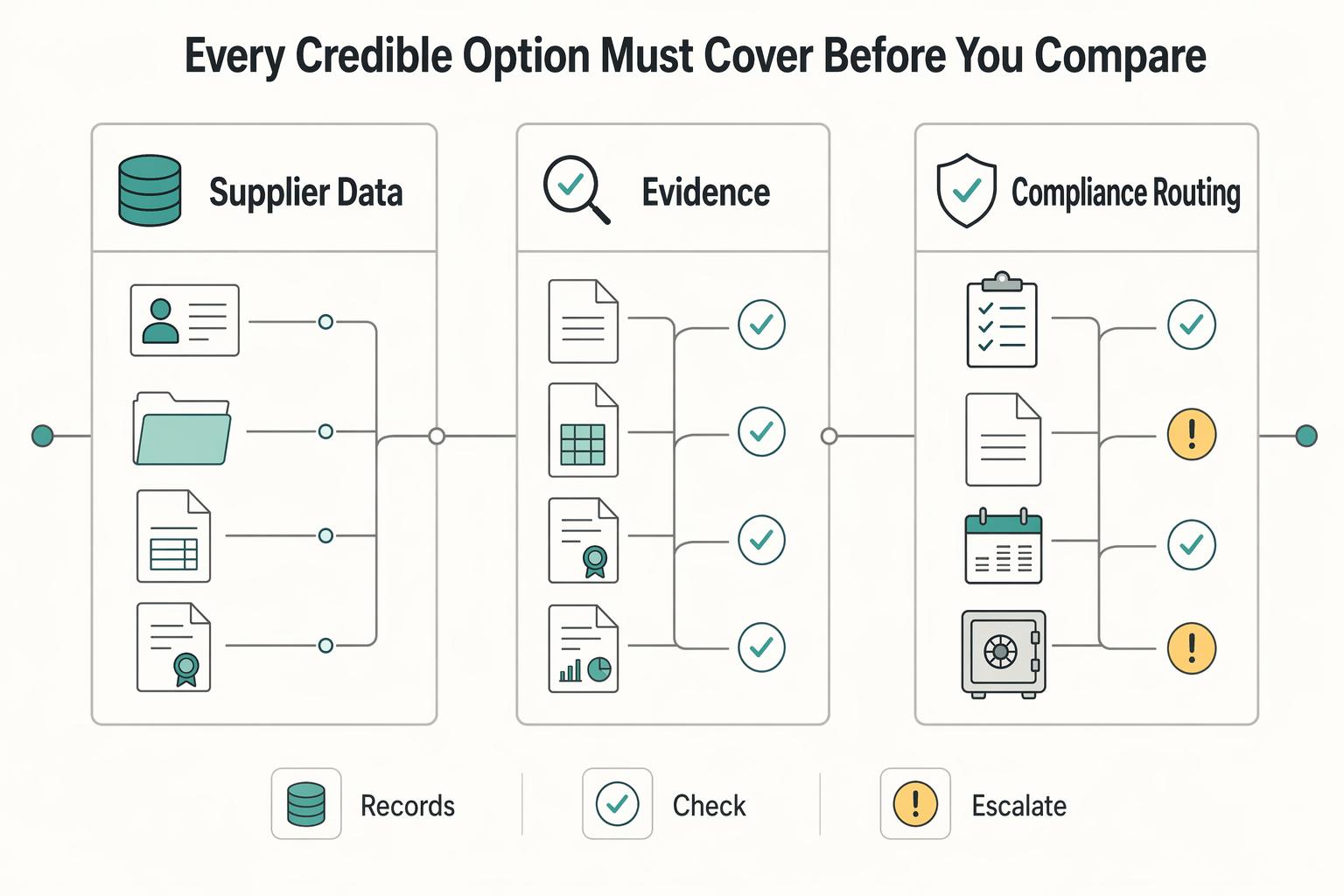
For platform teams, sourcing is not one decision. It is two linked decisions: who you select, and how that contractor or vendor gets onboarded into procurement and compliance records without creating cleanup work later. Separate them too late, and you end up with a solid shortlist on paper and a messy activation process in production.
How Platforms Evaluate Third-Party Service Providers Before Signing
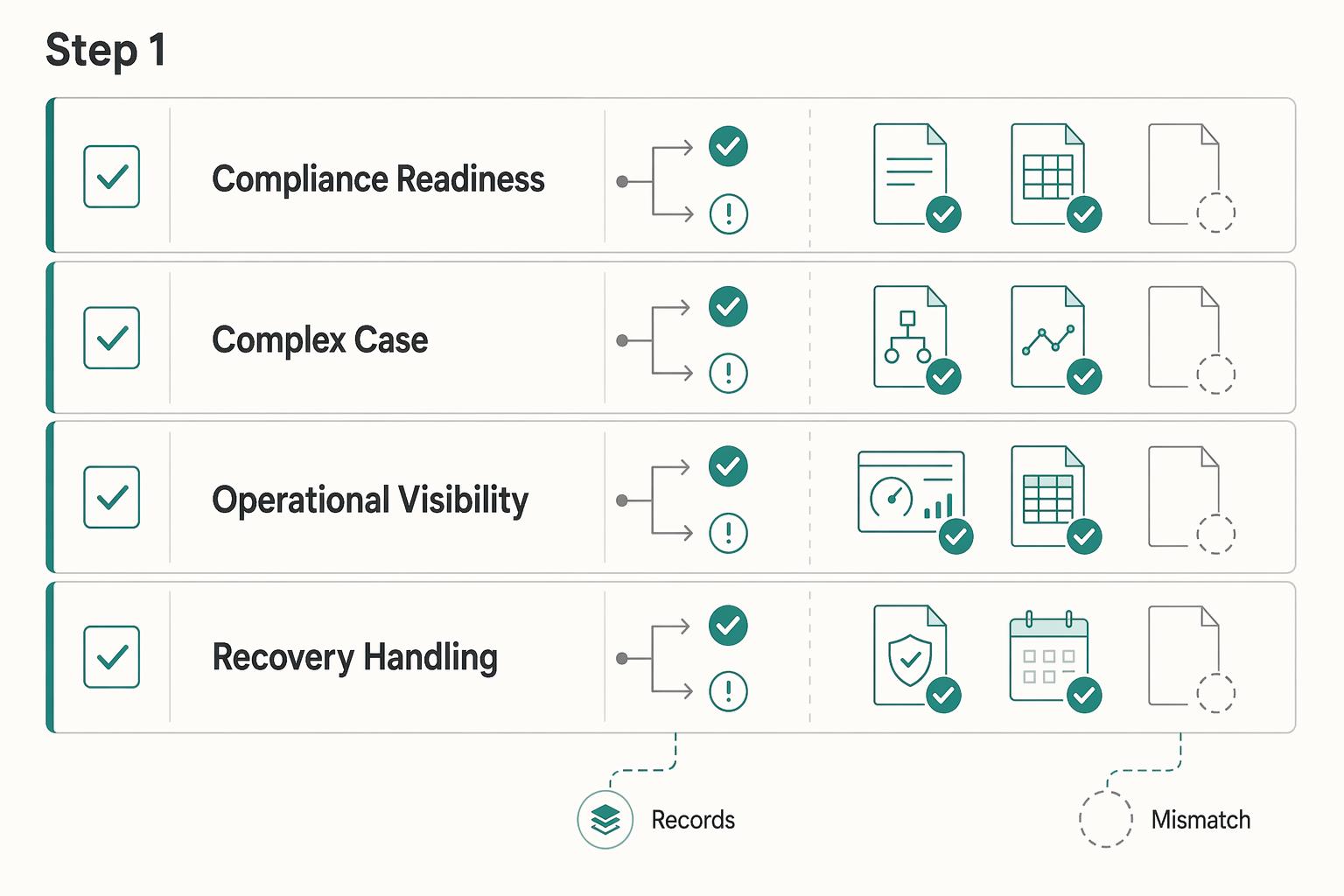
**Step 1: Treat vendor choice as a risk decision, not a feature contest.** A solid vendor selection process matches your requirements to vendor capabilities and pricing through a clear set of procurement steps. That sounds basic, but it matters because poor vendor choices have real business consequences. Feature lists rarely tell you how a provider will perform under real operational and risk constraints. If your team starts by comparing dashboards, coverage maps, or headline fees, you can end up shortlisting vendors that look strong in demos but fail once legal, finance, or operations gets involved.
Adverse Media Screening for Contractors on Real-Time Payment Platforms
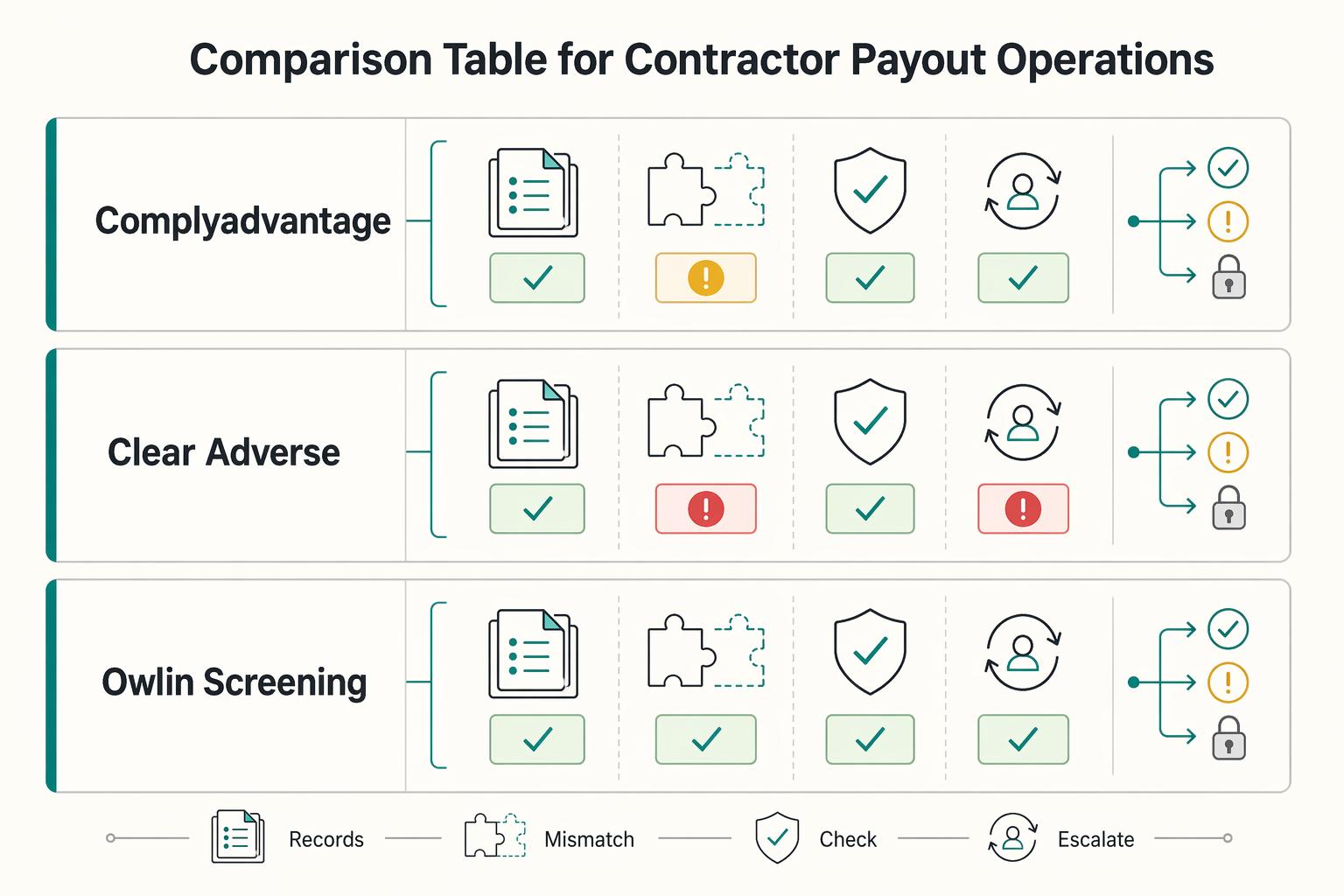
Adverse media screening belongs in a contractor payout stack only if it helps you make or stop a payment decision fast enough to matter. If alerts pile up without a clear owner, you do not have better control. You have a larger audit problem.