
Quick Answer
Start with one locked definition set, then run your marketplace take rate calculator as a planning model until settlement checks are complete. Define numerator, denominator, and fee inclusion rules, and track version owner and effective date. Map each field to a ledger journal plus a settlement export before treating outputs as reportable. Use Amazon, eBay, and Etsy scenario columns only when definitions stay identical. If assumptions come from public fee pages, keep results informational and require a first post-change settlement review.
Start with an operator view of take rate#
A useful marketplace take rate calculator is not just a pricing widget. For operators, it is a way to model how take rate, fixed fees, and average transaction value affect projected platform revenue and margins.
That changes the scope from the start. This is not a seller-side Marketplace Fee Calculator focused only on what a merchant might pay. It is an operator-facing model for marketplace take rate: the share of the sale price the platform keeps, including fee components. Tools in the market already split along that line. Some are quick metric checks or fee-sensitivity tools for pricing decisions. Use them for planning, then confirm the result against your own records before you treat it as settled revenue truth.
What this calculator is actually for#
The job is scenario modeling for platform revenue and pricing decisions. In practice, your model should help answer questions such as:
- how much the platform would keep under different take-rate assumptions
- how fixed fees change the outcome per transaction
- how average transaction value shifts projected revenue
- which assumptions have the biggest impact on results
If an output will affect a high-stakes decision, validate it against your own records and policies before acting on it. A common failure mode is treating a clean estimate as final economics.
What you should have by the end#
By the end of this guide, you should have a calculator design that supports operational decision-making, not just a pricing workshop. That means three things.
| Deliverable | What it should include |
|---|---|
| Take rate definition | Explicit included and excluded fee components |
| Sensitivity setup | Test take rate, fixed fees, and transaction value together |
| Output labeling | Results are informational and planning-oriented |
First, a clear definition of take rate with explicit included and excluded fee components. Second, a sensitivity setup that tests take rate, fixed fees, and transaction value together. Third, explicit labeling that results are informational and planning-oriented.
The practical bar is simple: use the model to compare scenarios, then confirm decisions with your own financial controls. Some guides cite broad ranges, such as 10 to 20 percent per sale in 2025, and sensitivity tools may allow inputs from 0% to 100% take rate or small fixed fees per transaction. These ranges are useful for scenario work, but they are not universal across all marketplaces or categories. Keep that distinction in mind going forward.
For a step-by-step walkthrough, see Building Subscription Revenue on a Marketplace Without Billing Gaps.
Stop mixing take rate with seller fee tools#
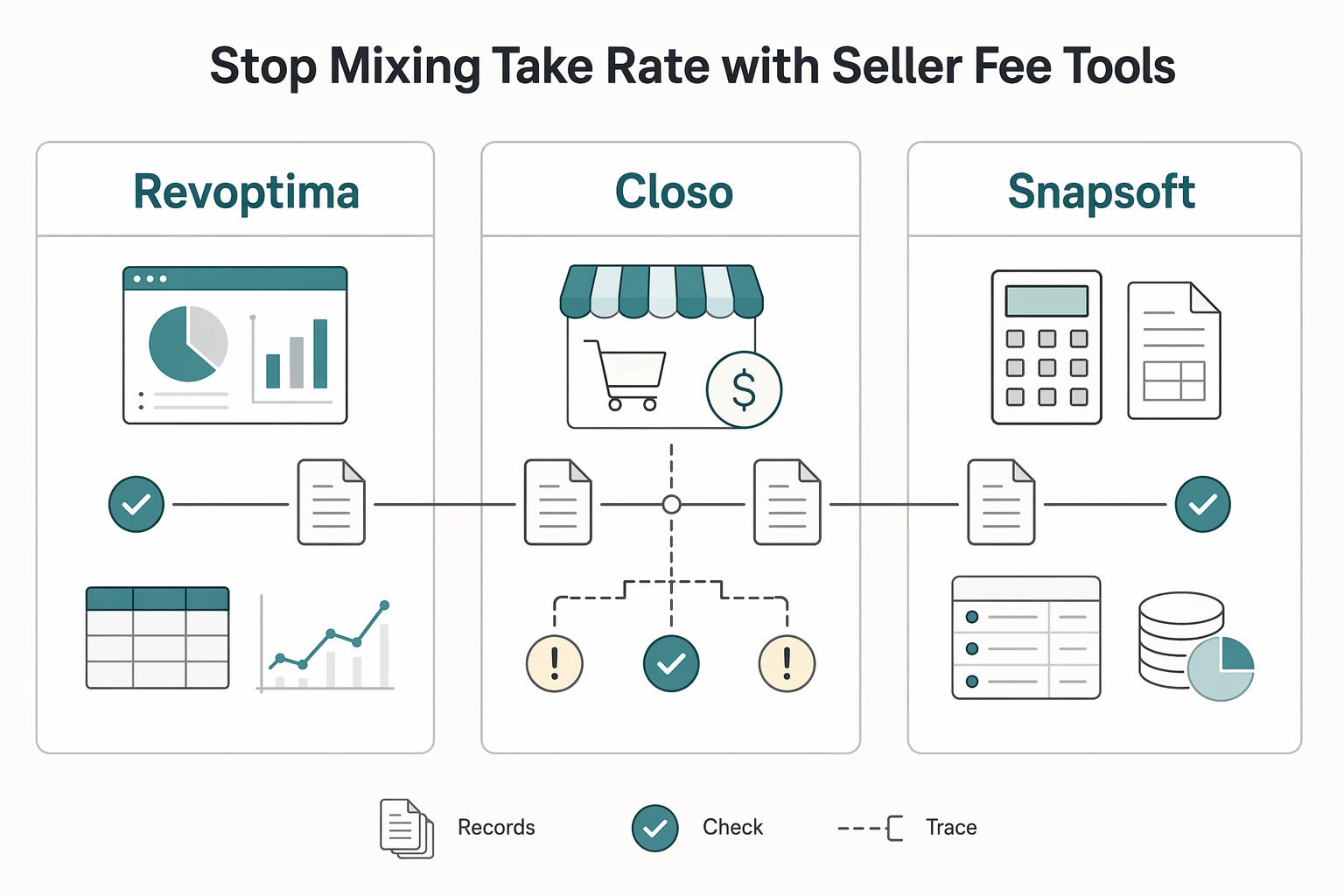
Use seller fee calculators as reference inputs, not system-of-record logic for settlement margin decisions. In a production calculator, take rate is the percentage of sale price the platform retains. A Marketplace Fee Calculator usually serves merchants or resellers estimating selling costs, expected payout, or listing economics.
The intent split is visible in how these tools describe themselves. RevOptima positions its tool to compare seller fees across marketplaces and aggregate fee schedules into an effective take-rate estimate. Closo frames payout calculators as reseller tools to estimate earnings and price decisions. Useful for assumptions and scenarios, but not a replacement for platform finance logic.
| Example source | What it is optimizing for | How to use it |
|---|---|---|
| RevOptima | Seller-fee comparison across marketplaces | Assumption input only |
| Closo | Reseller payout and earnings estimates | Scenario planning only |
| Snapsoft | Channel-specific pricing rule differences | Policy check for channel logic |
Decision rule: if Finance, Ops, or Product owns the model and the KPI is settlement margin, treat public fee tools as reference-only until inputs are validated against your internal records.
This is where teams often drift. Public tools may show broad ranges like 10-20 percent per sale, or examples like eBay at 12.9% + $0.30, while outcomes still vary by category, promotion, and channel rules. RevOptima also notes variation such as about 8% in electronics and 15-17% in clothing on Amazon. If you have not pinned the exact category and fee condition, keep that input in planning only.
Lock the formula policy before you build the calculator#
Lock the formula policy before modeling, or your calculator becomes a definitions debate instead of a reporting tool.
Publish one formula policy table#
Define the numerator, denominator, and what is in or out, then version that policy. Fee terms can vary by country, user type, and account status, and fee pages can change over time.
| Policy item | Define explicitly | Include/exclude rule | Evidence status |
|---|---|---|---|
| Denominator | One consistent transaction base across channels | Do not mix gross in one column and net in another | Direct ledger/settlement source |
| Platform commission | Whether retained platform fees count in numerator | Include only when your policy treats it as retained revenue | Direct if statement-backed, otherwise estimate |
| Payment processing fees | Inside take rate or tracked separately | Decide once and apply consistently; public examples can list this as a separate 1-3% component | Direct if processor/settlement-backed |
| Currency conversion fees | Whether FX spread is included | Keep separate unless policy includes it; public examples can show 2-5% above market rate | Usually estimate until reconciled |
Put the table in the calculator, not in a separate slide. Record policy version, effective date, owner, and assumption timestamp (for example, if a fee guide says Last Updated: January 2026).
Use scenario columns to prevent definition drift#
After policy is fixed, add scenario columns for Amazon, eBay, and Etsy. Keep definitions identical across columns, and vary only channel inputs and evidence quality.
If denominator label, inclusion rules, or evidence status differ across columns, you are not comparing channels on a like-for-like basis.
Set a hard rule for estimate-only inputs#
If any fee component is estimate-only, mark the output as planning-grade until reconciled to settlement data.
Public fee tools often state outputs are estimates, and actual fees can differ based on transaction volume, payment methods, currency, and other operational factors. A simple advertised commission can also sit alongside separate payment processing and currency conversion costs.
Keep governance lightweight but explicit:
- Assign an assumption-log owner.
- Record source link, effective date, last verified date, and approval checkpoint for each changed assumption.
- Tie approval to monthly reporting close so formula logic is not changed mid-period.
If take rate moves without a ledger-based variance, check policy version history first. For related operating context, see Two-Sided Marketplace Dynamics: How Platform Supply and Demand Affect Payout Strategy.
Map every input to ledger and settlement evidence#
Treat any calculator field that cannot be traced to both a ledger posting and a settlement export as provisional. Use estimates for modeling, but validate final outputs against ledger-posted activity, with the ledger as your final check when balance views drift.
Keep the input-to-evidence map next to the calculator. For each field, record:
- calculator field name
- ledger journal or account reference
- source report and export filename
- report column name
- join key or transaction ID
- evidence status (
directorderived)
Be explicit about identifiers. On Amazon Pay, your order reference can map to SellerOrderId, and the provider reference can map to AmazonOrderReferenceId. On eBay, the transaction report includes reconciliation fields such as transaction date, order number, payout date, and fees. Include non-sale activity in the same map, including refunds, settlements, transfers, and reserve charges.
Reconcile in the same sequence the money moves#
Run reconciliation in cash order: gross transaction value, then retained platform fees, then payment or processing adjustments, then expected net versus settled net. This keeps the check tied to payout reality: matching bank payouts to the transaction batches they settle, not just comparing top-line totals.
| Provider | Anchor report | Use |
|---|---|---|
| Amazon Pay | Settlement report | Settlement-period activity and disbursed funds |
| eBay | Transaction report | Payout timing and fee fields |
| Stripe (if used) | Payout reconciliation report | Match payouts to transaction batches |
Use the channel-native report as your anchor.
Add checkpointing before close pressure hides the break#
Create a daily variance view by marketplace from your own joined data, including Amazon and eBay, then route unresolved items into a recurring root-cause review to explain variances and define needed adjustments. Where a provider supports daily slicing, keep the day cut consistent (for Stripe, 12:00 am to 11:59 pm).
Do not treat a missing Amazon deposit as an immediate break; ACH deposits can take 3 to 5 business days before troubleshooting is appropriate.
Watch for balance drift as a separate failure mode. Pending/available or wallet-style balances are useful operational views, but not final settlement evidence on their own. For close and final checks, rely on ledger postings over derived balance screens.
Turn calculator outputs into pricing and margin decisions#
Use the calculator to approve or stop changes, not just to model them: keep a test running only when modeled economics and settled net profit margin move in the same direction. If modeled take rate improves but settled margin weakens, treat it as a failure signal.
Keep these views separate in every decision:
- Modeled take rate
- Gross margin (revenue above cost of goods sold)
- Settled net profit margin (after the full expense picture)
That separation prevents a common miss: strong revenue or a cleaner modeled rate can still hide losses once shipping, marketplace fees, ad spend, returns, processing, and currency costs are fully posted.
| Action | What you test | Keep the test running when | Roll back and re-baseline when | Red flag |
|---|---|---|---|---|
| Fee change test | Update platform fee assumptions and expected take rate by channel | Variance stays within your agreed tolerance and conversion improves | Variance widens after the fee update, or settlements do not match assumptions | Good modeled take rate, weak settled margin |
| Discount campaign | Lower price or fund promotions, then compare margin vs conversion | Incremental volume offsets lower unit economics in settled results | Revenue rises but settled net profit margin falls after full costs post | Revenue up, profit per transaction down |
| Payout speed change | Faster payout versus slower, lower-cost timing | Liquidity benefit justifies added cost and settled net stays healthy | Faster access to funds is offset by weaker realized margin | Stable top line, thinner settled economics |
| Channel mix shift | Move volume across channels, such as Etsy vs Amazon | Receiving channel delivers equal or better settled margin after full channel costs | Modeled improvement disappears after fulfillment, returns, or payment adjustments | Channel looks cheaper in-model than in settlement |
Before you sign off, verify current platform terms and date-stamp assumptions. Then treat the first post-change settlement cycle as a required checkpoint. This is usually where hidden buckets surface, including illustrative processing costs in the 1-3% range and currency conversion effects that can be 2-5% above market rate in some setups.
If the same mismatch repeats, stop tuning price and inspect cost coverage. "Good modeled take rate, weak settled margin" usually points to hidden costs or stale assumptions, not improved efficiency.
If pricing changes also depend on your operating model, MoR vs. PayFac vs. Marketplace Model for Platform Teams is the right comparison before you reset take rate assumptions.
Add compliance and tax gates that change net take rate#
Treat projected take rate as provisional until payout eligibility and tax documentation are confirmed, and report results in two views: booked (earned) and payable (releasable). This keeps modeled economics from being mistaken for executable cash movement.
Separate booked from payable#
Use explicit status fields for onboarding, compliance, and tax operations, then confirm scope by program and market because coverage varies by rollout.
| Field | Why it matters | What to verify |
|---|---|---|
| KYC / KYB / AML status | Indicates whether balances are operationally releasable in your program | Current compliance status and owner sign-off for that market/program |
| Payout eligibility flag | Prevents booked value from being treated as payable too early | Evidence of payout readiness in the active workflow |
| VAT handling flag | Affects how tax handling is represented in your operating model | Country/program confirmation and effective-date note |
| W-8 / W-9 / 1099 readiness | Supports reporting-readiness tracking where applicable | Document status, review date, and accountable owner |
| FBAR review flag (if applicable) | Supports foreign-account reporting controls | Account-level valuation method and evidence trail |
If any status is incomplete, keep amounts in booked logic and exclude them from payable margin and liquidity decisions.
Keep tax-ops fields in the calculator#
Tax and compliance status should sit beside fee assumptions, not in a separate tracker. For FBAR-related handling, FinCEN guidance says each account is valued separately, maximum account value is a reasonable approximation of the greatest value during the year, foreign currency conversion uses the Treasury Financial Management Service rate, and amounts are recorded in U.S. dollars rounded up to the next whole dollar. If digital assets are in scope, track them clearly because the IRS treats digital assets as property, not currency, and related income may need to be reported on tax returns.
If payout eligibility or document readiness is not proven, do not treat the modeled economics as payable reality.
Related reading: Day Rate or Project Rate for Consulting Engagements.
Design for cross-border execution, not just clean math#
Once payout eligibility is in place, your settled take rate depends on execution, not just formulas. If your model does not follow the rail from quote to ledger finalization, treat the output as planning, not settled margin.
Anchor the model to three flow choices: who acts as Merchant of Record, where FX conversion occurs, and how payout is routed. Those choices determine when values become final, which currency each fee lands in, and whether modeled net matches settled net. For cross-border expansion, treat each route as its own operating flow rather than copying domestic logic.
Model the execution sequence, not just the economics#
Use the same sequence your payment handling follows:
| Step | What to capture | Verification checkpoint |
|---|---|---|
| Quote capture | Quoted rate, source currency, target currency, provider reference, timestamp | Quote data is stored with the transaction, not only shown in UI |
| Quote expiry check | Expiry status when conversion is attempted | Re-quote or reject when the original quote is no longer valid |
| Conversion event | Executed converted amount and conversion reference | Executed amount is tied to the quote, or variance is recorded |
| Payout instruction | Beneficiary, route, payout amount, instruction ID | Instruction is created once and linked to the order or balance |
| Webhook confirmation | Provider event ID, status, event time | Async events reconcile to the original instruction |
| Ledger finalization | Final posted amounts by currency and fee bucket | Ledger postings are the source of truth for settled margin |
Where settlement and payout currencies differ, keep separate fields for transaction currency, conversion currency, and payout currency so FX impact is visible.
Failure modes worth modeling up front#
| Failure mode | What to do |
|---|---|
| Stale FX quotes | If conversion happens after expiry, store both quoted and executed amounts so variance is explicit |
| Asynchronous provider returns | Do not finalize economics on instruction creation alone; wait for status reconciliation |
| Idempotency misses | Keep duplicate-looking payout states in exception handling until events map to one internal instruction key |
Related: Guided Buying for Marketplace Operators: How to Enforce Preferred Vendor and Rate Policies.
Build exception handling and monthly close checkpoints#
Once you model execution, define what can block close. If key payout or settlement records are unresolved, a clean calculator output can still report planned margin as settled margin.
Define exception handling that stops silent drift#
Use exception handling to ensure each break has one home, one owner, and one next action before it disappears into broad adjustments.
For each exception, require a minimum evidence pack: internal order or instruction ID, external provider reference when available, current status timestamp, linked ledger posting, and expected versus actual amount by currency. This control matters because ledger records are the bridge between operations and reporting, similar to how journal entries connect real movement to the general ledger. If a deposit lands but cannot be matched to settlement evidence, keep it in exception status until the record is complete.
Close only after policy and evidence are current#
Before reporting lock, confirm that unresolved exceptions are reviewed, assumptions are updated and versioned, variances are signed off, and the audit trail is replayable by someone outside the workflow.
A common failure mode is updating fee logic from unofficial information. If a policy change affects take rate, verify it against official contracts or official publications before using it in close; treat unofficial informational pages as directional until confirmed against an official edition.
Set ownership explicitly for exception resolution, policy approval, and model-change release notes so unresolved items do not roll forward as default reporting inputs.
Conclusion#
If you take one thing away, let it be this: a useful marketplace take rate calculator is not the one with the cleanest spreadsheet logic. It is the one that stays honest about what it can and cannot prove, and stays aligned with actual economics rather than just modeled ones. Equidam defines take rate as the percentage of GMV a marketplace retains, but the more important point for operators is that GMV alone tells only part of the story.
That matters because a strong top-line view can still hide weak economics. Equidam explicitly notes that GMV-based views can miss cost drivers such as customer acquisition costs, excessive discounts, and cash backs. In practice, that is the red flag to watch for when your model looks healthy but the underlying business does not. If your result depends on estimated fees, promotional assumptions, or channel-specific terms that have not been checked recently, treat it as directional and say so clearly.
The external tools themselves make the same point. FinanceNS presents its output as a planning estimate. Microsoft goes further. It states that calculator output is not a guarantee or promise of future incentives, credits, or benefits, and that marketplace fee structures and programs are subject to change. That is a good operating standard for your own model: assumptions expire, terms move, and output should not outrun evidence.
The next steps are straightforward, and worth doing in order:
- Define the formula policy in writing. Lock the numerator, denominator, included costs, exclusions, owner, and effective date so people stop debating definitions after the number is published.
- Publish the input-to-evidence map. Every field should point back to a source you can verify, whether that is an internal financial record, a contract term, or an approved assumption log.
- Add decision tables before you add more scenarios. The point is not more tabs. It is knowing what happens if variance widens, if fee assumptions change, or if one marketplace starts producing weaker net outcomes than another.
- Run one full monthly close cycle with explicit variance sign-off. That checkpoint is where you learn whether the calculator is fit for planning only or strong enough to support reporting and pricing decisions.
A practical failure mode is letting a polished model become a proxy for reality after the business changes. The verification habit that matters most is simple: check whether the latest assumptions are still current and whether the result still lines up with the evidence you trust most.
If you need to carry this beyond clean math into collections, FX, and payouts, review your current controls now and confirm where you need more modular infrastructure. If pricing is the next question, Platform Take Rate Optimization: How to Set Marketplace Fees Without Losing Liquidity is the right follow-on.
If payout-channel controls are part of your variance work, Payoneer Marketplace Payments Review: Test Channels, Costs, and Controls First is a useful follow-on.
Frequently Asked Questions
What is the fastest way to calculate marketplace take rate without oversimplifying it?
Start with a clearly defined internal formula policy and a small input set you can trace. FinanceNS uses Annual Revenue, Annual Costs, and Number of Customers as inputs, which is a fast starting shell, but it also says results are for informational purposes only. For operating use, add the context fields your team needs before treating any output as reportable.
What is the difference between marketplace take rate and a marketplace seller fee estimate?
Marketplace take rate is a take-rate metric category, while seller-fee-style calculators are typically planning tools. Microsoft’s marketplace calculator says it provides estimates for annual costs, benefits, and growth, and that its output is not guaranteed. Use those estimates for planning, not as guaranteed or final book-of-record logic.
Which inputs are mandatory for a reliable marketplace take rate calculator?
Use a defined input set with consistent field definitions. FinanceNS presents Annual Revenue, Annual Costs, and Number of Customers as core inputs, and it also notes results are informational only. If assumptions, timing, or field definitions are unclear, treat output as illustrative rather than controlled.
How do I validate calculator output against real settlement and reconciliation data?
A practical approach is to compare calculator results with same-period settlement and accounting records and treat unexplained differences as not yet validated. If outputs are estimates only, keep that limitation explicit in your review.
How often should we update fee assumptions for platforms like Amazon, eBay, and Etsy?
Use a documented internal review schedule, and refresh assumptions when official marketplace documentation or contracts change. Avoid relying on informal notes as the basis for model updates.
How should we handle country-specific KYC/KYB/AML and tax document variation in the model?
Do not encode legal thresholds. FinRegLab supports modeling identity verification at account opening and monitoring of domestic and cross-border payments as separate control areas. Also account for variability in eligibility/compliance conditions (for example, KFF notes eligibility may vary by state) and mark outputs provisional when jurisdiction or onboarding data is incomplete.
Try a related tool
Researched and edited by the Gruv editorial team. Gruv builds cross-border billing, payouts, and finance-operations software for global businesses.
Sources
- bsaefiling.fincen.gov/docs/XMLUserGuide_FinCENFBAR.pdftrusted
- cms.gov/files/document/cms-9954-fpdftrusted
- cs.princeton.edu/courses/archive/spring18/cos226/assignments/...trusted
- department.va.gov/financial-policy-documents/financial-documen...trusted
- documents.dps.ny.gov/public/Common/ViewDoc.aspxtrusted
- dot.ca.gov/-/media/dot-media/programs/research-innovati...trusted
- federalregister.gov/documents/2025/01/15/2025-00640/patient-prot...trusted
- fincen.gov/reporting-maximum-account-valuetrusted
Educational content only. Not legal, tax, or financial advice.
Related Posts
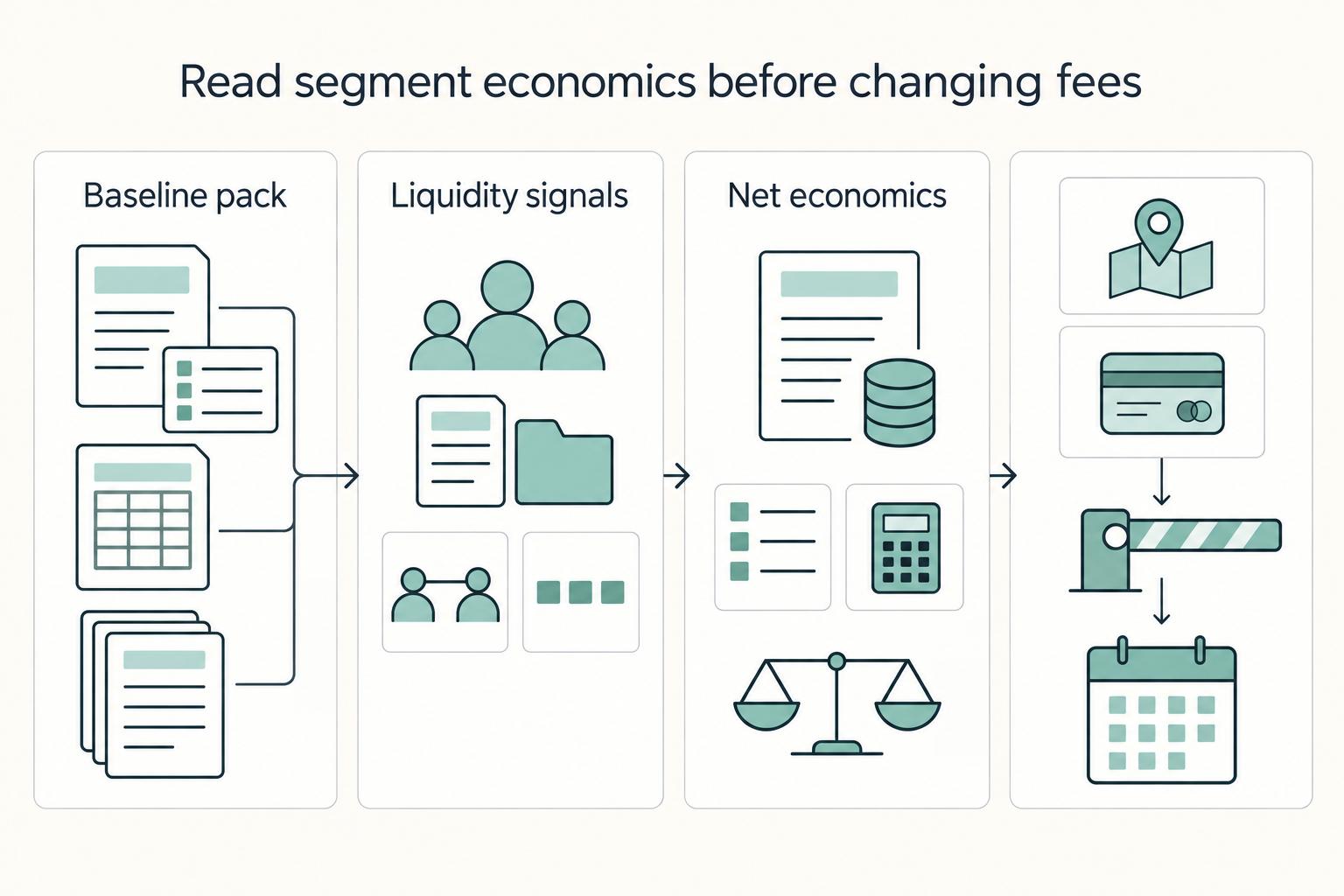
Platform Take Rate Optimization: How to Set Marketplace Fees Without Losing Liquidity
Fee changes in a two-sided marketplace are network decisions, not just pricing decisions. They can change participation on both sides and determine whether your economics improve or quietly get worse.
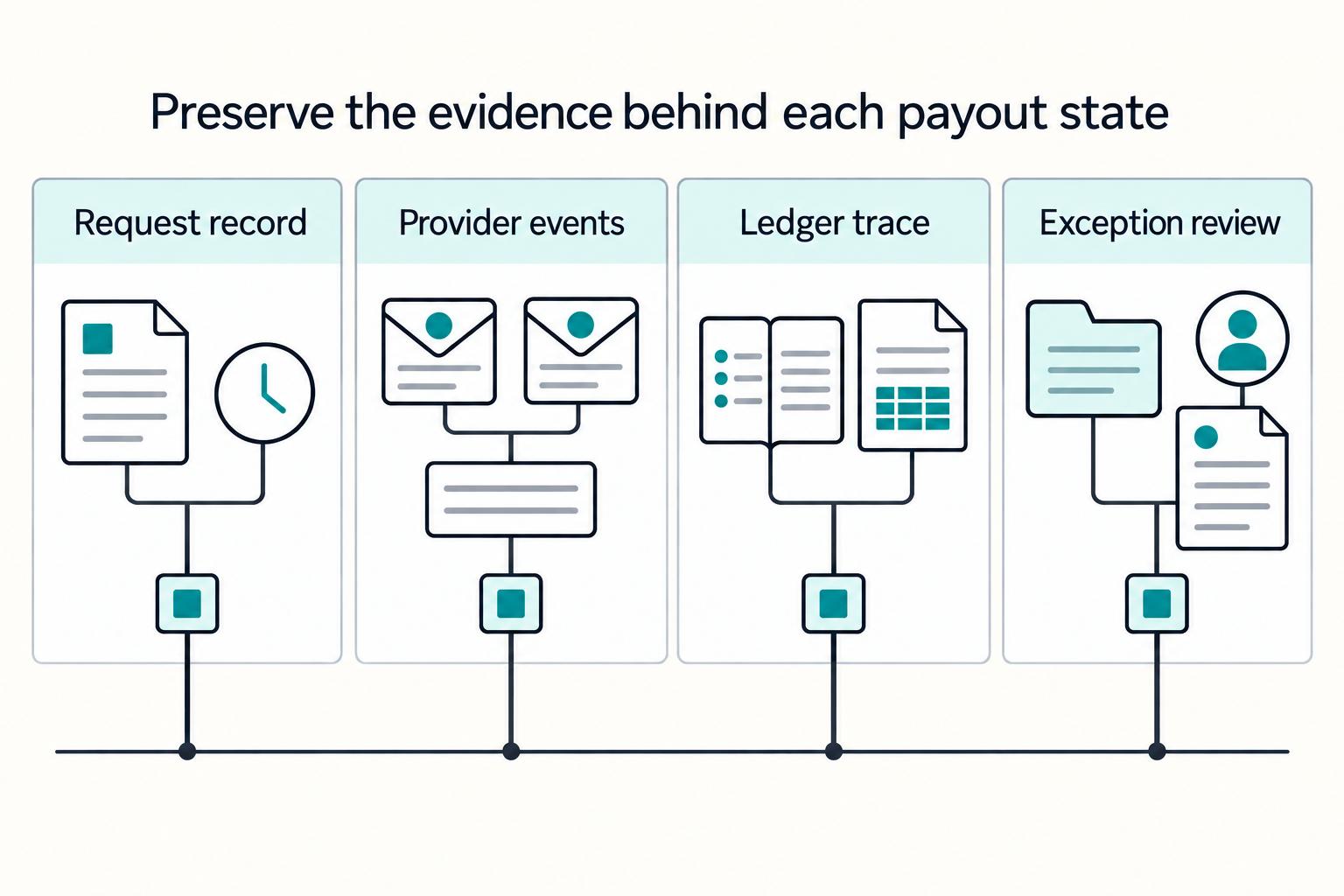
How Supply and Demand Dynamics Should Set Your Marketplace Payout Strategy
In a two-sided marketplace, payout strategy is not back-office plumbing. It can shape whether sellers stay active, whether transactions complete reliably, and whether buyers can find supply that is ready to transact.
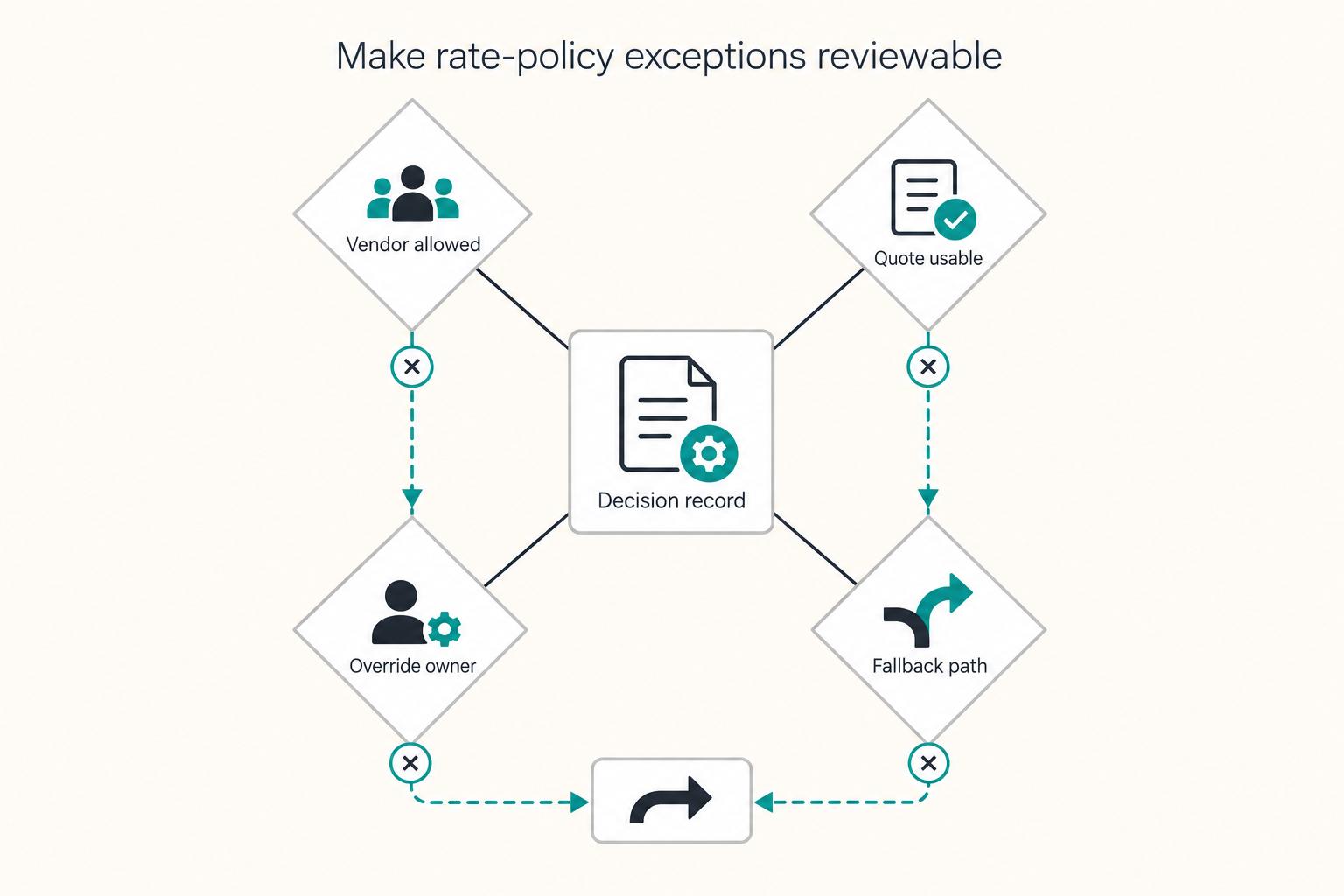
Guided Buying for Marketplace Operators Enforcing Preferred Vendor and Rate Policies
Treat guided buying as a control layer, not a shopping convenience. For marketplace operators, the real job is to steer supplier choice, enforce policy, and keep compliance decisions attached to the transaction instead of scattered across inboxes and side spreadsheets.