

Quick Answer
Start with an eligible QuickBooks Online or Xero edition for entity bookkeeping; include NetSuite OneWorld or Sage Intacct’s relevant modules for a multi-currency group close. Evaluate Tipalti as an integrated AP/payment layer. Decide from the accounting workflow, actual regional editions and representative journal outputs rather than invoice-currency counts.
Choose the ledger and the payment layer separately#
Multi-currency invoicing is only one part of platform accounting. You may also need foreign bank balances, open-payable remeasurement, settlement gains and losses, entity-level books and group consolidation. Decide which system owns each function before comparing products. A payment platform feeding an ERP can be a sound design even though the payment product cannot produce the group’s financial statements itself.
For an entity with modest foreign-currency bookkeeping needs, begin with eligible QuickBooks Online or Xero editions. For several entities with different functional currencies and a group close, include NetSuite OneWorld and Sage Intacct’s relevant multi-entity and consolidation subscriptions. Treat Tipalti as an AP/payment layer integrated with the chosen ledger, rather than assuming it replaces that ledger or supplies group consolidation.
A product comparison with explicit boundaries#
Provider documentation below was checked October 3, 2026. Editions and country offerings matter: an entry plan, a desktop product and a higher-tier cloud edition are not interchangeable. This comparison identifies documented capabilities and where the proposed stack must supply the rest; it does not rank every product by implementation cost or promise that all modules are included.
| Product or edition | Documented currency capability | Entity and consolidation boundary | Decision use |
|---|---|---|---|
| QuickBooks Online eligible editions | Intuit’s global help names Essentials, Plus and Advanced for multicurrency; enabling it prevents switching it off or changing home currency | Establish how each legal entity is maintained and where group consolidation occurs; do not infer a OneWorld-style group ledger from multicurrency invoicing | Shortlist for entity bookkeeping; verify the exact regional plan and accounting workflow |
| Xero US Established | US documentation places multicurrency on Established, with foreign transactions/accounts and currency revaluation guidance | Multiple organizations and an external consolidation process are a different design from one native multi-entity ledger | Shortlist for an entity ledger with a defined consolidation owner and integrations |
| NetSuite OneWorld | Oracle documents subsidiary base currencies and consolidated reports with translation | OneWorld manages multiple subsidiaries in one account; configuration and licensing still determine the deployment | Shortlist when shared group reporting, subsidiary controls and currency translation are central |
| Sage Intacct with Multi-Entity Management / Global Consolidation | Documentation describes multiple base currencies and Global Consolidation for entities with differing base currencies | Subscription-dependent functionality; Sage Intacct is distinct from other products sold under the Sage name | Shortlist for a group close with the relevant modules and entity configuration |
| Tipalti integrated with an ERP | AP and payment activity can be mapped into the ledger; API documentation synchronizes GL accounts from the ERP | The ERP remains the accounting-system boundary; specify connector behavior and who produces consolidation | Evaluate alongside, rather than as a like-for-like replacement for, the general ledger |
Primary documentation: Intuit multicurrency setup, Xero US multicurrency, Oracle OneWorld overview, Sage Intacct multi-entity overview, and Tipalti GL-account synchronization.
QuickBooks and Xero: establish the entity workflow#
A multicurrency entity ledger needs to preserve the original invoice currency and amount while reporting in its accounting currency. Check how customers, suppliers and foreign bank accounts are represented and how open balances are adjusted at close. Intuit’s irreversible multicurrency setting makes the home-currency decision important before live setup; establish the accounting currency rather than accepting a default from the account’s country.
For Xero, confirm the plan for the organization’s region rather than applying the US Established name globally. If several organizations feed a consolidation tool or controlled schedule, identify who maps their charts, locks periods and records eliminations. An external process is not automatically a failure. The relevant questions are whether it is complete, reviewed, reproducible and protected from uncontrolled changes.
NetSuite OneWorld and Sage Intacct: test the group close#
A group with USD and EUR functional-currency entities needs more than an extra invoice currency field. Test subsidiary or entity access, local trial balances, intercompany balances, elimination entries, translation and the consolidated statement. Obtain the module and license scope for the proposed legal entities, countries and reporting books. A product-family name alone does not establish those features.
Oracle’s OneWorld documentation describes subsidiary hierarchies and translated consolidated reports. Sage Intacct’s documentation distinguishes multi-base-currency companies and Global Consolidation. Translate those capabilities into an implementation design: who approves the hierarchy, which rates apply to which balances, how changes are audited, and how a reopened entity period affects the group close.
Tipalti: test the integration instead of demanding a standalone ERP#
In an AP stack, define which system owns supplier identity, bills, approval, payment attempts and accounting entries. Tipalti’s API documentation says GL accounts synchronize from the ERP. That is useful evidence of the boundary; it is not proof that every connector posts every financial effect, supports every entity, or performs consolidation.
Trace one approved foreign-currency bill from the ERP through payment and back to its settlement and fee entries. Then trace a partial payment, a rejection before financial movement and a return after payment. Identify which system creates each posting and how external references are preserved. Do not let both the connector and a bank-feed rule independently expense or settle the same bill.
Worked example: recognition, close and settlement are different events#
Assume a simple unhedged EUR 1,000 service payable in an entity whose functional currency is USD. For illustration, recognition uses USD 1.10 per EUR, period-end uses 1.12, and settlement uses 1.15. Ignore tax and special accounting exceptions. Under the selected policy, the service is expensed when recognized, the monetary payable is remeasured at close, and the remaining exchange difference is recognized at settlement.
| Event | Illustrative USD entry | What the software must preserve |
|---|---|---|
| Initial recognition | Debit service expense 1,100; credit accounts payable 1,100 | EUR 1,000 original amount, transaction date and rate |
| Period-end remeasurement | Debit FX loss 20; credit accounts payable 20 | Open EUR liability now carries at USD 1,120; retain rate and adjustment trail |
| Settlement at USD 1.15/EUR | Debit accounts payable 1,120 and FX loss 30; credit cash 1,150 | Close the EUR 1,000 payable once; link payment and remaining FX difference |
| Separate USD 10 payment fee | Debit payment-fee expense 10; credit cash 10 | Keep fee distinct from the principal and avoid charging it twice |
The example’s cumulative FX loss is USD 50, and total cash outflow including the separate fee is USD 1,160. It does not depend on updating a live rate every hour. IFRS’s discussion of IAS 21 distinguishes transaction recognition, reporting-date monetary-item measurement and settlement differences. Use the applicable accounting framework and approved rate policy for your own books.
Translating a foreign entity into the group’s presentation currency is a separate process from settling this payable. Keep functional currency, transaction currency, bank currency and presentation currency explicit. A dashboard converted into USD does not establish that consolidation translation and eliminations have been posted correctly.
Evaluate rates, cutoff and journals as one workflow#
Ask where each rate comes from, its effective time and timezone, whether manual overrides are allowed, and how changes affect already-posted transactions. Define a reporting-date cutoff and the approved rate source. Hourly feeds can be relevant to pricing or treasury, but their frequency alone does not demonstrate more accurate accounting or a better close.
Required accounting recognition must not wait for every bank match. A bill, an accrued liability or an in-transit movement can have a valid posting before cash settlement. Keep reconciliation status separate from recognition, with reviewed exceptions and clearing balances. Conversely, a matched net bank total is not proof that every supplier or seller allocation is correct.
Run a bounded finance pilot before buying#
Use a representative packet: a foreign invoice and bill, a foreign bank receipt, a period-end open balance, a paid bill with fee, a partial payment, a returned payment, and an intercompany balance if applicable. Set the expected entries with finance before evaluating the outputs. Reconcile original-currency amounts, functional-currency carrying values and external movements.
Require durable business-effect identifiers across imports and connector retries. A duplicate event ID check alone will miss two different events describing the same settlement. Corrections should retain an audit trail and not reuse a mutable amount as the only posting key. Assign the owner of mapping, exception review and period locks across the full stack.
Compare total implementation and running cost: the exact regional plan, entity/module licenses, connectors, consolidation tooling, migration, training and close effort. Obtain quotes for your configuration rather than using old secondary pricing. A controlled supporting schedule can be acceptable; an unexplained number copied between systems without ownership and review cannot support a reliable close.
Frequently Asked Questions
Does multi-currency invoicing mean a product can consolidate my entities?
No. Foreign transactions within an entity and translated group consolidation are different capabilities. NetSuite OneWorld and Sage Intacct’s relevant subscriptions document group features. For an entity ledger or AP layer, define the separate consolidation system and its ownership.
Is Tipalti a replacement for the general ledger in this comparison?
Evaluate it as an AP/payment layer connected to the ERP. Its documentation describes GL-account synchronization from the ERP. Verify the connector’s entities, posting coverage and exception behavior; do not assume the payment layer produces the group’s financial statements.
Do hourly exchange-rate updates make accounting better?
Not by themselves. Accounting depends on the approved rate for recognition, reporting-date measurement and settlement, with effective times and an audit trail. Higher feed frequency may serve a treasury or pricing requirement but does not replace the close policy.
Can an external consolidation schedule be acceptable?
Yes, if the accounting process permits it and it is complete, controlled, reviewed and reproducible. Establish chart mapping, rates, eliminations, period locks and a responsible owner. The presence of a spreadsheet is not the same as an uncontrolled reconciliation.
What should the trial prove before purchase?
It should preserve original and functional-currency amounts, show the expected remeasurement and settlement entries, reconcile fees and returns, and avoid duplicate financial effects. For a group, also prove translation, intercompany handling and consolidation using the proposed licenses and modules.
Try a related tool
Researched and edited by the Gruv editorial team. Gruv builds cross-border billing, payouts, and finance-operations software for global businesses.
Sources
Includes 6 external sources outside the trusted-domain allowlist.
- docs.oracle.com/en/cloud/saas/netsuite/ns-online-help/sectio...external
- ifrs.org/content/dam/ifrs/publications/pdf-standards/...external
- quickbooks.intuit.com/learn-support/en-global/help-article/multicu...external
- soap-support.tipalti.com/Content/Topics/PayerAPI/InvoicesAndBills/Cre...external
- www-p504.intacct.com/ia/docs/en_US/help_action/Multi-entity/multi...external
- xero.com/us/accounting-software/use-multiple-currenciesexternal
Educational content only. Not legal, tax, or financial advice.
Related Posts

The Best Accounting Software That Handles Multi-Currency Invoicing
For a single business invoicing overseas clients, shortlist the multicurrency editions of Xero, QuickBooks Online, Zoho Books or Sage Accounting. The useful comparison is the supported workflow at the required subscription tier: issue an invoice, record the payment, explain exchange differences and reconcile the deposit. An attractive entry price means little when foreign-currency transactions require an upgrade.
How to Use QuickBooks Online to Manage Multiple Currencies as a Freelancer
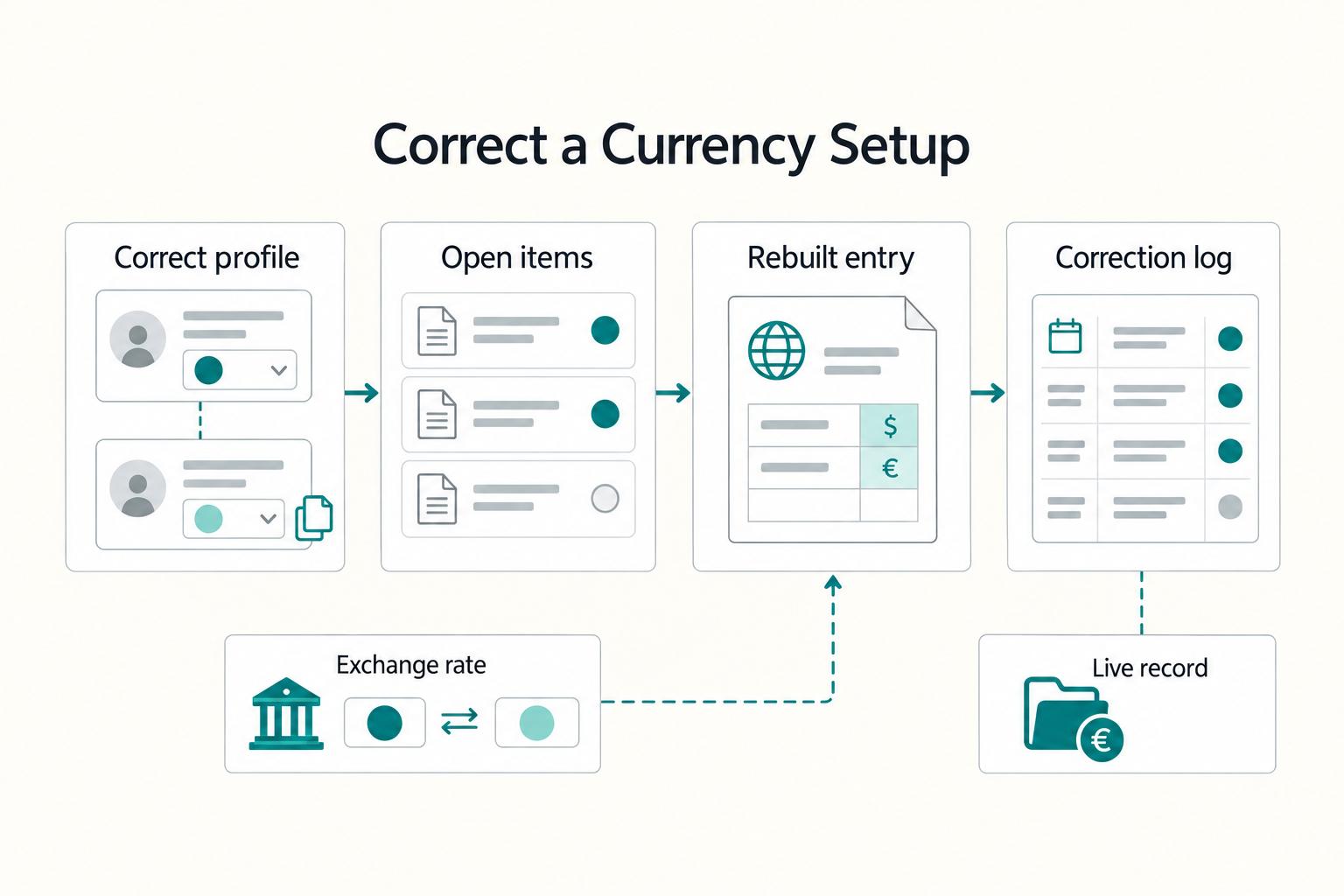
Treat **quickbooks online multi-currency** as an operations decision, not a settings exercise. The real benefit is cleaner client invoices, fewer manual conversions, and less month-end repair work when exchange rates move or a payment settles differently than expected.
How to Evaluate Multi-Currency Personal Finance Software for Tax Residency, FBAR, and Invoicing
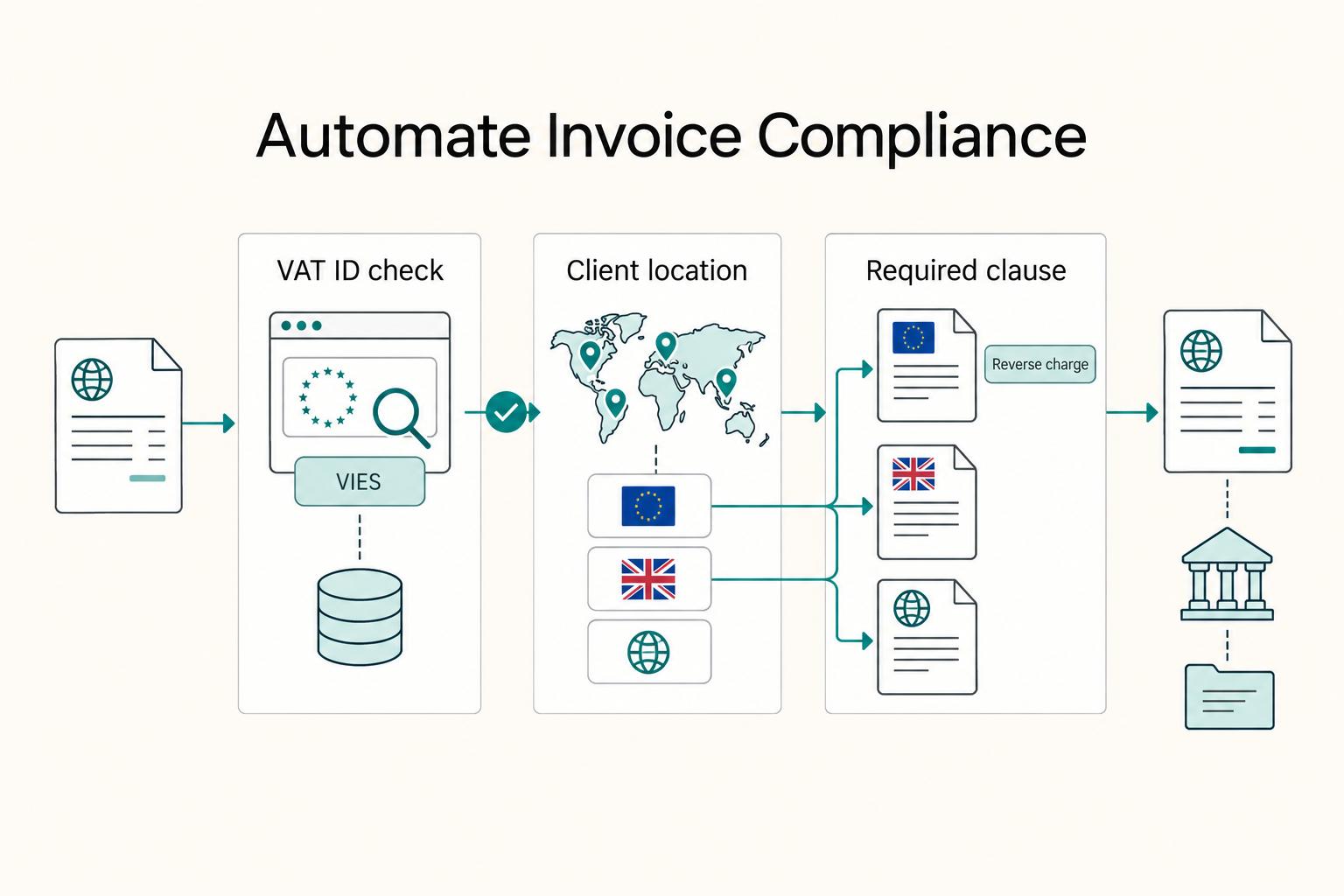
The best multi-currency personal finance software depends on what you need to do with the numbers. A consolidated balance helps you plan spending, while a tax filing may require original-currency amounts and a particular exchange rate. If you also travel and invoice clients abroad, compare those workflows separately rather than assuming that currency support covers them all.