
Quick Answer
Run a two-pass pilot on the same held-out PDFs and pick the OCR vendor that creates the fewest exception touches, not the best demo. Lock required fields first: Vendor name, Invoice number, Invoice date, Line items, and Invoice totals. Route missing or conflicting values to manual review, and do not release payout from OCR confidence alone. Accept rollout only after one invoice can be traced from source PDF to approval, payout, and ledger entry.
Why invoice scanning OCR matters for platforms#
Judge invoice OCR by how it behaves in your actual AP flow, not how it looks in a polished demo. For platform teams, the real test is whether it keeps Accounts Payable moving under volume, limits exception work, and leaves a clear trail into approval, payout, and reconciliation when something is challenged later.
Invoice OCR converts invoice files into structured, editable data. That matters because manual AP entry creates delay and human error. But capture is only the first step. In a full-cycle AP process, invoice data still has to move through approval, payment, and reconciliation, so a tool that extracts text well but breaks those handoffs still creates rework.
Before you start#
This guide takes an operator view. You will test candidate tools on your own PDF invoices, score them on the fields your team actually uses, and decide what belongs in automation versus manual review. You can run a practical vendor test with real invoice PDFs and measure it against processing speed and field accuracy. Those results only mean something if every vendor sees the same files and the same scoring rules.
Start with one simple verification point. For any invoice you accept, you should be able to tie the OCR output back to the source PDF, the approval record, and the downstream transaction or ledger entry. If you cannot do that, do not let the capture result trigger payout release on its own. A common failure mode is treating extraction confidence as approval confidence. It is not the same thing.
Keep the scope tight from the beginning. OCR is for data capture. Validation rules and human review can sit close to that capture layer, but fraud controls, payout governance, and ledger integrity do not come with an OCR product. If your invoices connect to contractor onboarding or payment release, keep identity-verification and AML checks in their own controlled path. The FATF Recommendations, amended October 2025, describe a broader AML framework. In the US, Customer Identification Program requirements under 31 CFR §1020.220 require risk-based identity verification procedures. Those controls may depend on invoice data, but they are not performed by OCR itself.
One last point before you compare vendors. Onboarding friction belongs in the decision. In this market snapshot, ABBYY, Klippa, and Ocrolus are described as demo or sales gated rather than self-serve trial access. If you are working against a delivery deadline, that affects how fast you can gather evidence, not just how fast a vendor can extract text.
If paper invoice intake is part of a broader manual ops problem, this guide on Business Process Automation for Platforms: How to Identify and Eliminate the 5 Most Expensive Manual Tasks is a useful next read.
What invoice OCR should handle from day one#
Treat day-one OCR scope as a capture contract: extract a small required field set, define exception routing, and keep approval decisions outside OCR.
- Lock the minimum extraction set
Start with Vendor name, Invoice number, Invoice date, Line items, and Invoice totals from PDF invoices. These are common core fields for invoice extraction and give AP enough structure to route and check invoices. For any accepted invoice, those values should be traceable to the source PDF.
- Separate required fields from useful extras
Mark required fields for routing first, then treat lower-value fields as optional until you prove they matter in your flow. Capture line items from day one where possible, but avoid stalling approvals on perfect table extraction unless your matching process depends on item-level detail.
- Define manual-review rules before auto paths
A practical day-one rule is to send invoices to manual review when Vendor name or Invoice totals are missing, or when extracted fields do not match internal records such as purchase orders or goods received notes. This keeps discrepancies from moving downstream as approved items.
- Keep OCR in its lane
OCR is text extraction only. Use it to capture invoice data, then hand off to separate approval, fraud, payout, and reconciliation controls.
Once invoices are digitized, the next challenge is matching them to payouts and clearing exceptions. This Invoice Settlement Guide for Platforms: How to Match Payouts to Invoices and Close Disputes Fast walks through that process.
Prerequisites and evidence pack before you test#
Your test is only as reliable as the evidence pack behind it, so build that before you score any tool.
- Assemble a representative invoice set.
Use real PDF invoices from the contractor or marketplace flows you actually run, including layout variation, scan-quality variation, and the languages you see in production. More layout variation means you need more documents, so avoid a narrow sample of only clean, recent invoices.
- Create a field-level truth file before scoring.
For each document, label Vendor name, Invoice number, Invoice date, Line items, and Invoice totals. Per-field evaluation only works when vendor predictions are compared against your labeled annotations, so keep this answer key outside any single vendor tool and make every value traceable to the source PDF.
- Define operating limits and audit requirements up front.
Write down AP queue targets, re-review capacity, and which exceptions must stay manual, then document what must be auditable for KYC, KYB, and AML oversight in your environment. In regulated banking contexts, CIP under 31 CFR 1020.220 is written, risk-based, and part of the AML compliance program, so OCR output alone is not sufficient evidence without review and correction records.
- Capture vendor unknowns before procurement calls.
Prepare a short question set on integration depth, ingestion channels, security posture, and production support after pilot. Integration options and security claims vary by vendor, and tools like ABBYY, Klippa, and Ocrolus route initial evaluation through scheduled demos, so ask for concrete artifacts such as API docs, available security documentation, error-handling approach, and support paths, not only marketing copy.
This also pairs with Receipt Scanning OCR for Expense Entry Decisions.
How to run a two-week OCR pilot on real invoice mix#
Run the pilot in two passes on the same invoices: Week 1 untuned baseline, then Week 2 tuned rerun. That is the clearest way to separate real model improvement from an easier sample.
| Phase | Action | Evidence |
|---|---|---|
| Week 1 baseline | Run the labeled test pack without templates, custom rules, or uptraining; split results by clean PDFs, low-quality scans, line-item-heavy invoices, and multilingual invoices | Baseline results by field and invoice class; repeat failure patterns |
| Week 1 operator effort | Track every human touch: verify, edit, reclassify, or manual-review routing; define thresholds up front for Invoice number and Invoice totals | Touches per document, review-route rate, and top rework fields |
| Week 2 rerun | Apply templates, rules, or custom training; keep training and test sets separate; rerun the exact Week 1 test invoices | Field-level deltas that show what tuning changed |
| Go or constrain | If line items remain unreliable after tuning, use OCR for header capture and require human validation before settlement | Original PDF, extracted values, confidence scores, human corrections, approval identity, timestamps, and linked transaction or settlement record |
- Week 1: run an untuned baseline on the full invoice mix.
Ingest your labeled test pack without templates, custom rules, or uptraining. Split results by production-relevant classes, for example clean PDFs, low-quality scans, line-item-heavy invoices, and multilingual invoices. Score extraction against annotations field by field, focusing on Vendor name, Invoice number, and Invoice totals. Expected outcome: baseline results by field and invoice class, plus repeat failure patterns. Verification point: each scored value traces back to the PDF source location and annotation record.
- Week 1: measure operator effort as touches per document.
Track every human touch: verify, edit, reclassify, or manual-review routing. If your tool has review analytics, use them; otherwise track in a simple sheet. Use confidence to route review, and define thresholds up front for sensitive fields like Invoice number and Invoice totals. A 0.95 confidence score can indicate likely correctness 19 out of 20 times, but validate that on your own mix. Expected outcome: touches per document, review-route rate, and top rework fields. Red flag: fast first-pass extraction with repeated manual correction.
- Week 2: tune, then rerun the same held-out PDFs.
After baseline, apply templates, rules, or custom training. Keep training and test sets separate. Rerun the exact Week 1 test invoices and compare before and after by field and invoice class. Expected outcome: field-level deltas that show what tuning changed. Failure mode: changing to an easier Week 2 sample and treating that as improvement.
- Decide go vs. constrain based on line items and traceability.
If line items remain unreliable after tuning, constrain scope: use OCR for header capture and require human validation before settlement. Before you accept invoices downstream, verify audit-trail completeness: original PDF, extracted values, confidence scores, human corrections, approval identity, timestamps, and linked transaction or settlement record. Verification checkpoint: sample accepted invoices and reconstruct the full path from OCR output to approval to downstream transaction records.
Related: Invoice Fraud Prevention for Platforms: How to Detect and Stop Fake Invoices Before They're Paid.
If you need a quick next step while working on "invoice scanning ocr platforms digitize paper invoices scale," try the free invoice generator.
How to compare vendors without getting fooled#
Do not pick the vendor with the best demo. Pick the one that produces fewer exceptions and gives your team stronger review controls on the same test files.
Lock files and scoring rules before comparing anyone#
Run Parseur, Nanonets, Docsumo, Veryfi, ABBYY, Klippa, and Ocrolus on the same held-out PDFs with the same field definitions, truth data, confidence thresholds, and pass/fail rules. Keep hard cases in scope, including low-quality scans, multilingual invoices, and line-item-heavy layouts.
Score extraction at the field level, not by visual impression. Field-level F1 is a documented evaluation metric; if your pilot already used exact-match checks for Vendor name, Invoice number, and Invoice totals, keep that method and add F1 only if you need a stricter view of partial matches.
Freeze the filename list and annotation sheet before vendor sessions. Vendor-selected "representative" examples can help with product walkthroughs, but they should not enter your scorecard.
Verification point: every scored output maps to the same source PDF and annotation row across vendors. Failure mode: sample swapping, pre-cleaned files, or manual output fixes between upload and review.
Score what drives ongoing AP effort#
Use a weighted scorecard before contracting, and make exception burden heavier than demo speed.
| Criterion | How to score on identical files | Solid evidence | Confidence penalty trigger |
|---|---|---|---|
| Field-level accuracy | Same scoring method for all vendors, whether field-level F1 or exact match, against your truth file | Raw outputs, per-field results, rerun consistency | Screenshots only or generic benchmark claims |
| Exception rate | Percent routed to review plus touches per document at fixed thresholds | Review counts, correction logs, rework fields | No raw confidence output or no clear exception workflow |
| Onboarding friction | Time to first usable test; self-serve vs sales-gated access | Trial access, docs, completed setup steps | Demo-only access or long setup delay |
| Integration readiness | Ability to pull original PDF, extracted fields, confidence values, and correction history | API docs, export samples, one real handoff test | Marketing claims without technical proof or incomplete exports |
Exception load should carry real weight: one recent AP benchmark summary reports invoice exceptions as a top challenge (53%). If accuracy is close, choose the tool that sends fewer invoices to review and makes exception triage clearer.
For integration readiness, run one concrete handoff test. Confirm you can retrieve the original PDF, extracted values, confidence scores, and human corrections. If you cannot, assume additional engineering work.
Apply a confidence penalty when evidence is thin#
Treat unverified claims as lower-confidence evidence, not equal proof. A published comparison (March 30, 2026) tested tools on a real invoice PDF for speed and key-field extraction, but ABBYY, Klippa, and Ocrolus were not independently tested there because access was not self-serve.
Use a simple penalty rule when evidence is limited to curated demos, marketing benchmarks, or sales-led claims your team cannot reproduce. Implement it as a lower evidence grade, a score reduction, or a clear "not yet verified" flag.
Expected outcome: a shortlist ranked by verified extraction quality, exception burden, onboarding friction, and integration proof, not by the smoothest demo.
If you want to reduce invoice intake upstream, Self-Billing Invoices: How Platforms Can Auto-Generate Invoices on Behalf of Contractors shows when it makes sense to generate invoices on the platform's side.
Decision rules by platform scenario#
Choose the vendor based on the failure you can least afford in your operating model, not on demo quality. Contractor payouts, marketplace operations, embedded payments, and cross-border programs need different controls.
| Scenario | Primary control | Verification point |
|---|---|---|
| Contractor payouts | Treat Invoice number and Invoice totals as release-critical; if either conflicts with the approval record or settlement expectation, route to dispute handling before payout | Every paid invoice should trace source PDF -> extracted Invoice number and Invoice totals -> reviewer decision -> payout ID |
| Marketplace volume spikes | Use stricter handling for missing Vendor name and Invoice date; either auto-reject clearly incomplete invoices or route them to a separate reject queue for resubmission | Sample rejected invoices daily and confirm the field is truly missing in the PDF, not missed by OCR |
| Embedded payments | Favor OCR output that can drive ledger-safe transitions through idempotent retries and traceable events | Send the same post-extraction action twice with the same idempotency key and confirm no duplicate payment-side operation is created |
| Cross-border programs | Require explicit field mapping from OCR output into VAT, Form W-9, Form W-8 BEN, Form 1099-NEC, or FBAR-related records when they are in scope | Each invoice links to the specific tax or compliance record ID it supports, not only free-text tax fields |
Step 1 Gate contractor payouts on invoice identity and amount#
For contractor payouts, treat Invoice number and Invoice totals as release-critical. If either one conflicts with your approval record or settlement expectation, route to dispute handling before payout. That is an operating control, not a universal legal rule, and it aligns with documented matching workflows where unresolved exceptions can prevent payment until resolved.
Keep the evidence chain auditable: source PDF, extracted header fields, approval record, and payout record. If a reviewer changes either field, require a reason code and retain both original OCR output and corrected values.
Verification point: every paid invoice should trace source PDF -> extracted Invoice number and Invoice totals -> reviewer decision -> payout ID. Failure mode: a corrected or duplicate invoice reuses a number, and payout is released from the latest file without checking prior approval context.
Step 2 Tighten triage rules for marketplace volume spikes#
When AP volume spikes, prioritize queue control over marginal extraction gains. Use stricter handling for missing Vendor name and Invoice date so incomplete records do not consume reviewer capacity.
Depending on supplier quality, either auto-reject clearly incomplete invoices or route them to a separate reject queue for resubmission. Then monitor queue aging and rejection quality. If legitimate invoices are being rejected too often, relax one rule to manual review and keep the other as a hard reject.
Verification point: sample rejected invoices daily and confirm the field is truly missing in the PDF, not missed by OCR. Tradeoff: stricter triage improves throughput but can increase supplier friction.
Step 3 Prefer event-safe APIs for embedded payments#
For embedded payments, API behavior matters as much as extraction quality. Favor vendors whose OCR output can drive ledger-safe transitions through idempotent retries and traceable events.
Test this directly: send the same post-extraction action twice with the same idempotency key and confirm no duplicate payment-side operation is created. Also confirm the event trail is retrievable for investigations; one documented API provides event retrieval for 30 days.
Failure mode: after an OCR correction, a second submit creates a second ledger move because retries are not idempotent or event history is incomplete.
Step 4 Map OCR fields into tax and compliance records for cross-border programs#
If VAT validation, Form W-9, Form W-8 BEN, Form 1099-NEC, or FBAR-related records are in scope, require explicit field mapping from OCR output into the relevant tax/compliance records. Capturing only the invoice PDF is not enough, and OCR extraction alone does not satisfy beneficial-owner verification or broader due-diligence obligations.
Keep the controls tied to documented requirements: EU VAT rules require invoices for most B2B supplies and some B2C transactions; Form W-9 provides a correct TIN to a requester filing an IRS information return; Form W-8 BEN is submitted when requested by the withholding agent or payer; Form 1099-NEC is due by January 31; FBAR is triggered when aggregate foreign account value exceeds $10,000 during the year, due April 15 with automatic extension to October 15.
Verification point: each invoice links to the specific tax/compliance record ID it supports, not only free-text tax fields. Failure mode: invoice legal name and W-9 or W-8 BEN name diverge and the mismatch is found only during reporting.
Related reading: 1099-NEC Automation for Platforms to File at Scale Without Manual Errors.
Integration sequence from OCR to payouts and reconciliation#
Use this order to keep controls clear and investigations fast: OCR capture -> validation -> AP approval -> payout initiation -> ledger posting -> reconciliation export. It is an operational control pattern, not a universal legal requirement.
Step 1: Validate extracted data before AP handoff. Treat OCR output as extracted fields, not approved truth. Capture invoice number, invoice date, totals, line items, and vendor details from the source PDF, then validate before creating the AP request. If key fields fail your rules, stop and route to an exception path.
Checkpoint: for any invoice that passes, you should be able to show source PDF -> extracted fields -> validation result -> AP request ID.
Step 2: Make retries and webhooks idempotent before payout wiring. Use a stable idempotency key on payout-side create or release requests, and log processed webhook event IDs so duplicate deliveries are ignored. Webhook events can be delivered more than once, and idempotency keys can expire after 24 hours, so your retry window and replay handling must be explicit.
Checkpoint: replay the same approval-to-payout call and resend the same webhook event; confirm only one payout-side action is created.
Step 3: Keep invoice extraction and compliance evidence as linked but distinct records. Use OCR for invoice fields, and handle W-9, W-8 BEN, and KYC/KYB/AML workflows with their own controls. W-9 is used to provide the correct TIN, and W-8 BEN is submitted when requested by the withholding agent or payer. If you are under covered AML obligations, beneficial-owner verification procedures belong in that compliance workflow.
Checkpoint: link invoice records to compliance or tax records by ID instead of merging everything into one payload.
Step 4: Log every status transition through reconciliation. Record each move from approval through payout, ledger posting, and reconciliation export with prior status, new status, actor or service, timestamp, and downstream record ID. That event chain is what lets finance explain request, approval, payout, and settlement history end to end.
Failure mode to test: payout succeeds, but ledger posting or reconciliation export fails; verify your chain still shows PDF -> validation -> approval ID -> payout ID -> ledger entry ID -> reconciliation row.
Common failure modes and recovery steps#
At scale, OCR failures are best handled as routing decisions with a predefined recovery path before payout.
Step 1: Route low-quality documents to manual capture quickly. Poor scan quality and rotation issues can break line-item extraction even when headers look usable. Set an intake quality check, target at least 150 DPI where possible, and send low-quality or rotated PDF invoices to manual capture. Ask suppliers for cleaner PDFs when poor inputs keep recurring.
Step 2: Add a second payment control beyond OCR confidence. Confidence scores run from 0 to 100, but a high score is not payment approval. Require a secondary check on invoice totals before payout, and cross-check against upstream records such as PO and receipt when your process supports three-way matching. If identifiers match but totals do not, keep the invoice in exception handling.
Step 3: Avoid procurement delays with a parallel canary. Demo-led onboarding is common in this category, so it can slow implementation. If a vendor path is demo-gated, run a parallel canary with a self-serve option such as Nanonets while procurement proceeds. The goal is to keep delivery moving, not to maintain a permanent dual stack.
Step 4: Revalidate compliance links before release. Drift can occur when invoice, KYC/AML, and tax checks live in separate systems. Before payment release, confirm linked compliance records are still current, and use VIES for EU cross-border VAT checks where relevant. If beneficial-owner verification procedures apply in your AML program, make sure the payment record points to the latest verified entity data.
Final checklist before rollout#
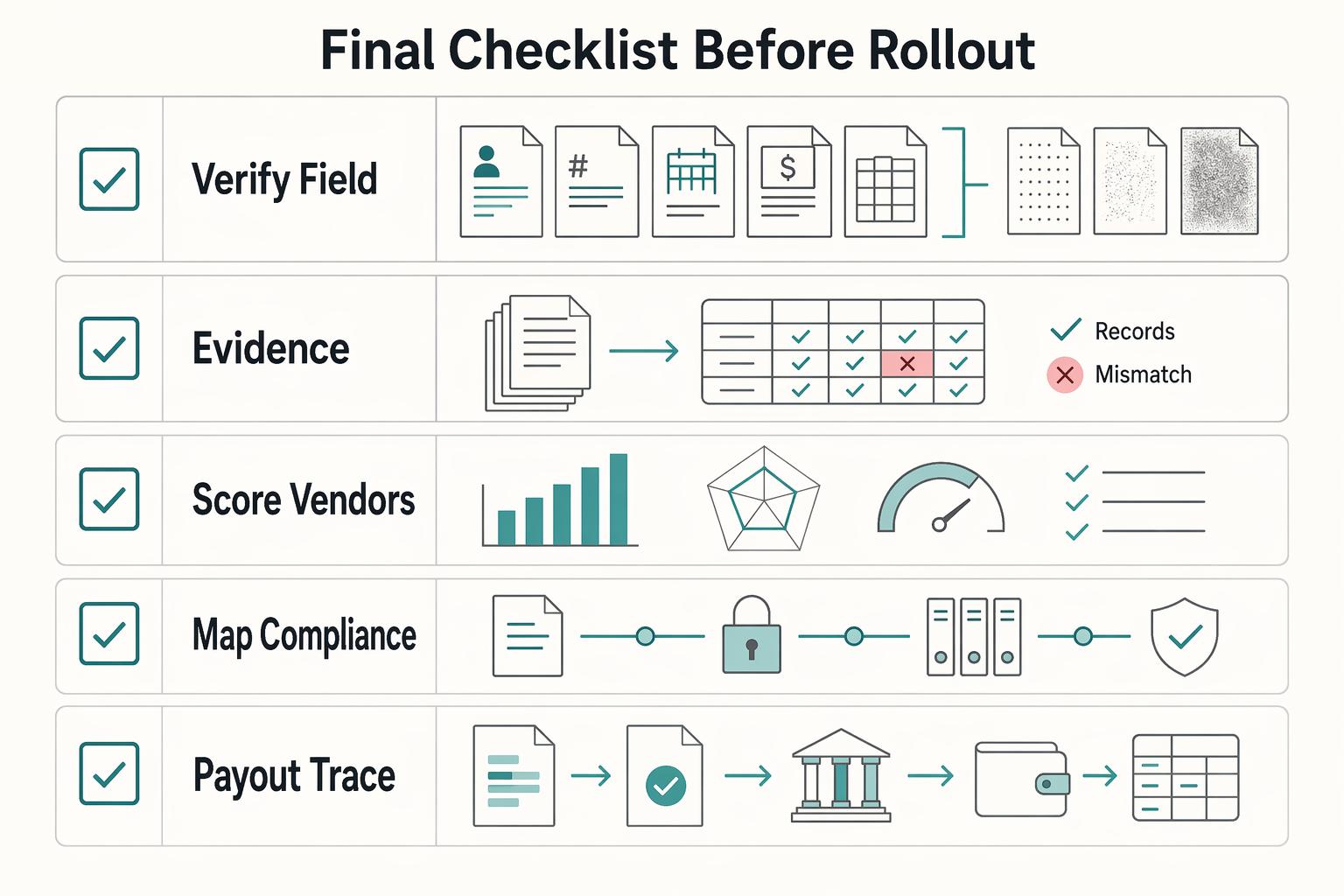
Do not launch until three things are true: your required fields are stable, decision paths are documented, and one accepted invoice is traceable from OCR output through approval, payout, and reconciliation.
- Verify field stability on your real PDF invoices.
Confirm Vendor name, Invoice number, Invoice date, Invoice totals, and Line items across the layouts and scan quality you actually receive. Re-run the same sample set after tuning and compare output to your truth file field by field, not just document pass rate. If Line items are still unstable but header fields are clean, keep header capture live and route line-level use to human review.
- Document auto-approve, manual review, and hard reject rules.
Write the exact rule set before rollout. Missing Vendor name or Invoice totals should not reach approval, and payout release should not rely on OCR confidence alone. Where purchase orders or goods receipts exist, add invoice-to-procurement matching before approval.
- Score vendors on operational readiness, not demo speed.
Include exception rate, onboarding friction, and integration readiness alongside extraction performance. Ask for sample payloads, API behavior, and how record keys flow into ERP or finance systems. If a tool looks fast but cannot show exception handling or approval and record-keeping flow, treat that as a rollout risk.
- Map compliance and tax steps only where applicable.
OCR capture does not satisfy KYC, KYB, or AML obligations by itself. For legal-entity onboarding, beneficial-owner identification and verification belongs in AML procedures tied to account opening. For EU cross-border trade, VAT number checks may run through VIES. For U.S. reportable recipients, Form W-9 collects TIN data, and Form 1099-NEC generally applies at $600 or more with a January 31 deadline. For foreign beneficial owners in U.S. withholding contexts, map Form W-8BEN. If FBAR applies, note the $10,000 aggregate foreign-account trigger, April 15 due date, and automatic extension to October 15.
- Prove end-to-end traceability before full-scale launch.
Trace one accepted invoice from OCR output to approval, payout initiation, ledger posting, and reconciliation records without manual reconstruction. Validate shared identifiers across steps and retry safeguards so retries do not create duplicate downstream actions. If finance or audit cannot follow one invoice history cleanly, rollout is not ready.
For a step-by-step walkthrough, see Accounts Receivable Automation for Platforms to Collect from Enterprise Buyers at Scale.
Frequently Asked Questions
What is invoice OCR for platforms, and how is it different from generic AP automation?
Invoice OCR is the capture layer. It uses Optical Character Recognition and related models to ingest, validate, and route invoice data from PDF invoices and scans. Broader AP automation covers more of the payment lifecycle, while invoice processing handles only part of that scope. The practical rule is simple: treat OCR as data capture, not as your approval or payout policy.
Which fields should we require first when digitizing paper invoices at scale?
Start with vendor/header fields such as Vendor name, Invoice number, Invoice date, and Invoice totals as required fields. Validate line items separately rather than folding them into the same pass-or-fail rule, since header data and line data are different extraction groups. If line items remain unstable after tuning, keep header capture live and route line-level review to a human.
How quickly can we evaluate Invoice OCR software without a long procurement cycle?
You can usually move faster with self-serve products, because at least some vendors let you begin testing without a sales gate. Others still require a demo or sales call. Public vendor pages show that Nanonets offers a free start, while ABBYY, Klippa, and Ocrolus may require sales access, and Klippa positions its demo as a 30 minute discovery step. For a real decision, use that speed to run a small canary on your own invoices rather than waiting for procurement to finish.
What does “at scale” actually require beyond extraction accuracy?
It requires review routing and workflow outcomes, not just high-looking field scores. You need a checkpoint for when low-confidence outputs go to humans, because confidence-threshold review routing is a supported pattern, but you should not assume one fixed threshold is right for every field. You also need evidence that accepted invoices work cleanly in the broader approval and payment workflow, not just at extraction time.
When should we auto-approve OCR output, and when should we force manual review?
Do not auto-approve based on OCR confidence alone. Auto-approval is safer only when required header fields are present and your secondary checks pass. Force manual review when required header fields are missing or low-confidence, or when line items look unreliable even if the header appears clean.
What is still unknown before buying an OCR vendor from current public comparisons?
A lot of public comparison content is based on vendor documentation and publicly available information, so it is useful for shortlisting, not for final approval. What stays unknown is how the tool performs on your invoice mix, how much operator rework it creates, and how much onboarding friction you will hit if the product is demo-led. Red flag: a vendor looks strong in a comparison table but cannot be tested on your own PDFs before a buying decision.
Try a related tool
Where Gruv fits
See reconciliation and mismatch review
Compare ledger entries, provider payment records, and statement rows to see what matches and what finance needs to review.
Plan and approve payout batches
See how payee status, approval rules, route review, and exception handling sit in one payout workflow.
Researched and edited by the Gruv editorial team. Gruv builds cross-border billing, payouts, and finance-operations software for global businesses.
Sources
Includes 1 external source outside the trusted-domain allowlist.
- csrc.nist.gov/glossary/term/audit_trailtrusted
- docs.stripe.com/api/idempotent_requeststrusted
- ecfr.gov/current/title-31/subtitle-B/chapter-X/part-1...trusted
- ecfr.gov/current/title-31/subtitle-B/chapter-X/part-1...trusted
- irs.gov/businesses/small-businesses-self-employed/re...trusted
- irs.gov/forms-pubs/about-form-w-9trusted
- stripe.com/in/resources/more/automated-invoice-processi...trusted
- adlibsoftware.com/news/how-to-evaluate-ai-document-automation-...external
Educational content only. Not legal, tax, or financial advice.
Related Posts
Self-Billing Invoices for Platforms That Pay Contractors
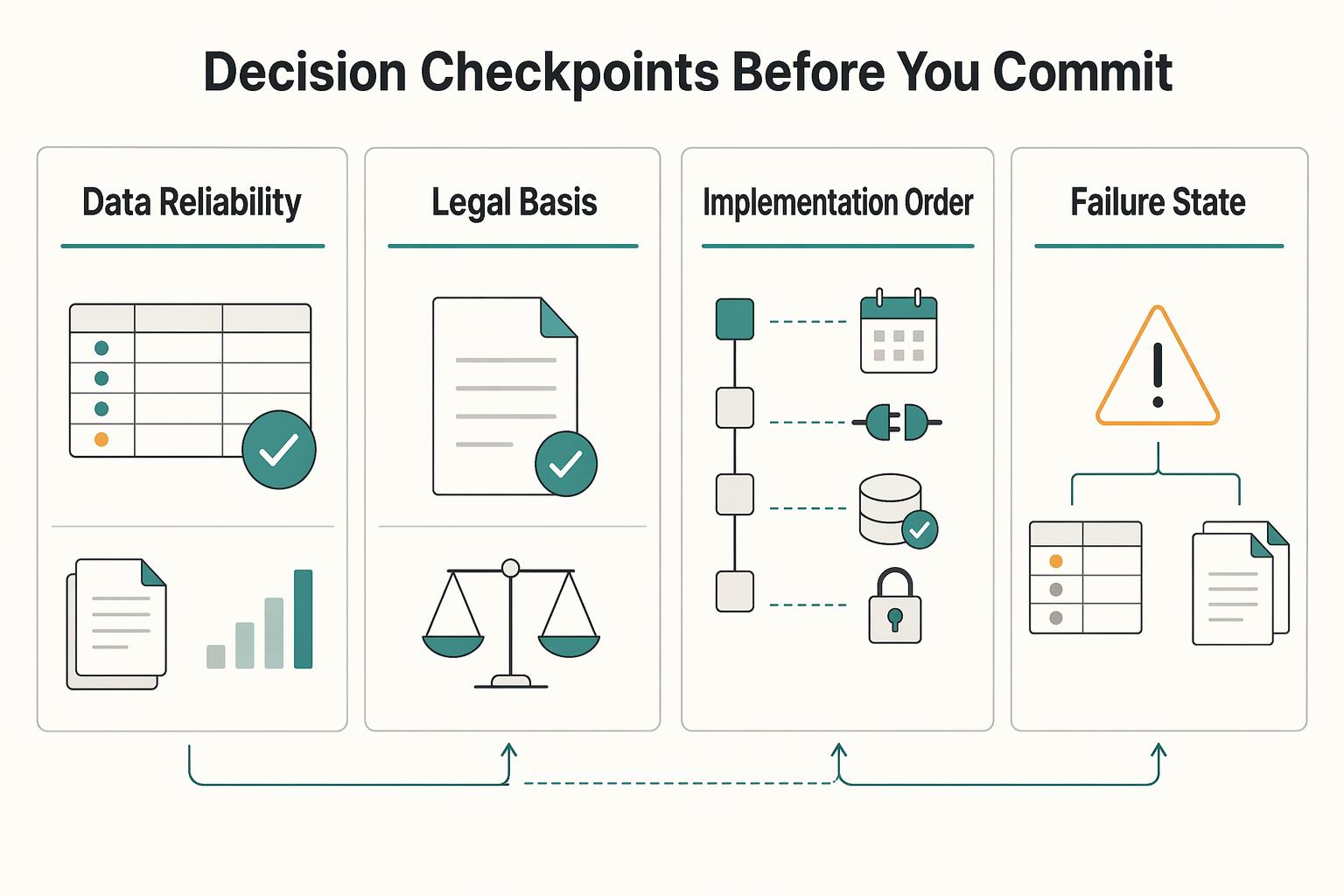
If you are choosing a self-billing path for a platform, the real decision is not which invoicing app looks polished. It is whether your product can turn approved work into a supplier invoice, keep finance comfortable with the paper trail, and give ops and engineering a clean path to payout and reconciliation.
How Platforms Detect and Stop Fake Invoices Before Payment
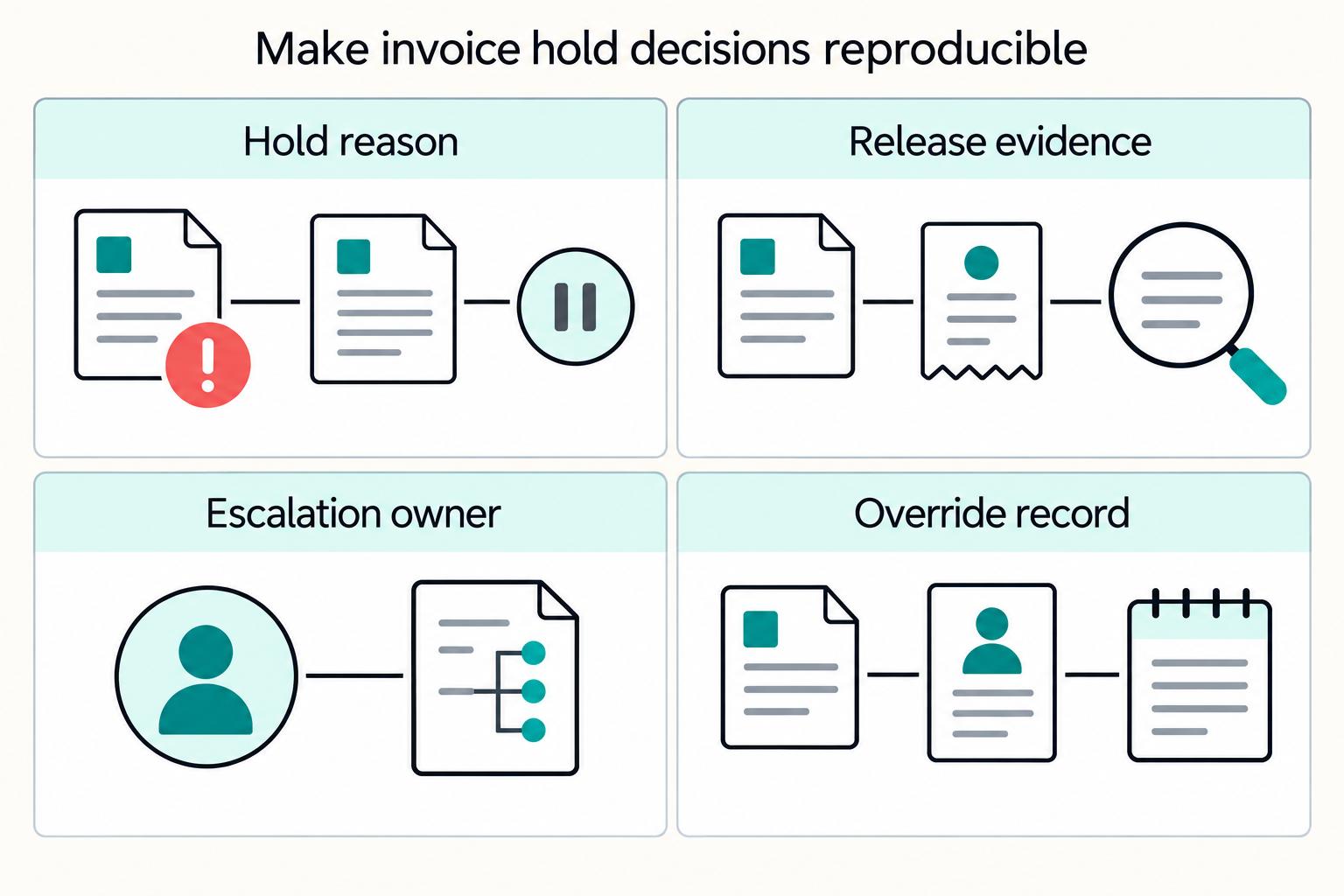
If you run platform payment operations, fake invoice risk rarely comes from a single failure. More often, you see a chain of small gaps: weak vendor setup, unclear approval ownership, rushed payment timing, disconnected systems, and hold rules that people interpret differently.
Invoice Settlement for Platforms That Match Payouts and Close Disputes
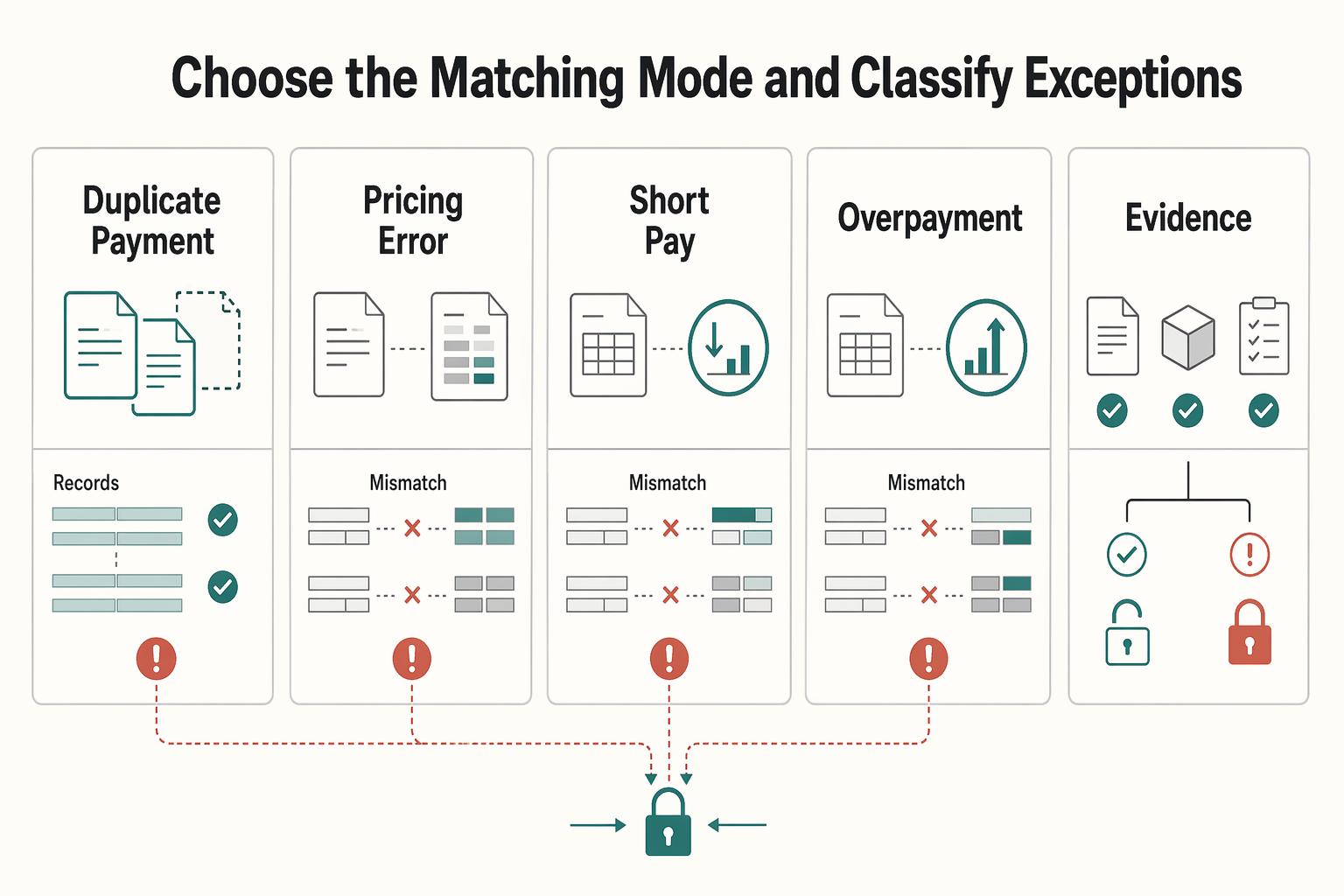
Invoice settlement is a closure problem, not just a payment event. In practice, an invoice is operationally settled when the related balances in Accounts payable and Accounts receivable are zeroed out. Money can move and the work can still be unfinished if the invoice shows an open balance, a credit memo or fee adjustment, or an unresolved dispute.