
Quick Answer
Run reimbursements through a controlled sequence where policy checks fire before payout and each claim keeps evidence through posting. In demos, use one real claim and test three paths: valid, duplicate, and policy-breaking. A dependable setup shows who owns submission, exception review, reimbursement release, and accounting handoff, then proves a paid claim can be traced from receipt and approver decision to payout reference and posted entry.
What Enforceable Reimbursement Controls Need to Do#
Buy an expense tool only if it can do two things at once: enforce policy before money moves, and leave a clean trace after reimbursement hits payment and accounting. Feature-led buying often misses that. You may get easier submissions and faster approvals, but Finance inherits the cleanup when a claim cannot be tied back to the right evidence, payment record, or ledger entry.
That is the real decision lens for expense management software. Manual handling is slow, error-prone, and hard to scale, especially when receipts go missing, reports sit unapproved, or someone is chasing documentation at month end. Automation matters because it can control the full expense lifecycle, from tracking and submission through approval, reimbursement, and reporting. The catch is simple. Weak controls just help bad decisions move faster.
Before you start: bring one real reimbursement example into every demo. Use a claim with a receipt, an approver, and a known payment outcome. Concrete examples expose weak controls much faster than polished product tours.
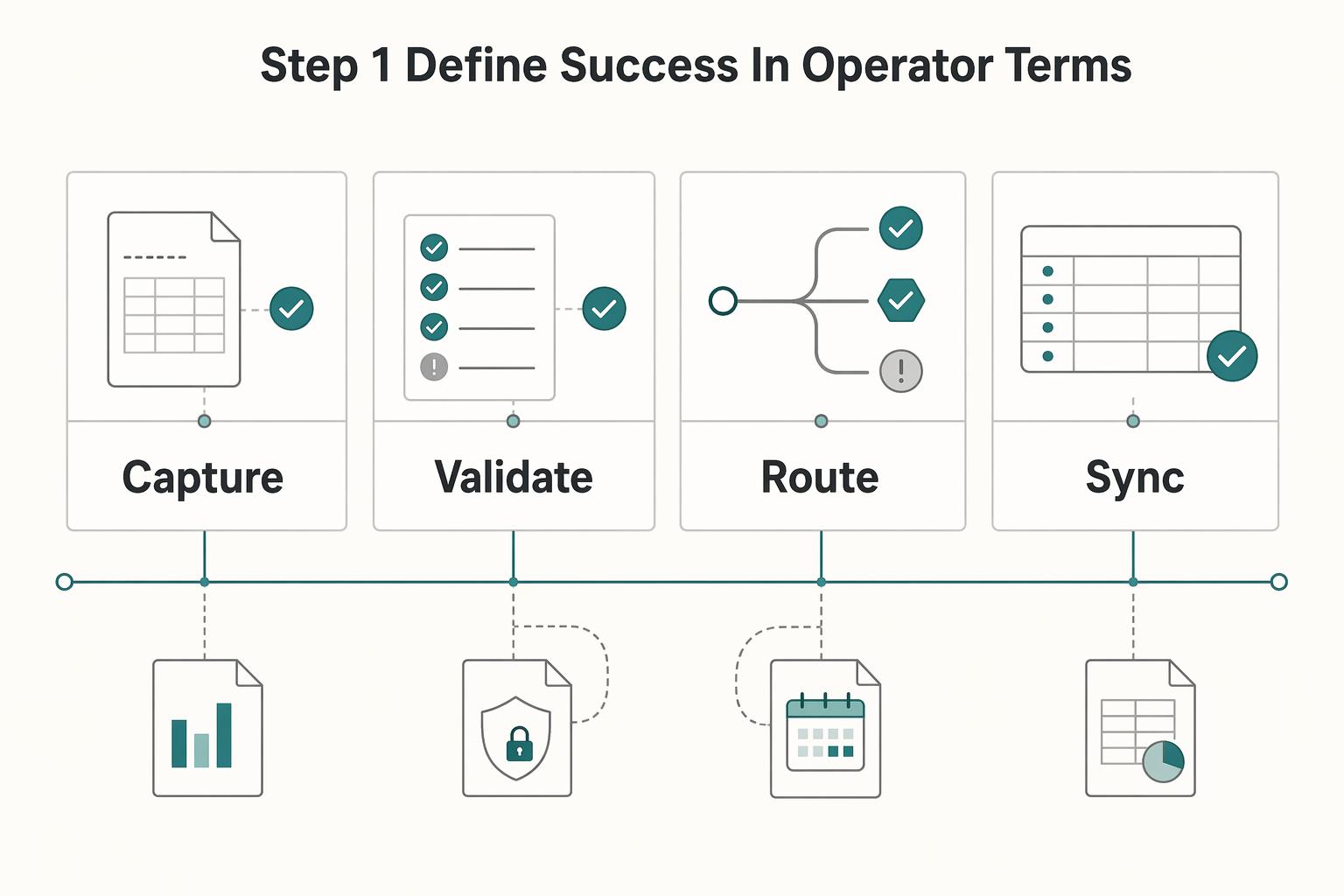
Step 1 Define success in operator terms#
Before you compare vendors, define what "working" means for the people who will run this every week. A credible tool should support four linked outcomes:
| Outcome | What it covers | Why it matters |
|---|---|---|
| Capture | Expense and receipt data you actually require | Each claim starts with usable evidence |
| Validate | Claim against policy rules such as per-diem limits, per-item caps, approval thresholds, and restricted vendors | Before processing |
| Route | Claim to the right reviewer | Enough context to approve, reject, or escalate exceptions |
| Sync | Approved expense data into accounting or payroll | Without manual re-entry |
Those four points are not a feature checklist. They are the minimum chain that keeps policy enforcement connected to accounting traceability. If one link is weak, the downstream work gets more manual, not less.
Your first verification point is straightforward: ask the vendor to trace one reimbursed claim end to end. You should be able to see the original submission, the attached evidence, the policy decision, the approval action, and the reimbursement record tied to payment evidence and accounting or payroll records. If that chain is fuzzy in a demo, treat it as a red flag.
Step 2 Separate approval automation from policy enforcement#
Approval routing and policy validation are different controls. A claim can move through the right approval path and still violate policy, duplicate a prior submission, or fail later during reconciliation.
A common failure pattern is simple: an employee submits a claim that looks reasonable, the manager approves it quickly, and everyone assumes the process worked. Later, Finance finds that the amount exceeded a cap, duplicated an earlier reimbursement, or lacked the right documentation. By then, the money may already be out the door, and the team still cannot show why the exception happened or match it cleanly to payment evidence.
So in demos, do not ask only, "How do approvals work?" Ask, "Show me where the rule fires." Use a practical checkpoint and test three claims: one valid, one duplicate, and one that breaks a policy rule such as a threshold or restricted vendor check. You want to see how the product handles each case before reimbursement. If all you see is a manager approval screen, you are looking at approval automation, not enforceable policy controls.
Step 3 Check the evidence chain before you worry about edge cases#
Keep the scope narrow at first. You are not designing the full implementation yet. You are checking whether the product can preserve an evidence chain that survives normal operations and month-end review.
Two checks matter early. First, confirm that expense data can sync directly to your accounting and payroll tools rather than being rekeyed by hand. Second, confirm that reimbursements can be matched back to payment records such as bank transfers, credit card statements, or invoices. If that matching step is already a pain point, our guide to account reconciliation for payment platforms is the more relevant companion read here.
That evidence lens carries through the rest of this article. From here, the practical decisions are ownership, source-of-truth boundaries, reliability testing, and the record each claim should leave behind.
What credible expense tools already cover#
Credible expense tools should already cover the full reimbursement lifecycle, so treat that as the minimum bar, not a differentiator. If a vendor cannot prove that chain on a real claim, stop before comparing dashboards, cards, or AI features.
Step 1 Trace one report from submission to accounting handoff#
Start with the baseline workflow and make the vendor prove it on one report: expense report creation, submission, approval, reimbursement, and accounting. The system should also replace manual paperwork with an automated receipt flow so users can upload, track, and submit receipts in one place.
Use one practical checkpoint: can you trace the same report from submission to approval to reimbursement to accounting handoff on the same record? If not, you are looking at surface automation, not a dependable operating workflow.
Step 2 Test what happens after money moves#
Separate table stakes from real differences early. Faster submission and cleaner approval UX are useful, but the harder test is what happens after money moves.
If Finance cannot match a reimbursement to its accounting entry, explain policy exceptions, and review override history without manual reconstruction, cleanup risk is still sitting with your team at month end.
Step 3 Keep your baseline explicit and test it in demos#
Use market references like Gartner to define category expectations, not your platform architecture. Keep your baseline explicit: policy-violation checks before claims move forward, clear approval accountability, and a traceable handoff into accounting.
For demos, include operational checks, not just happy paths. A strong evaluation includes how the product behaves in weak-connectivity mobile conditions and how managers handle approvals at volume, then verifies that records stay usable through reimbursement and accounting.
Once that baseline is proven, you can evaluate fit and complexity without getting pulled off course by feature-page framing.
What to prepare before you automate anything#
Do the operating-model work before tool setup. If ownership, system-of-record boundaries, policy inputs, integrations, and evidence requirements are unclear, you usually trade manual entry for manual cleanup.
| Prep area | What to define | Check |
|---|---|---|
| Owners | Who submits, who approves, who handles exceptions, who releases reimbursement, and who confirms accounting handoff | Run one standard claim and one exception claim end to end on paper |
| System-of-record boundaries | Where each key value is created, where it can change, and which record Finance trusts at close | Set boundaries before data moves |
| Policy inputs | Spend categories, spending caps, required fields, and exception owners | Be explicit about what must be present for approval and export |
| Integrations and evidence | Each API dependency, webhook consumer, accounting export, connection owner, failure handling, and retained evidence for decisions and overrides | A reviewer should be able to reconstruct why money moved |
Step 1 Map owners across the full reimbursement path#
Define who submits, who approves, who handles exceptions, who releases reimbursement, and who closes month end. Approval routing only works when it matches real decision ownership.
Run one standard claim and one exception claim end to end on paper. You should be able to name, in order, who handled each handoff.
Step 2 Draw system-of-record boundaries before data moves#
Set boundaries up front. Centralized data improves approvals and reporting only when each key field has a clear system of record.
For each key value, document where it is created, where it can change, and which record Finance trusts at close.
Step 3 Standardize policy inputs before rule setup#
Define spend categories, spending caps, required fields, and exception owners in plain language. Automation can enforce policy consistently, but it cannot fix inconsistent policy design.
Be explicit about what must be present for approval and export, and assign a clear owner for each exception type so decisions do not drift by approver habit.
Step 4 List integrations and define the evidence pack#
List each API dependency, webhook consumer, and accounting export, plus who owns each connection and how failures are handled. Integrating cards and accounting software is a critical readiness checkpoint before full automation.
Then define the evidence retained for each reimbursement decision and policy override. Decide which record must show approval identity, final reimbursed amount, exception rationale, and accounting handoff so a reviewer can reconstruct why money moved.
For a deeper look at upstream approval controls, read How Platforms Automate Pre-PO Approval with Purchase Requisitions.
Choose your scope with a build vs buy decision table#
Use a single scorecard to choose scope: define non-negotiables first, then compare buy, hybrid, and build against the same operating criteria. This keeps the decision tied to how reimbursements actually move through your team, not feature-page promises.
Step 1 Define must-haves before you compare paths#
Turn your prep work into explicit requirements: approval routing, policy checks, required fields, accounting exports, and failure ownership.
Checkpoint: map one standard claim and one exception claim end to end. If you cannot show where policy is enforced, where the reimbursed amount is authoritative, and who resolves export failures, pause before making a build-vs-buy decision.
Step 2 Score buy, hybrid, and build against operator reality#
Review one table with Finance, Procurement, and Engineering, and challenge every row against real operating ownership.
| Path | Best fit | Policy control | Integration depth | Failure ownership | Customization limits | Lock-in risk | Operational load |
|---|---|---|---|---|---|---|---|
| Buy | Standard expense workflows | Lower to medium, based on product rule coverage | Depends on available integrations and export behavior | Shared across vendor behavior and your internal configuration/ops | Higher when your process is unusual | Higher vendor dependency | Lower internal build burden |
| Hybrid | Mostly standard workflows with targeted custom layers | Medium to high on the custom layer | Higher where custom handoffs are required | Split across vendor and internal teams | Moderate | Shared | Medium |
| Build | Highly specific internal requirements | Highest, because rules are fully internal | Highest, because integrations are fully internal | Fully internal | Lowest product constraints, highest delivery/maintenance burden | Lower vendor dependency, higher internal maintenance dependency | Highest |
Step 3 Validate the shortlist with real workflows#
For buy or hybrid paths, shortlist options and test them using real workflows, not feature lists.
Run at least three scenarios in each option: a standard claim, a policy exception, and an accounting export. Confirm the evidence chain is clear after the fact: receipt, approver identity, exception reason, final amount, and export confirmation. Policy rules should surface out-of-policy items and route them for finance review, not bury decisions across disconnected screens.
If you're researching "expense management software platforms automate reimbursements policy enforcement" and
For a step-by-step walkthrough, see How to Build a Float Management Strategy for Marketplace Platforms.
Design policy enforcement that survives scale#
Policy enforcement should be a separate, explicit control layer, not a side effect of approval routing. As claim volume grows, scalable control depends on clear rules, controlled exceptions, and records you can reconstruct later.
Step 1 Version the rules before you automate approvals#
Define policy rules in a named, versioned rule set before you scale routing logic. Keep rule types clear: eligibility, spend caps, receipt requirements, and exception escalation.
Keep routing and enforcement separate in practice. Routing answers who reviews a claim; enforcement answers whether the claim meets predefined limits and rules. If a required receipt is missing or a cap is exceeded, record the policy outcome first, then send the claim to approval or exception handling.
A simple validation check: for one claim, you should be able to show the rule version, inputs, rule outcomes, and why it reached that reviewer.
Step 2 Add tripwires for exception growth and suspicious claims#
Set explicit triggers that pause auto-approval and route to manual review when exception volume rises. Your threshold is an operating decision, but it needs clear ownership and regular review.
Run duplicate checks, policy compliance checks, and suspicious-expense screening in the same decision flow. Route flagged items through a distinct high-risk path instead of mixing them into a generic exception queue so repeat issues are visible.
Step 3 Make every decision reconstructable from records and evidence#
Design for traceability from day one. For approved, rejected, escalated, or held claims, keep a record of the policy version applied, outcome, reviewer identity when applicable, and final reimbursed amount.
Do not assume your tool captures this by default. Validate that decisions, exceptions, and suspicious claims can be reconstructed from records and reimbursement evidence after the fact.
Use one practical test: take a reimbursed claim and reconstruct the path from submitted evidence to decision outcome and final recorded amount without asking the original approver.
For a step-by-step walkthrough, see The Best Property Management Software for Landlords. Related: Reserve Policy Design for Platforms with Rolling Holds and Release Controls.
Implement the reimbursement sequence end to end#
After policy logic is versioned, lock reimbursement into a clear state machine so every handoff is owned and traceable. If a state does not have one purpose, one owner, and one handoff artifact, it will turn into an unowned queue.
Step 1 Define states before wiring integrations. Use a narrow sequence with plain labels: Submitted, Validated, Policy checked, Approved, Payable, Paid, Posted. That aligns with the flow vendors describe: create, submit, approve, reimburse, then sync with accounting. Also account for pre-submission policy warnings, so policy surprises do not first appear in Submitted.
For each state, document only: purpose, owner, handoff artifact. Example: Policy checked should only produce a decision record. Owner: policy service or finance ops reviewer for exceptions. Handoff artifact: claim decision object with rule version, outcome, and evidence status.
Step 2 Validate reliability with an operator checklist. Exact idempotency, retries, timeout defaults, and duplicate-event handling are not confirmed, so test this behavior in your own stack.
- Replay the same approval event twice and confirm one claim outcome persists.
- Send a duplicate payout callback and confirm it does not create a second Paid state.
- Delay a callback until after manual review and confirm late events cannot overwrite a newer state.
- Force a timeout between payment initiation and callback, then confirm the claim lands in a recoverable pending or investigation state.
Pass condition: one authoritative reimbursement record, one payout-attempt record, and one posting path.
Step 3 Reconcile each money handoff with an evidence chain. Do this continuously, not only at month end. You need a traceable chain from claim decision to payout reference to ledger posting.
A practical check is to sample one reimbursed claim and verify, in order: decision record, receipt-to-transaction match, payout reference, and ledger entry tied to the same reimbursement ID. If the chain breaks, pause rollout and fix interfaces before scaling. For a deeper accounting pattern, see Account Reconciliation for Payment Platforms: How to Automate the Match Between Payouts and GL Entries.
Step 4 Name failure states so ops can act without engineering escalation. Replace vague labels like Processing or Failed with action-oriented states: Missing receipt, Policy exception, Duplicate submission suspected, Approval stale, Payout callback timeout, Ledger sync blocked. Assign first-response ownership up front: finance ops for evidence and policy exceptions, payments ops for payout investigations, accounting ops for posting failures.
Keep sensitive data minimal across steps: pass references and statuses instead of full document payloads, and avoid exposing personal details in logs.
Account for cross border reimbursements and treasury reality#
Treat cross-border reimbursements as a treasury workflow, not just an approval workflow. When approvals, reimbursements, and accounting live in separate systems, handoff friction increases and delays become more likely.
Step 1 Keep reimbursement states separate from accounting states. An approved claim is not the same thing as a completed reimbursement or a posted accounting entry. Keep those steps distinct so each handoff has a clear status and owner.
Step 2 Keep the evidence chain intact from claim to reconciliation. Attach receipt evidence to the claim record, carry the approval outcome forward, and keep the payout reference linked to the final accounting entry. If your stack integrates with accounting tools such as Xero or NetSuite, use that integration as a reconciliation checkpoint rather than a final cleanup step.
Step 3 Use controls that enforce policy before money moves. Route submissions through approval workflows, and apply card controls (like limits or purchase restrictions) where your program supports them. For international spend, prioritize real-time transaction review so exceptions are caught before reimbursement is released.
Step 4 Separate policy approval from payability. Policy approval confirms the expense meets internal rules; payability confirms it can move through your treasury and reconciliation flow without breaking traceability. If this applies to contractor-heavy flows, align it with your broader tail-end spend design.
For related operational dependencies, see Vendor Contract Management for Platforms: How to Automate SOWs MSAs and Rate Cards.
Common mistakes and how to recover fast#
The fastest recovery path is simple: tighten process controls before adding more automation. Most failures come from process gaps, then surface as missing receipts, inconsistent decisions, reimbursement backlogs, and reconciliation friction.
| Failure mode | Recovery action | Check |
|---|---|---|
| Approvals move faster than reconciliation | Run a recurring mismatch check between payout status and your accounting workflow export | For a sample of paid claims, match approved amount, payout reference, internal transaction ID, and posted accounting entry |
| Policy rules default to the vendor | Define what is reimbursable, the limits, and the required documentation on your side | Keep the evidence standard explicit |
| Submission and reimbursement handling stay ambiguous | Set a clear process for how expenses are submitted, when they are due, and how reimbursements are handled | Similar claims should not get treated differently |
| Overrides become informal shortcuts | Treat overrides as controlled events and record why the override was granted, who approved it, and what follow-up review is required | Do not let exceptions become untracked policy drift |
Step 1 Fix reconciliation before you speed up approvals. If approvals move faster than reconciliation, you can approve cleanly and close badly. Run a recurring mismatch check between payout status and your accounting workflow export. For a sample of paid claims, Finance should be able to match approved amount, payout reference, internal transaction ID, and posted accounting entry without digging through raw logs.
Step 2 Own policy rules instead of inheriting vendor defaults. Define what is reimbursable, the limits, and the required documentation on your side. Without clear ownership, approvals and rejections become inconsistent and discrepancies build up.
Step 3 Remove ambiguity in submission and reimbursement handling. Set a clear process for how expenses are submitted, when they are due, and how reimbursements are handled. If those steps are unclear, similar claims get treated differently and exceptions multiply.
Step 4 Tighten exception governance. Treat overrides as controlled events, not informal shortcuts. Record why the override was granted, who approved it, and what follow-up review is required so exceptions do not become untracked policy drift.
Conclusion and copy paste launch checklist#
A reimbursement launch is ready when one paid claim can be traced from submission to posted accounting entry without guesswork. Use that as your launch standard, not feature breadth, because a broader toolset does not help if Finance, Ops, and Product cannot all verify the same claim the same way.
| Launch step | What to define | Validation |
|---|---|---|
| Map the reimbursement path and evidence chain | Submission, receipt capture or OCR extraction, policy check at point of entry, approval, payout, and accounting export; authoritative record and owner for each handoff | Confirm the receipt image or OCR fields such as merchant, date, and amount, plus the approved amount, approver identity, payout reference, and posted accounting entry |
| Lock policy rules before you route approvals | Submission-time rules; separate approval routing from policy enforcement; version the rules; define who owns exceptions | Run one valid claim, one duplicate, and one policy-breaking claim; show where the rule fired, whether it blocked or flagged the claim, and who had authority to override it |
| Prove the reimbursement sequence and failure handling | States such as Submitted, Validated, Policy checked, Approved, Payable, Paid, and Posted; one purpose, one owner, and one handoff artifact for each state | Test duplicate submissions, delayed status updates, and a broken handoff between payout and posting; pass condition is one authoritative reimbursement record, one payout record, and one posting path |
| Confirm reconciliation before rollout | Match every reimbursed claim from decision record to payout reference to accounting entry; set a recurring mismatch check between payout status and accounting export | For a sample of paid claims, Finance should be able to match the approved amount, internal transaction ID, payout reference, and posted accounting entry without digging through raw logs |
- Step 1. Map the reimbursement path and evidence chain.
Write the exact sequence you will support: submission, receipt capture or OCR extraction, policy check at point of entry, approval, payout, and accounting export. For each handoff, name the authoritative record and the owner who fixes errors at that stage.
Validate it: pick one paid claim and confirm you can find the receipt image or OCR fields such as merchant, date, and amount. Also confirm the approved amount, approver identity, payout reference, and posted accounting entry without manual digging. If any part of that chain lives only in inboxes, chat, or tribal memory, you are not ready.
- Step 2. Lock policy rules before you route approvals.
Turn policy into submission-time rules, not manager interpretation after the fact. Keep approval routing separate from policy enforcement, version the rules, and define who owns exceptions.
Validate it: run one valid claim, one duplicate, and one policy-breaking claim. You should be able to show where the rule fired, whether it blocked or flagged the claim, and who had authority to override it.
- Step 3. Prove the reimbursement sequence and failure handling.
Define clear states such as Submitted, Validated, Policy checked, Approved, Payable, Paid, and Posted. Give each state one purpose, one owner, and one handoff artifact. Name failure states in a way ops can act on without engineering.
Validate it: test duplicate submissions, delayed status updates, and a broken handoff between payout and posting. Your pass condition is still one authoritative reimbursement record, one payout record, and one posting path.
- Step 4. Confirm reconciliation before rollout.
Do not treat approval as the finish line. Make sure every reimbursed claim can be matched from decision record to payout reference to accounting entry, and set a recurring mismatch check between payout status and accounting export.
Validate it: for a sample of paid claims, Finance should be able to match the approved amount, internal transaction ID, payout reference, and posted accounting entry without digging through raw logs.
If you can do those four things on a real claim, you are ready to launch. If you cannot, keep tightening the evidence chain before volume makes the gaps expensive.
Related reading: Accounts Payable Software Comparison for Platforms That Need Operational Proof.
Frequently Asked Questions
How does expense management software automate reimbursements end to end?
It can automate the path from expense submission and receipt capture through review, reimbursement, and recording of job-related purchases. The practical checkpoint is simple: for any paid claim, you should be able to trace the receipt, approval decision, repayment transaction, and posted accounting entry without digging through scattered records. If that chain breaks, you have sped up handoffs but not actually finished the process cleanly.
What is the difference between approval automation and policy enforcement?
Approval automation decides who reviews a claim and in what order. Policy enforcement decides whether the claim is acceptable in the first place. It does that by applying rules such as mandatory fields, submission windows, budget limits by role and expense type, and warning or blocking behavior for noncompliant submissions. The operator check is whether a bad claim gets stopped before a manager approves it, not just routed faster.
Which controls matter most before scaling reimbursements?
The controls that matter most are the ones that keep similar claims getting similar outcomes. In practice, that means requiring matching receipts at submission, defining mandatory fields, setting clear submission windows, setting role or expense-type limits, and running a recurring reconciliation check so repayment transactions still balance the books. If Finance cannot confirm the evidence, decision record, payout status, and accounting treatment on a sample of claims, volume will amplify confusion rather than efficiency.
When should you build policy enforcement instead of buying it?
Do not assume a one-size-fits-all threshold applies. Buy when a tool can enforce required fields, submission windows, role/type limits, warning or blocking rules, and clean accounting handoff with minimal redundant work. Use a hybrid or custom layer when those controls still require frequent manual overrides or leave reconciliation gaps.
How do you judge operational cost beyond the license price?
Look at the manual effort left after the demo, not the feature list. A fast test is to sample reimbursed claims and time how long it takes to confirm the receipt, approver, payout record, and accounting entry. If that still takes manual chasing, the real cost is in operations.
Try a related tool
Researched and edited by the Gruv editorial team. Gruv builds cross-border billing, payouts, and finance-operations software for global businesses.
Sources
Includes 1 external source outside the trusted-domain allowlist.
- capitol.tn.gov/Archives/Joint/committees/fiscal-review/cont...trusted
- federalregister.gov/documents/2024/11/15/2024-25534/negative-opt...trusted
- federalregister.gov/documents/2024/11/15/2024-25534/negative-opt...trusted
- files.consumerfinance.gov/f/documents/bcfp_sources-uses-of-data.pdftrusted
- leginfo.ca.gov/pub/15-16/bill/sen/sb_1151-1200/sb_1171_bill...trusted
- sec.gov/Archives/edgar/data/1788451/0001193125260299...trusted
- tn.gov/content/dam/tn/tenncare/documents2/Deloitte8...trusted
- airwallex.com/us/blog/expense-management-software-toolsexternal
Educational content only. Not legal, tax, or financial advice.
Related Posts
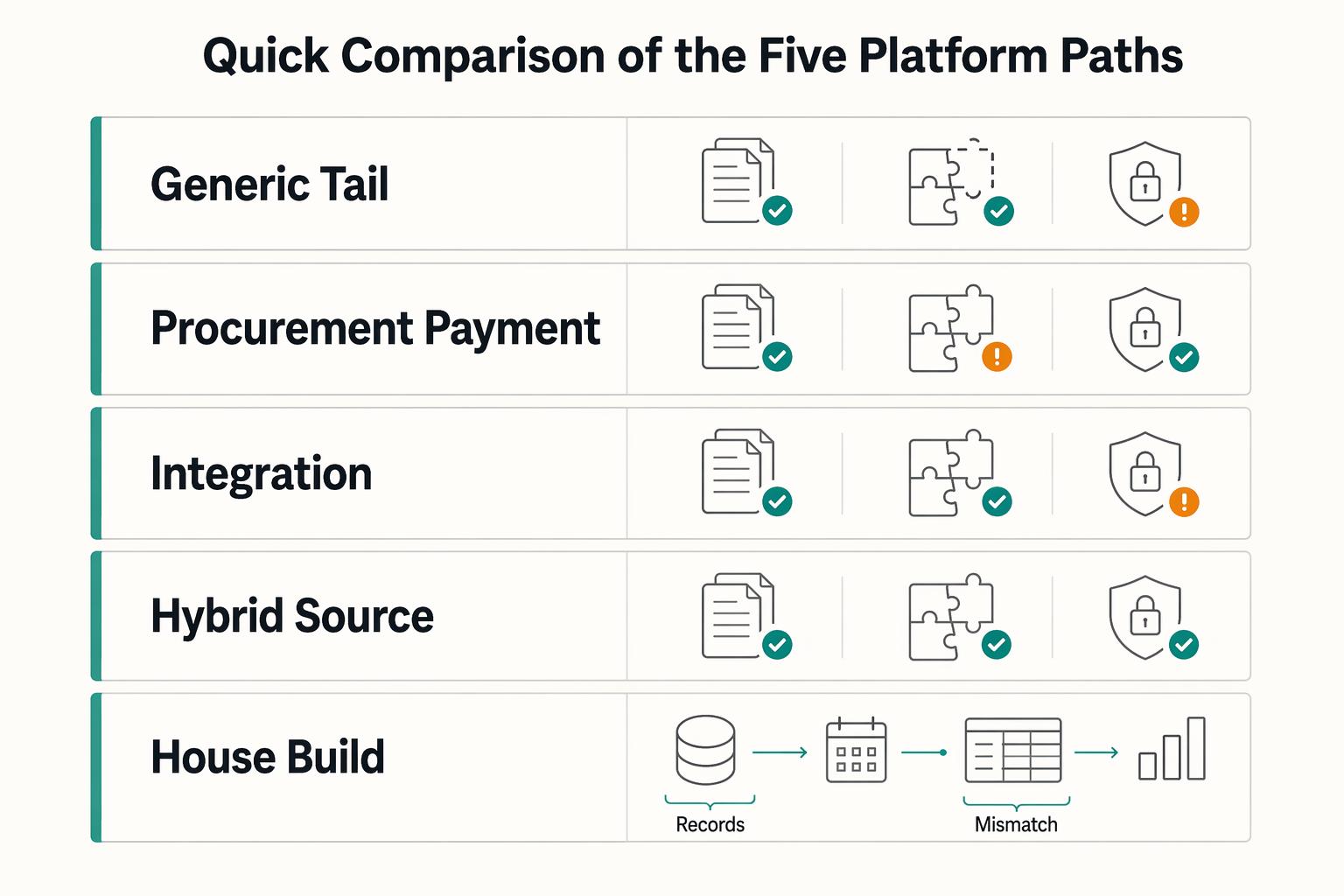
Choosing a Tail-End Spend Management Platform for Long-Tail Contractor Payments
Tail-end spend management can start to break down when long-tail contractor payouts begin to scale. Tools built for low-value, low-visibility procurement can tighten approvals and policy. They are not automatically built for payout-state tracking, retry safety, payout failures, or reconciliation evidence. That gap is the real decision here.
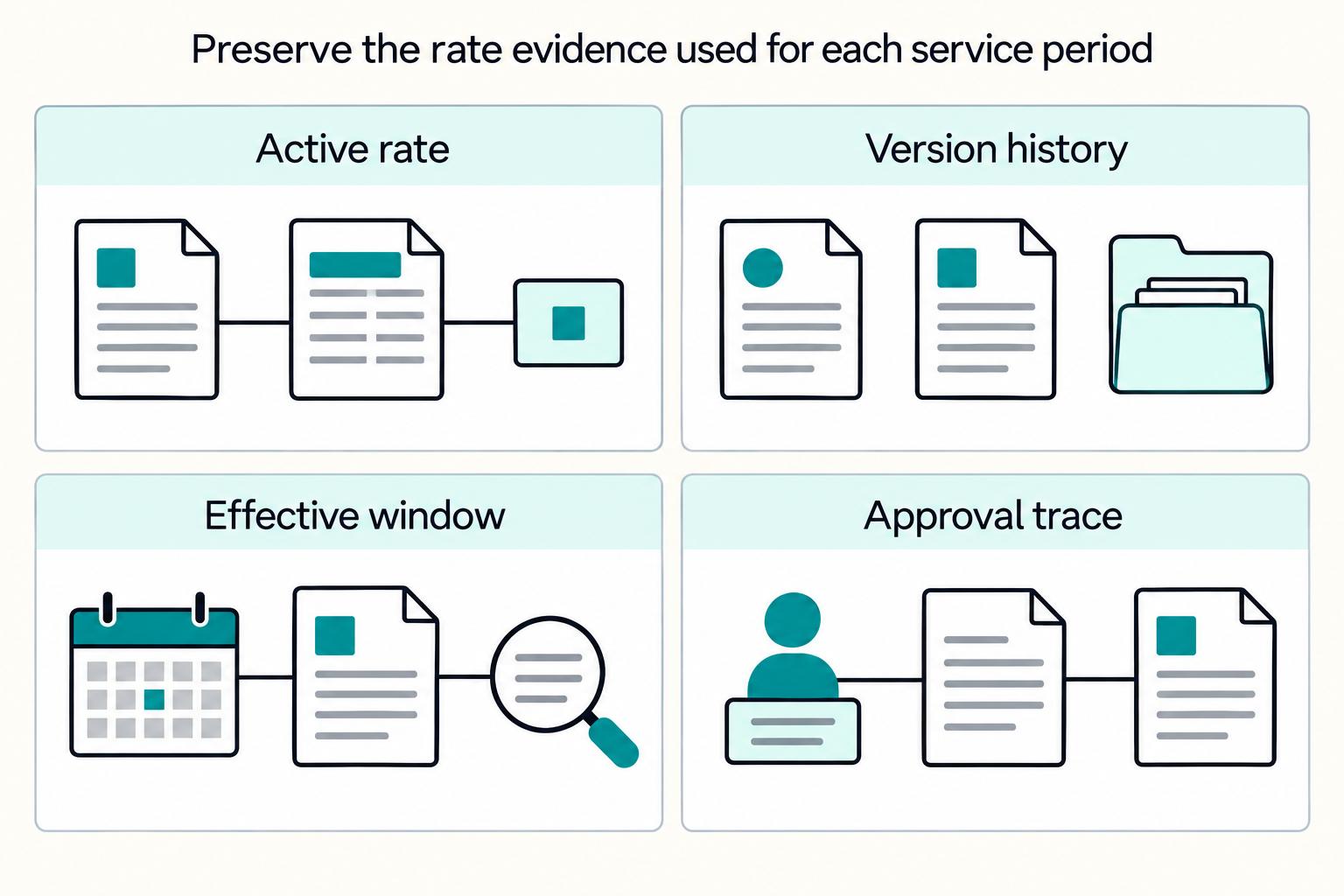
Vendor Contract Management for Platforms: How to Automate SOWs MSAs and Rate Cards
If you are evaluating how **vendor contract management platforms automate SOWs, MSAs, and rate cards**, start with the control chain, not a feature grid. You need a governing **Master Service Agreement (MSA)**, the right **Statement of Work (SOW)** for each engagement, a current **Contract Rate Card**, and checks before anyone is approved, activated, or paid.
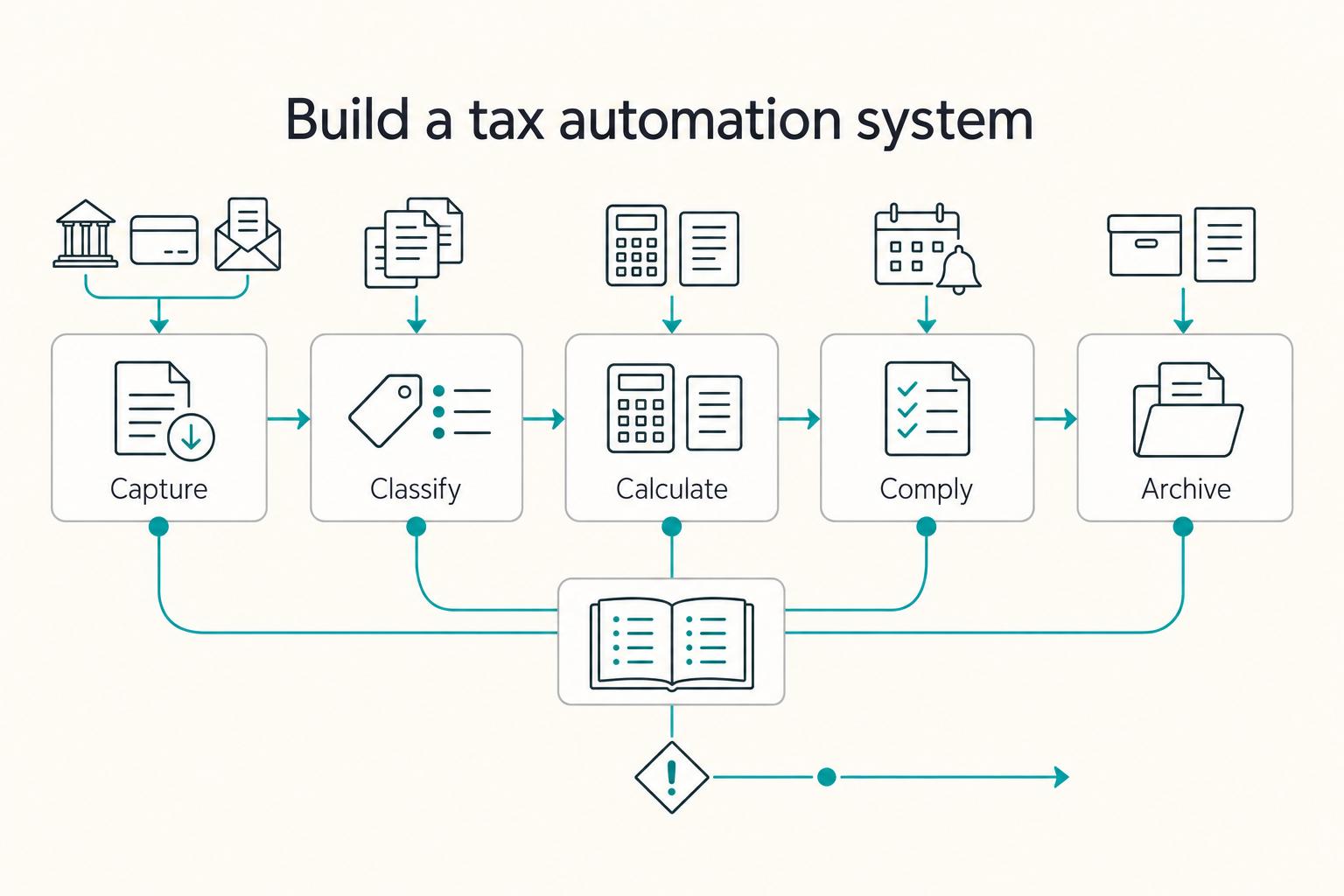
How to Automate Your Freelance Tax Preparation
**To automate freelance taxes safely, automate the boring mechanics and keep human approval for the decisions that create real compliance risk.** You are the CEO of a business-of-one. Your job is to run a system that stays resilient while your clients, tools, and countries change.