
Quick Answer
A PO number uniquely identifies a purchase order. Issue it through one controlled process and connect the approved version and budget to invoice lines, acceptance or advance-payment approvals, and payment records. Multiple invoices can share a PO; track their cumulative amount against its ceiling and distinguish unpaid invoices from remaining commitment.
What a PO Number Means in Platform Operations#
A PO number identifies a purchase order: the approved commitment to buy specified goods or services. For contractor work, it connects the agreed scope and budget to invoices, acceptance records and payments. It does not itself prove that work was completed or that a payment settled.
At a basic level, a PO number is a unique identifier assigned to each purchase order. In practice, its value comes from staying attached to the same record through the full lifecycle. If invoices, receipts, correspondence, and approval artifacts split across tools, the number stops acting like a control point and becomes a reference people hope is right.
That is why tracking is the real decision. A workable setup lets you answer three questions quickly, from one record, with evidence:
- Was this PO actually approved?
You need a visible approval state tied to the same record as the PO number. If an approver signs off in email but the tracker still shows draft, matching issues can start before AP review begins.
- Can the invoice be linked back to the original PO without guesswork?
The number should appear across related documents, including the invoice and any delivery or completion evidence you keep for the engagement. If the contractor name matches but the PO reference is missing or inconsistent, manual exception work follows.
- Can finance and operations reconstruct what happened after payment?
A spreadsheet register can hold the needed information for multiple POs. The common failure mode is visibility: manual spreadsheet or paper tracking becomes time consuming and hard to monitor in real time, especially when several people update status, approvals, and billing references at different points.
So the practical choice is not spreadsheet versus software in the abstract. It is whether your current method still preserves a single reliable record for issuance, approval, and invoice linkage. If it does, keep it simple. If it does not, move toward a PO tracking system, including purchase order software or an API-backed model that keeps PO records and related assignment data aligned.
For example, a hypothetical $10,000 PO receives a $4,000 milestone invoice and a later $3,000 invoice. With no taxes, credits or amendments in this example, $7,000 has been invoiced and $3,000 remains available under the PO. If only the first invoice has settled, $3,000 is still unpaid. Paying that invoice does not restore the PO ceiling: new work above $10,000 needs an approved amendment or new order.
This guide is built around that choice. It compares the models teams actually use. It shows controls meant to reduce duplicate or broken matching, and it makes the upgrade trigger explicit so you do not wait until reconciliation pain forces the move.
Include the PO reference when preparing the contractor bill. The free invoice generator can help format the invoice; your approval and matching records still determine whether it is payable.
Selection criteria that separate workable systems from future rework#
Choose the lightest PO workflow that still gives Accounts Payable and engineering one shared, reliable record from creation through invoice and payment handoff. If you only issue occasional one-off POs with no downstream invoice or payout handoff, a lighter process can still be enough. If you cannot show your current state from one record, we recommend tightening the workflow before volume grows.
| Criterion | What to confirm | Why it matters |
|---|---|---|
| PO number integrity | Confirm each purchase order has a unique identifier within a documented entity or system namespace. Enforce uniqueness when issuing it; sequential numbering alone is insufficient. | Uniqueness is enforced at creation instead of relying on manual entry every time. |
| Approval workflow clarity | Verify the PO lifecycle status is visible after creation and that approval state is clear on the same record. | If status and approvals live in separate tools, lifecycle control breaks down. |
| Audit trail completeness | Check whether the system preserves a usable history of key PO actions and approvals. | Teams can reconstruct what happened when questions come up. |
| Invoice and payment linkage | Confirm the PO can be tracked end to end, from request and approval through invoice and payment, without guessing which records belong together. | It keeps related records tied together through the lifecycle. |
| Operational effort to maintain | Count manual handoffs where people re-enter status, references, or attachments. | Manual touchpoints become rework as volume grows. |
Judge options against these five criteria, using what the system can prove rather than what the process is supposed to do.
- PO number integrity
Give each PO a unique identifier within a documented namespace, such as the issuing legal entity. Enforce uniqueness in the issuing system. Sequential numbering is convenient but needs collision protection when several users create records at once. One PO can cover multiple milestones or invoices; each invoice must identify the PO and the relevant line or milestone.
- Approval workflow clarity
Verify the PO lifecycle status is visible after creation and that approval state is clear on the same record. If status and approvals live in separate tools, lifecycle control breaks down.
- Audit trail completeness
Check whether the system preserves a usable history of key PO actions and approvals so teams can reconstruct what happened when questions come up.
- Invoice and payment linkage
Confirm the PO can be tracked end to end, from request and approval through invoice and payment, without guessing which records belong together.
- Operational effort to maintain
Count manual handoffs where people re-enter status, references, or attachments. Manual tracking can work early, but those touchpoints become rework as volume grows.
If AP and engineering cannot quickly agree on a PO's current lifecycle state from the same tracker, the design is too weak for scale. If you need one upgrade trigger, use that disagreement as the signal instead of waiting for reconciliation pain.
Comparison table for PO number assignment and tracking models#
Start with this filter: use a spreadsheet for speed and low complexity, and move to purchase order software when you need approval clarity, lifecycle visibility, and audit-ready records across teams. We recommend making that upgrade decision before exceptions start living in email threads instead of the PO record.
| Decision point | Spreadsheet (Excel / Google Sheets + Shared Drive) | Standalone Purchase Order Software | Contract-led tooling | Hybrid API + AP stack (AP Automation + internal services) |
|---|---|---|---|---|
| Core model | Manual tracker maintained in a shared file. | Purpose-built PO system with defined workflow and status handling. | Contract record anchors commitments and supplier terms in one central repository. | Internal service assigns/stores PO numbers while AP tooling runs approvals and billing steps. |
| Best for | Early-stage teams with low PO volume and one clear owner. | Teams that need one place to track submission, approval, PO progress, and invoice-stage status. | Teams where contract terms drive procurement decisions and approvals. | Platforms with strong engineering ownership that need PO data aligned with internal systems. |
| Avoid when | Multiple teams edit POs or approvals live in email/chat. | PO volume is low and you cannot support implementation overhead yet. | AP and billing evidence remain outside the contract system. | You cannot maintain assignment logic and cross-system sync reliably. |
| Duplicate-risk controls | Weak unless edit rights, numbering controls, and reconciliation are tightly managed. | Stronger when numbering and approval state are managed in the same system. | Moderate if contracts are centralized but PO issuance still happens elsewhere. | Strong only if one service is enforced as the single PO issuer. |
| Approval latency | Fast to launch, then often slows with manual handoffs. | Usually clearer because approver roles and workflow states are explicit. | Can be efficient when legal and procurement approvals are synchronized. | Depends on integration quality between internal services and AP tooling. |
Real-time Approval Tracking | Limited; often reflects last sheet update rather than live workflow state. | Strong; real-time PO status visibility is a core capability. | Strong for contract approval state, less consistent if PO/AP status is split. | Mixed; strong only when status updates converge into one operator-facing view. |
Audit Trail export readiness | Weak to moderate; history exists but often needs manual assembly. | Stronger; better fit for exportable approval/status history. | Moderate to strong for contract events; weaker if AP evidence is separate. | Variable; strong when logs, approvals, and AP artifacts can be exported together. |
| Main tradeoff | Fastest setup, weakest control and traceability. | More setup effort, stronger control and traceability. | Better contract governance, potential AP handoff gaps. | Highest flexibility, highest design and maintenance burden. |
Rule out weak models before you implement anything. If creator and approver separation matters, require one record that shows requester, approver, timestamp, and current status without checking email threads.
Before committing, run one sample PO end to end through submission, approval, PO creation, and invoice stage. If approval proof and PO-to-billing linkage cannot be exported cleanly from the model you chose, expect rework during disputes or audits.
If you want a deeper dive, read What Is a Purchase Order (PO)? And When Should Platforms Use POs for Contractor Engagements.
Best options platforms use to assign and track PO numbers#
Choose the lightest model that still gives you one issuance path, one visible approval state, and a clear PO-to-billing link.
- Manual register in
ExcelorGoogle Sheets
Use this as a starter for low-volume contractor engagements with one approver and simple AP. It is fast and low cost, but teams often outgrow spreadsheets as purchasing complexity rises. Keep it only if one owner controls numbering and one file is the source of truth.
- Shared tracker plus approval routing
Use this when you need clearer approvals but are not ready for dedicated PO software. Structured routing improves ownership visibility and makes multi-manager signoff easier to follow. The risk is record drift across versions, comments, and drive copies, so lock numbering edits and require one final approved row or file state before issuance.
- Dedicated
Purchase Order Software
Use dedicated PO software for recurring contractor spend and stricter reconciliation. Test whether it centralizes requests, routes approvals and exports decision history alongside invoice links. Measure approval time before and after a pilot, including time spent resolving exceptions; automation does not establish a particular cycle-time improvement by itself.
- Contract system anchored approach, for example
Ironcladstyle
Use this when contract terms determine whether a PO should exist and what it must allow. Contract-led flows improve policy consistency across legal, procurement, and finance. This works well only when contract-to-purchase integrations keep identifiers and approval data synced into the AP side as well.
- Hybrid API model with
AP Automationand platform ledger controls
Use this when spend events originate in product or ledger systems. Internal services can issue IDs while AP tooling manages invoice matching. Preserve a change version or event identifier and reconcile missed or repeated updates. A retry of the same creation request should retrieve the existing PO, rather than issue a second commitment. Test these behaviors against the chosen integrations.
Related: Accounts Payable Aging Report for Platforms: How to Track Overdue Contractor Payments.
PO number design rules that prevent duplicates and broken matching#
After you pick your tooling model, protect one identifier from approval through billing and payment with four controls.
- One issuer, one status record
Assign one team to issue the PO Number, and keep one system as the current status source of truth. Unique transaction identifiers are a core control, not just naming hygiene. If more than one team can mint PO numbers, duplicate and conflicting records become much harder to prevent and resolve.
- Treat canceled POs as closed records, not reusable slots
Never reuse a canceled PO number for a new purchase. Preserve its history and link any replacement or amendment. Cancellation may stop future work while leaving accepted work or a cancellation fee payable, so close the remaining commitment separately from outstanding invoices. Set retention from applicable contracts and laws: FAR Subpart 4.7 specifies four-year periods for certain PO files under covered US government contracts, subject to its applicability and calculation rules. That is not a universal marketplace retention period.
- Set matching keys at creation
Define your minimum linkage keys before any invoice arrives: PO Number, contractor/entity reference, and the invoice-link fields your AP workflow relies on. In systems where invoice entry can be tied to an identifying PO field, this upfront structure prevents late-stage guesswork. Without it, AP often ends up matching on supplier name alone and handling avoidable exceptions.
- Write an explicit PO Flip boundary
If you use PO Flip, document exactly when an Invoice can inherit PO data and when it can only reference the PO. PO-based invoicing can flip PO information into invoice data and then run invoice-rule validation, so your boundary should align to your approved PO states. That keeps invalid or incomplete POs from flowing into billing as if they were fully issuable.
Approval and payment checkpoints from PO to invoice to payout#
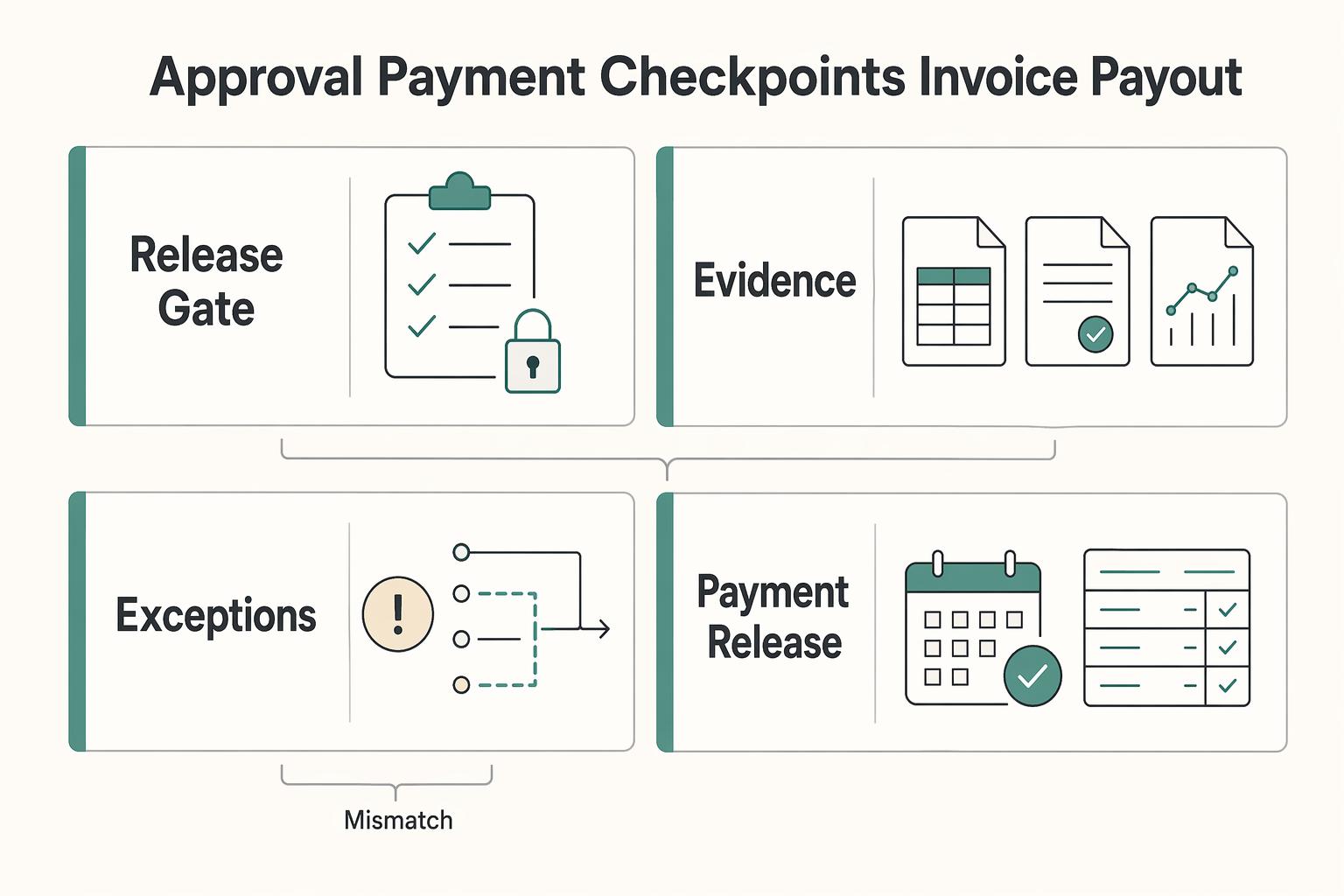
A stable PO number is only the first control; the more important one is a clear gate from approved commitment to payable cash. Define each handoff in your system and route mismatches before payout instead of fixing records after money moves. We recommend keeping that gate visible to both engineering and AP so status questions do not turn into matching surprises later.
| Checkpoint | Requirement | Notes |
|---|---|---|
| Approval lock before issuance | Keep the Purchase Order in draft until the Approval Workflow is complete, then issue from that approved record. | If price, scope, or supplier fields change after approval, require reapproval. |
| Evidence appropriate to the billing terms | Match the invoice to the approved PO and obtain acceptance evidence when the terms require delivery before payment. | An approved advance or deposit can be payable before delivery. Record that payment basis instead of inventing a receipt. |
| Invoice matching with a named exception owner | Use tolerance-based matching rules and assign a clear owner for the exception queue. | Hold the affected payment for resolution or a documented authorized exception; tolerances depend on policy and system configuration. |
| Payment release with a precise definition of paid | Release payment only after matching and exception checks pass. | Record initiated, pending, settled and failed or returned payments separately; initiation is not proof of receipt. |
- Approval lock before issuance
Keep the Purchase Order in draft until the Approval Workflow is complete, then issue from that approved record. Preserve one approval timestamp and one approver chain that can be reconstructed later. If price, scope, or supplier fields change after approval, require reapproval so the approval record still controls.
- Evidence appropriate to the billing terms
Match the invoice against the approved scope, amount and billing schedule. For work payable on acceptance, attach the service acceptance record. For an approved deposit or advance, retain the contract term and advance approval instead. Two-way matching compares an invoice with the PO; three-way matching also uses receipt evidence. The fields and tolerances vary by product: Microsoft Dynamics 365 distinguishes price matching from receipt-quantity matching. Configure the policy for contractor services rather than applying goods-receipt requirements to every bill.
- Invoice matching with a named exception owner
Route price, quantity, currency or scope mismatches to a named exception owner. Hold the affected payment until the mismatch is resolved or an authorized exception is recorded. Set tolerances by policy; a software example is not your approval threshold. Check cumulative invoices against the PO ceiling as well as each invoice independently, and retain credits or cancellations so the remaining commitment can be reconstructed.
- Payment release with a precise definition of paid
Release an authorized payment after the applicable matching checks and exceptions are resolved. Record payment initiation, processing, settlement, failure and return separately. Keep the provider reference and reconciliation evidence with the invoice. Do not mark an invoice settled merely because an API accepted the request; if a result is uncertain, recover its status before retrying. A return needs a new outstanding-payment state even if the original attempt appeared successful.
If you automate one control first, automate invoice policy checks at workflow submission so exceptions are caught before payout.
For a step-by-step walkthrough, see How Platforms Automate Pre-PO Approval with Purchase Requisitions.
Failure modes that signal your current approach is breaking#
If these patterns show up repeatedly, your PO-number process is no longer a reliable system of record from PO creation through invoice review and payout.
- Duplicate
PO Numberincidents in aSpreadsheet
Repeated duplicate PO numbers indicate a failure in issuance ownership or collision checks, especially when teams maintain separate files. Check identifier length, permitted characters and legal-entity scope in every connected system before choosing a format. Preserve the canonical ID when a tool requires a shorter external reference, and keep an explicit mapping rather than improvising suffixes.
Shared Driveapprovals no longer match actualInvoicedecisions
When approved artifacts and live invoice decisions diverge, the control has already broken. Manual environments commonly show this pattern: approvals bottleneck, and PO artifacts get lost across files. Validate one disputed case end to end by comparing the approved file, the issued PO record, and the invoice AP processed.
- Manual AP exception work keeps rising for missing or mismatched references
Track the causes of manual exceptions: missing PO references, unmatched lines, absent approval evidence or coding errors. Measure both their frequency and age. A rising queue can reflect a bad intake form or synchronization failure rather than the need for a larger software package. Repair the recurring cause and verify it with new invoices before expanding automation.
- You cannot reconstruct a clean
Audit Trailfor a disputed payment
If you cannot show who changed what and when, treat it as a system design gap. A usable PO-invoice audit trail should preserve timestamped changes, the user who made each update, and a short change description. If evidence only exists across email, chat, and folder history, your current approach is not audit-safe.
30-day implementation sequence for a stronger PO system#
If these failure modes are already showing up, do not start with a broad rollout. Use the first 30 days to prove three controls: one owner for PO Number issuance, one clear approval-state model for PO release, and one explicit path for AP exceptions.
| Week | Focus | Key actions |
|---|---|---|
| Week 1 | Map the actual source-to-pay path | Map the workflow end to end, document every PO creation point and approval handoff, and trace one recent contractor payment from request to final status. |
| Week 2 | Choose the target model and lock ownership | Pick the operating model, then lock who issues IDs, who governs approval states, and who can move records between states. |
| Week 3 | Implement controls that reduce avoidable exceptions | Implement unique PO Number generation, required status transitions, invoice matching checks, and named exception routing. |
| Week 4 | Run a bounded pilot before expanding | Pilot with a limited contractor cohort; validate reporting, audit exports and reconciliation on real transactions. Compare approval time and exception rates with the measured existing process. |
- Week 1: map the actual source-to-pay path
Map the workflow end to end, from requisition or intake through Purchase Order, invoice handling, and payment. Document every PO creation point, every approval handoff, and every place status can change outside the main record. If PO creation is supposed to happen only after approval, mark that gating event clearly. By the end of the week, you should be able to trace one recent contractor payment from request to approval to PO issuance to final status.
- Week 2: choose the target model and lock ownership
Choose the model that fits the observed gaps: a controlled register for a simple workflow, dedicated PO software for shared approvals, or an integrated AP path when product systems issue commitments. Volume alone does not decide the choice. Name the ID issuer, approval-state owner and authorized state changers, including who can approve amendments.
- Week 3: implement controls that reduce avoidable exceptions
Implement unique PO Number generation, required status transitions, and invoice matching checks that continue through approval and payment, not only PO issuance. Define exception routing with named owners and clear handling criteria for cases like missing PO references, price mismatches, or approval delays that block automatic processing.
- Week 4: run a bounded pilot before expanding
Pilot the new process with a limited contractor cohort or user group. Keep it time-bound and measurable. Before rollout, validate reporting outputs, Audit Trail exports, and reconciliation files on real transactions. If your current manual path takes 2-3 days, use that as a baseline for comparison, not a guaranteed outcome. Do not expand coverage until pilot results show lower exception volume and faster approval-to-payment cycle time for the same transaction type.
You might also find this useful: What Is a Requisition Order? How Platforms Use Internal Purchase Requests to Control Spend.
Conclusion#
Start by tracing one contractor engagement from approval to settlement. If the PO number stays connected to the approved version, invoice lines and payment evidence, build on that process. If the trace breaks, repair the missing ownership or linkage before choosing a larger system. Use the pilot to test partial invoices, amendments, advance payments and returns, not only a straightforward fully paid order.
Frequently Asked Questions
What is a `PO Number` in a contractor engagement context?
A PO number identifies one purchase order and connects its approved scope, budget and terms to related records. Multiple invoices or partial payments can legitimately reference the same PO. Match each to a line or milestone and track cumulative invoicing and settlement separately.
How should platforms assign `PO Number`s so finance and engineering do not create conflicts?
Use one issuance process and one source of truth for status. If finance can create IDs in one place and engineering can mint them somewhere else, duplicate or conflicting records become more likely. A simple verification test is this: pick one recent contractor payment and confirm there is exactly one PO record and one current status history for it.
When should a team move from `Excel` or `Google Sheets` to `Purchase Order Software`?
Move when the register can no longer preserve unique issuance, approval evidence, invoice links and shared status without version hunting. Multiple approvers, recurring amendments or persistent reconciliation exceptions are useful triggers. A low-volume but complex workflow may need software sooner than a high-volume, simple one.
What must be tracked from `Purchase Order` creation through `Invoice` payment?
Track the approved PO version and ceiling, contractor and legal entity, line or milestone, invoice amounts, credits, acceptance evidence when required, and payment references and outcomes. Distinguish remaining commitment from unpaid invoices. Apply the matching policy appropriate to the billing terms, including approved advance payments.
How does `PO Flip` change controls for invoice matching?
PO Flip copies PO data into an invoice draft; it does not prove the bill is payable. Copy from the approved version, select the applicable lines or milestones, check the new invoice against the remaining approved amount and cumulative invoicing against the PO ceiling, and apply the agreed acceptance or advance-payment requirements. Route changes to scope or price for review rather than silently inheriting outdated values.
What is the minimum `Audit Trail` a platform should keep for PO-linked payments?
Keep the PO identifier and versions, scope and ceiling, requester and approvers with timestamps, change reasons, linked invoices and credits, required acceptance or advance approvals, exception decisions, and payment references and outcomes. Preserve who changed each state and why. An export should let another operator reconstruct the commitment, invoice and settlement without searching private messages.
Try a related tool
Researched and edited by the Gruv editorial team. Gruv builds cross-border billing, payouts, and finance-operations software for global businesses.
Sources
Includes 7 external sources outside the trusted-domain allowlist.
- acquisition.gov/far/subpart-4.7trusted
- business.amazon.com/en/blog/po-numberexternal
- docs.oracle.com/cd/G17334_01/fscm92pbr52/eng/fscm/fpbm/Under...external
- docs.oracle.com/cd/G24469_01/fscm92pbr53/eng/fscm/fpbm/Under...external
- fraxion.biz/blog/best-purchase-order-softwareexternal
- gep.com/software/gep-smart/procurement-software/proc...external
- highradius.com/resources/Blog/purchase-order-numberexternal
- ibm.com/think/topics/purchase-order-automationexternal
Educational content only. Not legal, tax, or financial advice.
Related Posts
When Platforms Should Use Purchase Orders for Contractor Engagements
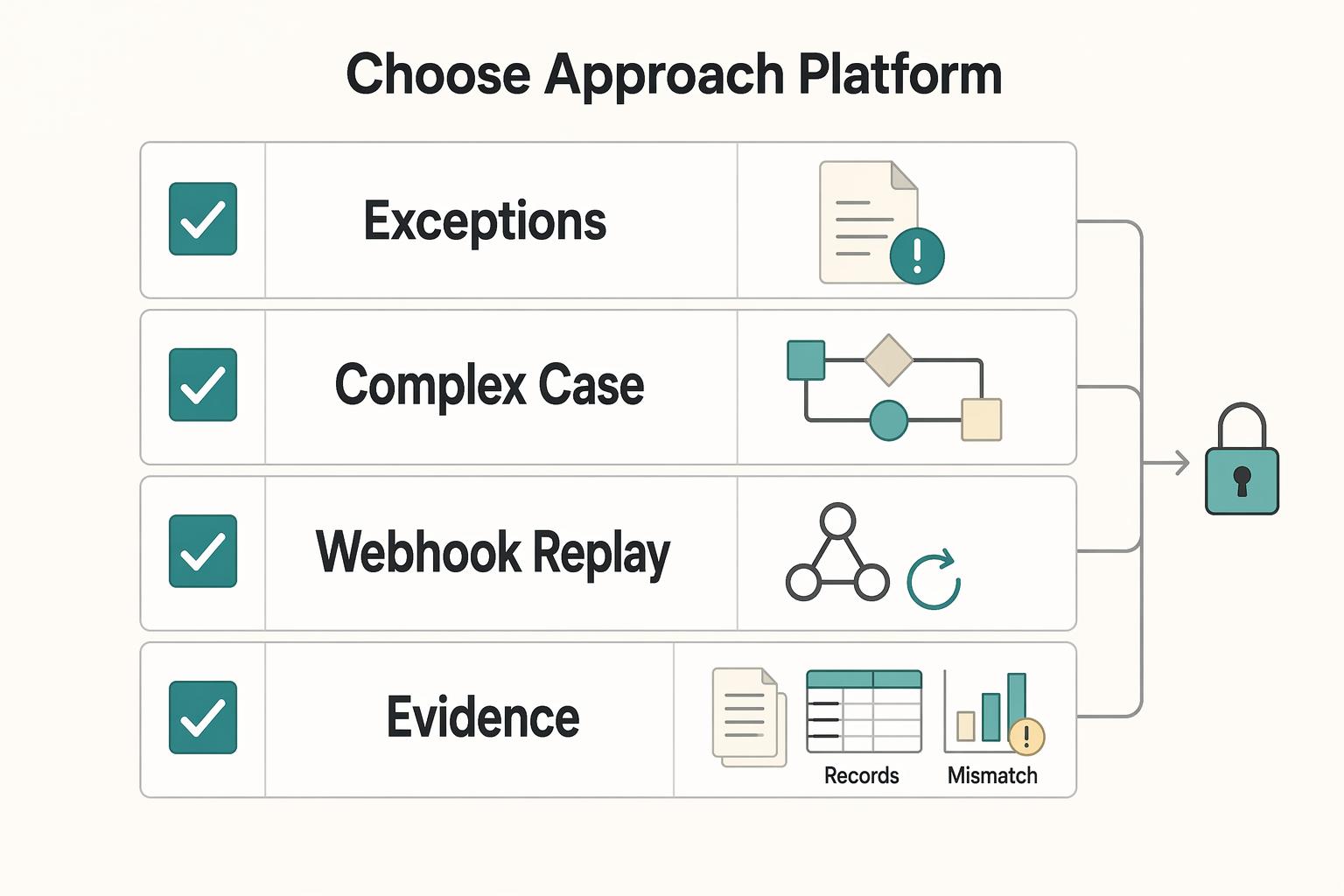
A purchase order can tighten control in a contractor program. But it can also create pointless gates if it stops with procurement and never reaches billing and payout records. For platform teams, the real question is not whether a PO exists. It is whether the same record can authorize spend, support AP review, and still reconcile cleanly when money moves.
Accounts Payable Aging Report for Platforms: How to Track Overdue Contractor Payments
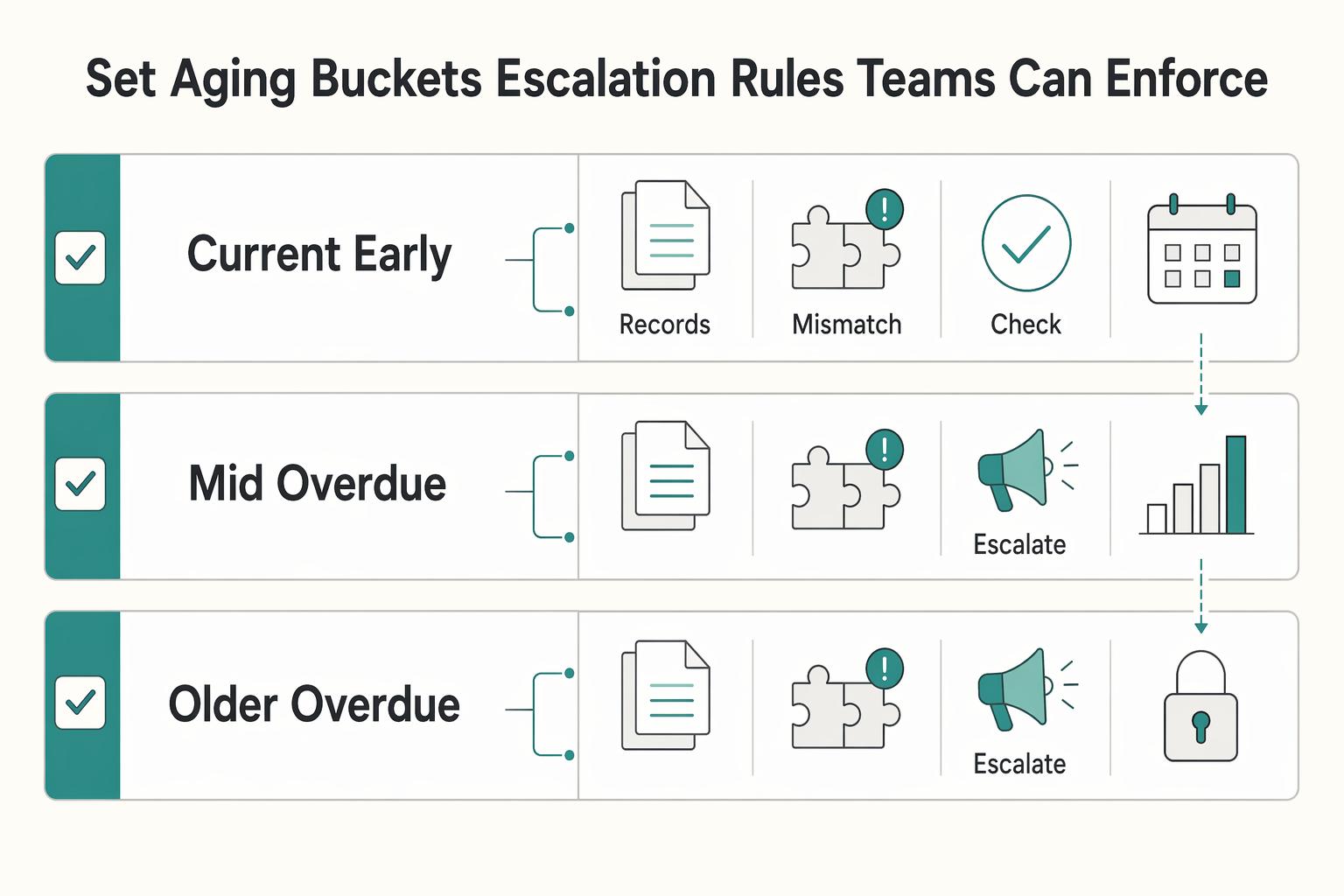
Build this to drive action, not just generate another finance report. For platform teams, an AP aging report is most useful when each overdue line shows what is owed, when it was due, and whether the issue is a payable aging problem, a process delay, or payment-system risk.
What Is a PO Flip? How Platforms Auto-Convert Purchase Orders Into Invoices
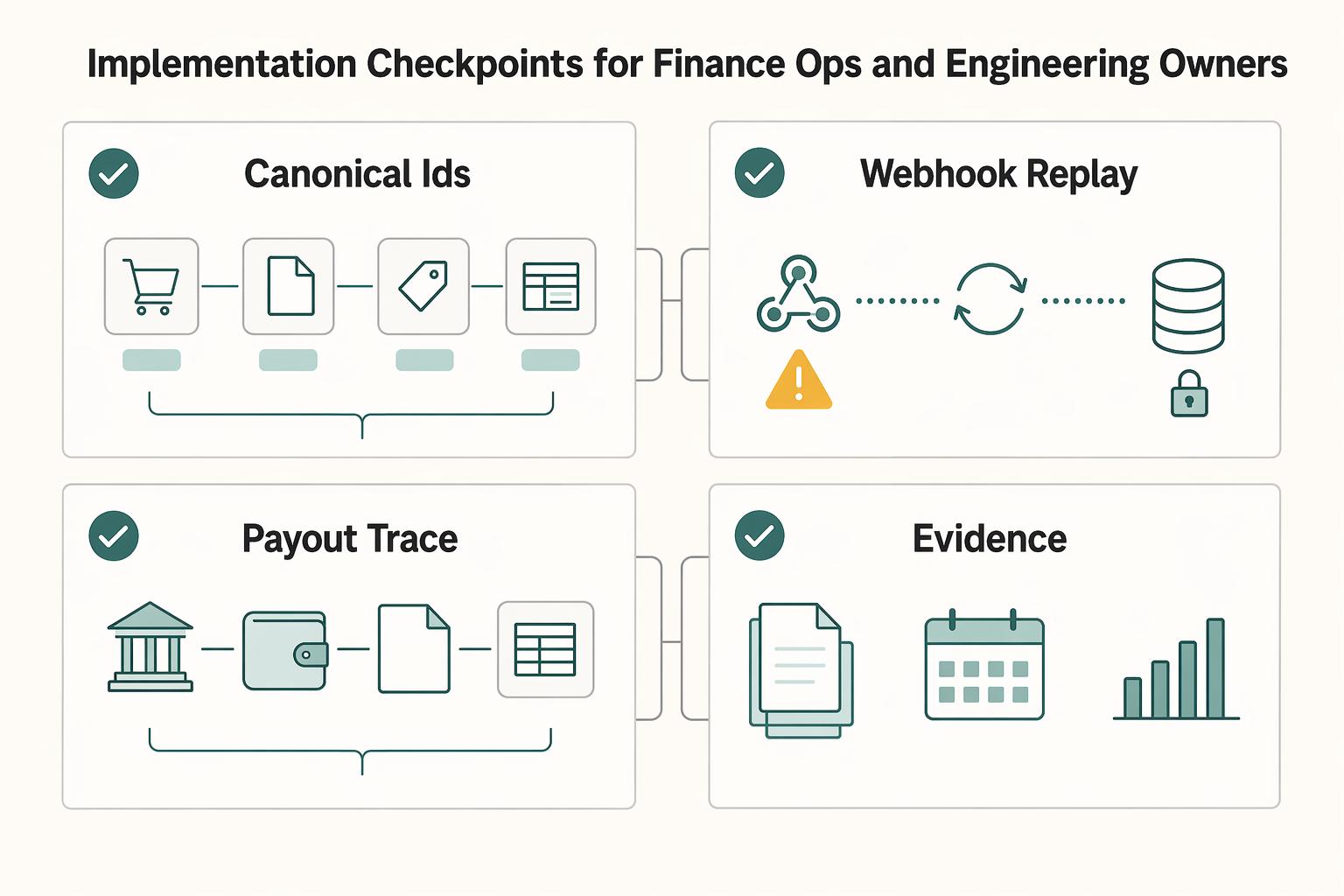
A PO flip pre-fills a supplier’s invoice draft from the buyer’s purchase order. It saves re-entry, but PO approval does not prove delivery, service acceptance or invoice approval. Buyer-side self-billing is a separate arrangement requiring its own authority.