
Quick Answer
A PO flip pre-fills a supplier invoice from a buyer purchase order. It reduces data entry but does not prove receipt or make the invoice payable. Track accepted and previously invoiced quantities, reserve each partial draw atomically, distinguish retries from new draws, and handle issued-invoice corrections through the appropriate process.
How a PO Flip Works#
A PO flip pre-fills a supplier’s invoice draft from the buyer’s purchase order. It saves re-entry, but PO approval does not prove delivery, service acceptance or invoice approval. Buyer-side self-billing is a separate arrangement requiring its own authority.
- Treat PO flip as control-dependent automation. A PO flip automates the conversion of a purchase order into an invoice, but the result is only as trustworthy as the PO data feeding it. If your team cannot reliably verify key order details before creation, broad auto-convert can push mistakes downstream faster. This matters even more when partial order invoicing is part of the business model.
Tradeshift explicitly documents that multiple invoices can be created from the same order. That is useful for recurring or draw-based billing, but it also means you should design checks around remaining value and duplicate creation up front.
Compare the conversion path your buyer program actually enables. Tradeshift documents received-order conversion and partial invoices; Tungsten documents a Webform portal path with buyer-program conditions. Neither example establishes every integration’s retry or posting behavior.
Tungsten Network sits in a different spot. There is real PO convert support, but the support article says the functionality is available only to Webform accounts. Its guide also emphasizes PO-data validation before acceptance, which tells you the path is real but scoped and control-heavy.
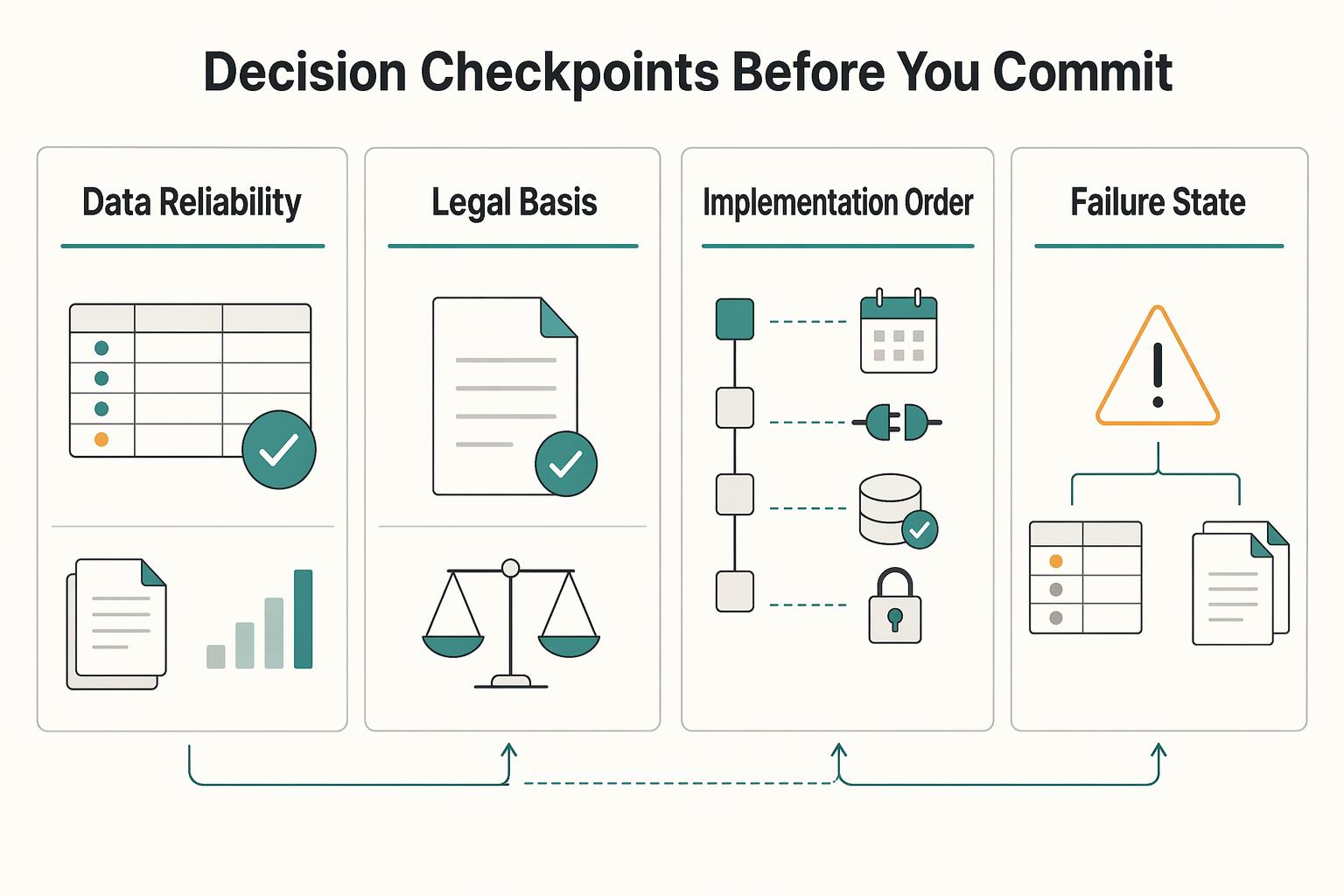
- Pick an automation depth your finance and engineering owners can defend. The practical question is not whether a platform can convert a purchase order into an invoice. It is whether your team can launch with checkpoints that prevent silent drift and preserve an audit trail when exceptions happen. At minimum, you should know what must match before invoice creation, what gets held for review, and what event history is retained when an order changes after the first invoice is generated.
Tungsten's published guidance is a useful warning for the whole category. If header or line-level details do not match the purchase order data, the invoice may be rejected. If mismatch handling and reconciliation exports are still vague in vendor discovery, keep automation shallow until you can prove the controls work.
For the approval step that usually comes before a PO, see What Is a Requisition Order? How Platforms Use Internal Purchase Requests to Control Spend.
How to choose a PO flip platform without reconciliation surprises#
Choose for day-2 controls, not demo speed. PO flip fits teams that repeatedly create invoices from approved purchase orders with stable core fields; it is a poor fit when PO IDs, supplier data, line pricing, or remaining balances are still being corrected manually. If that is your current state, tighten upstream intake first with purchase requisition controls. We recommend making that control decision before your team compares UI polish.
Use this checklist before contract:
Order changehandling after the first invoice existsPartial order invoicingbehaviorAPIandWebhookcoverage for PO-to-invoice eventsIdempotencyon create and retry pathsLedgertraceability and reconciliation exports
- Order changes and partial invoicing
Illustrative order:100 units at$10 each, with no prepayment permitted. The buyer has accepted60 units and already invoiced40, so20 units ($200 before tax) are eligible for the next invoice. Track ordered, accepted, invoiced and reserved quantities per line. If two drafts each request20 units, atomically reserve the available20 for one draw; the other waits rather than both consuming the same capacity.
- Retry safety, duplicate prevention, and event handling
Give each legitimate partial draw its own operation ID while deduplicating retries of that draw. The PO ID alone cannot identify a duplicate because multiple valid invoices share it. Match supplier invoice identity and business draw identity; reserve capacity and persist the invoice result atomically. Release reservations only after confirmed cancellation/failure; reopen capacity after credits only under approved policy.
- Reconciliation and posting traceability
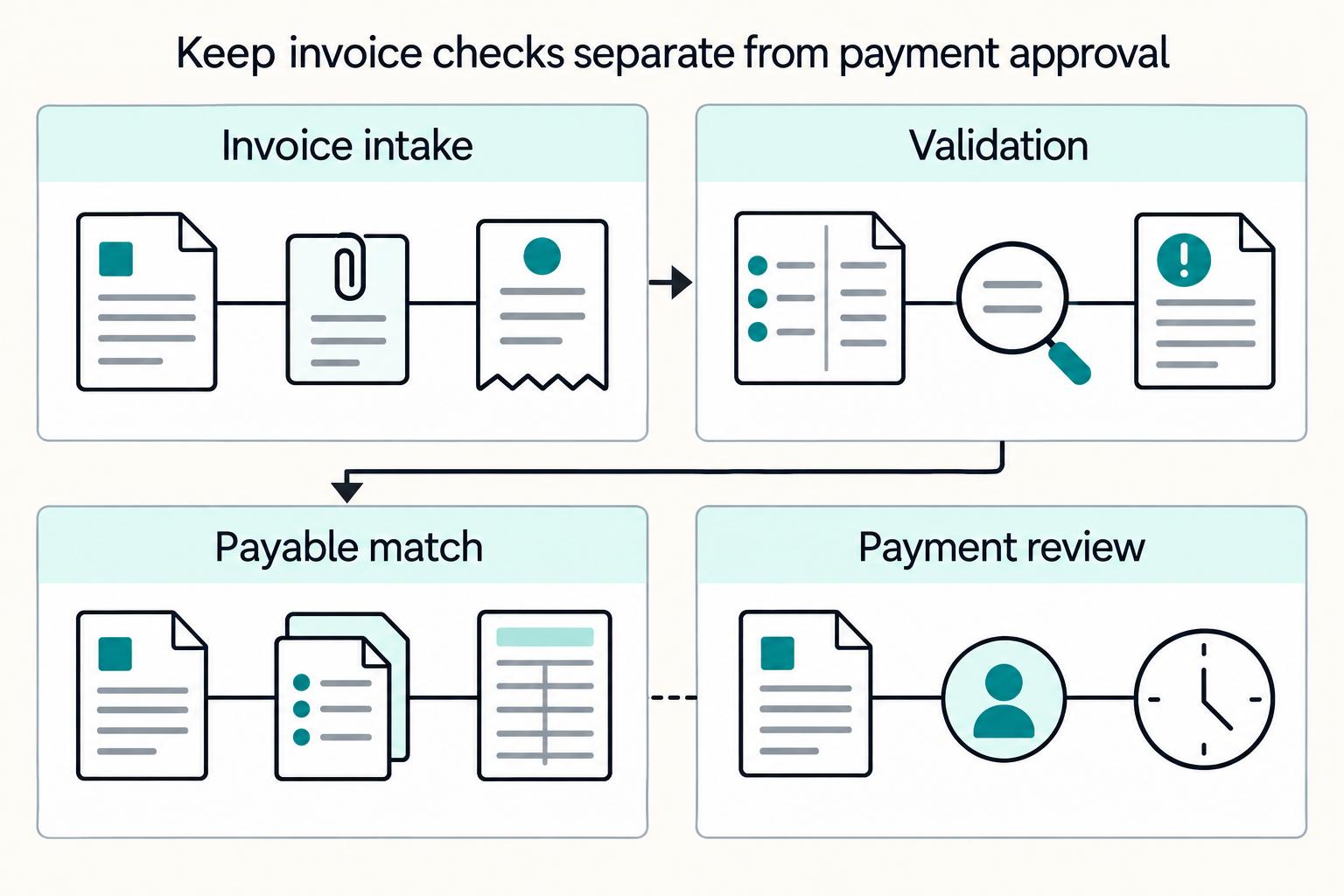
Match supplier/entity, currency, quantities, unit prices and applicable tax/freight rules to the order and receipt or service acceptance. Apply agreed tolerances and approvals before payment. Trace the invoice through AP and any applicable GL posting, then separately reconcile payment issuance and bank settlement. Dynamics365 posting behavior depends on configuration; a draft or event need not create a journal entry.
| Documented example | Scope | Integration checks |
|---|---|---|
| Tradeshift | Received PO/order-change conversion and partial invoices | Account-specific API, remaining-capacity and retry behavior. |
| Tungsten Network | BMS Webform PO Convert supports partials and previously invoiced quantities | Buyer-program enablement, amendments, rejection evidence and exports. |
| Ramp | Purchase-order and finance integration surfaces require workflow-specific validation | Exact invoice path, current release scope, business dedupe and reconciliation. |
If a vendor cannot show both duplicate prevention and usable reconciliation exports for PO-to-invoice events, do not enable broad auto-convert. These are minimum gates, not the full buying decision.
For a different auto-generated invoice model, see Self-Billing Invoices: How Platforms Can Auto-Generate Invoices on Behalf of Contractors.
If you want a quick next step, try the free invoice generator.
Documented supplier conversion paths#
These documented examples show different supplier conversion paths. Test the one enabled for your buyer account and integration.
1. Tradeshift#
Tradeshift documents PO flip as converting a purchase order into an invoice in-platform, with invoice fields auto-populated from PO data. The operator path is explicit: open Document Manager from the sidebar, select a PO in Received status, then click Create invoice.
It also documents partial order invoicing, so teams can create multiple invoices against one purchase order. The documented example is one yearly PO with monthly services, then multiple invoice draws from that approved order.
Tradeshift can use an order-change document for a subsequent conversion. Revalidate a draft against the authorized version and retain its history. A newer PO does not rewrite an issued or posted invoice: use the applicable amendment, credit or rebill process, then reconcile prior draws and remaining authorization.
The tradeoff is the scope of proof. What is confirmed here is UI and operator behavior; confirm API behavior, event/replay handling, and reconciliation export depth directly with Tradeshift.
For a pilot, use the documented conversion path with a controlled cohort and test partial draws, buyer validation and amendments before expanding.
PO flips often sit inside broader indirect procurement workflows. See How Platforms Control Non-Core Spend Through Indirect Procurement.
Ramp purchase-order and integration checks#
If Ramp is already in your finance stack, verify its current supplier invoice workflow and PO matching against your required controls.
2. Ramp#
Ramp has a plain-language explainer on what a PO flip is, dated October 1, 2024, and a Purchase Orders Help Center section. That is useful for early category alignment.
Purchase-order API access does not by itself establish invoice conversion, retry safety or posting behavior. Ask for the current supported endpoints, release status and event contract for your account; verify the complete PO-to-invoice path separately.
Before moving Ramp from education to shortlist, ask for:
- The exact endpoint or user flow that converts a purchase order into an invoice.
- The purchase order event set and whether payloads carry stable IDs for reconciliation.
- Where retry safety is guaranteed and where idempotency applies. Ramp requires an idempotency key for accounting sync, which does not by itself confirm duplicate-safe PO conversion.
- A finance-usable export or audit view for reconciliation.
Keep unresolved conversion or reconciliation behavior in the pilot acceptance criteria until you have a reproducible result.
Best for teams operating in supplier portal driven invoicing programs#
Tungsten’s documented buyer-program portal flow lets eligible users review, accept and convert POs into e-invoices.
3. Tungsten Network#
In the published Bristol-Myers Squibb Webform program, suppliers can bill partial quantities, repeat invoices against a PO and see previously invoiced quantities. Confirm the buyer program and account scope before relying on those features elsewhere.
Scope is the main qualifier. Tungsten support states PO conversion is available only to Webform accounts, and the public PO Convert page is tied to a specific buyer program (Bristol-Myers Squibb). Treat that as proof of a working portal motion, not proof of tenant-wide or API-level behavior.
Before you treat Tungsten as a build foundation, verify these points in a demo or pilot:
- Confirm your account is Webform and PO Convert is enabled for your buyer program.
- Confirm how PO updates or closures are handled; support docs say updated POs appear as a new version to accept in the portal.
- Request evidence you can retain: accepted PO version history, entered invoice number, selected lines, and validation or rejection messages.
The red flag is assuming a strong portal submission path also means confirmed event semantics or ledger-grade traceability. If you need network-based supplier invoicing, it is a valid shortlist. If you need reconciliation-ready integration behavior, keep it in validation.
Decide automation depth before you turn on auto convert#
Set automation depth based on control maturity, not feature availability: start where reconciliation is reliable, and increase autonomy only when PO changes, partial invoicing, and duplicate-event handling stay clean.
| Mode | Use when | Key controls |
|---|---|---|
| Draft-only PO flip | PO quality is inconsistent or you need a hard human checkpoint before submission or payment | The platform creates the invoice draft, and an operator verifies the current PO context before release |
| Review-first submit | Default transition mode from manual entry | Route through approval or release; require remaining-balance checks, duplicate detection, and an audit trail that captures PO version, approval action, and submitted invoice outcome |
| Auto-submit with sampled controls | Low-variance cohorts where exceptions are consistently low and traceable | Keep deterministic matching, capacity reservations, required approvals and duplicate prevention on every invoice; sampling supplements those controls. |
For a retried provider operation, preserve the same key, account, endpoint and payload within the documented retention window. Provider deduplication does not replace a durable local invoice/draw record. If create outcome is unknown, query the authoritative result before trying another key or creating a replacement.
Tax documentation depends on the payer arrangement and recipient status: W-9 generally serves U.S. persons, W-8BEN foreign individuals and W-8BEN-E foreign entities, with other forms possible. Reporting forms serve a separate purpose; PO conversion alone does not determine withholding or reporting.
A practical rollout is cohort-based: keep a cohort in review-first until reconciliation remains clean across PO version changes, partial draws, and duplicate-event retries, then expand automation deliberately.
For a step-by-step walkthrough, see Business Process Automation for Platforms: How to Identify and Eliminate the 5 Most Expensive Manual Tasks.
Design exception paths that prevent silent financial drift#
Hold automated invoice submission or payment when matching fails, with an owner and resolution path. At close, an invoice hold must not defer recognition of a known incurred liability: finance should approve the necessary accounting treatment or accrual while the operational issue is resolved.
| Exception | Trigger | Response |
|---|---|---|
| Missing Purchase order | The PO cannot be found in current source data | Quarantine it and mark it unresolved instead of inferring a match |
| Stale Order change | The converted draft does not match the latest PO version or amendment history | Revalidate an unissued draft with history; issued records require the applicable amendment/credit process. |
| Line-item mismatch | Required corrections are still open during invoice validation | Stop submission during creation until corrections are resolved |
| Duplicate Invoice attempts | Retries or repeated attempts hit the same create or update path | Make create and update paths idempotent so retries return the prior result or refuse the second write |
Keep the PO version, receipt/service evidence, draft or issued invoice, reservation history and approvals together. Resolve supplier-document and payment checks independently from accounting recognition. Required provider verification does not replace your own legal duties.
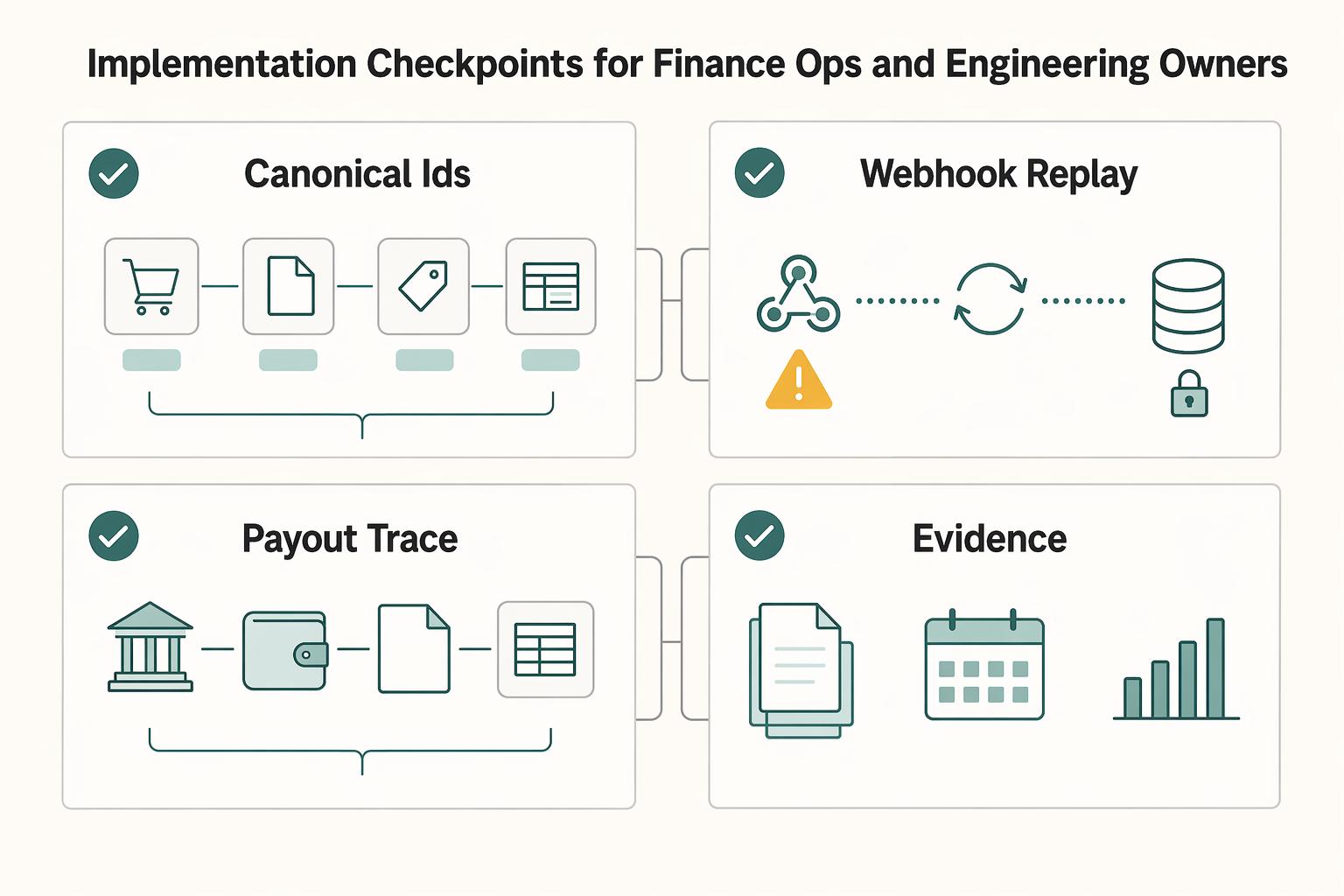
Implementation checkpoints for finance ops and engineering owners#
Do not roll out PO flip automation until you can trace one converted invoice end to end: purchase order ID -> invoice ID -> event ID -> final ledger posting.
Keep PO, supplier invoice, partial draw and event IDs visible across requests, AP records and exports. Deduplicate delivery IDs and the underlying business operation so concurrent handlers cannot create duplicate effects. Persist processing receipts and committed results durably; failed or unknown provider requests remain unresolved until reconciled.
Treat events as notifications, including duplicates and out-of-order deliveries. Read authoritative order/invoice versions before acting; timestamps alone do not establish ordering. Scope provider retry windows to the actual service and keep local recovery longer when your obligations require it.
Use the applicable AP and GL records to confirm accounting state, with bank/provider records for payment settlement. A UI label alone proves neither a posted liability nor cash receipt. Reconcile each required posting and retain approved close adjustments for unresolved invoices.
Conclusion#
Pilot one partial draw, an amendment and a duplicate delivery, then trace the approved invoice through accounting and payment states. Expand conversion only when the remaining capacity and exception history are reproducible.
Frequently Asked Questions
What is a PO flip, and what does it automate versus what still needs approval?
A PO flip automates the conversion of a purchase order into an invoice, so the platform pre-fills invoice data from the PO instead of making someone key it in by hand. It does not remove the need for controls. Customer or buyer invoice rules can still validate the flipped invoice, and your approval step can still catch mismatches or missing required fields. The practical check is simple: confirm which fields are copied automatically and which invoice rules still fire after conversion.
Can one Purchase order create multiple Invoice records safely?
Yes. In supported implementations, this is handled as partial order invoicing, where one PO is drawn down across multiple invoices. To keep this safe, your implementation should track what remains on the PO and apply duplicate-prevention controls for invoice creation retries or replays.
What should happen when an Order change arrives after the first invoice was generated?
Revalidate an unissued draft against the authorized changed order while preserving history. For an issued or posted invoice, use the applicable amendment, credit or rebill process; a new PO version does not silently invalidate it. Reconcile previous consumption before permitting another partial draw.
Is full auto-convert better than review-first for most platform teams?
There is no default winner here. Platform behavior differs, so start review-first unless you have confirmed invoice-rule validation, duplicate prevention, and order-change handling in your implementation. Broader automation is safer once those controls are reliable.
How do teams prevent duplicate invoices when retries and Webhook replays happen?
Use durable local business-operation deduplication and atomic capacity reservation, plus provider idempotency within its documented scope. A legitimate new partial draw has a new identity; a retry retains the same identity and payload. Resolve unknown create outcomes before another create.
Which minimum controls are required before linking PO flip output to payouts and tax steps like W-8 and W-9?
Confirm payer-required documentation for the recipient’s status, applicable invoice rules, receipt/service acceptance and payment approval. W-9, W-8BEN and W-8BEN-E have different scope, and tax reporting is a separate assessment. A successfully flipped draft is not payment clearance.
Try a related tool
Researched and edited by the Gruv editorial team. Gruv builds cross-border billing, payouts, and finance-operations software for global businesses.
Sources
Includes 2 external sources outside the trusted-domain allowlist.
- docs.stripe.com/api/idempotent_requeststrusted
- docs.stripe.com/webhookstrusted
- ec.europa.eu/taxation_customs/viestrusted
- europa.eu/youreurope/business/taxation/vat/check-vat-n...trusted
- irs.gov/forms-pubs/about-form-w-9trusted
- irs.gov/forms-pubs/about-form-w-8-bentrusted
- docs.ramp.com/developer-api/v1/api/purchase-ordersexternal
- docs.ramp.com/developer-api/v1/api/accounting-syncexternal
Educational content only. Not legal, tax, or financial advice.
Related Posts
Self-Billing Invoices for Platforms That Pay Contractors
If you are choosing a self-billing path for a platform, the real decision is not which invoicing app looks polished. It is whether your product can turn approved work into a supplier invoice, keep finance comfortable with the paper trail, and give ops and engineering a clean path to payout and reconciliation.
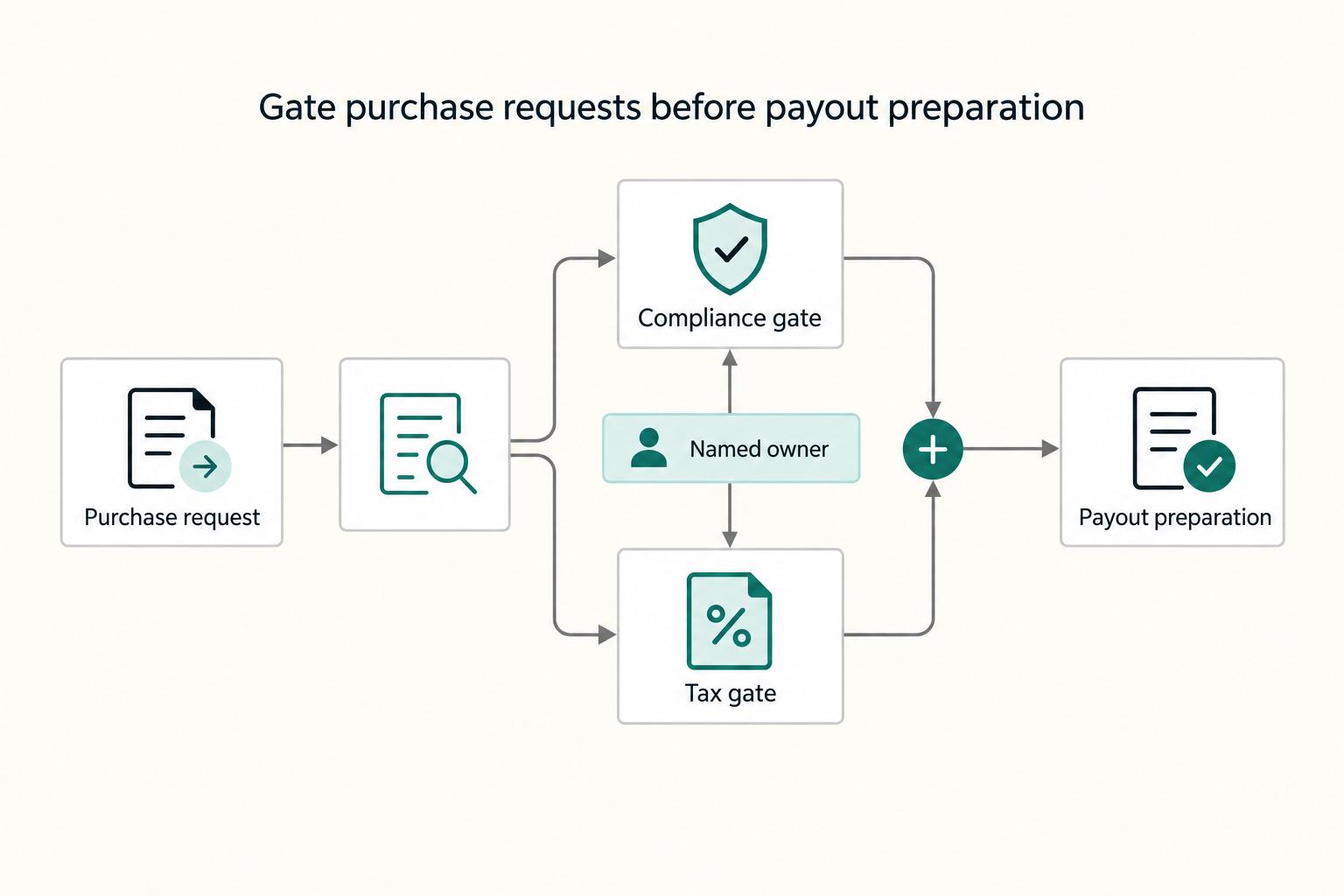
How Platforms Automate Pre-PO Approval with Purchase Requisitions
Automate **Pre-PO Approval** before you try to optimize the rest of purchasing. The goal is simple: move requests through approval faster while enforcing spend controls at the moment of purchase and reducing cleanup risk for **Accounts Payable (AP)** later.
Cross-Border E-Invoicing Controls for Platform Payouts
Step 1: **Treat cross-border e-invoicing as a data operations problem, not a PDF problem.**