
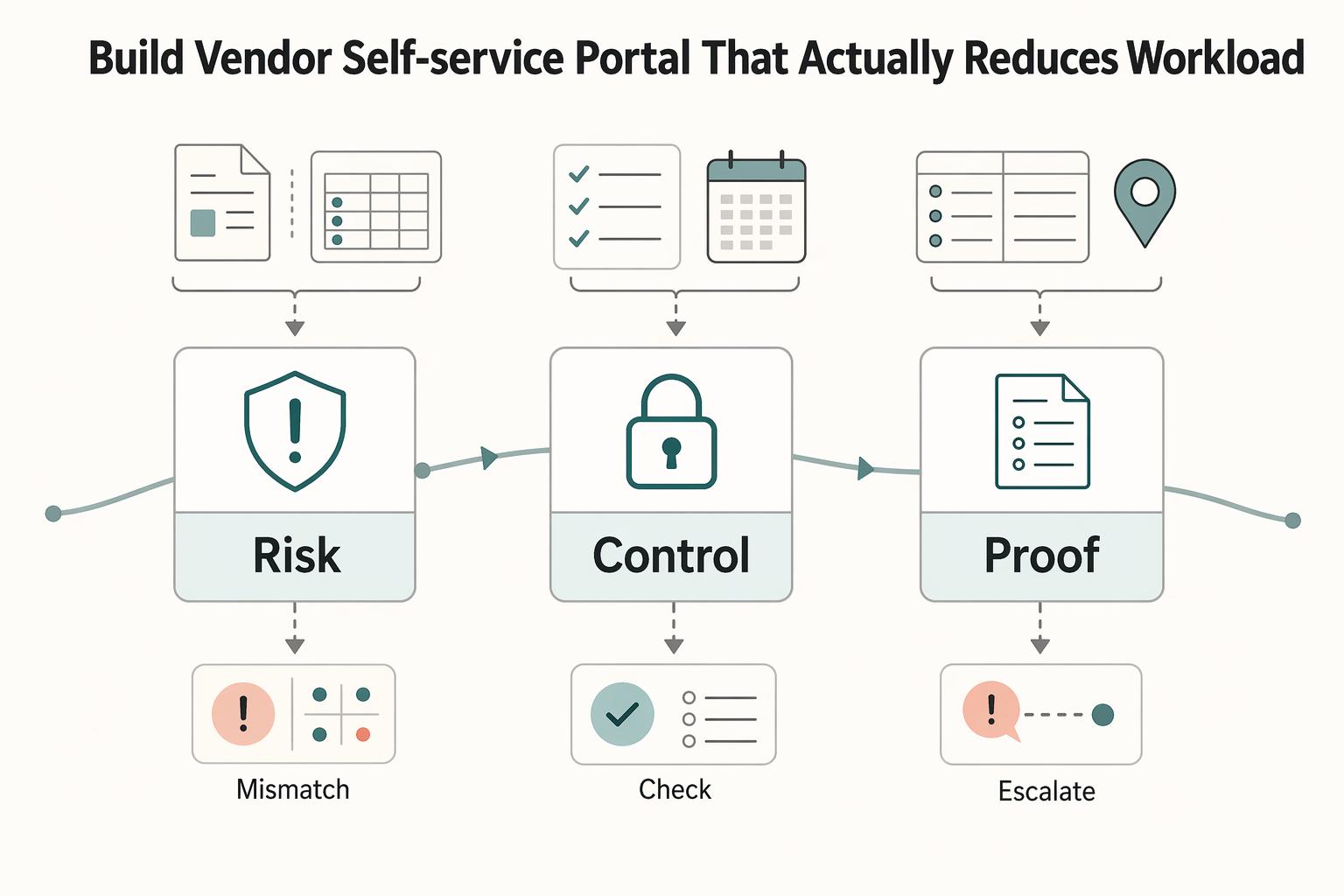
Quick Answer
Start by scoping the vendor self-service portal around AP ticket removal, then enforce control points before activation. Separate new registration from existing-record linking, match the record with defined identifiers and separately verify the user’s authority through a trusted invitation or established contact, and gate sensitive edits behind review. Build status visibility for invoices, documents, and payouts in-product so vendors stop asking by email. Finally, verify that one canonical AP audit trail is retrievable across portal, operations, and finance exports.
Build a vendor self-service portal that actually reduces AP workload#
If the portal does not remove AP inbox work, show payment and document status, and preserve a usable AP audit trail, it is not real self-service. This guide is for platform teams that want fewer vendor support loops and cleaner evidence when finance or compliance asks what changed, when, and by whom.
Step 1. Define the portal as an AP capacity tool, not a front-end project. A credible baseline already exists in Vendor Self Service (VSS). It is a web-based workflow where vendors complete procurement and invoicing activities electronically and track activity through payment. That is the bar. A prettier login page does nothing for AP if vendors still need email to ask whether they are approved, whether an invoice was received, or why a payment is delayed.
The operating question is simple: which tickets should stop appearing once this is live? Common early targets are payment status escalations and one-off document handoffs. If your proposed portal cannot answer those needs in product, leave it out of your MVP claims.
Step 2. Define success in observable operations, not launch optics. Measure success in reduced manual chasing, not registrations or logins. Good early indicators are that vendors can self-serve common answers, AP can retrieve change history without digging through mailboxes, and invoice or payment questions arrive with enough context to resolve quickly. The practical pattern is centralization: when vendors get answers in one place, AP spends less time chasing information.
Use one checkpoint before you call the launch a workload reducer. Pull five recent vendor cases and confirm the portal shows the same current status AP sees internally. It should also show request, change, and document history that finance can retrieve later. If that retrieval fails, your audit trail is not ready, even if the UI is.
Step 3. Build autonomy inside approval and identity controls. This article is not promising "go live fast no matter what." The goal is to help you ship a controlled first version where vendors can do more on their own without creating downstream payout or compliance risk. That means pairing self-service actions with approval gates, identity checks where your program requires them, and integration checkpoints before sensitive changes become effective.
The cited CIP rule governs banks’ customer identification programs; ordinary supplier-portal registration is not automatically bank account opening. Determine any applicable obligations separately. For portal access, verify the user’s authority to represent the vendor before exposing invoices, tax documents, or payout controls, and retain the approval history.
The common failure mode is predictable: self-service becomes a new intake channel for bad data, duplicate records, or uncontrolled profile edits. If a change can affect payment, tax handling, or entity identity, assume it needs review until you can prove otherwise.
For a practical requirements list, see Vendor Portal Requirements Checklist: Permissions Approvals Audit Trails and Self-Service Workflows.
What your portal must do to count as real self-service#
A vendor self-service portal is only real self-service when vendors can handle common AP tasks end to end inside the product. If a task still depends on email back-and-forth, do not count it as MVP complete.
- Ship the Vendor Self Service (VSS) baseline first.
Start with the proven baseline: registration, tax form upload, payment setup, profile updates, and payment-status visibility. Include invoice or AP payment status and related documents, not just account details.
- Separate new onboarding from existing-vendor linking.
New vendors need a registration path; existing vendors need a separate linking path. Use Vendor ID and any required tax identifiers to match the ERP record, then verify the user’s authority through an invitation or an established vendor contact before granting access. Matching identifiers alone do not authorize the user.
- Gate sensitive access behind activation and verification.
Keep activation explicit before exposing payment or tax details. Complete record matching and authorized-user verification, and send failed or ambiguous matches to a controlled recovery flow.
- Replace AP inbox loops with in-product status and case handling.
Show clear request states in-product and give vendors an escalation path tied to the same case. Keep an AP audit trail you can retrieve later for requests, approvals, document uploads, and profile changes; if that history is not retrievable, the portal is not fully self-service.
Related: Supplier Portal Best Practices: How to Give Your Contractors a Self-Service Payment Hub.
What to prepare before you start building#
Prepare governance, evidence rules, identity matching, and audit boundaries before UI design, or you will rework onboarding and approvals later.
| Area | What to define | Grounded note |
|---|---|---|
| Owners and final decider | Explicit owners across product, engineering, finance/AP, and compliance; one final decider for KYC, KYB, or AML policy questions | Approval gates, document requirements, and exception paths should have a named owner in writing |
| Evidence pack | Which files can be requested and what makes each acceptable | Document the applicable tax packet: W-9 for U.S. payees, W-8BEN for foreign individuals, and W-8BEN-E or another applicable form for foreign entities. Request program-specific procurement affidavits only when the actual contract or jurisdiction requires them. |
| Identity fields and matching rules | Required fields for new registration versus existing-record linking; labels and match rules for Vendor ID, TIN, FEIN, and SSN | Test existing-vendor linking before launch so one entity cannot match multiple ways or be created as a duplicate net-new profile. Record matching must be followed by verification that the portal user is authorized. |
| Audit boundaries and market caveats | System-of-record boundaries and an AP audit trail that preserves who acted, what operation happened, when it happened, and how values changed | VAT validation coverage has country limits, including the UK (GB) VIES change on 01/01/2021, and payout availability varies by country and industry |
Step 1. Name the owners and one final policy decider#
Assign explicit owners across product, engineering, finance/AP, and compliance, and name one final decider when KYC, KYB, or AML policy questions block a build decision. This is an operating choice, not a universal legal rule, but it prevents cross-team deadlock.
Before build starts, confirm every approval gate, document requirement, and exception path has a named owner in writing. If failed tax forms, mismatched identifiers, or high-risk payout edits have no clear decider, you are not ready.
Step 2. Define the evidence pack before the form fields#
Document the applicable tax packet: W-9 for U.S. payees, W-8BEN for foreign individuals, and W-8BEN-E or another applicable form for foreign entities. Request program-specific procurement affidavits only when the actual contract or jurisdiction requires them.
Also define who reviews each document, what status vendors see, and what proof is stored for approval or rejection. Without this, AP becomes a manual quality filter.
Step 3. Standardize identity fields and matching rules#
Lock your identity schema before UI work. Set required fields for new registration versus existing-record linking, and standardize labels and match rules for Vendor ID, TIN, FEIN, and SSN where your process requires them.
Test existing-vendor linking before launch so one entity cannot match multiple ways or be created as a duplicate net-new profile. Fix those issues in the data model, not in support workflows.
Step 4. Set audit boundaries and market caveats in writing#
Choose system-of-record boundaries early and make sure your AP audit trail preserves who acted, what operation happened, when it happened, and how values changed. Get finance sign-off on export requirements up front, because UI history alone is not an audit export.
Document market caveats before launch dates are announced. VAT validation coverage has country limits, including the UK (GB) VIES change on 01/01/2021, and payout availability varies by country and industry, so confirm payout-method coverage in writing first.
For a broader look at supplier self-service, see What Is a Supplier Portal? How to Give Contractors Self-Service Access to Payment Status and Documents.
Decide what vendors can edit directly and what must be approval-gated#
Set the edit boundary up front: vendors can self-serve low-risk profile updates, but any change that can affect compliance status or payout routing should require approval. If an edit touches TIN, FEIN, SSN, tax forms, or bank details, route it through reviewer sign-off and run KYC/AML checks where your policy requires them.
Step 1. Build a field-level decision table before you configure screens#
Use a field table to assign each editable item to either direct self-service or approval-required flow before launch. Systems like Dynamics 365 Finance support per-field approval and Reject changes, so approval-required edits do not apply until reviewed.
| Field group | Typical examples | Vendor edits directly | Require approval |
|---|---|---|---|
| Routine profile details | Non-security notification preferences and support contact details | Yes, within defined limits | Review changes affecting login, recovery, approvals, or payment communications |
| Tax identity and tax packet | TIN, FEIN, SSN, W-9, W-8 | Submit only | Yes |
| Payout-critical details | Bank account create or update, remittance account details | Submit only | Yes |
Use one rule to keep decisions consistent: if a change can affect who gets paid, whether tax records are usable, or whether prior compliance review still holds, gate it.
Step 2. Define reject and resubmit rules for tax packets#
W-9 and W-8 handling should be explicit, not inbox-driven. Use clear states such as Submitted, Pending review, Request to resubmit, Approved, and Rejected, and require a reason when a reviewer returns or rejects a packet.
This pattern is practical and supported in real workflows: Oracle includes a "Request to Resubmit" path with rejection reasons, and Ariba supports revise-and-submit loops when the item is not closed. Design for that closed-state behavior so vendors know whether they can revise directly or must wait for reopen/support routing.
Return incomplete packets for correction, reject when the submission should not proceed, and avoid full restarts unless policy requires them. IRS guidance notes that failing to provide a correct TIN can trigger backup withholding at 24% in cited cases, which is enough risk to justify approval gates and clear resubmission instructions.
Step 3. Add high-risk checkpoints and log every state transition#
Approval alone is not enough for sensitive edits; you also need a policy checkpoint that records what was reviewed and why it was approved, rejected, or returned. For payout-detail changes, that typically means bank-change review plus any required KYC/AML checks before activation.
Keep the AP audit trail complete and exportable. At minimum, record who submitted, what field changed, old/new value (or masked equivalent), status timestamps, reviewer identity, and rejection/resubmission reason.
If the portal only shows final outcomes like "updated" or "rejected," AP will reconstruct decisions manually. A full state path for each gated change keeps self-service from becoming manual cleanup.
Set up onboarding for new and existing vendors without linking failures#
Separate onboarding into two paths from the start: one for new vendors and one for existing vendors. This avoids accidental record creation, reduces ambiguous matches, and keeps payout access blocked until verification is complete.
Step 1. Split new and existing vendor entry points#
Use two explicit first-screen choices: I am a new vendor and I am an existing vendor. That matches documented MUNIS Self Services patterns that separate new and existing users, and it prevents your system from guessing whether to create or link a record.
Keep the flows distinct. New vendors should go through account creation and registration, while existing vendors should go straight to linking the portal account to an existing ERP vendor record.
Step 2. Require deterministic match inputs for existing vendors#
Use deterministic matching fields such as Vendor ID and required stored tax identifiers to locate the existing record. Treat that match as record selection, not proof of authority. Activate access only through a verified invitation or confirmation using a trusted contact already on file; log who approved the link.
If the inputs do not produce a clean match, stop repeated guesses and route to your own named support owner. Verify the requester through established contact details before correcting the link; do not create a new vendor automatically to bypass the mismatch.
Step 3. Hold activation until identity and tax checks pass#
Do not treat account linking as payout activation. Require the identity and tax information your policy and provider need before enabling charges or payouts, including KYC and KYB where your program supports it.
Match the record, verify the user’s authority, then enable approved access. A tax ID or vendor number alone must not grant account access. Pause ambiguous or duplicate links and record the link attempt, verification, correction, and final approval.
Build compliance and tax document collection that does not stall payouts#
After account linking, sequence the workflow so payouts are gated by identity first, then by the right tax documents for that vendor's status. This keeps low-risk vendors moving and sends only true exceptions to AP review.
Step 1. Gate identity first, then open the document step#
For Stripe connected accounts, inspect charges_enabled, payouts_enabled, and the account’s requirements to determine current capability and outstanding information. Verification requirements and deadlines vary by account configuration and activity; use the actual provider state to gate the affected operation.
Use clear states in the UI: Identity required, Identity in review, Identity passed, Payouts restricted. When identity passes, immediately unlock the next required form. When identity fails or shows risk flags, route only that account to a review queue and keep payout actions restricted without restarting the full onboarding flow.
Step 2. Ask for the right form for the vendor's tax status#
Collect forms based on tax status, not from a generic upload menu. Use W-9 for vendors providing a correct TIN for IRS information reporting, and W-8BEN for foreign individuals establishing foreign status for U.S. withholding. Foreign entities generally use W-8BEN-E or another applicable form. Select the packet for payee status and income type; these forms are not interchangeable.
| Item | Use when | Note |
|---|---|---|
| W-9 | Vendors providing a correct TIN for IRS information reporting | Do not treat it as interchangeable with W-8BEN |
| W-8BEN | Foreign individuals establishing foreign status for U.S. withholding | Collect it when requested by the payer or withholding agent |
| W-8BEN-E | Foreign entities documenting status for U.S. withholding and reporting | Use another applicable form where the entity or income requires it |
| E-Verify Affidavit | Where policy or jurisdiction applies | Request additional artifacts only where your program requires them |
| VAT validation | Where enabled | Region- or program-dependent check |
| 1099 reporting | Where applicable | Region- or program-dependent check |
Request additional artifacts only where your program requires them, including an E-Verify Affidavit where policy or jurisdiction applies. Keep status labels explicit so blockers are obvious: Required, Uploaded, In review, Accepted, Rejected action needed.
For region- or program-dependent checks, say that directly in product copy:
- VAT validation where enabled
- 1099 reporting where applicable
Step 3. Store an evidence pack that survives audits and disputes#
Record enough detail in the AP audit trail to explain every decision, not just pass/fail status. Store masked values (for example, masked TIN), linked Vendor ID, document type, upload timestamp, current status, reviewer identity, rejection reason, and the supporting evidence artifact.
Masking helps, but it does not replace decision history when AP needs exports or dispute support. Before launch, test a full vendor-level export: identity status, tax-form history, review decisions, and payout-restriction events should be retrievable without digging through inboxes or tickets.
Connect portal actions to payments, status tracking, and reconciliation#
If portal actions do not update the same status trail AP and finance use, you have shifted work instead of removing it. Make every material action in your vendor flow emit an event into one canonical timeline shared by the portal and back office.
Step 1. Publish every material state change as an event#
Treat events as state changes, not UI updates. Record timestamped events tied to the same Vendor ID and operation reference for invoice submission, document review decisions, Virtual Accounts funding, and payout state changes.
Define internal status labels once, then map provider and internal events into those labels. You can present vendor-friendly labels such as accepted, pending review, approved, paid, failed, and returned, while retaining raw provider states and payloads in the audit record.
Verify mapping with one end-to-end test: one action should produce the same event ID, timestamp, and current status in the portal timeline, AP view, and finance export.
| Operation | Event to record | What to verify |
|---|---|---|
| Document approval | Review-decision event linked to Vendor ID and reviewer | Portal and AP show the same result and timestamp |
| Virtual Accounts funding receipt | Funds-received event linked to invoice or payment reference | Finance can match funds with less manual reconciliation work |
| Payout initiation or Payout batches update | Payout-created event plus later status-change events | Timeline shows current state and supports exception handling |
Step 2. Tie money movement to controlled payment operations#
Keep payment actions in controlled flows, not free-form actions. For inbound funds, Virtual Accounts help route funds and automate reconciliation when the funding event carries invoice or vendor references into finance views.
For outbound funds, create one operation record before calling the payout provider, then update that same record through the payout lifecycle. Operational views can include states such as processing, posted, failed, returned, or canceled, and timeline history should remain visible for AP review.
At the batch layer, reconcile Payout batches as a batch-level unit. If your provider offers batch or aggregate settlement reporting, attach the batch identifier to the same operation history used for vendor-level payout tracking.
Step 3. Enforce idempotent retries and keep one canonical trail#
Any retriable payment operation should be idempotent so retries do not create duplicate side effects. Timeouts, duplicate submissions, worker retries, and repeated webhooks are normal failure conditions, so design for them.
Persist one intent and idempotency key per logical payment action. Follow the selected provider’s key format and retention window; retries within that window reuse the key, while later retries first recover the existing provider outcome. Durable intent records remain necessary after provider key expiry.
Run a forced retry test before launch: submit the same payout initiation twice with the same key and confirm one provider-side action, one canonical portal timeline, and no duplicate AP payout rows.
Return timing varies by payment method, provider, and failure reason. When a return is confirmed, both portal and AP views should show returned with the provider reason, payment reference, batch context, and prior state history; distinguish that state from a pending investigation.
Prevent common launch failures and recover fast#
Most launch failures come from three preventable gaps at once: sensitive edits without controls, unclear tax-document acceptance, and payment-status mismatch across systems. Recover fastest by tightening those controls first, then using the AP audit trail to confirm what changed, who changed it, and which records need review.
Step 1. Approval-gate sensitive updates. Do not let high-risk self-service changes post instantly. Put tax ID and vendor bank-data updates behind approval gates so unapproved changes do not flow into reporting or payouts. As a release check, submit a test update and confirm it stays pending review until approval, while downstream operations continue using the prior approved value.
Step 2. Make tax-document acceptance criteria explicit. Validate the required W-9 or applicable W-8 form against payee status, completeness, and the payment’s tax treatment. Include individual and entity paths, and route exceptions to named owners rather than leaving them in a shared queue.
Step 3. Reconcile event mappings before broad rollout. Do not scale until Virtual Accounts funding events and Payout batches reconcile to the same status model across portal, ops tooling, and finance exports. Validate at least one inbound funding flow and one outbound batch flow end to end. If batch-level settlement cannot be tied back to vendor-visible payout activity, support load will rise after launch.
Step 4. Publish deterministic support decision trees and track outcomes. Define exact paths for account linking, verification, and escalation so support actions are consistent. Include clear triggers for resend, escalate, and freeze-pending-review decisions. After launch, track ticket deflection and self-service resolution rates to confirm the recovery path is actually reducing AP workload.
Your next step is a 90-day launch with a copy-paste checklist#
A 90-day launch can work if ownership, identity matching, ERP boundaries, and payout rails are already decided; if those boundaries are still open, resolve them first so rollout does not create support churn.
| Window | Focus | Checkpoint |
|---|---|---|
| Weeks 1 to 2 | Lock ownership, field rules, and required artifacts | A sensitive edit stays pending review while the last approved value remains active |
| Weeks 3 to 6 | Ship MVP self-service flows with full auditability | Launch registration, profile/contact updates, document upload, and invoice/payment visibility, and log a full AP audit trail for each action |
| Weeks 7 to 9 | Integrate payout and reconciliation surfaces with safe retries | Replay the same payout request and confirm one net outcome with a single canonical status trail |
| Weeks 10 to 12 | Run controlled rollout, measure impact, then expand cautiously | If AP tickets drop but support escalations rise, pause and fix the broken path before widening access |
- Weeks 1 to 2: lock ownership, field rules, and required artifacts.
Assign clear owners across product, engineering, AP, and compliance, with one decision owner for KYC/AML gates. Freeze field-level rules before UI build: what is self-editable, what requires approval, and what evidence is required for activation. Document how Vendor ID works in your environment, since a vendor identifier can be different from a tax ID/EIN. If tax documents are required in your program, define whether W-9/W-8 is required, what counts as complete, and whether signed upload is mandatory before activation. Verification check: a sensitive edit stays pending review while the last approved value remains active.
- Weeks 3 to 6: ship MVP self-service flows with full auditability.
Launch the baseline vendors should complete without email: registration, profile/contact updates, document upload, and invoice/payment visibility. This scope aligns with practical portal baselines and supports faster turnaround because self-service can run 24/7. Log a full AP audit trail for each action: submission, approval, rejection, and resubmission.
- Weeks 7 to 9: integrate payout and reconciliation surfaces with safe retries.
Add Virtual Accounts and Payout batches after the core onboarding path is stable. Treat virtual accounts as uniquely identified tracking layers for reconciliation, and define batch actions by lifecycle status so AP/ops actions are controlled by state. Use idempotent request handling with idempotency tokens, and apply exponential backoff for retries. Verification check: replay the same payout request and confirm one net outcome with a single canonical status trail.
- Weeks 10 to 12: run controlled rollout, measure impact, then expand cautiously.
Roll out to a limited cohort, measure AP ticket deflection and cycle-time change against your baseline, and expand self-service scope only where controls remain stable. If AP tickets drop but support escalations rise, pause and fix the broken path before widening access.
Copy/paste go-live check:
- Sensitive fields are approval-gated
- Onboarding splits new vs existing vendors
Vendor IDlinking is tested with valid and invalid inputs- Audit exports are verified end to end
- Retry and failure recovery paths are documented
- Support escalation owners are assigned for linking, document, and payout exceptions
Frequently Asked Questions
What is a vendor self-service portal, and how is it different from a supplier portal or payment hub?
A vendor self-service portal is a secure site where authorized supplier users manage their own account data. "Supplier portal" or "supplier hub" is often just a naming variant, so focus on scope, not branding. A payment hub typically refers to payment operations scope: maintaining payment types, facilitating payments, and creating a reconciliation file back to your ERP.
Which features are essential at launch versus optional for phase two?
Launch with the basics vendors should be able to complete without email: registration, profile updates, and invoice or payment-status visibility. Those are the features most directly tied to fewer AP status inquiries and less manual chasing. Phase two can add deeper payment operations surfaces, richer reconciliation outputs, or broader program-specific checks, but only after the core path works end to end.
What vendor information should be self-editable, and what should always require approval?
Vendors can self-serve routine non-security preferences and support contact details within the field matrix’s limits. Tax identity, tax documents, bank and remittance details require review before activation. Contact or access changes affecting login, account recovery, approvals, or payment communications also require the defined verification and approval path; keep the prior approved value active until the change is authorized.
How should we handle existing-vendor account linking without creating duplicate or mislinked records?
Split new-vendor and existing-vendor flows. Match the existing ERP record using the defined identifiers, then verify the requester’s authority through a trusted invitation or existing contact before activation. Route failed matching or authorization to review, not automatic new-account creation.
Which controls prove we are reducing AP workload instead of shifting work to support?
Look for controls that stop bad submissions before humans touch them, not just prettier intake forms. The clearest signs are fewer repetitive status inquiries, fewer duplicate or incorrect invoice issues, and more first-time-correct outcomes. If AP tickets drop but support escalations rise, you moved the work rather than removed it.
How do we measure success when there is no universal benchmark for AP workload reduction?
Use a small basket of metrics, not one number. APQC tracks measures like cycle time in days from invoice receipt until approved and scheduled for payment. It also tracks total cost to perform AP per invoice processed and the percentage of disbursements that are first-time error free. Compare against your own pre-launch baseline and a relevant peer set, because benchmark meaning changes by industry and revenue band, and there is no single universal target.
Try a related tool
Researched and edited by the Gruv editorial team. Gruv builds cross-border billing, payouts, and finance-operations software for global businesses.
Sources
- alexandriava.gov/finance/vendor-self-servicetrusted
- discover.pbc.gov/procurement/Pages/Vendor-Registration.aspxtrusted
- docs.stripe.com/api/idempotent_requeststrusted
- docs.stripe.com/connect/handling-api-verificationtrusted
- e-verify.gov/employers/federal-contractorstrusted
- ecfr.gov/current/title-31/subtitle-B/chapter-X/part-1...trusted
- finance.ocfo.gsa.gov/WebVendors/Docs/WebVendorRegistrationDirecti...trusted
- gsa.gov/buy-through-us/purchasing-programs/requisiti...trusted
Educational content only. Not legal, tax, or financial advice.
Related Posts

Vendor Portal Requirements Checklist for Platform Payment Ops
A useful **vendor portal requirements checklist** starts with money movement, not screen mockups. Define which actions can create an obligation, release funds, or only capture data. Then set the control, evidence, and reconciliation rules before finance, ops, and product start building inside the same boundary.
Supplier Portal Best Practices for a Self-Service Contractor Payment Hub
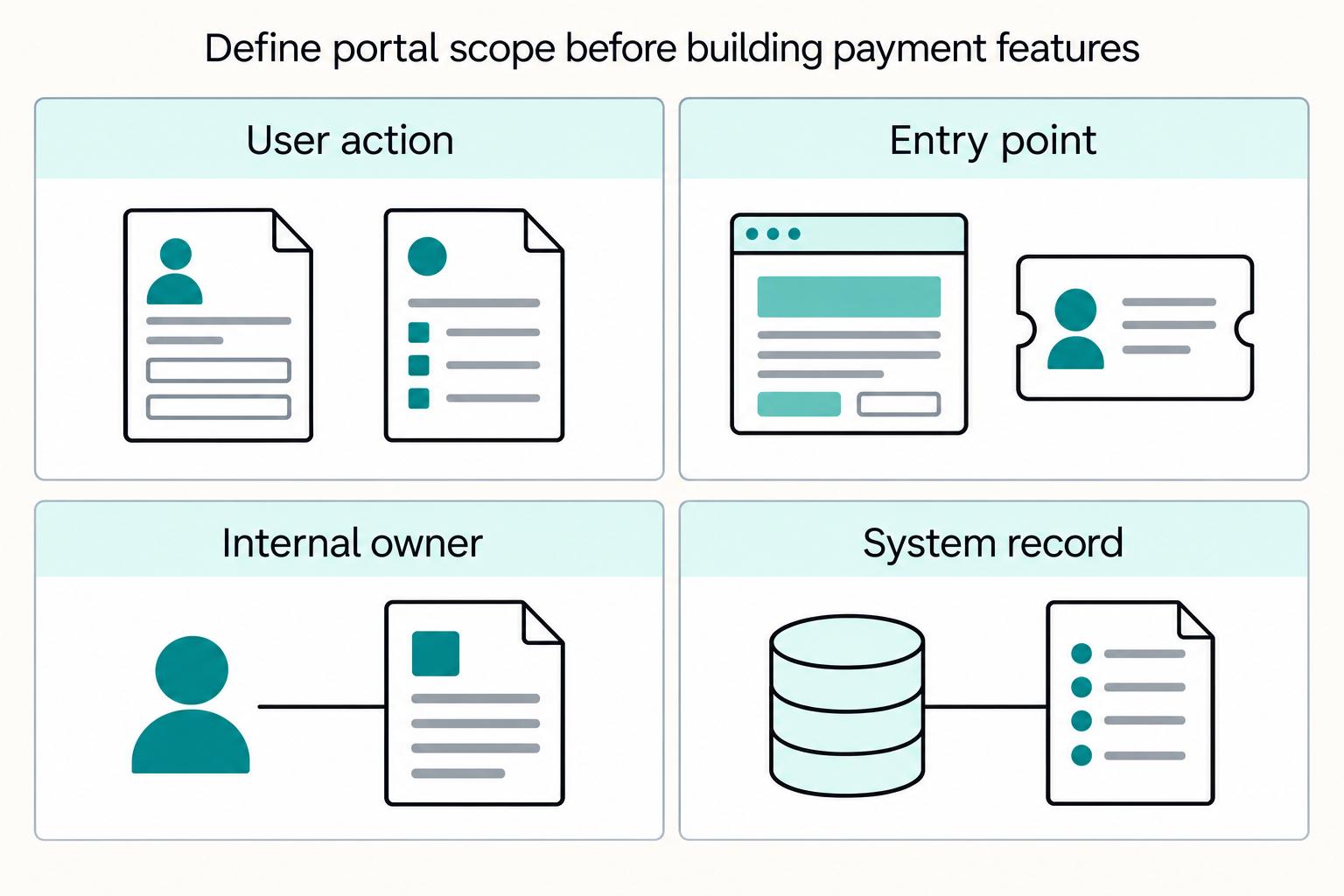
If you are building a **supplier portal self-service contractor payment hub**, the real issue is not terminology. It is whether the portal cuts payment-support load without weakening control or reconciliation.
What Is a Supplier Portal? How to Give Contractors Self-Service Access to Payment Status and Documents
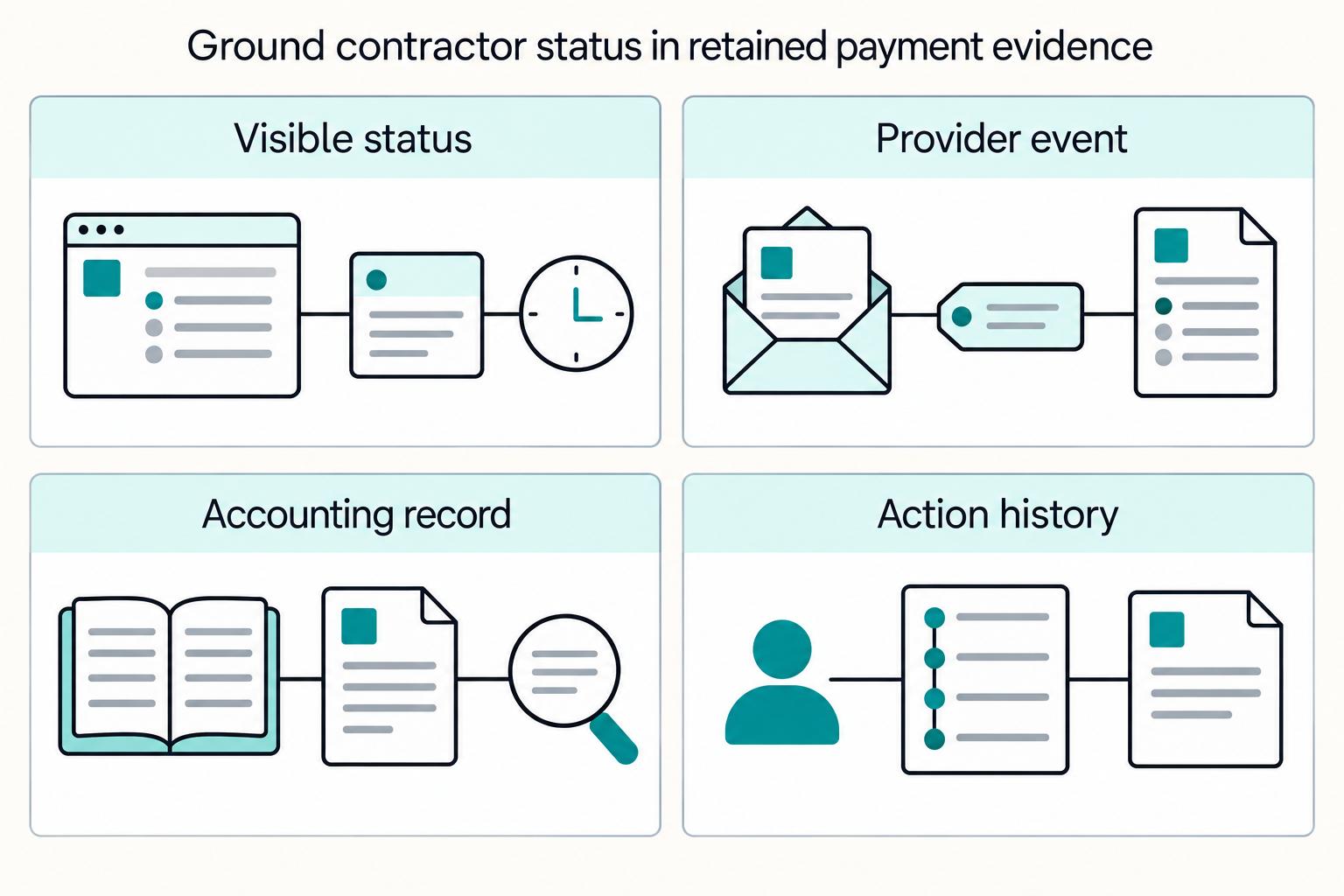
A supplier portal gives contractors a secure place to find invoice records, payment progress and documents, reducing routine status inquiries. Its basic job is to show what happened, what remains unresolved and who owns the next action.