
Quick Answer
Start with document separation, then draft: put deliverables and acceptance in the SOW, keep relationship-level legal/commercial rules in the MSA or main agreement, and reserve the SLA for operational responsiveness and performance handling. A freelance service level agreement is safest as a short exhibit tied to exact signed references, including titles, dates, and support schedule labels. If a client asks for changes that affect fees, liability, or project scope, move that request to the proper amendment lane before finalizing SLA language.
You don't need a "perfect" SLA - you need a freelancer-grade, preferably one-page system that prevents scope creep and protects cash flow#
A freelance service level agreement can document service expectations, but it does not determine worker status or tax treatment on its own.
Start with what the IRS requires first: identify the underlying business relationship before deciding how to treat payments for services, because correct classification is critical.
| What you are deciding | Handle it as | Why it matters |
|---|---|---|
| Whether the provider is treated as self-employed or as an employee | Relationship determination first | Classification affects how payments are treated |
| How payments are treated for tax purposes | Follows relationship determination | Employee wages generally require withholding and deposits for income tax, Social Security, and Medicare; payments to independent contractors generally do not require withholding or tax payment by the payer |
| What service you will provide | Document service commitments separately | Keeps service terms distinct from worker-status and tax-treatment decisions |
Use this sequence every time:
- Confirm the business relationship first.
- Set payment treatment based on that relationship.
- Finalize service commitments after those two are clear.
If a client asks for new promises while status or payment treatment is still unclear, pause and reset the order: "I can finalize service commitments once we confirm the business relationship and payment treatment."
Before you draft further, do a quick self-audit:
- Have you identified the business relationship before finalizing payment language?
- Are service promises separated from worker-status and tax-treatment decisions?
- If the role is treated as employment, have withholding and deposit obligations been addressed?
- If the role is treated as independent contracting, is payment treatment aligned with that classification?
If any answer is no, fix that first, then continue drafting. For a related example of how requirement order affects compliance work, see A Deep Dive into California's Money Transmitter License Requirements.
Before you write anything: what should you prepare (so you don't negotiate against yourself)?#
Before you send any freelance service level agreement language, assemble the evidence pack. If you lock identity, approvals, limits, and draft control first, you are much less likely to concede terms you cannot actually operate.
Step 1: Lock identity, roles, and start trigger#
Start with the basics you cannot afford to guess. Confirm the exact contracting party details you will use, including legal entity name and DBA if applicable. Name the operational owners on both sides for approvals, notices, and day-to-day service contact.
| Item | What to confirm | Drafting note |
|---|---|---|
| Contracting party details | Exact legal entity name and DBA if applicable | Start with the basics you cannot afford to guess |
| Operational owners | Approvals, notices, and day-to-day service contact on both sides | You should be able to say who approves scope and who receives notices |
| Start trigger | What starts obligations | Treat the effective date as signatures plus required approvals, not draft circulation |
Your verification check before drafting is simple: you should be able to say who approves scope, who receives notices, and what starts obligations. Treat the effective date as signatures plus required approvals, not draft circulation.
If those items are still moving, your draft should stay narrow and provisional. Scope friction often starts when a team treats a circulated draft like a green light. Later, it can discover the approver, notice contact, or start event was never actually settled.
Step 2: Write your operating limits before service promises#
This is where many avoidable scope disputes can begin. Write your operating limits before you promise response times or support levels, and do it in plain language. Document these four items before any SLA text:
- In-scope support
- Change-request trigger
- Client dependency assumptions, such as access, assets, approvals, and technical detail
- Exact handoff to repricing or scope review
Use this rule consistently: if effort, dependencies, or turnaround assumptions change, route the work to scope and pricing review instead of treating it as an informal extra.
| Record type | Owner | Required evidence | Dispute-prevention value |
|---|---|---|---|
| Requests and approvals | Named client approver + your service contact | Dated request, explicit approval, attached scope note | Confirms what was authorized |
| Status changes and pauses | Your delivery owner | Timestamped status update and pause reason | Shows why service timing changed |
| Assignment checkpoints | Your contract/process owner | Selection documentation submission, negotiation completion, signatures, notice to proceed | Prevents premature assumptions that work is final |
| Contract draft lineage | Your contract owner | Version label, redlines, final approved copy | Avoids "wrong version" disputes |
Agree on a primary record for final decisions, even if calls or chat happen elsewhere. Also make it explicit that framework terms alone do not guarantee downstream assignments.
A practical test helps here: if a reasonable third party looked at your record, could they tell whether the work stayed in scope or was rerouted for review? If not, tighten the handoff language and the evidence trail before you make service promises.
Step 3: Keep clause boundaries clean#
Keep payment, IP, and classification-sensitive language in the right place from the start. Map each clause to the correct document before drafting so terms do not bleed across documents.
Tie payment triggers to a verifiable event defined in your contract set, and mark legal text that needs jurisdiction review as pending jurisdiction and counsel verification. Use the same unresolved-state note for IP assignment wording and any classification-sensitive language that requires legal validation.
This does two things at once. It keeps you from silently filling gaps from memory, and it signals that the draft is not final on that point. That is much safer than vague language that looks complete but cannot be verified against the signed set or required review path.
Step 4: Run pre-signature QC#
Before signature, do a final document-control pass so you are not negotiating from the wrong draft.
- Confirm approved draft lineage
- Ensure each redline is resolved, either accepted or deleted
- Compare the signature copy against the final approved version
If legal text is unresolved, keep that unresolved state visible in the draft as pending jurisdiction and counsel verification. Once your operating limits and draft controls are set, the next question is where each promise belongs. If you want another workflow example, you might also find this useful: How to Set Up Your First Google Ads Campaign.
SLA vs SOW vs MSA: what's the difference, and where should your SLA live?#
Keep a strict split: legal and commercial baseline in the MSA or main agreement, project execution in the SOW, and service-level operations in the SLA. That separation is what keeps scope, payment, and liability terms from drifting into the wrong document.
Step 1: Classify each clause before drafting or redlining#
Do not draft or redline by instinct. Start by asking one question: what is this clause actually controlling?
| Document | Purpose | Must include | Keep out | Misplacement risk |
|---|---|---|---|---|
| MSA or main agreement | Relationship-wide legal and commercial framework (parent agreement) | Core legal and commercial rules, relationship-level governance, conflict/amendment mechanics | Project-specific deliverables and detailed service-level operations | Liability and payment terms get fragmented across project docs |
| SOW | Project-level execution details under the parent framework | Deliverables, timelines, milestones, costs, acceptance criteria | Relationship-wide legal framework terms | Scope and acceptance disputes because execution terms are misplaced |
| SLA | Service responsiveness and performance measurement | Service levels, response handling expectations, performance metrics, operational service mechanics | Broad legal risk allocation, core payment structure, full project scope terms | Operations text starts rewriting scope, fees, or risk terms |
This structure also scales. One MSA can govern multiple SOWs, so you do not renegotiate foundational terms every time. The tradeoff is setup time, but that is not a reason to push legal framework terms into the SOW or SLA.
A useful redline habit is to label the issue before you edit it. If the request is really about acceptance, fees, or liability, it does not belong in an SLA-only edit. That is true even if the client first raised it in a service-level discussion.
Step 2: Place the SLA inside the agreement set#
A common approach in freelance deal structures is to place the SLA in the same agreement set, often as an exhibit or appendix to the MSA or main agreement. What matters is explicit linkage across the parent agreement, SOWs, and attachments.
Use this checklist:
- The agreement set names the SLA in the attachments list.
- The attached SLA title and version match that list.
- The agreement states document precedence for conflicts.
- Keep conflict-rule language marked as pending counsel verification until legal review is complete.
If any one of those links is missing, fix the linkage before you argue over wording inside the SLA itself. A clean attachment path can reduce later disputes about whether the service-level exhibit was actually part of the deal.
Step 3: Keep update lanes separate#
Do not use the SLA as a shortcut for legal, commercial, or scope changes. Keep each update in its own lane:
| Lane | What belongs here | Use for |
|---|---|---|
| SLA lane | Service-level operating expectations and performance mechanics | Service-level operating changes |
| MSA or main agreement lane | Core legal and commercial risk terms | Legal or commercial risk changes |
| SOW lane | Project scope, deliverables, timelines, acceptance, and project pricing details | Project execution or pricing changes |
When a client sends one request that touches more than one lane, split it before revising. That keeps the operational edit short and stops a small SLA change from becoming an accidental rewrite of scope or payment terms.
Step 4: Override-request decision check#
When a client asks for an override, stop and classify it before you agree.
- Does it affect scope, acceptance, fees, or liability? If yes, route it to the SOW or MSA path, not SLA-only edits.
- Follow the change path defined in the agreement for the override.
- If an SLA-over-parent exception is requested, state it expressly and keep the conflict-rule language marked as pending counsel verification.
- Preserve the redline, attachment version, and approval record in the same document set.
Done right, your SLA stays a short operational document instead of becoming a backdoor rewrite of scope, payment, or liability. After you know where each clause lives, drafting the actual SLA gets much simpler.
For a step-by-step walkthrough, see How to Create a Service Agreement for a SaaS Product. If your SLA is getting overloaded with deliverables, draft the scope section separately first, then map service levels to it. Use the SOW Generator to create a cleaner boundary before you finalize terms.
Build your one-page-ish SLA fast: the freelancer-safe structure clients can follow#
Build this as a short operational exhibit, not a second contract. Anchor every line to signed documents, and leave anything unverified marked as pending jurisdiction and counsel verification.
Before you draft#
Start with the exact signed set and any separately titled addenda or platform terms. Use document titles exactly as written, including examples such as "Optional Service Contract Terms" or "Escrow Instructions", rather than shorthand.
If required legal text is missing or a document view returns an error, do not fill the gap from memory. Mark it as pending jurisdiction and counsel verification and keep going.
Also decide which version of each signed artifact is your working source before you touch the SLA. That step helps reduce drafting against outdated versions or renamed attachments.
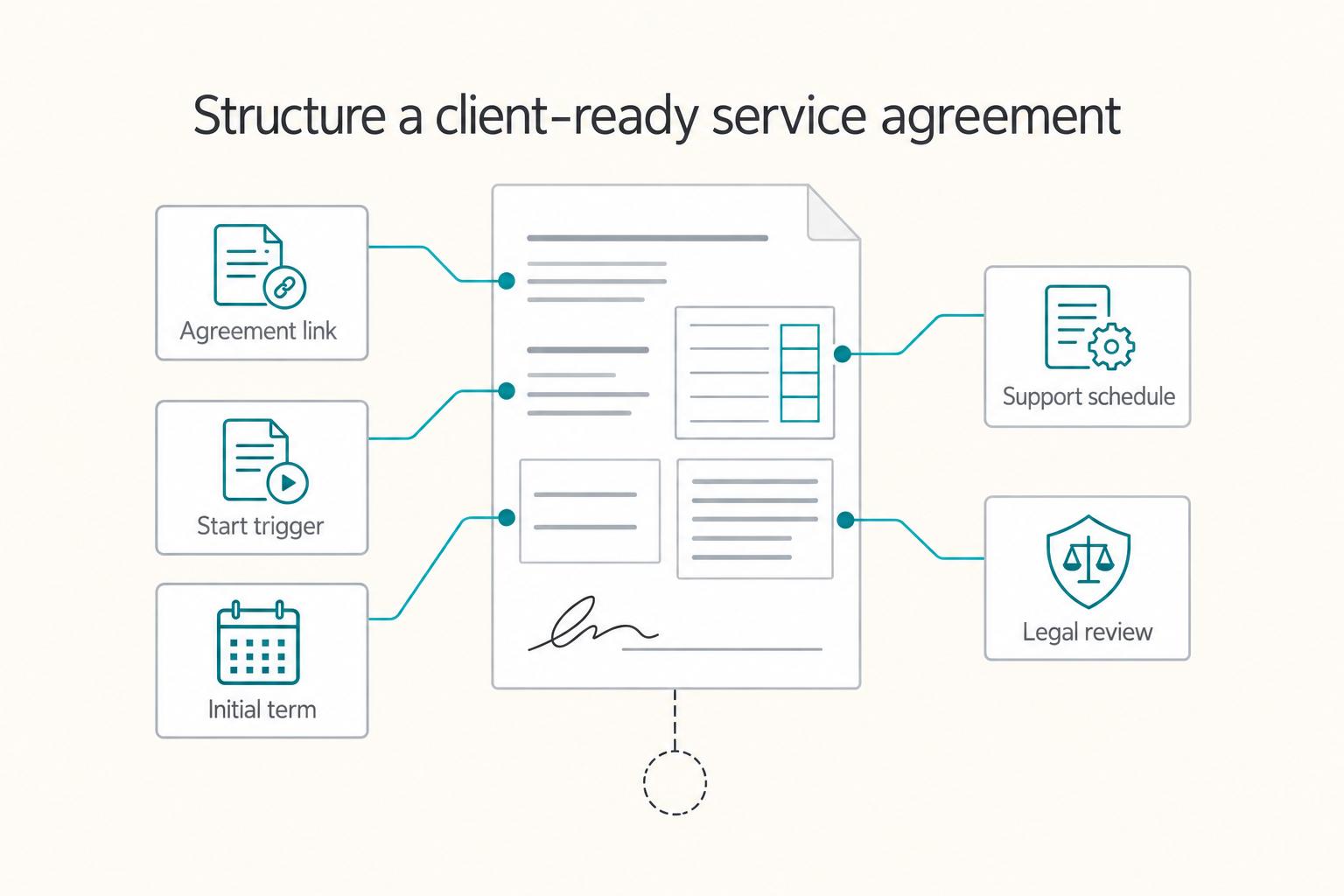
Step 1: Fill the four anchor fields#
Fill these fields from signed artifacts only:
| Anchor field | Fill from signed artifacts only | Format in article |
|---|---|---|
| Agreement identifier | Exact agreement title + date | Exact agreement title and date from the signed set |
| Effective trigger | Exact event that starts SLA obligations | Exact signed event that starts SLA obligations |
| Initial term | Start date to end date | Start date to end date from the signed set |
| Support schedule name | Exact schedule/appendix/exhibit title | Exact schedule, appendix, or exhibit title from the signed set |
Then use this opening block:
This service level agreement applies only to services identified in the signed agreement named and dated in the contract set.
It becomes effective upon the trigger stated in the signed documents.
The initial term runs from the start date through the end date stated in the signed documents.
Support obligations follow the support schedule named in the signed set.
These four fields do most of the heavy lifting. If they are exact, the rest of the SLA is easier to keep short, bounded, and consistent with the signed set.
Step 2: Keep wording contract-backed#
Every phrase in the SLA should trace back to signed text, not habit or prior deals.
| Checkpoint | Required language | Wording to avoid | Why this helps reduce disputes |
|---|---|---|---|
| Agreement reference | Exact title and date from signed set | "our contract" | Reduces version confusion |
| Effective trigger | Specific signed trigger event | "effective immediately" (if not in signed text) | Reduces start-time ambiguity |
| Initial term | Explicit start and end fields | Open-ended phrasing that conflicts with signed dates | Reduces silent term drift risk |
| Support schedule | Exact exhibit or appendix label | "standard support applies" | Helps keep obligations tied to the signed schedule |
| Unverified legal text | Legal text pending jurisdiction and counsel verification | Guessing from prior deals | Helps prevent accidental over-commitment |
If billing or payment language sits in a separate titled document, including labels such as "Net-30", do not reinterpret it in the SLA unless the signed set explicitly does so.
When you feel tempted to paraphrase, compare the shortcut wording against the signed language. If the shortcut broadens, narrows, or blurs the original text, keep the contract wording instead.
Step 3: Use modular clause blocks (only if supported by signed documents)#
Use short clause blocks only when the signed documents support them:
- Scope anchor: "This SLA applies only to covered services listed in the signed document named in the agreement set."
- Start trigger: "Service timing under this SLA begins on the trigger stated in the signed documents."
- Term boundary: "This SLA remains in effect from the signed start date through the signed end date, unless signed agreement language states otherwise."
- Support schedule reference: "Support is provided under the support schedule named in the signed set."
The point of these blocks is not style. It is containment. Each one ties an operational promise back to a signed source so the SLA reads like a controlled exhibit, not a free-floating summary of what someone thinks the deal is.
Step 4: Run the pre-signature check#
Before you send the final version for signature, do one last alignment check against the signed set.
- Cross-check trigger language against the signed agreement documents.
- Confirm term fields are complete, including both start and end.
- Verify schedule labels exactly match the signed exhibit or appendix set.
- Mark any unresolved legal text as pending jurisdiction and counsel verification before circulation.
If a mismatch appears, stop and correct the source reference before circulating the signature copy. If these checks pass, your SLA stays clear, bounded, and aligned to what was actually signed.
If you want a deeper dive, read Germany Freelance Visa: A Step-by-Step Application Guide. Before you send the final draft, convert your checklist into client-ready contract language and tighten risk clauses in one pass with the Freelance Contract Generator.
Frequently Asked Questions
How long should a freelance SLA be in 2026?
For most solo service deals, keep the SLA to one to three pages and anchor it to signed MSA/SOW text. The objective is operational clarity, not legal duplication.
Should I put response-time credits in a freelance SLA?
Only if the parent agreement supports service credits and defines how amounts are calculated. Many freelancers start with capped credits such as 5% to 15% of the affected monthly fee.
What records should I keep to defend an SLA dispute?
Keep timestamped requests, approvals, version labels, pause reasons, and delivery evidence. Store records by client and month so retrieval takes minutes, not hours.
Try a related tool
Researched and edited by the Gruv editorial team. Gruv builds cross-border billing, payouts, and finance-operations software for global businesses.
Sources
Includes 3 external sources outside the trusted-domain allowlist.
- acquisition.gov/sites/default/files/page_file_uploads/Part-5...trusted
- cfo.asu.edu/cfo-pdf-site-maptrusted
- ilga.gov/documents/legislation/legisnet91/sbgroups/sb...trusted
- irs.gov/businesses/small-businesses-self-employed/in...trusted
- ripuc.ri.gov/sites/g/files/xkgbur841/files/2026-02/25-45-...trusted
- ailawyer.pro/blog/master-service-agreement-(msa)-templateexternal
- belitsoft.com/custom-application-development-services/comm...external
- consultingquest.com/insights/msa-sow-consulting-agreements-guideexternal
Educational content only. Not legal, tax, or financial advice.
Related Posts

Germany Freelance Visa Application Path for Freiberufler and Gewerbe
Choose your track before you collect documents. That first decision determines what your file needs to prove and which label should appear everywhere: `Freiberufler` for liberal-profession services, or `Selbständiger/Gewerbetreibender` for business and trade activity.
California Money Transmitter License Requirements for First-Time Filers
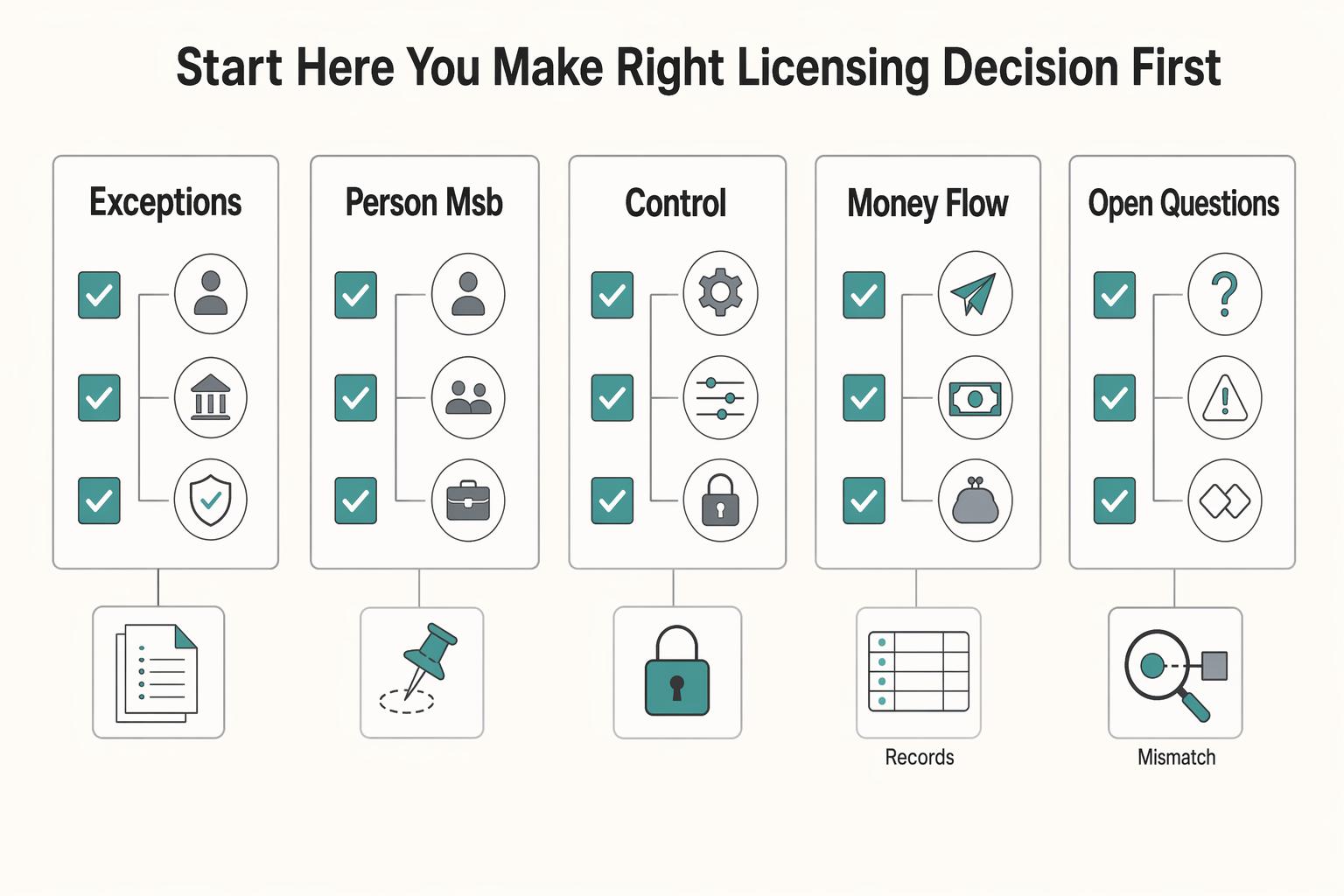
Start with scope, not forms. If you're evaluating a California money transmitter license, map your money flow first: what you control, for whom, and where control starts and stops.
How to Set Up Your First Google Ads Campaign
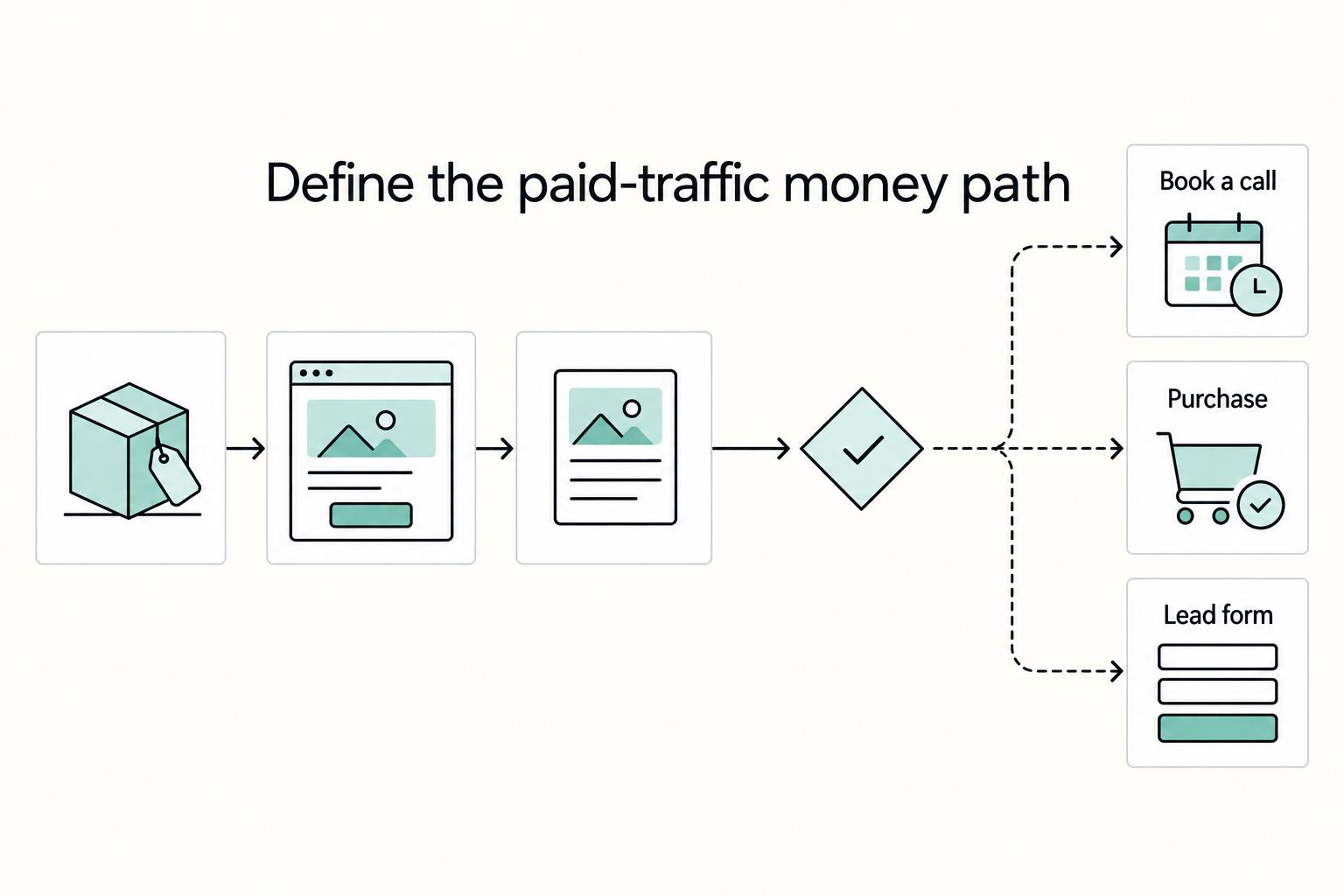
Google Ads doesn't "punish beginners" so much as it punishes ambiguity. If you build a campaign by clicking through prompts without making a few foundational choices first, you feed the system messy signals. Then you spend your first week "optimizing" noise.