
Quick Answer
Choose the invoice correction and cash outcome separately. A credit document can reduce what is owed or support a refund on a paid invoice. A refund returns money; it does not by itself establish the correct invoice or tax treatment. Replace an invalid issued invoice using the supported reversal-and-rebill process. Before execution, record the original invoice, reason, approval, and permitted accounting period. Reconcile each resulting document and cash movement before closure.
What a Credit Invoice Does#
Once volume grows, credit invoices, invoice reversals, and invoice adjustments stop being simple billing edits. They become order-to-cash events that affect customer balances, accounts receivable, accounting records, payment matching, and sometimes fund finalization on a different timeline. The practical mistake is treating them like one back-office task when they are really several linked records that have to stay in sync.
That gets harder because order-to-cash already spans multiple teams. Sales, support, billing, and finance operations can all trigger or approve a correction. Accounts receivable and accounting teams typically own different parts of the outcome. In a stack with multiple sources of truth or manual handoffs, a case that looks finished in the billing UI can still be unresolved in the accounting record or unsupported in downstream matching. Close confidence drops fast when each team is looking at a different version of the same invoice story.
The billing object can also behave in ways that catch teams off guard. A credit-note style action can reduce an open or paid invoice, and in some products it can take an open balance to zero and move the invoice status to paid. That may be correct for the invoice state, but it does not mean every downstream view is complete. If finance sees "paid," support sees "credited," and cash application still shows pending activity, you already have the ingredients for a month-end exception.
Settlement adds another timeline. A billing correction can be posted before a refund reaches the customer or before an associated payout is reconciled. Track the selected provider’s actual cash status and expected arrival date; a document or HTTP success alone does not prove that money has moved.
This guide is meant to prevent that drift. It gives you decision rules for choosing the right correction, an execution order that avoids new mismatches, and verification checkpoints that keep GL, matching, and cash-status views aligned. Start with a simple rule: do not approve any correction path until the original invoice reference, the customer balance impact, and the expected accounting outcome all tell the same story.
The scope here is operational design inside order-to-cash and accounts receivable. Not every subscription billing platform behaves the same way. Product behavior is configuration-dependent, and some features must be enabled before related modules are available. In practice, confirm in product how your platform handles credit invoices or credit notes, reversal objects, invoice status changes, and related status events before you roll out policy. Recurly, for example, treats a credit invoice as a separate invoice object for credits, while other platforms may expose similar outcomes with different labels or controls.
Define each action before anyone clicks approve#
Define these as five separate approval paths before work starts: Refund, Credit invoice, Invoice reversal, Invoice adjustment, and Rebill. If teams blur those labels, they usually create revenue leakage or unnecessary billing complexity.
Separate the correction types first#
| Action | Typical trigger | Accounting intent | Customer impact | Reconciliation impact |
|---|---|---|---|---|
| Credit invoice | Price concession or service credit, applied to an open invoice or allocated on a paid one | Record credit as its own invoice object | Reduces what is owed; on a paid invoice, may support a refund or on-account credit | Link the credit document to the original charge |
| Invoice reversal | Prior posted invoice accounting must be reversed | Reverse the prior invoice document | Invalidates the prior invoice outcome | Keep a reversal document and journal trail tied together |
| Invoice adjustment | Bill item amount due needs a debit or credit change | Change the amount due for a bill item | Updates the customer account balance | Tie the adjustment to the affected bill item |
| Refund | Completed payment must be returned in whole or part | Return cash after payment succeeded | Customer receives money back | Match refund records to payment and payout records |
| Rebill | Original invoice data is wrong and must be reissued correctly | Credit full invoice, duplicate it, correct data, and resubmit | Customer gets a corrected replacement invoice | Reconcile the full old-to-new document chain |
Apply one hard rule set#
Choose two linked outcomes: which document corrects the invoice, and whether money returns to the customer or remains on account. A credit note can accompany a refund on a paid invoice; these are not mutually exclusive paths. If the original issued document is invalid, use the replacement process supported by your billing system and applicable invoicing rules, preserving the old-to-new reference chain.
Check validity and customer outcome before approval#
Before you approve anything, confirm two points: whether the original invoice is still valid, and whether the customer expects cash back or an on-account credit. This is where teams most often drift, such as issuing a credit after support promised a refund, or using an adjustment when the invoice should be replaced.
Also flag any path that depends on manual offsets. Reversal and correction documents often require explicit operator action, and manual negative offsets are where tie-outs become harder to close cleanly.
Prepare the minimum evidence pack before issuing anything#
Before issuing a credit, reversal, or adjustment, require one minimum evidence pack and block execution until it is complete.
| Item | Type | Requirement |
|---|---|---|
| Original invoice reference | Prerequisite | Exact invoice ID being corrected |
| Reason code | Prerequisite | Structured value, not free text, with an optional operator note |
| Approval owner | Prerequisite | Person or role accountable for the decision |
| Close period status | Prerequisite | Confirm the accounting period is open before creating documents |
| Webhook event ID | Reference | Anchor recovery and reconciliation |
| Ledger journal reference | Reference | Anchor recovery and reconciliation |
| Settlement reference | Reference | Anchor recovery and reconciliation |
Step 1. Collect four business prerequisites. Stop if any are missing.
- Original invoice reference: the exact invoice ID being corrected.
- Reason code: use a structured value, not free text (for example
duplicate,fraudulent,order_change, orproduct_unsatisfactory), with an optional operator note. - Approval owner: the person or role accountable for the decision.
- Close period status: confirm the accounting period is open before creating documents, since closed periods can block new receivables activity.
Step 2. Enforce minimum controls on the request.
- Segregation of duties: requester and approver should be different for higher-risk changes.
- Audit trail: log each status change with user, timestamp, and linked document references.
- Operation identities: link operation-specific keys to one parent correction so credit, refund, and rebill steps can each recover safely.
Use a practical retry test: if the same request arrives twice with the same key, your handler should treat it as the same operation. Also note that some APIs may prune idempotency keys after at least 24 hours, so keep your internal request records longer.
Step 3. Capture the platform references needed for traceability.
- Webhook event ID
- Ledger journal reference
- Settlement reference
These references anchor recovery and reconciliation. For Stripe live webhooks, automatic retries can continue for up to three days, and the Events API supports recovery over the last 30 days. Record each selected provider’s own delivery and retention rules.
Step 4. Run one pre-flight checkpoint before execution.
Do not proceed until General ledger, Accounts receivable, and customer-facing balance tell the same story. Reconcile AR to GL before and after posting, then confirm the customer balance reflects the same correction path.
If those three views disagree, fix the mismatch first. Related reading: Subscription Billing Platforms for Plans, Add-Ons, Coupons, and Dunning.
Choose the right action with decision rules, not judgment calls#
Choose the correction based on invoice and payment state. Determine the required credit, adjustment, or replacement document, then choose a refund or on-account allocation for any paid amount. If there is an existing payment dispute, check its status and provider instructions before refunding to avoid duplicate recovery.
| Issue | Use | Condition |
|---|---|---|
| Disputed charge | Refund | If payment succeeded and refund is permitted after checking existing dispute and refund records |
| Pricing mistake | Credit note or line-item adjustment | If customer, invoice identity, and service period are valid but amount is wrong |
| Service credit | Invoice adjustment or line-item credit | Usually for partial service failure, not a full reversal |
| Tax correction | New invoice or credit note | Depending on jurisdiction; do not assume void-and-edit is allowed |
| Duplicate bill | Credit or void for an unpaid duplicate; refund or agreed credit for a paid duplicate | Check invoice and payment state, and preserve the original document trail |
| Timing error | Adjust forward or reversal + rebill | Use the finance-approved correction and posting period; replace the invoice when its identity is invalid |
Step 1. Classify the issue before you select the document.
- Disputed charge: check the existing dispute and provider rules before returning funds. Record the dispute outcome and any refund to avoid paying twice.
- Pricing mistake: if customer, invoice identity, and service period are valid but amount is wrong, issue a credit note or line-item adjustment. Prefer line-item credits so the correction stays tied to the billed item.
- Service credit: for partial service failure, usually use an invoice adjustment or line-item credit, not a full reversal.
- Tax correction: do not assume void-and-edit is allowed. Depending on jurisdiction, you may need a new invoice or a credit note.
- Duplicate bill: correct an unpaid duplicate through the supported credit or void path. For a paid duplicate, return cash or record an agreed on-account credit after checking prior recovery.
- Timing error: use the finance-approved period and correction treatment. If invoice identity is invalid, use the supported replacement process.
Step 2. On paid invoices, make the trust-versus-predictability decision explicit.
Use a refund when money should return to the customer, after checking existing refund and dispute records. For an on-account credit, obtain the agreed customer outcome and confirm that the credit can be used or returned under the applicable terms. Record any required credit document separately. Stripe permits multiple partial refunds up to the original charge amount.
Step 3. Choose the replacement process and permitted accounting period.
If invoice identity or legal content is wrong after issue, use the supported correction-and-replacement process instead of silently editing history. Finance should choose the permitted posting period under its accounting policy. For a forward-period correction, preserve the original invoice, reason, approval, and closed-period reference; do not assume every late error has the same accounting treatment.
For a step-by-step walkthrough, see How to Issue Compliant Tax Invoices in 50+ Countries as a Global Platform.
Execute the correction in the right order across billing and ledger#
After you choose credit, adjustment, or reversal, keep one correction object as the system anchor and sequence downstream updates from that record.
Step 1. Stabilize the case context before creating the correction. Before posting anything, confirm you have a consistent snapshot: original invoice ID, account or subscription ID, current balance context, period status, and approver. If your platform supports a short-lived hold, use it to reduce mid-process changes while the correction is being created.
Step 2. Create the correction object with retry safety and classification. Keep a durable identity for the approved correction and reuse the same provider idempotency key where the endpoint supports it. Stripe’s key limit is 255 characters; other endpoints have their own contracts. Persist the reason and recover the original result after an uncertain response before creating a new correction.
Step 3. Post ledger and receivables in the required accounting sequence. Join the correction, receivables document, and journal entry through durable references. Finance should approve the permitted date and period under its accounting policy, including any authorized reopening or restatement process; the UI’s period lock is only one control.
Step 4. Treat webhooks as asynchronous checkpoints. Persist verified receipt before acknowledgment and process it through a recoverable handler. Commit the completed-event marker with local financial effects; external calls need durable retry state and their own operation identity. Return success for completed duplicates, while a received but incomplete event remains eligible for recovery. Fetch current object state before dependent actions when events arrive late or out of order.
Step 5. Send notices after posting is stable, with traceable references. Send customer and internal notices only when the posted state is settled. Include references that let teams reconcile quickly, typically invoice ID, correction ID, amount, and reason code, and keep internal-only fields in internal channels.
Related: Streaming Media Subscription Billing: How OTT Platforms Handle Billing Trials and Churn.
Reconcile downstream impacts before declaring the case done#
A posted correction is only complete when your billing record, settlement evidence, and payout exposure tell the same story.
| Surface to check | What to verify | Red flag |
|---|---|---|
| Invoice state | Corrected document links to the original invoice and shows the approved amount and reason | The correction exists, but amount or source-invoice linkage does not match |
| Settlement and cash evidence | Transaction-level evidence matches the corrected amount, or clearly shows why cash did not move | Settlement is marked complete, but there is no linked transaction evidence |
| Payout execution exposure | Queued payouts reflect the approved correction; already-sent batches retain their history and link any later refund, offset, recovery, or funding obligation | A refund or recovery obligation is missing even though the original payout has already been sent |
Step 1. Match the corrected invoice to settlement evidence. Start from the correction record, then verify the cash path at transaction level. Where available, use transaction-level reports rather than summary balances. For example, Adyen's Settlement details report supports transaction-level reconciliation and shows transaction costs.
Your checkpoint is a traceable chain across original invoice ID, correction object ID, settlement or payout reference, amount, and journal reference.
Step 2. Check payout exposure before sign-off. For automatic payouts, reconcile by settlement batch so bank deposits map back to included transactions. Stripe's payout reconciliation model is batch-based, not a loose day-total check.
Use the selected timezone and reporting period for daily reconciliation. Paginate API results so the first page is not mistaken for the complete dataset. For Stripe instant or manual payouts, your team must reconcile transaction history to the bank movement rather than rely on automatic payout-batch allocation.
Step 3. Track exceptions and escalate mismatches to named owners. Keep exception handling operational, not informal. Track unresolved exceptions, time to close, and correction rework rate. Route mismatches into explicit queues or worklists so nothing sits unowned.
Two escalation triggers should be explicit:
- Settlement is marked complete, but ledger posting is missing.
- Ledger is posted, but the expected cash movement is missing, or a noncash correction has no documented balance outcome.
Unreconciled line-level exceptions should block closure until resolved.
Step 4. Define and document your team's completion state. Close the case only after your checklist is fully met and reconstructable by another operator without back-and-forth. A practical checklist usually includes the corrected billing document, matching journal entry, recorded sign-off, and an audit export bundle with supporting reconciliation evidence.
For a deeper look at the billing-engine design behind invoice and credit flows, read How to Build a Subscription Billing Engine for Your B2B Platform: Architecture and Trade-Offs.
Handle the failure modes competitors skip#
The case is not done until you control replay risk and manual workarounds that can create a second financial impact. Prioritize the failures that recur most: duplicate webhook delivery, stale retries after timeouts, and manual back-office edits without reliable change history.
Step 1. Separate duplicate events from safe request retries. A stored event ID proves receipt, not completion. Suppress a repeated financial effect only after its committed completion is recorded, and recover incomplete work. For an uncertain outbound create call, reuse the same operation key where supported and verify its result before a new attempt.
Checkpoint: one approved parent correction links every required operation, such as credit creation, refund, reversal, and replacement invoice. Each operation has its own durable identity and provider key where supported, with all resulting objects and processing events retained. A new key on an uncertain retry must not create another financial effect.
Step 2. Drain stale retries before touching the ledger again. Clear undelivered event backlogs first, then continue with corrections. Stripe supports manual processing of undelivered events while automatic retries can continue for up to three days, and Stripe CLI resend works for up to 30 days after event creation.
If a duplicate posting occurred, reverse only the unintended duplicate entry, not the original approved correction. Then rerun the prior reconciliation sequence: corrected document, journal reference, cash evidence, and payout exposure.
Step 3. Quarantine manual edits that bypass the audit trail. Do not trust manual edits unless actor attribution and change history are complete. The practical test is whether you can show who changed the record, when they changed it, and what the prior value was. Audit-log visibility depends on retained change history in your system.
If you cannot reconstruct the edit path, freeze the case, rebuild the evidence pack, and route for approval. Where approval limits apply, out-of-limit entries can remain in pending adjustment status until someone with the right authority approves or rejects them.
Step 4. Obtain finance’s treatment for late-discovered errors. Use the permitted forward-period, reopening, or restatement process under the applicable accounting policy. Restrict closed-period changes to authorized users and retain the original invoice, discovery date, period status, and approval record.
Use post-close change reporting as a verification step. If someone edited the closed period directly, treat it as a control exception and escalate when you see:
- Repeated manual overrides on the same account
- Missing approval artifacts or adjustments still in pending status
- Unresolved cash deltas after reversing the duplicate posting and rerunning checks
Set governance rules that scale across teams#
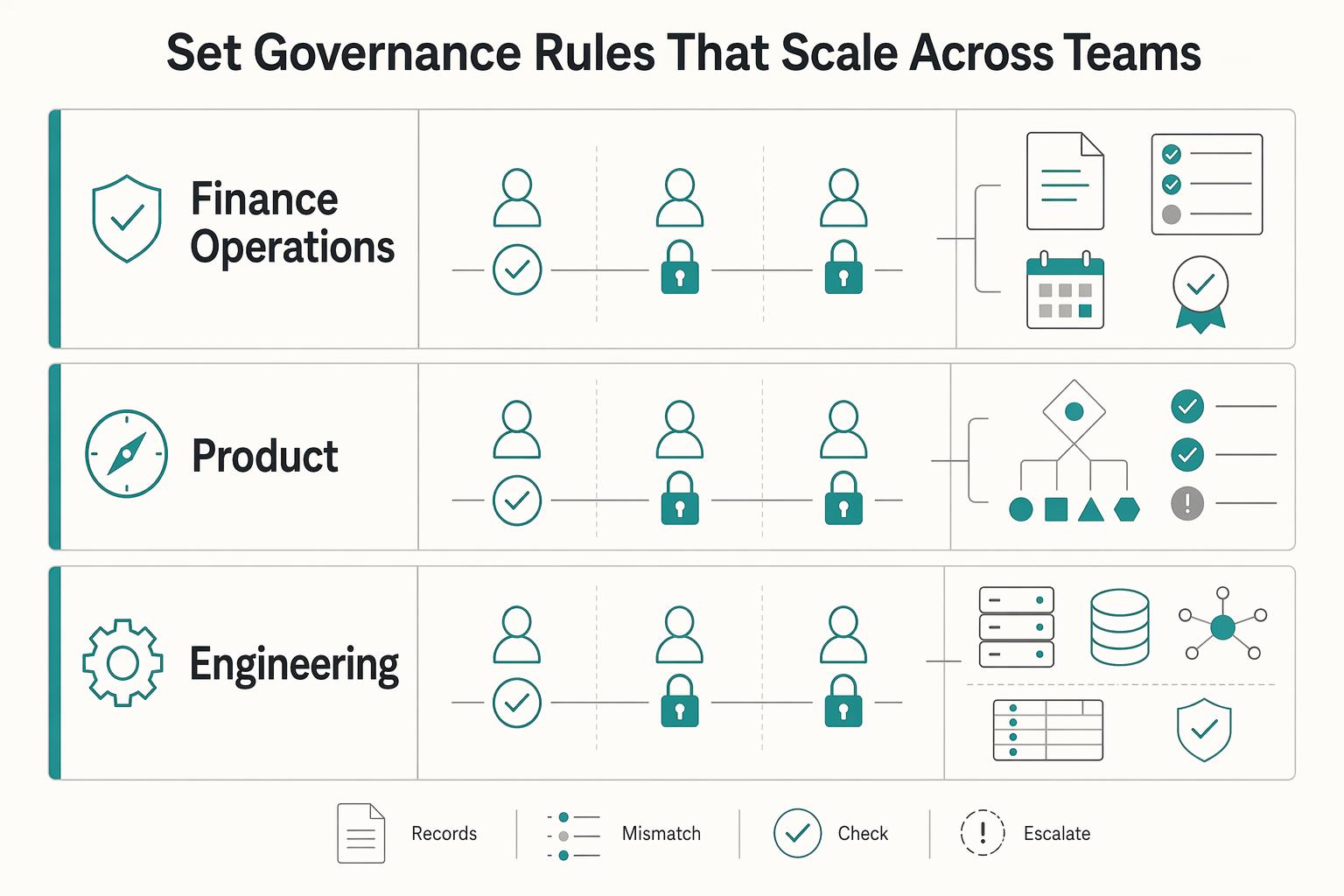
Governance scales when role boundaries are explicit, risk routing is policy-based, and control reviews are recurring. The core rule is unchanged: one person should not be able to create, approve, and post a high-impact correction.
| Team | Owns |
|---|---|
| Finance operations | Reason codes, evidence-pack completeness, and close sign-off |
| Product | The rule that determines credit invoice vs reversal vs adjustment vs refund vs rebill |
| Engineering | Permissions, event capture, and audit trail integrity |
Step 1. Assign ownership by correction type and action. Map each correction type to create, approve, and post. Finance operations should own reason codes, evidence-pack completeness, and close sign-off; product should own the rule that determines credit invoice vs reversal vs adjustment vs refund vs rebill; engineering should own permissions, event capture, and audit trail integrity. Validate this with a live role test: conflicting actions must be blocked for the same user under separation of duties.
Step 2. Route by risk, not by team preference. Use approval limits so lower-risk adjustments can auto-route while higher-risk reversals move to pending until an authorized approver acts. For higher-risk cases, enforce a two-person rule: approval must come from a different authorized user before balances update. If your control checks only amount and not actor identity, segregation of duties is incomplete.
Step 3. Run recurring control reviews and close root causes. Use ongoing monitoring plus periodic separate evaluations of control health. Review audit trail quality, reconcile differences across billing, GL, and cash records, and group recurring order-to-cash exceptions by root cause. When the same failures repeat, treat that as a design signal for permissions, event handling, or migration setup, not just an operations issue. Connect those fixes to your billing architecture and your platform migration plan.
This also aligns with B2B SaaS vs B2C Subscription Billing and Churn Differences That Drive Operations.
Conclusion#
If you remember one thing, make every correction a controlled accounting event, not a customer support gesture. Teams stay out of trouble when they standardize definitions, force explicit decision rules, and refuse to call a case done until the GL, matching, and cash-status views agree.
That is what keeps credit invoices, reversals, adjustments, refunds, and rebills from turning into close-period noise. It also keeps you from fixing the customer-facing balance while leaving AR, journal entries, payout references, or disbursement exposure unresolved in the background. A correction is only complete when the document is right, the accounting entries are posted, the exception is matched, and the original history is still preserved in the audit trail.
Use this as a final copy-and-paste check before you close any case.
- Define action type (credit, reversal, adjustment, refund, rebill)
Name the action first and tie it to the accounting intent. If the original issued document is invalid, assess whether it should be handled as a reversal. If cash must leave, route through a refund path. If you are correcting value without sending cash, use the right non-cash correction. The failure mode here is definition drift, where different teams use the same word for different outcomes.
- Confirm approvals, close-period status, and evidence pack
Confirm the approval owner, original invoice, reason, and finance-approved posting period before execution. If the original period is locked, follow the approved forward-period or reopening process rather than bypassing the lock. Preserve the policy decision and old-to-new references.
- Execute with idempotency key and webhook-safe processing
Give each approved correction a durable operation identity and use the selected API’s idempotency mechanism where supported. Stripe keys can be up to 255 characters. Persist verified webhook receipt, then commit local effects and completion together or use a recoverable workflow for external effects; a logged receipt alone is not a reason to discard unfinished work.
- Post GL and AR updates in sequence
Use the posting order your platform supports, but make it explicit and consistent. AR correction activity should flow through configured journals and then summarize to GL according to your setup, not through ad hoc balance edits. Verification point: confirm the journal reference exists before you treat the AR side as final.
- Check invoice, cash status, and payout exposure
Match the invoice correction to its intended cash outcome. A noncash credit should have a documented no-cash-movement result and the right balance and journal effects. A refund requires its own transaction evidence, status, and payout or recovery reconciliation. Keep an exception open when the expected document or cash outcome is missing.
- Archive audit trail and close the exception
Preserve the original accounting history alongside the offsetting and new entries. That audit trail is what makes the case defensible after month end, during review, or during migration to a new platform. Close the exception only when the evidence pack, approvals, references, and sign-off are all attached.
Frequently Asked Questions
What is the difference between a credit invoice and a refund in subscription billing?
A credit invoice or credit note documents a reduction to billing; a refund returns money. They can be linked: on a paid invoice, a credit document may support a refund or an on-account credit. Recurly and Stripe expose different objects and allocation rules, so track both the billing correction and the cash outcome.
When should I issue an invoice reversal instead of an invoice adjustment?
Use an invoice reversal when the invoice was already posted and issued and the accounting document itself needs to be reversed. Use an invoice adjustment when you need a correction entry and want to preserve invoice history rather than edit the invoice directly. A simple check is this: if an already issued document needs to be reversed, use a reversal. If the balance or amount needs correction, adjust it.
What minimum controls should exist before anyone can approve a reversal?
At minimum, the person approving should not be the same person who created the reversal request, because segregation of duties is meant to reduce error and fraud risk. You also want a recorded approval step before downstream payment actions continue, since some ERP flows explicitly require approval after an adjustment before payment can proceed. Red flag: if your tool lets one user create and approve the same high-impact correction, the control is too weak.
How do idempotency keys prevent duplicate credits when webhooks are retried?
Use one durable identity for each approved correction and the selected endpoint’s idempotency key where supported. Webhook receipt and processing completion are separate: commit local effects with the completed marker, or use a recoverable workflow for external calls. Replay tests should prove that unfinished work can recover without creating a second credit.
What should finance do if cash data and GL postings do not match?
Do not mark the case complete. First compare the invoice state, cash evidence, and journal reference to identify what is missing or duplicated, then move the exception to manual review if auto-matching failed. Investigate and resolve the mismatch before further corrections are issued.
Can I correct an invoice after close period without reopening the period?
Finance should choose the permitted treatment under the applicable accounting policy. A forward-period correction may be appropriate, while some errors require an authorized reopening or restatement process. Verify the target period and preserve the original invoice, discovery date, reason, approval, and correction references; do not bypass a period lock to tidy a report.
Try a related tool
Researched and edited by the Gruv editorial team. Gruv builds cross-border billing, payouts, and finance-operations software for global businesses.
Sources
Includes 1 external source outside the trusted-domain allowlist.
- csrc.nist.gov/glossary/term/Separation_of_Dutytrusted
- docs.stripe.com/api/idempotent_requeststrusted
- docs.stripe.com/reports/payout-reconciliationtrusted
- guides.gaoinnovations.gov/greenbook/2025/principle-16-perform-monitori...trusted
- oacp.upenn.edu/audit/audit101/internal-controls-guidance/op...trusted
- stripe.com/resources/more/payment-reconciliation-101trusted
- stripe.com/resources/more/payment-settlement-explained-...trusted
- billingplatform.com/solutions/subscription-billingexternal
Educational content only. Not legal, tax, or financial advice.
Related Posts
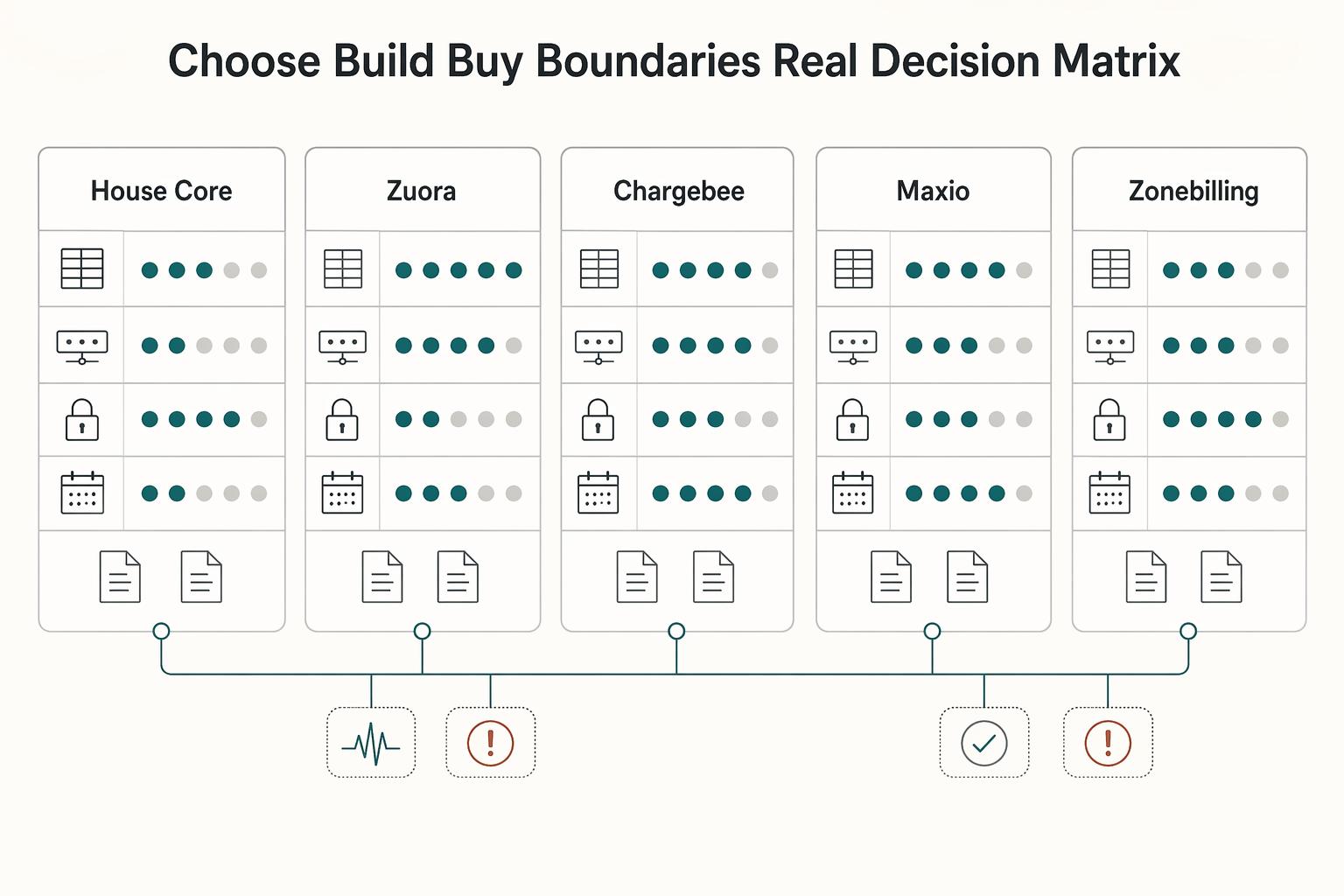
How to Build a Subscription Billing Engine for Your B2B Platform
If you are designing a B2B subscription billing engine, get the close and reconciliation model right before you chase product flexibility. A durable sequence is to define recurring billing scope (plans, billing periods, usage, and trials), then map settlement and payout reconciliation to transaction-level settlement outputs, and finally tie that discipline into month-end close controls. The real test is simple: finance should be able to trace invoices, payments, and payouts from source events through settlement records into reconciled close outputs without ad hoc spreadsheet rescue.
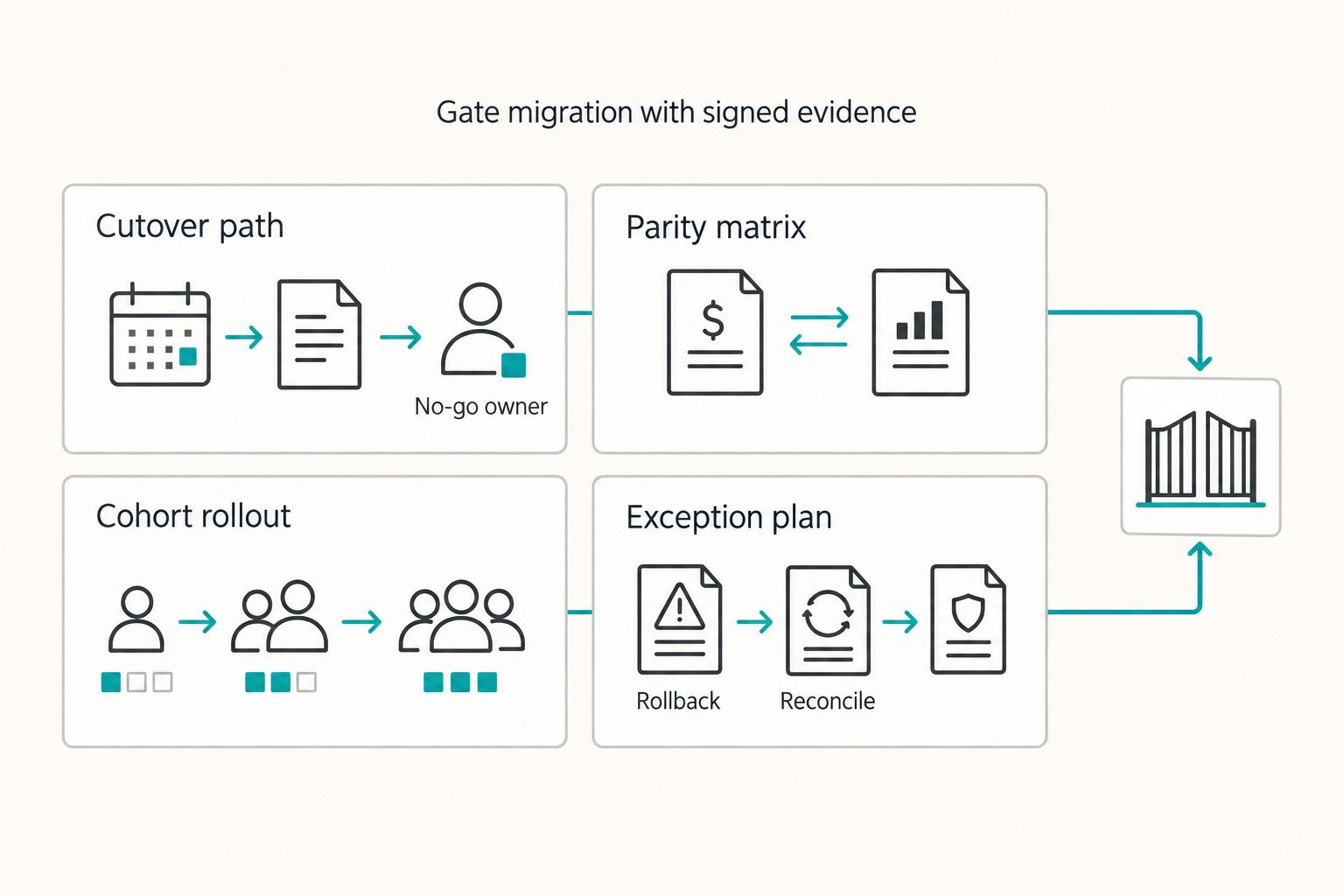
How to Migrate Your Subscription Billing to a New Platform Without Losing Revenue
If you need to **migrate subscription billing platform without losing revenue**, treat it as a revenue operations change, not a simple software swap. Billing migrations sit close to renewals, revenue reporting, and payment credentials, so mistakes rarely stay technical. They can show up as duplicate records, inaccurate revenue reporting, failed renewals, or customer-facing downtime.
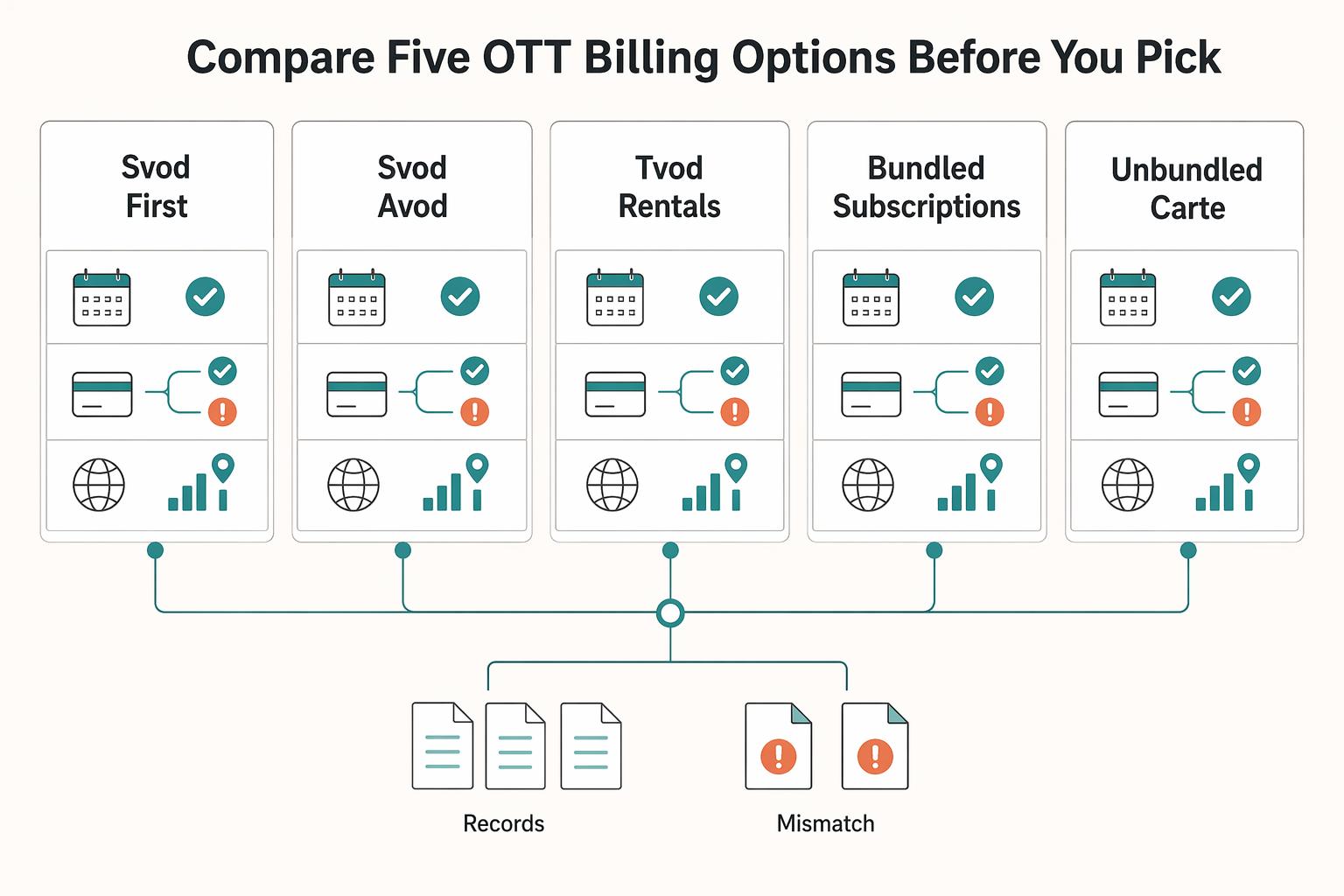
How OTT Platforms Handle Billing Trials and Churn in Streaming Subscriptions
Start with the monetization model. Choose your monetization path before a product demo starts steering the decision. For a streaming offer, the real question is not which vendor can show subscriptions on a checkout page. It is whether your business is built around recurring access, ad-supported reach, one-off transactions, or a direct-to-consumer mix that may vary by market.