
Quick Answer
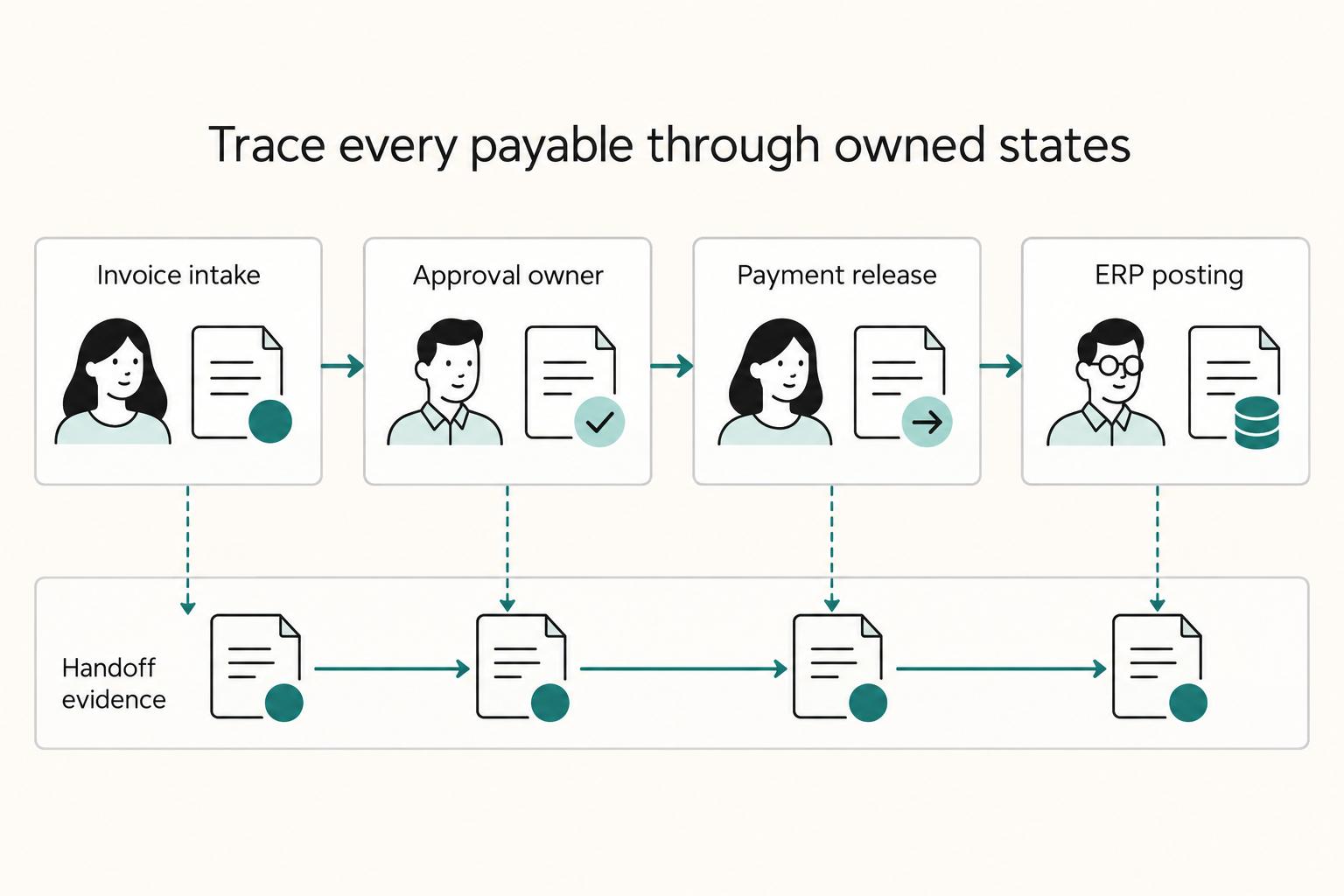
Define the AP boundary first: invoice intake, approval, payment confirmation, and GL posting with an audit trail. Then assign one owner at each handoff, choose AP automation or broader P2P based on where delays begin, and require evidence like PO match status, provider reference, and reconciliation output. Before launch, run failure drills for ERP sync breaks, duplicate-request replay, and rejected payouts so exceptions are owned before volume increases.
What an End-to-End Accounts Payable Workflow Needs to Cover#
Start with the process, not the product demo. Full-cycle Accounts Payable (AP) runs from purchase order through payment and reconciliation. Weak design usually shows up later as invoice delays, duplicate payments, missed due dates, and supplier disputes.
A lot of AP content focuses on the feature layer: intake tools, approval screens, OCR, dashboards. Those features matter, but teams often get hurt at the handoffs. A clean invoice capture flow does not help much if finance cannot trace the approval, ops cannot explain a payout exception, or engineering cannot tie a payment confirmation back to the general ledger (GL) record during close.
This guide treats the end-to-end payables process as an operating design problem, not a software shopping exercise. It gives you a build order, decision checkpoints, and a clear split of work across finance, ops, and engineering. That way, the process still holds up when volume rises, exceptions stack up, and audit questions arrive weeks later.
Before you start#
Come in with three basics written down, even if they are rough:
- where AP starts and ends for your business
- which team owns each handoff today
- a short sample of recent failures such as late payments, duplicates, or payout disputes
That prep matters because manual AP is commonly linked to delays, compliance risk, and vendor friction. The cost is not only labor. Small breaks in the chain can create downstream invoicing problems, slow growth, and complicate reconciliation.
The scope here is narrower, and more practical, than a full Procure-to-Pay or Source-to-Pay program. We will stay focused on the AP segment that has to stay durable under real operating load: intake, validation, approvals, payment release, confirmation, and close-ready records.
A good design leaves evidence at every gate. You should be able to verify who approved the transaction, whether the invoice matched the related PO or supporting records, which provider reference came back after payment, and where the GL posting landed. If one of those links is missing, the process may look automated on the surface but still fail under exception volume or audit review.
That is the lens for the rest of the guide. We will not promise universal savings or pretend AP automation fixes bad ownership. Instead, you will work from boundary first, then tooling, then integration behavior, then controls, so you can decide what belongs in the AP layer, what belongs in ERP, and what should stay with finance, ops, or engineering.
For a step-by-step walkthrough, see Accounts Payable vs Accounts Receivable for Freelancers.
Define the process boundary and success metrics before tooling#
Define scope before you compare tools. For most teams, AP should cover invoice intake through payment confirmation, GL posting, and the audit trail needed for close. If owners cannot align on that in one working session, pause vendor selection and resolve scope first.
- Lock the start and end points.
Write the exact AP boundary for your business: invoice received, coded, approved, paid, confirmed, and tied to the final GL entry. Then test it on one recent invoice. You should be able to trace approver, payment reference, and posting record without pulling screenshots from multiple teams.
- Separate AP automation from adjacent systems.
AP automation can handle data entry, GL coding, approval routing, and PO/receipt matching. Decide explicitly what stays in AP versus ERP, payout rails, and tax or onboarding workflows. If the work expands from invoice processing into full purchasing design, you are in Procure-to-Pay (P2P), not just AP workflow tooling.
- Set metric definitions before demos.
Start with four measures: approval cycle time, exception rate, duplicate payment rate, and reconciliation lag. For each one, define start event, end event, owner, and evidence source. Without shared definitions, demo results are hard to trust and hard to compare.
You might also find this useful: Vendor Approval Process for Platforms: How to Screen and Onboard New Contractors Compliantly.
Want a quick next step? Try the free invoice generator.
Choose AP automation, ERP-native AP, or broader P2P based on constraints#
Choose based on where your constraint starts. If delays are mostly in invoice matching, GL coding, and approval routing, start with AP automation. If issues start earlier in purchasing and approvals across disconnected tools, evaluate a broader P2P scope.
Before demos, write down three items: your ERP, who owns supplier master data, and which payment service providers must remain in flow. If those are unclear, you are comparing categories, not implementation fit.
Step 1. Diagnose the bottleneck. AP automation software is built to digitize AP work from invoice receipt through payment, including GL coding, approval routing, and matching to POs or receipts. If those are your primary failure points, a focused AP layer is usually the most direct place to improve first.
If invoice issues are downstream symptoms of weak PO controls or fragmented procurement workflows, AP-only tooling may not address the root cause. In that case, P2P is relevant because it covers procurement through payment in one model.
Step 2. Compare options against operating constraints. The table describes design tradeoffs; validate effort and integration depth with your deployed ERP and sample invoices.
| Path | Best fit when | Implementation effort | Supplier master data quality demand | ERP integration depth | Change-management burden | Do not buy yet if unresolved |
|---|---|---|---|---|---|---|
| Standalone AP automation | Bottleneck is invoice intake, matching, coding, and approvals | Lower relative effort because scope is narrower | Moderate | Important; ERP-agnostic connectivity still depends on clean sync | Moderate; mostly finance-led change | Migration model, operating ownership, payment service provider fit |
| ERP-native AP | You are committed to one ERP and want AP inside that environment | Moderate when ERP practices are already mature | Moderate to high | Deep by design inside that ERP | Moderate across AP, accounting, and ERP admins | ERP lock-in risk, non-ERP invoice sources, payment provider fit without heavy customization |
| P2P / Source-to-Pay | Breaks are in PO discipline, procurement governance, and cross-team approvals | Highest because scope extends beyond AP | High | Deep and broad across purchasing and payables | Highest across procurement, finance, and requesters | Cross-team ownership, migration from disconnected tools, payment provider fit, and whether full procurement-to-payment scope is required now |
Step 3. Pressure-test with recent invoices. Classify delays in a sample set: missing PO, unclear approver, supplier data issue, ERP sync issue, or payment-provider mismatch. If delays cluster in matching and approvals, broader P2P may add change before fixing your first constraint. If delays begin before invoice intake, AP-only tooling can improve processing while upstream problems remain.
Step 4. Apply a hard stop before purchase. Do not buy yet if you cannot answer in writing: how records migrate, who owns operations after go-live, and how payment service providers fit the flow. These unresolved points often decide implementation risk more than feature depth.
A focused AP layer is a strong first move when scope is truly AP. ERP-native AP works when the ERP is your operating center. P2P is worth the heavier lift when procurement-to-payment control is the real constraint.
Map the end-to-end AP sequence with explicit owners and evidence#
Turn this into a control map, not a vendor diagram. A flow chart helps because it makes AP steps visible and gives the team a concrete way to discuss how the process should run.
Step 1. Map the real sequence first, then the target sequence. Start with your current full-cycle AP flow and place the future-state flow beside it: intake, coding, PO checks, invoice matching, approvals, payment release, and ERP posting. Keep it to one page so handoffs are easy to trace. If your team cannot follow recent invoices through the map without debate, the flow is still too abstract.
Step 2. Name one owner per gate, and name the receiver. Each gate needs one clear owner and one clear receiving owner. Avoid shared ownership labels that blur accountability. If a step still depends on manual chasing before the next person can act, define the missing handoff rule before you automate.
Step 3. Define the handoff evidence your team requires. Set a practical evidence pack for each gate so the next owner can act without re-checking the full history. Depending on your workflow, that can include intake records, coding history, PO/match results, approval logs, payment references, event history, ERP posting references, and reconciliation exports. The goal is simple: make status, ownership, and next action clear at each handoff.
Step 4. Add explicit logic for reversals, re-submissions, and stale records. When records are reversed, corrected, or re-submitted, preserve history and link new events to prior ones instead of overwriting states. Define how stale records are flagged and routed back to the responsible owner. This keeps the sequence usable as complexity grows and makes cycle-time bottlenecks easier to spot.
Design integration contracts before implementation#
Freeze integration contracts before anyone writes adapters. If you do not, the ERP, AP layer, payment service providers, and partner networks can drift into different versions of the same invoice and payment records.
Assign one owner and one contract for each interface#
Define a short contract for each connection point: AP to ERP, AP to payment provider, and AP to any partner network returning status or remittance data. These tools are often modular and can integrate with ERP applications, source-to-pay tools, partner networks, banks, and payment service providers. That flexibility is useful, but it only works when you decide where each record is authoritative.
At minimum, define ownership for these canonical objects:
| Object | Primary owner | Must stay consistent across tools |
|---|---|---|
| Invoice record | AP layer until posting, then ERP for financial record | invoice ID, supplier reference, amount, currency, approval status |
| Payment record | payment provider for execution status, AP/ERP for internal linkage | payment ID, invoice link, release status, provider reference |
| Exception record | AP or ops queue | exception type, current owner, resolution status, related invoice/payment IDs |
Start with the invoice object at intake. In a digital mailroom flow, structured and unstructured invoice data is extracted and validated before approval. If the AP layer marks an invoice one way and the ERP maps it differently, you already have contract drift. Use one real invoice to test: the same invoice ID, payment ID, and exception reason should be traceable across every interface without manual interpretation.
Require idempotency and replay rules up front#
Define a durable payment intent before any operation that can release funds. Record provider idempotency support, key scope and retention, and an internal duplicate-prevention constraint. A missing or ambiguous response must trigger reconciliation of the original instruction, not a fresh payment; link corrected reissues after confirmed failure as separate attempts.
Deduplicate inbound events and handle out-of-order or missed delivery. Apply each intended financial effect once, keep event and provider references, and query provider state when a notification is absent or inconsistent. Replaying a transport event must not initiate another payout.
A practical failure test is straightforward: submit the same payment instruction twice and replay the same provider status event twice. If records diverge, fix the contract before continuing implementation.
Separate immediate responses from later status changes#
Be explicit about what returns immediately versus what is confirmed later. For example, intake validation and approval decisions may need immediate responses so the next owner can act, while execution and settlement updates may arrive asynchronously through external systems.
Reflect that in your shared state model. Keep distinct states for invoice, payment, and exception records, and map every interface to those states consistently. That prevents a common failure mode: one system reporting payment completion while another is still waiting for confirmation.
Related reading: Merchant of Record for Platforms and the Ownership Decisions That Matter.
Build approval and exception paths that scale with volume#
Route approvals by risk class, not through one universal chain, so routine invoices keep moving while true exceptions get focused review.
| Queue | Record fields | Linked evidence |
|---|---|---|
| PO mismatch | Invoice ID and supplier ID; queue reason and current status; current owner and created timestamp | PO reference or validation note |
| Supplier master data conflicts | Invoice ID and supplier ID; queue reason and current status; current owner and created timestamp | Supplier record or validation note |
| Suspected duplicates | Invoice ID and supplier ID; queue reason and current status; current owner and created timestamp | Prior invoice or validation note |
1. Classify before approval. Decide early whether each invoice is routine, needs review, or must stop. A low-risk invoice with clean supplier data, no mismatch, and no duplicate signal should not sit behind a policy exception. Put this decision close to intake, because longer approval chains do not fix fragmented inputs.
2. Use named exception queues, not inbox threads. Keep separate queues for PO mismatch, supplier master data conflicts, and suspected duplicates. Each item should show one current owner, one reason code, and enough evidence to resolve without searching across systems.
A practical exception record includes:
- invoice ID and supplier ID
- queue reason and current status
- current owner and created timestamp
- linked evidence (PO reference, supplier record, prior invoice, or validation note)
When exceptions drift through email, ownership and auditability break down. A simple check is to pull one invoice from each queue and confirm it can be resolved from the record itself.
3. Escalate before cutoff risk turns into batch blockage. Keep separate states for pending approval, exception review, and ready for payment across your AP layer and ERP. Then define what happens when an item sits too long: who gets alerted, whether the invoice is excluded from the batch, and what evidence is logged.
4. When volume rises, simplify rules before adding approvers. If exception queues grow faster than your ops capacity, collapse edge-case branches and merge duplicate review paths. Push repeat defects back to intake or supplier onboarding. Newer AP tools can help with context and validation, but only if routing logic stays clear enough to operate.
If you want a deeper dive, read Payee Verification at Scale: How Platforms Validate Bank Accounts Before Sending Mass Payouts.
Add compliance and tax gates where they change payout eligibility#
Place compliance and tax checks at the last point that can still block release, so ineligible payouts stop before batch creation or initiation.
| Control | Placement | Rule |
|---|---|---|
| Applicable verification and sanctions checks | Before release | Verify actual provider capability, required reviews and restrictions; no internal exception may override provider-disabled release |
| Applicable tax documentation | Supplier setup and payment treatment | Select documentation according to tax status, payment relationship and income; missing forms may require withholding rather than a universal payment ban |
| Tax and statutory reporting | Separate reporting workflow | Define applicable forms, filer responsibility and required data; AP tooling availability does not determine a legal filing obligation |
| Sensitive tax data | Per-team access | Expose only the minimum data needed per team and limit full-detail export access |
Step 1. Put eligibility checks on the release path. If your program requires KYC or AML checks, treat them as release gates, not side-queue tasks. A payout should not move to ready-for-payment unless the supplier record shows a current status and decision record.
Collect the tax documentation applicable to the supplier, payment and withholding relationship. W-8 and W-9 selection depends on tax status and classification; VAT checks depend on the transaction. Resolve payment treatment when documentation is missing rather than assuming every supplier or invoice needs the same form.
Define statutory reporting separately from AP payment release. Identify the legal filer, covered transactions and required data for each applicable return. FBAR concerns foreign financial-account reporting and is not a generic supplier-payment export; assign that obligation to the relevant treasury or tax workflow when applicable.
Restrict access to tax identifiers and supporting documents by role. Keep reviewed form versions, effective dates and change triggers with the applicable tax record. Have the reporting owner maintain filing deadlines; an unrelated FBAR extension cannot set the AP program’s retention or release timetable.
Run failure-mode tests and go-live checkpoints#
Go live only after you can verify a complete AP flow from configuration through daily payment processing, with clean handoffs into General Ledger, Cash Management, and Purchase Order workflows.
Step 1. Rehearse the breakpoints you already expect. Before launch, run drills for the failures most likely to damage trust in your setup, such as delayed webhook delivery, failed ERP sync, rejected payment, or unmatched credits in Virtual Accounts. For each drill, document the expected operator action, expected status by system, and fix owner. Then trace one invoice or payment reference from approval through release, payout status, and final posting without losing the audit trail.
Step 2. Verify the order of operations under load. Test the sequence with overlapping events, not one record at a time: intake, approval, release, payout updates, and close-ready reconciliation. Focus on timing breaks that create inconsistent records across AP, ERP, and reconciliation.
Step 3. Require signed go-live evidence, not verbal confidence. Use a checklist that captures how retries are handled, whether the audit trail is complete, and what rollback action the team will take if close is at risk. Keep the evidence pack with sample records and explicit owners.
Step 4. Start with a controlled cohort. Roll out to a limited slice first, then review exceptions daily before expanding. If reconciliation quality drops, pause expansion and fix the break before broad rollout.
Related: Guide to Bulk Payment Processing: How Platforms Send Thousands of Payouts in a Single Run.
Conclusion and copy-paste launch checklist#
If your launch checklist still reads like a feature list, you are not ready. Go live when the process is visible enough that someone can trace one invoice from receipt to payment and related records without guessing.
| Checklist item | Confirm | Watch for |
|---|---|---|
| Scope and sign-off | AP boundary is written down, each handoff has one owner, and first-phase metrics are agreed | Pause if finance, ops, and engineering describe the boundary differently |
| Workflow test | The same payable can be found in intake, approval, payment status, and downstream records | A payment looks complete while related records are inconsistent or hard to find |
| Core controls | Approval routing works by risk or invoice type and exception queues have a real owner | An exception queue with no owner becomes a hidden backlog and then a close problem |
| Close readiness | Finance can pull the records needed to explain a sample transaction without asking engineering to reconstruct it manually | The correction path for a bad release is not repeatable |
| Controlled cohort | Start with a limited group and review failures and exceptions on a regular cadence | If the first cohort overwhelms the team, simplify routing and exception handling before adding more volume |
That last FAQ point is the right place to end this guide: unresolved scope or ownership should still block launch. A short, disciplined checklist does more for AP than one more demo, because structured checklists reduce surprises and keep close work manageable.
- Confirm scope and sign-off.
Lock the AP boundary in writing, name one owner for each handoff, and agree on the metrics you will judge in the first live phase. Keep this as a simple AP process flow chart plus an ownership map, not a long narrative deck. Verification point: every step in invoice processing has a named owner and a required record. If finance, ops, and engineering still describe the boundary differently, pause the launch.
- Test the core workflow, not just the happy path.
Run sample invoices end to end and confirm the same payable can be found in intake, approval, payment status, and downstream records without confusion. Red flag: if a payment looks complete while related records are inconsistent or hard to find, your team will spend the first close proving what happened by hand.
- Turn on the controls that actually hold the process together.
Modern AP automation usually combines invoice capture, approval routing, three-way matching where POs exist, and payment scheduling. Before launch, make sure approval routing works by risk or invoice type and exception queues have a real owner in the operating process. Failure mode: an exception queue with no owner becomes a hidden backlog, then a close problem.
- Prove close readiness before volume arrives.
Rehearse the records you will need after the first payment run and the correction path for a bad release. You do not need a perfect package on day one, but you do need a repeatable one. Verification point: finance should be able to pull the records needed to explain a sample transaction without asking engineering to reconstruct it manually.
- Start with a limited cohort and expand only after review.
Efficient invoice processing helps cash flow and vendor relationships, but only if the first live run is small enough to inspect closely. Start with a controlled group, review failures and exceptions on a regular cadence, then widen coverage once the same issues stop repeating. If the first cohort already overwhelms the team, simplify routing and exception handling before adding more volume.
Frequently Asked Questions
What are the exact steps in an end-to-end AP process for platform payouts?
A typical full-cycle AP flow runs from PO controls through payment, reconciliation, and archiving. Start with invoice intake and payee validation. If the spend is PO-based, use 3-way matching against the purchase order and receipt. Then route approvals, release payment, post to the general ledger, reconcile, and archive the record. As a control check, each invoice should trace to an approval record, a payment record, a GL entry, and reconciliation evidence.
What is the practical difference between AP automation and Procure-to-Pay for a scaling platform?
AP automation handles the AP slice from invoice receipt through matching, approvals, payment, and GL integration. Procure-to-Pay is broader, with AP as one part of the larger process. If delays mostly start at invoice receipt and approval, AP-focused automation may address the immediate problem. If upstream purchasing controls are weak and create frequent mismatches, broader P2P scope matters.
Which integrations are mandatory on day one, and which can wait until phase two?
Do not treat this as a fixed vendor checklist. Day-one scope should cover the handoffs required to maintain one consistent record from invoice or PO through payment and reconciliation, including what is needed for GL posting. Integrations that can fail without blocking approval, payment, or close evidence are better phase-two candidates.
How should finance, ops, and engineering split ownership in AP design and operations?
AP execution requires coordination across multiple teams, so the key is clear ownership per step, not a single universal org split. Define one accountable owner for each core responsibility: policy and approvals, operational queues and exceptions, and system and data reliability. If rejected payments, stale records, or unresolved exceptions do not have a named owner, ownership is still unclear.
Which controls reduce duplicate payments and approval bottlenecks fastest?
Use supplier and invoice duplicate checks before approval, durable payment-intent constraints before release, and provider reconciliation after submission. Three-way matching applies where POs and receipts exist; approval routing should distinguish routine invoices from exceptions. Test repeated intake, duplicate instructions and missing responses to verify one intended payment rather than relying on an assumed reduction percentage.
What unknowns should block vendor selection until they are resolved?
Pause selection until you can define your full-cycle AP boundary, whether PO-based controls are in scope, and how records flow through payment, GL posting, and reconciliation. For global payouts, unresolved cross-border payment, tax-regulation, and fraud-risk requirements are valid blockers. If exception handling is still unclear across the cycle, selection is premature.
Try a related tool
Researched and edited by the Gruv editorial team. Gruv builds cross-border billing, payouts, and finance-operations software for global businesses.
Sources
Includes 2 external sources outside the trusted-domain allowlist.
Educational content only. Not legal, tax, or financial advice.
Related Posts
How Platforms Validate Bank Accounts Before Mass Payouts
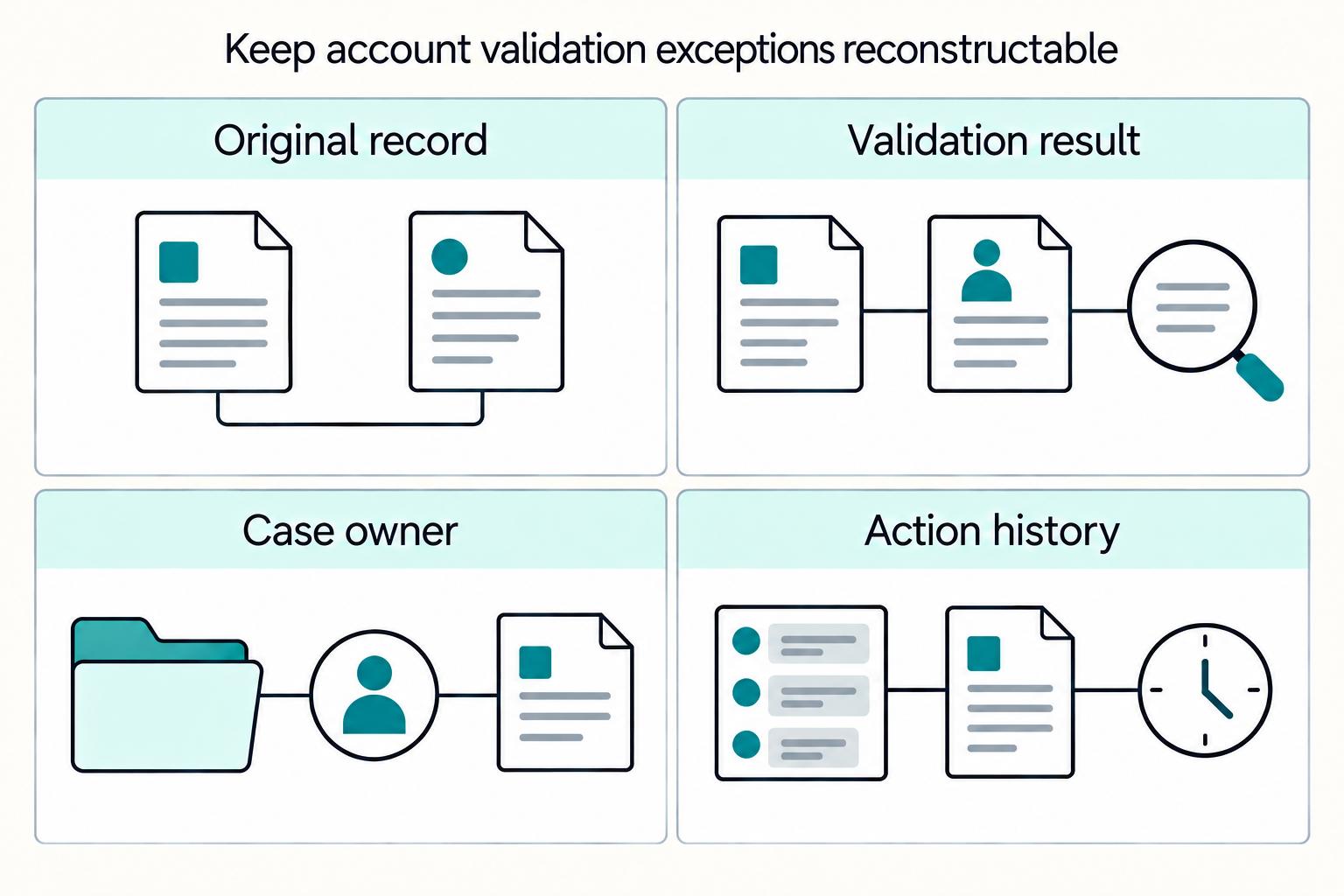
For mass payouts, the real question is not whether to verify payees. It is how much verification you require before release, who can override it, and what evidence you can produce later. If you cannot show that evidence on demand, your release rule is weaker than it looks.
Bulk Payment Processing Platforms for Thousands of Payouts
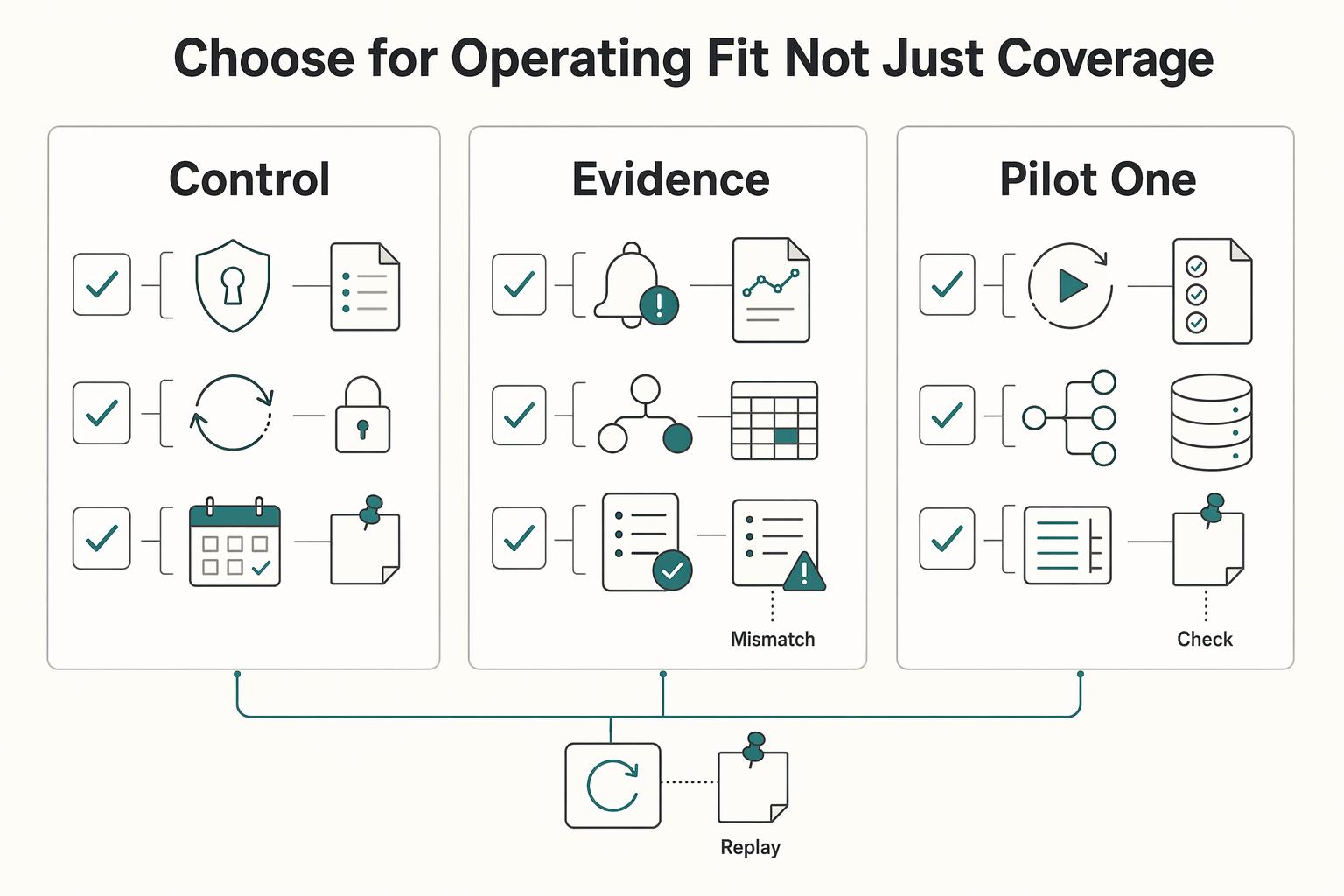
If your team runs recurring payouts at real volume, the real decision is operational. Can you execute a batch and still handle delays, bad recipient data, and month-end close without chaos? This guide is for founders, product leads, finance ops, and engineering owners evaluating **bulk payment processing platforms for high-volume payouts**.
Vendor Approval Process for Platforms That Screen and Onboard Contractors
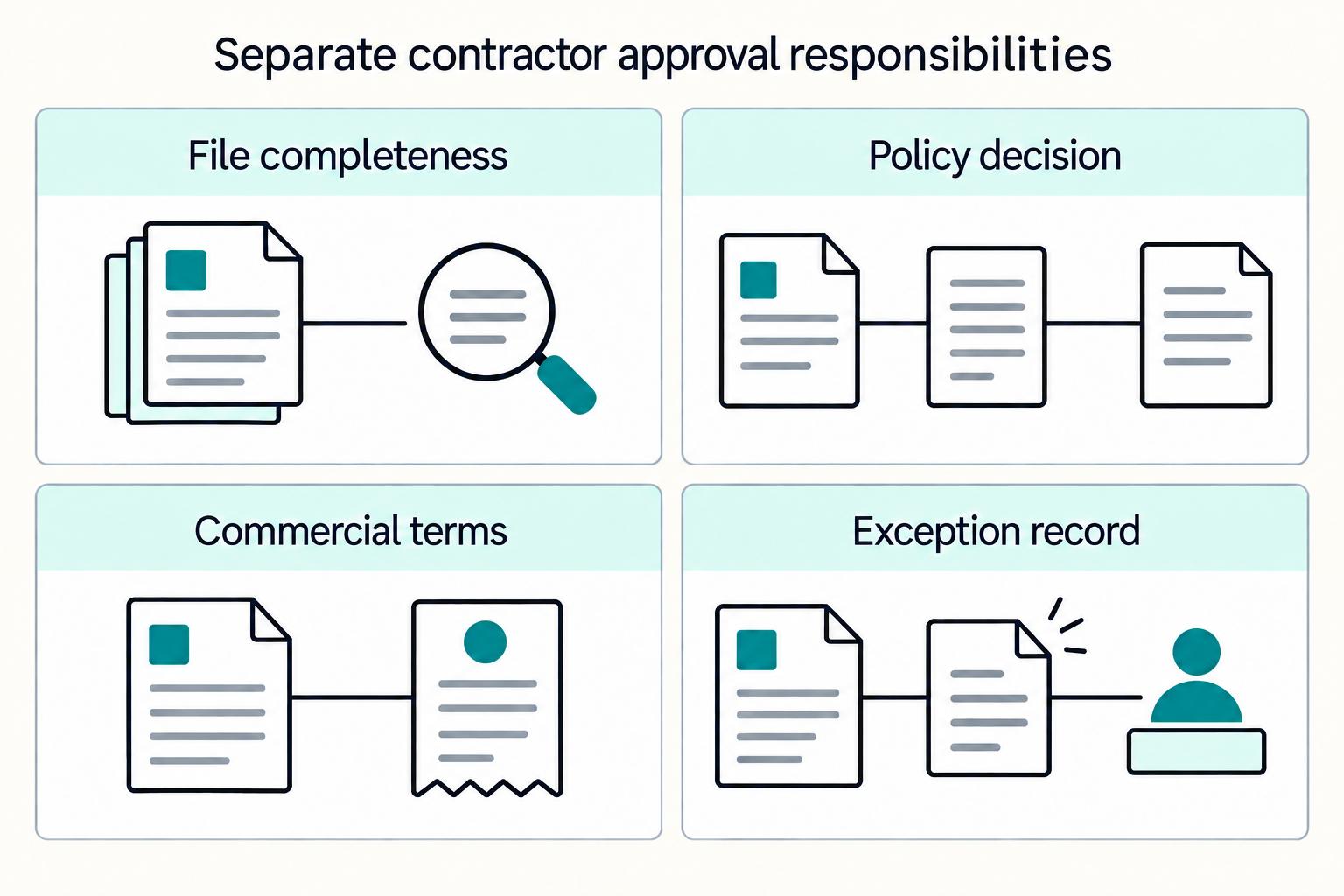
Most contractor approval processes break as volume rises because they are built like a front-door checklist instead of a full lifecycle. This guide shows how to build a right-sized approval process for your contractor onboarding program that stays audit-ready without forcing every case through the same friction.