
Quick Answer
Define required recipient-facing content and internal source mappings before changing invoice layout. Preserve issuer and invoice identity, version the template, and add payment allocations when records exist. Keep mandatory tax details visible and compliance evidence internal. Test representative issued and unpaid invoices before rollout.
Customize Invoice Templates Without Breaking Reconciliation#
A lot of invoice advice focuses on logo placement, header spacing, and brand colors. That works until an invoice has to survive reconciliation, settlement review, or an audit request. At that point, a polished PDF is not enough. Your invoice customization has to work as an operational control, where branding supports the document but every visible field still maps cleanly to the records your finance and ops teams rely on.
That is the point of this invoice customization branding guide: not to make invoices prettier in isolation, but to help finance, operations, and product owners build a branded invoice template that stays consistent, traceable, and safe to change as volume grows. If a design edit makes the document easier for customers to read but harder for your team to match back to source records, you have not improved the invoice. You have just moved work from systems into manual exception handling.
A simple checkpoint before you approve any redesign is this: can your team still verify the issuer, the commercial details, and the document identity without guessing? Can they trace that invoice back to the underlying transaction or source record without opening a side spreadsheet? If not, the problem usually appears late. Approval may pass, but reconciliation breaks later when operations cannot match what was sent to what was settled or booked.
This article treats invoice customization the way platform teams usually end up dealing with it. It is a content and branding problem together, not a design-only task. We will focus on the parts that change outcomes at scale, including field design, consistency across business units, implementation choices, and rollout controls that reduce breakage when templates evolve.
A few caveats matter up front. Invoice requirements vary by jurisdiction, so you should not assume one universal field set works everywhere. VAT is a good example. EU invoicing follows basic EU-wide VAT rules, but member states can add national rules in certain areas.
The same caution applies to compliance markers and supporting artifacts that can be tied to KYC, KYB, AML, and tax handling. AML and CFT expectations are shaped by a risk-based approach, and FATF's 40 Recommendations are implemented through different legal, administrative, and operational frameworks across countries.
In plain terms, the examples here are operating patterns, not legal instructions. Before you finalize any template, confirm the required invoice fields and any related tax or compliance artifacts with your legal and compliance owners for the market and program you actually run.
Build the right mental model before changing any invoice template#
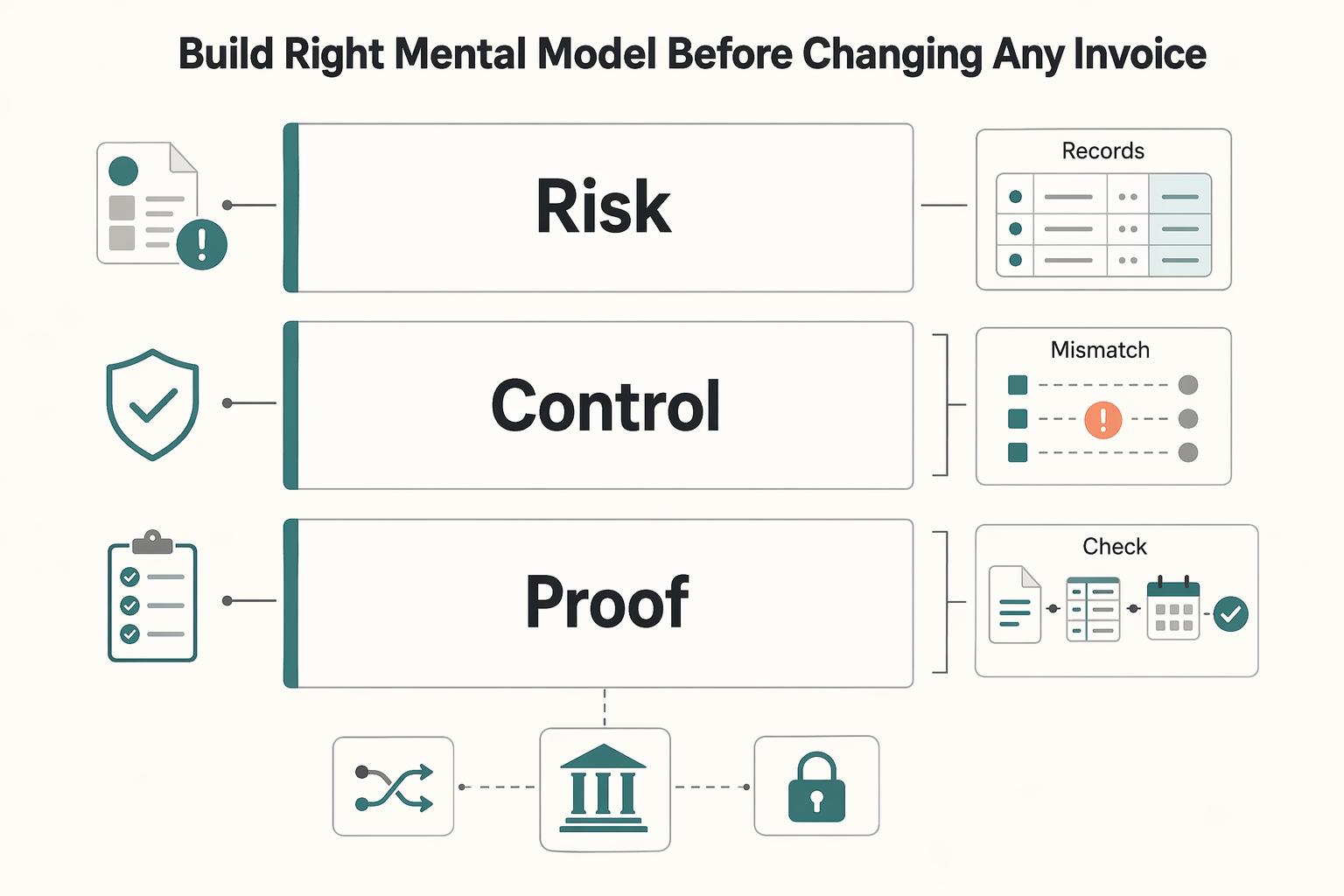
Treat invoice customization as an operations control, not just a design task. In practice, it spans three layers: brand (logo placement and layout hierarchy), data (custom fields and document identity), and operations (ledger mapping, reconciliation, and audit trail continuity).
Treat the invoice as a view of authoritative billing records, with links to the ledger and payment records as they become available. A draft or unpaid invoice can exist before a settlement or payout batch does. Preserve its stable invoice identity and add payment links internally without inventing future settlement references.
Appearance edits are usually lower risk than data-definition edits. The bigger risk is changing, hiding, or loosely redefining fields before data requirements are fixed, because that can create invoice exceptions (discrepancies between invoice data and related transaction data). At the line level, those exceptions can block payment until reconciliation is complete.
Use one decision rule before brand signoff: lock the field list, field owner, and source record first; approve layout and branding second. When auto-matching fails, teams may need manual external-transaction reconciliation, and this ordering helps reduce that operational drag.
Cover table-stakes branding and required invoice fields first#
Start with the required fields and readability; branding comes after that. Once your field list and source records are locked, keep the template simple in the places that affect approval, tax handling, and payment execution.
At minimum, make sure the invoice clearly shows issuer identity, customer identity, itemization, totals, tax context, payment terms, and a stable document identifier. If you are issuing a Full VAT invoice, required particulars are more specific. In the UK example, that includes your name, address, and VAT registration number, the customer's name and address, the VAT rate, the amount payable excluding VAT, and a unique sequential number. Do not treat that as a universal checklist, because invoice requirements vary by jurisdiction.
After required fields are set, apply branding with constraints. Logo placement should confirm issuer identity quickly, not compete with invoice number, tax lines, total amounts, or payment terms. Layout hierarchy should make document identity and money fields easy to find first; if branding pushes critical fields out of view, the layout needs revision.
Use one practical checkpoint before approval: export a live PDF and review it on screen and in print. Confirm the sequential invoice number, issuer and customer identity, line items, tax amounts, and payment terms are easy to find without hunting.
Set typography and color for legibility, not style-first mockups. Normal text should meet at least 4.5:1 contrast, and large-scale text should meet at least 3:1. Keep invoice numbers, tax lines, totals, and payment terms in high-contrast text so they remain readable in PDF, grayscale print, and scans.
The common failure mode is a polished redesign that makes required fields harder to approve or validate. Use one rule: finalize style only after required fields stay obvious in both PDF and print.
Design a custom field schema that actually helps reconciliation#
After the visual basics are set, make custom fields serve reconciliation first and branding second. If you handle high invoice volume or multiple entities, lock required operational fields before adding cosmetic fields so each invoice can be tied to a ledger entry, payout record, and source transaction.
Start with a true field dictionary, not a loose list of labels. For each field, define field name, owner, source system, required/optional status, where it appears, and downstream use. Keep field properties explicit, including data type, size, nullability, optionality, and indexes, so teams know which value is authoritative.
Define fields by scope and owner#
Set scope deliberately: some fields belong at invoice header level, and others belong at line level. This header-vs-line split matters when one invoice covers multiple underlying records.
Prioritize the keys that connect invoice activity to settlement and ledger outcomes:
- Stable invoice and order references needed by the recipient
- Internal links to payments, settlements and payout batches when those records exist
- Lifecycle states retained internally unless the recipient needs a clear payment status
Treat status as an operational control, not a label. It should clearly indicate states like created, sent, paid, included in a settlement batch, or posted to the ledger.
Test a two-way trace from an invoice to its source order and accounting records. After payment, include any settlement allocations; one payment can cover several invoices and one invoice can receive several payments. Keep the allocation mapping internally rather than forcing a single batch ID onto every invoice.
Make API and webhook retries safe#
Use a stable command identity for supported mutating API requests and respect provider key scope and retention. A reused pruned key can execute again; reconcile unknown outcomes before another attempt. Keep command identities internal rather than exposing them as invoice fields.
Also handle duplicate webhook deliveries. Keep event-level deduplication and state checks in the consumer path, because request idempotency alone does not prevent duplicate downstream postings.
If you use provider payout data, keep provider-specific identifiers in your schema. For example, PayPal uses payout_batch_id for payout status and rejects reuse of a sender_batch_id used in the last 30 days. Stripe idempotency keys are retained for at least 24 hours before pruning eligibility, which should inform your retry and replay windows.
| Field name | Purpose | Usually required by stage | Common failure if missing |
|---|---|---|---|
| settlement_id (or equivalent) | Links invoice to settlement grouping for reconciliation | Settlement and close | Payment movement is visible, but invoice population cannot be tied back cleanly |
| payout_batch_id (or provider batch reference) | Connects invoice to payout status and batch reporting | Payout execution and support | Batch status checks become manual and exceptions remain open longer |
| internal_order_id (or reference_id) | Joins invoice to source transaction/case record | Invoice creation and support review | Teams cannot trace disputed amounts to origin records |
| invoice_status marker | Indicates lifecycle state for controls and posting logic | Posting and exception handling | Premature posting, missed holds, or repeated rework |
| idempotency_key | Makes API retry behavior safe for create/update calls | Supported API mutating operations; internal command record | Retries can create duplicate invoice or posting attempts |
| webhook_event_id | Supports duplicate-event detection in consumers | Webhook processing | Replay deliveries can trigger duplicate ledger postings |
Use one decision rule: as operational complexity rises, custom fields become control points. Finalize dictionary, scope, and retry/dedup controls before spending more effort on visual polish.
For invoice layout and branding details, see How to Create a Professional-Looking Invoice.
Decide what must be standardized and what can vary by business unit#
Standardize anything that affects reconciliation and auditability, and allow variation only in elements that stay cosmetic.
| Area | Approach | Article note |
|---|---|---|
| Invoice numbering policy | Standardize governance; allow legally appropriate issuer-specific series | EU full VAT invoices require a sequential identifying number based on one or more series; brands do not independently reset identity. |
| Reconciliation keys | Standardize globally | Standardize anything that affects reconciliation and auditability |
| Payout batch linkage fields | Standardize globally | Your custom field schema should map to that structure consistently across business units |
| Audit-trail requirements | Standardize globally | Confirm you can still see date/time, user, action, and action description for template changes or exceptions |
| Logo placement | Allow controlled variation | Allow variation only in elements that stay cosmetic |
| Customer language | Allow controlled variation | Stripe supports customer preferred language, so localization can be appropriate |
| Secondary branding blocks | Allow controlled variation | Allow only as long as traceability and review flows still work |
Define numbering per legal issuer and applicable series. EU full VAT invoices use a sequential number based on one or more series; a single worldwide sequence is not mandatory. Stripe numbering is account- or customer-based, with separate merchant-of-record sequences in relevant Connect flows. Preserve the issuer and document number together as the lookup identity.
Lock settlement linkage next, especially across multiple payout rails or entities. Adyen's settlement details report is built for transaction-level reconciliation, supports one or multiple merchant accounts, and uses file naming that includes batch number, date, and/or a unique identifier. Your custom field schema should map to that structure consistently across business units.
Then allow local branding changes only after validation. Stripe supports customer preferred language, so localization can be appropriate. Keep a quick control check: review an invoice audit trail and confirm you can still see date/time, user, action, and action description for template changes or exceptions.
Choose the right implementation path for your stack#
Choose tooling by actual field limits, permissions and version control. A template editor can meet complex requirements when the data model and approval controls are sound; an API can help automate consistency but does not guarantee it.
Shopify Order Printer uses HTML, CSS and Liquid templates. It can produce branded store documents, but verify which source fields exist and which records they link to before choosing it for your workflow.
Stripe shows a mixed model. Invoice customization is available through API and UI routes, but invoice rendering templates can be created only in the Dashboard, not via API. If your change control depends on code review and release discipline, that Dashboard-only boundary is a governance decision, not just a design detail.
| Implementation option | Speed | Control | Reconciliation risk | Engineering dependency |
|---|---|---|---|---|
| Shopify Order Printer or Order Printer Pro style app templates | Fast for single-store output and branding changes | Depends on supported fields, permissions and review process | Medium if settlement or payout references rely on ad hoc template edits | Low to medium |
| Stripe Dashboard rendering templates and UI editors | Medium | Dashboard template creation; document approval and override handling | Medium if finance-critical fields can change outside normal code review | Low to medium |
| API-driven invoice generation | Slower to stand up | Depends on implemented source validation, permissions and versioning | Mapping or retry defects can still break reconciliation | Medium to high |
Use four criteria to decide:
- Change control: where edits happen and who approves them.
- Webhook visibility: whether delivery and failures are visible for downstream operations.
- Rollback ease: how quickly you can restore a prior working version.
- Retry safety: whether retries can run without duplicate operations.
Stripe's Events tab reports webhook deliveries as Delivered, Pending, or Failed, which helps debugging but does not replace a full audit trail. For API-led paths, idempotency keys are core to safe retries after connection errors, and Stripe notes keys can be removed after they are at least 24 hours old.
Choose using a representative invoice set, including multiple issuers, credit notes, partial payment and missing optional references. Compare output and reconciliation work rather than an arbitrary order-volume threshold.
Related reading: Hybrid Billing Models for One Invoice and Clean Reconciliation.
Add compliance and tax fields without turning invoices into legal clutter#
Include legally required invoice and tax content and information the recipient needs to understand or pay the invoice. Keep compliance evidence in invoice-adjacent internal records.
| Item | Where it belongs | Article note |
|---|---|---|
| KYC, KYB, and AML verification states | Account, onboarding, and compliance records | They belong in back-office systems rather than the invoice PDF |
| VAT-relevant fields | Usually on the invoice | EU VAT rules require invoices for most B2B supplies and some B2C transactions |
| Tax forms in ops workflows | Status indicators with secure internal links | Track as collected, pending, expired, or not required, not as raw form data on the invoice |
| Form W-9 | Internal record | Provides a correct TIN to payers or brokers filing information returns |
| Form W-8 BEN | Internal record | Submitted when requested by a withholding agent or payer |
| Form 1099 references | Internal record | Do not assume one reporting path because card and third-party network payments may be reported on Form 1099-K |
Keep verification status out of the customer-facing artifact#
KYC, KYB, and AML verification states belong in account, onboarding, and compliance records, not in the invoice PDF. CIP and beneficial ownership checks are compliance controls, so they should be tracked in back-office systems rather than exposed as invoice fields.
Before you publish any template, run a simple field test:
- Is this legally required on the invoice in this jurisdiction?
- Does the recipient need it to pay, book, or dispute the charge?
Keep a field visible if law requires it or the recipient needs it to pay, book or dispute the charge. Move a field internally only when neither condition applies. Compliance evidence and command keys usually remain internal; required VAT details remain visible where applicable.
Track tax documents as indicators, not data dumps#
In ops workflows, track tax forms as status indicators (for example: collected, pending, expired, not required) with secure internal links, not as raw form data on the invoice. A W-9 provides a correct TIN to payers or brokers filing information returns, and a W-8 BEN is submitted when requested by a withholding agent or payer.
Keep tax-form status and reporting references in secure internal records when they apply to the payer and payee. W-9 and W-8BEN records are not interchangeable, and the payment method can affect information reporting. Personal foreign-account reporting and earned-income exclusions are separate tax matters; they do not define invoice branding fields.
Keep PII exposure minimal in invoice artifacts. Limit personal data to what is necessary, and where identifiers are needed in internal screens, use masked display patterns (for example, replacing the first five digits of a nine-digit number with Xs or asterisks). Final field sets should be jurisdiction- and program-specific, and confirmed with counsel and regional policy owners before release.
Roll out changes with version control, QA gates, and rollback criteria#
Treat every invoice template edit as a production release, not a design tweak. Even small field or layout changes can disrupt reconciliation, trigger duplicate processing on retries, or make invoices harder for downstream AP teams to process.
Version control is the baseline control. Store each template change as a restorable version, and attach approvals plus change notes so you have both a known-good rollback target and a clear record of who approved what.
Use a staged release sequence#
Use this release order and do not skip gates:
| Release stage | Article guidance |
|---|---|
| Draft template version | Create a new template version and log field-dictionary changes, expected output differences, and the rollback target |
| Sandbox tests | Validate rendered outputs, mapping behavior, webhook handling, and retry behavior in a safe test environment |
| Controlled pilot cohort | Release to a limited cohort first using progressive exposure |
| Production rollout | Expand only after pilot evidence is clean and avoid broad rollout until each path is verified |
| Post-launch review | Review exception queues, reconciliation results, AP-facing readability, and retry/event behavior |
- Draft template version
Create a new template version instead of editing live in place. Log field-dictionary changes, expected output differences, and the rollback target.
- Sandbox tests
Validate in a safe test environment before going live. Confirm rendered outputs, mapping behavior, webhook handling, and retry behavior without touching live payouts.
- Controlled pilot cohort
Release to a limited cohort first using progressive exposure. Choose enough real variation to surface issues, but keep scope narrow enough to contain cleanup if needed.
- Production rollout
Expand only after pilot evidence is clean. If you support multiple invoice variants or entities, avoid broad rollout until each path is verified.
- Post-launch review
Review outcomes, not just deployment completion: exception queues, reconciliation results, AP-facing readability, and retry/event behavior.
If you cannot name the exact prior version and exact rollback trigger, the release is not ready.
Build QA gates around operational checks#
QA should verify the invoice as an operational record, not only a branded document.
- Field completeness: verify required recipient-facing fields for each invoice type; preserve internal payment links as records become available.
- Reconciliation checks: compare pilot invoices against ledger and settlement outputs; investigate mismatches before widening rollout.
- Payout traceability: link relevant paid invoices to their actual payment or payout allocations; unpaid invoices need no fabricated batch.
- Webhook and retry controls: verify duplicate-event handling and idempotency behavior so retries do not post the same operation twice.
- Audit trail exportability: confirm you can export change history, approvals, template version, and linked transaction evidence.
Define stop conditions before release day and enforce them. If key fields are missing, mappings fail for a cohort, retries create duplicates, or layout changes reduce downstream readability, pause and roll back.
Assign owners before anything breaks#
Assign ownership explicitly across teams before launch:
- Finance: approve invoice content required for booking, reconciliation, and audit records.
- Operations: validate payout traceability, exception handling, and pilot outcomes.
- Product: own release scope, pilot cohort, and success criteria.
- Engineering: own version control, deployment mechanics, deduplication/idempotency controls, and rollback execution.
For incidents, use a clear command structure with named decision, execution, and communication roles. If those owners are not defined yet, add them before the next template release. For deeper matching workflows, see Invoice Settlement Guide for Platforms: How to Match Payouts to Invoices and Close Disputes Fast.
Conclusion#
A useful branded invoice stays readable and preserves the fields its recipient needs. Finance should also be able to trace its internal record to related payments and settlements when those records exist, and confirm which version was issued.
That is why the right question is not "Does this invoice look on brand?" but "Does this version preserve the data and control points we need?" Customization can happen through API paths, invoice templates, editors, and account settings, but the route matters less than the outcome. If the branded output drops a key reference, hides a required field in PDF, or behaves differently from what your team tested, the cosmetic win turns into operational cleanup.
A good next move is small and concrete: run one template audit this week. Use the field dictionary to confirm every operational field still has an owner, source, and downstream use. Then use the verification checklist and rollout gates from this outline to test the rendered document, not just the template settings page. In Stripe, previewing against a specific invoice ID is a practical check, and it matters because values set directly on an invoice can override the template default. That override behavior is an easy place for QA to miss a mismatch.
Do one more old-fashioned check before approving anything: print or download the current form and inspect what actually renders. This is where readable hierarchy, visible totals, and custom fields prove themselves. If your configuration supports only up to 4 custom fields in the invoice layer, do not spend those slots on decorative context. Use them for the references your finance and ops teams actually need during exception handling.
If you find gaps, fix the highest-risk ones first:
- missing payment reference on a paid invoice where the reference is required
- unmapped payout batch reference where a payout allocation exists
- invoice-level override producing a different customer-facing output than the template preview
- branded layout that makes AP review harder in PDF or print
One final scope check matters if your money movement stack is broader. If you operate across Virtual Accounts, Payouts, and Merchant of Record flows, confirm coverage and implementation details before rollout. Merchant of Record is the entity legally responsible for processing customer payments, so template ownership, legal fields, and operational responsibility need to match the way your stack is actually set up, not the way the design mockup assumes it works.
For a deeper follow-up on the matching side, see the Invoice Settlement Guide for Platforms: How to Match Payouts to Invoices and Close Disputes Fast.
Frequently Asked Questions
What should every branded invoice include to stay operationally useful?
Start with core details: clear issuer and payee identity, itemization, totals, tax context, payment terms, and a stable document identifier. Then make sure the invoice still includes every required information set for your market rather than assuming the default template is enough. If a design change makes totals, references, or required fields harder to scan in PDF or print, treat that as an operational defect, not a cosmetic preference.
Which custom fields help reconciliation the most in platform payout flows?
The fields that usually matter most are the ones that link the invoice back to money movement and ledger records. If you expose only one extra field, make it the identifier your ops team actually uses during exception handling. A common failure mode is a branded template that looks cleaner but drops the one reference needed to close mismatches quickly.
How do we keep branding updates from breaking ledger mapping and audit trail continuity?
Verify every field designated for recipient display and preserve internal source and allocation mappings. Keep issued invoices with their original template version and values; later payment records can be linked internally. Test duplicate commands and event deliveries against provider retention and local transition controls.
What is the minimum viable invoice template for teams scaling beyond manual review?
You need more than a logo and totals. The minimum viable template includes the required information set for your market, plus stable identifiers, clear itemization, tax treatment where applicable, payment terms, and the reconciliation references your finance and ops teams actually use. If someone has to cross-check email threads to understand what an invoice refers to, the template is already too thin for scale.
When should we use a template app versus an API-driven invoice generation path?
Invoice customization can be implemented through template/editor routes or API-driven routes. Shopify Order Printer is a template-app example built on HTML, CSS, and Liquid variables. Choose the route that fits your platform and control needs; API-driven paths are often useful when retries and cross-entity consistency are important in a larger payout or settlement flow.
How do compliance markers like KYC, AML, VAT, W-8, or W-9 fit without overloading the invoice?
KYC and AML checks belong to your compliance program, not automatically to the invoice layout itself. VAT invoice content is jurisdictional, so treat it as a required information set where applicable. For US tax forms, Form W-9 is used to provide a correct TIN to payers required to file information returns. Form W-8BEN is submitted when requested by the withholding agent or payer. In many workflows, teams store or reference those documents in invoice-adjacent records instead of printing full tax form details on every invoice.
What should we validate before approving a new invoice template version?
Check required-information completeness, reconciliation matchability, and whether mapped fields render correctly in the same PDF or print format customers and AP teams will actually receive. If retries can happen in the workflow, validate idempotency-key handling so re-sent requests do not create duplicate operations.
Try a related tool
Researched and edited by the Gruv editorial team. Gruv builds cross-border billing, payouts, and finance-operations software for global businesses.
Sources
- developer.paypal.com/docs/api/payments.payouts-batch/v1trusted
- docs.stripe.com/invoicing/customizetrusted
- docs.stripe.com/api/idempotent_requeststrusted
- ecfr.gov/current/title-31/subtitle-B/chapter-X/part-1...trusted
- ecfr.gov/current/title-31/subtitle-B/chapter-X/part-1...trusted
- irs.gov/forms-pubs/about-form-w-9trusted
- irs.gov/forms-pubs/about-form-w-8-bentrusted
- taxation-customs.ec.europa.eu/taxation/vat/vat-businesses/invoicing_entrusted
Educational content only. Not legal, tax, or financial advice.
Related Posts
How a French Micro-Entrepreneur Can Invoice a US Client
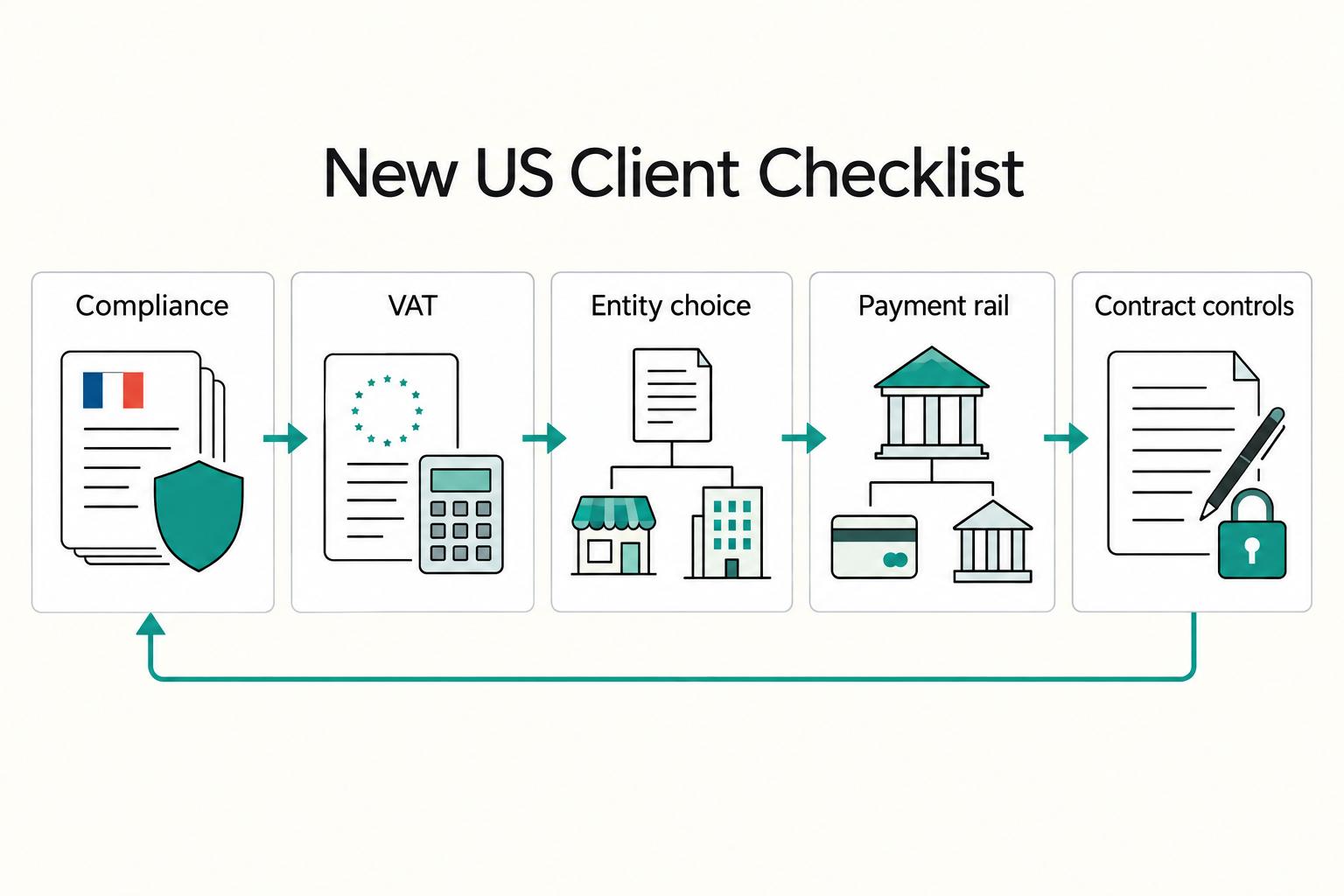
A French micro-entrepreneur can generally bill a US business for permitted services using the French business identity. Confirm the customer, the service and VAT treatment, then issue the invoice at the applicable trigger. A US billing preference does not by itself require a US LLC.
Invoice Settlement for Platforms That Match Payouts and Close Disputes
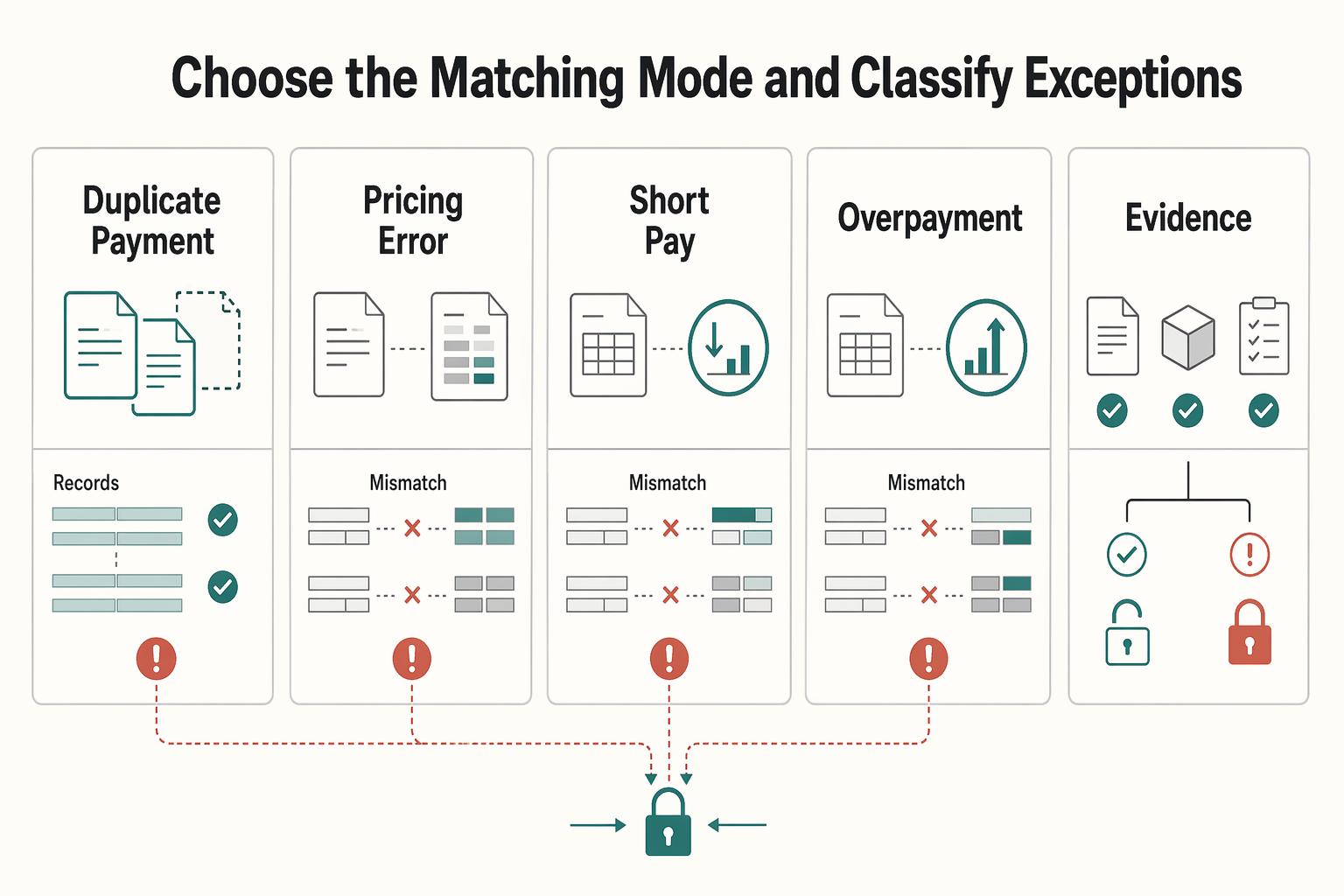
Invoice settlement clears an invoice’s outstanding balance through applied payments, credits or approved adjustments. Use the relevant book: a supplier invoice is an accounts-payable item; a customer invoice is an accounts-receivable item. Cash can move while that item remains open. Conversely, an invoice can be fully applied while a separate overpayment credit or dispute case still needs attention.
A Freelancer's Guide to Building a Personal Monopoly
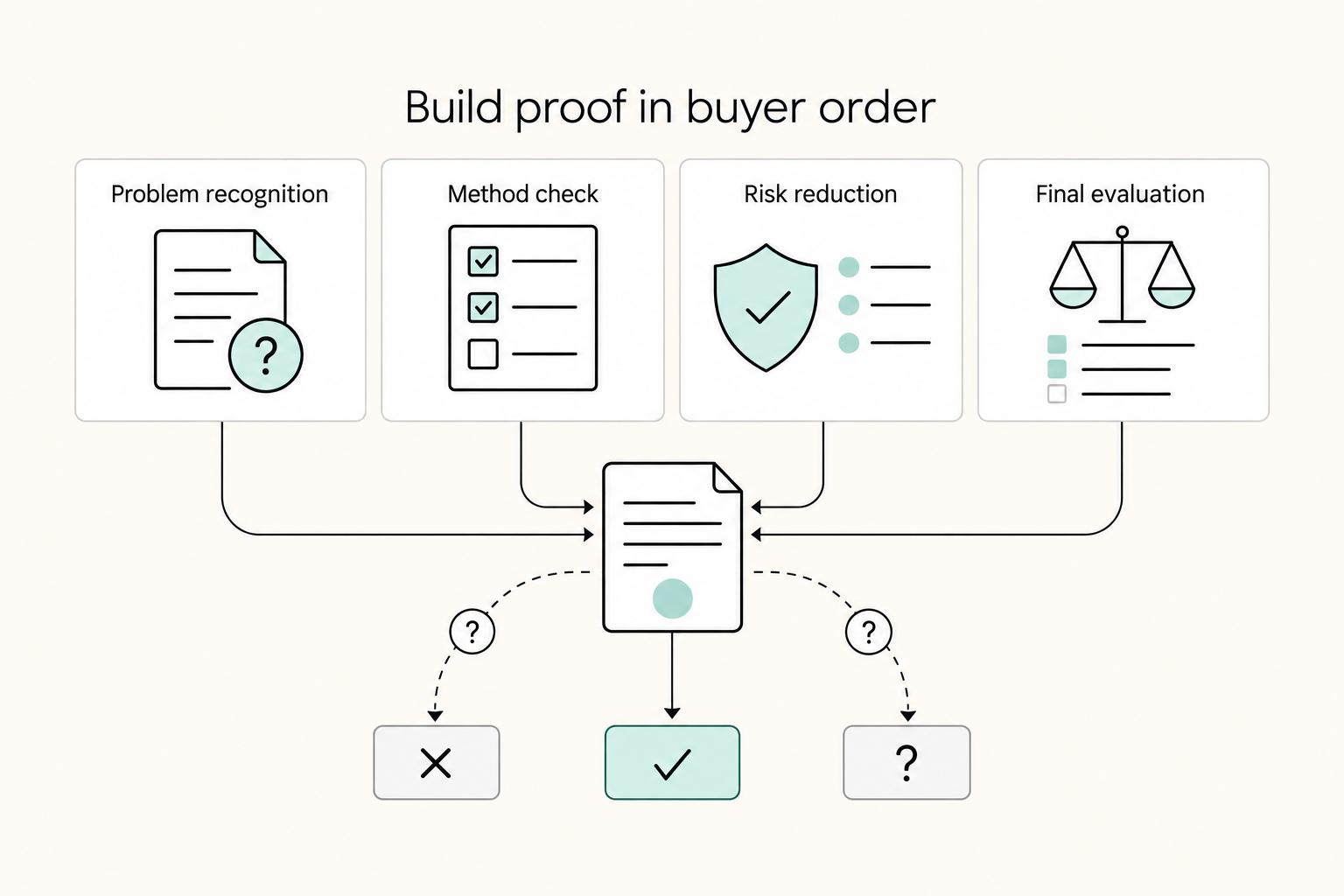
Start by defining one narrow buyer problem before you polish your bio. If a buyer cannot tell what you solve, more visibility can just spread ambiguity.