
Quick Answer
Start by implementing an invoice approval workflow platform as an operating control, not a tool rollout. Set explicit roles, authority limits, and fallback escalation ownership, then expose each transition through API and Webhooks with a traceable Ledger record. Keep approval and payout as separate states so compliance and tax checks can block release when needed. Use a versioned matrix for routing and require idempotent retry behavior before go-live.
Build an invoice approval system your platform can actually operate#
Clear ownership, enforceable approval limits, and explicit escalation rules are core controls for reducing payment delays. If you are building for contractor, creator, or marketplace payouts, start by deciding who can approve what, who steps in when they are unavailable, and how that decision stays visible across finance, ops, and engineering.
Step 1 Name the operating team and payout context#
This guide is for platform founders and the product, finance, ops, and engineering leads who own payout behavior across more than one payee type or business line. An invoice approval tool only works if it matches that reality. If invoices drive contractor, creator, or marketplace disbursements, your approval design needs to reflect payout timing, responsibility, and handoffs across teams, not just a basic internal AP flow.
Use a simple checkpoint here. Can you name one owner for approval policy, one for status language and user experience, and one for integration behavior? If not, expect delays. Unclear approver ownership is a common reason invoices stall, and approver absences will leave items sitting unless you define backup coverage from the start.
Step 2 Set the boundary before discussing tools#
Keep the scope tight. This guide covers approval design and operating controls first: roles, approval limits, escalation rules, exception handling, and status visibility. Then it shows how to connect those controls to API actions, webhook events, and Ledger visibility so approval decisions do not get trapped in email threads or a finance inbox.
That boundary matters because approval and payout completion should be treated as separate states. Your platform should expose a readable approval state in the API, receive asynchronous provider updates through a webhook endpoint, and show a record in the Ledger that finance and engineering can verify. If you cannot trace an approved invoice to a status change and an underlying record, you do not yet have something your team can operate with confidence.
Step 3 Qualify market and program limits up front#
Do not design around Merchant of Record, Virtual Accounts, or tax handling until you confirm they are available for your actual countries, entities, and program setup. A Merchant of Record is the entity legally responsible for processing customer payments, and a virtual bank account number can be used in bank transfer and reconciliation flows. Both can matter a lot, but neither should be assumed across every market.
| Capability | What to verify | Note |
|---|---|---|
| Merchant of Record | Confirm availability for your actual countries, entities, and program setup | Entity legally responsible for processing customer payments |
| Virtual Accounts | Confirm availability for your actual countries, entities, and program setup | A virtual bank account number can be used in bank transfer and reconciliation flows |
| Tax handling | Use provider country coverage and product pages as a hard verification step | Some managed-payments programs publish indirect tax support in more than 80 countries, but those numbers apply to specific offerings, not every account or region |
Use provider country coverage and product pages as a hard verification step. Some managed-payments programs publish reach like selling in 195 countries or indirect tax support in more than 80 countries, but those numbers apply to specific offerings, not every account or region. The red flag is building your approval path around a feature your platform cannot actually turn on in the markets you serve.
Step 4 Define the minimum outcome you need before implementation. Before you go deeper, set one practical success condition: every invoice needs a clear submission path, a named approver chain, a fallback escalation rule, and a visible status record. If you can verify those four points, you are ready to define the approval outcome, matrix, and escalation logic without creating extra finance overhead.
If you want a deeper dive, read Invoice Processing for Platforms: The Complete Workflow from Receipt to Payment.
Define the approval outcome before you pick tools#
Define your approval outcome before vendor selection: approval is a controlled decision path, not payment itself.
Step 5 Define approval as a controlled decision, not a payment event#
In common market framing (Adobe, Rillion, AvidXchange), invoice approval is a structured sequence to validate, route, and approve invoices before downstream payment steps. For platform operations, your minimum lifecycle is: submit, route, approve or reject, escalate, release, and track status in Ledger.
Use one practical check: finance and engineering should be able to see the same invoice state without relying on inbox threads or approver memory.
Step 6 Separate approval success from payment success#
Approval does not guarantee payout. Where required, invoices can still be held by KYC, KYB, or AML verification gates, so approval should mean the business decision is complete, not that funds are releasable.
Reflect that directly in status design. If an invoice is approved but blocked on verification, the record should show that state explicitly so ops does not treat approval as payout-ready.
Step 7 Use tool lists as inputs, not answers#
"Top tools" lists help with market scanning, but they do not define your operating rules. They cannot decide who can reject, when escalation starts, what happens if verification fails after approval, or which Ledger state confirms release eligibility.
If those rules are not defined, tool comparison is premature. You are still designing the decision system.
For a related breakdown, see How to Set Up Invoice Approval Workflows for Agencies and Teams.
Prepare the inputs and owners before implementation#
Before you configure anything, lock the operating inputs and ownership. Approval tools move decisions faster, but they do not resolve missing policy, unclear decision rights, or tax data you never collected.
Step 1 Gather the operating artifacts#
Start with four working drafts before implementation:
| Artifact | What it covers |
|---|---|
| Approval matrix draft | Who can approve, reject, or request changes by amount, department, vendor type, and exception class |
| Escalation policy draft | What happens when an approver is inactive, over limit, or late to respond |
| Vendor and department map | Which teams buy from which suppliers, and which invoices are likely to need special handling |
| Payment rail constraints | Payout methods you support and any release conditions that change timing or required fields |
Use this as a readiness check: can finance, ops, and engineering review the same sample invoice and agree on the approver path without debating ownership?
Step 2 Assign owners by decision type#
Assign one accountable owner per decision type before build starts. At minimum, define ownership for approval policy, status-state design, and API retry behavior.
If you use API retries, define and test Idempotency key behavior before go-live so the same retried request does not create duplicate actions. The exact team split is your operating choice, but ownership for each decision type must be explicit.
Step 3 Define the evidence pack and compliance prerequisites#
Define the go-live evidence pack up front. At minimum, specify audit trail requirements, allowed exception reasons, reconciliation export requirements, and SLA targets.
| Item | Define | Scope |
|---|---|---|
| Audit trail requirements | Include in the go-live evidence pack | At minimum |
| Allowed exception reasons | Include in the go-live evidence pack | At minimum |
| Reconciliation export requirements | Include in the go-live evidence pack and confirm finance can export outputs in the format they actually use | At minimum |
| SLA targets | Document what starts the clock, what pauses it, and what exception reasons stop it | If using a target such as 3-5 business days |
| VAT validation | Define how it is performed and stored | If EU VAT checks are in scope; VIES note: UK GB validation handling changed on 01/01/2021 |
| W-9 collection | Map when it is required for a correct TIN | For US tax setup |
| W-8 collection | Map when it is required | For US tax setup |
| Form 1099-NEC reporting | Map whether payments may trigger reporting | For US tax setup |
If you use a target such as 3-5 business days for a complete approved invoice package, document what starts the clock, what pauses it, and what exception reasons stop it. Also confirm finance can export reconciliation outputs in the format they actually use.
Add tax and compliance prerequisites only where they apply. If EU VAT checks are in scope, define how VAT validation is performed and stored, and account for the VIES note that UK GB validation handling changed on 01/01/2021. For US tax setup, map when W-9 collection is required for a correct TIN, when W-8 collection is required, and whether payments may trigger Form 1099-NEC reporting.
Design the approval matrix your teams will follow#
Lock the matrix before you build routing: if two reviewers cannot predict the same approver path for the same invoice, automation will scale confusion instead of control.
Step 1 Build rows from invoice attributes, not just amount. An approval matrix defines who approves what, and when, so each row should pair clear conditions with named approver roles. Amount thresholds matter, but routing can also depend on department, vendor attributes, and location.
| Document type | Amount band | Department / vendor / location conditions | Required approver role(s) | Notes |
|---|---|---|---|---|
| Final invoice | < 1000 | Low-risk vendor, domestic, standard department spend | Department manager | Keep routine spend short-path |
| Final invoice | >= 1000 | Standard vendor, any department | Department manager, then supervisor of invoice creator | 1000 is a common supervisor trigger example |
| Proforma invoice | Any | Prepayment request, new or high-risk vendor, any location | Budget owner, then finance controller | Keep separate from final invoice path |
| Final or commercial invoice | Any | Cross-border or location-specific handling required | Department manager, then regional finance approver | Add local review when location changes obligations |
Use one checkpoint before build-out: test five real invoices from different teams, and make sure each invoice maps to exactly one row.
Step 2 Split Proforma invoice and final invoice approvals. Treat these as different approval branches so prepayment and post-delivery controls do not collide. A pro forma invoice is a quote-style document, while a commercial invoice is used for export/import clearance, so prepayment approval should not automatically approve the final payable.
Write the rule plainly: prepayment approval authorizes the advance, not the final invoice. Then define what must exist before moving to final-invoice approval, for example delivery confirmation, final amount confirmation, and required tax or trade documents where relevant. If useful, see What Is a Proforma Invoice? How Platforms Use Pre-Payment Invoices in Contractor Workflows.
Step 3 Choose matrix depth for your current operating reality. A leaner matrix can help early teams move faster if exception reasons are logged tightly. As volume and regional complexity grow, many teams split by business line or geography to keep ownership and routing clear.
Whichever model you use, control drift: version the matrix and assign one owner for change control.
Step 4 Enforce a no-silent-path rule for auto-approvals. Automatic decisions still need a complete audit trail. Require every auto-approval to write an auditable record with decision source, timestamp, rule version, and actor attribution, for example service account or policy owner.
Before go-live, test one auto-approved invoice and confirm finance can trace it from status to the exact rule that fired. If the record only shows "approved" with no rule ID, actor, or reason, reconciliation and dispute handling will break later.
Set limits and escalation rules that stop stuck invoices#
Set escalation rules as code, not as follow-up work. Every approval path should have a timer, a fallback owner, and a defined exception state so invoices do not stall in personal queues.
Step 1 Turn policy into three trigger types with named fallbacks. Define escalation as explicit routing logic in your approval tool:
- Timeout escalation: when an assigned approver does not act in the allotted time, route the invoice onward. Keep timing configurable by route; one path might escalate after 0.5 days (12 hours) while another allows longer.
- Delegate escalation: when an approver is unavailable, auto-route new items to a named delegate instead of waiting for queue aging.
- Risk-triggered escalation: when an invoice matches higher-risk conditions from your matrix, route it to a stricter approver chain immediately.
A practical default is two fallback points per role: a delegate for absence and a supervisor or finance owner for timeout.
Step 2 Encode authority limits and inactivity as decision rules. Route by authority tier, not ad hoc exception handling. For example, set a threshold rule so invoices at or above 1000 escalate to the immediate supervisor level.
For inactivity, keep the logic explicit: try delegate routing first, then escalate by route ownership if no action lands in time. Some platforms show escalation after 14 days of inaction, but that is an example, not a universal default. Validate this in staging by sidelining a test approver and confirming automatic movement to the named fallback.
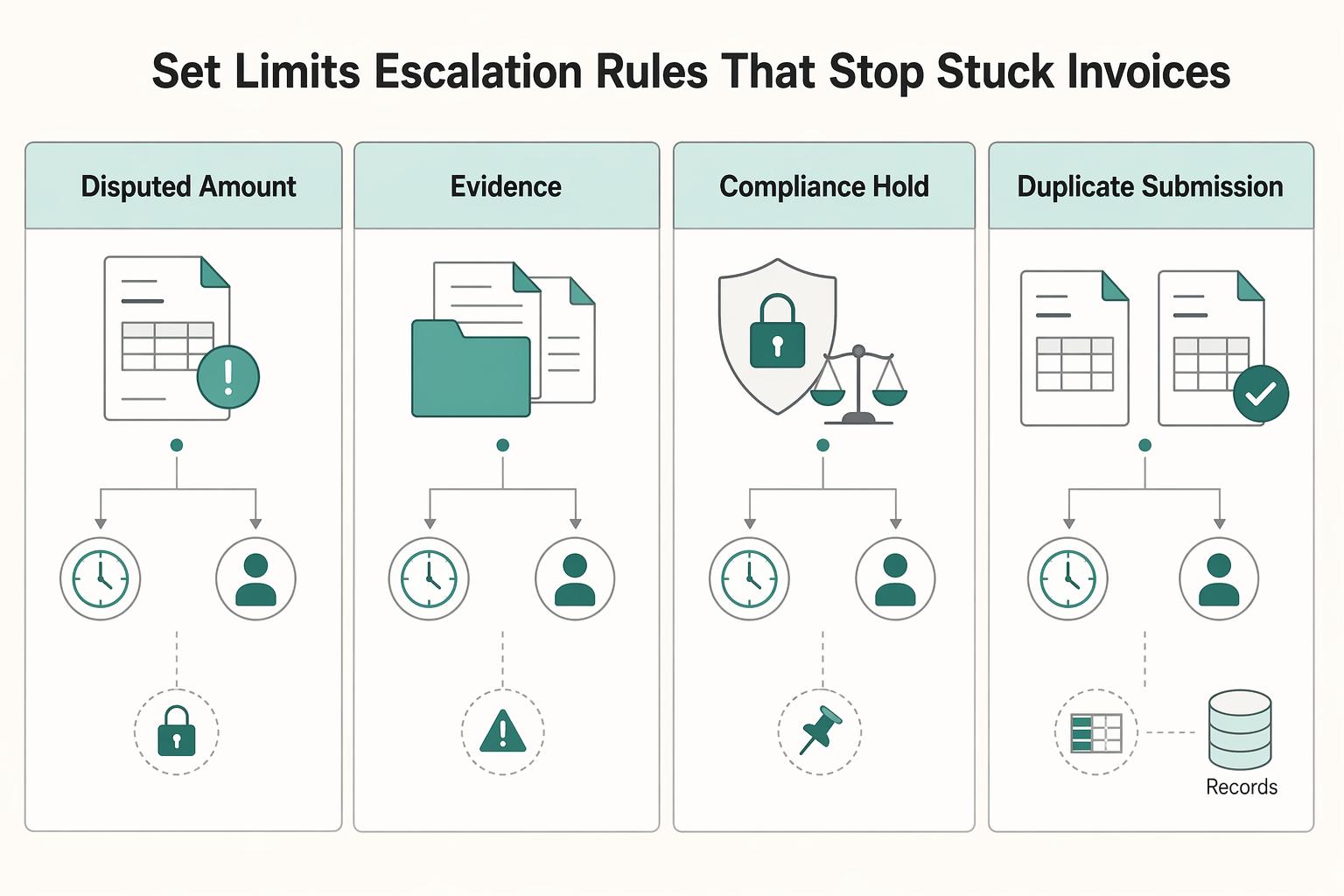
Step 3 Define exception classes with recovery actions, not just holds. Your labels can be custom, but each class needs an owner and an exit condition.
| Exception class | Typical owner | Recovery action |
|---|---|---|
| Disputed amount | Requester or budget owner | Compare invoice against order, contract, or receipt data, correct the discrepancy, then resubmit for approval |
| Missing documents | Submitter or AP ops | Attach required evidence such as receipt, contract, or delivery confirmation, then reopen review |
| Compliance hold | Compliance or finance | Complete required compliance review before returning the invoice to approval |
| Duplicate submission | AP ops or engineering | Stop the duplicate, preserve one canonical record, and use the same Idempotency key on safe retries |
Avoid a generic "on hold" bucket. It hides ownership and weakens recovery tracking.
Step 4 Expose identical transitions in product, API, and Webhooks. Ops and engineering should see the same state map: assigned, delegated, escalated, exceptioned, approved, rejected.
Map each transition to both API status and emitted webhook events. Then run one invoice through each path and verify timestamps, actor attribution, and reason codes match across app, API, and Webhooks. That confirms your escalation model is operational, not just documented.
Choose routing logic with clear tradeoffs#
Start with deterministic routing in your Approval matrix, then add AI suggestions only after your exception classes, owners, and recovery actions are stable.
Step 1 Compare routing types before you buy or build#
Deterministic routing uses explicit business-logic expressions that evaluate to true or false. AI-assisted routing can evaluate risk in real time and improve recommendations, but it adds monitoring and governance work.
| Decision factor | Deterministic rules | AI-assisted routing |
|---|---|---|
| Auditability | Strong. You can trace the exact rule and route order that fired, including first-match sequencing when configured. | Depends on transparency into inputs, recommendation signals, and final action. |
| Setup speed | Usually faster when policy logic is already clear. | Can be fast for recommendations if upstream transaction data is complete and reliable. |
| Drift risk | Lower. Behavior changes when you change rules. | Higher. You need production monitoring for skew and drift. |
| Governance burden | Lower. Mostly policy review and rule testing. | Higher. Requires governance across policy, measurement, and ongoing management. |
Step 2 Keep policy enforcement deterministic#
Use AI to recommend routes, not to enforce policy on regulated or high-value flows. Enforcement should stay rule-based for paths that can block, hold, or release payment.
A practical hybrid is: model output informs review priority, while deterministic rules make the final routing decision. Put hard policy rules first, then let AI influence only review branches.
Step 3 Test vendors on the controls demos skip#
Evaluate routing tools on four operational controls, not just UI polish:
- Integration depth: Can it ingest the transaction data needed for reliable scoring and routing across your integration surfaces?
- Override controls: Can authorized users explicitly allow, block, review, or step up review, with clear actor attribution?
- Failure transparency: Can you inspect matched rule, recommendation, final action, and override history in one audit trail?
- Export quality: Do exports and API payloads include route reason, timestamps, approver chain, and exception state in a usable format?
Connect approvals to payouts, compliance, and tax operations#
Approval should trigger controlled payout readiness checks, not immediate money movement. Keep the flow explicit: approval pass, compliance check, payout release, payout batch update, then reconciliation, so you can prove what happened when something breaks.
Step 1 Gate payout release after approval#
Treat approval as a passed control, not the final state. If approval is passed but payout eligibility is not ready, hold the payout and do not create a disbursement request yet.
Your minimum record should include approval ID, payee or connected-account ID, payout eligibility status, tax-document status, and the Ledger entry for the approved liability. Make KYC explicit in this gate, because connected accounts may be approved internally but still unable to receive payouts until verification is complete. If you support business payees, add KYB where your provider or program supports it. If your program includes AML checks, keep them in the same pre-release gate.
Do not release funds directly from the approval event. Use a separate release action with actor attribution so the trail shows approval first, eligibility second, payout trigger third.
Step 2 Attach tax dependencies to the same record chain#
Tax records should sit on the same approval-to-payout trail, not in a side system. If you collect U.S. taxpayer information, W-9 supports correct TIN collection for information-return workflows. If your cross-border flow uses withholding documentation, store the W-8 reference when requested by the payer or withholding agent.
Two controls matter here. First, validate VAT numbers before final tax handling; if you use VIES, make that check explicit, and remember UK (GB) VAT numbers are not validated there as of 01/01/2021. Second, link tax artifacts by document type, collection date, and version so you can show which record supported a payout decision.
Where enabled, link these directly to approval and payout records:
- W-9 for TIN collection tied to information-return preparation
- W-8 for payer/withholding-agent-driven cross-border documentation
- FEIE records mapped to Form 2555
- FBAR-related notes where relevant, including the $10,000 aggregate foreign-account threshold context
- Form 1099 artifacts, with care not to classify card and certain third-party network payments as 1099-NEC/MISC when they belong on Form 1099-K
Store references and statuses, not only files. If you cannot answer "which tax record supported this payout?" from the approval trail, the control is incomplete.
Step 3 Protect integrity on retries, async outcomes, and reconciliation#
Use an Idempotency key for payout-creation retries so repeated requests reuse the first response instead of creating duplicates. If a request times out, retry with the same key before creating anything new.
Keep your Ledger as the source of truth for balances and transaction traceability: approval records the liability, release records the payout instruction state change, and reconciliation records settlement results. Then use Webhooks to capture asynchronous provider outcomes and write them back to the same record chain.
When transactions are grouped into a payout reconciliation batch, attach that batch ID to the payout record and reconcile at the settlement-batch level. A practical check: export one invoice and confirm you can trace approval, compliance outcome, release request, webhook events, payout batch ID, and final Ledger state without manual reconstruction.
For a step-by-step walkthrough, see How to Write a Payments and Compliance Policy for Your Gig Platform.
Test failure modes before launch and define recovery steps#
Treat failure testing as a launch gate. Before go-live, each failure scenario should prove three things: the expected workflow state, the expected Ledger behavior, and the expected notification path.
Step 1. Run the five high-impact failures in staging. Test duplicate invoice submission, stale approval link, approver outage, webhook delay, and payout rejection. For stale links, avoid assuming one universal expiry policy; include reissue handling because links can expire, for example after 5 clicks or 48 hours in one documented case. For payout rejection, map tests to real provider webhook events where possible, such as PAYMENT.PAYOUTS-ITEM.RETURNED, or your provider's equivalent payout-status notifications.
Step 2. Define checkpoints before each test. Use explicit workflow states, not vague flags like "issue" or "failed." For each scenario, predefine expected state transitions, whether Ledger should change, and which team gets notified.
Step 3. Separate replay from restart. If a request failed on connection and parameters are unchanged, retry with the same Idempotency key; the same key should return the same prior result, including prior 500 errors. If parameters change, generate a new key. If the approval is stale or invalid, create a new approval request instead of replaying the old one.
Step 4. Publish one shared incident checklist for finance and engineering. Keep it operational: invoice ID, approval ID, payout or payee ID, current state, last webhook received, expected next state, owner, and required evidence. If webhook delivery is delayed, follow your defined timeout and escalation path rather than handling recovery ad hoc in chat.
For related reading, see How to Build a Global Accounts Payable Strategy for a Multi-Country Platform. If you want a quick next step, try the free invoice generator.
Launch with a copy-paste implementation checklist#
Launch only when staging proves ownership, duplicate-safe retries, event delivery, and compliance dependencies. Otherwise, keep real invoices off.
- Confirm shared signoff on approval rules.
Get the Approval matrix and Escalation policy approved by finance, product, and engineering, then verify the same ownership exists in the product. Walk a few recent invoices, with different amounts, vendors, and geographies, through the exact route and confirm each lands with a named approver or fallback owner, not a team alias.
- Verify retries, event delivery, and reconciliation in staging.
Test failure paths, not just happy paths. Re-send the same request with the same Idempotency key and confirm it does not create a second object, then verify your webhook endpoint receives structured JSON event payloads and updates status in real time. After retries, timeouts, or webhook delays, confirm you can still reconcile one approval decision to one downstream payment release path.
- Validate compliance and tax dependencies before first payout release.
Approval is not always payout readiness. Where your program requires it, confirm KYC/AML gates and business-entity due diligence, including beneficial-owner identification in covered contexts, are mapped before launch. If your flow includes EU VAT handling, validate whether VAT validation via VIES is part of document checks; if US tax reporting applies, map W-8/W-9 collection and 1099 operations to approval and payout records.
- Roll out in phases and tune with live data.
Start with a limited cohort, for example one market, business line, or vendor segment, then monitor exception rates and escalation volume. Use what you see to tighten limits, routing, and escalation timers; if exceptions stay high, simplify before adding more branches.
If you are evaluating a platform for invoice approvals, use this checklist in vendor review and confirm market coverage, compliance/tax module fit, and exact API, Webhooks, Idempotency key, and Ledger behavior for your program.
Frequently Asked Questions
What roles should every invoice approval workflow platform include for a marketplace or contractor platform?
Start with role coverage, not job titles. Common roles include a submitter, reviewer, approver, escalation owner, and a finance owner who can release or hold payment after approval. The key check is whether each step explicitly names the user or role responsible. If one person is covering multiple roles early on, document that overlap so responsibilities stay explicit as volume grows.
How should approval limits be set by amount, vendor, department, and geography?
Set limits from your actual policy and risk profile, not from a generic template. In practice, configure routing rules around the invoice attributes your process uses, and confirm those rules support review, code, route, and approve steps before ERP posting or payment. A good test is simple: run a few recent invoices with different attributes and confirm each one lands with the intended approver without manual rerouting.
When should escalation trigger, and who should own each escalation path?
Escalation should trigger when a workflow step exceeds its configured time limit. Put that timer into the product as a real setting, not just a policy note. If your tool exposes a field like Days before Escalation, use it, assign a named fallback owner, and verify who gets the alert before launch.
Should we start with rule-based routing or AI-assisted routing for approvals?
Start with rule-based routing. If you add AI later, layer it on top to help direct invoices to likely stakeholders while rule-based policy enforcement remains in place.
What real-time status visibility should finance, ops, and engineering each get?
At minimum, all three teams should see where each invoice sits in the workflow, who owns the current step, and whether escalation is pending or triggered. Finance can focus on approval and payment-readiness state, ops on owner and escalation follow-through, and engineering on the same step-level state when troubleshooting routing and handoff issues.
What should we validate during vendor selection when pricing, integration effort, and compliance scope are unclear?
Ask the vendor to show your exact path: review, code, route, approve, then handoff to ERP or payment prep. In that demo, verify three things: how users and roles are assigned at each step, where escalation timing is configured, and how the workflow matches your team’s needs before you judge rankings. The red flag is a strong ranking or brand name with vague answers on fit, cost boundaries, or risk-mitigation impact.
Try a related tool
Researched and edited by the Gruv editorial team. Gruv builds cross-border billing, payouts, and finance-operations software for global businesses.
Sources
- airc.nist.gov/airmf-resources/airmf/5-sec-coretrusted
- docs.stripe.com/webhookstrusted
- docs.stripe.com/api/idempotent_requeststrusted
- ec.europa.eu/taxation_customs/viestrusted
- ecfr.gov/current/title-31/subtitle-B/chapter-X/part-1...trusted
- irs.gov/forms-pubs/about-form-w-9trusted
- irs.gov/forms-pubs/about-form-w-8-bentrusted
- procurement.gatech.edu/faq/payables/56trusted
Educational content only. Not legal, tax, or financial advice.
Related Posts
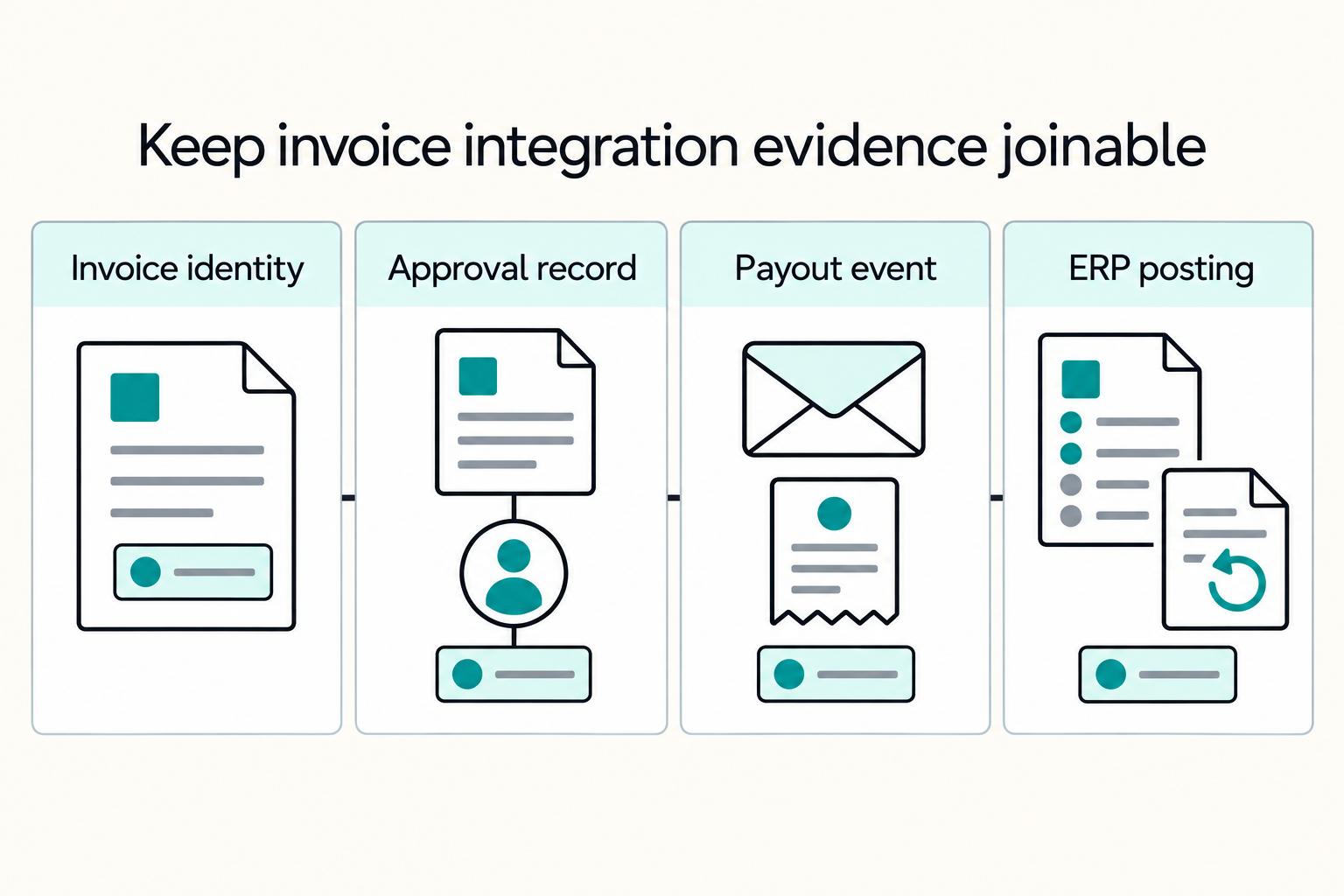
Invoice Processing Platforms from Receipt to Payment
Treat invoice processing as an operating sequence, not a shopping list of OCR, approvals, and payout features. For platform teams, the core question is straightforward: can your setup carry an invoice from receipt through approval and payment while preserving control, traceability, and ownership across finance, engineering, and payments ops?
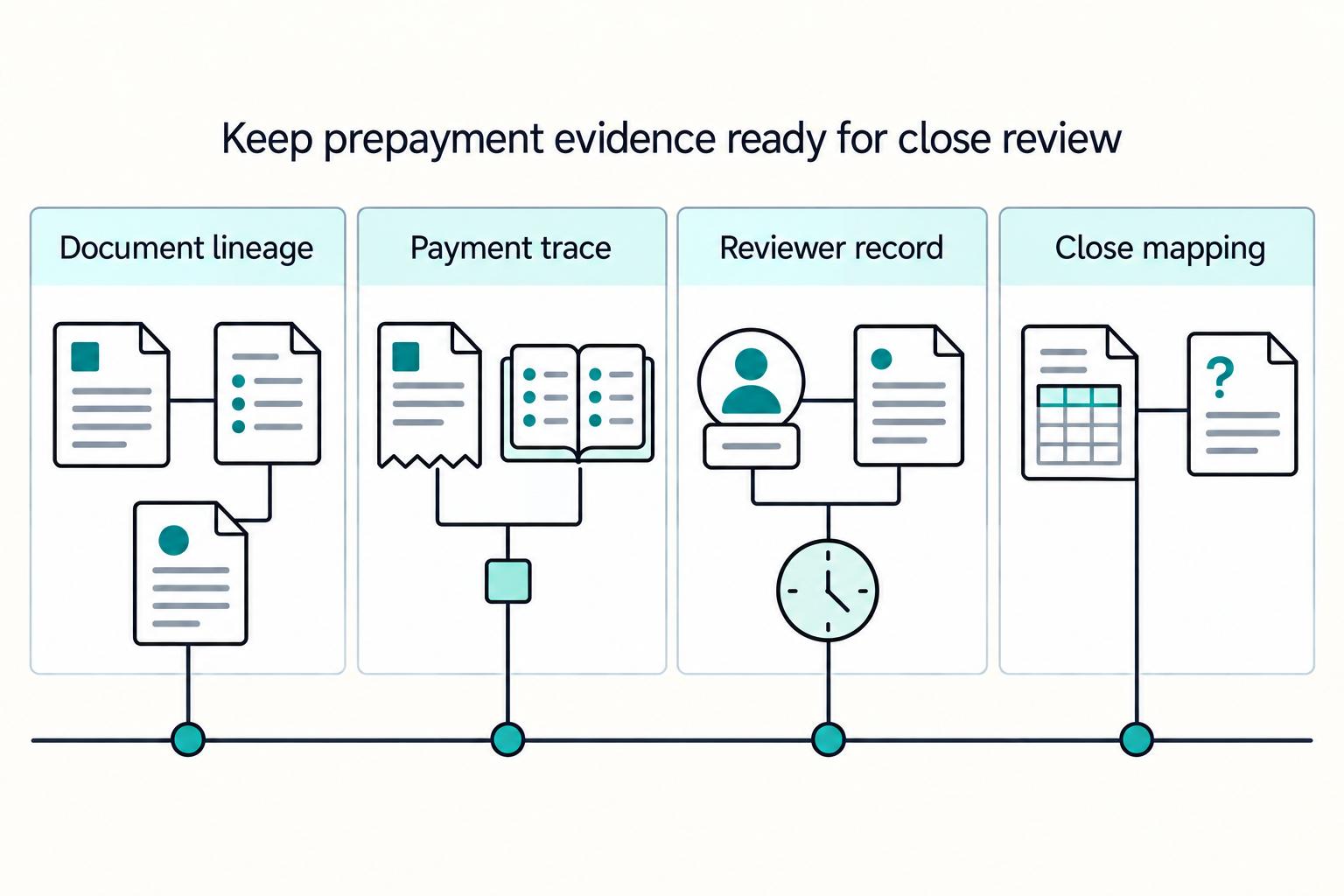
Proforma Invoice Controls for Contractor Platform Pre-Payment Workflows
Speed matters, but speed alone is not the job. If you are designing pre-payment contractor workflows around **proforma invoice platforms**, the goal is to keep contractor payments moving while giving finance clear states, verifiable records, and a clean path to matching and closeout.
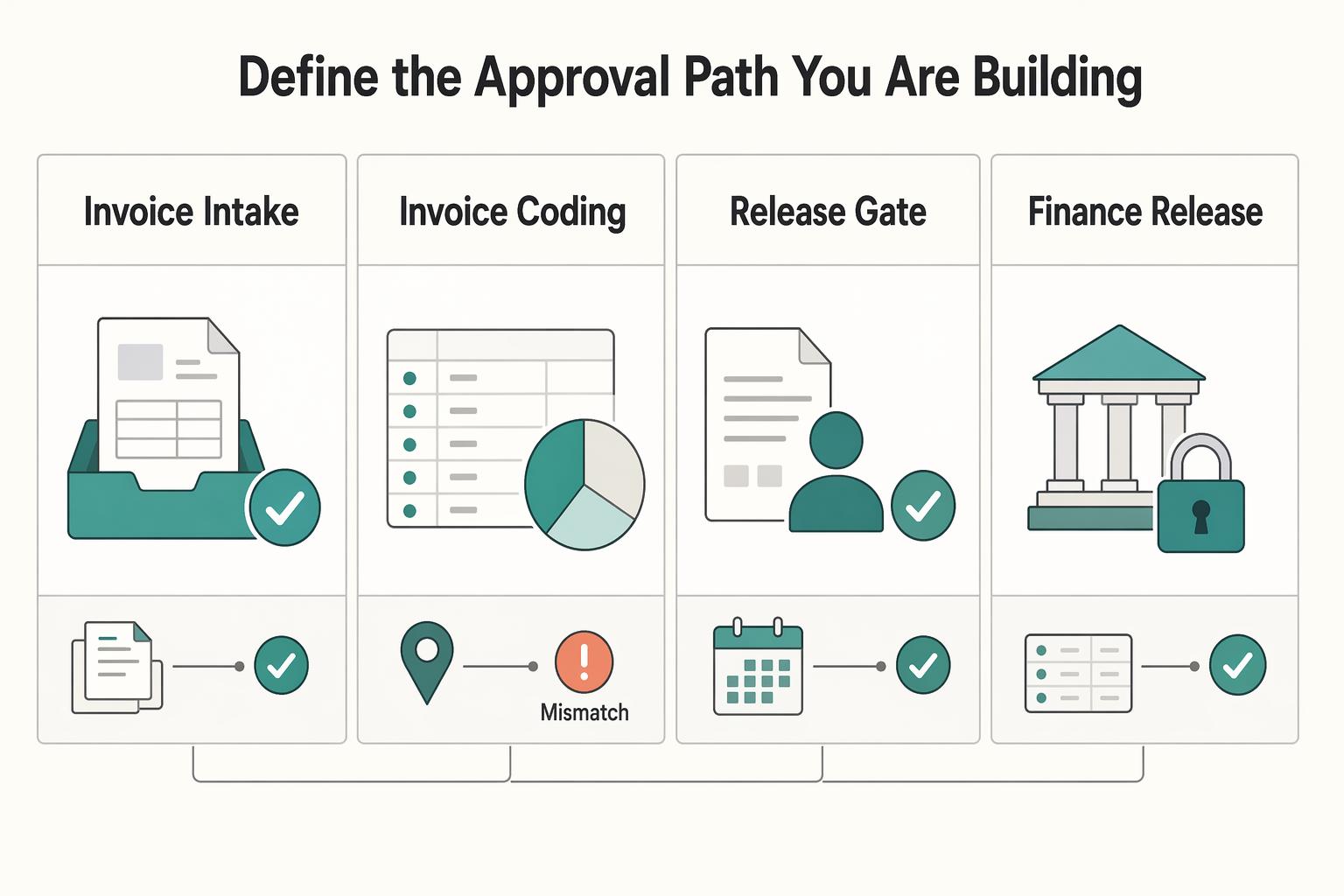
How to Set Up Invoice Approval Workflows for Agencies and Teams
**For agency teams running invoice approval workflows, speed only matters if control holds up.** The goal is not just to move AP faster. It is to build an approval path that keeps invoices moving while giving finance and platform operations a clean, defensible record from approval through release readiness. If you cannot show who approved an invoice, when they approved it, and what state the invoice was in before payment moved forward, the process may feel fast, but it is not audit-ready.