
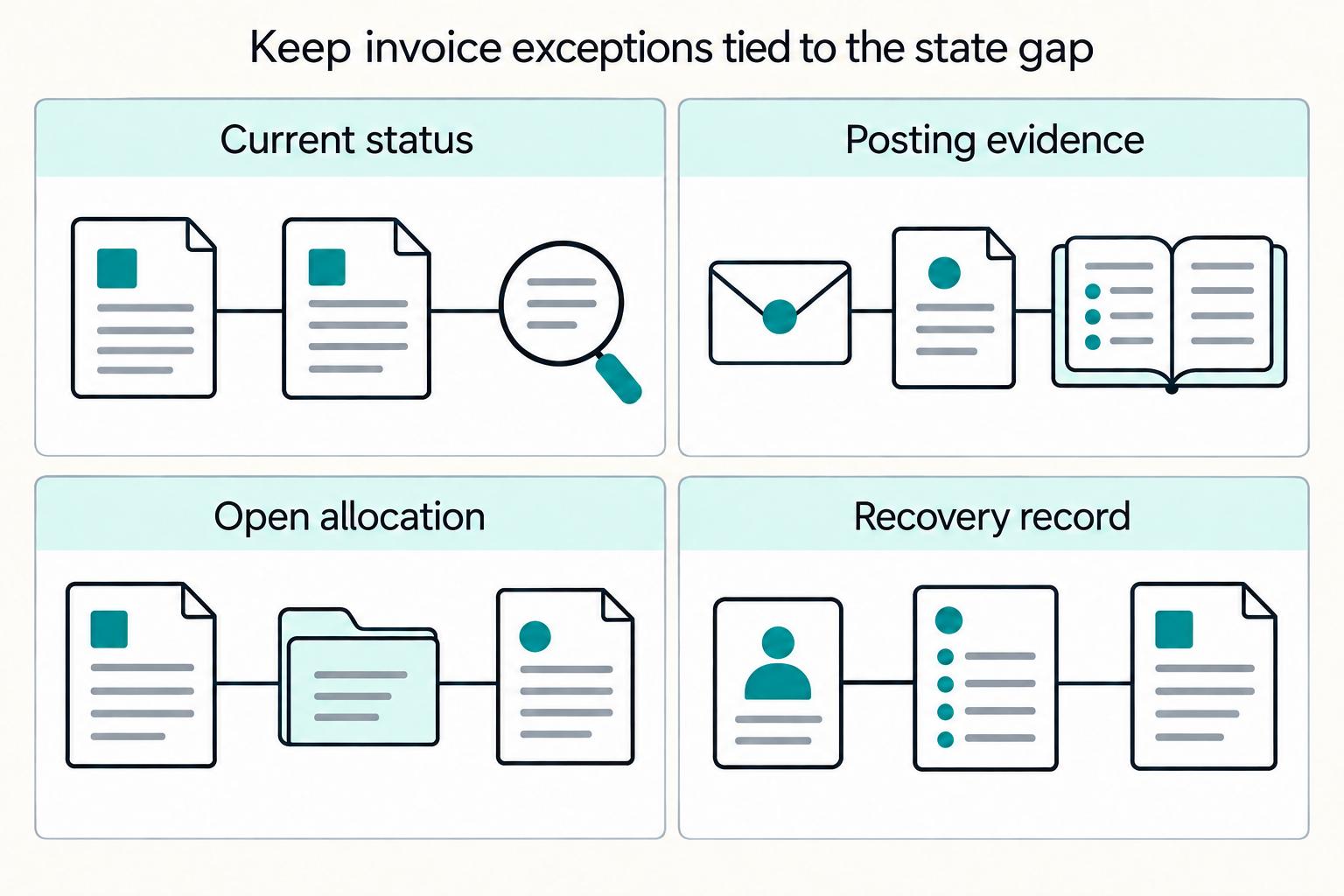
Quick Answer
Yes, but only if mobile invoicing is verified inside your accounting trail, not just in the app. For each pilot invoice, confirm a unique invoice ID, user-attributed status history, and a matching book outcome in QuickBooks or Xero. Keep an evidence pack with approval records, customer communication, payment events, and linked Ledger Journals. If duplicate webhook deliveries or unmatched deposits appear, pause rollout and fix state handling before adding volume.
Mobile invoicing can be fast and still audit-ready#
Step 1 Judge the setup by its evidence trail#
Yes, you can create and send invoices from iOS and Android without giving up finance control, but only if you judge the setup by its evidence trail, not just by how quickly an invoice can be sent. Xero explicitly supports creating and sending invoices from an iPhone, Android device, or tablet. QuickBooks describes phone-based invoice creation, sending, tracking, and sync back to the books.
That speed is real. The issue is that product and finance owners do not just need a sent invoice. They need a record of who created it, what changed, and when. If you cannot trace that chain, mobile billing is only fast on the surface.
Use this rule at the start. If a mobile app helps your team send invoices faster but makes it harder to explain a payment, a reversal, or a missing accounting entry at month end, it is not ready for wider use.
Step 2 Start verification inside the accounting record#
App store signals are useful, but they do not prove a product fits your operation. Listings are full of speed-first language, including claims about sending an invoice before you even leave the customer. You may also see strong popularity signals such as 4.6 stars, 19.2K reviews, and 1M+ downloads for a mainstream app on Google Play. Those numbers may tell you something about adoption, but not whether your reconciliation process will hold up.
Your first verification point should be inside the accounting record, not on the store page. In QuickBooks, the audit log shows who made changes to your books and what they did. In Xero, history and notes are date-stamped, tied to the user, and include invoice-related changes. That is the traceability finance teams need to see before they trust invoices created on a phone.
The main failure mode is simple: a team optimizes for send speed, then finds out later that payment status and book entries cannot be matched cleanly. That is how "easy invoicing" turns into manual close work.
Step 3 Confirm three artifacts exist for each invoice#
For this guide, success means four things: faster billing, fewer manual touches, a cleaner close, and fewer surprises when payment status changes after the invoice is sent. The goal is not to prove that mobile invoicing is trendy. It is to prove it creates less cleanup work.
A good early test is to send a small set of invoices from iOS or Android, then confirm that three artifacts exist for each one:
- A unique invoice record with date and user attribution
- A visible status trail from draft or sent through payment updates
- A matching accounting outcome you can trace toward expected accounting entries
If any one of those is missing, pause there. This guide assumes you want mobile speed with records that still stand up under reconciliation, review, and audit.
What to prepare before your team sends the first mobile invoice#
Before your team sends the first mobile invoice, define the records that must exist and who owns the exceptions when they do not.
Step 1 Map your baseline stack and assign exception ownership#
Map your baseline stack and assign exception ownership. Document the invoicing app, the accounting destination, such as QuickBooks or Xero, and allowed payment methods, such as PayPal, bank transfer, and cards. Then assign owners for duplicate invoices, missing payment updates, unmatched deposits, and customer disputes.
Step 2 Confirm compliance gates before payment or payout activity#
Confirm your compliance gates before payment or payout activity starts. In Stripe Connect flows, KYC must be completed before connected accounts can accept payments and send payouts, and some onboarding programs require both KYC and KYB. Treat AML as a program- and jurisdiction-scoped control, not a single universal rule.
Step 3 Create a pilot evidence pack for each invoice#
Create a pilot evidence pack for each invoice. Include the invoice ID format, approval record, customer communication trail, payment event log, and expected Ledger Journals. For verification, confirm you can trace the invoice lifecycle, from sent to opened to paid, and match the related bank statement line to the accounting transaction.
Step 4 Keep the pilot cohort small and define stop conditions#
Keep the pilot cohort small and define stop conditions before rollout. Pause if duplicate invoices appear, webhook-driven payment events are duplicated, or deposits cannot be matched cleanly. This matters because webhook endpoints can receive duplicate events, and undelivered events can be retried for up to three days.
Related: Invoice Fraud Prevention for Platforms: How to Detect and Stop Fake Invoices Before They're Paid.
Set minimum feature gates before you compare apps#
Set hard gates before UX scoring: if an app is easy on mobile but fails ledger traceability, treat it as a no-go for platform operations.
| Gate | Requirement | Step |
|---|---|---|
| Mobile support | Send invoices from both iOS and Android | Step 1 |
| Status visibility | Show payment status updates and support reminders where available | Step 1 |
| Templates | Support reusable templates | Step 1 |
| Export or API | Provide export or API access, including Webhooks where supported | Step 1 |
| State-to-journal mapping | Each payment update should map to a one-way invoice state and then to expected Ledger Journals without spreadsheet stitching | Step 2 |
| Retry handling | If you rely on Webhooks, include retry handling in the gate | Step 2 |
| Roles and approvals | Define role boundaries and approvals: who drafts, approves, sends, and voids | Step 3 |
| Sync fidelity | Verify sync fidelity with your accounting system; "integrates with accounting" is not enough | Step 3 |
| Scaled settlement checks | Test gates for Virtual Accounts, Merchant of Record, and Payout Batches | Step 3 |
Step 1 Require baseline mobile and event capability.
- Send invoices from both
iOSandAndroid. - Show payment status updates, for example sent and paid, and support reminders where available.
- Support reusable templates.
- Provide export or API access, including
Webhookswhere supported.
This bar is realistic: QuickBooks Online mobile supports sending invoices and estimates, and Xero supports creating and sending invoices from iPhone and Android. Validate with one phone-based test invoice and one payment event, then confirm you can retrieve invoice ID, customer reference, and payment status without manual re-entry.
Step 2 Gate on reconciliation quality, not just payment capture.
- Each payment update should map to a one-way invoice state and then to expected
Ledger Journalswithout spreadsheet stitching. - If you rely on
Webhooks, include retry handling in the gate.
A webhook is an HTTP endpoint that receives events, and undelivered Stripe events can be resent for up to three days. Run a trace test from draft to sent to paid and confirm one paid event produces one accounting outcome in QuickBooks or Xero. If retries can create duplicate accounting entries, reject the app.
Step 3 Add finance controls and payout readiness before shortlisting.
- Define role boundaries and approvals: who drafts, approves, sends, and voids.
- Verify sync fidelity with your accounting system; "integrates with accounting" is not enough.
- For scaled settlement or disbursement, test gates for
Virtual Accounts,Merchant of Record, andPayout Batches.
Virtual Accounts are unique account identifiers, and Merchant of Record is the entity legally responsible for processing customer payments. For batch operations, confirm real limits and behavior in your flow, for example Nium documents up to 1,000 payouts in a single request. Keep this in your evidence pack: invoice issuer, merchant-of-record ownership, and how unmatched virtual-account deposits or payout batches are handled.
Compare mobile invoice apps by operational fit not app store ratings#
App store ratings are useful for sentiment, not for reconciliation control. Apple describes a single overview rating, and Google Play says ratings are based on user-review quality signals. Neither tells you how invoice state changes map into QuickBooks, Xero, or your close process.
Step 1 Ignore ratings as a control signal#
Use Apple App Store and Google Play scores as background context only. Popularity can coexist with unknowns in duplicate prevention, retry handling, and whether a paid status in-app matches settlement and accounting outcomes. Invoice2go showing 4.6 stars, 31.4K reviews, and 1M+ downloads is an adoption signal, not ledger-traceability evidence.
Set one rule: if vendor docs do not state how status changes sync to accounting, mark it as unknown and test it directly. Do not infer enterprise readiness from SMB positioning or download volume.
Step 2 Build a shortlisting matrix around execution details#
Compare only what vendor pages or docs explicitly support.
| App | Estimate or invoice path | Reminder or status evidence | Payment method evidence | Accounting sync evidence | Risk notes and unknowns |
|---|---|---|---|---|---|
Invoice2go | Positions invoices, estimates, and payments together; Play listing says invoices and estimates can be sent | Unknown in reviewed sources | Payments are advertised, but PayPal, bank, and card rails are not specified in reviewed sources | Docs say paid invoices and clients sync automatically with QuickBooks | If QuickBooks matters, test paid-only sync timing, duplicate handling, and reversals |
Wave | Estimate conversion not evidenced in reviewed sources | Mobile reminder action is documented; Apple listing shows sent, viewed, overdue, paid states | Payment rails not evidenced in reviewed sources | QuickBooks and Xero sync depth unknown in reviewed sources | Status visibility is clear; duplicate prevention and payment-versus-settlement behavior are unknown |
Billdu | Play listing says invoices, estimates, and purchase orders can be created | Reminder automation unknown in reviewed sources | PayPal, bank, and card support unknown in reviewed sources | FAQ says invoices can automatically synchronize with Xero | If Xero is primary, evidence is stronger; still test timing, retries, and post-payment sync behavior |
Bookipi | Estimate conversion path unknown in reviewed sources | Advertises automated reminders and invoice status tracking | Advertises integrated card payments; PayPal and bank rails unknown | Native QuickBooks or Xero sync not evidenced in reviewed sources | Reminders and status are clear; accounting sync depth and control behavior are open questions |
Quick read: Billdu has the clearest public Xero sync statement, and Invoice2go has the clearest documented QuickBooks hook, specifically for paid invoices and clients. Wave and Bookipi show clearer public evidence for reminders and visible status.
Step 3 Stress test hidden risk columns before you pick#
Treat latency and retries as first-class checks. Stripe states undelivered webhook events can be resent for up to three days, and it also notes webhook reliability at scale is challenging. Use that as your operating model for late or repeated events even when a vendor does not publish webhook detail.
Run one end-to-end test invoice from mobile creation through send, reminder, if supported, payment, and accounting update. Compare three records: app status, settlement record, and accounting entry. Watch for divergence, such as paid in-app while settlement is pending, or accounting updates occurring only at paid status when ops assumes earlier states were already mirrored.
If a vendor cannot explain duplicate prevention, delayed-event handling, or payment-state versus settlement-state divergence, keep it in "maybe" regardless of app polish.
Design the invoice lifecycle from draft to settled ledger entry#
Define one controlled sequence before rollout: create draft on mobile, apply approval rules, send the invoice or payment link, receive payment events through Webhooks, post Ledger Journals, then reconcile and close. This keeps customer-facing status, finance approval, and cash confirmation separate.
Step 1 Set the state order before anyone sends an invoice#
Set the send gate first, then let teams issue invoices. If Xero is in your flow, use DRAFT, SUBMITTED, and AUTHORISED as control states, and only send when the invoice is in a sendable status, SUBMITTED, AUTHORISED, or PAID.
For each test invoice, confirm the invoice ID, approval record, and send timestamp all exist before customer delivery. If the app shows sent while accounting is still DRAFT, pause and fix the state mapping before you scale.
Step 2 Make retries harmless with idempotency#
Treat payment confirmation as event-driven, not badge-driven. Webhooks can be resent for up to three days, so duplicate deliveries are a normal operating condition.
Add idempotency at each retry point: invoice creation, payment creation, webhook ingestion, and journal posting. Then replay the same payment event and verify you still get one settlement outcome and one journal set.
Step 3 Document special handling for Virtual Accounts and Merchant of Record#
If you use Virtual Accounts, separate "payment initiated" from "funds settled." In Adyen's bank-transfer flow, status remains Open until funds arrive, then updates to Settled or SettledAcquirer.
If your provider uses labels like credited, held, or returned, define them in your own runbook and assign a named owner for unmatched deposits before payout release. Require evidence for exceptions: bank reference, invoice ID, amount, customer communication, and current ledger impact.
For Merchant of Record flows, document who issues the invoice, who is the MoR entity, and where tax and fee records land. The MoR is the responsible transaction party, including tax calculation, collection, and remittance.
Step 4 Add stage checkpoints with owner, evidence, and escalation#
Assign owners and escalation paths before launch.
| Stage | Expected status transition | Owner | Evidence artifact | Escalation path |
|---|---|---|---|---|
| Mobile creation | No invoice to DRAFT | Frontline ops or sales | Invoice ID, customer details, draft timestamp | Product owner if required fields are missing |
| Approval | DRAFT to approved sendable state such as SUBMITTED or AUTHORISED | Finance approver or team lead | Approval record, approver identity, timestamp | Finance lead if invoice is sent without approval |
| Send | Approved state to sent customer communication | Ops user or app service | Email or link-send log, invoice copy, send timestamp | App vendor or engineering if sent status does not match accounting status |
| Payment event | Sent invoice to payment-confirmed event | Payments or engineering owner | Webhook event ID, provider reference, received timestamp | Engineering if duplicate or delayed event handling fails |
| Journal and close | Payment-confirmed to posted and reconciled Ledger Journals | Finance ops | Journal IDs, reconciliation record, exception note if needed | Controller if payment and ledger status diverge |
Add compliance and tax checkpoints before payout release#
A paid invoice should not release payout on its own. Keep payout blocked until verification, tax records, and sensitive-data controls are confirmed and logged on the same invoice and payout records finance will audit later.
Step 1 Gate payout release on verification status#
Set a hard stop on payout actions when required identity or business verification is incomplete. If you use Stripe Connect, missing required information can temporarily pause charges or payouts, so treat verification status as a release gate, not a background alert.
Before money moves, confirm:
- KYC or KYB is complete where your program requires it.
- Any AML-related hold has been reviewed under the applicable policy.
- No program-specific restriction is still open.
Log the verification state, decision source or reviewer, and timestamp on the payout record. A common failure mode is releasing payout because an invoice is marked paid while account-level verification is still incomplete or under review.
Step 2 Collect tax forms early and map them to reporting objects#
Collect required tax forms before first payable volume, not at year end. If a payee must provide a TIN for information returns, collect Form W-9 before the first payable invoice or payout release, and link that form status to payee, invoice, and payout records.
| Item | Timing or trigger | Operational note |
|---|---|---|
| Form W-9 | Before the first payable invoice or payout release | Link form status to payee, invoice, and payout records |
| Form W-8 BEN | When requested by the payer or withholding agent | Keep that status attached to the same operational objects |
| Form 1099-NEC readiness | January 31 filing date | Build readiness checkpoints |
| FBAR review | Aggregate maximum foreign-account value exceeds $10,000 during the calendar year | Route FBAR review |
For non-US persons, collect Form W-8 BEN when requested by the payer or withholding agent, then keep that status attached to the same operational objects. Build Form 1099-NEC readiness checkpoints to the January 31 filing date. For foreign-account workflows, route FBAR review only when aggregate maximum foreign-account value exceeds $10,000 during the calendar year.
Step 3 Validate VAT and protect sensitive fields#
For EU cross-border cases, run VAT number checks through the EU VIES web tool during approval. If validation fails or cannot be completed, route to manual review and store the validation result or exception note with the invoice and payout records.
Protect tax and identity data with the same rigor as payout controls: mask sensitive fields in ops views, limit full-field exports to users who need them, and keep access and change logs tied to invoice and payout objects. Masking helps, but it does not replace broader access and audit controls.
Build exception handling for failed or ambiguous payment events#
Treat failed or ambiguous payment activity as a named exception queue with clear owners. If invoice status, payment status, reconciliation status, and Ledger Journals drift apart, month-end recovery becomes manual and time-consuming.
Step 1 Classify each failure mode with one handler#
Define a default handler for each common break so teams do not improvise during close:
| Failure mode | Default handling |
|---|---|
| Stale, partial, or out-of-order status events | Assume Webhooks can arrive late, incomplete, or out of order, and confirm current payment state before updating invoice records |
| Partial payment | Keep the invoice open for the remaining amount and track matched versus unmatched amounts separately |
| Refunded or partially refunded outcomes | Route immediately to reversal or recovery handling, especially when downstream journal or payout decisions already exist |
| Unmatched deposit/transaction amount | Keep unmatched amounts as open exceptions until they are allocated or resolved |
| Duplicate webhook delivery | Log processed event IDs and skip already-processed events to prevent duplicate updates |
Checkpoint: each exception type should always show a current status, owner, and next allowed action.
Step 2 Reprocess only when the state gap is clear#
Only retry when you can name the exact break in the flow. If payment is captured but not journaled, reprocess through idempotent Webhooks or the same posting path guarded by an idempotency key so retries do not duplicate operations. Success means one provider payment reference maps to one expected set of Ledger Journals for the same invoice.
If payment is journaled but not reconciled, stop event-path retries and route to finance ops with an evidence packet: invoice ID, provider reference, relevant webhook event IDs, journal link, capture or posting timestamps, and any unmatched amount still open.
Step 3 Time-box escalation and keep a durable exception log#
Set time-boxed recovery targets by owner based on customer impact:
- Product: customer-facing payment status is incorrect.
- Engineering: event ingestion, deduplication, idempotency, or posting behavior failed.
- Finance ops: journal exists, but reconciliation, allocation, or refund handling is unresolved.
Keep the exception log keyed by invoice ID, provider reference, and linked Ledger Journals record, with exception type, first-seen time, owner, current status, last action, and closure evidence. Close and audit teams should be able to verify recovery from that record alone.
Define ownership and KPIs that prove the process works#
Give each stage one accountable owner, then calculate KPIs from Webhooks and Ledger Journals so handoffs are auditable. If time-to-send improves while first-pass reconciliation drops, pause expansion and fix controls first.
Step 1 Assign one owner to each stage#
Set ownership across invoice creation, approval, payment confirmation, reconciliation, and Payout Batches release. Assign a named role with authority to act, not a shared team label. This mirrors close operations where execution depends on explicit role permissions.
For each stage, confirm four answers:
- Who can approve
- Who can change status
- Who can reopen
- Who signs off completion
If any handoff has split ownership and no single accountable role, treat that as a process defect.
Step 2 Calculate KPIs from event and journal records#
Use system evidence for KPI calculation:
Webhooks: event IDs, status changes, and timestampsLedger Journals: posted accounting records and journal history
Use this evidence for time-to-send, first-pass reconciliation rate, overdue recovery rate, exception reopen rate, and manual touches per invoice. Keep dashboard exports as a secondary check, not the primary KPI source.
For KPI reviews, keep an evidence packet with invoice ID, event IDs, status timestamps, journal link, and reopen or manual-correction records.
Step 3 Review speed against quality before scaling#
Track speed and quality together before scaling mobile invoicing. Speed alone can hide control issues. If send time improves but reconciliation quality degrades, fix matching logic, status handling, or approval gates before adding more volume.
Move fast on mobile without losing control#
Mobile invoicing works at scale only when speed is tied to controls, traceability, and recovery logic. The practical next step is a limited pilot with explicit gates before full rollout.
- Define non-negotiable controls first.
Require Webhooks where supported, a traceable link to downstream Ledger Journals, accounting sync into QuickBooks or Xero, and an approval gate before send or payout release. One mobile-created invoice should be traceable from invoice ID to payment-status change to journal posting without spreadsheet stitching. If you cannot see who changed status and when, treat that as a stop signal.
- Build the invoice lifecycle and assign owners.
Lock the states you will run: draft, approved, sent, paid, partially paid, returned, reconciled, and closed. Assign one owner to each transition. Keep an evidence pack per pilot invoice: invoice ID, approval record, customer communication log, payment event log, and matching journal link.
- Test failure paths before rollout.
Test duplicate event delivery explicitly, because webhook endpoints can receive the same event more than once. Test partial payments, returned funds, and unmatched deposits as separate scenarios. For retries, verify idempotency returns the same result for the same key, including when the first path returned a 500 error.
- Validate tax and compliance gates where enabled.
Do not assume KYC, AML, W-8/W-9, and VAT trigger at one universal point across programs or jurisdictions. Use Form W-9 when a payer needs the correct TIN for IRS information returns, W-8BEN for foreign-status documentation in U.S. withholding or reporting contexts, and VIES for relevant EU cross-border VAT checks. Confirm records are not only collected, but retrievable before payout release.
- Track one close cycle before scaling volume.
Run one full close cycle and confirm faster sending did not degrade reconciliation quality. Use Webhooks and Ledger Journals as your control surface, then expand only after exception handling and close outcomes stay stable.
Frequently Asked Questions
What are the minimum features a mobile invoicing app needs to avoid reconciliation breakage?
A practical minimum is mobile invoice creation on iOS and Android, stable invoice IDs, status tracking, reusable templates, and a way to export or receive accounting changes through API support or Webhooks where enabled. The real test is whether one sent invoice can be traced from mobile creation to payment status to a posted accounting entry without spreadsheet stitching. If an app is fast to send but cannot show who changed status, when it changed, and what posted downstream, treat that as a control gap.
When is a free app like `Wave` enough, and when do we need deeper integration with `QuickBooks`, `Xero`, and `Webhooks`?
Wave can be enough when you only need basic accounting and invoicing and your team can tolerate manual review around close. Its Starter Plan is free, while online payments and other capabilities are paid add-ons, so check whether the free setup still covers your payment and evidence needs. Move to deeper integration when accounting is your source of record and you need automatic change capture. For example, QuickBooks webhooks notify you when data changes, and the QuickBooks Online app stays in sync with the web product.
How do we make mobile invoice creation on `iOS` and `Android` audit-ready for finance teams?
Treat the phone app as the entry point, not the audit record. For every pilot invoice, keep an evidence pack with invoice ID, approval record, customer communication log, payment event log, and the matching journal link in your accounting system. Your verification point is simple: finance should be able to pull one invoice and reconstruct who created it, who approved it, when it was sent, and what entry was posted.
What are the most common failure points after invoice send, and how should teams recover?
Common failure points can include stale payment status, duplicate event delivery, partial payment, returned funds, and unmatched deposits. If payment was captured but no journal posted, replay through idempotent event handling where your stack supports it. If the journal posted but reconciliation failed, route it to finance ops with invoice ID, provider reference, event ID, and journal link. Do not release related Payout Batches while that exception is still open.
How should we evaluate `Invoice2go`, `Billdu`, and `Bookipi` when vendor pages lack operational detail?
Mark unknowns as unknowns and force a pilot. Invoice2go states that once your account is linked to Xero, each sent invoice automatically syncs to Xero; you still need to verify field mapping, edit behavior, and what happens after a reopen or correction. For Billdu and Bookipi, ask for proof of accounting sync depth, export coverage, and duplicate handling before you trust them for close, because vendor pages and app-store ratings do not prove reconciliation quality.
At what point do `KYC`, `AML`, `W-8`/`W-9`, and `VAT` checks need to be enforced in the invoice-to-payout flow?
A conservative control point is to enforce them before payout release, and earlier if your program or jurisdiction requires gating before funds move. Use Form W-9 when a payer needs the correct TIN for IRS information returns, and use Form W-8BEN when requested by the withholding agent or payer for U.S. withholding or reporting. For EU cross-border checks, validate VAT numbers through VIES, and remember there is no single global timing rule for KYC or AML; your policy should follow the jurisdictions and programs you actually operate under, with the FATF Recommendations as a standards baseline.
Try a related tool
Researched and edited by the Gruv editorial team. Gruv builds cross-border billing, payouts, and finance-operations software for global businesses.
Sources
Includes 2 external sources outside the trusted-domain allowlist.
- docs.stripe.com/api/idempotent_requeststrusted
- docs.stripe.com/webhooks/process-undelivered-eventstrusted
- europa.eu/youreurope/business/taxation/vat/check-vat-n...trusted
- irs.gov/forms-pubs/about-form-w-9trusted
- irs.gov/forms-pubs/about-form-w-8-bentrusted
- stripe.com/resources/more/merchant-of-recordtrusted
- central.xero.com/s/article/View-a-history-and-notes-summary-f...external
- developer.intuit.com/app/developer/qbo/docs/develop/webhooksexternal
Educational content only. Not legal, tax, or financial advice.
Related Posts
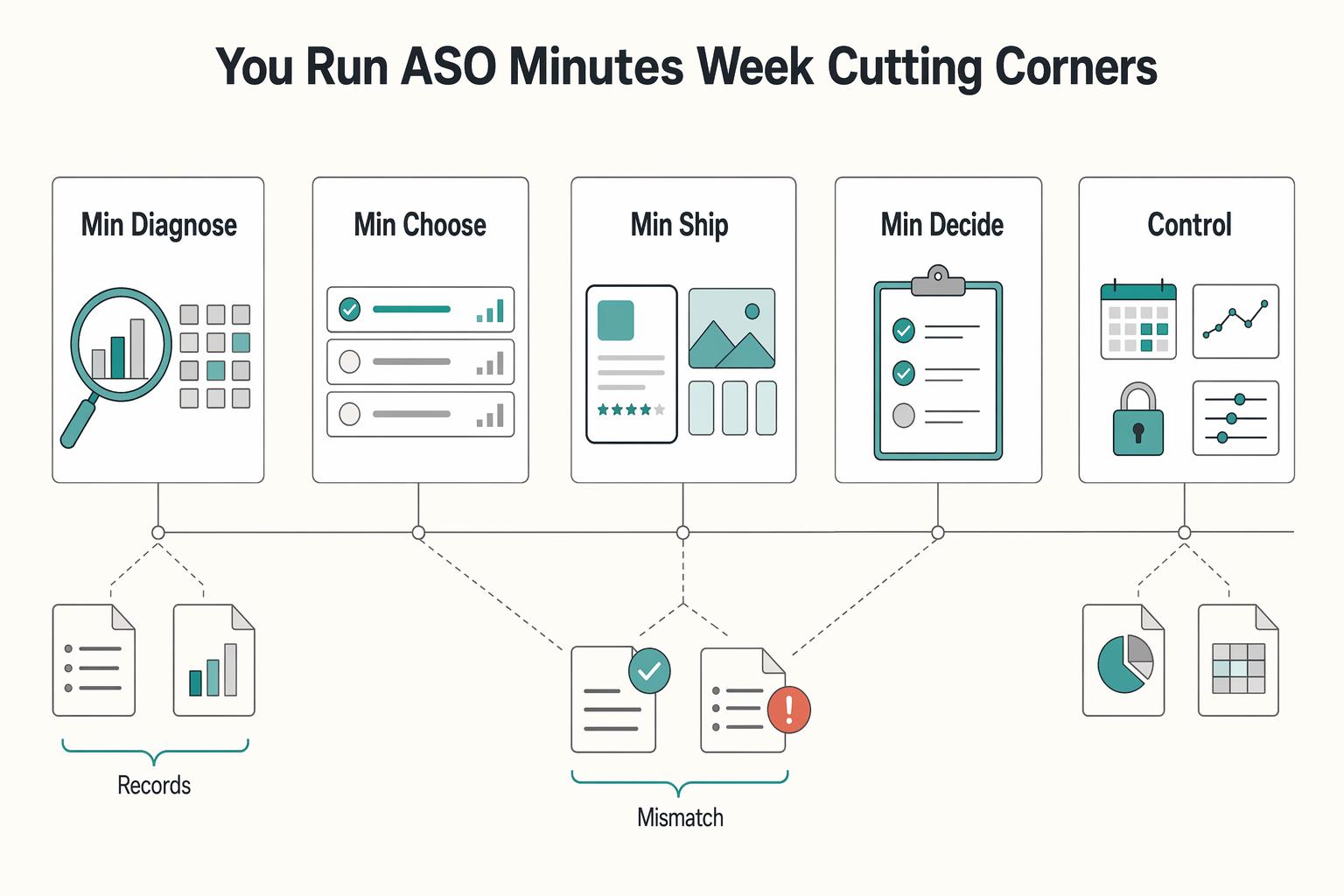
Run App Store Optimization Like an Operator for Mobile Apps
ASO works when you treat it like a recurring operating practice, not a burst of edits when installs dip. If you are working solo or with one helper, keep it to four controls you can actually manage: metadata, creative, experimentation, and risk. Think of this as a practical four-part ASO stack with a simple report card for execution.
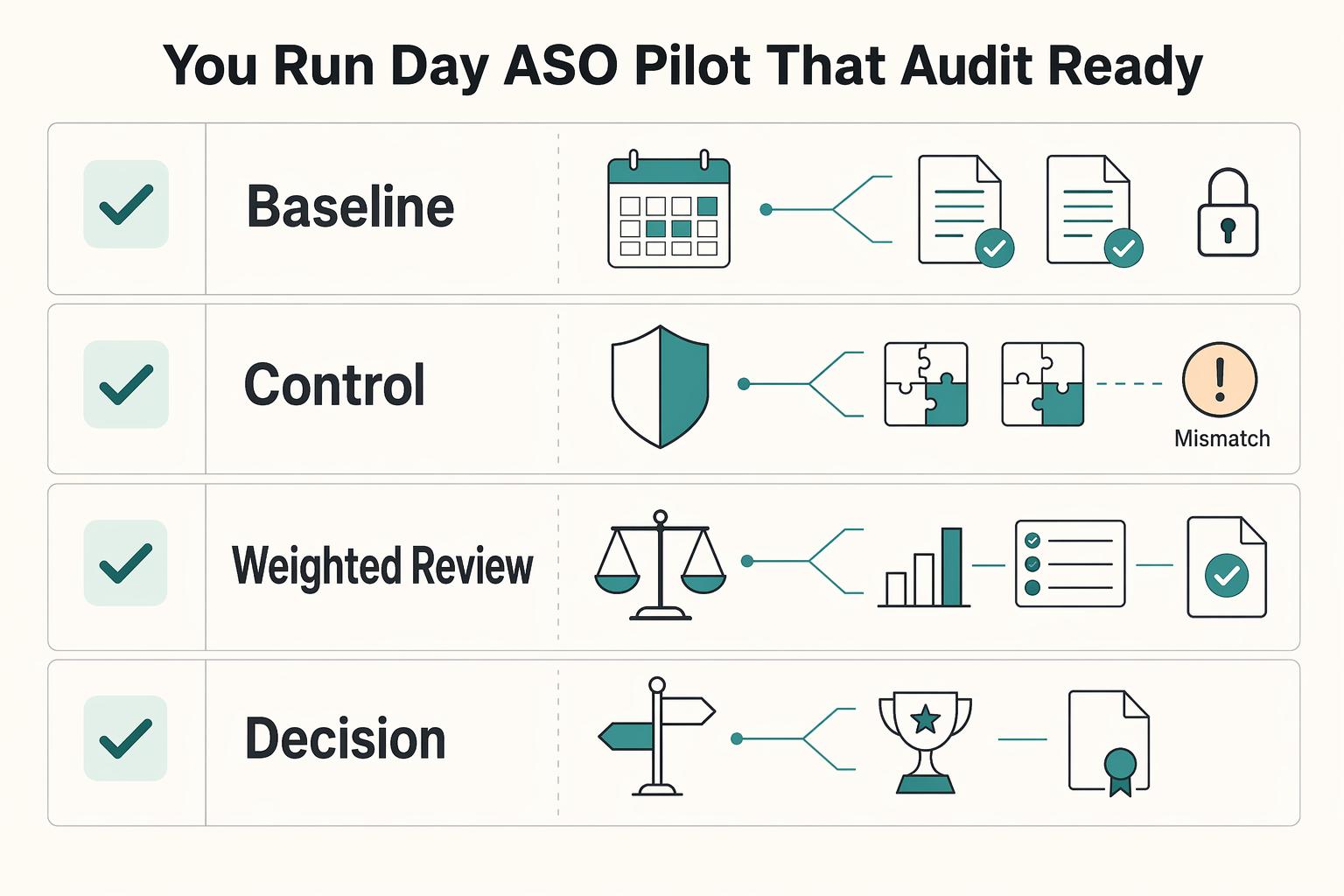
The Best Tools for App Store Optimization (ASO)
The right ASO tools help you make one change, ship it, review the result, and log the next move across the App Store and Google Play. Treat tool choice as an operating decision, not a shopping exercise. If a platform cannot support that loop with less friction than your current method, it should not be your primary tool.
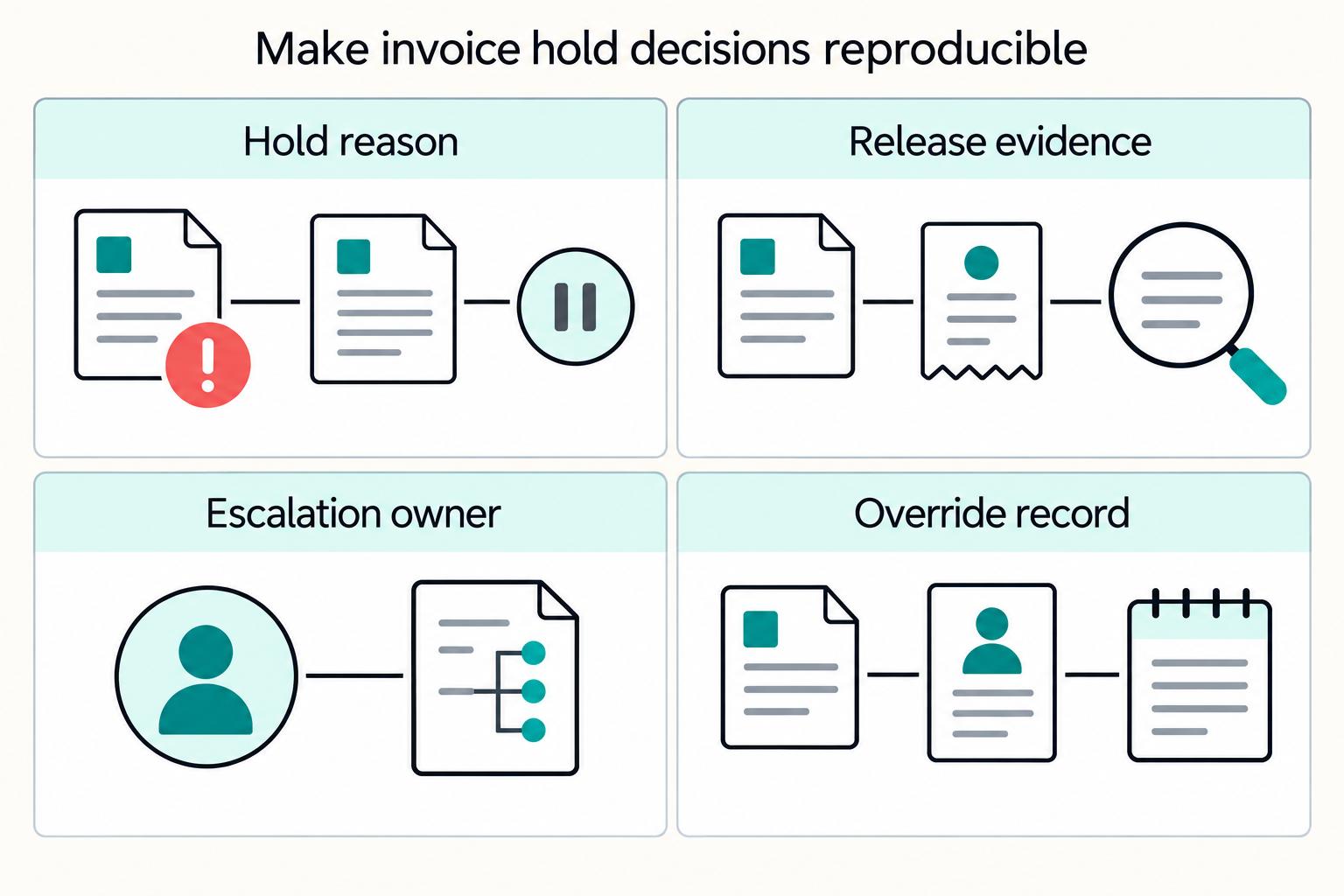
How Platforms Detect and Stop Fake Invoices Before Payment
If you run platform payment operations, fake invoice risk rarely comes from a single failure. More often, you see a chain of small gaps: weak vendor setup, unclear approval ownership, rushed payment timing, disconnected systems, and hold rules that people interpret differently.