

Quick Answer
Start with GTD if requests and follow-ups slip, PARA if files are hard to find, or Second Brain habits if research rarely becomes useful output. The methods can complement each other. Use a small trial in existing tools, review actual commitments and keep financial tracking separate from delivery completion.
Choose the method that solves your current work problem#
If client requests keep slipping, start with GTD. If files are hard to find, start with PARA. If research notes rarely become useful writing or advice, try Building a Second Brain. These methods address different parts of work and can be combined, but you do not need to install all three before finishing your next project.
Three questions to choose a starting point#
Look at the last week rather than scoring abstract features. Which recurring problem cost you useful time?
- Requests disappear: clarify commitments with GTD and a review routine.
- Files are hard to retrieve: organize active information with PARA.
- Research stays unused: turn selected notes into work with a Second Brain approach.
A consultant might need all three eventually: a reminder to request a client decision, a place for the current brief and notes worth reusing in a proposal. Keep those distinct. A project folder is not a task list, and a task list is not a research library.
If you want a practical starting point, try GTD for commitments with PARA for organization, then add a lightweight money tracker. If file chaos is already hurting you, start with naming and structure first: How to Create a System for Naming and Organizing Your Digital Files.
GTD: clarify commitments into actions you can take#
David Allen’s Getting Things Done uses five workflow steps: Capture, Clarify, Organize, Reflect and Engage. Capture what needs attention, decide what it means, put reminders and reference material in suitable places, review the system and choose what to do.
“Client launch” is a project outcome, not an action. “Email Maya the two homepage options and request a choice by Thursday” is actionable. If a message contains several commitments, clarify each one rather than treating the unread email itself as the complete plan.
Separate work you can do from a response someone else owes you. Keep a waiting-for entry with the person, request and sensible follow-up date. Put real appointments and hard timing constraints on the calendar. Do not invent a due date for every possible action just to make the list look urgent.
GTD can be useful when many channels produce commitments. Its maintenance cost is that captured items need clarification and review. If the inbox grows faster than you process it, first reduce the capture points and revisit your available capacity; adding more labels will not complete the work.
Use the tools you already check. A task list, calendar and small reference store can be enough. If you work in Google tools, see A Guide to Using Google Workspace for Your Freelance Business. This article does not require a particular paid app.
PARA: organize information by how you use it#
Tiago Forte’s PARA method divides information into Projects, Areas, Resources and Archives. A project has an outcome to finish; an area is an ongoing responsibility. Resources support interests or future work. Archives hold information from the other categories that is no longer active.
Distinguish a project from an area#
“Publish Acme’s five-page website by October 20” is a project. “Manage business finances” is an area. “Accessible navigation examples” is a resource. An old cancelled website project can belong in Archives even though it never reached its original outcome.
Use PARA for retrieval, not as a substitute for reminders. A folder labeled “Client launch” can hold the brief and assets, but it will not remind you to ask for the missing logo. Keep that action in the task or calendar system you use.
| PARA category | Freelance example |
|---|---|
| Projects | Complete Acme’s website |
| Areas | Maintain business finances |
| Resources | Public accessible-navigation examples |
| Archives | Inactive, completed or paused project material |
Four top-level folders are one implementation. Tags or notebooks can serve the same purpose in a notes tool. For shared client work, respect the client’s folder structure and permissions; link to the authoritative file rather than creating uncontrolled copies solely to match your personal system.
Where to keep finance records#
A project may be finished while its invoice is unpaid. You can archive the delivery material once it is inactive and keep the receivable in your finance tracker. Conversely, a long-running client area can contain several active projects. Choose by actionability rather than assuming everything waits for payment.
For a simple setup, store the current brief and deliverables under Projects, ongoing business-finance material under Areas and reusable non-confidential examples under Resources. Link an invoice record to the related project when helpful. Avoid keeping two “final” copies that can diverge.
Second Brain: turn useful knowledge into new work#
Building a Second Brain is a broader approach to using saved information and ideas. Forte’s CODE framework stands for Capture, Organize, Distill and Express. PARA can support organization; Progressive Summarization can support distillation. Neither is the entire Second Brain method.
The goal is to use knowledge, not merely collect it. A researcher might save a source, organize it with an active report, extract the relevant finding and then use it in a clearly attributed recommendation. Keep the source and context so a short note does not become a misleading claim.
Progressive Summarization is one optional technique
Progressive Summarization condenses selected notes in layers over time. You might identify important passages, highlight a smaller set and write a brief summary when a note becomes useful again. Not every note needs every layer, and repeated formatting is not useful output by itself.
For client work, distinguish confidential project notes from reusable knowledge. A discovery call can inform a generic question checklist, but do not copy a client’s private figures or unpublished strategy into a public template. Preserve permissions and separate source material from your own conclusions.
Compare the methods without inventing a winner#
Start with the bottleneck you can observe. This is an editorial selection guide, not a measured ranking of results. GTD, PARA and Second Brain are related methods with different emphasis; none guarantees faster delivery or payment.
| Method | Main emphasis | Start when | Watch the upkeep |
|---|---|---|---|
| GTD | Commitments, next actions and reviews | Requests and follow-ups are slipping | Capture needs clarification; avoid endless list grooming |
| PARA | Information organized by actionability | Current files are hard to find | Avoid duplicates and excessive folder migration |
| Second Brain | Use saved knowledge to create work | You repeat research or cannot reuse notes | Save selectively and apply notes; avoid collection for its own sake |
If your existing folders work, leave them alone and improve the action list. If requests are under control but files are lost, change retrieval first. If you repeatedly research the same question, add a small reusable note collection. A combined setup is useful only if its upkeep costs less than the repeated problem.
A worked example: a freelance website project#
Suppose you are preparing a five-page website for Acme. The client has not chosen between two homepage layouts, and your research includes several accessible navigation examples. You also have an unrelated invoice due next week. Here is how the three methods can help without blending their jobs.
Capture the client’s layout message once. Clarify your action as “Send the two options to Maya and ask for the approved choice by Thursday.” After sending, move the request to Waiting For with a follow-up date. The project still has other available actions; only work that depends on the choice is blocked.
Put the current brief, options and assets in Projects/Acme Website. Keep the client’s approved choice with that project, using the agreed communication channel. If it is in chat, save or link the relevant message with its date and context. A recap can clarify a change, but your own recap does not manufacture the client’s approval.
Save public navigation research with the active project while it is useful. Distill two relevant principles into a short note with source links. After applying them, keep a generic, non-confidential checklist under Resources if it will help another project. The resulting checklist is useful knowledge; merely collecting another twenty links is not the same outcome.
Put a realistic design block on the calendar. If you use a board, mark the layout-dependent item as waiting and keep the other active work visible. Time blocking and Kanban can complement these methods, but neither needs to be relabeled as GTD or Second Brain.
Keep the unrelated invoice in Areas/Business Finance or your existing accounting system, with its amount, due date, payment status and next follow-up. Do not hold a completed design task open merely because a different finance item is unpaid.
At the next review, check whether Maya replied, whether the project still fits the deadline and whether the invoice was paid. Adjust the next action or date from actual information. A trustworthy system makes the open decision visible; it does not guarantee the client will respond.
Set up a small version before migrating old material#
Use one active project for the first trial. Keep your existing tools and choose a short setup window. The suggested setup below is a starting point, not a promise that an entire freelance operation can be rebuilt in one day.
1. Choose capture points you will check#
Use a task inbox and a place for notes, or one combined inbox if that is simpler. Email stars and flags can help collect requests, but decide when you will process them. Capturing in five apps without reviewing any of them creates another search problem.
| Inbox | Processing habit |
|---|---|
| Requests and actions | Clarify and place reminders where you will see them |
| Notes and reference | Decide active-project, ongoing-area or reusable-reference use |
| Calendar | Keep actual appointments and timing constraints visible |
Clarify a few actual commitments. Replace “marketing” with a specific next action when one is needed; retain reference or future ideas separately. If the project requires more effort than your week can hold, renegotiate its scope or timing rather than making a more elaborate task list.
2. Organize only current information#
Create PARA folders or tags if they solve your retrieval problem. Move the current project’s essential material first. Keep a link to shared authoritative files, and leave old structures readable until you know the new one works. Moving a whole drive is not a prerequisite.
Choose filenames that make sense for retrieval. For chronological material, a date such as 2026-10-03 is easy to sort. For deliverables, a clear project name and version or status may matter more. Use the convention consistently; avoid “final-final” copies with no clear authority.
YYYY-MM-DD-[Client]-[Project]-[Artifact](example:2024-08-29-Acme-Onboarding-SOW-v3.pdf)
If you want more rigor, use How to Create a System for Naming and Organizing Your Digital Files.
If payment follow-ups are a recurring gap, use your existing accounting view or a small invoice tracker. Include a purchase order only when the client’s process requires one. Document creation and accounting can stay in their own tools; PARA need not duplicate the entire ledger.
| Invoice field | Use |
|---|---|
| Reference and customer | Identify the bill |
| Amount and currency | Keep the balance explicit |
| Due date | Schedule relevant follow-up |
| Payment status and allocations | Separate actual payments from reminders |
| Required client reference | Include only where applicable |
Give archived material an inactive home without deleting records you still need. Archiving is an organization decision, not a retention policy. Maintain access to outstanding receivables and other active obligations even if their delivery folder is archived.
Review the system and decide what needs attention#
The GTD Weekly Review groups its review into getting clear, getting current and getting creative. Its full checklist has eleven steps. The shorter freelance checklist below is an adaptation, not a replacement claimed to reproduce all eleven.
Use a short review you can repeat#
Collect stray commitments, process what they mean, review actions and calendars, check waiting-for and project lists, and revisit future possibilities. The review is time to regain a reliable overview; it should not become a requirement to complete every outstanding task before stopping.
- Collect and clarify loose commitments.
- Review action lists and calendars.
- Check waiting-for items and active project outcomes.
- Consider future ideas and changed priorities.
Add a brief business-admin pass if your setup needs one. Check invoices due, actual payments and relevant client requirements. If those records are already maintained elsewhere, review that source instead of re-entering them into a second dashboard.
Keep the evidence useful. Save material scope decisions, the issued invoice and the payment record in an appropriate place. Ordinary task reminders do not all need formal approval emails. A client’s actual communication can be the record; choose a recap when it resolves ambiguity or is required by the agreed process.
| Review item | Question |
|---|---|
| Active project | What is the next available action and genuine dependency? |
| Capacity | Does the remaining work fit the actual time available? |
| Reference | Can I find the current authoritative material? |
| Invoice if relevant | What is due or paid, and what follow-up is needed? |
For one project, your review might reveal that the client’s layout choice is still missing while image editing can continue. Send the agreed follow-up, adjust only the dependent work and protect enough time for the remaining tasks. A clear waiting list helps you avoid repeatedly reopening the same thread.
For an invoice, check the bank or payment provider’s authoritative record before marking it paid. A notification or task completion does not necessarily mean available funds. Investigate a real exception without turning every project review into an AML or tax-document checklist.
If requests are hard to retrieve in Gmail, email aliases and filters may help. Filters should support the review routine; automatically filing a message does not resolve the request.
When waiting on clients, keep the dependency specific#
Record what you asked for, who can answer and when a follow-up is appropriate. A missing approval may block one task while unrelated work continues. A payment wait may belong in finance tracking after delivery is complete.
Use a clear follow-up#
Name the decision and link the relevant options or document. Explain the real effect on the schedule if needed. Do not use an arbitrary seven- or fourteen-day escalation schedule merely because another enterprise system has those defaults.
An example: “Could you choose homepage A or B by Thursday? I can finish the remaining images meanwhile. If the choice arrives later, I will confirm a revised layout-delivery date.” The message identifies the dependency and next step without implying that silence is approval.
Choose useful work or rest while the dependency is unresolved#
If capacity is available, work on a task that does not depend on the missing response. A reusable note or template can be worthwhile when there is a real future use. You can also take planned time off. Reorganizing a research library is not mandatory just because a client has not replied.
Measure the trial with the problem you meant to solve#
For two weeks, note whether commitments were missed, how long essential files took to find, whether saved research was reused and how much time the setup needed. Keep those observations separate from customer payment timing, which you do not fully control.
Task counts alone are a weak comparison: one large deliverable differs from twenty small actions. Choose a meaningful outcome and review quality, effort and capacity alongside it. A useful system should make work clearer without consuming the hours it was meant to save.
If upkeep dominates, simplify one component. Reduce capture points, remove unused tags or stop summarizing low-value material. Keep the habits that help you deliver and retrieve work. You are evaluating a practical routine, not proving loyalty to a method.
Start with one bottleneck and keep the useful habits#
Try the smallest change that addresses your recurring problem: a clarified action list, a more usable project folder or a few notes you can apply. Review it twice and compare the benefit with its maintenance effort. Expand only when another component has a clear job.
Frequently Asked Questions
What is productivity (in simple terms)?
Productivity usually concerns what you accomplish relative to the resources used. For personal freelance work, choose useful outcomes and sustainable effort rather than treating busyness or payment collection alone as proof. There is no single official personal-productivity score.
How do you measure productivity for freelancers and consultants?
Track the problem you want to improve: missed commitments, time spent retrieving files, reusable research, quality of completed work and system upkeep. Review invoices separately when helpful. A late client payment is not automatically evidence that your delivery work was unproductive.
What is labor productivity, and how is it different from personal productivity?
Labor productivity is an economic output-per-hour measure, described by the BLS. Personal productivity is broader and has no single official ratio. Do not equate a count of paid freelance invoices with the economic measure.
What is GTD (Getting Things Done), and what are the 5 steps (Capture-Clarify-Organize-Reflect-Engage)?
GTD is David Allen’s method for handling commitments. Its five workflow steps are Capture, Clarify, Organize, Reflect and Engage. Collect what needs attention, decide the next action or appropriate non-action category, organize it, review your system and choose what to do.
What is the PARA method, and how do I set it up in Google Drive?
PARA means Projects, Areas, Resources and Archives. In Drive, you can use four top-level folders: active outcomes, ongoing responsibilities, useful reference and inactive material. Shared authoritative files can be linked rather than duplicated, and archiving does not remove record-retention obligations.
GTD vs PARA: which is better for freelancers?
Choose by the problem. GTD emphasizes commitments and action choices; PARA emphasizes information organization. They can be combined, but either can be useful without the other. Add the component that addresses a recurring gap rather than adopting a full stack automatically.
What should be in a weekly review checklist (including invoices and payments)?
Review captured commitments, action lists, past and upcoming calendars, waiting-for items, projects and future possibilities. Add invoice status and follow-up checks if needed. The short checklist here adapts the fuller GTD review; it does not turn the review into a demand to finish every open task.
Try a related tool
Researched and edited by the Gruv editorial team. Gruv builds cross-border billing, payouts, and finance-operations software for global businesses.
Sources
Includes 4 external sources outside the trusted-domain allowlist.
Educational content only. Not legal, tax, or financial advice.
Related Posts
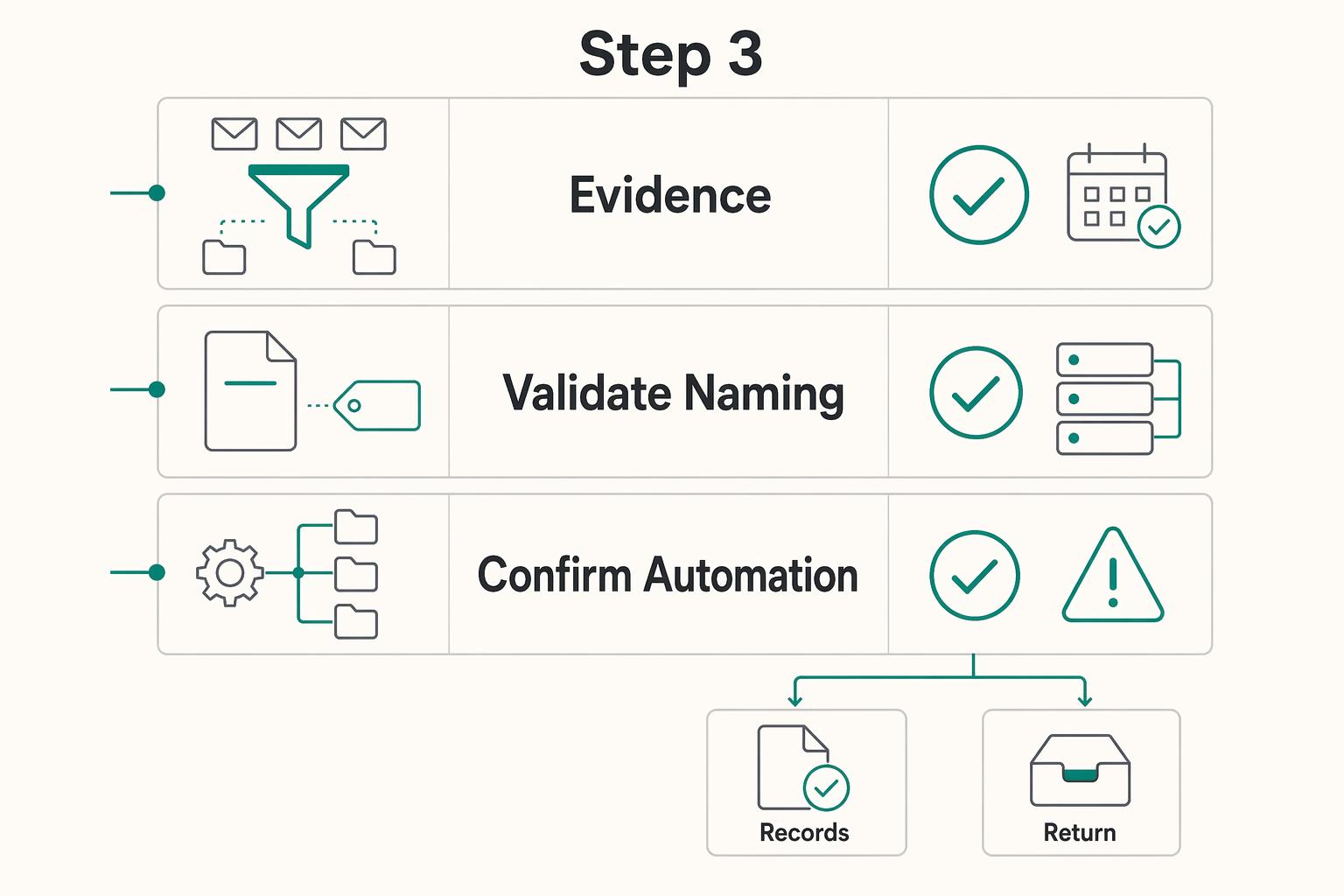
Build a Digital File Organization System You Can Keep Running
If you want a file setup that still works six months from now, make three decisions in order. Choose one source of truth, lock one naming rule, then automate only the repeatable parts. A lot of file mess starts when people do those in reverse.
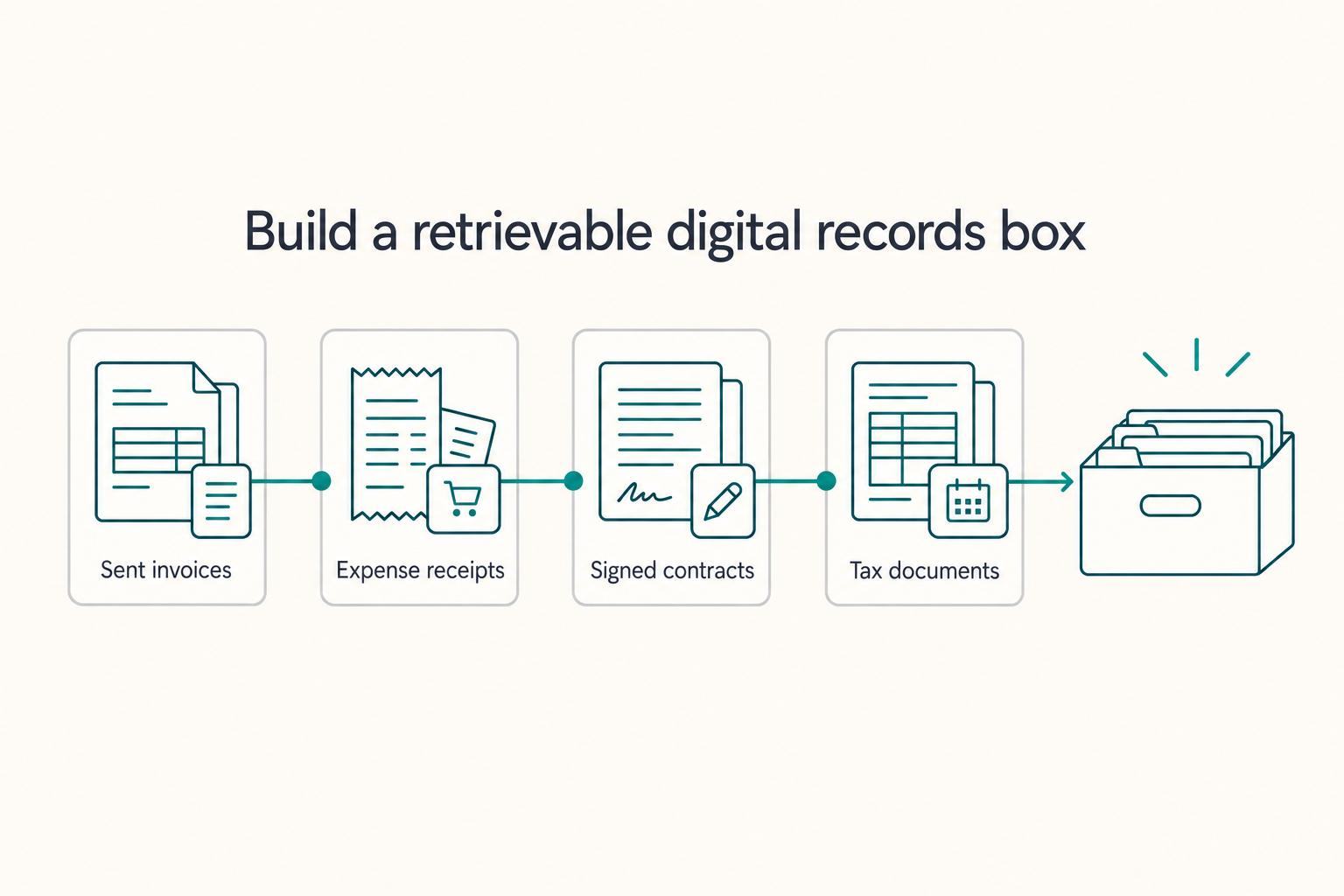
Google Workspace for Freelancers Who Want Cleaner Operations
If you want cleaner operations, set up a business workspace early. You are deciding where client records, files, calendar history, and account ownership will live. You are also deciding whether those things stay inside the business or remain mixed with your personal life.
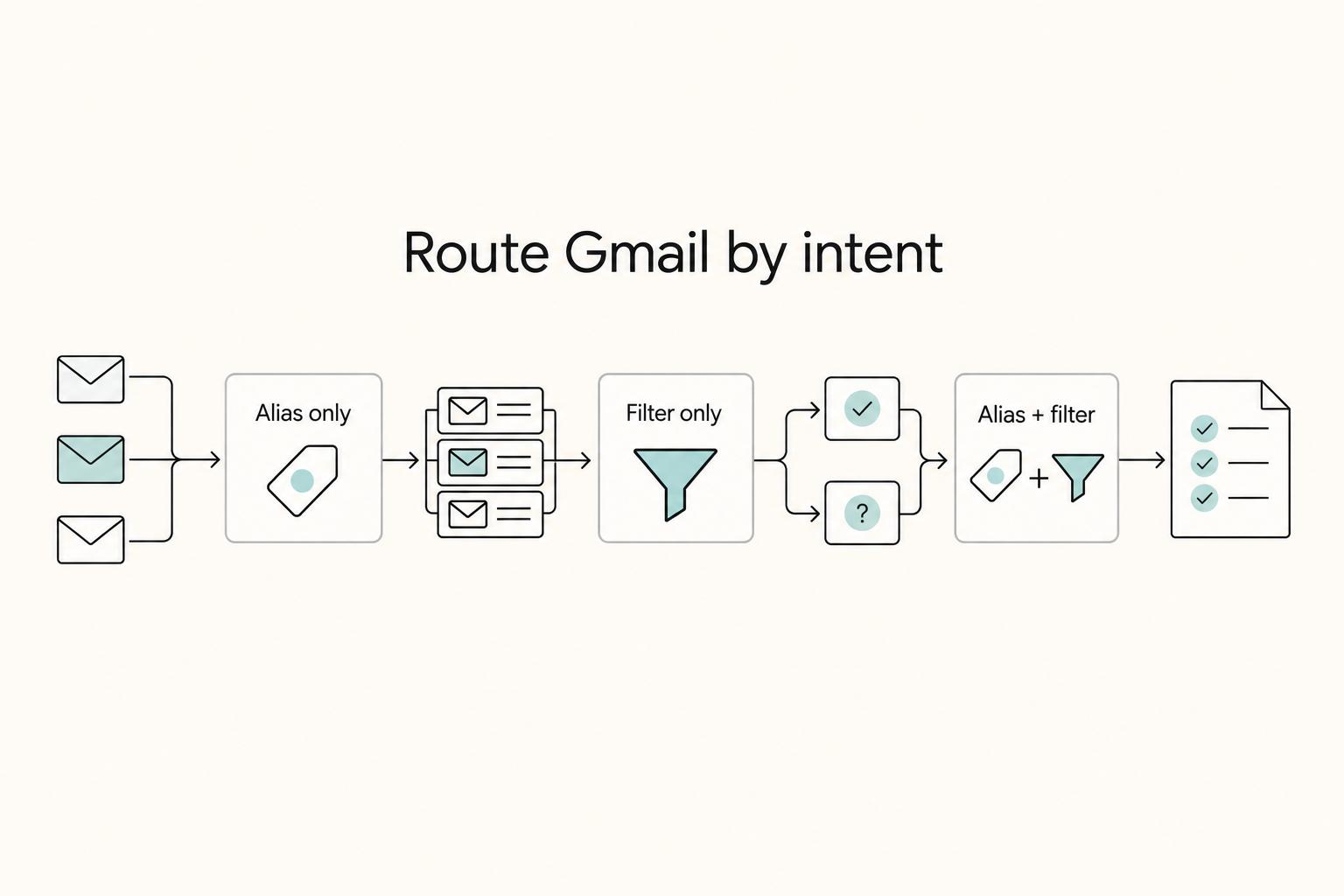
Set Up Gmail Aliases and Filters for Client and Finance Email
Use Gmail address variants to mark incoming mail by purpose, then pair them with narrow filters and test each rule before you trust it. The point is not inbox zero. It is cleaner client routing and fewer missed messages.