
Quick Answer
Start by locking one stable retainer event, then automate it end to end. To automate recurring invoices retainer clients without creating close noise, tie each run to the Retainer Agreement, enforce clear Invoice Numbering, and confirm payment events post correctly to the Ledger before broad rollout. Use a low-variance cohort first, keep manual handling for variable work, and only scale after repeated cycles clear with no unresolved exceptions.
Set Up Recurring Invoices for Retainer Clients#
If you want to automate recurring invoices for retainer clients, start with the accounting path, not the send schedule. A recurring invoice is simply an invoice generated and sent automatically at a regular cadence. The real work is making sure each Monthly Retainer goes out on time, settles as expected, and lands in your books in a way you can clear through Reconciliation.
Before you start#
Use this guide if you own finance, ops, or product decisions between the signed Retainer Agreement and close. The choices here are about billing terms, event handling, approvals, and evidence retention, not just turning on auto-send. Where provider features differ by country or region, treat every capability as "where supported" and confirm market coverage before rollout.
Step 1: Define the invoice event you are trying to automate. Recurring invoices work when the same amount is billed on a regular cadence, which is why retainers are a common fit. That does not make every client a fit. If the agreement reads like an ongoing fixed fee for a clear service period, you likely have a workable starting point. If the amount, scope, or approval path changes every month, the billing event is not stable enough yet.
Use this first checkpoint: can one invoice line map cleanly back to the signed Retainer Agreement for amount, cadence, and service period? If not, automation will hide ambiguity rather than remove it. This becomes a failure mode in retainer billing, especially when teams mix Monthly Retainer language with Time and Materials (T&M) delivery.
Step 2: Tie the billing event to accounting truth. The general ledger is the master set of accounts that summarizes entity transactions, so it has to anchor close. Reconciliation compares records and surfaces mismatches, so your process needs a visible path from invoice created to payment recorded to posting to exception review when records do not agree.
In practice, define explicit control points before launch: what proves the invoice was issued, what proves payment was confirmed, and what proves the posting hit the right account. If you cannot name those three checks for a single client, delay configuration and fix the accounting structure first.
Step 3: Build the evidence pack for an Audit Trail. An Audit Trail is the documented flow of a transaction, so keep the source documents and activity history that explain each edit. For each retainer, that usually means the signed agreement, invoice settings such as service period and invoice numbering, payment instructions, and a record of who changed amounts or dates.
One useful verification detail is whether your billing or accounting tool records user and settings activity, not just posted transactions. For example, QuickBooks Online keeps an audit log of account activity, including sign-ins and settings changes, with events available for two years. That kind of record will not rescue a bad billing design, but it makes exception review and audit support cleaner when something changes mid-cycle. For country-specific late fee rules, see Country Rules for Late Fee Automation in Marketplace Invoices.
Decide when to automate retainers and when not#
Automate retainers when billing is stable and repeatable; keep manual review in place when scope, pricing, or approvals change mid-cycle.
Step 1: Confirm the billing event is repeatable. Use a Recurring Invoice only when the amount and schedule are consistent. For a Monthly Retainer, the service window, amount, and billing date should be stable enough that finance can validate the next invoice against the signed Retainer Agreement without reinterpretation.
Step 2: Split stable retainers from variable work. Use automation for predictable service windows and fixed-fee conditions. Use Time and Materials (T&M) when the extent or duration of work cannot be estimated confidently at contract placement or when billable volume changes materially month to month.
Step 3: Validate the accounting path before auto-send. If you cannot map each invoice event to a ledger entry and month-end Reconciliation, delay automation. You need a clear path from invoice issuance to settlement, then to subledger/GL reconciliation and exception handling.
Step 4: Roll out with a representative low-variance cohort. Start small with clients whose terms rarely change, then expand after you see clean close behavior across cycles. Treat that as evidence to scale, not a universal cutoff.
If you want a deeper dive, read Recurring Payment Links: How to Set Up Auto-Billing for Monthly Retainers.
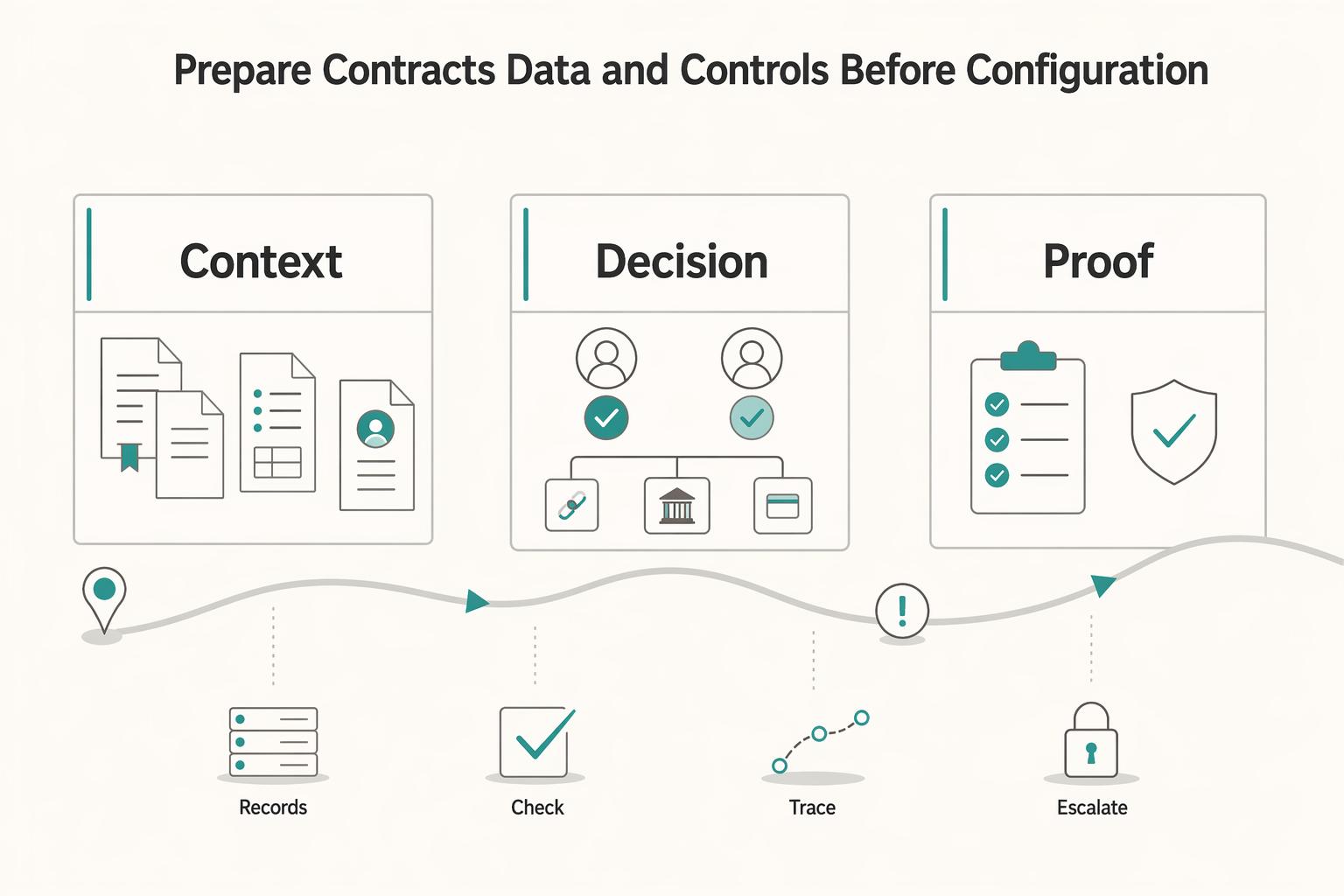
Prepare contracts, data, and controls before configuration#
Set up recurring billing only after each client has a complete packet and clear decision owners. Otherwise, you are automating missing context, not a Monthly Retainer process.
Step 1: Assemble a client packet before configuration. For each client, document the Retainer Agreement, billing owner, approval owner, and expected Settlement path. Define what "paid" should look like before the first invoice is sent, whether that is a Payment Link, bank transfer, or another supported route. Verification check: can someone outside the deal team explain the next invoice from the packet alone? If not, the packet is incomplete.
Step 2: Lock invoice fields that cannot be guessed. Set required fields for issue date, service period, tax treatment, Invoice Numbering, and default Payment Link behavior. Keep the service period explicit when it differs from the issue date so the billing window is clear. Set numbering logic before go-live: Article 226 defines Invoice Numbering as a sequential number, based on one or more series, that uniquely identifies the invoice. If your tool supports recurring templates, enforce required fields; for example, Xero's repeating invoice template makes all fields mandatory except End Date and Reference.
Step 3: Define change control and evidence retention up front. Decide who can change amount, billing date, tax treatment, start date, and end date, and who approves those changes. Store the approval evidence in your Audit Trail (audit log), which NIST defines as a chronological record of system activity, access, and operations over time. Keep evidence that supports the income item, not just the edited field. In US tax contexts, keeping records at least through the general IRS 3-year assessment period is a practical baseline.
Step 4: Baseline go-live checks for close-readiness. Before activation, decide how you will measure invoice issuance timeliness, payment confirmation lag, and Reconciliation completeness against your records. Since reconciliation compares two record sets, specify both comparisons: invoice register to payment confirmations, and payment confirmations to journal postings. You do not need fixed SLA targets to start, but you do need baselines and clear exception ownership. Run one dry cycle and confirm the invoice creation date is as expected, payment status is verifiable without manual digging, and each financial event ties to a posted journal entry.
Choose your billing model and collection rail#
Choose the billing model first, then the collection rail. That sequence keeps approvals, payment confirmation, and reconciliation aligned before you automate.
Step 1: Pick the billing model before the automation pattern. Your model sets cycle-to-cycle review load. Use a Monthly Retainer when scope, amount, and service window are stable; use Time and Materials (T&M) when billed inputs truly vary; use Fixed Fee Billing when price is set but delivery or acceptance timing may still drive exceptions.
| Model | Volatility | Approval load | Dispute risk | Close-cycle effort | Exceptions |
|---|---|---|---|---|---|
| Monthly Retainer | Usually lower when scope and schedule stay stable | Low to moderate after setup | Often lower when service period and amount are explicit | Lower with a standard cadence | Break from default if scope shifts often, add-ons are frequent, or pre-bill review is required every cycle |
| Time and Materials (T&M) | Higher because hours/materials change | Higher because time/usage support must be reviewed | Higher when logs, caps, or rates are contested | Higher because support changes each period | Use when variable effort is the real model and you can verify time, rates, and approvals quickly |
| Fixed Fee Billing | Low on price, medium on delivery/acceptance timing | Moderate around milestone or acceptance signoff | Medium if completion criteria are unclear | Moderate because timing can bunch at milestones | Break from default if milestones are ambiguous or acceptance cannot be evidenced cleanly |
T&M needs tighter control: it does not create a positive profit incentive for cost control or labor efficiency. Fixed fee is different: a firm-fixed-price structure means price is not adjusted based on contractor cost experience. If your signed terms do not behave that way, labeling it fixed fee will not reduce disputes.
Checkpoint: your invoice support should match the model in one click. Retainer should map to the Retainer Agreement and service period, T&M to approved time/usage records, and fixed fee to milestone or acceptance evidence.
Step 2: Match the collection rail to buyer behavior and reconciliation needs. Use a Payment Link when you need a simple card/checkout flow with low implementation overhead. Use a Virtual Account when bank transfer collection is preferred and enabled, especially when allocation and reconciliation depend on unique identifiers.
If your team spends time figuring out which transfer belongs to which invoice, virtual-account routing may reduce close effort. If buyers are small, remote, or inconsistent with portals, payment-link checkout may reduce friction. Do not force one rail across every client, and do not assume virtual accounts are available in every provider or region.
Step 3: Map payout dependency before go-live. If contractor payout follows collection, define whether the flow runs through Merchant of Record (MoR), direct payout, or Payout Batch operations before money moves. MoR determines which entity is legally responsible for processing customer payments, so it affects ledger ownership, settlement handling, and payout release timing.
Checkpoint: for one invoice, map customer charge, settlement confirmation, payable creation, and contractor payout approval to the correct entity and accounting step. If that mapping is not explicit, pause automation.
Decision rule: if disputes are frequent, tighten approval gates and consider shorter billing periods where contract terms allow. If the work is predictable and disputes are low, full recurring automation is usually the better fit. Card dispute exposure remains a live risk-management concern in network monitoring programs, including threshold updates effective 1 June 2025. For a step-by-step walkthrough, see How Freelancers Collect Overdue Invoices When Clients Stop Paying.
Configure recurring invoice logic in the right order#
Set the template and controls before activation. If you start the schedule first and fix rules later, you increase the chance of invoices that send but are hard to trace, replay, and reconcile.
| Checklist item | Requirement |
|---|---|
| Retainer Agreement | Approved agreement on file |
| Template review | Reviewed against agreed billing terms |
| Schedule rules | Frequency, start, and end rules confirmed |
| Numbering series | Confirmed for the issuer |
| Retry handling | Retry and duplicate-event handling tested |
| Posting path | Verified |
Step 1: Create the recurring invoice template before activation. Encode the billing terms in the draft invoice first, then configure automation. In one production invoicing flow, the setup sequence is explicit: create the recurring invoice, set the schedule, select payment method, select sending method, review details, then approve and start recurring invoice. Even if your labels differ, use that sequence as operating discipline.
Verification checkpoint: generate a draft from the template and confirm a reviewer can identify the covered period and billing basis without hunting through unrelated records.
Step 2: Set frequency, start rules, and end rules explicitly. Treat cadence configuration as separate choices, not one field. Recurring schedulers can define frequency plus when generation starts and ends, so set each one deliberately before go-live. If your tool supports reminders or sending behavior, configure those after the date logic is correct.
If the agreement has a hard end, put that end condition in the scheduler. If it is open-ended, keep a review checkpoint so the schedule does not run unattended.
Step 3: Lock invoice numbering and preserve traceability. Define deterministic numbering before first issuance so regenerated or resent invoices stay traceable. In EU VAT scope, Article 226 requires "a sequential number, based on one or more series, which uniquely identifies the invoice."
Also define how corrections are represented. Do not overwrite prior records without a visible relation between versions.
Step 4: Configure retries with idempotency and duplicate-safe event handling. For API-based create/send/post actions, retries should reuse the same idempotency key so replays return the same result instead of creating duplicate effects. Repeated requests with the same key return the same result, and keys can be removed after they are at least 24 hours old.
Use the same control for inbound events: webhook consumers should be duplicate-safe because the same event can be delivered more than once.
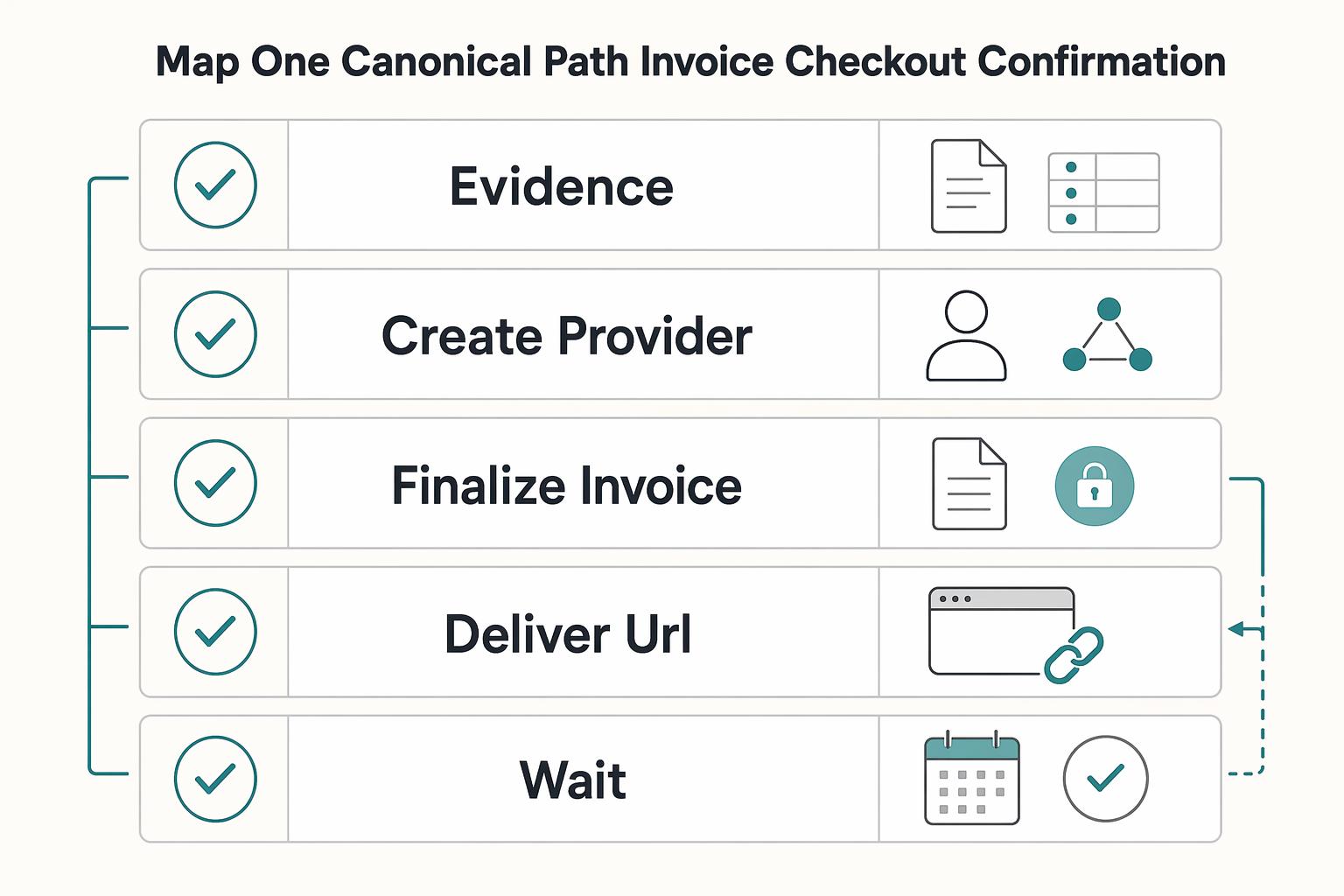
Step 5: Validate your event flow, then activate from a client checklist. Before activation, test your intended flow in your own stack (for example: invoice created, payment initiated, payment confirmed, then journal posted), and confirm each state is observable with your platform's labels and timing.
Use a per-client activation checklist before anyone starts the schedule:
- approved Retainer Agreement on file
- template reviewed against agreed billing terms
- frequency, start, and end rules confirmed
- numbering series confirmed for the issuer
- retry and duplicate-event handling tested
- posting path verified
If a client record fails the checklist, keep the schedule inactive and bill manually until controls are complete. You might also find this useful: The Best Ways to Handle Late-Paying Clients.
Connect payment events to ledger and reconciliation#
Treat this first as a close-control design problem. Use your general ledger as the month-end anchor, and require invoice and payment views to reconcile back to posted journal entries.
Step 1: Define accounting states before operational states.
Start with the journal states you need to control (issued, pending, settled, returned, and corrections), then map invoice and payment views to those states. At close, compare subledger balances with the corresponding GL balances so a clean dashboard does not hide a posting gap. Verification: trace one live invoice from invoice record to payment event to final journal posting; if any handoff depends on guesswork, tighten the mapping.
Step 2: Map each Webhook event to one allowed accounting action, with clear exception ownership.
Assume asynchronous delivery. Many events are delivered out of band, failed deliveries can be retried for up to three days, and handlers need duplicate-prevention controls. For each event, define the accounting state it can change and who investigates missing, late, duplicate, or out-of-order delivery. Post final cash/settlement entries only from the event that confirms settlement, not from earlier initiation signals. If you backfill undelivered events, account for flows that only return the last 30 days and rely on internal logs, posting IDs, and exception notes for a full trail.
Step 3: Run month-end checks in a fixed sequence.
Compare invoice totals to settled totals, then settled totals to posted ledger entries, then clear or sign off the unresolved exceptions queue. This sequence separates commercial gaps (unpaid) from accounting gaps (settled but not posted) and reconciliation gaps (posted but not aligned to payout or bank realization). Red flag: jumping straight to bank cash can hide returned payments, duplicate postings, or items still in webhook retry.
Step 4: Treat Virtual Account bank-transfer flows as staged until final Settlement.
Where available, a Virtual Account can automate inbound transfer matching, and reconciliation may use transfer reference code, amount, and date. Keep non-final statuses separate and move only cleared items into final Settlement sign-off. Practical control: keep a daily queue for non-final bank-transfer items with an owner and aging note for each case.
Add compliance and tax gates for cross-border retainers#
For cross-border retainers, make compliance and tax checks hard activation gates before payout-relevant actions. This keeps recurring invoices from running ahead of the records you need for payout, reporting, and close.
| Item | When to apply | Key detail |
|---|---|---|
| KYC / KYB / AML | Before enabling payout-relevant actions | Require a visible status, review date, and owner |
| W-9 | Before full recurring billing when an information return may be required | Used for providing a correct TIN |
| W-8BEN | Before full recurring billing | For foreign beneficial owners when requested by the withholding agent or payer |
| FBAR | If foreign financial accounts exceed an aggregate $10,000 during the calendar year | Deadline April 15; automatic extension to October 15 |
| FEIE / Form 2555 | When FEIE questions arise | Route questions to the taxpayer or tax adviser; do not decide eligibility from invoice data |
| VAT Validation / VIES | Before invoice issuance for EU cross-border billing | Store VAT number, country, validation date, and result |
Step 1: Block payout-relevant actions until KYC, and where applicable KYB and AML checks, are complete.
Treat this as an activation gate, not cleanup. Define which actions stay blocked by market or program coverage, then require a visible status, review date, and owner before you enable payout-relevant actions.
Step 2: Collect the right tax form before you scale the account.
Require a completed tax profile before full recurring billing: W-9 for providing a correct TIN when an information return may be required, and W-8BEN for foreign beneficial owners when requested by the withholding agent or payer. If your stack supports downstream 1099 handling, tie it to the same tax-profile record so year-end work is not a retroactive form chase.
Step 3: Assign ownership for FBAR tracking and keep FEIE boundaries explicit.
Do not assume these rules apply to every client. If a U.S. person's foreign financial accounts exceed an aggregate $10,000 during the calendar year, assign a named owner for FBAR tracking and deadlines (April 15, with automatic extension to October 15). For FEIE, route Form 2555 questions to the taxpayer or tax adviser instead of deciding eligibility from invoice data.
Step 4: Add VAT Validation before invoice issuance for EU cross-border billing.
Validate EU VAT numbers in VIES before finalizing billing setup, and store VAT number, country, validation date, and result. Re-run validation when VAT details or VAT treatment change to avoid correction cycles during close.
Handle failures and change requests without breaking close#
When a recurring invoice flow fails, contain it first so it does not cascade into duplicate processing or reconciliation noise: stop future runs, fix the source configuration, then replay with controls.
Step 1: Pause future runs and validate schedule controls.
Review the fields that drive issuance: frequency, start date, optional end date, and reminder settings. Wrong cadence, missing stop conditions, or reminder misconfiguration can produce activity that looks valid but is operationally wrong.
Step 2: Correct config, then replay with idempotent handling.
For Webhook or API-driven failures, assume retries and duplicate deliveries are possible. Replay with Idempotency applied consistently, and pull the latest resource state instead of relying only on an older event payload.
Step 3: Re-run reconciliation checks after replay.
Safe retries reduce duplicate financial actions, but they do not confirm your ledger, invoice state, and settlement view are aligned. Clear Reconciliation exceptions before returning the schedule to normal operation.
Step 4: Require updated Retainer Agreement artifacts before live changes.
If scope or pricing changes, update the Retainer Agreement artifact first, then edit the active recurring schedule settings. Do not treat verbal or informal change requests as enough for production edits.
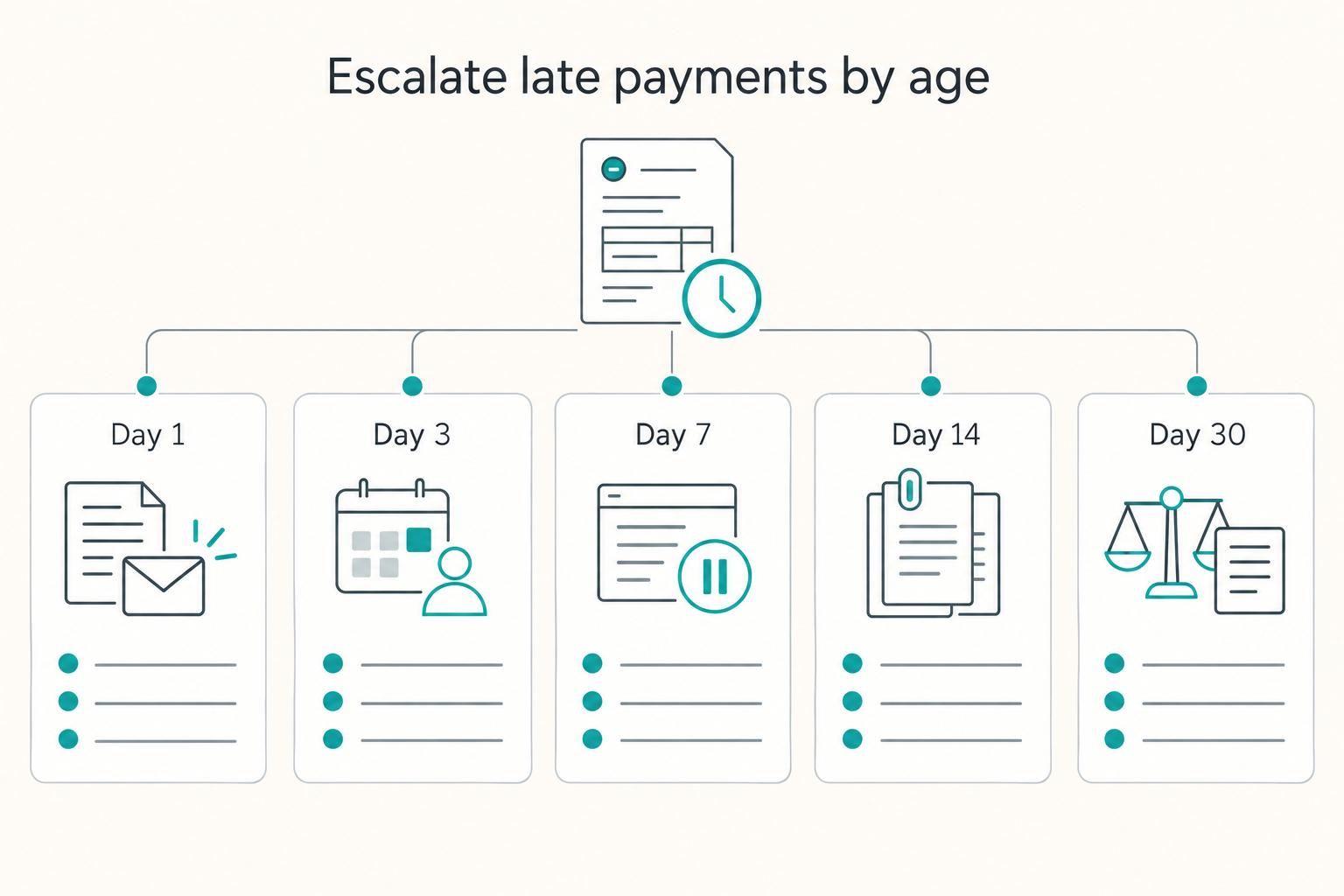
Step 5: Escalate exceptions by aging and financial impact.
Prioritize unresolved items by aging bucket and exposure, not just queue length alone.
Related: How to Set Up a Retainer Agreement with a Client.
Copy/paste monthly operating checklist#
Run the same five checks in the same order every month. If one step fails, treat the cycle as open even if invoices were sent or cash arrived.
- Confirm active clients and source records first.
Match your active retainer roster to billing, confirm current Retainer Agreement records, and apply approved schedule changes before the run. For repeating templates, use completeness as a hard gate: in the cited Xero setup, all fields are required except End Date and Reference. Review Previous Date and Next Date to catch schedule drift before it creates downstream exceptions.
- Verify generation, delivery, and numbering together.
Check that each expected Recurring Invoice was generated and delivered for the cycle. Then spot-check Invoice Numbering for sequence gaps, resets, or duplicates. If a template runs on the 31st of the month, confirm month-length auto-adjustments still align to the agreement.
- Reconcile cash to accounting before close.
Tie payment confirmations to journal postings, then reconcile bookkeeping entries against bank or credit card statements. Clear open exceptions before close, especially payment confirmations without journal entries or postings without matching payment references. Keep exception evidence tied to invoice number, payment reference, journal entry ID, client, and service period.
- Review compliance and tax artifacts where enabled.
Process KYC/KYB/AML only where your program includes those controls, and apply risk-based identity procedures when required. For tax intake, confirm the form matches the use case; if you collected a W-9, retain it for four years. When EU VAT treatment matters, run VAT Validation through VIES.
- Publish close summary, then decide on scale.
Publish a short close summary with invoice count, exception count, root causes, owners, and next-cycle fixes. If repeat issues persist, treat them as source-record or configuration defects. Scale the next cohort only after the current cohort closes without orphaned reconciliation items.
Frequently Asked Questions
What is a recurring invoice for retainer clients, and what are the minimum components?
A recurring invoice is an invoice generated periodically rather than as a one-off billing artifact. For this operating model, a practical baseline often includes a signed Retainer Agreement, customer and billing owner, amount, service period, schedule, tax treatment, and a clear payment or Settlement path. If key details are missing, you can still issue invoices, but reconciliation risk usually increases.
When should we automate a monthly retainer instead of invoicing manually?
Automate a Monthly Retainer when scope, amount, and cadence are stable and your team is not renegotiating terms every cycle. Keep it manual when pricing changes often, approvals are still ad hoc, or the client regularly asks for off-cycle edits. A simple rule is this: if the agreement can drive issuance without human interpretation, automate it.
What should we configure first to avoid billing and reconciliation errors?
Start with the source records, not the reminders. Common setup priorities are the Retainer Agreement artifact, service period, tax treatment, Invoice Numbering pattern, start date, optional end date, and the event mapping from invoice creation through payment confirmation to journal posting before you activate the schedule. Your verification point is simple: the client record should show the intended cadence, current status, next run date, and expected posting path.
How do we choose between monthly retainer, T&M, and fixed fee for automation?
Use a Monthly Retainer when service is predictable and the client is paying for reserved capacity or a regular service window. Use Time and Materials when billed volume can move materially month to month. In the cited U.S. federal context, T&M means fixed hourly labor rates plus actual material cost. Fixed Fee Billing can be easier to automate when scope and price are tightly defined, but it needs stricter change control because out-of-scope work can quietly break margin or trigger disputes.
What are the most common failure points in recurring invoice operations?
The usual ones are wrong cadence, missing end dates, reminder misconfiguration, broken Webhook mapping, and duplicate retries when Idempotency is not enforced. One operational trap is timing: undelivered webhook events can be retried for up to three days, and if a successful response is not received, invoice finalization and send logic can still be attempted after 72 hours. That is why you should pause future runs first, then fix configuration, replay safely, and recheck the accounting records against Settlement.
How do we verify the process is working after go live?
Check one full chain, not just invoice issuance: invoice created, payment initiated, payment confirmed, journal posted, and month-end Reconciliation completed without an orphaned exception. A good evidence pack is the invoice record, invoice number, payment reference, journal entry ID, and any exception ticket tied to the same client and service period. If one link is missing, treat the rollout as incomplete even if cash arrived.
Which compliance and tax checks should be in scope for cross border retainer billing?
Put document intake in scope early. Collect Form W-9 when you need a correct TIN for IRS information return reporting, use Form W-8 BEN when requested for foreign-status withholding or reporting context, and validate EU VAT numbers through VIES when EU VAT treatment matters. If your provider supports KYC, KYB, or AML controls, confirm the exact coverage before rollout rather than assuming those checks apply the same way in every invoicing setup.
Try a related tool
Researched and edited by the Gruv editorial team. Gruv builds cross-border billing, payouts, and finance-operations software for global businesses.
Sources
- acquisition.gov/far/16.601trusted
- acquisition.gov/far/16.202-2trusted
- csrc.nist.gov/glossary/term/audit_logtrusted
- docs.stripe.com/api/idempotent_requeststrusted
- docs.stripe.com/webhookstrusted
- ecfr.gov/current/title-48/chapter-1/subchapter-C/part...trusted
- ecfr.gov/current/title-31/subtitle-B/chapter-X/part-1...trusted
- europa.eu/youreurope/business/taxation/vat/check-vat-n...trusted
Educational content only. Not legal, tax, or financial advice.
Related Posts
Recurring Payment Links: How to Set Up Auto-Billing for Monthly Retainers
Start with the collection path, not the interface. For monthly retainers, you can either auto-charge a stored payment method or send an invoice first. That choice sets expectations for contracts, failure handling, and finance operations.
How to Set Up a Retainer Agreement with a Client
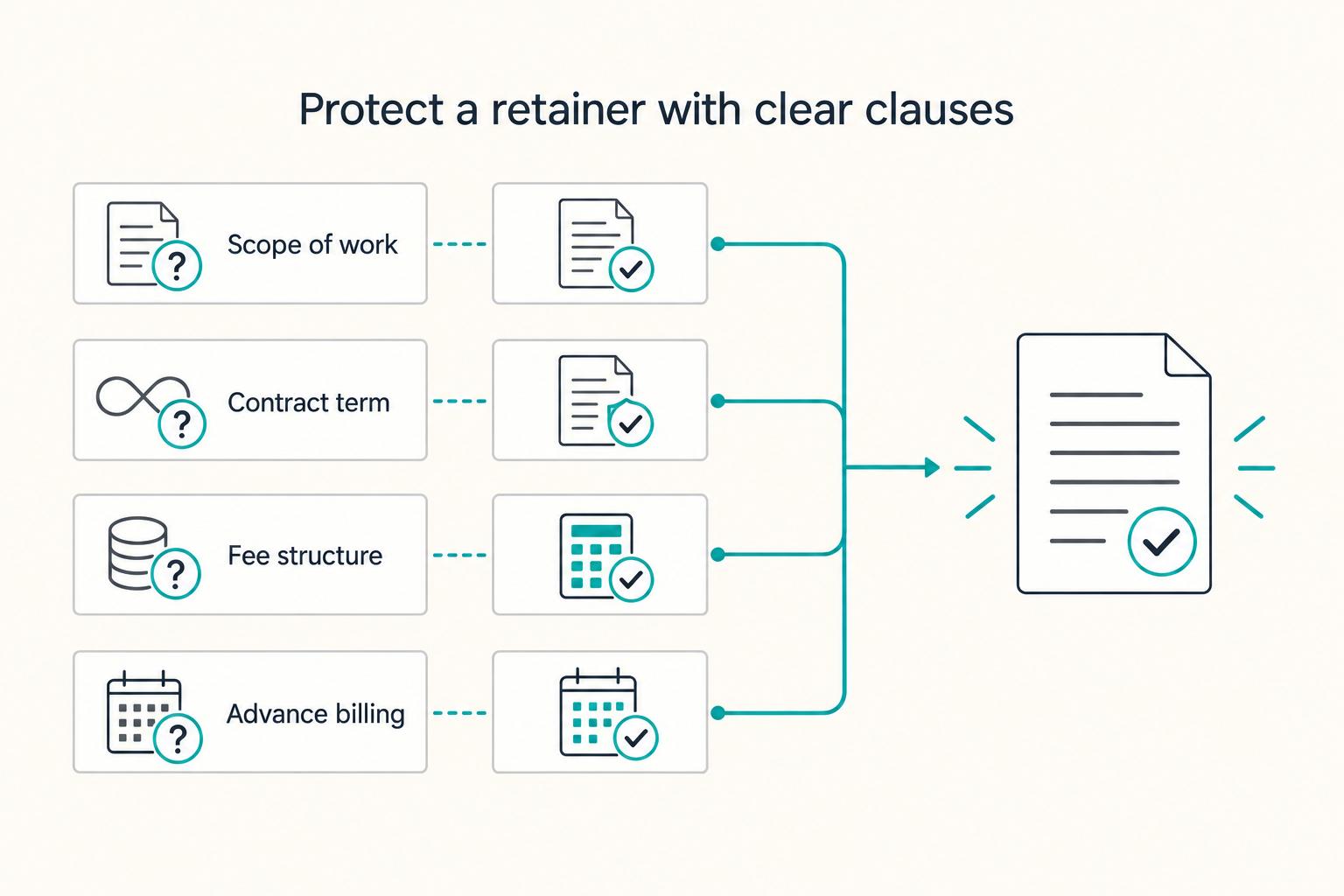
Set up retainer documents so they behave like a system: clear scope, clear boundaries, and operational steps that keep recurring revenue clean month after month. You're the CEO of a business-of-one, and the paperwork is part of the system, not an afterthought. Once you get the verbal yes, or the "send the paperwork," the next move decides whether this retainer becomes stable revenue or a slow leak of free work.
The Best Ways to Handle Late-Paying Clients
If you run a business of one, you need a repeatable system you can actually use.