
Quick Answer
A US company can use Deel for Canadian employment, but first distinguish EOR hiring from payroll for your own direct employees. Those routes have different legal employers, agreements and funding flows. Identify the employer, Canadian work location and payroll responsibilities before promising a start date or first payday.
Choose the employer route before configuring Canadian payroll#
A US company can use Deel for Canadian employment, but first distinguish EOR hiring from payroll for your own direct employees. Those routes have different legal employers, agreements and funding flows. Identify the employer, Canadian work location and payroll responsibilities before promising a start date or first payday.
This guide links worker-model decisions, onboarding records, payroll approval and CAD funding. It uses Deel’s public Global Payroll documentation for direct-employee processing and identifies where EOR terms must be checked separately. Provider features and internal controls must fit the actual service agreement and applicable employment rules.
Canadian payroll deductions depend on the actual employment facts, including the legal employer, residency and province of employment for withholding. A worker’s home province alone may not determine the payroll tax tables. Record the route and have the employer’s payroll specialist verify income tax, pension, insurance and remittance setup; do not use a US worksheet as a Canadian rule.
Common preparation risks are an unresolved worker model, a start date that misses the provider’s onboarding deadline, or a bank or tax field nobody reviewed. Separate these setup issues from wages already earned: an internal readiness label does not authorize withholding pay or unilaterally changing an existing start date.
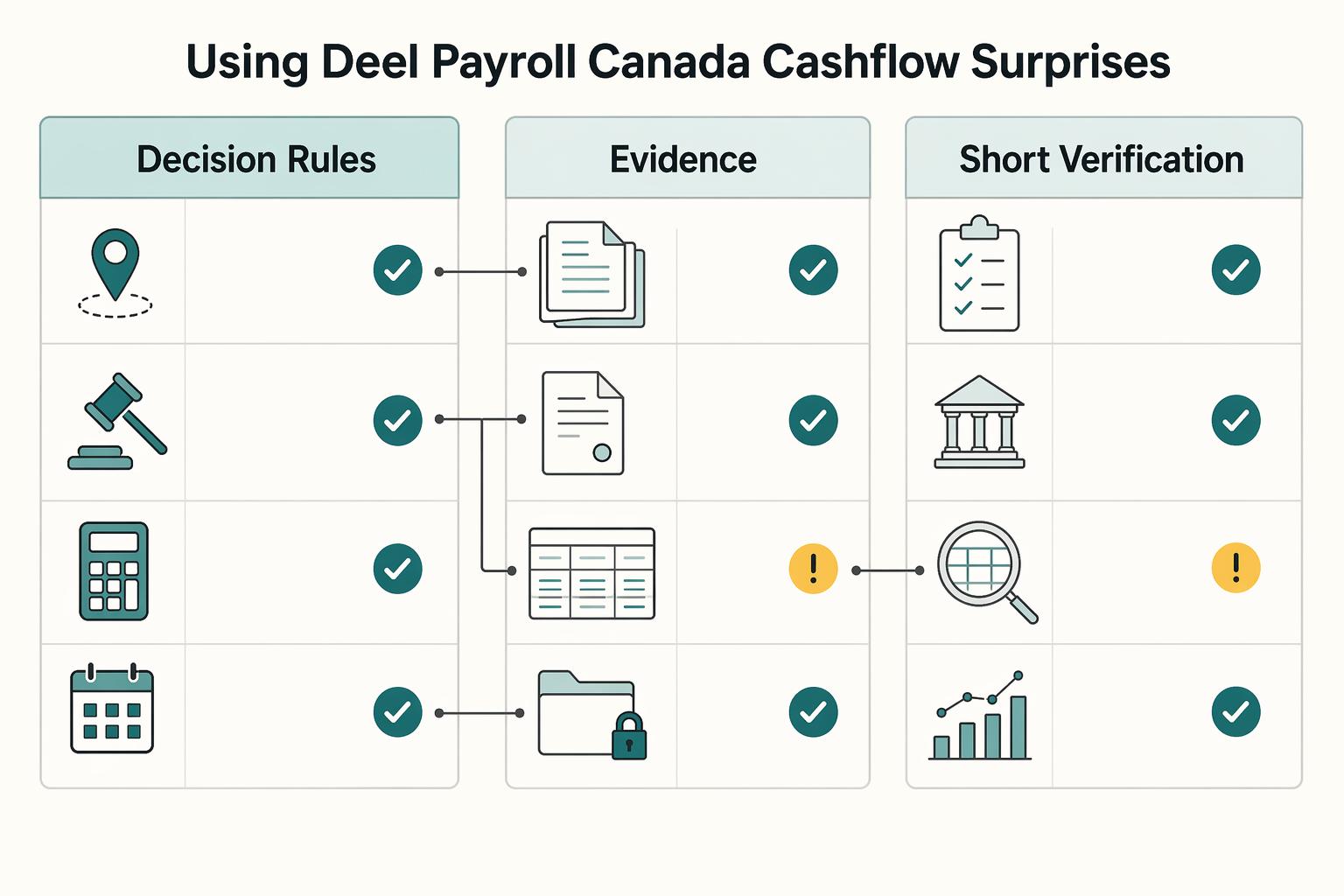
By the end of this article, you should have three practical outputs:
- decision rules for choosing employee versus contractor setup before onboarding starts
- a first-payroll checklist for required records, approvals and timely handling of exceptions
- a short verification list for unknowns you need to confirm directly with the provider before you rely on it
Before rollout, agree which employer and provider handle payroll registration, inputs, calculations, wage payments, government remittances, year-end documents and corrections. Keep one owner for each handoff. For wider employee-support planning, see A Guide to Duty of Care for a Company with Global Employees.
What Deel covers and what your team still owns#
Under Deel EOR, the EOR is the legal employer and you manage day-to-day work within the arrangement. Under Deel Global Payroll for direct employees, Deel processes payroll for your employer and is not the legal employer. Confirm the direct employer’s required registrations and operating basis in Canada with appropriate advisors. Do not select Global Payroll as a substitute for an employer setup you have not established.
| Area | Status | Note |
|---|---|---|
| Legal employer | Route-specific | EOR employs the worker; Global Payroll processes payroll for the direct employer |
| Wage and tax calculations | Described for Managed Payroll | Confirm country, employee data and service scope |
| Payroll processing and pay stubs | Described for Managed Payroll | Agree calendar, approval and output delivery |
| Tax forms and remittances | Confirm scope | Identify each employer/provider filing and payment duty, including Canadian and Quebec requirements where applicable |
| Hiring routes | Choose first | EOR hiring or properly established direct employment; contractor engagement is a different worker model |
| Managed implementation | Provider estimate | One to three months depending on headcount and country complexity; not an EOR onboarding guarantee |
| Pricing | Quote-specific | Service fees, employer costs, deposits, FX/transfer charges and off-cycle costs |
| Payroll cutoff | Calendar-specific | Submission, approval, funding and pay dates with timezones |
| Province or work-location change | Confirm procedure | Review employment rules and withholding province separately |
| Off-cycle corrections | Confirm available path | Post-submission changes normally need next-cycle or on-demand handling; check legal urgency |
| Late records and escalation | Name owner | Provider contact, backup and lawful wage-payment contingency |
Deel Managed Payroll describes calculations, processing, payslips and tax-form support. Its FAQ also distinguishes payment execution from payment-file delivery, depending on country and configuration. Confirm what your Canadian agreement includes; a payroll output is not evidence that wages or remittances have reached their recipients.
Classification depends on the real relationship. An EOR arrangement allocates employment duties to a legal employer; a payroll-service contract allocates processing tasks. Record both provider responsibilities and your own decisions rather than assuming either route removes all employment, corporate or tax exposure.
Before rollout, keep a written known-versus-unknown list:
- Documented: Managed Payroll support categories and its stated one-to-three-month implementation range; these are not universal commitments for every Deel product.
- Confirm for your route: total pricing, calendar/timezones, funding method, wage and tax-payment execution, location changes, corrections, document handling and escalation ownership.
A common failure mode is treating platform setup as policy approval, then discovering an exception has no clear owner and first payroll slips. Related: How to Manage and Pay a Global Team of Contractors Compliantly.
Choose employee or contractor before you onboard anyone#
Decide whether the actual role is employment or genuine self-employment before making the offer. Ongoing direction and supervision warrant careful employment review, but duration or a deliverable label alone is not a legal test. If employment is required, choose an appropriate direct-employer or EOR route; EOR is one way to employ, not the only way.
CRA considers the relationship as a whole, including control, tools, subcontracting, financial risk, investment and opportunity for profit. Its Quebec analysis follows civil-law factors such as subordination. An internal memo or a contractor label in Deel cannot settle a relationship whose actual facts differ; seek a CPP/EI ruling where needed.
| Criteria | Employee route (direct or EOR) | Independent contractor engagement |
|---|---|---|
| Control over work | Better fit when your team directs schedule, methods, and day-to-day priorities | Better fit when the worker controls how work is done and delivers a defined result |
| Ongoing supervision | Better fit for regular manager oversight and recurring team direction | Better fit for limited oversight tied to milestones or deliverables |
| Benefits and employment expectations | Better fit when the role is treated like part of normal employment structure | Riskier when expectations resemble employee treatment |
| Misclassification exposure | Appropriate employment setup rather than forcing self-employment; employer duties still need review | Higher when real working conditions resemble employment |
Why this decision matters before onboarding#
A wrong contractor model can leave the payer facing missed payroll deductions, employer contributions, penalties and interest. Employment claims may involve a separate legal analysis. Keep payroll classification, applicable employment standards and the provider arrangement distinct, with the relevant facts available to the reviewer.
Add a simple stop/go gate#
Use the following internal pre-offer checkpoint. Escalate an unresolved model before making a new commitment; for a person already working, address classification and wage obligations promptly rather than using the checkpoint to block earned pay.
- Stop if the manager cannot document who controls the work, whether the role is ongoing, and how supervision will work.
- Stop if a proposed contractor scope is open-ended or written like an employee role.
- Proceed with a new offer once the chosen route and required employer setup have been reviewed and approved; the approval records the decision rather than proving legal status.
Keep the paper trail in the onboarding file before start date: classification memo, agreement draft, and approving owner. If you want a deeper dive, read What to Do If You've Been Misclassified as an Independent Contractor.
Build the onboarding evidence pack before first payroll#
Build a reviewable onboarding file before the planned first run. Restrict tax, identity and banking documents to authorized HR/payroll staff; a shared project folder should contain references and review status rather than copies of sensitive records.
For Global Payroll direct employees, Deel’s onboarding FAQ describes an activation email and completion of country-specific tax, bank and employee tasks. Check the specific route’s signature requirements and actual platform due date. Separately review payroll readiness. If a deadline is at risk, contact the employer/provider before the start date; do not assume a late checklist removes obligations for work already performed.
Put the core records in one reviewable file#
Keep one file that lets another operator reconstruct exactly why setup decisions were made.
| Evidence item | What to verify | Common first-run miss |
|---|---|---|
| Tax document collection | SIN and applicable federal/provincial TD1 or Quebec forms, as verified for the employer and withholding province | Missing or inappropriate forms affect setup; escalate and apply the lawful deduction procedure rather than blocking earned wages |
| Classification memo | Approved employee vs contractor decision is saved in the onboarding file | The recorded route differs from the actual working relationship or employer arrangement |
| Offer or contract terms | Signed terms match pay, start date, worker type, and platform setup | Contract terms and payroll setup do not match |
| Payroll enrollment artifacts | Verified banking, required employee forms, planned first cycle, reviewer and secure document references | Worker looks onboarded, but pay setup is not actually complete |
Record upload and review dates where available. Uploading a document does not prove the payroll team considered it. Deel’s running-payroll guide warns that files placed only on an employee profile may not be reviewed; notify the payroll manager through the Payroll Request Center for payroll-impacting documents and retain the case reference.
Deel’s Global Payroll statuses include ONBOARDING AT RISK and READY TO START. The latter means its onboarding checklist is complete, not that a payroll package is approved or wages settled. Save reviewer and completion timestamps, and distinguish the employment agreement start date from the Deel Payroll start date when migrating an existing employee.
Add the province check before you lock wage data#
Do not treat Canada as one wage rule. Jurisdiction matters, and rules can change.
Capture work location, applicable employment-standards jurisdiction and the separately determined province of employment for deductions. For federally regulated employment, the federal minimum wage is CAD 18.15/hour effective April 1, 2026, with a higher applicable provincial/territorial minimum taking precedence. Ordinary provincially regulated roles follow their applicable local standards; the federal rate is not a national floor for every role. Verify the current local rate before approval.
For withholding, CRA’s province-of-employment guidance considers physical reporting and, where applicable, attachment under its full-time remote-work policy. For a Canadian-resident employee working in Canada whose employer has no Canadian establishment, CRA specifies the beyond-province/territory tables and no provincial TD1. Determine the actual legal employer and facts before applying that exception; a provider’s office is not automatically your establishment. If details change, re-review the mapping and any employment-law effects.
Map pension, insurance and disability assumptions separately#
Name each statutory item explicitly instead of using a generic benefits label.
| Item | Category | Note |
|---|---|---|
| CPP, base plus first additional | Pension outside Quebec where applicable | 2026: YMPE 74,600; exemption 3,500; contributory earnings 71,100; employee and employer each 5.95%, maximum 4,230.45 each (8,460.90 combined); eligibility and pay-period rules apply |
| CPP2 | Second additional pension | 2026 earnings band 74,600–85,000; employee and employer each 4%, maximum 416 each; separate from the first ceiling |
| EI | Employment insurance | 2026 outside Quebec: employee 1.63% on insurable earnings up to 68,900, maximum 1,123.07; employer normally 1.4 times employee premiums, subject to approved reduced rates |
| Quebec mapping | QPP, QPIP and EI | When withholding province is Quebec, use QPP instead of CPP/CPP2 and include QPIP; verify Quebec rates, reduced EI rate and provincial remittances |
| CPP disability benefit | Benefit eligibility | A benefit for qualifying contributors, not proof of a universal employer-paid disability policy |
For an eligible employee outside Quebec, the 2026 CPP amount up to the first ceiling is CAD 4,230.45 each for employee and employer. CPP2 can add CAD 416 each, so CAD 8,460.90 is not the maximum combined cost for a high earner. Hypothetical full-year pensionable earnings of CAD 85,000 with one employer: (74,600 − 3,500) × 5.95% = 4,230.45, plus (85,000 − 74,600) × 4% = 416, totaling CAD 4,646.45 each and CAD 9,292.90 combined. This annual illustration does not replace pay-period calculations, age/eligibility review, prior deductions or Quebec rules.
For insurance and disability assumptions, keep two separate notes:
- EI has employee deductions and normally an employer multiplier of 1.4; approved reduced-rate employers differ. Check the current year and Quebec rate where applicable.
- CPP disability is a qualifying contributor benefit. Review any employer disability insurance, workers’ compensation and optional benefit arrangements separately; a generic platform column does not establish coverage.
Record the applicable scheme, source/year, reviewer and effective date beside each mapping. Resolve uncertainty through the employer’s specialist and provider, preserving wage deadlines. For a distinct worker model, see How to Use Deel to Pay a Global Team of Contractors.
Configure the first payroll cycle with fewer reversals#
For the selected route, agree a payroll calendar with the provider and publish the dates and timezones. A proposed internal change-freeze helps review; it does not override required pay corrections, agreed wages or statutory deadlines.
Use one calendar and one owner, then publish:
- Payroll cutoff
- Manager approval deadline
- Final payroll approval window
- Change-freeze date for comp, deductions, and bank details
After the freeze, assess the change’s effective date and urgency with the payroll owner. Deel’s direct-payroll guide routes post-submission changes to a later cycle or on-demand payroll. Confirm an authorized timely correction or payment path where needed, rather than silently postponing an amount already due.
Keep currency fields consistent across contract, payroll setup, and internal reporting. If pay is set in Canadian Dollar (CAD) but finance reviews in US Dollar (USD), keep that distinction explicit so your approval logic does not mix the two.
Do not import US Social Security or Medicare columns as Canadian payroll rules. The US–Canada social-security arrangement can assign applicable pension coverage to one country for qualifying cross-border work. US ownership of the hiring company alone does not establish a US coverage exemption for a Canadian hire.
Where a reviewed arrangement assigns US coverage, request the SSA Certificate of Coverage early and retain it as evidence of the applicable exemption. Canadian or Quebec coverage uses the relevant Canadian/Quebec certificate where US exemption is needed. A submitted request alone is not an issued exemption, and a pension-coverage certificate does not automatically remove income-tax, EI or employment-law obligations.
Before submitting payroll in Deel, run a hard preflight:
- Verified bank details and secure confirmation of changes
- Applicable tax and pension/insurance fields, with effective dates
- Named preparer/reviewer and final approval of the correct cycle
- Any cross-border pension exemption reviewed and supported by the required certificate; pending requests explicitly unresolved
If a check fails, isolate the affected record and escalate immediately to the employer and provider. Confirm the lawful way to pay wages due and correct deductions; do not stop unrelated employee payments or hold earned pay solely because an internal document is incomplete. Avoid resending a payment until its actual status is established.
You might also find this useful: Deel vs. Remote: A Comparison from the Freelancer's Perspective.
Prevent the failures that create delayed pay and disputes#
If a case falls outside the documented setup, revalidate the affected assumption before relying on it. Name a decision owner and deadline tied to the actual pay date. Keep unaffected work moving where feasible and use the agreed timely exception path for amounts already due.
Treat these as high-risk triggers for delay or dispute:
- Late onboarding documents
- Unclear worker classification
- Incomplete benefit or compensation setup
- An exception queue with no clear owner
For bonuses, distinguish the authorized gross amount from an intended net amount and record the period, eligibility, effective date and wage type. Deel’s direct-payroll guide says a net bonus requires both a report entry and a Payroll Request Center ticket identifying it as net, before submission. Confirm gross-up cost, statutory treatment and timing with the provider; approval of a net target is not approval of an unlimited employer cost.
Where disputes usually start#
Compare the agreement, compensation approval, worker facts and payroll inputs. If they conflict, isolate and resolve the affected item with the named owner and provider. Preserve the original and corrected amounts and the employee’s due date rather than treating a data mismatch as permission to delay the whole run.
Make Deel escalation owned, not shared#
Assign a primary contact and backup for provider cases. One manages the case; the backup tracks pay-date risk and escalates the decision about a lawful correction or alternative payment route. Before arranging a replacement transfer, establish whether the original payment was executed, failed or remains uncertain to avoid paying twice.
Send the minimum necessary worker identifier, jurisdiction, contract route, compensation item, relevant secure document references, effective date and approvals through the appropriate provider channel. Include cycle, pay date, impact and case owner. Restrict sensitive identity and bank data; do not circulate the complete employee file in broad email threads.
Use forums for clues, not decisions#
Forums can suggest questions to investigate, but classification, benefits and compensation decisions need the actual facts and authoritative rules. Preserve the question in the exception log and verify it with the employer’s specialist, government guidance or provider before acting.
Manage cross-border cashflow and FX exposure from day one#
Once your payroll data is clean, reduce timing risk by forecasting payroll in CAD and tracking variance against your USD funding cycle. This keeps payroll reality, what must be paid in Canada, aligned with treasury reality, how you fund it.
Compare pay currency, legal requirements, operational costs and team needs with the employer and provider. Keep contract pay currency distinct from your treasury funding and reporting currencies; confirm that the agreed payment route delivers the amount owed.
Forecast total CAD obligations, then compare executable FX quotes, transfer fees, provider funding deadlines and settlement times. If a small USD/CAD move would leave a shortfall, agree an appropriate funding buffer or earlier conversion with treasury. No universal 1–5% saving or faster settlement should be assumed; use the quote and route you can actually obtain.
Record the four money events end to end#
For the agreed provider and banking route, keep separate references for these events. This guide does not establish that Gruv or another rail is accepted for your Deel funding arrangement: confirm the permitted funding method before initiating a transfer.
| Money event | Track | Note |
|---|---|---|
| Funding initiated | USD debit, source account, timestamp/timezone and funding reference | Initiation is not settled CAD or employee receipt |
| Conversion and provider funding confirmed | Actual CAD, rate, fee, settlement time and provider balance reference | Check against the complete cycle funding requirement |
| Wage and remittance execution | Cycle/batch/worker references and separate tax-payment status | Completed/failed/pending/uncertain; provider funding alone does not establish delivery |
| Reconciliation closed | Payroll register, wage receipts, liability/remittance records, fees and residual balance | Explain variance and corrections; named closeout owner |
A proposed example: gross wages CAD 20,000 plus employer contributions/benefits 1,800 and service fee 600 require 22,400 before any additional transfer cost. Employee deductions are already part of gross wages; do not add them to gross again. At an illustrative 1 USD = 1.40 CAD with a USD 25 transfer fee paid on top, 22,400 CAD needs 16,000 USD conversion plus 25 fee, a 16,025 USD debit. At 1.36, conversion alone needs about 16,470.59 USD, USD 470.59 more. Compare the actual quote and final provider invoice; do not infer this is Deel’s rate or fee. Reconcile wage and government liability payments separately, including any unspent provider balance.
Confirm tax and compliance handoffs before scaling headcount#
Separate Canadian payroll obligations from US foreign-account and asset reporting. Confirm the legal employer’s payroll registrations, deductions, remittances and annual reporting before scaling. US FBAR or Form 8938 review depends on actual accounts, asset interests and filer status; paying a Canadian worker alone does not trigger either form.
Use a simple matrix that answers: who decides scope, who prepares, and what record proves the review.
| Area | What to confirm | Owner to name | Evidence to keep |
|---|---|---|---|
| Canadian payroll operations | Employer/provider registrations, payroll deductions, wage/remittance execution, T4 and any applicable Quebec reporting | Employer payroll lead with provider | Payroll register, filing/payment evidence, approvals and exception log |
| FBAR / FinCEN | US-person financial interest or signature authority in reportable foreign accounts; aggregate value and exceptions | Tax lead or external preparer | Account inventory, maximum-value calculation and filing/nonfiling rationale |
| Form 8938 | Specified individual or specified domestic entity status, reportable assets and correct thresholds | Tax lead or external preparer | Filer-status/asset review and return attachment where required |
FinCEN states the FBAR test generally concerns a US person with financial interest or signature authority over foreign financial accounts whose aggregate value exceeds USD 10,000 at any point in the calendar year; evaluate applicable exceptions. IRS Form 8938 instructions separately cover specified individuals and specified domestic entities. A qualifying specified domestic entity generally applies the more than USD 50,000 year-end or USD 75,000 any-time threshold; ordinary payroll activity does not make every US operating company such an entity. Individual thresholds vary. Required Form 8938 is attached to the applicable annual return and does not replace a required FBAR.
If reviewing a genuine contractor alongside employees, use the worker’s actual residence, tax status and social-security coverage. Do not require Canadian contractors to acknowledge US Schedule SE as a universal Canadian rule. A US tax connection can require a separate professional review. Revisit the responsibility matrix when the employer route, work location or account arrangements change.
Prepare the next Canadian payroll run#
Record the employer route, applicable worker and deduction facts, calendar and complete funding requirement. Test the handoffs with a proposed register and exception example before relying on the first live cycle; this article does not verify your account or a production payroll run.
Lock decisions before you scale#
Revalidate the facts when employer, duties, work location, residence or compensation changes. Employment standards and payroll withholding may use different jurisdiction tests. Keep the source/version and reviewer with the mapping so a later operator can explain why it was used.
Review classification, applicable forms, pay terms, bank data and deduction jurisdiction before submitting. If a record is incomplete, make the exception visible with its owner and due date. Confirm the provider correction or payment route promptly rather than assuming that a later-cycle platform option makes any delay lawful.
Put approvals on rails, with clear owners#
Use a proposed two-person review where practical: one prepares, another checks totals, worker changes, deductions, funding and exceptions. Verify the actual approval settings and permissions in the selected Deel product; an internal four-eye rule is not evidence that every platform route automatically enforces it.
Keep accountability clear at cutoff. Deel's payroll guidance states clients are responsible for timely submission of complete, accurate payroll data, so your internal review discipline is the main risk control.
Pair payroll execution with traceable finance controls#
Use supported automation only after confirming the event, approval permissions and exception behavior in your account. Set proposed variance thresholds against prior registers and known worker changes, and name the person who investigates. Unexpected funding or payment status needs review before a consequential retry; no live automation is verified here.
A closeout trail should make these items easy to verify:
- Versioned payroll inputs, agreement changes and approval history for the cycle
- Provider funding, individual wage execution and government remittance records kept separately
- Executable FX quote, transfer fees and funding timing
- Original-currency gross-to-net register and reconciled reporting view; currency normalization must not obscure local payment amounts
Confirm supported funding and worker-payment currencies for the actual Canada route rather than applying a global marketing count. Keep the final register, remaining liabilities, variance explanation and provider case references with the closeout owner. For another country’s setup questions, see The Best Payroll Software for a Company with Employees in India.
Frequently Asked Questions
Can a US company use Deel to hire employees in Canada?
Yes. Choose Deel EOR if the agreed arrangement uses its legal employer, or Global Payroll for properly established direct employment where Deel processes payroll for your employer. Confirm the actual employer, Canadian operating and registration requirements, service scope and funding method. A contractor account is not a substitute for employing someone whose facts require employment.
When should I choose EOR employee hiring instead of an independent contractor setup?
First determine employment status from the real relationship, using CRA’s factors and the applicable employment-law review. Where the role is employment, EOR is one route; direct employment may also be appropriate with the required setup. If facts or employer responsibilities are unresolved, review them before a new offer. Correct existing arrangements promptly while preserving earned-pay obligations.
What must be verified before the first payroll cycle is submitted?
Confirm employer/worker route, applicable deductions, secure tax and bank records, compensation effective dates, reviewer approval and sufficient funding. For Global Payroll direct employees, Deel requires a complete report by the calendar’s submission cutoff. Resolve exceptions with the provider and lawful pay-date requirements; an internal ready label does not establish payment or authorize holding earned wages.
What parts of payroll are federal versus province-specific?
Employment standards depend on the applicable jurisdiction. The federal minimum wage is CAD 18.15/hour from April 1, 2026 for federally regulated employment, with a higher applicable provincial/territorial rate taking precedence. Payroll withholding province is a separate CRA determination and can differ from residence. Quebec withholding needs its own QPP/QPIP/EI and tax mapping; do not use one Canada-wide default.
How quickly can onboarding happen, and what usually delays first pay?
Confirm the onboarding deadline and first payroll cycle for the selected route. Deel’s Managed Payroll FAQ estimates implementation at one to three months depending on complexity; that is different from onboarding one EOR hire. Missing records, unresolved bank/tax fields or late changes can affect processing. Agree any prospective start-date change with the relevant parties and preserve obligations for work already performed; use a timely correction path for wages due.
What should a small team confirm before relying on one provider for cross-border payroll?
Name the legal employer, preparer/reviewer, funding owner, provider case owner and backup. Obtain the actual calendar, service scope, costs and correction route. Keep references for accepted inputs, provider funding, wage and remittance execution, and reconciliation. Review applicable US account/asset reporting separately. Verify every configuration in your own account before relying on a platform feature.
Try a related tool
Researched and edited by the Gruv editorial team. Gruv builds cross-border billing, payouts, and finance-operations software for global businesses.
Sources
Includes 4 external sources outside the trusted-domain allowlist.
- fincen.gov/purpose-fbartrusted
- irs.gov/instructions/i8938trusted
- ssa.gov/international/CoC_link.htmltrusted
- ssa.gov/international/Agreement_Pamphlets/canada.htmltrusted
- canada.ca/en/revenue-agency/services/forms-publication...external
- canada.ca/en/services/jobs/workplace/federal-labour-st...external
- deel.com/blog/employer-of-record-canadaexternal
- help.letsdeel.com/hc/en-gb/articles/14999834432273-What-Does-I...external
Educational content only. Not legal, tax, or financial advice.
Related Posts

What to Do If You've Been Misclassified as an Independent Contractor
If a business calls you an independent contractor but directs your work like an employee, check the rules for the rights you need to recover. A contract label, LLC or Form 1099 does not decide every legal status. Federal wage law, federal employment taxes and state employment laws can use different tests and provide different remedies.
How to Pay International Contractors With Fewer Delays and Disputes
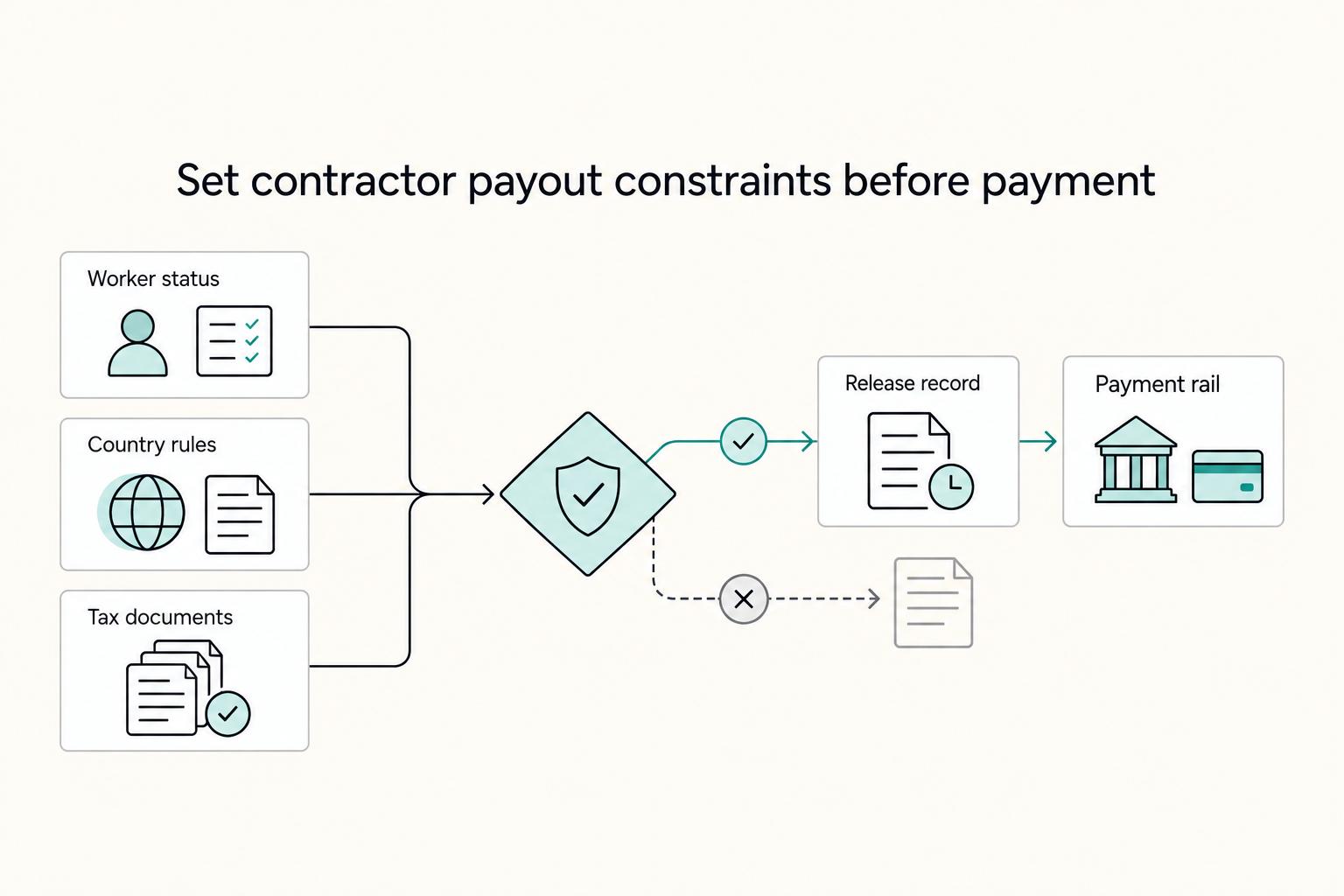
Reliable contractor payments begin with verified payee details, clear terms and the checks required for the actual engagement. Separate the payer’s release and withholding obligations from the contractor’s own tax-registration and filing tasks.
Deel vs Remote for Freelancers Who Need a Clear First-Payout Decision
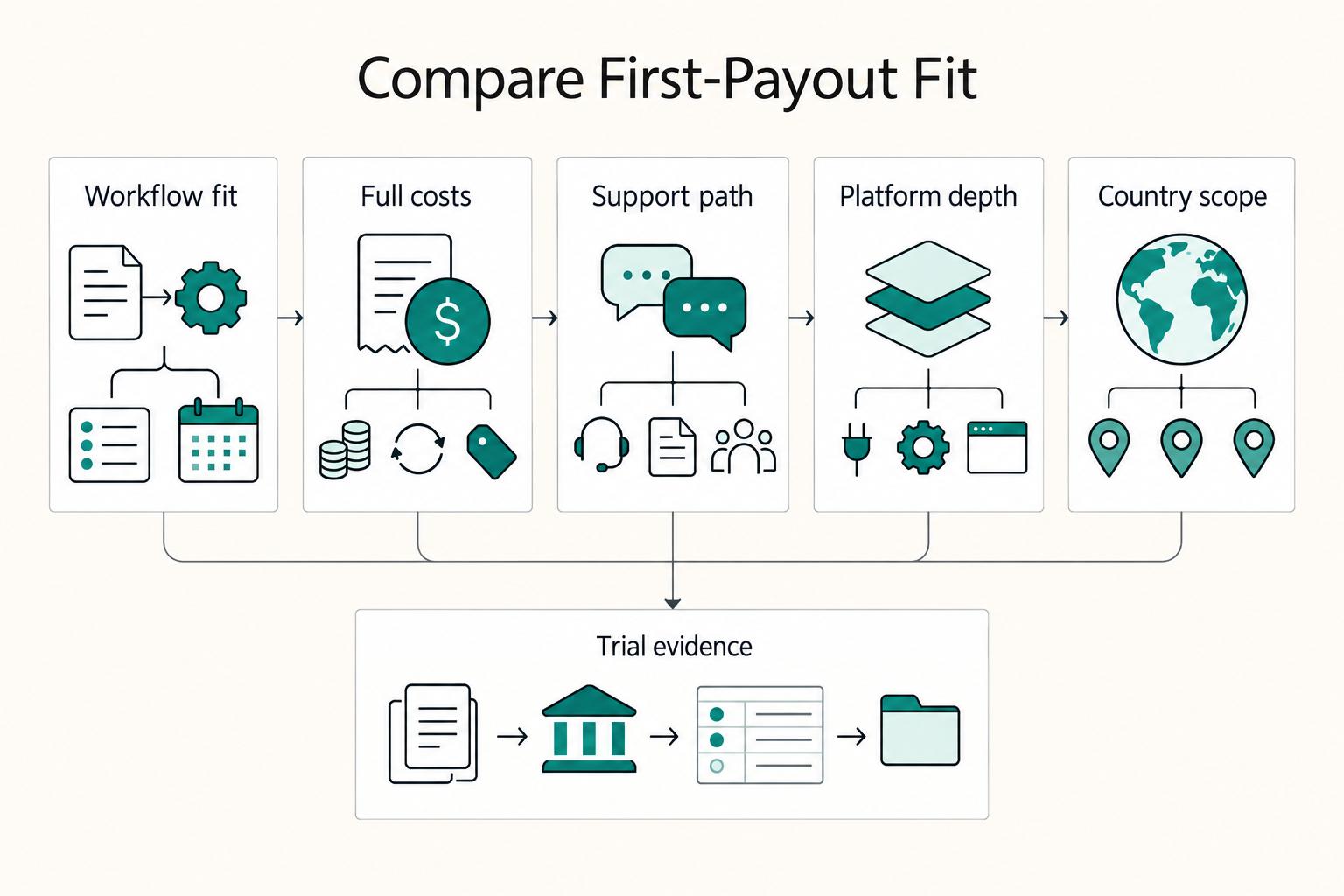
For a freelancer being paid through Deel or Remote, the key questions are contract terms, client funding, available payout methods, currency conversion and support when a payment stalls. The client often chooses the platform. If you are choosing a service to pay other contractors, compare the client-side plans separately.