
Quick Answer
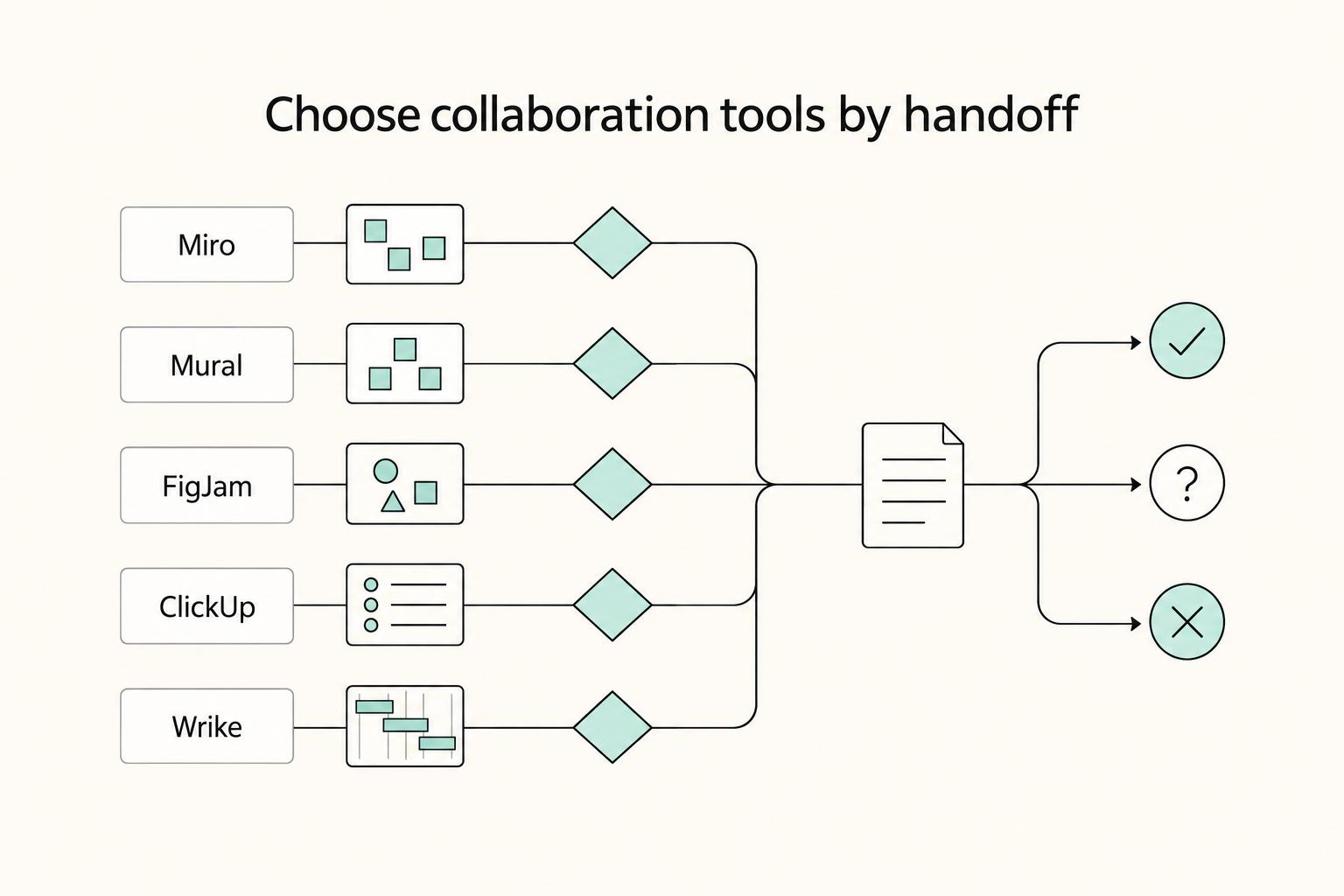
Choose the best visual collaboration tools by testing handoff behavior first. Start with Miro, Mural, or FigJam when facilitation is central, then prioritize ClickUp or Wrike when turning decisions into tracked execution is the bigger risk. Use one real client cycle to validate guest permissions, ownership transfer, export continuity, and next-day clarity for someone who missed the call. Standardize only after those checks pass without manual reconstruction.
Choose your visual collaboration tool like an operator#
Short answer: pick the tool that holds up through a live workshop, an async review, and the handoff into delivery.
Choose for handoff reliability, not canvas polish. For paid client work, favor visual collaboration tools that still make sense after the call. Someone should be able to review the board later, and someone else should be able to turn it into delivery.
Use a simple sequence to judge every option: live workshop, async review, then execution handoff. Treat this as a practical evaluation framework, not a universal rule.
- Facilitation control
In a live session, you need to guide attention, pace activities, and keep contributions readable without becoming the board janitor. The real differentiator is not how attractive the canvas looks in a demo. It is whether you can run a client session with a small group and still end with a board that has clear structure when the call ends.
- Async clarity
A good board should explain itself to someone who missed the meeting. The test is simple: can they find decisions, open questions, owner names, and next actions without your narration? Send the board to a reviewer the next day with no added context and ask them to identify key decisions and next actions. If they cannot, your handoff is weak even if the workshop felt smooth.
- Permission governance
Treat access rules as a first-pass check, not cleanup work for later. What matters is whether you can set up a simple model for internal editors, client reviewers, and occasional contributors without confusion. Before rollout, test roles in a live workspace and confirm the current rules for guest access, edit rights, admin control, and ownership handling in the actual account you would use, not in sales material or old screenshots.
- Ownership transfer and export continuity
Assume a client will eventually want a copy, a record, or a clean archive. The question is how much meaning survives when the board leaves the live session. Your evidence pack should include the board link, a dated static export, a short decision summary, and a list of owners and due dates captured outside the canvas too. A common failure mode is a beautiful board that becomes hard to use once it is shared beyond the original workspace.
- Validation before standardization
Do not standardize from demos or internal brainstorms. Run at least one real cycle: workshop, async review, and handoff into your execution tool or delivery document set. Score each candidate pass or fail on clarity, access, transfer, and continuity. If you are still in idea-generation mode, start with The Best Tools for Virtual Whiteboarding and Brainstorming. The rest of this guide assumes the board has to survive contact with actual client work.
We covered this in detail in Best No-Code Tools for Freelancers Who Need Clean Handoffs.
Who this list is for and what best actually means#
You are in the right place if you run client workshops as a solo operator or small team and need the board to stay usable through review, approval, and handoff. Here, "best" means post-session reliability, not the prettiest canvas.
| Tool | Access/governance note | Transfer/export note |
|---|---|---|
| Miro | Visitors can access only public boards shared by link, and guest permission levels are set at sharing time. | Board ownership can transfer only to a member of the same team as the board. |
| Mural | Collaborator type drives permissions, and guests do not consume a paid seat. | Export rights depend on user type. |
| FigJam/Figma org setups | Guests are invited to specific resources, not broad org access. | Ownership transfer is irreversible once confirmed, and FigJam does not support SVG export. |
Use this operator-first rubric: facilitation control, async clarity, governance, integration fit, and upgrade viability. If a tool feels smooth live but creates confusion the next day around permissions, ownership, or exports, it is not a strong choice for client work.
This list is not for you if your workflow is mostly static review, light commenting, or execution-first project tracking. Visual collaboration apps are built for shared canvas work across real-time and async collaboration; adjacent voice/video features exist, but they are not the core job. If your main need is approval markup or task execution, use the right delivery stack instead of forcing a whiteboard-first tool into that role.
Focus on client-risk behaviors, not feature volume:
- In Miro, visitors can access only public boards shared by link, guest permission levels are set at sharing time, and board ownership can transfer only to a member of the same team as the board.
- In Mural, collaborator type drives permissions, guests do not consume a paid seat, and export rights depend on user type.
- In FigJam/Figma org setups, guests are invited to specific resources (not broad org access), ownership transfer is irreversible once confirmed, and FigJam does not support SVG export.
Before you standardize, run one live client scenario and verify:
- Guest behavior: what the client can actually view, comment on, edit, and export.
- Ownership handling: who is eligible to receive transfer in your real workspace setup.
- Export continuity: whether decisions still make sense outside the canvas.
If a tool clears those checks cleanly, move it to your shortlist in the next comparison section. For more on async follow-through, see The Best Asynchronous Communication Tools for Remote Teams.
The shortlist at a glance with decision checkpoints#
Choose by your primary job first, then compare features. If your core job is live facilitation, start with Miro or Mural. If your delivery system is already Figma, start with FigJam. If your main risk is losing momentum between workshop and execution, prioritize ClickUp or Wrike before canvas polish.
The practical split is straightforward: board-first tools optimize shared canvas collaboration, while work-management-native tools optimize tracked execution after decisions are made.
| Tool | Decision rule | Grounded strength | Practical risk | Best fit |
|---|---|---|---|---|
| Miro | Start here for mixed live workshops plus async follow-through. | Guest invites support explicit edit/comment/view roles, and board history supports change review and recovery. | Ownership transfer is irreversible once confirmed, and some export options depend on plan, browser, and device. | Solo pros or small teams running recurring client sessions |
| Mural | Start here when facilitation quality is the main requirement. | Admins can set visitor link defaults (View/Edit/Off), and activity log plus deleted-content recovery supports traceability. | Export can block handoff because only members, and Full Members on the Tiered model, can export mural content. | Teams with repeat workshop delivery and tighter guest controls |
| FigJam | Start here if your workflow already lives in Figma. | Open sessions allow even visitors without Figma accounts to edit for unlimited 24 hour periods, and version history checkpoints are recorded every 30 minutes. | Native SVG export is not supported, and access behavior depends on guest restrictions plus default link-sharing settings. | Design-led teams that hand off into Figma often |
| ClickUp | Prioritize when board output must become managed work immediately. | Whiteboards can create tasks and Docs directly from the board. | Stronger for execution handoff than canvas-first facilitation depth. | Teams moving from ideation into delivery discipline |
| Wrike | Prioritize when status tracking matters more than open-ended canvas work. | Board view is available on all account types and shows task cards by status. | Permissions are license-constrained: collaborators cannot create tasks even with full folder/project access. | Teams already operating in structured project delivery |
Pre-adoption gate#
Before standardizing, run one real client session and fail any tool that misses one of these checks:
- Guest permissions: Verify exactly what an external participant can do. In Miro, confirm edit/comment/view roles. In Figma, verify org guest restrictions and default link-sharing settings.
- Version recovery: Intentionally roll back a change. Miro board history and Mural activity log only help if your team can recover quickly under pressure.
- Ownership transfer: Confirm who can receive ownership and whether the action is reversible. In Miro, confirmed transfer is not reversible.
- Export continuity: Export the final board in the format your client or internal team actually uses. FigJam does not support native SVG export, and Miro export options vary by plan, browser, and device.
- Admin defaults: Verify workspace/org defaults before rollout. Mural visitor-link defaults and Figma guest-access controls can change your sharing model.
Use marketplace reviews to discover options, not to validate them. G2 reports large verified-review volume in this category, but also states reviews are not expert opinions based on objective criteria. Gartner Peer Insights also states submissions should not be treated as statements of fact.
If two options still pass your gate, use the next sections to break the tie by facilitation style and handoff use case. For pricing context, read Value-Based Pricing: A Freelancer's Guide.
Miro vs Mural vs FigJam when the job is live facilitation#
For facilitator-led sessions with mixed stakeholders, start with Miro or Mural. Choose FigJam first when the workshop is tightly tied to a Figma-native design handoff.
The practical split is facilitation control versus handoff speed. Miro supports facilitator governance through owner/co-owner control of collaboration tools, attention management on Starter, Education, Business, and Enterprise plans, and Private mode for independent thinking before group reveal. Mural is stricter for facilitator-led flow: Facilitation Superpowers, facilitator-only summon, custom toolbar restrictions, and voting sessions that only a facilitator or mural owner can start (visitors can still vote once started). FigJam is easy to join and strong for design continuity, with Spotlight on any team or plan and direct object transfer into Figma Design, but timer controls cannot be restricted to one facilitator.
| Tool | Best for | Operational upside | Facilitation risk | Real workshop scenario |
|---|---|---|---|---|
| Miro | Mixed workshops that need guided facilitation plus follow-through | Owners/co-owners can control collaboration tools; voting supports up to 99 votes per person on paid or Education teams; Jira Cards support in-board issue work | Voting requires a paid or Education team, so a pilot fails if the board is in the wrong team type | Discovery session with private ideation, guided convergence, then Jira issue work from the board |
| Mural | Facilitator-controlled sessions where pace and structure matter | Facilitator-only controls (including summon and voting start), plus two-way Jira sync with issue creation from sticky notes | Strict facilitator control can slow sessions if you need looser, participant-led transitions | Prioritization workshop where you limit tools, run facilitator-started voting, then sync selected items to Jira |
| FigJam | Figma-native teams that need fast workshop-to-design continuity | Open sessions allow temporary participation (24-hour windows), Spotlight supports presenter-led flow, and pasted objects keep formatting in Figma Design | Timer controls are not facilitator-locked; open-session visitors do not get audio conversations or comments | Product kickoff where ideas move into design files quickly and follow-up continues through Figma/Jira updates |
Make closeout a required protocol. Every post-workshop action should leave the board with three fields: decision, owner, and due date.
Before you standardize on one of these three, run one full facilitation cycle end to end: join flow, live moderation, voting, and one real post-session handoff into your follow-up system.
This pairs well with our guide on Best User Journey Mapping Tools for Solo Consultants.
Best tools by use case from first client call to delivery handoff#
If delivery tracking is mandatory, prioritize ClickUp or Wrike before standalone boards. The decision here is simple: pick the tool that carries decisions from discovery to execution with the least manual rebuild.
Use the journey to evaluate fit:
- Discovery: capture decisions quickly.
- Workshop: support shared editing without confusion.
- Async review: keep comments and permissions usable for clients.
- Execution handoff: preserve owner, dates, and transfer/export integrity.
| Tool | Best-fit use case | Handoff strength | Operational risk | Exclude when |
|---|---|---|---|---|
| ClickUp Whiteboards | Discovery and planning that should become managed work in the same space | Whiteboard items can become tasks and Docs | Whiteboard export excludes tasks and Docs; List/Table export is limited to 5 exports on Free Forever and Unlimited | You only need a board, not structured follow-through |
| Wrike Whiteboard | Client workshops that land inside an existing Wrike delivery setup | You can turn stickies into Wrike tasks with start and due dates; Excel export includes assignees and deadlines | Whiteboard access and role setup still need validation across Wrike's 4 access roles | Wrike is not where work will be managed |
| Lucid | Discovery plus formal documentation and async review | Comment assignments notify collaborators by email; document ownership can be transferred | Assignment is lighter than full work management, so execution still needs a destination | You need board objects to become tracked delivery items in one tool |
| Creately | Process mapping or structured discovery where diagrams matter early | Documented control over who can access and edit workspaces | No confirmed support here for start/due-date task capture equivalent to work-management tools | Due dates and task ownership must live in the same product |
| Canva | Client review loops on visuals, decks, or explanatory artifacts | Clear sharing levels: Can edit, Can comment, Can view | Comments support review, but not execution handoff | Workshop output must become managed tasks |
| Whimsical | Fast flows, mind maps, and low-friction planning | Export from Share as PNG; guest limits are explicit at 10 on Free and 200 on Enterprise | Image export is not structured handoff data | You need stronger ownership and deadline capture |
| Conceptboard | Async collaboration where actions must be captured on the board | Board Tasks support assignees plus start and due dates | You still need to verify how those tasks move into downstream delivery | Your team needs a proven work-management hub, not board-based action tracking |
| Stormboard | Brainstorming that still needs lightweight action assignment | Sticky-note tasks can be assigned with due dates; reports can be generated in Word, Excel, and PowerPoint | Reports are handoff documents, not live task records | You need ongoing execution to stay native and structured |
| Bluescape | Environments where role-based workspace control matters | Workspace roles help control editing rights | PDF export can flatten content and omit hyperlinks; Bluescape Go allows 25 email invites for unregistered users | Export fidelity and easy guest access are higher priorities |
Handoff integrity checkpoint#
Before recommending any option, run one real client cycle and verify these five checks:
- Task or doc conversion path
Create one real action from the board. In ClickUp, convert a shape or sticky into a task or Doc. In Wrike, turn a sticky into a task.
- Ownership capture
Confirm the action can be assigned to a named person. Conceptboard Board Tasks support assignment, which is easy to test.
- Due-date capture
Confirm the date sits on the work item itself. Wrike supports start and due dates on tasks, and Conceptboard supports start and due dates on Board Tasks.
- Permission continuity
Test with a non-admin account. Canva's edit/comment/view levels make this check straightforward for async review.
- Export continuity
Validate what survives export. ClickUp Whiteboard exports drop embedded tasks and Docs, and Bluescape PDF export can flatten content and remove hyperlinks.
Selection rule#
Choose the tool that completes one first-call-to-handoff cycle with the least manual reconstruction. If two options are close, pick the one that preserves owner, due date, permissions, and export evidence with fewer exceptions, then standardize your facilitation rules. For workshop implementation, pair this with How to facilitate a 'Brainstorming Session' with a client.
You might also find this useful: The Best Tools for Creative Collaboration with Remote Teams.
Free plans and trial traps that create rework later#
Treat free plans and trials as evaluation lanes, not client-delivery lanes. Move to paid-plan consideration only after you verify guest access, async review, and handoff behavior in a real test.
If you cannot show the vendor's current pricing/help page on decision day, you do not have a usable policy fact. As of 2026-03-29, this section's approved sources do not verify tool-specific free-tier terms, so policy-dependent details are marked for verification.
| Tool | Key free-tier or trial constraint you can act on now | Likely delivery break point | Safe internal-only use case |
|---|---|---|---|
| Miro | Current free/trial policy is not verified here. Verify before rollout. | External access, post-session editability, or export continuity | Facilitator rehearsal, template testing, internal ideation |
| Mural | Current free/trial policy is not verified here. Verify before rollout. | Guest participation and post-session client review access | Internal workshops with team accounts |
| FigJam | Current free/trial policy is not verified here. Verify before rollout. | Client comment/edit access and downstream handoff into delivery records | Internal brainstorming in design-adjacent workflows |
| ClickUp Whiteboards | Current free/trial policy is not verified here. Verify before rollout. | Converting board output into managed work without manual cleanup | Internal discovery where reconstruction is acceptable |
| Wrike Whiteboard | Current free/trial policy is not verified here. Verify before rollout. | Permission mismatch when turning board actions into assigned work | Internal planning inside an existing Wrike setup |
| Lucid | Current free/trial policy is not verified here. Verify before rollout. | Async review, comments, and keeping a usable handoff record | Internal mapping and document drafting |
Use this as your quick decision filter before trial setup:
- Client guests required: verify join, comment, and edit behavior first.
- Handoff required: test one real decision moving from board to your delivery record with a named owner and due date.
- Policy language unclear: keep the tool internal until you confirm exact plan details, help-page URL, and date checked.
Keep a small evidence pack while testing: save the pricing/help-page link, capture the plan name, note the account type used, and record who owned the board. That reduces client-facing surprises later.
Pre-adoption checklist#
- Run one live session with at least one external participant using the same invite flow you would use with a client.
- Run one async review 24 hours later: have that person reopen the board, add one comment, and confirm they can still access key content.
- Run one handoff test: capture one real action, assign an owner, add a due date in your delivery tool, and attach the board link or export.
Move to paid-plan consideration only if all three tests pass without manual reconstruction, permission workarounds, or ownership ambiguity. If any test fails, keep the tool internal-only and move to the next candidate.
Need the full breakdown? Read The Best Tools for Business Process Mapping.
Governance rules that keep remote boards clean and auditable#
Treat each board as an operational record from kickoff to handoff, not a temporary sketchpad. In remote work, context already spreads across time zones, docs, and email; without governance, retrieval gets chaotic and handoffs break.
| Rule | What you must verify | What breaks if you skip it |
|---|---|---|
| Minimum board record | Board owner, project name, review state, decision log, archive status, and link to the approved export or delivery record | People cannot confirm which board is current, who can approve changes, or what the final record is |
| Access model | Named internal access, temporary guest access, permission level used, and access window status marked pending until verified | Reviewers lose access when feedback is due, or former guests keep visibility longer than intended |
| Privacy and professionalism gate | What content is allowed on shared boards, what stays out, and where formal approvals or commitments are stored | High-stakes or sensitive details end up in a loose workspace and become harder to govern |
| Meeting-to-action closeout | One owner, one due date, and one destination link for every action; next-day reopen still works | Sessions feel productive, but decisions stall as unowned notes |
1. Minimum board record Put a required header on every board: project name, board owner, review state, decision block, and archive status. On an infinite canvas, this is what keeps the record usable instead of open-ended. What you do next: enforce one template and require these fields before the meeting starts.
2. Access model Use named internal access for active work, and grant temporary external access only when a live session or async review needs it. Log what you actually used: vendor, plan name, permission mode, invite path, help-page URL, date checked, and whether the access window is verified or still pending. What you do next: add this access log to your evidence pack the same day.
3. Privacy and professionalism gate Shared boards help centralize collaboration, but they are not the place for everything. Keep final approvals, signed commitments, payment terms, and sensitive personal details in formal records, not on the board. What you do next: publish a short "never put this on a board" list and review it with facilitators.
4. Meeting-to-action closeout A clean handoff matters more than a clean-looking board. End each session with one owner and one due date per action, and link every action to the delivery record where execution is tracked. What you do next: reserve the last 10 minutes for closeout, export, and archive status.
30-day rollout checklist for a solo pro or small remote team#
Do not standardize on instinct. Run a 30-day pilot with two finalists, use one reusable scorecard in both, and decide based on handoff performance under real work.
Use the same scorecard every time: setup effort, decision clarity, handoff quality, and rework. If criteria change between tools, your comparison is not reliable.
| Phase | Phase goal | Required evidence | Fail condition if skipped |
|---|---|---|---|
| Days 1 to 7 | Select two finalists and lock one shared template + scorecard | Finalist names, one scorecard, one board template, written definitions for each scoring field | You test different facilitation styles instead of tool behavior |
| Days 8 to 14 | Run one real client workflow in tool A | Completed board, session notes, export, action list with owners and due dates, completed scorecard | The tool looks good in-session but breaks during follow-up |
| Days 15 to 21 | Run the same workflow in tool B | Same evidence pack as tool A, plus notes on anything rebuilt manually | Familiarity bias distorts your decision |
| Days 22 to 30 | Freeze rules, choose one tool, migrate active work | Short operating guide, named board owner, permission record, archive status, migration log, go/no-go decision | Boards fragment across tools and handoffs stay unclear |
1. Pick two finalists and lock the scorecard#
Choose two tools only, then build one template you can run in both without exceptions. Keep required fields explicit: project name, board owner, review state, decision block, action list, archive status, and link to the delivery record.
Define scoring once and keep it fixed:
- Setup effort: how long setup and invites take.
- Decision clarity: whether someone can reopen next day and understand decisions.
- Handoff quality: whether each action has one owner, one due date, and one destination.
- Rework: what you had to recreate manually.
Pass if template and scoring rules are identical in both tools. Fail if you make week-one exceptions.
2. Run tool A on live work#
Use a real client workflow from prep to closeout. Save evidence the same day: agenda, board export, decision log, action list, and access note (who had what permission and whether guest access was removed).
Then run a 24-hour reopen check: confirm the decision block is clear, actions still have owners and due dates, and linked delivery records still resolve.
Pass if a teammate can continue from the board and linked records without extra explanation. Fail if context has to be reconstructed in chat or email.
3. Repeat the same workflow in tool B#
Keep the same workflow shape, template fields, and scorecard so the comparison stays clean. Record friction directly, especially around permissions, exports, and action-list cleanup.
Pass if tool B supports the same governance standard without new workarounds. Fail if workaround notes keep growing.
4. Freeze the operating guide and migrate active work#
Choose one primary tool and stop opening new boards elsewhere. Your operating guide should state required template fields, board ownership, permission logging, archive rules, and migration logging.
Your migration log should track old board name, new board name, current owner, archive status, and linked outputs so the current record is obvious.
Pass if all new work starts in the selected tool and existing work has a visible migration trail. Fail if people still ask which board is canonical.
If you want to tighten facilitation itself before rollout, use this companion guide on facilitating a client brainstorming session.
Pick one tool, set your rules, and start with one client workflow#
Choose one tool based on handoff reliability, not feature volume. If it cannot preserve decisions clearly after the meeting, it is not your operating tool yet.
- Workflow fit: run an immediate handoff test
Use one real client workflow, not a sample board. Capture decisions, owners, next actions, and execution links in one place, then have a non-attendee open it with no briefing. Validation check: they can quickly tell what was decided, who owns each action, what happens next, and where execution now lives.
- Pilot: keep it bounded and measurable
Run one live session, one async review cycle, and one handoff into tracked execution. Log every moment where you must copy, rename, or explain content manually, because that is where ownership usually blurs. Record whether task conversion is verified or still pending. Validation check: each action leaves the board with one owner, one due date, and one destination outside the board.
- Standardize: write rules and keep evidence
After one option passes the pilot, lock simple operating rules: naming convention, board owner, decision-log area, status marker, and archive state. Keep an evidence trail for each client workflow: final board link, client summary, export (if needed), and the execution record you treat as source of truth. Validation check: reopen from another browser or account and confirm continuity. If access stalls on a verification challenge or a manual step after the 5-second redirect prompt, continuity is not proven yet.
If you want a format that makes this easier to run, see How to facilitate a 'Brainstorming Session' with a client. Want to confirm what's supported for your specific setup? Talk to Gruv.
Frequently Asked Questions
What are the best visual collaboration tools for remote teams right now?
There is no universal winner, so start with a shortlist and test for fit. In practice, compare how efficiently and conveniently each option supports real-time collaboration in a shared visual workspace. Run one live session, reopen the workspace later from another place or device, and confirm people can still access and edit it.
How do I choose between Miro, Mural, and FigJam for client workshops?
Do not choose from demos alone. Choose from a live pilot using the same client scenario in each tool, then score each one on real-time collaboration quality, efficiency, and convenience in a shared workspace. After each pilot, verify the same workspace is still accessible and editable later from different locations.
Are free visual collaboration tools enough for professional client delivery?
Free plans can help with shortlisting, but plan details change and should be re-verified before client delivery. Instead of assuming older comparisons are still accurate, check current limits and test your real workflow. Build one client-style board, return later from a different place or device, and confirm the workspace is still accessible and editable.
Which features are non-negotiable for a reliable remote workshop?
You need a shared visual workspace for real-time collaboration that still works as a living workspace after the call. Continuity matters, so the workspace should still be understandable when opened later from another place or device. Ask someone who missed the session to open it and confirm they can follow what happened.
What is the fastest way to turn whiteboard output into accountable tasks?
Use the tool, or board-plus-task workflow, that is most efficient and convenient for your team. If your process adds too many manual steps after the session, handoff quality usually drops. Test with a few real session outcomes and confirm the workspace stays clear and editable as work continues.
Which tool is best if I need diagramming and process documentation, not just brainstorming?
Start with tools that keep information clear over time, not only during live ideation. For process maps and documented flows, prioritize clarity, ongoing editability, and continuity after the session. Create one real artifact, reopen it later, and confirm you can still access and edit it without rebuilding.
How long should I pilot a tool before standardizing it across client work?
Pilot until you can compare finalists in the same real workflow, not just a single meeting. Use a consistent scorecard so you are evaluating behavior instead of impressions, especially around efficiency and convenience in live collaboration. Standardize only when the workspace remains clear, accessible, and editable after the session.
Try a related tool
Researched and edited by the Gruv editorial team. Gruv builds cross-border billing, payouts, and finance-operations software for global businesses.
Sources
Includes 2 external sources outside the trusted-domain allowlist.
- academia.edu/65080065/Visual_Tools_for_Developing_Cross_D...trusted
- epa.gov/sites/default/files/2015-11/documents/25-25-...trusted
- fhwa.dot.gov/pavement/management/qm/data_qm_guide.pdftrusted
- hbsp.harvard.edu/inspiring-minds/modern-case-discussions-visu...trusted
- pmc.ncbi.nlm.nih.gov/articles/PMC12613607trusted
- pmc.ncbi.nlm.nih.gov/articles/PMC10695846trusted
- doi.org/10.1186/s12913-025-13588-7external
- eleken.co/blog-posts/design-collaboration-toolsexternal
Educational content only. Not legal, tax, or financial advice.
Related Posts

Value-Based Pricing for Freelancers Under Real Payment Risk
Value-based pricing works when you and the client can name the business result before kickoff and agree on how progress will be judged. If that link is weak, use a tighter model first. This is not about defending one pricing philosophy over another. It is about avoiding surprises by keeping pricing, scope, delivery, and payment aligned from day one.
The Best Tools for Virtual Whiteboarding and Brainstorming
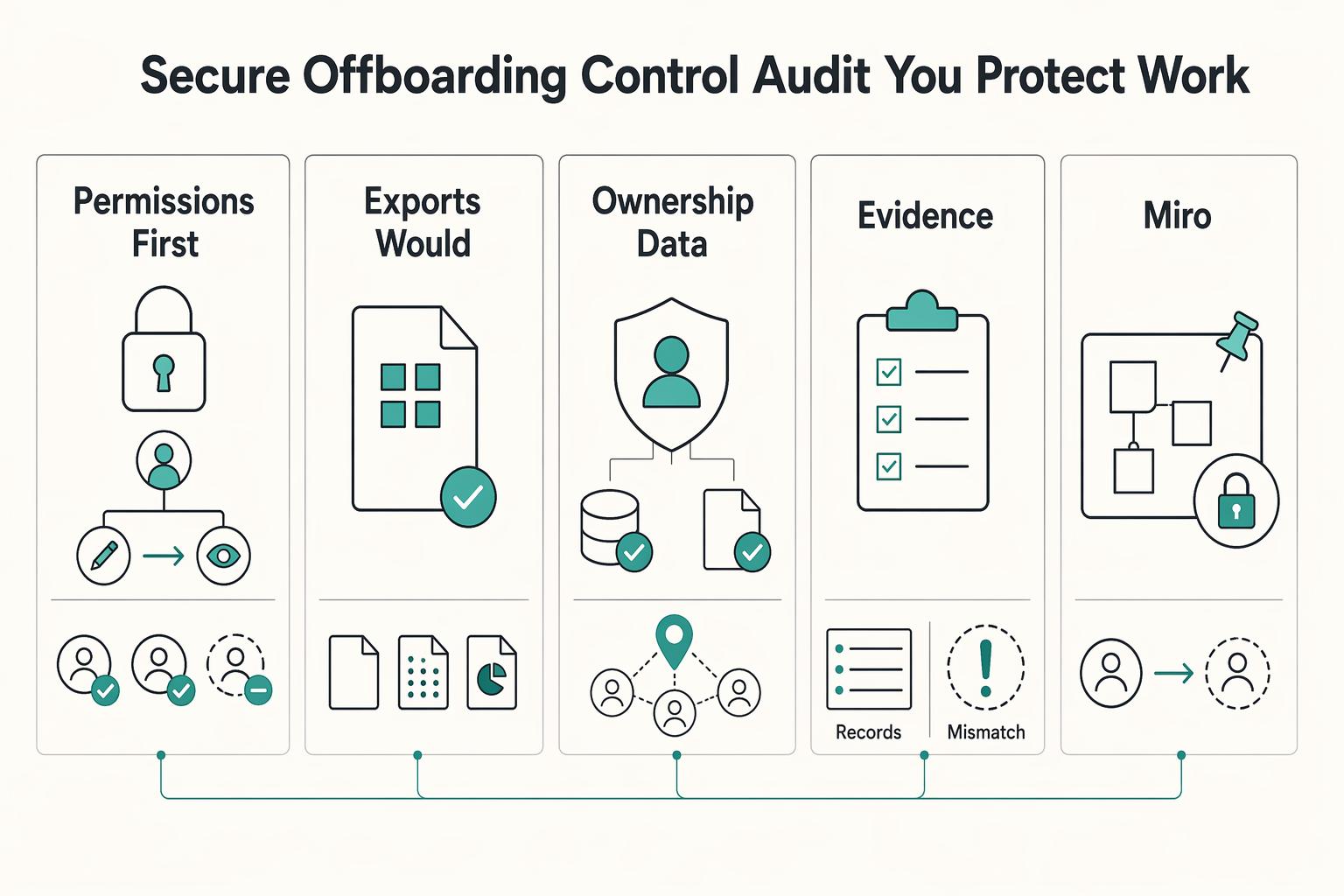
If your client struggles to join the board, if the session stalls while you explain basic controls, or if nobody knows who owns the final output, they will not experience that as a software issue. They will experience it as your judgment call. Choosing among the best virtual whiteboarding tools is less about feature bragging rights and more about avoiding visible mistakes you could have screened out before the client ever saw the board.
How to Facilitate a Brainstorming Session With a Client
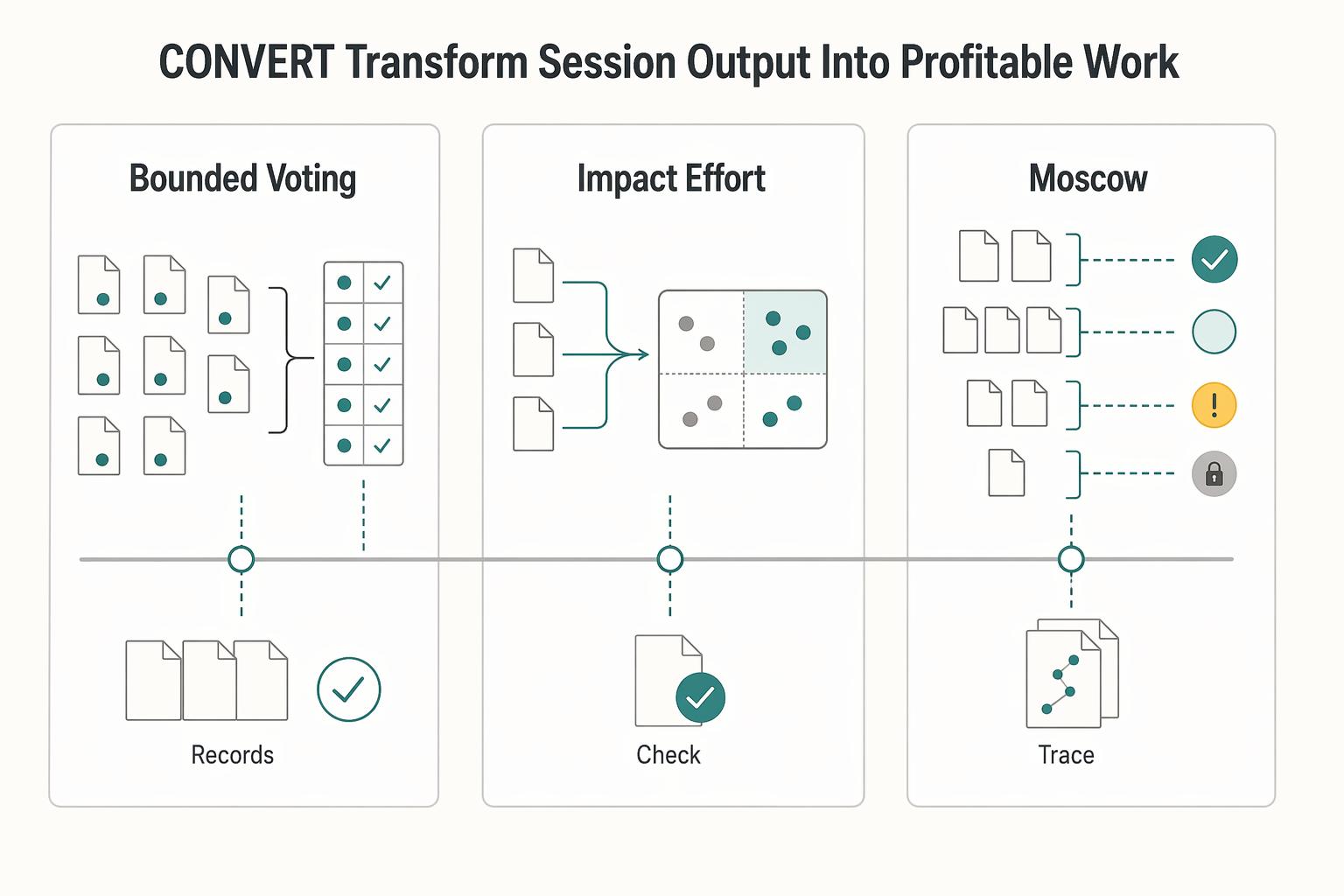
Stop giving away your best thinking for free. A "client brainstorm" too often turns into an unpaid, chaotic meeting that produces vague ideas and unbillable scope creep. That is not a creativity problem. It is a process problem.