
Quick Answer
Consider TaxJar for U.S. multichannel sales-tax reporting and enrolled AutoFile states, Avalara AvaTax plus Returns for a tax engine integrated with a broader business stack, and Stripe Tax for Stripe-centered billing/checkout or Tax API flows. Verify jurisdiction coverage, taxability, active filing enrollment and total cost with your own sale and refund examples.
Choose software for the tax workflow you actually run#
Shortlist TaxJar for U.S. multichannel sales-tax reporting and enrolled AutoFile states, Avalara AvaTax with Returns for a tax engine and filing workflow integrated with business systems, and Stripe Tax when billing or checkout already runs through Stripe or its Tax API. The right choice depends on product taxability, jurisdictions, integration and who handles registration and returns. A calculation result alone does not complete compliance.
- Map U.S. sales-tax and any VAT/GST obligations from what you sell, where you operate and customer location/status. Physical presence and economic nexus are different triggers; a threshold dashboard is not a complete legal determination.
-
Use place-of-supply logic before pricing any tool. For services, the key question is usually which country treats the service as supplied there. That outcome can trigger registration and VAT accounting obligations in that country, not just a different tax rate.
-
Handle B2B reverse charge at the invoice level. For many B2B services, taxation follows where the customer belongs, and reverse charge can shift VAT accounting to the buyer. When the customer is liable, your invoice needs to reflect that treatment clearly under EU rules.
-
Separate automation from liability ownership. Some tools automate calculation and parts of filing or remittance workflows while filing and remittance responsibility stays with you. More outsourced setups can take on more of that work, but scope varies, and prior periods can still remain your responsibility. A Merchant of Record model is different because it can hold transaction-level legal, financial, and compliance responsibility.
-
Use a maturity lens to choose safely.
Ad hoc means manual checks and invoice fixes after the fact. Systematized means a repeatable process and cleaner records, with filing and remittance responsibility still in-house. Integrated means billing, accounting, and tax handling work together, with some outsourced models taking on more filing and remittance work.
Compare invoice correctness, integration with billing/accounting, and explicit filing/remittance ownership. Validate the actual sale types before buying a plan.
Compare three concrete software options#
These are workflow recommendations based on current product documentation, not a universal ranking. Product coverage and filing enrollment must fit the jurisdictions and transaction types you need.
Start with this shortlist, then test the same sale, refund and reporting cycle in each relevant option.
- TaxJar: evaluate when U.S. multichannel sales-tax reporting and state AutoFile are the main need.
- Avalara: evaluate when the tax engine must connect to an ERP, commerce or billing stack and you need separately scoped returns services.
- Stripe Tax: evaluate when Stripe billing/checkout or the Tax API is already part of the transaction path.
| Software | Calculation and reporting | Filing/remittance path | Decision to resolve |
|---|---|---|---|
| TaxJar | U.S. sales-tax API, multichannel reporting and nexus monitoring. | AutoFile prepares returns and remittance for states where enrollment is active. | Are all sales channels, registered states and taxable product/service codes represented? |
| Avalara AvaTax + Returns | Tax engine connected to commerce/ERP systems. | Avalara Returns or Managed Returns adds preparation, filing and remittance within the purchased scope. | Which connectors, tax types, entities and filing jurisdictions are included in the proposal? |
| Stripe Tax | Sales-tax/VAT/GST calculation, tax codes, monitoring and reports in supported locations; API can cover off-Stripe payments. | Automated U.S. filing or regional filing partners; registration is a separate service. | Which countries are supported for calculation, registration and filing separately, and what enrollment is needed? |
Compare the total annual cost for your own volume: calculation usage, subscription, integration work, registration services, returns per jurisdiction and amendment/support costs. Get a current quote rather than relying on an old starting price. A low calculation fee can still leave a substantial filing workload.
For example, assume a seller is registered in three states and has 1,000 monthly transactions across a storefront and a marketplace. Test how the software distinguishes seller-collected tax from marketplace-facilitator tax, exports liability by state and handles a refund. If only two states are enrolled for automated filing, the third return remains an owned task even though all sales were calculated.
Tier 1: Manual Invoicing With Tax Records in Separate Files#
If you create invoices manually and track tax exposure in separate files, you may be carrying avoidable risk. Manual work is not the core problem. Disconnected records increase error risk and rework.
In practice, this shows up as a correction loop: CRM, contract, and invoice details do not match, required tax details are requested late, and invoices are revised after submission.
The three signals that tell you you're still in Tier 1#
1. Buyer details are incomplete at invoice time. For B2B services, buyer status affects tax treatment because place-of-supply can depend on whether the customer is a taxable person. Under EU VAT rules, invoices are generally required for most B2B supplies, and invoice content can require the customer VAT ID when the customer is liable for VAT. If buyer type or the required tax ID is missing, your tax treatment is not well supported.
| Signal | What to check | Grounded detail |
|---|---|---|
| Buyer details are incomplete at invoice time | Buyer type and required tax ID | If buyer type or the required tax ID is missing, your tax treatment is not well supported |
| Reverse-charge treatment is applied by habit, not by validated workflow | Properly validated tax ID | A common failure mode is treating a sale as no VAT before the tax ID is properly validated |
| No threshold or registration alerting | Registration triggers | Monitor the applicable physical/economic nexus rules and assign an owner to registration decisions. |
2. Reverse-charge treatment is applied by habit, not by validated workflow. In relevant cases, invoices must indicate reverse charge. VAT liability can also shift to the customer when services are supplied by a non-established supplier. A common failure mode is treating a sale as no VAT before the tax ID is properly validated. If validation is missing or inconclusive, pause and resolve treatment before issuing.
Monitor registration triggers throughout the period. Software can flag potential exposure, but verify the current state rules, what sales count and any physical presence. Assign an owner to registration and collection start dates; alerting does not itself register the business. Related: A Guide to Sales Tax Nexus for Remote Businesses.
Tier 1 risk checklist#
Before you send any cross-border invoice, run this checklist:
- Confirm buyer type
Mark B2B or B2C from evidence, not assumptions. If it is unclear, stop and resolve it first.
- Validate buyer tax ID where relevant
Use VIES for applicable EU VAT-number checks and retain the result and time. It is not a global tax-ID validator; GB VAT numbers use the appropriate UK verification route. If a lookup is unavailable or inconclusive, seek the relevant national authority evidence rather than treating the response as a tax determination.
- Apply reverse-charge wording only when supported
When applicable, include a reverse-charge reference such as "Reverse charge". If validation is null or unclear, hold the invoice and clarify.
- Store the evidence trail digitally
Keep the tax ID check result, buyer-type note, invoice version, and approval record together. Record retention is a core control, and some VAT regimes require digital records in compatible software.
Your immediate move#
The quickest Tier 1 upgrade is to make this process repeatable before you add more review. Choose tools against three criteria: validation support so tax IDs are checked before issue, template controls so required fields and reverse-charge wording stay consistent, and an audit trail so you can show what was checked, when, and on which invoice.
For a service business, those controls usually reduce risk faster than adding more manual review.
Related: How to Get a Sales Tax Permit as a Freelancer.
Tier 2: Where Risk Still Sits in the Handoffs Between Tools#
Tier 2 often looks organized from the outside, but risk still sits in the handoffs between tools. That is why payment friction and compliance anxiety can persist even when the process feels mature.
1. Test both service and product taxability#
The same vendor can support different sales models, but the configuration must describe what you sell. Test product/service tax codes, customer status, exemption evidence and location inputs. An EU cross-border B2B service can follow the general customer-location rule with reverse charge, while exceptions and B2C rules require a different path.
The cost shows up in invoice edits, slower approvals, and uncertainty about whether the final treatment is supported. If you are evaluating the best software for sales tax, start here: can it support cross-border service decisions inside the workflow, or do you still make those decisions outside the tool?
2. Reconciliation gaps across tools#
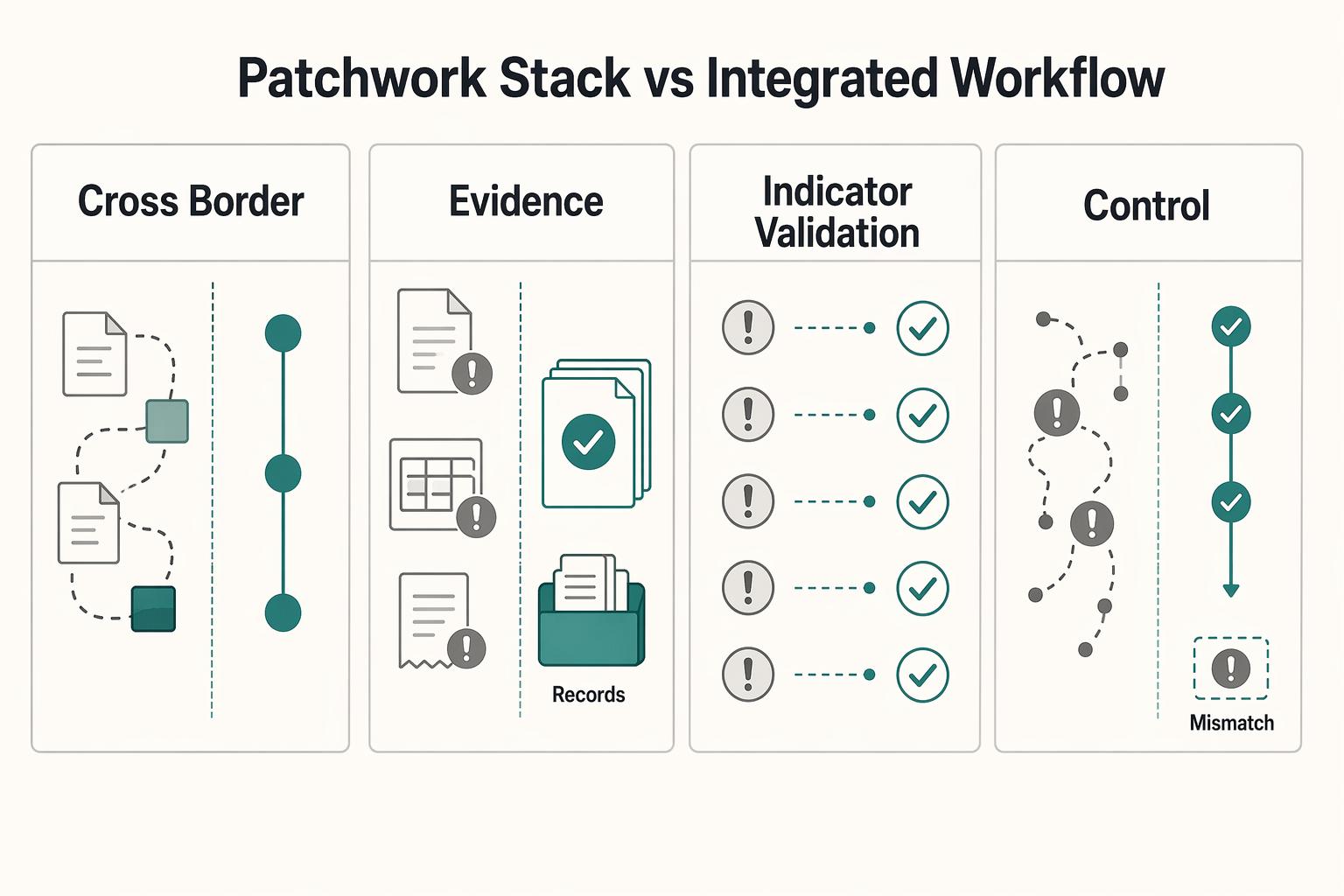
A patchwork setup can break down when you need to explain one invoice from end to end. One tool shows the invoice, another shows the payment event, and another shows tax output, but the full decision trail can remain fragmented.
Integration names do not prove that transaction and filing data agree. Trace one paid invoice and one refund from the source system through the tax engine, ledger and return report. Check that a refund reverses the right tax transaction and that importing the same sale twice does not double the liability.
3. Manual handoffs before invoice send#
At Tier 2, high-risk steps can still be manual. You may check key details in one place, adjust invoice wording in another, and send payment from a third.
That creates misses under deadline pressure: checks not attached to the invoice record, wording applied by habit, or payment requests sent before the invoice version is final. If your process still depends on copying decisions between tools before send, treat that as active risk.
Patchwork stack vs integrated workflow#
| Decision point | Patchwork stack | Integrated workflow |
|---|---|---|
| Cross-border service support | E-commerce logic often leads | Service treatment decisions are handled in the same workflow as invoicing |
| Decision trail (attribution) | Invoice, payment, and tax decisions are split across tools | Decision, amount, and evidence trail stay linked |
| Indicator validation | Checks are ad hoc | Indicators are defined, validated, and reviewed for data quality |
| Handoff control | Reconciliation happens after issues appear | Handoffs are checked before invoice release |
| Record retrievability | Evidence is scattered across tools | Evidence is retrievable for review and reporting |
Use a simple control test. Define and validate five indicators, then check data quality for each: service-decision capture, attribution trail completeness, handoff control, invoice-payment linkage, and record retrievability.
Improve the handoffs when release depends on memory or reconstructing records after payment. An integrated workflow can reduce that work, but it still needs configuration, exception handling and a responsible owner.
For a step-by-step walkthrough, see Best Sales Compensation Software for Solo Operators in 2026.
An integrated workflow still needs defined responsibilities#
Tier 3 means tax handling is built into how you invoice and collect payment, not managed as a separate manual check. The outcome is straightforward: treatment is decided before send, proof stays with the transaction, and exceptions are reviewed on purpose.
1. Automation in the payment flow#
At this level, your setup determines treatment from seller configuration and customer context, then keeps that decision attached to the same transaction record. That includes inputs like business address, registrations, tax codes, customer location, and customer status.
The real gain is control, not just speed. When tax treatment, invoice behavior, payment event, and ledger entry stay connected, you can explain why an invoice was issued the way it was without reconstructing events across tools. If you are choosing software, use this filter: does it keep decisions inside the payment path, or push critical steps back onto you?
2. Calculator versus Merchant of Record#
A calculator can automate a lot without taking legal responsibility away from you. It may determine rates, validate VAT IDs in supported regions, and apply reverse-charge logic when tax ID and jurisdiction conditions are met. You still need filing and remittance coverage where you are registered.
A Merchant of Record model is different because the provider is the recognized seller in the transaction model. In that setup, responsibility can shift materially, but only within the actual contractual and operational scope. Also, "MoR" is not itself a tax-law term, and no platform removes every edge case.
Use this simple rule:
- Calculation and filing services: confirm which jurisdictions are enrolled, who approves returns and who funds remittance. Outsourcing a task does not automatically make the vendor the seller or erase your statutory liability.
- Merchant of Record: confirm that the provider is actually the contractual seller for the covered sale and what tax obligations it assumes. It is a different commercial model from adding a calculator to your own invoices.
3. What new client onboarding looks like in practice#
A strong Tier 3 process is predictable, and it usually follows this order:
| Step | Action | Output |
|---|---|---|
| 1 | Capture customer location and business status up front | Customer location and business status |
| 2 | Classify the service and customer; apply the general EU B2B place-of-supply rule only after checking relevant exceptions | Place-of-supply decision |
| 3 | Validate VAT ID through VIES and store the result and timestamp with the transaction | VAT ID result and timestamp |
| 4 | Apply invoice treatment before send | If reverse charge applies, include the required reverse-charge reference and insert the current required wording after verification |
| 5 | Post to the ledger with treatment attached | Reporting reflects the original decision path |
VIES checks VAT registration, not every condition for reverse charge. Retain the lookup and supporting customer evidence, and investigate unavailable or inconsistent results. Service categories with special place-of-supply rules need their own treatment; do not generalize one B2B consulting invoice to every cross-border service.
4. Tier 2 versus Tier 3#
| Decision area | Tier 2 | Tier 3 | What it means for you |
|---|---|---|---|
| Ownership of liability | Seller generally retains its obligations while using calculation/filing services | Same unless the actual seller model changes for the covered transaction | Document service responsibility separately from legal seller status |
| System integration | Tax, invoicing, and payment records are often split | Treatment is decided and retained in one transaction path | Can reduce reconstruction work during audits |
| Exception handling | Ad hoc handling of failed checks and unusual jurisdictions | Exceptions are blocked, reviewed, and documented before send | Fewer preventable invoice mistakes |
| Finance visibility | Reconciliation mostly happens after payment | Ledger, invoice treatment, and payment event align at creation | More real-time visibility into cashflow and compliance posture |
Tier 2 helps you make fewer mistakes, but Tier 3 changes when and where mistakes can happen.
5. Operating at Tier 3#
| Control | Action | Grounded detail |
|---|---|---|
| Configuration | Configure seller details, registrations, tax codes, invoice logic, and payment flow as one system | Where local rules are needed, record the current requirement after verification |
| Proof retention | Retain proof per transaction | Customer location, business status, VAT ID result, timestamp, invoice version, and applied treatment |
| Exception review | Run exception reviews on a fixed cadence | Failed IDs, missing data, or out-of-scope jurisdictions should block send until cleared |
| Responsibility by jurisdiction | Confirm filing and remittance ownership per jurisdiction | Verify enrollment and scope for filing products and seller status in MoR arrangements |
| End-to-end trail | Keep an end-to-end proof trail accessible | Any invoice can be explained without relying on memory or multiple disconnected tools |
At this level, you want the proof trail to be routine, not heroic. Any invoice should be explainable without relying on memory or a chain of disconnected tools.
Before you send a cross-border B2B invoice, run a quick VAT check to help reduce avoidable rework and payment delays with the VAT Number Validator.
Test the full return cycle before choosing#
Choose your operating model before you choose a tool. Good software for sales tax only helps if it removes send-time guesswork, reduces compliance handoffs, and makes tax-liability ownership explicit.
-
For calculation: confirm seller registrations, product/service codes, customer evidence and exemptions before collecting tax.
-
For filing: verify active enrollment, reporting periods, liability reconciliation, return approval and funding. A completed calculation is not a filed return.
-
For a change in seller model: verify the Merchant of Record contract and covered transactions separately from software capabilities.
Next step: audit your path from invoice creation to payment to filing. Flag every spreadsheet, every manual approval, and every point where liability ownership is unclear. If your system still depends on manual checks at send time, treat that as remaining risk and move toward a unified setup.
This pairs well with our guide on The Best Tax Research Software for Accountants.
If changing the commercial seller model is part of your decision, review Merchant of Record for freelancers and compare the contractual scope with your existing sales.
Frequently Asked Questions
Do you need to worry about VAT or sales tax first?
Start with the tax system that applies to where and how you sell, because VAT and sales tax can involve different compliance workflows. In the U.S. alone, you may face thousands of tax jurisdictions, so verify jurisdiction and customer context before invoicing. That helps you avoid charging the wrong tax or missing required treatment.
If you invoice an EU business client for services, what should you verify before sending the invoice?
Confirm the client's business status and the tax documentation required for the jurisdictions involved, then store the verification result with a timestamp in the transaction record. If treatment is unclear, verify requirements before finalizing the invoice. That reduces invoice rework and payment delays tied to missing or incomplete proof.
Does software built for physical goods usually fit a service business?
Assess the actual product’s service tax codes, jurisdiction coverage and integration rather than assuming every checkout tool is limited to physical goods. Test a domestic taxable service, a relevant cross-border B2B service and a consumer digital service if those are part of your business.
What is the real difference between a calculator and a broader compliance platform?
Treat this as a workflow decision, not just a feature list. A calculator can determine tax, while some compliance platforms also support filing and payment steps, but you still need to verify exact scope and enrollment before relying on that coverage.
If a provider says it uses a Merchant of Record model, are you done?
No. You still need to verify seller status, jurisdiction coverage, and filing and remittance responsibilities in the contract and operating flow. "MoR" alone does not prove every obligation moved off your side. That prevents liability assumptions that surface later as compliance gaps.
Do you still need to watch thresholds and registrations if you automate tax?
Yes. Registration triggers and reporting frequency vary by jurisdiction, including what sales count toward economic nexus. Physical presence can create a duty independently of those thresholds. Monitor changes, validate alerts and record the collection start date; automation is not proof that registration is complete.
What should you check in the product before paying for it?
Check the exact source-system connector or API, jurisdiction and tax-code coverage, refund handling, duplicate-import protection, export access, filing enrollment and support ownership. Ask for a quote based on your transactions and return count. Test the full calculation-to-return path before committing.
What happens if you send an invoice with the wrong tax treatment?
A wrong tax decision can create undercollection, overcollection, incorrect returns and customer disputes. Retain the original invoice and calculation; use the applicable credit/correction and reporting process rather than silently editing an issued document. Link the correction, refund and amended return where needed.
How do you choose the best software for sales tax if you are a solo service business?
Start with TaxJar for a primarily U.S. multichannel sales-tax workflow, Stripe Tax for a Stripe-centered invoicing or checkout flow, and Avalara when tax must connect to a broader ERP/commerce stack and separately scoped filing services. These are starting points: confirm service taxability, supported jurisdictions, costs and enrolled filing coverage using your own test transactions.
Try a related tool
Researched and edited by the Gruv editorial team. Gruv builds cross-border billing, payouts, and finance-operations software for global businesses.
Sources
Includes 3 external sources outside the trusted-domain allowlist.
- docs.stripe.com/taxtrusted
- docs.stripe.com/tax/filingtrusted
- europa.eu/youreurope/business/finance-and-tax/vat/cros...trusted
- europa.eu/youreurope/business/taxation/vat/check-vat-n...trusted
- taxation-customs.ec.europa.eu/taxation/vat/vat-businesses/invoicing_entrusted
- avalara.com/us/en/products/calculations.htmlexternal
- support.taxjar.com/article/908-how-does-autofile-workexternal
- taxjar.com/productexternal
Educational content only. Not legal, tax, or financial advice.
Related Posts
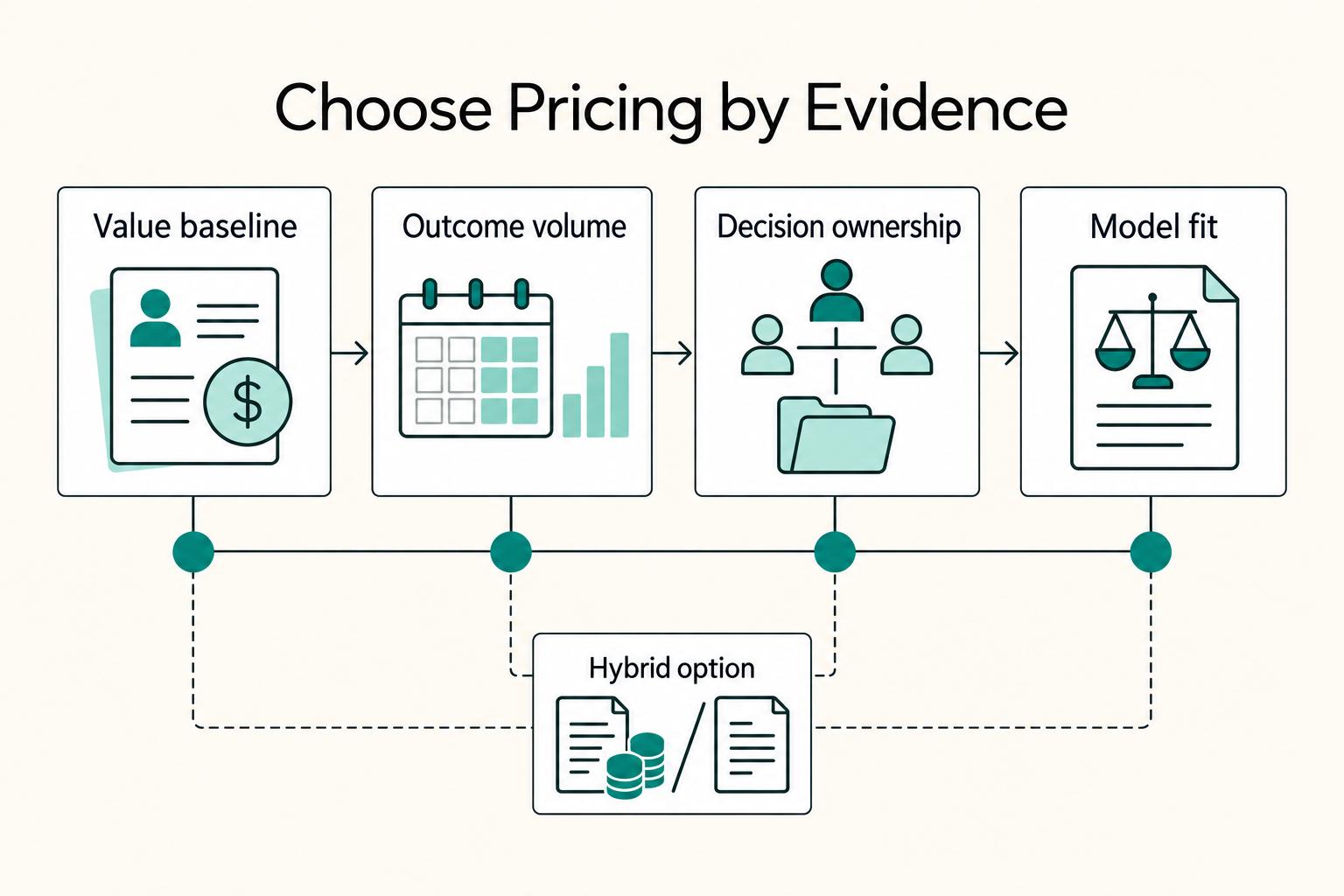
Value-Based Pricing for Freelancers Under Real Payment Risk
Value-based pricing starts with the client’s expected benefit and willingness to pay. It still needs a deliverable, scope and payment agreement you can perform. Use a discovery phase when the benefit or effort is too uncertain to support a defensible quote.
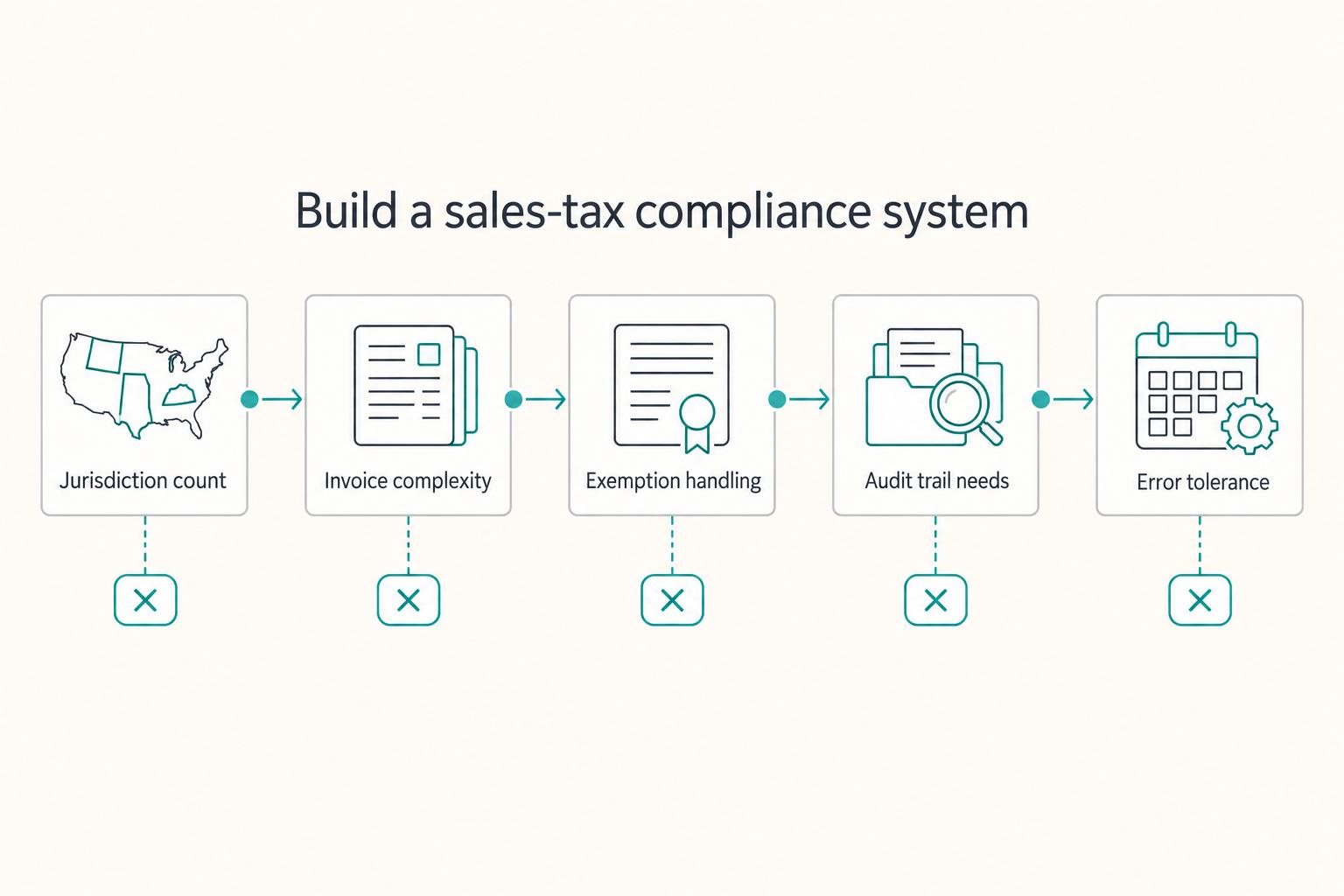
How to Get a Sales Tax Permit as a Freelancer
Start with what the client actually receives, not the label you use for your work. Classify each offer by the output delivered, because that shapes taxability and whether permit follow-through may be required.
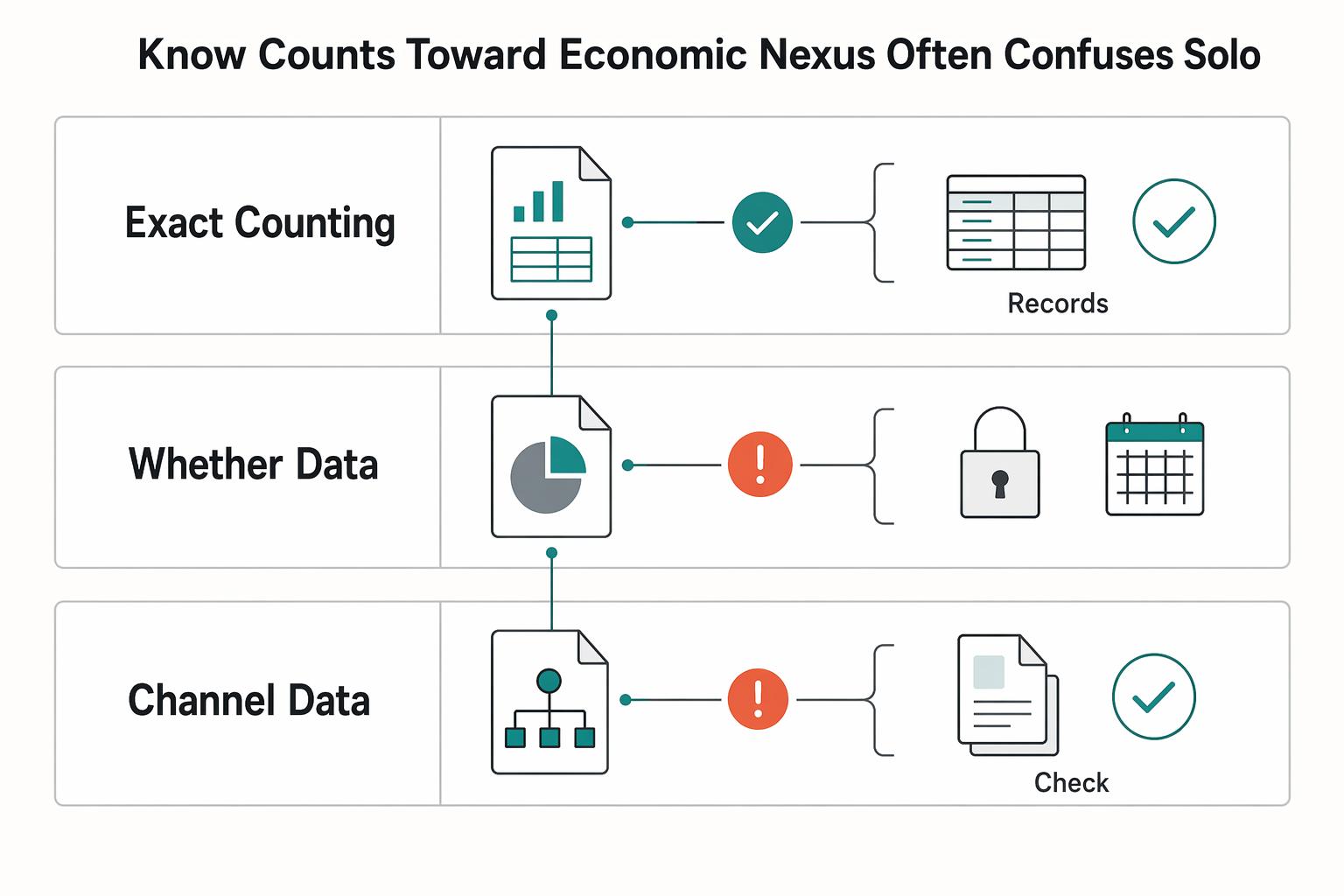
When Remote Businesses Need to Register for Sales Tax Nexus
Yes, you can trigger sales and use tax obligations in states where you have no office, warehouse, or local staff. It pays to verify early and keep clean records as you grow. One operational risk is letting your records drift out of sync. If that happens, you may not be able to show when nexus started, which sales counted, and when registration should have happened.