
Quick Answer
Start with pass/fail filters, then shop models. For best rvs for digital nomads, keep only rigs that meet three checks: a usable all-day work area, two internet layers, and reliable charging at the actual desk location. Match class to movement pattern next, with Fifth Wheel or Toy Hauler often better for longer stays and Motorhome Class B or C better for frequent relocation. Before signing, run a full workday test with your real calls, gear, and setup-reset routine.
Start Here and Pick the Right RV for Your Work Style#
If you're searching for the best rvs for digital nomads, do not start with brand hype or dealer roundups. Start with your workday. The wrong layout will cost you every day, even if the rig looks great on the lot.
Manufacturers and dealers are responding to demand. Camping World wrote in its June 14, 2024 office-space roundup that workspace now shows up across fifth wheels, travel trailers, and Class A motorhomes. Bish's says requests for real office setups have climbed since 2020. That is useful context, but it will not tell you which unit will hold up once you're actually working inside it.
- Set your non-negotiables first
Write down the features that are truly pass or fail before you compare a single floor plan. For many remote workers, that means a dedicated office space, or at least a work area you can use for a full day, at least one mobile internet fallback option, and enough charging access for your actual gear. THOR's remote-work framing is helpful because it focuses on functionality, comfort, and mobility, but you still need to turn that into your own checklist.
Use one practical checkpoint early: ask for the floor plan, then verify outlet placement, seating, table depth, and where your backup connection would live. If the setup depends on only one option, for example only a hotspot or only Starlink, treat that as a risk you need to test before you buy. Stable internet is part of the digital nomad lifestyle, but nothing here supports assuming it will work everywhere.
- Match the RV class to how you move, not how it photographs
Your work style should decide the class before the model. If you plan longer stays and want a clean split between work and living, larger trailer formats deserve early attention because manufacturers are adding workspace there. If you move often, mobility may matter more than a larger office footprint.
Size is the clearest reality check. A fifth wheel with office-friendly space can be substantial. Camping World lists the Keystone Montana 3941FO at 42'7" and 15,267 pounds, sleeping up to 4. That makes the tradeoff concrete. More room can improve work comfort, but it can also mean more towing complexity, more parking friction, and fewer easy stop options.
- Build a short list only after a real-world validation step
Keep your shortlist small, usually three candidates, and give each one an evidence pack: floor plan, basic specs, photos of the work area, and notes on internet fallback. If you're shopping used, keep budget discipline in the mix early. One iRV2 buyer discussion mentions a $50,000 used-RV cap. That is not market proof, but it is still a good reminder that budget should narrow the field before you get attached.
Before you commit, run a simple buy-or-no-buy test. Can you work one full day inside it with your real laptop, charger, calls, and storage needs? If not, remove it. By the end of this first pass, you should know your class, your shortlist, and your first-month sequence: connectivity first, workspace second, route and paperwork third. If you want a deeper dive, read The Best Travel Backpacks for Digital Nomads.
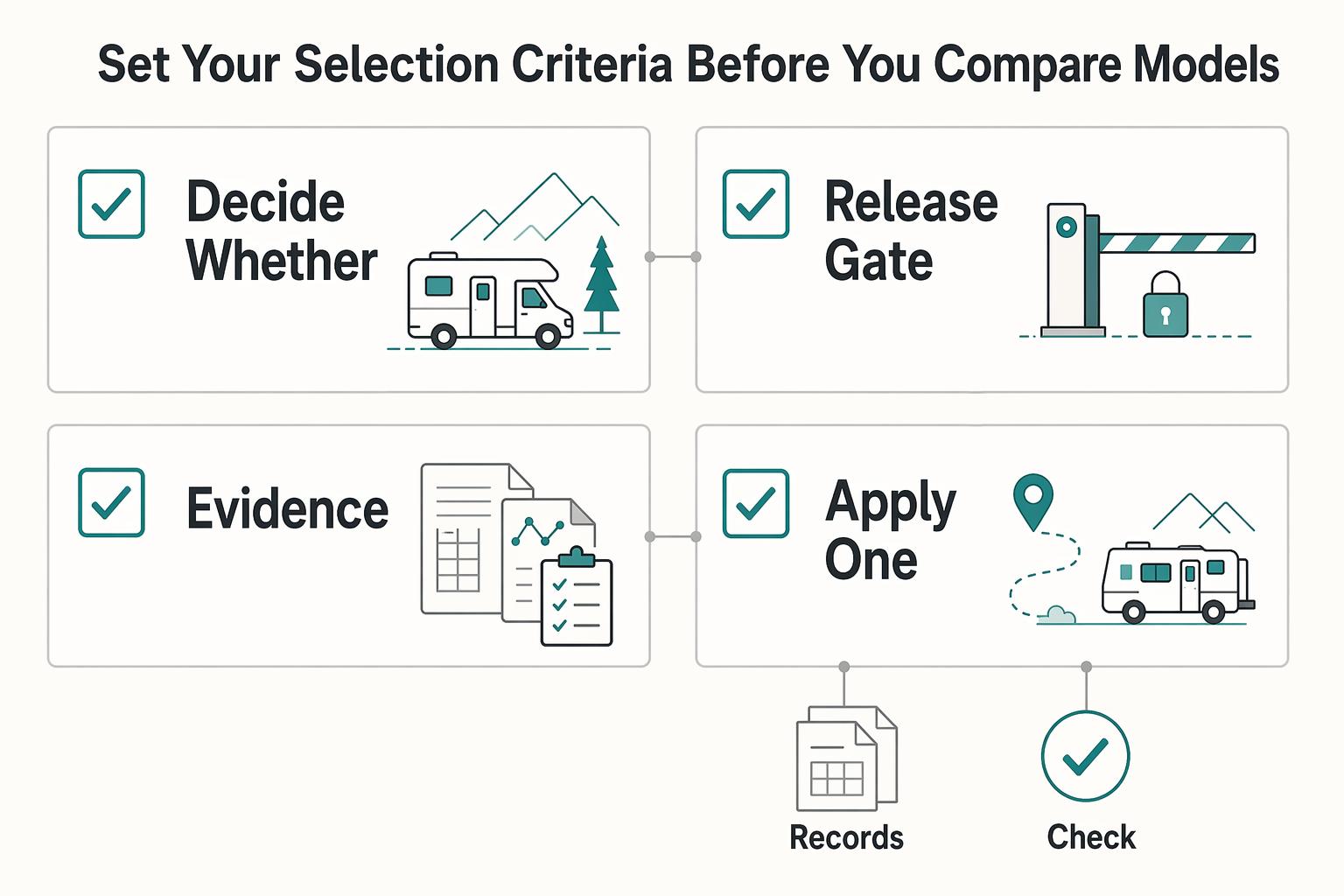
Set Your Selection Criteria Before You Compare Models#
Treat this as a filtering step, not a shopping step. Decide what must be true on a normal workday before you compare floor plans.
- Decide whether this list fits your work pattern
This framework is most useful if you work full time from the RV and need consistent focus for calls, deadlines, and long work blocks. If you work mostly async or travel only part-time, you can usually accept more tradeoffs in layout and connectivity.
The key question is simple: does the RV function as a daily office, not just a place to open a laptop? Camping World makes the same point that not all RVs are built for remote-work balance, and highlights separate workspace, reliable internet, including Starlink, solar support, and ergonomics as core criteria.
- Set three pass/fail gates before you look at brands
Start with non-negotiables: a usable work surface, internet redundancy beyond a single connection, and power readiness. If a model fails one, cut it early.
Also verify what "office space" means in practice. Fun Town's Model Z 2680 places the desk in the kitchen under a window, which can work, but also shows how often workspace overlaps with living space. Validate whether the setup still works for a full workday, not just a quick test.
- Use the same evidence pack for every candidate
Compare models with one consistent proof bundle so marketing language does not drive the decision. At minimum, collect the floor plan, clear photos or a video of the claimed work area, and notes on how that space works during real use.
Keep dealer and manufacturer lists in context: they are useful starting points, not neutral rankings. Ask for a walk-through that shows the work area in normal use, not only staged photos.
- Apply one class rule early to save time
If you need true separation between work and living, prioritize Fifth Wheel and Toy Hauler options before you spend time browsing Travel Trailers. Camping World specifically notes that toy haulers and Class A RVs typically offer more room for a dedicated office setup with clearer separation from living areas.
Travel trailers can still be a fit, but decide that only after confirming a shared zone will work for your day-to-day routine. For a step-by-step walkthrough, see The Best Coworking Retreats for Digital Nomads.
Compare RV Classes by Workspace Mobility and Setup Load#
Use class as a first filter, not a verdict. If you relocate often, Motorhome Class B or Motorhome Class C are usually the first classes to test; if you stay put longer and need stronger work/living separation, start by testing Fifth Wheel and Toy Hauler layouts. Motorcoach Class A can offer more interior office room, but it can also reduce route and parking flexibility.
| RV class | Workspace quality | Move-day effort | Office privacy | Towing complexity | Parking friction | Retrofit headroom | Best when |
|---|---|---|---|---|---|---|---|
| Travel Trailer | Often shared-zone layouts; verify desk usability | Heuristic only; verify in your workflow | Often limited without a dedicated room | Class-level signal only; verify by rig setup | Class-level signal only; verify by route | Often flexible, model-dependent | You can work from shared living space and validate it in person |
| Fifth Wheel | Often chosen when separation is a priority | Heuristic only; verify in your workflow | Often stronger than shared-zone layouts | Class-level signal only; verify by rig setup | Class-level signal only; verify by route | Often strong, model-dependent | Longer stays where work/living separation matters daily |
| Toy Hauler | Frequently considered for office conversion potential | Heuristic only; verify in your workflow | Often strong if rear area works as an office | Class-level signal only; verify by rig setup | Class-level signal only; verify by route | Often strong, model-dependent | Longer stays and privacy-heavy work routines |
| Motorcoach Class A | Class A is described as the largest and most luxurious motorhome class | Heuristic only; verify in your workflow | Can be strong, model-dependent | Not a tow-first class decision | Can be higher in tighter stops; verify route fit | Model-dependent | You want more interior room and can accept flexibility tradeoffs |
| Motorhome Class B | Commonly evaluated for mobility-first routines | Heuristic only; verify in your workflow | Often limited for multi-person call-heavy days | Not a tow-first class decision | Often easier than larger classes; verify route fit | Often limited, model-dependent | Frequent relocation with light, compromise-tolerant setups |
| Motorhome Class C | Commonly evaluated as a mobility/space middle ground | Heuristic only; verify in your workflow | Moderate, model-dependent | Not a tow-first class decision | Route-dependent | Often moderate to good, model-dependent | Frequent moves with more room than many Class B layouts |
Read this table as a screening tool, not proof#
"Office-ready" is a marketing label, not a performance guarantee. Use class to narrow options, then verify the exact model against your real workday: calls, seated hours, shared-space interruptions, and setup/reset time.
Where Class A helps, and where it can hurt#
Class A is often attractive for remote work because it is positioned as the largest and most luxurious motorhome class. The tradeoff to pressure-test is flexibility: the bigger interior can come with more friction in tighter routes and stops.
What list pages can and cannot prove#
Dealer and manufacturer roundup pages can help you spot layouts and feature categories, including Internet Connectivity Solutions. They do not prove model-level reliability, maintenance burden, or real-world connectivity uptime. That caution applies to pages from Camping World and THOR Industries as well.
Bish's office-ready page presents 10 RVs, but it is still a dealer page and includes a trade-in promotion. Its 2026 motorhome buyer guide also includes brand-affiliation language. Treat all of these as inputs for shortlisting, then verify with model-specific walk-throughs and real-use checks.
We covered connectivity planning in detail in The Best International SIM Cards and eSIMs for Digital Nomads.
Best RVs and Campervans by Digital Nomad Scenario#
Use named models as a shortlist, not as automatic winners. Camping World and THOR Industries roundups are useful for ideas, but they are not independent rankings. Bish's 2025 guide is most useful the same way: a starting list you still need to test against your life, budget, and tow vehicle.
| Candidate | Best for | Potential upside to test | Main risk to test | Concrete use case |
|---|---|---|---|---|
| Jayco Granite Ridge 23S | Solo or duo travelers who expect to move often | A motorized setup may reduce stop-to-work friction | Shared surfaces can still force work, meals, and storage into one zone | A consultant relocating every 2 to 4 days with a laptop-first setup |
| Delano | Frequent movers who want a motorized option with more day space | Faster arrival workflow than many towables | Workspace usability can change when slides are in | A designer driving between weekly client visits and needing quick online access |
| Rize | One-person minimalist travel | Easier parking and lower setup overhead | Dedicated desk space and privacy may be limited | An async worker who takes fewer calls and uses coworking on heavy meeting days |
| Arcadia | Longer stays where work/living separation matters | More stable routine once parked | Tow/parking complexity can add friction if you move often | A couple parked for 3 to 6 weeks wanting a work-only zone |
| Fuzion | Buyers who want stronger office separation | Separate rear space can work as a true office area | Bigger footprint increases setup and travel burden | Two adults on daily video calls needing a door between work and living |
| Eagle Fifth Wheel | Long-stay remote workers prioritizing residential feel | Privacy can be easier after full setup | Truck, route planning, and park fit narrow options | A remote employee staying near one metro area for a month |
| Alpine Avalanche Edition | Space-first buyers who travel more slowly | Extra room can make routine workdays calmer | Larger towables usually reduce flexibility | A monthly mover who wants comfort and rarely does one-night stops |
| Venture Stratus 291VQB style office conversion | First-time retrofit buyers adapting a family layout | Possible office improvement without changing rigs | Removing bunks/dinette can hurt storage and power access if not planned carefully | An owner converting a bunk area into a weekday office while keeping gear organized |
After shortlisting, run hard checks in arrival mode, not just camp mode. Ask for a walkthrough with slides in and out, then verify the actual work spot: reachable power, usable elbow room, and whether you can work without rebuilding core living areas.
For larger towables, check purchase readiness before aesthetics: floor plan, desk-area power access, cargo/payload constraints, and a realistic towing plan. If your transit plan for monitor, chair, chargers, and backup internet is still vague, treat that as a stop signal.
For retrofit paths, start with reversible changes before permanent removal. A "better desk" can backfire if day-to-day livability drops. You might also find this useful: The Best Road Trips for Digital Nomads in the US.
Validate Connectivity and Power Before You Buy#
A strong floor plan is still the wrong buy if you cannot stay online and charged through a normal workday. Treat connectivity and power as pass/fail gates.
| Check | What to confirm | Article cue |
|---|---|---|
| Cellular | Test your current cellular setup during real work windows, especially client overlap hours | If it fails in those windows, do not assume the rig is work-ready |
| Starlink | Use Starlink as layer two after primary cellular and define local fallback points | If you cannot explain that sequence clearly, keep the rig off your shortlist |
| Power at the work surface | Confirm designated surface space, USB / power outlet stations, and solar compatibility | Start at the actual work surface, not the brochure |
| Full workday backup routine | Document your device load and how each device stays powered and connected in arrival mode | Remove the candidate if it cannot support your backup internet and charging routine for one full workday |
- Test cellular first
Validate your current cellular setup before anything else, and test it during your real work windows, especially client overlap hours. Use a short checklist tied to your workload: daily video calls, upload-heavy tasks, and hours when drops are unacceptable. If it fails in those windows, do not assume the rig is "work-ready."
- Use Starlink as layer two, then confirm local fallback points
Camping World flags reliable internet like Starlink as an important factor, but it is still one layer. Before you sign, define your order of operations: primary cellular, then Starlink, then pre-identified local fallback points. If you cannot explain that sequence clearly, keep the rig off your shortlist.
- Verify power in the same order you use it
Start at the actual work surface, not the brochure. Use THOR's feature list as a checklist: Designated surface space to work from the road, Ample amount of USB / power outlet stations for your devices, and Solar compatibility. Confirm outlet placement first, then charging points for your devices, then whether solar support fits your unplugged work routine.
- Apply one hard no-buy rule
If a candidate cannot support your backup internet and charging routine for one full workday, remove it from consideration. Document your device load and exactly how each device stays powered and connected in arrival mode. Related: How to Pack Light for Long-Term Travel (One Bag Guide).
Run a Pre Purchase Inspection and Office Retrofit Check#
Treat this as a verification step, not a floor-plan decision: confirm what is true on the exact unit before you buy.
| Check | What to verify | Why it matters |
|---|---|---|
| Unit features | Ask the seller to prove features like the RoadWatch RV safety system on the specific coach and show matching documentation | Brochure language is not the same as confirmed equipment on your unit |
| Retrofit practicality | Run an in-person check with your real setup and keep notes on what works without workarounds | A validated remote-work retrofit checklist is not confirmed |
| Financing terms | Get current terms in writing before signing | The brochure example lists 4.74% APR as accurate on 04/25/2022 and says rates, terms, and conditions can change at any time |
- Verify the unit, not the brochure
If marketing copy mentions features like the RoadWatch RV safety system, ask the seller to prove those features on the specific coach and show the matching documentation. Brochure language is not the same as confirmed equipment on your unit.
- Separate confirmed facts from your own retrofit test
There is no validated remote-work retrofit checklist here, so do not treat layout impressions as proof. Run your own practical in-person check with your real setup and keep notes on what works without workarounds.
- Reconfirm financing terms at purchase time
The brochure example includes an APR of 4.74% and says rates were accurate as of 04/25/2022, and it also states rates, terms, and conditions can change at any time. Use those figures as an example only, and get current terms in writing before signing.
Plan Your Move Timeline With Visa and Paperwork Dependencies#
After the mock workday, set your timeline before you spend heavily. If your move depends on a Digital Nomad Visa, treat paperwork clarity as the gate for irreversible RV costs.
- Country shortlist first
Use the Global Digital Nomad Visa Index to build a shortlist, then match those options to how you actually travel and work. Once you have candidates, confirm current requirements directly with official government or consular sources before locking RV pickup dates, route plans, or bookings.
- Set a visa-first spend gate
Keep early work reversible: browsing rigs, inspections, and workspace budgeting. Hold major conversion work, nonrefundable accessories, or country-specific setup choices until your visa path is clear. This keeps sunk costs lower if your destination or timing changes.
- Build one dated timeline with six checkpoints
Keep it in one note or spreadsheet:
- Country shortlist
- Visa document collection
- Application or appointment submission
- RV acquisition
- Office install
- Connectivity test week and go-live date
Tie each RV task to a paperwork checkpoint, not to optimism. Keep dated copies of requirement pages plus receipts, booking confirmations, and submission proof so you can adjust quickly if requirements shift.
- Protect a real test week before departure
Leave one full week between finished install and your first work-critical day on the road. Use it to test your primary and backup connection, charging routine, and daily work setup. Digital nomads often relocate frequently, so one delay can spill into the next; if paperwork timing slips, move your install and go-live date together.
Visa rules and processing realities can change, so confirm directly before you lock logistics or spend. Need the full breakdown? Read The Best Travel Insurance for Digital Nomads in 2026.
Avoid Cost and Reliability Mistakes That Break Remote Work#
Protect your budget by treating "best RV" lists as idea sources, not operating forecasts. They can help you narrow layouts, but they do not reliably tell you what a specific unit will cost to keep road-ready for remote work.
- Use rankings for layout shortlists, not reliability math
Roundups and monetized blogs can help you decide what to tour, but they are not dependable model-level maintenance or uptime evidence. One widely referenced guide is based on one family's experience with two RVs over 9 years, and it discloses affiliate links and commission. Before you commit, verify the specific unit: service history, warranty status, recent repairs, and an inspection.
- Spend on your work bottleneck, not extra space
Price pressure is real, with recent coverage discussing vans priced over a quarter million and other campers close to six figures. That still does not make a bigger floor plan the right move for remote work. If your real risk is weak connectivity or poor desk ergonomics, solve that first and treat extra living space as secondary.
- Set one no-go trigger and honor it
If your plan depends on unverified reliability assumptions or a single internet provider, pause and re-scope. "Internet Connectivity Solutions" is a planning category, not a performance guarantee. Test a primary connection, a backup connection, and one local fallback work spot before you sign. Related reading: The Best Laptops for Digital Nomads in 2026.
Choose Once and Execute in Order#
Choose by constraints, then execute in sequence. The most reliable path is to pick the RV class that fits your real work pattern, keep only models that pass practical checks, and run a low-drama first month.
- Choose class by work style, not hype
Start with your actual workday. As Camping World notes, not all RVs are built for remote-work balance, and layout matters more than label. If you need clear separation between work and living space, put Toy Haulers and Class A options first, since they typically offer more office separation. Compact options can still work, but only if you accept tradeoffs. Sky River's Aliner example shows that clearly: the dining area can convert to a desk, but the unit has no bathroom.
- Shortlist only models that pass real pass/fail checks
Keep a model only if it works in practice for the core items: workspace setup, reliable internet, Starlink is one example, power support for a workday, and ergonomics. Validate with a real test block, not a quick walkthrough. Bring your normal gear and work the way you actually work; if you are improvising early, remove that model.
- Execute in order, then keep month one simple
Use this order: decide class, validate one model, confirm your existing paperwork timeline, then deploy. Buying first and solving layout conflicts later is where avoidable friction starts, especially with the increased demand for office-ready campers since 2020. In month one, favor fewer relocations and easier setups so you can stabilize power, connectivity, and workflow before adding complexity. This pairs well with our guide on The Best National Parks for Digital Nomads in the US.
Frequently Asked Questions
What features matter most in the best rvs for digital nomads?
Start with four pass or fail items that show up consistently in the source material: dedicated office space, high-speed internet connectivity, ample storage, and comfortable living areas. After that, check whether the rig supports your daily habits, changing weather, and time away from hookups if you expect longer off-grid stretches. If a layout looks good online but cannot hold your work gear, chargers, and seating position for a full call block, it is the wrong fit.
Which RV type is best if I need a dedicated office with real privacy?
If privacy is non-negotiable, move larger separated layouts to the top of your list before you spend time on compact options. THOR’s remote-work framing supports both motorhomes with built-in workstations and travel trailers with flexible multi-use spaces, so prioritize floor plans that let you separate calls from daily living. Open-plan rigs can still work, but the failure mode is obvious: one person is working and the whole living area becomes an office.
Is a Motorhome Class B enough for two people working full-time?
Sometimes, but do not assume it. THOR’s remote-work examples include a model with a sleeping capacity listed as Sleeps1 to 2, which signals how tight some of these setups can be even before two desks, two chargers, and two video-call schedules enter the picture. If both of you work synchronously, do a real two-person test day before buying.
How should I test Starlink and backup internet before I buy?
Do not buy on the promise of one connection alone. Test your primary connection, your backup connection, and one local fallback location during the hours you actually work, using your real meeting and upload routine. If you cannot get through a normal workday without improvising, remove that rig or route plan from the shortlist.
What should I check before converting a layout like Venture Stratus 291VQB into an office?
Do not assume any specific conversion will be easy just because the floor plan looks open. Treat model-specific conversion details for the Venture Stratus 291VQB as unconfirmed, and verify the basics directly: outlet locations, cable paths, storage you would lose, and whether your changes block access to power or service areas. Bring your monitor, chair substitute, and charging gear for a mock setup, because bad ergonomics show up fast.
Should I choose a Fifth Wheel or Toy Hauler for long-stay remote work?
There is no one-size-fits-all winner, so choose the option that gives you cleaner separation between living and working without a complicated retrofit. THOR's example lineup shows how wide the range can be, from a Redwood listed at 13,144 to 17,900 lbs to a Voltage with sleeping capacity of Sleeps1 to 10, so compare the exact floor plan, not just the class label.
How do Digital Nomad Visa timelines affect when I should buy and outfit an RV?
Treat visa timing as a gating decision, not an afterthought. “Digital Nomad Visas” are part of the planning picture, but this is the wrong place to guess processing times or eligibility, so confirm your destination rules first and delay major retrofit spending until your route is real. If you are still choosing countries, start with the Global Digital Nomad Visa Index and line up paperwork before you lock in the RV.
Try a related tool
Researched and edited by the Gruv editorial team. Gruv builds cross-border billing, payouts, and finance-operations software for global businesses.
Sources
Includes 2 external sources outside the trusted-domain allowlist.
- cs.ucf.edu/~dmarino/ucf/dictionary.txttrusted
- nameless.cis.udel.edu/class_data/cisc181/words.txttrusted
- repository.library.northeastern.edu/files/neu:bz60wp35m/fulltext.pdftrusted
- scholarworks.waldenu.edu/cgi/viewcontent.cgitrusted
- ucjis-tac.utah.gov/wp-content/uploads/sites/38/2022/06/NCICCode...trusted
- wilenet.widoj.gov/sites/default/files/public_files-2024-04/nci...trusted
- bishs.com/blog/best-office-ready-campersexternal
- bishs.com/blog/best-rvs-for-every-type-of-camper-2025-...external
Educational content only. Not legal, tax, or financial advice.
Related Posts

The 2026 Global Digital Nomad Visa Index for 50+ Countries
Start with legal fit, not lifestyle filters. The practical order is simple: choose a route you can actually document, then decide where you want to live. That single change cuts a lot of wasted comparison work and stops you from falling in love with places that were never a real filing option.

The Best Travel Backpacks for Digital Nomads
Start by ruling out bad fits, not by chasing a universal winner. If a bag does not match how you move, how you work, or what you can comfortably carry, drop it early. That matters far more than one extra pocket or a slick product page.
How to Pack Light for Long-Term Travel Without Work Disruptions
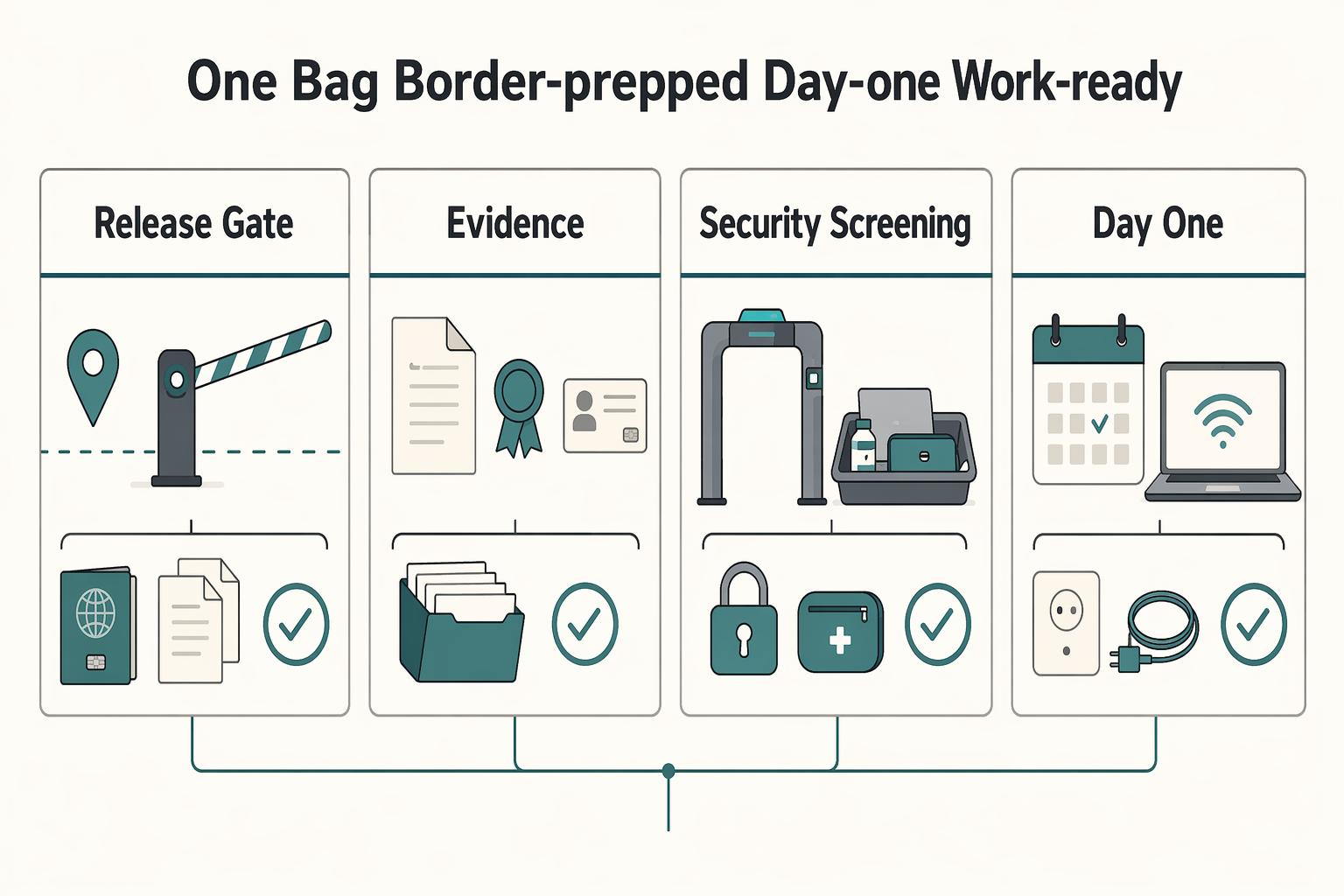
The rule is simple: pack light only if losing your main bag would not break identity, payments, health essentials, or your first work session. If those four still work from your personal item, you can travel much lighter without turning arrival day into a recovery exercise.