
Quick Answer
The right e-discovery software for a small business is the tool your team can defend under pressure, not the one with the longest feature list. Use a three-pillar audit to compare options: process integrity, platform reliability and controls, and people proficiency. Only shortlist tools that support documented legal holds, exportable custody records, privilege safeguards, and repeatable production workflows your actual users can run without coaching.
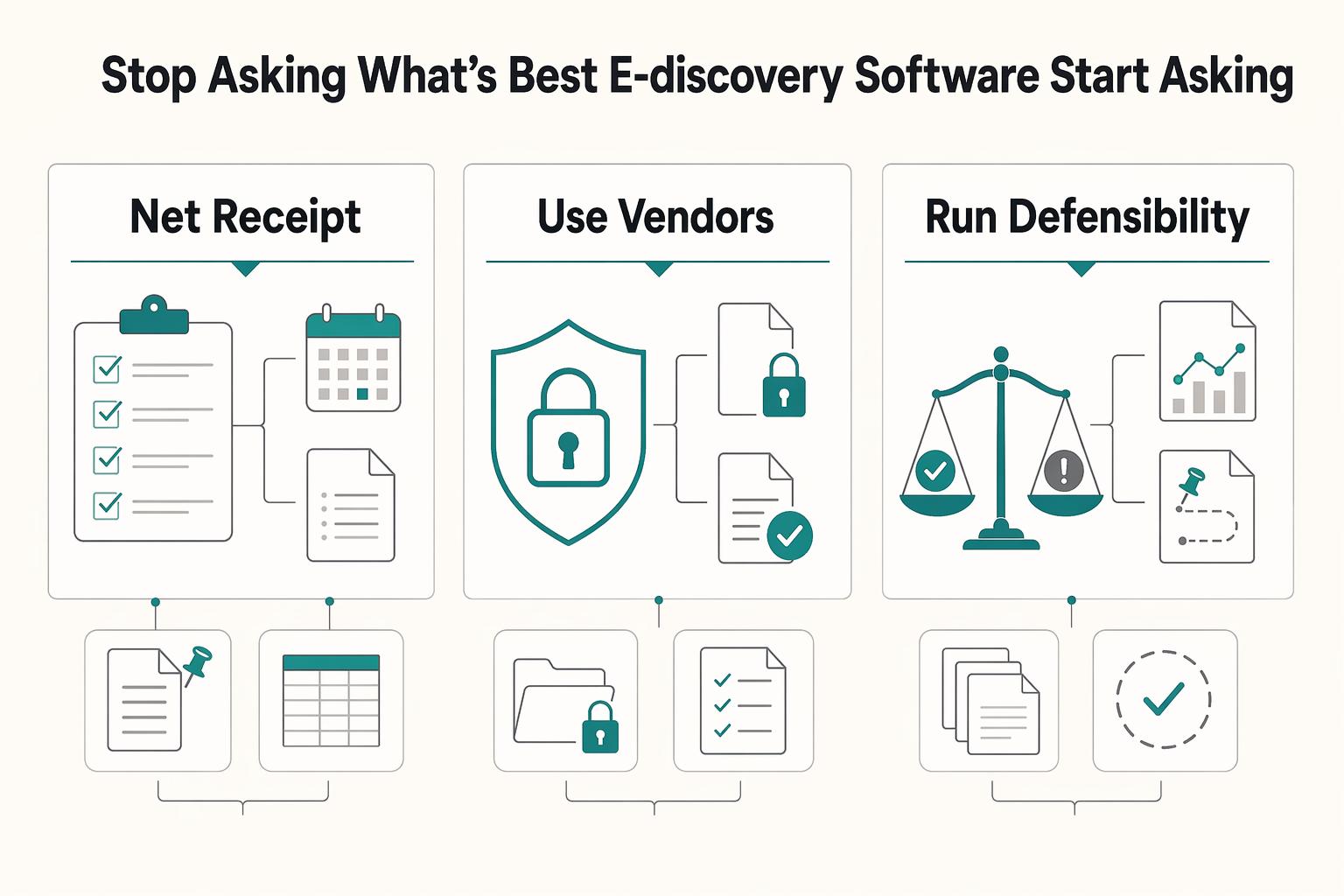
Introduction: Stop Asking "What's the Best E-Discovery Software?" Start Asking "What's the Most Defensible?"#
You will make a better choice if you treat e-discovery software as a defensibility decision, not a feature contest. The real question is whether a tool helps you preserve ESI with reasonable steps, protect privilege, and produce consistently under pressure.
- Start with predictable process failures
Operational breakdowns include a legal hold that is delayed or poorly tracked, relevant ESI that is lost, privileged material that is disclosed inadvertently, or production practices that vary from matter to matter. Under Rule 37(e), the focus is whether reasonable steps were taken, not whether your process was perfect. Your first test is practical: can you show what was preserved, when, and by whom?
- Use vendors as fit examples, not universal winners
Logikcull, Everlaw, and Relativity are useful reference points because they position themselves as cloud-based, cloud-native, or integrated e-discovery options. That does not make any one platform right for every small business or every matter. If a demo highlights interface polish but cannot clearly show legal hold tracking, privilege safeguards, and production records or production-form workflows, move it down your list.
- Run a Defensibility Audit instead of a vibes-based shortlist
This guide uses a three-pillar Defensibility Audit: process integrity, platform reliability and controls, and people proficiency. In practice, that means checking whether the platform supports repeatable workflows you can defend, including steps relevant to FRE 502(b) diligence and Rule 34 response discipline, such as specific objections, production form choices, and a workable 30-day response process.
The sections that follow turn that audit into a repeatable checklist, so you can compare tools with less guesswork and more evidence.
The Core Shift: Why Your Malpractice Carrier Cares More About Process Than Platform#
Choose the tool you can defend, not the one with the longest feature list. Your insurer and the court will care whether your process was reasonable and documented.
That is the trap. Strong-looking capabilities do not help if holds are inconsistent, chain-of-custody records are weak, or privilege workflows break under pressure. Under Rule 37(e), the core questions are whether you took reasonable preservation steps and whether missing ESI can be restored or replaced. Under FRE 502(b), protection for inadvertent disclosure depends on reasonable prevention steps and prompt correction.
| Decision criterion | What to verify now | Why it matters |
|---|---|---|
| Process enforceability | Request a live walkthrough of hold issuance, custodian tracking, review-set reporting, and production history. | Defensibility turns on documented preservation and review conduct, not vendor branding. |
| Team usability | Have your actual team complete a hold, privilege tagging, and export without coaching. | Competence includes understanding and using relevant technology in real work, not just watching a demo. |
| Support model | Confirm who owns migration, user support, and project management: the vendor team, partners, or both. | Partner-heavy models can introduce handoffs and service dependencies that affect speed and consistency. |
| Total cost of ownership | Estimate license cost alongside service-model and workflow-driven review costs. | Cost control depends on workflow and service model, not the subscription line alone. |
Run two pressure tests before you shortlist. First, confirm chain of custody so you can show who handled evidence, when, and why across collection, safeguarding, and analysis. Second, test review discipline by confirming you can track and report which content entered the review set.
Also watch for hidden operating risk in service-dependent setups. If day-to-day success depends on outside help, key cost and timing outcomes may sit outside the product demo. In some Purview-based flows, for example, search exports expire after 14 days.
Think of the software as an instrument for repeatable preservation, review, and production habits. With that in mind, the next step is the three-pillar audit: process integrity, platform reliability, and people proficiency.
Pillar 1: How to Audit for Process Integrity#
Use this pillar as a hard gate. If a tool cannot show repeatable preservation, review, and production steps, do not shortlist it, no matter how strong the analytics look.
1. Verify a complete legal hold notice trail#
You should be able to verify the full hold lifecycle in one place: notice issuance, custodian receipt, responses, reminders, escalation for non-response, and hold release actions when the matter closes. This is not optional process hygiene. Rule 26 requires preservation issues to be discussed, and Rule 37(e) focuses on whether reasonable preservation steps were taken.
| Hold lifecycle item | What the export should show |
|---|---|
| Notice issuance | When notices were sent |
| Custodian receipt | Acknowledgment status |
| Responses | Custodian responses |
| Reminders and escalation | Reminder and escalation history |
| Hold release | Release activity |
Ask for an exported hold record, not just a dashboard view. The export should show, by custodian, when notices were sent, acknowledgment status, reminder and escalation history, and release activity. Everlaw documents central hold tracking with periodic reminders and scheduled renotification and escalation, and Relativity Legal Hold documents automated follow-up for unresponsive custodians. If that trail requires manual reconstruction, treat it as a process gap. For a refresher on preservation fundamentals, see What is a 'Legal Hold' and When Do You Need to Issue One?.
2. Verify custody proof and integrity evidence you can export#
Do not accept generic claims about chain of custody. You need exportable proof artifacts for challenge response: action logs, user history, search records, hold lifecycle records, and export records tied to the matter.
Use a simple checkpoint: can the vendor produce a defensible, matter-level activity package showing who handled data, what actions were taken, when they were taken, and what was exported? Purview's eDiscovery audit references include hold lifecycle actions and search and export actions, which is the level of traceability you should expect. If logging is only high-level, you may not be able to answer basic handling questions when it matters.
3. Verify daily privilege controls your team can enforce#
Privilege protection has to work in daily operations, not just in theory. Confirm role-based permissions, defined review stages, consistent privilege tagging, an exception route for edge cases, and privilege-log output that supports assessment without disclosing privileged substance.
Test this with your own team. Tag potentially privileged documents, route exceptions to second-level review, and generate a sample privilege log. Rule 26 requires enough description for the other side to assess a withholding claim, and FRE 502(d) can add non-waiver protection by court order, but your workflow still has to hold up in use. Confirm permissions are managed through role groups, or an equivalent role-based model, and confirm the platform can handle privilege-log generation across rolling productions. Everlaw documents multi-production privilege logs. If privilege decisions depend on ad hoc tagging without stage controls, that is a red flag.
4. Verify repeatable production setup, not one-off exports#
Production quality depends on repeatability. Verify saved production templates or protocols, consistent metadata handling, and standardized output settings that can be reused across matters. Under Rule 34, your process should support production in usual-course organization or by request categories, and when form is not specified, output still needs to be ordinarily maintained or reasonably usable.
| Tool | Production setup detail | Verification step |
|---|---|---|
| Relativity | Production sets for redactions, numbering, and related settings | Require a live walkthrough of reusable production settings |
| Everlaw | Using an existing protocol as a template | Require a live walkthrough of reusable production settings |
| Logikcull | Explicit load-file field mapping | Validate suggested mappings before finalizing |
Require a live walkthrough of reusable production settings. Relativity documents production sets for redactions, numbering, and related settings. Everlaw documents using an existing protocol as a template. Logikcull documents explicit load-file field mapping and recommends validating suggested mappings before finalizing. That last check helps catch metadata issues before production is sent.
Red flags
- No saved production protocols or reusable templates
- Metadata mapping is not explicitly reviewed before completion
- Export settings depend on one power user instead of documented defaults
- No clean record of which settings were used for prior productions
If a tool fails this pillar, stop there. Do not advance it to security or usability comparison, regardless of feature claims.
Related: A Guide to 'E-Discovery' for Small Businesses.
Pillar 2: How to Audit for Platform Reliability & Security#
Treat this pillar as a stop point. If you cannot inspect reliability and security evidence, pause vendor selection even if the demo looks strong.
1. Ask for governance evidence you can inspect#
Start with artifacts, not assurances. Ask each vendor to show how governance work is handled across:
- Policy setting
- Policy enforcement
- Policy execution in data-management workflows
Then verify ownership and audience, not just control names. Ask:
- Which business roles are expected to use governance capabilities
- How different governance personas use the same capability
- Who owns handoffs between policy management and policy execution teams
Before the call, map your own business scenario, policy category, and governed assets. Use that intersection to define required capabilities.
2. Test behavior with your own scenarios#
Use representative files and workflows from your environment.
Your pass condition is context-specific behavior you can explain. Similar feature labels across tools can hide real differences, so require a use-case-specific walkthrough.
Also test whether classification behavior changes by context. Classification built for one governance objective can behave differently under another, so ask vendors to show those differences on your scenario set.
3. Verify comparisons before commitment#
Ignore broad capability claims until the comparison is like for like.
Ask the vendor to demonstrate:
- The exact use case or business scenario in scope
- The policy category being applied
- The governed assets involved
- The governance personas expected to use the capability
Then document the assumptions behind each demo so you do not compare tools by feature name alone.
4. Match operating model to your governance reality#
Choose the model that fits your governance capacity and risk tolerance, not the one with the best branding.
Do not assume cloud-native, hosted, or self-managed approaches are inherently safer. Evaluate each option against your ability to set policy, enforce policy, and support policy execution in practice.
If evidence is incomplete anywhere in this pillar, stop and resolve the gap before moving forward, even if feature depth looks strong.
Pillar 3: How to Audit for People Proficiency#
Use this as another hard gate. If your team cannot run the core workflows correctly under pressure, do not buy the tool.
You are responsible for proving team readiness during trial, not assuming it from a polished demo. In legal practice, technology competence includes staying current on technology risks and benefits and continuing education, so people proficiency is a risk-control issue, not a convenience feature.
1. Run a repeatable no-coaching workflow test#
A short usability test can reveal issues a polished walkthrough may miss. Use representative users, representative tasks, and recorded outcomes such as completion, errors, and observed friction.
| Task | Expected action | Failure points to watch |
|---|---|---|
| Search | Run and save a basic search | Navigation stalls; search misreads |
| Review | Review a document and confirm family context | Missed family links |
| Tagging | Apply tags, including a privilege-related tag | Tagging mistakes |
| Follow-up | Queue or export a small set for follow-up | Unclear next steps |
Run the test the same way for each shortlisted tool:
- Assign representative users, not only power users
- Give each user the same sandbox and the same core tasks:
- Run and save a basic search * Review a document and confirm family context * Apply tags, including a privilege-related tag * Queue or export a small set for follow-up
- Allow no coaching, no hints, and no vendor rescue
- Observe failure points such as navigation stalls, search misreads, tagging mistakes, missed family links, and unclear next steps
- Record one pass or fail note per user with date, task outcome, errors, and a one-line conclusion
Use explicit pass or fail criteria. If users stall, guess, or finish only after obvious confusion, mark it as a fail for readiness.
2. Pressure-test support as a deadline partner#
Do not score support on hours alone. Run one realistic deadline scenario and see whether support can handle legal workflow pressure.
During trial, open a real support interaction and ask one substantive workflow question tied to a live-risk situation, such as overinclusive search results plus inconsistent tagging before production. Then score the response on:
- Legal-context fluency: did they understand why the issue affects defensibility?
- Ownership: did they drive resolution instead of just sending links?
- Escalation clarity: did they explain next steps, who owns the issue, and the escalation path?
Keep the audit record: ticket ID, transcript, response timing, and your scorecard.
3. Compare people-cost drivers with a shortlist table#
Headline pricing is not enough. Compare which people-related costs are predictable and which can swing month to month.
| Tool | Pricing model | Predictable vs variable fees | Training cost/effort | Expert-support access | Common invoice surprises to verify |
|---|---|---|---|---|---|
| Everlaw | Data-hosted pricing; unlimited user licenses, processing, and productions; pay-as-you-go or annual committed volume | Unlimited user licenses can reduce seat-driven variability; variable exposure can come from usage-priced AI batch actions; billing uses peak native + peak processed data size for the month | Training Center resources and recurring live sessions are available free of charge | Support is stated as included for every customer | Verify AI usage charges, peak data billing impact, and any contract-specific add-ons |
| Logikcull | Storage-based pay-per-GB per month | Unlimited users, projects, and downloads can reduce seat-driven variability; storage growth can change monthly cost | Initial onboarding and training are listed in pay-as-you-go | 24/5 in-app support; all customers can file tickets and request voice or screen-share; premium subscribers get priority live-agent queue access | Verify premium tier terms, storage growth effects, and any add-on services |
| Relativity | Usage-based pricing; pay-as-you-go or 1-/3-year commitments | Usage-based structure can be more meter-driven; commitments may improve predictability | Confirm included training scope; advanced certification guidance cites 40+ hours of study and 6+ months of admin experience | Support is described as 24/7/365, with live and emergency on-call channels | Verify usage meters, included support scope, training terms, and partner-service fees |
4. Favor enablement that changes daily outcomes#
Choose the tool whose training model improves daily operations, not just the one with the most documentation.
Your target outcomes are practical: faster onboarding, fewer review errors, more consistent tagging habits, and less reliance on outside specialists for routine work. If routine workflows still require frequent expert intervention after onboarding, treat that as both an operational cost and a risk signal.
Applying the Framework: Matching the Right Software to Your Firm's Risk Profile#
Use your three-pillar findings to narrow the field quickly. The right choice is the platform your team can run defensibly when legal holds, document review, and production are all moving under deadline, not the one with the longest feature list.
Because more than 90% of records are electronic and the scope can span shared drives, mobile messages, and cloud storage, the real test is simple: can you keep control of the workflow, maintain a clear audit trail, and keep decisions defensible when pressure spikes?
From that starting point, do not pre-assign fit to any specific platform; treat each named tool as a hypothesis to verify in trial.
1. If you are a DIY firm, prioritize low-friction workflow control#
If your team plans to run matters directly, low-friction execution matters more than feature depth.
In trial, check whether a representative user can complete upload, search, review, tagging, and export without coaching. If users stall or guess during core steps, treat that as a defensibility risk.
2. If you are growing, prioritize collaboration consistency and auditability#
As more users and handoffs enter the picture, consistency becomes the real risk.
Ask for product-level proof, not slide claims. Save screenshots, search histories, export logs, and support interactions so you can compare what happens when multiple people work the same matter.
3. If you handle high-stakes matters, prioritize depth you can actually operate#
Complex matters need pressure tolerance and defensible records at larger scale, including cases that may involve millions of emails, chats, and attachments.
The main failure mode here is adopting complexity your internal team cannot run cleanly. If meaningful steps break under deadline pressure, both cost risk and deadline risk go up.
4. If you are AI-forward, prioritize reviewable and supervised outputs#
AI-assisted review can help only if results remain explainable and controllable, and platform-specific capabilities are verified directly in your current trial.
Do not accept broad AI claims at face value. Test whether outputs are reproducible, easy to supervise, and clearly bounded by human checks.
| Your profile | Platforms to test | Ideal use case | Key strength to verify | Key tradeoff | Implementation risk |
|---|---|---|---|---|---|
| DIY | Your shortlist | Lower-complexity matters you want to handle directly | Low-friction workflow control | May be a tighter fit if matter complexity expands | Overestimating what generalist staff can execute under pressure |
| Growing | Your shortlist | Multi-user matters with frequent handoffs | Collaboration reliability and auditability | Current feature availability must be verified | Inconsistent team behavior if shared workflows are not tested |
| High-stakes | Your shortlist | Large, complex, high-pressure matters | Control depth and defensible recordkeeping | Higher specialist dependency risk | Adopting a platform your team cannot operate cleanly |
| AI-forward | Your shortlist | Heavy review volume where speed pressure is high | Matter-specific TAR fit, court context, and supervised AI-review controls | Risk of overtrusting outputs you cannot explain | Weak human validation of AI-assisted decisions |
Before you decide, run this checklist:
- Confirm your actual risk profile based on current matters.
- Shortlist the tools that match that profile.
- Run the same controlled trial tasks from your three-pillar audit.
- Keep an evidence pack: user outcomes, exports, timestamps, and support records.
- Choose the most defensible fit, not the broadest feature set.
Conclusion: Build Your Defense, Then Choose Your Weapon#
You are making a risk decision, not buying a feature list. The best e-discovery software for your firm is the one you can operate, explain, and defend under pressure across process integrity, platform reliability, and team execution.
- Process integrity test
Before you sign, confirm that you can document the full path from preservation to production without gaps. Rule 37(e) (effective December 1, 2015) focuses on whether ESI should have been preserved, whether reasonable steps were taken, and whether missing ESI can be restored or replaced, and it does not itself create a duty to preserve. Run a sample matter and verify that you can export a usable record of handling steps, including chain of custody and a production output in the requested Rule 34 form.
- Platform reliability and security test
Treat security and reliability as verification work, not marketing copy. Ask for current assurance materials such as SOC 2 Type II, confirm storage location and controls, and verify that the platform can handle the range of ESI formats Rule 34 covers. Everlaw, Relativity, and Logikcull each publish security and compliance claims, but your decision should rest on what you can validate in your own workflow.
- People proficiency test
Choose the platform your team can run consistently without avoidable handoff risk. Use vendor positioning as a starting point, then validate with a pilot: Logikcull positions its workflow from legal hold through review and production, Everlaw markets a cloud-native platform, and Relativity says RelativityOne scales across project sizes. Fit by risk profile and operator capacity is the point, not feature volume.
Finalize your criteria, run one last defensibility check on workflow records and exports, then choose the tool that best protects your process integrity, platform reliability, and team execution.
Frequently Asked Questions
How much does e-discovery software cost?
Cost depends on the pricing model and on what gets billed after scope expands. Current vendor materials show hosted-data, per-GB, and pay-as-you-go approaches, with examples such as Everlaw hosted-data pricing, RelativityOne pay-as-you-go or annual subscription options, DISCO per-GB billing, Reveal pay-as-you-go or subscription pricing, and Logikcull monthly no-commit data-stored pricing with a 10 GB minimum. Ask for a written quote that states data-volume assumptions, what is included, and any hourly services under a Statement of Work.
What is the best e-discovery software for a small law firm?
There is no universal best option for a small law firm. Use the three-pillar audit to find the best risk-fit based on process integrity, platform reliability, and people proficiency. Test Logikcull if you want attorney-run control with fewer outside-vendor handoffs, Everlaw if you want hosted-data pricing with unlimited users, processing, and productions, RelativityOne if matters are technically heavy and you have enough operator depth, and DISCO if first-pass review speed is the pressure point with strict human supervision. Then run the same upload, search, tagging, privilege, and production workflow in each tool and keep screenshots, timestamps, and export logs.
Everlaw vs. RelativityOne: which is better?
Choose based on your dominant failure mode, not brand preference. Everlaw is often a fit when you want hosted-data pricing with unlimited users, processing, and productions. RelativityOne is often a better fit when matter complexity is higher and you can support its implementation demands. Before you choose, require both vendors to map who owns workspace setup, how data is exported, and how escalations work during a deadline week.
What are the biggest risks in the e-discovery process?
The biggest risks are spoliation, privilege waiver, and uncontrolled cost. Rule 37(e) focuses on whether ESI was lost after a failure to take reasonable preservation steps, and Rule 502(b) protection depends on inadvertence plus reasonable prevention and prompt rectification. Review your hold and clawback workflow now so your process is defensible before pressure spikes.
What is Technology-Assisted Review (TAR)?
TAR is computer-assisted review that courts accept in appropriate cases, but it is not a one-size-fits-all protocol. You still need a defensible, case-specific design. If a vendor makes performance claims, validate them on your own matter data with a supervised pilot and keep exportable sampling, override, and QC records.
Do I need an expert to run e-discovery software?
You may not need outside experts for every matter, but you do need clear operator ownership before you commit to a platform. Logikcull is positioned to reduce vendor handoffs, Everlaw still needs an internal owner for operations and billing visibility, and RelativityOne requires a realistic capability check because implementation complexity remains a real operating risk. Support helps, but it does not remove accountability for defensible execution inside your team. Before you sign, name who will own uploads, collection validation, privilege review controls, and productions.
Try a related tool
Researched and edited by the Gruv editorial team. Gruv builds cross-border billing, payouts, and finance-operations software for global businesses.
Sources
Includes 1 external source outside the trusted-domain allowlist.
- csrc.nist.gov/glossary/term/chain_of_custodytrusted
- fjc.gov/publications/amendments-federal-rules-practi...trusted
- law.cornell.edu/rules/frcp/rule_34trusted
- nist.gov/programs-projects/usability-testingtrusted
- uscourts.gov/forms-rules/current-rules-practice-procedure...trusted
- uscourts.gov/file/3481/downloadtrusted
- americanbar.org/groups/professional_responsibility/publicati...external
Educational content only. Not legal, tax, or financial advice.
Related Posts

Value-Based Pricing for Freelancers Under Real Payment Risk
Value-based pricing works when you and the client can name the business result before kickoff and agree on how progress will be judged. If that link is weak, use a tighter model first. This is not about defending one pricing philosophy over another. It is about avoiding surprises by keeping pricing, scope, delivery, and payment aligned from day one.
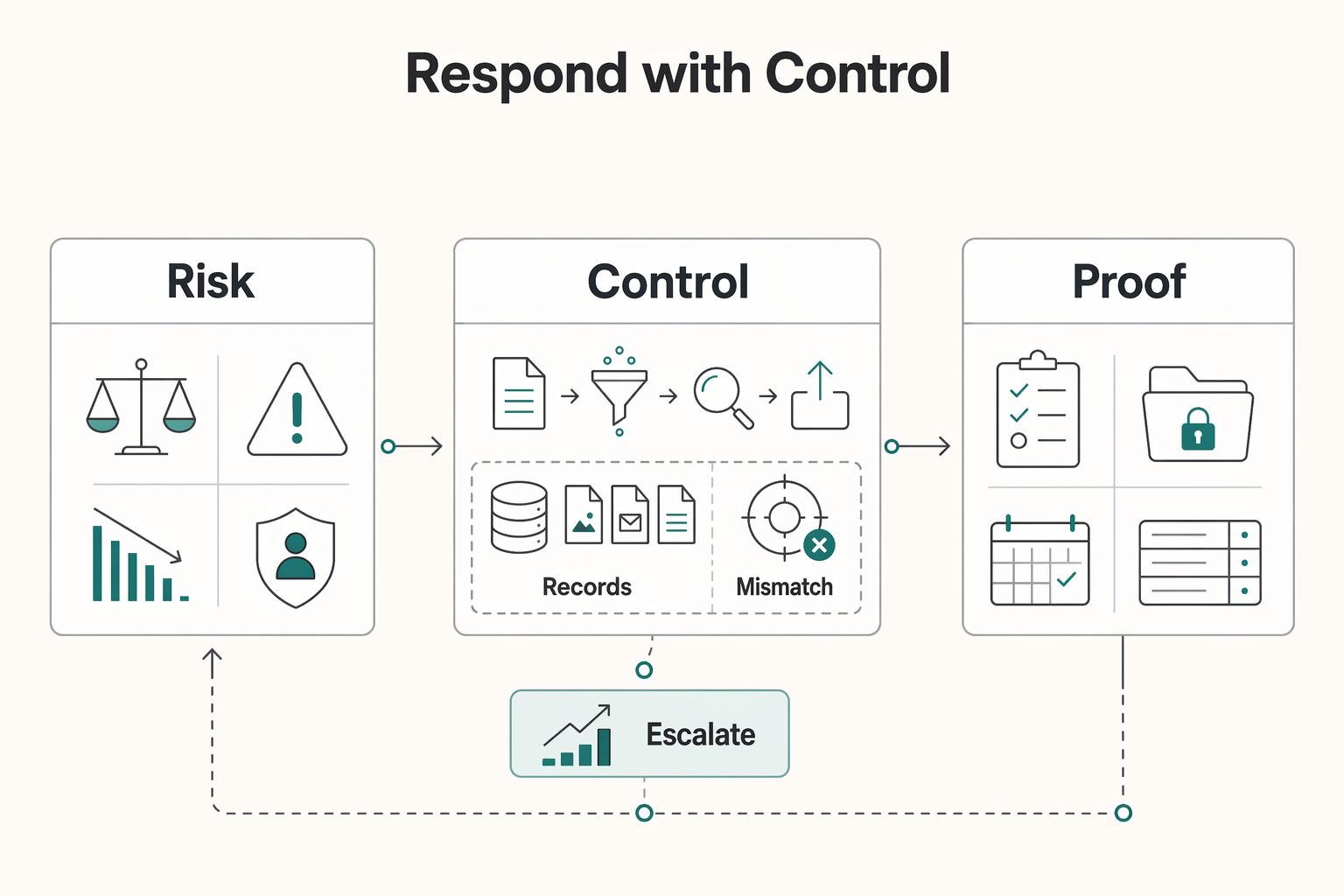
E-Discovery for Small Businesses Under Real-World Pressure
You do not need to treat e-discovery as a crisis. If you run a solo practice or a very small team, the job is operational: know where business data lives, preserve potentially relevant material when a dispute appears, and deliver it in a usable format.
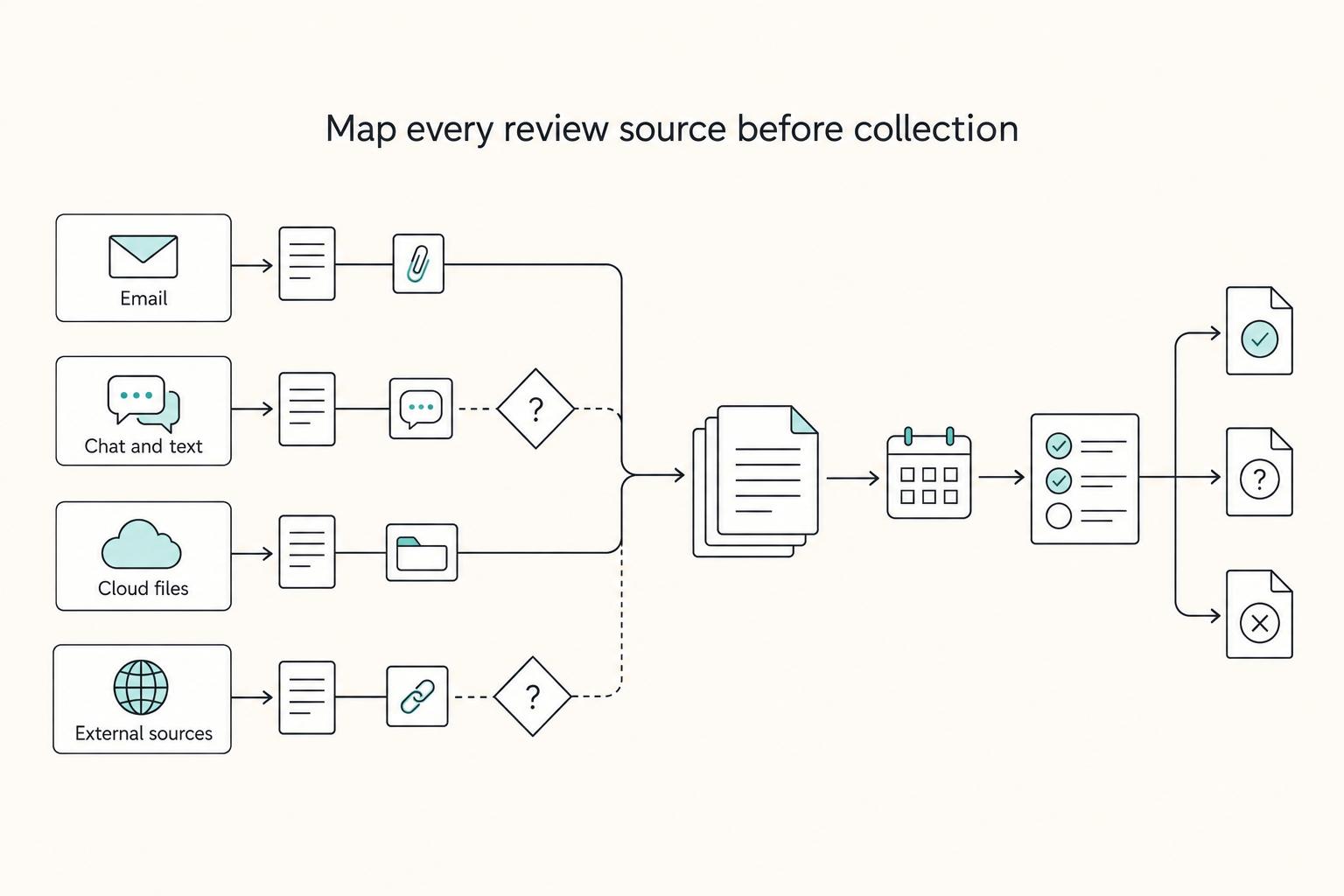
What Is a Legal Hold and When Should You Issue One?
A legal hold works best when the process is defensible: spot the trigger early, pause ordinary deletion, and document what was preserved and by whom.