
Quick Answer
Use a three-tier file policy: keep signed contracts and final tax or IP records in Tier 1, run active client work in Tier 2, and keep completed material plus backups in Tier 3. Then verify legal context before rollout by checking provider legal entity, hosting location, DPA, subprocessors, and any GDPR Chapter V transfer basis. Close the loop with restore tests and an evidence pack, including an access-role matrix, sharing policy, and retention rules.
Why Your Current Cloud Storage Could Be Your Biggest Liability#
Your storage setup is a business risk decision, not just a software choice. If you handle client files, contracts, source code, or personal data, default cloud settings can create legal exposure, weak audit evidence, and avoidable IP loss. Those problems often show up long before anything looks broken.
- Jurisdiction conflict can put you in the middle
An EU data center alone is not the full compliance answer. A provider subject to U.S. legal process can be compelled to disclose data even when it is stored outside the United States, while GDPR Chapter V still requires a valid transfer basis for third-country transfers. The EU-U.S. Data Privacy Framework, in force since July 10, 2023, can support transfers for participating U.S. commercial organizations, but that scope is limited. Adequacy decisions are reviewed periodically, including a first DPF review report published on 9 October 2024. In practice, you need to check the provider legal entity, hosting location, support and admin access model, DPA availability, subprocessor chain, and transfer mechanism if personal data leaves the EU. If you are evaluating cloud storage european data centers, treat location as one control, not the whole answer.
- Audit-readiness gaps become your problem, not the vendor's
GDPR accountability means you must be able to demonstrate compliance under Article 5(2), not just say you use a well-known tool. Article 30 requires processing records, and Article 32 requires security measures appropriate to risk. Operational gaps can include scattered folders, unclear ownership, weak retention discipline, and long-lived sharing links. That becomes a real problem during client due diligence, disputes, or incident response. If a personal-data breach occurs, notification can be required within 72 hours of awareness (where feasible), so you need usable records now, not after the event. Keep a basic evidence pack: DPA, subprocessor list, access-role matrix, sharing policy, retention rules, and a processing record for client data categories.
- IP exposure usually starts with access sprawl, not dramatic attacks
File leakage often comes from convenience: broad shared folders, forwarded links, or old contractor access that was never removed. That conflicts with least privilege and data protection by default. Under GDPR, a personal data breach includes unauthorized access or disclosure, as well as loss or alteration. In practice, that can mean unauthorized exposure of client information in deliverables, pricing files, templates, or source material. A compliance-oriented setup limits the damage with role-based access, expiring links, and consistent access revocation when projects or contracts end.
| Decision area | Consumer-default behavior | Compliance-oriented behavior |
|---|---|---|
| Jurisdiction | "EU server" marketing with limited transfer context | Legal entity, hosting, subprocessors, and transfer basis verified |
| Access controls | Broad folder access and long-lived links | Least-privilege roles, expiring links, offboarding reviews |
| Audit trail discipline | Activity exists but ownership and retention are unclear | Documented sharing rules, retention logic, producible records |
| Breach impact | Wider exposure and slower reconstruction | Smaller blast radius and faster incident assessment |
The practical fix is to separate files by risk so mission-critical records, active collaboration, and long-term archives are not all governed by the same defaults. If you want a deeper dive, read Value-Based Pricing: A Freelancer's Guide.
Sort files into three tiers by risk before you upload#
A simple three-tier model can give you more control than feature-by-feature shopping. Classify each file by risk first, then decide where it lives. If you are comparing providers with European data centers, that order keeps the decision grounded in actual exposure.
Before you upload anything, score the file on three checks: sensitivity, collaboration frequency, and retention need. High sensitivity can move it to Tier 1. High collaboration often fits Tier 2. Long-term retention with low day-to-day use often fits Tier 3.
| Tier | File types | Security posture | Typical sharing behavior | Primary failure risk if misclassified |
|---|---|---|---|---|
| Tier 1 | Irreplaceable or high-liability records | Tight access, minimal copies, clear ownership | Rare sharing, named recipients only | Exposure, loss, or alteration of critical records |
| Tier 2 | Active project files and in-progress collaboration material | Controlled sharing, regular access review, version discipline | Frequent internal or client sharing | Access sprawl, stale links, unclear ownership |
| Tier 3 | Completed work, historical records, recovery copies | Read-mostly, retention-focused, recovery-ready | Little or no routine sharing | Missing or unusable records when you need recovery |
For records you treat as authoritative, keep a quick provenance check with the file. Official EU pages use europa.eu. Official U.S. government websites use .gov, and secure .gov pages use HTTPS. If you rely on a PMC paper, keep the full text via Download PDF and remember NLM/PMC inclusion is not content endorsement.
With that model in place, the next step is to give each tier a single job and keep them from bleeding into each other.
You might also find this useful: The Best Cities for Digital Nomads with Families.
As you define your three storage tiers, map your payment and payout records the same way so audits are easier later. Use Gruv Docs as your implementation checklist.
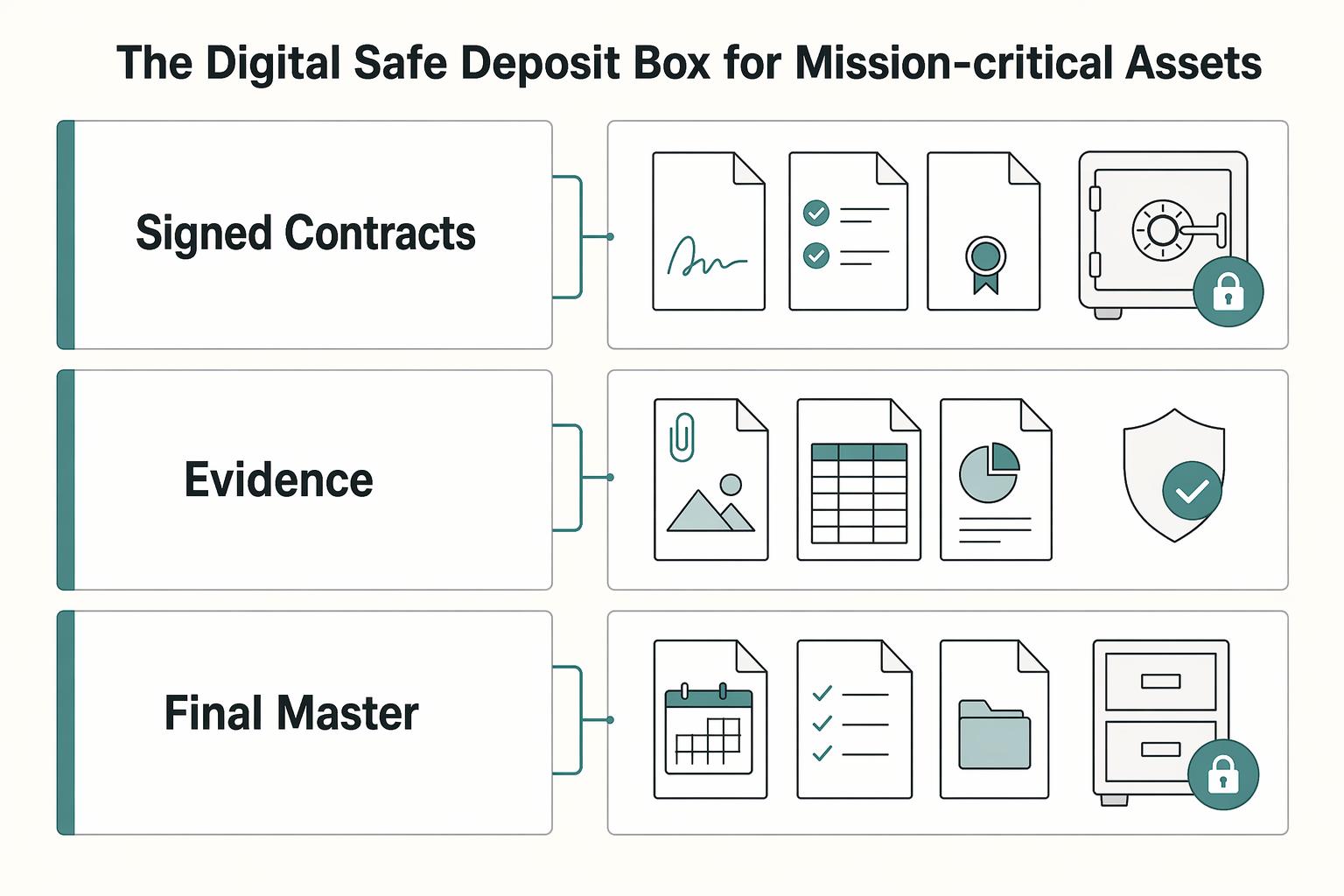
Tier 1: The Digital Safe Deposit Box for Mission-Critical Assets#
If losing, changing, or exposing a file would materially hurt your legal position, tax record, or business continuity, it belongs in Tier 1. Treat this tier as a low-access vault for final records, not a collaboration space.
Use Tier 1 for files you may later need to produce to prove what happened and defend a decision. In practice, that often means signed contracts such as MSAs, SOWs, and NDAs. It also includes final invoices and supporting travel records, plus other closed, high-impact records needed for legal, tax, or audit defense. The deciding factor is impact, not format.
Keep related evidence together so timelines are easy to reconstruct. For example, store the signed agreement with the final invoice and supporting records for the same engagement. Scattered storage is a common way to break chronological audit readiness.
| Belongs in Tier 1 | Does not belong in Tier 1 | Why |
|---|---|---|
| Signed contracts and final amendments | Negotiation drafts and redlines | Final legal record belongs in the vault; working files belong in Tier 2 |
| Final invoices and supporting travel records | Weekly bookkeeping working exports | Audit evidence is read rarely; operational files are active |
| Closed-period tax and financial records | In-progress finance worksheets | Final records need stable custody |
| Final IP master copy (deliverable or archive) | Files still under review or iteration | The authoritative copy belongs here; collaboration files do not |
Provider checklist#
For Tier 1, start with custody and exposure, not convenience. That is the right lens when you compare options such as Tresorit and Proton Drive. If a vendor is vague about key custody, who can access readable data, or replication operations, treat that as a Tier 1 risk signal.
| Checkpoint | Confirm | Section detail |
|---|---|---|
| Zero-knowledge design | Encryption is client-side | The provider cannot decrypt or meaningfully profile content |
| Key control | Who holds decryption keys in normal operation | Whether customer-managed keys are available for your plan |
| Data residency and operations | Storage location | Whether cross-region replication or centralized administration expands exposure |
| Recovery design | Account recovery requirements | Document verified requirements before trusting a provider for Tier 1 records |
| Jurisdiction risk | The legal context | The 2018 US CLOUD Act is described as enabling compelled access to provider-held data |
- Zero-knowledge design: Confirm encryption is client-side so the provider cannot decrypt or meaningfully profile content.
- Key control: Confirm who holds decryption keys in normal operation and whether customer-managed keys are available for your plan.
- Data residency and operations: Confirm storage location and ask whether cross-region replication or centralized administration expands exposure.
- Recovery design: Review account recovery in detail and document verified requirements before you trust a provider with Tier 1 records.
- Jurisdiction risk: Keep the legal context in view. The 2018 US CLOUD Act is described as enabling compelled access to provider-held data, which can create GDPR tension when providers can access readable data.
Implementation workflow#
- Classify first
Move only final, high-impact records into Tier 1. If a file changes often or needs routine sharing, keep it in Tier 2.
- Apply strict folder conventions
Use a durable structure such as PERMANENT-RECORDS/2026/CLIENT-CONTRACTS/ClientName and PERMANENT-RECORDS/2025/TAX/FINAL.
- Enforce write-once, read-rarely handling
Upload the final version, use unambiguous naming, and avoid ongoing edits inside the vault.
- Verify recovery before trusting the vault
Run a restore test with a non-sensitive file and document the exact steps. Record the recovery requirement after verification.
For a step-by-step walkthrough, see A Guide to Data Sovereignty and Its Impact on Cloud Storage.
Tier 2: The Active Workspace for Secure, Agile Collaboration#
Tier 2 is where work should move quickly, but not loosely. Use it for drafting, review, revision, and approval, then move files out once your policy marks them as authoritative records. If a file becomes a final version you may need to defend later, treat that as the signal to promote it to Tier 1.
Keep this tier focused on in-motion files: draft reports, design comps, manuscript versions, research packs, current project assets, and deliverables still in client review. A practical rule is simple: active work stays in Tier 2 until approved, and authoritative records move to Tier 1.
Keep active work separate from final records#
Do not let Tier 2 become both workspace and archive. That is where version confusion and lingering access usually start. Use one repeatable structure so file state is obvious, for example: CLIENTS/Acme/2026-Brand-Refresh/01-Working, 02-Review, 03-Handoff. This keeps live edits, client-visible review material, and handoff-ready outputs separate until final promotion.
Evaluate providers by exposure and operating controls#
For daily work, compare providers on exposure first and convenience second. A practical evaluation lens is sharing controls, jurisdiction, admin visibility, and whether you can isolate sensitive collaboration in a narrower private area.
| Area | Verify | Article note |
|---|---|---|
| Sharing controls | Verify directly | Provider-specific sharing controls are not confirmed from the evidence used here |
| Admin visibility | Verify directly | Admin visibility is not confirmed from the evidence used here |
| Private-vault behavior | Verify directly | Private-vault behavior is not confirmed from the evidence used here |
| Versioning details | Verify directly | Versioning details are not confirmed from the evidence used here |
| Workspace data handling | Where workspace data is handled | Check whether U.S.-related processing appears in privacy terms |
| Resilience | How one-zone failure is handled | Check whether the architecture supports high availability across two availability zones |
| Proof of concept | Sharing, access removal, project-close export | Track how you record the approved version |
pCloud and Koofr can be part of that evaluation, but verify details directly instead of assuming how features work. Based on the evidence used here, provider-specific sharing controls, admin visibility, private-vault behavior, and versioning details are not confirmed.
Confirm where workspace data is handled. Check whether U.S.-related processing appears in privacy terms, and how resilience is handled if one zone fails. A concrete checkpoint is whether the architecture supports high availability across two availability zones.
Before you standardize on a provider, run a short proof of concept. Test sharing, access removal, project-close export, and how you track the approved version.
Use controlled collaboration defaults#
Use a small set of defaults and review them at the same points every time. This can be your repeatable operating loop:
| Collaboration action | Safer default | What to check each time |
|---|---|---|
| Send files for review | Share only the specific file or review subfolder needed | Access scope matches the task |
| Add a collaborator | Grant the narrowest practical access | Access is role-based, not broad by habit |
| Revise after feedback | Keep edits in Tier 2; move only approved final records to Tier 1 | Draft and final copies are clearly separated |
| Reach a project milestone | Review and trim active shares | Unneeded access is removed on schedule |
| Close a project | Revoke external access and remove temporary collaborators | No stale access remains |
- Standardize your workspace structure.
- Share with least-privilege scope.
- Review access on milestones and on a regular cadence.
- Run project-close cleanup immediately.
When collaboration is complete, Tier 2 should shrink. Final records can move to Tier 1, and completed working material can move to archive or backup so collaboration speed does not weaken long-term retention. Related: The Best Secure Cloud Storage for Freelancers.
Tier 3: Keep a separate recovery layer for completed work#
Tier 3 should be your recovery layer for completed work, not another place people browse and share from. Once a project stops moving, the goal is straightforward: support reliable recovery if something goes wrong.
Tier 3 comes into play when your main workflow is disrupted, for example:
- primary data becomes unavailable
- important files are lost
- access to main storage is interrupted
A practical baseline is 3-2-1: keep 3 copies of your data (1 primary + 2 backups), on 2 storage media types, with 1 copy offsite. If your setup supports it, 3-2-1-1-0 adds immutability and resiliency.
What you archive and how to handle it#
| Archive set | Archive format | Encryption state | Retention label | Restore priority | Handling standard |
|---|---|---|---|---|---|
| Completed project bundles | Your standard archive package format [verify policy] | Record whether it is encrypted before upload | [verify policy] | Medium (High if core IP or open liability is involved) | Keep the closed-project package complete so recovery is not limited to partial files |
| Historical financial records | Consistent finance archive package format [verify policy] | Record whether it is encrypted | [verify policy] | High | Keep naming and date structure consistent so records are traceable during later review |
| Full backups of Tier 1 and Tier 2 | Backup-set format used by your backup workflow [verify policy] | Record whether it is encrypted | [verify policy] | Based on operational impact; keep at least one copy accessible for quick retrieval | Label each set with backup date and source tiers so recovery scope is clear |
Tier 3 should remain a separate recovery layer, not just another folder in the same day-to-day account path.
Manual versus automated archive workflows#
| Decision area | Manual archive workflow | Automated archive workflow |
|---|---|---|
| Reliability | Can be skipped during busy periods | Can run on a defined recurring cadence [set cadence] |
| Recoverability | Coverage can be inconsistent across runs | Can improve consistency across Tier 1 and Tier 2 backup coverage |
| Audit traceability | Depends on manual logging discipline | Can make timestamps, scope, and run history easier to maintain |
| Human-error exposure | Higher day-to-day handling load | Lower day-to-day handling load if jobs are reviewed and restores are tested |
Automation can be the safer default because incidents are a matter of when, not if. But it still needs verification, and the controls below only work if you actually test them.
Controls that matter most#
| Control | Verify | Section detail |
|---|---|---|
| Immutability | An immutable or append-only option is enabled | Use it when available |
| Access boundary | Tier 3 sits behind a separate access boundary from primary storage | Keep it separate where feasible |
| Backup cadence | A recurring cadence, owner, and failure-review steps are documented | Define and document the cadence |
| Restore drills | Restore a sample archive set | Confirm files open correctly and log results |
- Use an immutable or append-only option when available, and verify it is actually enabled.
- Keep Tier 3 behind a separate access boundary from primary storage where feasible.
- Define and document a recurring backup cadence
[set cadence], including owner and failure-review steps. - Run recurring restore drills
[set interval]: restore a sample archive set, confirm files open correctly, and log results.
If restores have not been tested, recovery certainty is still unproven. Treat restore testing as part of Tier 3, not an optional extra. We covered this in detail in Data Controller vs Data Processor for Freelancers.
Conclusion: Treat storage as an operational risk decision#
Your storage setup is an operational risk decision, not a convenience setting. Treat it with the same discipline you apply to contracts, billing, and client access controls. Control and governance are the right standard for storage choices.
- Tier 1 for control
Keep signed contracts, tax records, ID files, and final IP in your highest-control environment. Document where these files live, limit access, and keep clear records you can show if a client or adviser asks. This also helps reduce leakage risk from sensitive material copied into unsanctioned public AI tools.
- Tier 2 for collaboration safety
Use a separate workspace for active projects, drafts, and client exchange. Apply password protection, expiry, access limits, and revoke controls where available so working files are less likely to spread through inboxes and unmanaged downloads. Confirm your actual plan settings and record your chosen region.
- Tier 3 for recovery readiness
Use archive storage to reduce disruption when files are deleted, devices are lost, or a workspace fails. Do not stop at "backup enabled." Run a sample restore, confirm files open, and log the date and scope.
Start with four actions:
- Choose one provider per tier and record the selected jurisdiction or region.
- Set Tier 2 sharing defaults: password, expiry, revoke access.
- Automate archive backups to a separate destination.
- Document the restore process and run a sample restore.
This approach will not answer every compliance question, and location alone does not prove GDPR compliance. Cloud services still depend on physical data-center infrastructure, and regulatory expectations vary by market. It can give you clearer control, safer collaboration, and a stronger response when something goes wrong.
This pairs well with our guide on The Best Virtual Data Room (VDR) Software. If you want a compliance-first setup where your cross-border money movement stays traceable end to end, contact Gruv to confirm fit for your market and workflow.
Frequently Asked Questions
What is the most secure cloud storage for sensitive business documents?
For Tier 1 files, prioritize services with zero-access storage, where the provider cannot access stored contents. Use that standard for signed contracts, tax records, ID documents, and core IP. Tresorit fits when you want default storage in European or Swiss data centers under EU and Swiss privacy laws, while Proton Drive fits when Swiss legal context and zero-access storage are your priority.
Why choose a European data center over a US one for business?
Choose an EU data region when you need a predictable storage location for files, metadata, and backups. That gives you clearer operational control, but it does not settle compliance by itself. With pCloud, you can choose EU (Luxembourg) or US (Dallas), and it states files, metadata, and backups stay in the region you select; if you later change region, pCloud lists a one-time $19.99 fee. If you use Hetzner, select location deliberately because its cloud spans 4 network zones and 6 locations, including non-EU zones, while its own data center parks are in Germany and Finland and USA and Singapore use colocation.
Is Swiss cloud storage GDPR compliant?
Swiss hosting can be a strong option, but it is not automatic GDPR compliance for every use case. You still need a valid transfer basis under GDPR Chapter V and a setup that matches your policy. The EU adequacy mechanism allows flows to recognized third countries without extra safeguards, and Switzerland is listed, but adequacy is time-sensitive, so document the current status after verification.
How do I create a secure digital filing system for my business?
Use a three-layer system and run it consistently: vault, workspace, archive. Store authoritative versions of signed contracts, tax records, incorporation documents, and final IP in Tresorit or Proton Drive, and keep active project folders in an EU-based working area, for example pCloud with EU region selected, using password-protected and expiring links where available. Back up vault and workspace to a separate destination; if you use Hetzner, note daily server backups with 7 backup slots per server, then still apply 3-2-1 for resilience. Use one naming pattern such as YYYY-MM-DD_Client_Project_Doc_V#, keep client and project codes consistent, run scheduled sample restores, verify files open, and log restore date and scope.
What is the difference between end-to-end and zero-knowledge encryption?
Treat encryption type and storage jurisdiction as separate controls. End-to-end encryption means data is encrypted on the sender’s device before it reaches the service, while zero-access means the provider cannot access cloud-stored contents. For Tier 1 decisions, start with whether stored files are zero-access. Then evaluate region and jurisdiction for transfer and operational exposure.
Try a related tool
Researched and edited by the Gruv editorial team. Gruv builds cross-border billing, payouts, and finance-operations software for global businesses.
Sources
- cisa.gov/sites/default/files/publications/data_backup...trusted
- commission.europa.eu/law/law-topic/data-protection/international-...trusted
- csrc.nist.gov/glossary/term/least_privilegetrusted
- dataprivacyframework.gov/Program-Overviewtrusted
- edpb.europa.eu/sme-data-protection-guide/international-data...trusted
- eur-lex.europa.eu/eli/reg/2016/679/2016-05-04/engtrusted
- europarl.europa.eu/RegData/etudes/STUD/2025/778576/ECTI_STU(202...trusted
- justice.gov/nsd/media/1382521/dltrusted
Educational content only. Not legal, tax, or financial advice.
Related Posts
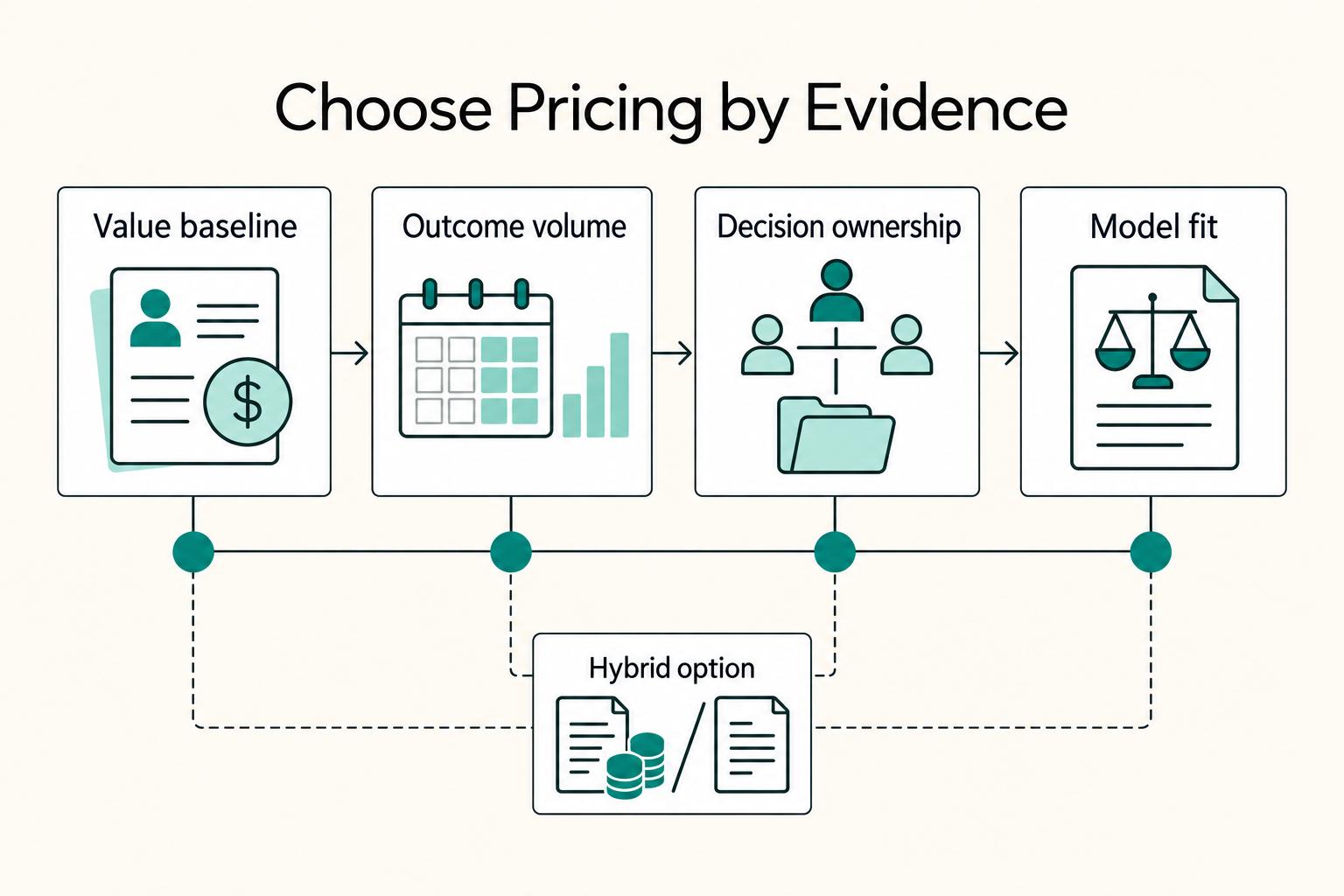
Value-Based Pricing for Freelancers Under Real Payment Risk
Value-based pricing works when you and the client can name the business result before kickoff and agree on how progress will be judged. If that link is weak, use a tighter model first. This is not about defending one pricing philosophy over another. It is about avoiding surprises by keeping pricing, scope, delivery, and payment aligned from day one.
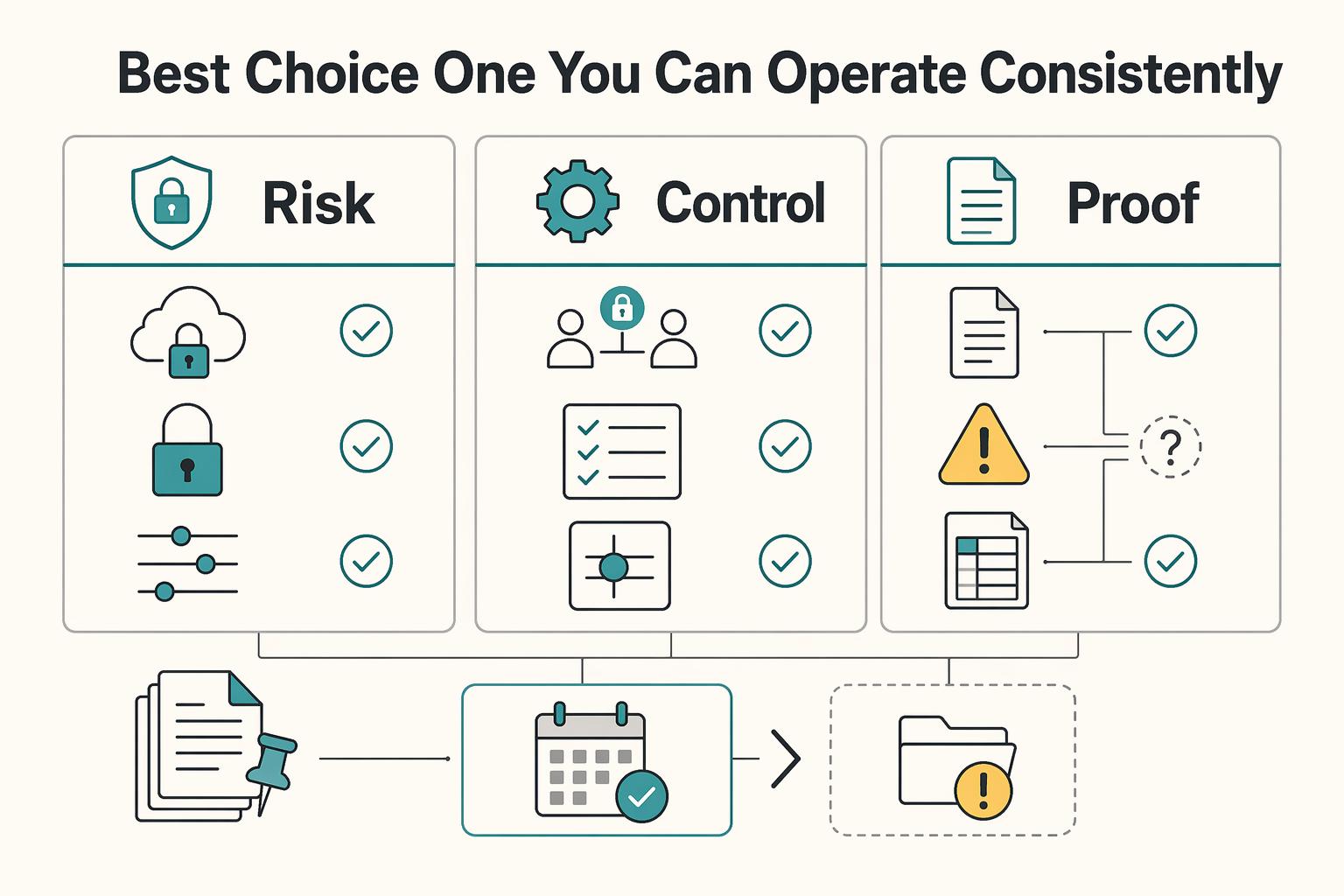
The Best Secure Cloud Storage for Freelancers
For freelancers, a secure cloud storage decision should start with risk, not convenience. One weak sharing setting can expose client files, and trust is harder to rebuild than a folder structure.
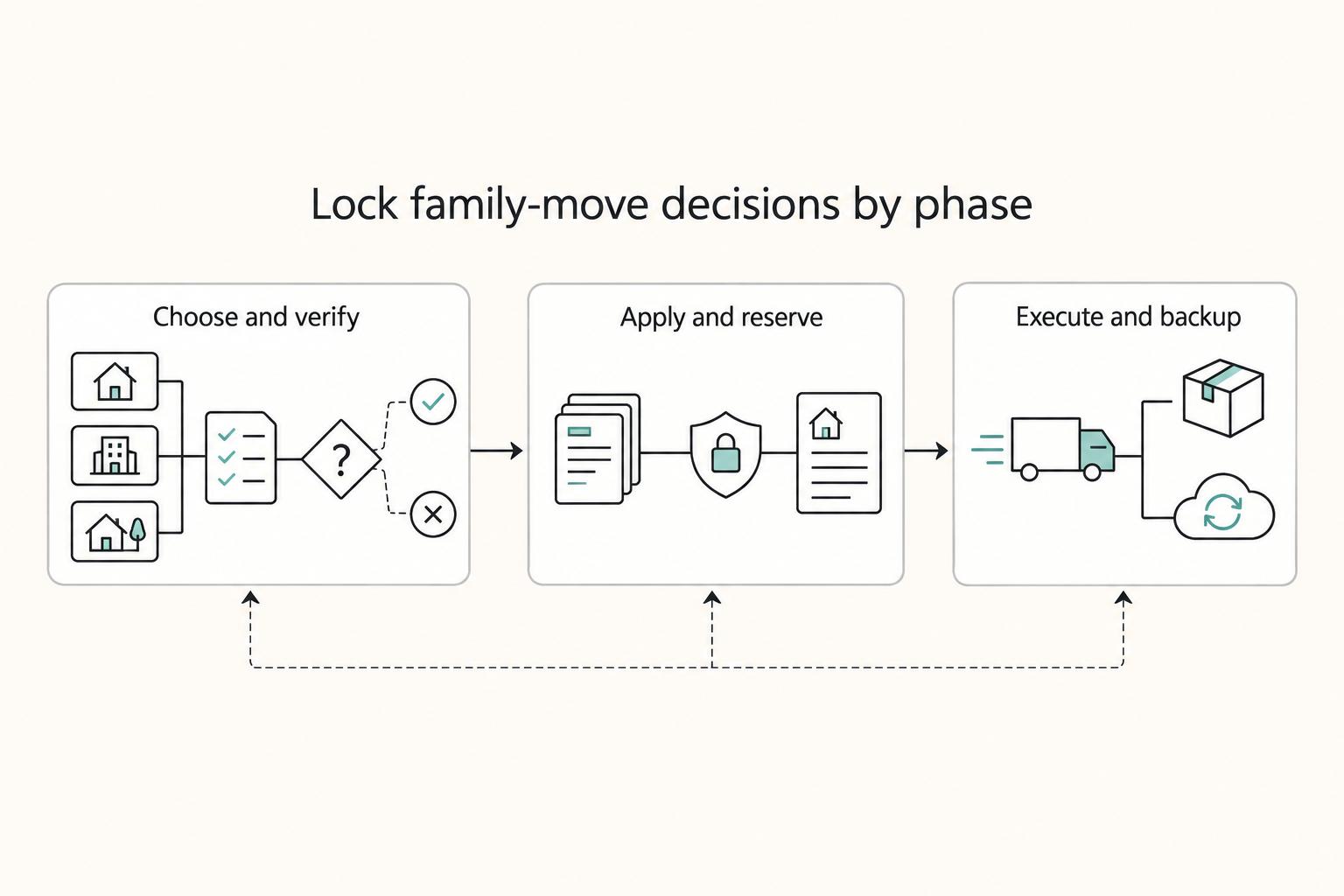
The Best Cities for Digital Nomads with Families
**Don't pick cities on vibes alone. Compare them with a simple, verification-first framework, then confirm every "yes" with a primary source before you book anything nonrefundable.** When you're moving with kids, not just traveling, you need a process that still works when you're tired, busy, and on a deadline. The operator loop is simple: assess, verify, then execute.