

Quick Answer
Choose freelance productivity apps by testing a real job across delivery, billing and supporting records. Verify the actual plan, total stack cost, exports and access controls. Keep separate tools if their records connect reliably; repair missed handoffs before migrating.
The Flaw in Your Search for the Perfect Productivity App#
Test a productivity app against one real client job: can you find the brief, the agreed billing event, the invoice and the payment record? A tidy task board is useful, but these handoffs determine whether your setup supports the business.
| Issue | Meaning | Check |
|---|---|---|
| Visible work vs working system | A polished board can make you feel organized while the underlying workflow still breaks | Trace one job from start to finish and note where decisions, status, and next steps live |
| One app vs real stack | A productivity stack is the combined set of tools you use together: email, calendar, docs, project management, and chat | Check whether your calendar, docs, and task management tool connect cleanly |
| App-hopping vs problem definition | The common failure mode is assuming the next app will finally fix everything | Write down one execution issue, one handoff issue, and one follow-through issue before you compare software |
Most all-in-one tools focus on visible execution. They help you capture tasks, organize notes, plan projects, and keep deadlines in view. That matters. But apps alone do not solve it. The bigger friction usually sits in how your tools work together and where handoffs break.
Use the three-pillar test below to evaluate your current tools before paying for a replacement.
Why Popular Productivity Apps Feel Incomplete#
A project workspace may organize briefs, tasks and deadlines well. Check separately how it links to billing and supporting records; those capabilities depend on your setup, product and plan.
| Gap | Verify | Risk |
|---|---|---|
| Organized tasks vs end-to-end control | Delivery confirmation, invoice details, invoice send status, payment status, and next follow-up | Your setup is helping execution, but not fully supporting outcomes |
| Billing handoff | A repeatable pre-send billing checkpoint tied to the job, a current status plus a dated next follow-up action, and a dated log for location/jurisdiction-related admin notes | Rework, delays, back-and-forth, or uncertain collection progress |
| More features vs follow-through | Whether agreed billing events and follow-up actions are handled across the tools | Output speed alone does not confirm business follow-through |
1. Organized tasks are not the same as end-to-end control#
Use one simple closeout check before you call a job complete: can you quickly see delivery confirmation, invoice details, invoice send status, payment status, and next follow-up? If not, your setup is helping execution, but not fully supporting outcomes.
2. Check the handoff into billing#
Billing may start at a deposit, an approved milestone, logged time or final acceptance. Your workflow should follow the agreed contract event rather than assume every invoice comes after delivery.
| Operator responsibility | What to verify in your setup | Practical consequence if unclear |
|---|---|---|
| Turn the agreed billing event into invoice review | Contract terms, required details and supporting records | An invoice sent too early, too late or with missing information |
| Track movement from invoice to payment | Current status plus a dated next follow-up action | "Done" work with uncertain collection progress |
| Keep admin context usable later | A dated log for location/jurisdiction-related admin notes | Last-minute reconstruction from memory |
3. More productivity features do not automatically cover business follow-through#
Keep what works for project execution. In the next section, we will use a broader test for productivity: work execution, money movement, and admin follow-through together.
The Three Pillars: Delivery, Revenue Conversion, and Compliance Control#
Use three checks: delivery evidence, billing and collection, and records for applicable compliance obligations. The tools can be separate if their records connect reliably.
Treat these pillars as an operating audit. If one is weak, things can look fine until payment is delayed, an invoice is rejected, or you need records you do not have.
- Delivery execution
Your first job is to deliver clearly and leave a usable record. Good coverage looks like task tracking, delivery confirmation, and client acceptance in one place. Before you close a job, confirm the final file, delivery date, and acceptance signal without digging through inbox threads.
- Revenue conversion
Start invoice review when the agreed billing event occurs. Link the contract, project and invoice records, confirm the amount and required customer details, and set a follow-up date. A deposit invoice may precede work; a milestone invoice may depend on acceptance. A maintained template can work if the required checks happen before sending.
- Compliance control
Keep dated records for the obligations that apply to you: contracts, invoice references, relevant location history and filing deadlines. A productivity app can organize these facts and reminders; it cannot determine your legal duties or guarantee compliance.
| Pillar | What good looks like | Common app gap | Business consequence |
|---|---|---|---|
| Delivery execution | Task status, delivery confirmation, acceptance signal | Work marked done without clear handoff proof | Scope disputes and billing friction |
| Revenue conversion | Invoice readiness, payment status, next follow-up date | No billing checkpoint or payment visibility | Delayed or rejected payment |
| Compliance control | Dated audit trail, location log, risk alerts | No place to track days, documents, or threshold notes | Missing evidence or late review of applicable obligations |
Quick self-audit: score each pillar from 0-2 (0 = missing, 1 = partial, 2 = reliable). Fix any 0 first. If most of your score is in delivery execution, you are organized but still exposed on cash flow or compliance. If you want more on client management, see The Best CRMs for Freelancers to Manage Client Relationships.
Test your billing and record handoffs#
Your stack fails this test when it tracks delivery clearly but breaks at billing, compliance visibility, and cash tracking. A polished dashboard can still leave you with weak evidence, weak status visibility, and broken reporting continuity once work is done.
Invoicing readiness#
Invoice readiness means that the agreed billing event has occurred and the necessary amount, customer details and supporting records have been checked. A completed task alone is not enough to establish that an invoice is due.
Confirm the billing entity, approved scope or time, purchase-order reference if required, and the client's submission instructions. Where applicable, record the relevant tax treatment and verification evidence. Assign an owner to unresolved details and keep the invoice in review until they are resolved.
Compliance visibility#
If your system cannot show dated facts, it cannot give you real compliance visibility. You need to see where you worked, which client that work related to, and what documents were sent.
For cross-border work, record relevant dates and locations and the specific rules you need to review. Tax-residence tests differ by jurisdiction and may consider facts beyond day counts. Have a qualified adviser determine the applicable tests; a day counter is a recordkeeping aid.
Revenue tracking continuity#
Separate project, invoice and bank systems can work well. Link them with stable references and reconcile invoice status against the finance records. A task marked done or an invoice marked sent does not establish that cash has arrived.
Look for outcome visibility, not just a "sent" stamp. You should be able to see what was issued, what is still outstanding, and what happens next without rebuilding the timeline from inbox and bank activity.
| Workflow outcome | Weak setup | Stronger setup |
|---|---|---|
| Billing checkpoint | No check of the agreed billing event or required details | Maintained template or finance tool with a documented pre-send review |
| Collection follow-up | No reliable due date or next action | Manual or automated reminders with verified payment status |
| Record continuity | Unlinked project, invoice and cash records | Stable references and a regular reconciliation check |
Use this week's stack test:
- Pick one finished project and verify delivery proof, billing details, and invoice readiness from your records.
- Check that relevant country and date records support the specific obligations you have identified; do not treat one day-count threshold as a universal rule.
- Trace one invoice from completed task to cash received without filling gaps from memory.
If any check fails, your bottleneck is not task management. It is system design, which is the next section. You might also find this useful: The Best Note-Taking and Knowledge Management Apps for Freelancers.
Connect Delivery, Revenue, and Compliance Layers With Defined Handoffs#
Define which tool owns delivery evidence, invoice status and supporting records. Then decide whether an integration, a documented manual check or a replacement app will fix the particular gap.
| Layer | Owns | Test |
|---|---|---|
| Delivery layer | Project status and completion evidence | The agreed billing event starts invoice review with the supporting records |
| Revenue layer | Invoice and payment status | If payment goes overdue, there is a follow-up trigger |
| Compliance layer | Dated records that show what happened and when | Missing records are flagged with an owner and next action |
| Check | Weak handoff | Controlled handoff |
|---|---|---|
| Visibility | Status is split across inbox, project board, and finance tool | Project, finance, and risk states are visible together |
| Accountability | Next actions depend on memory | A named owner and a dated manual or automated check |
| Failure recovery | Missing details force manual reconstruction | Clean, dated records make issues easier to trace and fix |
Give each project and invoice a stable reference. Keep the finance tool authoritative for invoice and payment status, and link to it from the project record. If you automate a handoff, test duplicate events, missed events and failed connections; queue exceptions for review instead of issuing duplicate invoices or silently marking them paid. Mark unverified details as pending and block dependent actions. Limit access to confidential client and tax documents and collect only what you need.
Test the setup on one job before migrating. Choose a review period that covers a billing cycle, check whether the handoffs work, and remove tools that duplicate another tool's job without improving the workflow.
Choose the setup that passes your workflow test#
Use the same three checks for every option: clear delivery evidence, reliable billing and collection records, and accessible supporting documents. Keep the current setup if it passes; repair the weakest handoff before undertaking a larger migration.
End-of-article risk check#
| Pillar | Ask yourself now | Red flag |
|---|---|---|
| Work delivery | Can you see due dates, recurring tasks, reminders, and current status without hunting across tabs? When work is marked done, can you confirm approval, deliverable, and date? | "Done" exists, but proof of completion is scattered. |
| Money movement | Does the agreed billing event start invoice review? Can you see sent and paid status, evidence of receipt and the next follow-up? | Delivery looks clean, but cash collection slips across email, task boards, and billing tools. |
| Risk controls | Can you review client documents, contract status, payment state, and your compliance notes in one place? | Routine checks require hopping between disconnected tools, which increases error risk and slows decisions. |
What to do next#
Identify your weakest pillar first. Then decide whether to integrate or replace: integrate when handoffs mostly work but visibility is missing; replace when status changes regularly disappear. After that, set one owner-level review routine (weekly or monthly) to inspect project tracking, invoicing/payment status, and compliance monitoring in one decision flow.
Record the result of the test and the next review date. The aim is a workflow you can trace from agreement to billing and payment, with clear ownership when something goes wrong.
Frequently Asked Questions
How should you choose a productivity app in 2026?
Start with the failure you need to fix: delivery tracking, billing handoffs or access to supporting records. Test a real job, an overdue invoice and a missing document. Check the required features on the actual plan, data export, access controls and connections to your existing tools before subscribing.
Can a general productivity app handle invoicing and payments?
A general workspace can support billing with statuses, reminders and linked records. Verify whether the actual product and plan can meet your invoicing requirements, or connect a dedicated finance tool. Set the billing checkpoint from the contract, then track invoice submission, due date, payment evidence and the next follow-up.
What are the limits of tools like Notion or ClickUp for freelance operations?
Check the specific product and plan rather than assume a task board covers finance. Keep linked, dated delivery evidence, invoice references and payment records. Use restricted access for confidential documents; they do not need to be copied into every workspace.
Can a productivity app give you real compliance visibility?
An app can organize dated facts and reminders for obligations you have identified. It cannot decide which tax, residency or reporting rules apply. Keep a review date, the applicable rule or adviser guidance, and an owner for each unresolved question.
When should you pair tools, and when should you migrate to a more all-in-one stack?
Pair tools when each has a clear job and the linked records are reliable. Consider migration when repeated missed handoffs, duplicate entry or inaccessible records persist after simpler fixes. Test the replacement with the same real-job workflow before moving your history.
How much should pricing matter when you compare options?
Compare the total cost of the plan, seats, connectors, storage and time spent maintaining it. Use the provider's current quote for your region and billing period, and check renewal, cancellation and export terms. A lower subscription price may still cost more if it leaves recurring manual repair work.
Try a related tool
Researched and edited by the Gruv editorial team. Gruv builds cross-border billing, payouts, and finance-operations software for global businesses.
Educational content only. Not legal, tax, or financial advice.
Related Posts

Value-Based Pricing for Freelancers Under Real Payment Risk
Value-based pricing starts with the client’s expected benefit and willingness to pay. It still needs a deliverable, scope and payment agreement you can perform. Use a discovery phase when the benefit or effort is too uncertain to support a defensible quote.

Best CRM for Freelancers Who Need Reliable Client Follow-Up
If your client work is solid but your admin lives across email, notes, calendar alerts, and a spreadsheet, your CRM choice will succeed or fail on operations, not features. That is why so much advice on the **best crm for freelancers** misses the real issue. The main risk is not choosing a tool with too few buttons. It is choosing one that looks polished in a demo but still lets follow-ups slip when work gets busy.
The Best Note-Taking and Knowledge Management Apps for Freelancers
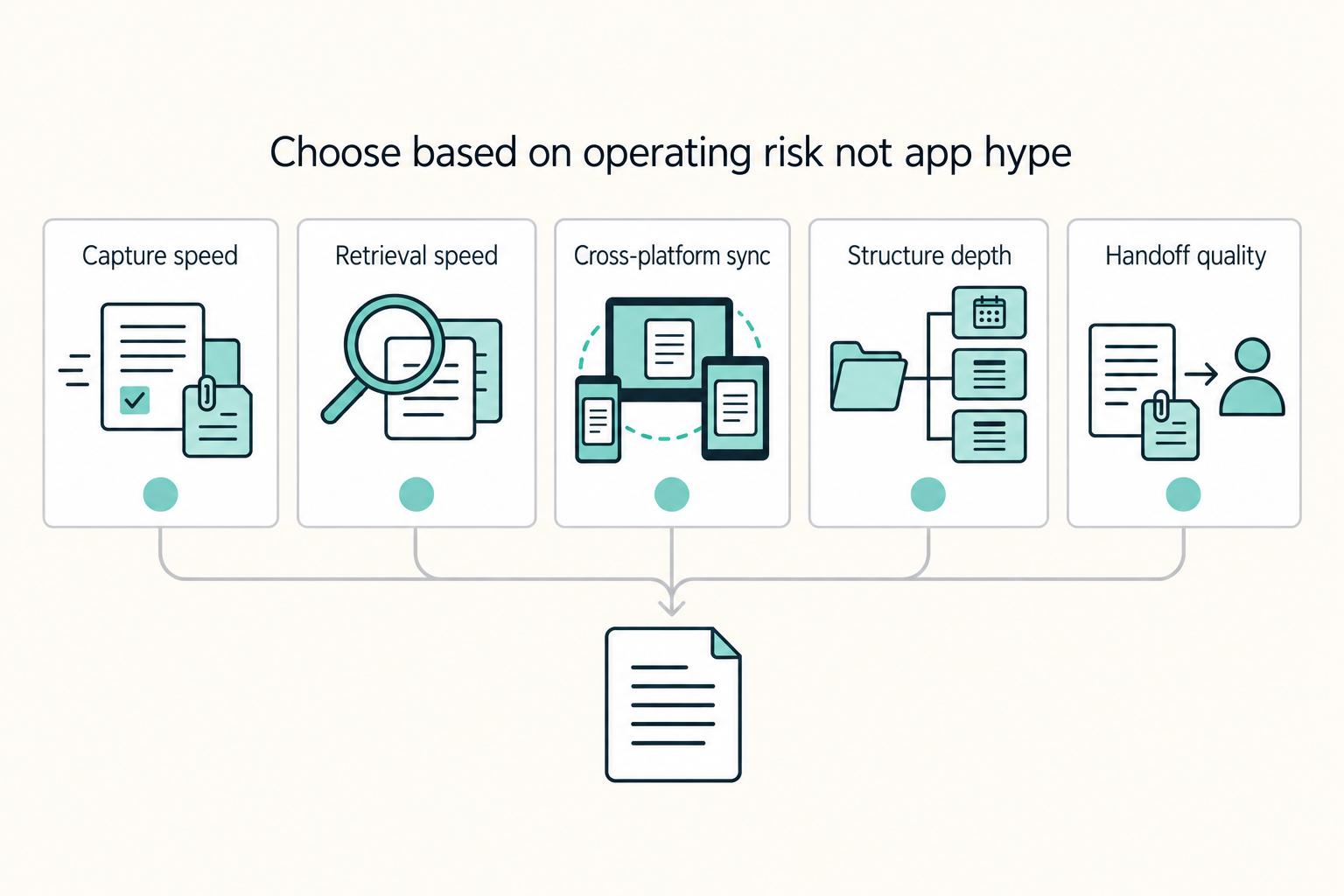
Make this decision in one sitting, then move on. One primary note app, used as the default place for client decisions, follow-ups, and reference notes, does more to cut missed details, messy handoffs, and tool churn than another week of comparing screenshots ever will.