

Quick Answer
Separate them: in a registered agent vs virtual mailbox decision, the Registered Agent is for Service of Process and official government delivery, while the Virtual Mailbox is for daily business mail. Many LLCs and corporations should use both so legal items and operational mail do not collide in one queue. The practical test is simple: if a document can trigger legal consequences, keep it in the agent lane; otherwise route it to your mail-operations lane.
Start here if you want one setup that does not break later#
If you want a setup that still works once filings, notices, and everyday mail all start arriving at once, split the job now. Put legal notice intake in one channel and routine correspondence in another. Name a primary owner and a backup for each before your first filing, and decide how escalation works the moment a legal notice arrives.
These services often appear side by side in formation checklists, but they solve different problems. The Registered Agent channel is for legal and official government notice intake. The Virtual Mailbox channel is for day-to-day business mail, remote visibility, and privacy for routine correspondence.
| Criteria | Registered Agent channel | Virtual Mailbox channel | Misuse risk |
|---|---|---|---|
| Core purpose | Legal and official government notice intake | Routine business correspondence | Legal notices get buried in routine mail |
| Requirement profile | Often treated as legally required for LLCs and corporations | Optional service | Optional mail service is treated as a legal substitute |
| Address expectation | Service designated to receive legal and government documents | Provider mailing address and online mail management tools | One address copied into every field without checking permissions |
| Ownership model | Compliance owner plus backup | Operations owner plus backup | No clear owner means delayed response |
Use this as an operating guide, not state-specific legal advice. Jurisdiction rules and provider terms vary, and some public guidance is supplemental rather than binding.
One common failure mode is making a single address choice during formation, then reusing it everywhere because it feels simpler at the time. That shortcut can stay invisible while volume is low. The problem usually shows up later, when a deadline appears, mail starts arriving in multiple places, or a time-sensitive document lands in the wrong inbox. At that point, the job is no longer setup. It is cleanup.
The fix is simple, but it does take discipline. Separate the roles now, document who owns each one, and decide what happens when the primary person is unavailable. That gives you a setup that still makes sense when travel, hiring changes, new filings, or higher mail volume put pressure on it.
Use this article as a working session, not just something to read. Keep your filing draft, mail settings, and owner list open while you go. If a section exposes a gap, fix it before moving on. That is the easiest way to end with a setup that is easier to review and harder to misread later.
You should finish with four usable outputs:
- A clear comparison to help you choose the right split
- Decision rules for when one service is enough and when both are needed
- A document-to-address map for legal notices, tax mail, and routine correspondence
- A checklist with named owners, backups, and escalation triggers
Registered Agent vs Virtual Mailbox at a glance#
Treat this comparison as a role assignment exercise, not a branding choice. The simplest way to reduce avoidable risk is to keep legal intake and routine mail in separate channels from the start.
| Criteria | Registered Agent | Virtual Mailbox |
|---|---|---|
| Legal purpose | Receives legal documents and official government correspondence for the business | Receives routine business correspondence through a mailing service address |
| Required for LLC or Corporation | Commonly described as legally required where the business is registered | Optional operations service |
| Address requirements | Physical street address, not a PO Box, with regular business-hours availability | Mailing service address for general inbound business mail |
| Who must monitor it | Compliance owner who can escalate legal and state notices quickly | Operations owner who reviews and routes routine mail |
| Typical mail types | Service of Process, lawsuits, subpoenas, and official state or government notices | Customer, vendor, and routine administrative mail |
| Failure impact | Missed legal delivery can create compliance and legal exposure | Missed routine mail can delay operations |
| Misuse risk | Treated like an everyday mailbox for non-legal traffic | Legal notices routed to a routine inbox |
If you need a fast decision filter, use this one: when a document can trigger legal action or state consequences, keep it in the Registered Agent channel. When the document is ordinary business correspondence, keep it in the Virtual Mailbox channel. If a document type is unclear, treat it as legal first and reclassify only after review.
That split helps with ownership as much as routing. A compliance owner can focus on speed and escalation for legal notices, while an operations owner can focus on consistency for routine mail. Once those jobs sit in separate hands with separate expectations, it becomes much harder for one mixed inbox to blur priority, accountability, and response time.
The quick comparison only helps if you stay clear on what each address is actually meant to do. That is where most confusion starts.
What each address is actually for and why that distinction matters#
When there is confusion, use this rule: legal delivery generally belongs to the Registered Agent channel, and routine correspondence generally belongs to the virtual-mailbox channel. The names may sound adjacent, but the risk profile is not.
A Registered Agent is a person or company appointed to receive Service of Process and official state or government notices for a business. For LLCs and corporations, public guidance commonly describes this role as required in almost every state. The role is tied to a physical in-state street address and regular business-hours availability.
A Virtual Mailbox or virtual office is typically used for routine business correspondence and business-address convenience, with terms that vary by provider. It can give you visibility into incoming mail and a usable mailing address for ordinary business handling. It does not automatically replace statutory legal-notice intake.
That distinction matters because the mail is different, the response window is different, and the consequence of delay is different. Routine correspondence can often wait for a normal operations review. Legal notices usually cannot. Once those two streams share an inbox, it becomes easier for urgent mail to look ordinary until it is already late.
A common failure pattern is reusing one address across unrelated fields because it worked once during formation. Some providers allow address use on certain public documents, but even those providers note that this is not always the best choice for every purpose. What worked in one field is not blanket permission for every other field.
Before you commit to any one-address shortcut, check three things. Is the field asking for legal-notice intake or routine correspondence? Who owns that channel today? Who covers it when the owner is unavailable? If those answers are fuzzy, separate the channels and keep moving. Clear separation is usually easier to maintain than explaining exceptions later.
The point is not to make setup more elaborate than it needs to be. It is to keep each address tied to the job it was meant to do. Once that is clear, routing individual document types becomes much easier.
If you want a deeper dive, read The Best Virtual Mailboxes for Digital Nomads and LLCs.
Which documents go to which address every time#
Route by function, not convenience. Most cleanup work starts when a founder copies one address into multiple fields without reading what each field is actually asking for.
| Document or mail type | Primary address channel | Owner | Verification checkpoint |
|---|---|---|---|
| State formation filings (for example, Articles of Organization) | Registered Agent details in state filing | Compliance owner | Confirm agent details were entered intentionally on the final filing |
| Service of Process, lawsuits, summons, subpoenas, and state legal notices | Registered Agent only | Compliance owner plus same-day backup | Confirm alerts reach the decision-maker immediately |
| Tax notices and official government documents | Designated official-mail channel | Compliance owner | Confirm tax and government mail is routed to a monitored address with a named owner |
| Routine business mail | Virtual Mailbox channel | Mail operations owner | Confirm scan, upload, and handling settings are active |
Never let Service of Process, state legal notices, or lawsuit, summons, and subpoena delivery drift into routine mailbox traffic. Those items need a deliberate path, a named owner, and a fast handoff.
Use a simple review pass before any filing or address update. Read the field label, name the channel, and confirm the owner for that channel. If the purpose of the field is unclear, stop there and resolve the ambiguity before you submit anything. That takes far less effort than correcting records after mail has already started routing.
Keep a one-page document-to-address map with four columns: document type, required address field, channel owner, and backup owner. Update it whenever you change a provider, owner, or mail setting. That page becomes your source of truth during formation, updates, and periodic reviews. It also helps when someone new joins the team and needs to understand the setup without reverse-engineering old forms.
Before submitting any agency form, read each address field label out loud and match it to the right channel. It sounds basic, but that one checkpoint catches most copy-forward errors.
Once routing is mapped, the next question is how much separation you need on day one.
If you are this type of founder choose this setup#
Choose a setup based on who needs to act when the mail arrives, not on which provider looks simpler during signup. If legal notices and routine mail land in one place, response quality can drop quickly as volume rises.
| Founder situation | Recommended starting setup | Why this fit is practical | First checkpoint before filing |
|---|---|---|---|
| Solo professional forming an LLC remotely | In many cases, use both: Registered Agent plus Virtual Mailbox | Legal intake stays separate from daily correspondence | Confirm agent details are not copied into unrelated mailing fields |
| Home-based founder prioritizing privacy | Keep two channels: Registered Agent for legal notices and Virtual Mailbox for customer-facing mail | Public-facing mail and legal intake solve different problems | Verify each field is for agent contact or principal office before filing |
| Early-stage team with low mail volume | Start lean, but keep legal intake separate from routine correspondence | Low volume may lower effort, but it does not remove legal-notice risk | Assign a primary and backup for legal notices before filings |
These scenarios are less about company size and more about attention risk. A solo founder can run both channels well if ownership is explicit and backup coverage exists. A larger team can still miss a notice if nobody knows who is supposed to act. Start with accountability, then choose services that support it.
If your first instinct is to keep everything in one place, test that assumption against real behavior. Who checks mail when travel, illness, or client work interrupts the day? Who decides whether a document is ordinary or urgent? Who steps in when the usual person is away? If the honest answer is still one person and one inbox, splitting the channels now usually reduces future risk.
Use these decision rules:
- If you are forming an LLC, set up the Registered Agent channel first.
- If you cannot monitor legal notices consistently, use a Registered Agent Service.
- If you need remote control of routine mail, add a Virtual Mailbox.
- Even at low volume, avoid merging service-of-process intake with daily correspondence.
That leads to the next common question: can you simplify the setup by reusing the Registered Agent address more broadly?
Can you use your Registered Agent address as your business address#
Sometimes for specific filing fields, but never as a blanket rule. Treat every reuse request as a field-level decision, not a general permission.
A Registered Agent address is for Service of Process, not a universal business mailing address. Some providers allow their address on certain public documents, and those same providers also warn that broad reuse is not always a good fit. The fact that one form accepts it does not mean every institution, agency, or customer-facing use will.
| Context | Can the Registered Agent address work | What to verify first | Better default |
|---|---|---|---|
| Formation and public filing fields | Sometimes | Provider permission and exact fields covered | Use it only where explicitly allowed |
| Banking and account setup | Varies; not established by these sources | Institution requirements and account-mail ownership | Use an address your team controls directly |
| IRS and EIN correspondence | Varies; not established by these sources | Exact mailing field and who monitors it | Route tax mail to a monitored mailing channel |
| Client-facing materials | Varies by provider terms | Terms on public display and handling expectations | Use a dedicated correspondence address |
| Daily operational mail | Often not by default | Mail authorization (including whether USPS Form 1583 is required) and handling scope | Keep routine mail in a dedicated mailbox setup |
Caution
Provider policies and jurisdiction rules can conflict. A secretary of state may allow this in some cases, while other guidance warns against using an address you do not control and describes potential legal-risk exposure. If guidance is mixed, verify the exact field and provider permission before reuse.
Create an exception log for any allowed reuse. Record the exact field, the provider permission, the owner, and the review date. If you cannot document those items, do not treat the address as reusable. The point is not to ban every exception. It is to stop exceptions from quietly turning into your default setup because one use happened to work once.
This matters most during formation, when address fields pile up quickly and the same answer can feel convenient. In practice, convenience is where a lot of later cleanup begins. Once you know where reuse stops, the first-month setup becomes much easier to sequence.
Set this up in the right order in your first month#
Get the order right early, because copy-forward errors are easier to prevent than unwind. This is a practical sequence, not a legally mandated first-month order. The point is role separation: a Registered Agent handles legal compliance and Service of Process, while a Virtual Mailbox or PO Box handles mail in different ways.
- Confirm your Registered Agent setup for legal notices and Service of Process.
Treat this as a compliance function, not routine mailbox handling. Before you move to any other address decision, confirm who the agent is, where legal notices will be received, and who on your side is responsible for acting on those notices. If the primary owner will be traveling or unavailable, name the backup now rather than later.
- Choose your routine-mail option separately.
For routine mail, the article supports two different paths: a Virtual Mailbox or a PO Box. A Virtual Mailbox is positioned as a street-address mail service with scanning features. A PO Box is positioned as a USPS privacy option with more limited business use. Pick the option that fits your routine correspondence, but do not use it as a substitute for the legal-notice role.
- Match each mailing field to its purpose before reusing any address.
Keep one channel for legal notices and a separate channel for routine correspondence. Read each address field label before you paste anything, and verify the purpose of any field that is unclear. This is where most preventable mistakes happen, especially when the same address worked on an earlier form.
- Run a quick internal ownership check.
Confirm who receives legal notices, who handles routine mail, and how handoffs happen if something urgent lands in the wrong place. Then update your internal address map so provider names, owners, backups, and usage rules all live in one document. If responsibilities are unclear, fix that before the first wave of mail starts.
If one rule needs to survive this entire section, keep this one: do not treat legal-notice intake and routine mailbox handling as interchangeable.
Monitoring and escalation rules that prevent missed legal notices#
The biggest preventable miss is usually not a lack of tools. It is assuming someone else saw the notice. Keep two queues with different urgency: a legal queue for Registered Agent deliveries and an operations queue for routine mailbox traffic.
| Queue | What belongs here | Primary owner | Internal acknowledgment target | Escalate when | Backup coverage |
|---|---|---|---|---|---|
| Legal queue | Service of Process, state notices, official compliance mail | Compliance owner or founder | Internal legal-response target | No acknowledgment by target | Named backup for travel or leave |
| Operations queue | Customer, vendor, and routine admin mail | Operations or admin owner | Defined operations target | No action by target | Shared inbox or secondary owner |
Write the escalation rules down so nobody has to improvise under pressure:
- If legal mail is acknowledged but not assigned by your internal target, escalate to the backup immediately.
- If the primary owner is unavailable, transfer legal-queue duty before they are out.
- If the document type is unclear, classify it as legal first, then downgrade later.
- If court or agency mail appears in routine mail, move it to legal review and log the handoff time.
Keep a lightweight evidence log for both queues with received time, document type, owner, action taken, and close time. Review it monthly. During that review, confirm Registered Agent details, forwarding contacts, mailbox access rights, and backup availability. You are not trying to build a heavy process here. You are making sure the routing you designed is actually working in practice.
A short log with clear handoffs is enough to show whether the setup is healthy. If handoff times start drifting, if items remain unassigned, or if the backup owner is never clearly on duty, those are early warning signs. They usually show up before a major miss, which gives you a chance to fix the ownership problem while the stakes are still low.
When a team changes, update queue owners first and access rights second. Missed notices often happen during transitions, not during ordinary weeks. A setup that worked last month can fail this month if the owner changed and nobody reassigned backup coverage. Fix single-owner dependence as soon as you see it.
Once monitoring is clear, cost questions look different, because the real expense is rarely just the monthly plan price.
Hidden costs and tradeoffs most comparison posts skip#
The cost that hurts most usually does not appear on the plan page. It shows up when legal notices, official mail, and routine correspondence have no clear owner.
One tradeoff is low-cost Registered Agent Service plans. A cheaper plan can still create friction if alerts are slow, handoffs are manual, or one person is the only reviewer. Another tradeoff is overbuying mailbox features while legal-notice handling remains loosely owned. Fancy scanning and forwarding options do not help much if the highest-risk mail still lacks a clean response path.
Provider pricing and plan structure vary, which is why feature-level comparison matters. Intro offers and convenience features can look attractive, but virtual-office services like mail handling, scanning, and communication support are not a substitute for clear legal-notice ownership. Cost control matters, but only after the accountability problem is solved.
The decision is not only about monthly spend. It is also about cleanup work when an address gets copied into the wrong place, when the wrong owner sees the wrong document too late, or when a provider change forces you to untangle unclear routing rules. A lower fee can still become the expensive choice if it costs you clarity.
Growth amplifies weak setup choices. As filings and jurisdictions expand, every address update can trigger repeated cleanup if your document mapping and ownership rules were never locked down. California filings go through the Secretary of State, and form-specific requirements such as LLC-1 and ARTS-GS reinforce the same point: field intent matters, and copied addresses create rework. The lesson is broader than one state. Once the same address has been reused without a rule, every later update gets harder.
Use this value test before paying for premium mailbox extras:
- Is legal-notice ownership explicit from receipt to acknowledgment?
- Is backup coverage active when the primary owner is out?
- Are Registered Agent details and forwarding contacts reviewed on a schedule?
- Is there a documented handoff rule for court or agency mail found in routine mail?
If any answer is no, spend on legal-notice clarity first. That is usually the tradeoff that protects you best.
Those tradeoffs become much easier to see when you look at the mistakes that create the most expensive cleanup.
Common mistakes that trigger expensive cleanups#
Most expensive cleanup work starts with a simple copy-paste decision. Keep registered office, physical, and mailing roles separate in both filings and daily handling.
| Mistake | Why it causes trouble | Prevention check |
|---|---|---|
| Using one address for everything | Different fields can serve different legal and operational purposes, so mixing them can cause delays and rework | Label each field before filing: registered office, physical, or mailing |
| Filing formation documents without clear legal-notice ownership | Unclear legal-mail intake increases missed-notice risk | Assign a primary and backup before filing |
| Treating IRS address records and tax-mail routing as an afterthought | Missed tax correspondence can trigger delays and correction work | Confirm tax-mail routing and keep records current when addresses change |
| Assuming one-state setup applies everywhere | Registered-agent and address practices are not identical across jurisdictions | Re-verify requirements before reusing a prior setup |
Cleanups get harder when they happen under pressure. Mail may already be flowing, records may already be public, and the people who need to fix the problem may already be stretched thin. That is why prevention checks matter more than perfect wording on a single form. One clear routing choice made early can reduce later churn across filings, account profiles, and internal ownership.
Use the table above as a pre-submit gate. If you cannot confirm the prevention check for a row, stop and resolve that row before filing or updating anything else. That approach keeps one unclear field from turning into several downstream corrections, and it reinforces the basic operating rule of the whole article: the Registered Agent channel is for Service of Process and official notices, not for all business mail.
A short checklist makes those prevention checks easier to repeat every time something changes.
Decision checklist you can apply today#
Make the decision in writing: keep legal-service intake and routine correspondence in separate channels, and assign ownership to both.
- Confirm whether your business structure requires a Registered Agent in your jurisdiction, and verify the exact wording before filing.
- Confirm the Registered Agent channel has a physical in-state address, not a P.O. box, and business-hours availability where required.
- Choose one path in writing: Registered Agent only, Virtual Mailbox only, or both.
- Build a document-to-address matrix before any filing or address change.
- Assign one primary owner, one backup, and one escalation trigger for each channel.
- Set a regular reminder to recheck provider terms, address usage, and jurisdiction updates.
| Path | When it fits | Written justification to keep |
|---|---|---|
| Registered Agent only | You only need legal-notice intake right now | Who monitors legal notices and how backup coverage works |
| Virtual Mailbox only | Only when registered-agent obligations do not apply in your case | Why legal-notice intake is out of scope in your case |
| Both | You want legal notices and routine mail separated | Which documents go to each channel and who owns each channel |
The path table helps you justify the service choice. The document table below keeps that choice usable once mail starts moving.
| Document type | Address channel |
|---|---|
| Service of Process | Registered Agent |
| Formation filings | Registered Agent name and address where required |
| Tax and government mail | Designated mailing address with named owner and backup |
| DBA and similar notices | Assigned by each filing field purpose |
| Routine customer and vendor mail | Virtual Mailbox or other operations address |
To make this checklist practical, complete it in one pass with your current records open. Mark anything that is uncertain, then resolve those items before your next filing or address change. You do not need perfect language. You need clear routing, named ownership, and a review cadence you can actually maintain.
When you finish, keep the checklist and document map together in one place. That makes future updates faster and reduces copy-forward mistakes when providers, owners, or mail settings change. It also gives a new teammate or advisor a clean view of the setup without asking them to piece it together from old forms.
Choose the setup that protects compliance and keeps operations clean#
Choose the split you can trust under pressure, then document it. Keep compliance-risk intake with a Registered Agent Service, and keep routine correspondence with a Virtual Mailbox.
Cost matters, but fit matters more. Provider quality varies, and pricing can differ significantly, so compare features, support quality, and handling expectations before you sign. The best setup is usually the one that stays clear when a real notice arrives, not the one that looks simplest on a pricing page.
| Decision area | Best-fit channel | Verify before you commit | If skipped |
|---|---|---|---|
| Compliance risk control | Registered Agent Service | Primary owner, backup owner, and notice-routing path are documented | Missed deadlines, compliance issues, and public exposure risk |
| Daily mail access and privacy | Virtual Mailbox | Specific address selected and routing settings confirmed | More manual handling and avoidable delays |
| Growth readiness | Use both channels | Ownership and routing checklist reviewed before each change | More rework as address and routing needs change |
Make the next move concrete. Complete the checklist, assign owners, run one routing test, and store a short decision log with provider, plan, renewal timing, channel owners, and backups. Review that log whenever your entity details, mail settings, or ownership changes.
If you operate globally, connect this address setup to the records you already use for payouts, taxes, and audit-trail tracking. The goal is straightforward: legal notices move through a controlled compliance channel, routine mail moves through an operations channel, and both stay visible as the business grows. For cross-border setups, read How to Get a US Business Address as a Non-Resident.
If you are sorting broader remote-business logistics, you may also want The Best Travel Credit Cards for Digital Nomads.
Frequently Asked Questions
What is the difference between a Registered Agent and a Virtual Mailbox in one sentence?
A Registered Agent receives Service of Process and official government correspondence for the business. A Virtual Mailbox typically handles routine business mail. They are not interchangeable.
Do I need both a Registered Agent and a Virtual Mailbox for an LLC?
You may need both because the jobs are different. Legal intake is tied to the Registered Agent lane, while routine correspondence is handled in the mailbox lane. If you want clear separation and cleaner ownership, use both.
Can I use my Registered Agent address as my business address everywhere?
No. Some providers allow limited use on certain public filing fields, but broad reuse is not a safe assumption. Verify each field and permission before reusing that address. If you cannot document the exception, keep legal and routine addresses separate.
What mail should never go to a Virtual Mailbox?
Do not route Service of Process or state legal notices to routine mailbox traffic. Lawsuits, subpoenas, tax notices, and state compliance reminders belong in the Registered Agent lane. Mixing these with daily mail creates delay risk.
Does a Registered Agent replace an EIN or Tax ID mailing address setup?
No. This guide does not establish that a Registered Agent replaces an EIN or Tax ID mailing-address setup. Treat tax-mail routing as a separate setup check before submission.
What changes if I operate in one state but serve clients across the United States?
The key trigger is where your business is registered to do business, not just where clients live. If registration expands, recheck Registered Agent coverage requirements for each added jurisdiction, since requirements are described as applying in each state where registered or in almost every state. Keep that review on a recurring schedule.
Try a related tool
Researched and edited by the Gruv editorial team. Gruv builds cross-border billing, payouts, and finance-operations software for global businesses.
Sources
Includes 4 external sources outside the trusted-domain allowlist.
- ftc.gov/business-guidance/resources/complying-coppa-...trusted
- anytimemailbox.com/blog/registered-agent-vs-virtual-address-dif...external
- anytimemailbox.com/blog/virtual-business-address-vs-registered-...external
- llcstarters.com/how-to-start-an-llc/business-setup/virtual-b...external
- universalregisteredagents.com/registered-agent-vs-virtual-mailbox-vs-po-boxexternal
Educational content only. Not legal, tax, or financial advice.
Related Posts

How to Get a US Business Address as a Non-Resident
The cheapest path is to verify first, then buy. You want an address setup that survives filings, onboarding, and daily operations, not just a clean signup screen.
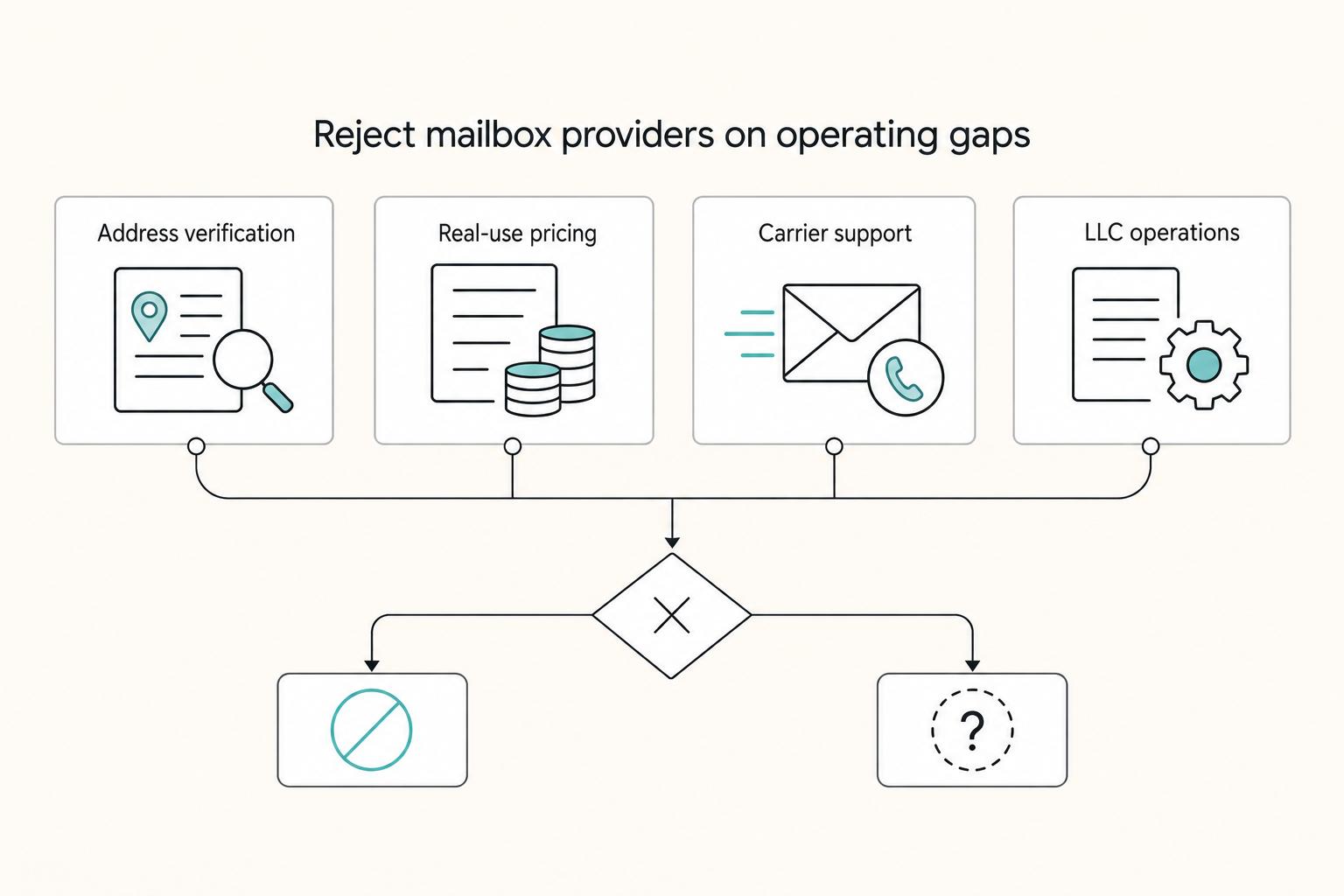
The Best Virtual Mailboxes for Digital Nomads and LLCs
If you are looking for the **best virtual mailbox for nomads**, the useful question is not who offers the cheapest scans. It is which service will still work when you are moving between countries, receiving packages, updating business records, and relying on the address for real admin.
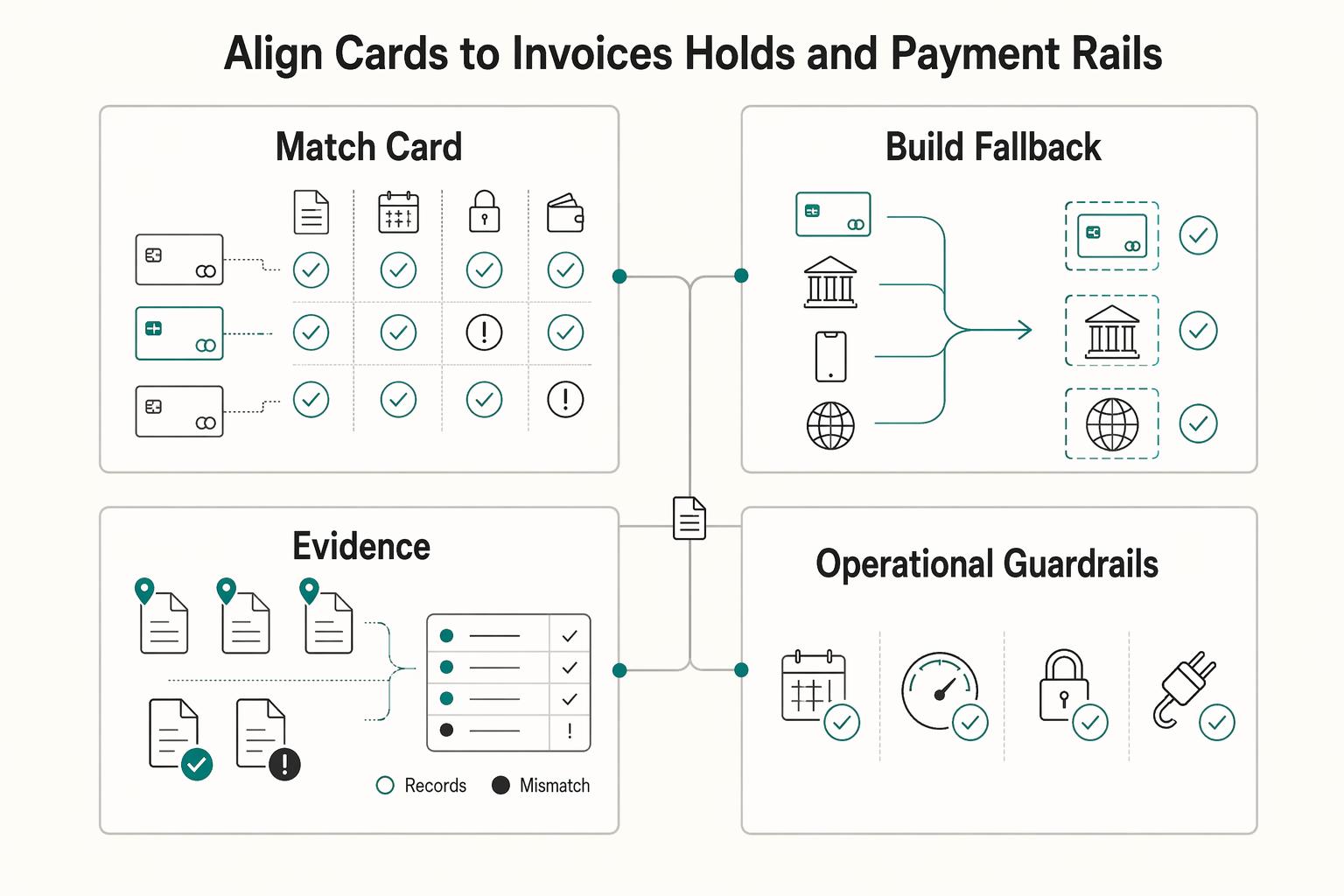
The Best Travel Credit Cards for Digital Nomads
Build a three-part card setup (primary, spend, backup) so one failure is less likely to derail your trip or your work. Forget the myth of "one perfect card." You want a system that still works when a terminal declines your card, a transaction gets flagged, or a merchant won't take your usual option.