

Quick Answer
Start with a repeatable workflow: define the point, draft in a fixed structure, run a hard pre-send gate, publish, and record what happened. If you are asking how to write a good newsletter, the practical rule is to keep one clear next step for the reader, verify links and mobile readability, and confirm trust controls like permission, privacy, and claim precision before sending. Then review replies and click behavior to choose one improvement for the next issue.
You don't need "better writing." You need a newsletter system you can run every week.#
If your newsletter only goes out when you feel sharp, you do not have a writing problem. You have an operating problem. A reliable way to improve is to stop treating each issue like a fresh performance and start running the same five-part routine every time: plan, draft, quality check, publish, review.
That shift matters because inbox competition is real. People already get a flood of email, and most messages are buried, ignored, or deleted. So the goal is not to produce a more creative issue each week. It is to make sending reliable, clear, and trustworthy enough that you can keep going. Start this week with three concrete steps:
- Create one input lane. Keep a single place where you add an idea or a finished note as soon as you have it. If you do nothing else, this prevents the blank-page scramble on send day.
- Add a real readiness checkpoint. Before anything gets scheduled or sent, mark the draft with a simple status like Ready. That gives you a visible handoff point instead of guessing whether the issue is actually done.
- Use the same sequence every time. Plan the point, draft the email, check it, publish it, then review what happened. Repetition is the point here, not a failure.
Early warning signs to catch before you send#
You can self-audit in two minutes. If any of these show up, pause and fix them before you send:
| Sign | What it looks like | Action |
|---|---|---|
| Overpromising | The copy sounds absolute | Soften it and add context you can stand behind |
| Messy links | Broken links, vague anchor text, or raw tracking clutter | Click every link in the preview |
| Competing asks | You have multiple competing asks | Pick the main action you want and move the rest to the footer or a later issue |
| Send traceability | You cannot trace what you sent | Keep a basic send record with date, subject line, main claim, and main link |
Use simple decision rules when the draft stalls#
| When this happens | Do this | Expected outcome |
|---|---|---|
| You do not know what to write | Pull one note from your idea list and build the issue around that single point | You ship faster and avoid starting from zero |
| The draft feels scattered | Cut it back to one main takeaway and one main ask | The email reads cleaner and is easier to act on |
| You are unsure whether it is ready | Do a final check, then change the status to Ready only after links, claims, and signup details are verified | Fewer preventable mistakes at send time |
Keep the trust side practical. Claims discipline means saying only what you can support. Privacy hygiene means checking that your signup flow, Terms, and Privacy Policy links are current and match what subscribers should expect. Traceability means you can answer a basic question later: what did you send, to whom, and when?
If your list setup is still loose, fix that before you chase better copy. Start with How to Build an Email List for Your Freelance Business.
The same operating idea comes up in How to Write a Good README for a Software Project.
Prerequisites: what to prepare before you write a single word#
Before you draft, set up a minimal operating environment, not a complex stack. You need three controls: one source of truth, a fast publishability gate, and one capture/distribution setup you can maintain.
Create one source of truth#
Use a single source of truth for this newsletter: one place for the current template, current ideas, and send history. If these live across scattered docs, version confusion shows up fast and slows everything down.
| Asset | Pre-write control | Owner to assign | Update cadence |
|---|---|---|---|
| Issue template | Keeps each issue in a consistent shape, including the main CTA and footer links | One named owner | Before planning each issue |
| Idea backlog | Stores questions, links, reply snippets, and raw angles in one place | One named owner | As ideas appear, then before planning |
| Send log | Records send date, subject line, main claim, main CTA, and key links | One named owner | Immediately after each send |
Run this quick check: in one minute, you should be able to find the current template, the next three usable ideas, and the last issue sent.
Document your cadence and lead-time rule in plain language. You can run on a fixed schedule or send when something happens, but pick one default. Until the rule is verified from your source records, mark it plainly: Current lead-time rule pending source-record verification. If web content must be published first in your workflow, note that here as a planning dependency.
Run a quick publishability gate#
Before drafting sensitive material, run a fast publishability gate. Ask:
| Check | Question | If unclear |
|---|---|---|
| Permission | Do you have permission to use the example, image, or story as written, including photo releases where needed? | Anonymize, rewrite, or remove the example before drafting |
| Sensitive details | Does this idea expose personal data, deal terms, or screenshots/images with important text or identifying details? | Anonymize, rewrite, or remove the example before drafting |
| Claim support | Can you support the claim if the email is forwarded beyond your intended audience? | Anonymize, rewrite, or remove the example before drafting |
If any answer is unclear, anonymize, rewrite, or remove the example before drafting.
Pick your capture and distribution lanes#
Pick one idea-capture lane and one primary distribution lane you will actually keep running.
| Option | Effort | Reliability | Common failure mode |
|---|---|---|---|
| Manual notes + weekly review | Low | High if review happens | Skipping the weekly review |
| Feed/link collection into one doc | Medium | Moderate | Hoarding links without context |
| Automated cross-app capture | Higher | Varies with maintenance | Broken handoffs you stop checking |
Keep distribution bounded: newsletter first, plus one repurpose lane. For example, send the full issue, then post one short LinkedIn version pointing to the same core idea. If you try to produce multiple platform variants before the email goes out, the send itself usually slips.
You might also find this useful: How to Write a Script for a Marketing Video That Wins Client Trust.
What's the 30-minute weekly newsletter operating system you can run forever?#
Treat this as a repeatable workflow, not a weekly reinvention: set the objective, gather content, draft, package, publish, and log. The 30-minute target is a focus constraint, not a guaranteed time outcome.
A clear objective comes first because it makes your tone, structure, and CTA decisions easier. When your week is busy, the system keeps output consistent even when motivation drops.
Run the same stages every week#
Use the same stage order each cycle, and assign one owner per stage even if you work solo.
| Stage | Owner | Definition of done | Common failure |
|---|---|---|---|
| Define objective | You | You write one sentence for the reader outcome and set one primary CTA before drafting | Starting with a topic only, then adding competing goals later |
| Gather content | You | You select the example, notes, or links you will use and confirm the main claim is supportable | Collecting links without a clear angle |
| Draft | You | You write inside your current newsletter template | Starting from a blank doc and rebuilding structure every week |
| Package | You | You finalize the subject line and apply your design template | Polishing layout while the message stays unclear |
| Publish check | You | Links and formatting are checked before send | Sending with avoidable link or formatting issues |
| Log review | You | You record send date, subject line, main claim, primary CTA, and key links right after scheduling/sending | Skipping the log and losing track of what shipped |
If this sequence is incomplete, cut scope and finish it before adding new ideas.
Choose one repeatable issue format#
Pick one default format you can finish consistently, then use it for most issues.
| Format | Best use case | Effort level | Downside |
|---|---|---|---|
| One insight + one example + one CTA | You want a short, focused issue with a clear point of view | Low | Feels thin if the example is weak |
| Three bullets + one link + one CTA | You want a scannable issue from curated notes | Low to medium | Becomes a list with no clear takeaway if you do not add interpretation |
| Problem -> recommendation -> CTA | You want to teach a method or guide a decision | Medium | Easy to over-explain and lose brevity |
Default to one insight + one example + one CTA if you need the most reliable weekly baseline.
Keep one primary CTA (and be strict about secondary actions)#
Use one primary CTA to keep intent clear for both writing and review. You can allow a secondary action only when all three are true:
- It is footer-only.
- It does not compete with the primary action.
- It fits the same audience journey.
Log both the primary CTA and any footer-only secondary action so later performance review stays clean. This is the core of a durable system: fewer decisions, clearer intent, and consistent execution.
For the list-building side of this workflow, see How to Build an Email List for Your Freelance Business.
Step 1 - Plan the issue in 5 minutes: nail open intent, topic, and CTA#
Before you draft, lock three decisions: why this issue should be opened, which angle you are taking, and the one action you want next. If you skip this, the message usually gets broad and easier to ignore.
Write the open intent#
Write one sentence that tells a new subscriber what this issue is for. Here, "open intent" is your working label for that sentence.
Use a one-line template: This issue shows a specific reader how to reach a specific outcome through a specific topic angle.
Pass/fail check: from that one line, can a new subscriber answer:
- What will I get?
- What is this about?
- Is this for me?
If not, narrow the angle until the outcome is obvious.
Match the topic to one primary CTA#
Choose the primary objective before writing. Then make the topic angle and CTA support that same objective.
| Goal | Topic angle | Primary CTA | Risk if misaligned |
|---|---|---|---|
| Get replies | A decision, opinion, or reader question | Reply with one answer, example, or question | Extra links in the main body make the reply feel optional |
| Get clicks | One tool, template, or article | Click one main link | Multiple unrelated links split attention |
| Clarify positioning | One myth, mistake, or before-and-after | Choose one primary action: reply or click | Teaching one outcome and asking for another blurs your message |
Choose the CTA before drafting, not after. Put the primary action in the main body after the value is clear. Keep supporting links aligned to that same action, and move nonessential links to the footer.
Write the spine before you draft#
Use a short pre-draft spine so you do not drift into generic copy:
- Hook: the problem or result in 1-2 sentences
- Value: the 2-3 points, steps, or examples the reader can use
- Proof: one example, observation, or link you can stand behind
- CTA: the exact next step in one sentence
Final check: all four lines should point to the same reader outcome. Then pick one success measure for your send log, usually replies or clicks. If you cannot pick that measure yet, finish planning before you draft.
If your audience definition is still fuzzy, use How to Build an Email List for Your Freelance Business to tighten who each issue is for.
Step 2 - How do you write fast without sounding generic?#
Use one fixed drafting SOP for every issue: outline, draft in order, then proofread. You write faster because you remove decisions, and you stay specific because each block has a hard quality gate.
Draft from the same template every time#
| Template block | What to write | Fast quality checks |
|---|---|---|
| Subject line | Concrete noun + clear outcome (aim for brevity, often under 50 characters) | Clarity: can a new reader predict the value? Specificity: does it name a real thing, not "thoughts" or "update"? Scannability: short enough to scan quickly. CTA alignment: does it match the action you ask for in the email? |
| Hook | 1-2 sentences with the point up front | Clarity: does the first line stand alone? Specificity: does it name one real reader scenario? Scannability: readable in one breath. CTA alignment: does it point to the same next step? |
| Value | 2-3 points, steps, or examples | Clarity: can each point be understood without extra setup? Specificity: does each point include a concrete action or object? Scannability: short bullets or short paragraphs only. CTA alignment: do all points support one outcome? |
| Proof | One example, observation, or artifact you can defend | Clarity: is the reason to trust it obvious? Specificity: does it describe a real scenario? Scannability: keep it tight (about 2-4 sentences). CTA alignment: does it reinforce the promised result? |
| CTA | One sentence, one action | Clarity: is the verb explicit? Specificity: does it say exactly what to click, reply, or review? Scannability: one destination. CTA alignment: same goal you set before drafting. |
| Footer | Who you are and why they received the email | Clarity: is the sender identity obvious? Specificity: does it sound like a real person/business? Scannability: brief. CTA alignment: supports trust without adding competing actions. |
After drafting, run one chain check: every block should point to the same reader, same problem, and same next step.
Constrain each block so generic copy has nowhere to hide#
Use constraints, not extra brainstorming. That is how you keep quality high while moving fast.
- Hook: include one concrete noun and one real scenario.
- Value: stop at 2-3 points; if you need more, split into a future issue.
- Proof: add one defendable artifact (mini example, before/after rewrite, or observed outcome).
- CTA: ask for one action only.
If your CTA asks for replies, do not send from a do-not-reply address. The action and sender setup need to match.
Choose subject lines fast (use vs avoid)#
| Use | Avoid |
|---|---|
| Concrete noun + outcome | "Thoughts on..." |
| Real scenario the reader recognizes | "Quick update" |
| Light context-based personalization | "A few ideas" |
| Plain wording that makes the topic obvious | Clever phrasing that hides the topic |
Before you send, proofread the subject line, hook, and CTA last. Those lines carry most of the outcome.
If list quality is your bottleneck, pair this step with How to Build an Email List for Your Freelance Business.
Step 3 - What should every newsletter include before you hit send?#
Before you send, run a hard yes/no gate: if your message is unclear, your main action is split, or permission is uncertain, pause the send.
Step 3.1 Run a fast pass/fail gate#
Treat this as required, whether you send daily, weekly, or monthly.
| Gate | Pass if | Common failure | Fix now |
|---|---|---|---|
| Opening clarity | Your first lines state the point and why it matters | The intro is vague ("quick update," "a few thoughts") | Rewrite the first 1-2 sentences with one concrete noun and one real reader scenario |
| Primary CTA | One action is clearly primary for this issue | Multiple asks compete for attention | Keep one primary CTA, move secondary asks to the footer, or cut them |
| Link hygiene | Link text is specific and the main link works in a test send | Vague anchors ("click here"), raw URLs, or untested main link | Run a test send, tap every link once, and relabel vague anchors |
| Mobile readability | The email is easy to scan on your phone | Dense blocks that read fine on desktop but not mobile | Break long paragraphs, trim setup, and move detail behind the link |
Quick check before send: can you answer, in one read, what this email is about and what the reader should do next? If not, fix the opener and CTA first.
Keep your main style consistent issue to issue. If readers expect one format and you switch without warning, trust drops even if the writing is strong.
Step 3.2 Apply practical trust controls#
Use three controls every send:
- Permission: send only to people who opted in. If you cannot confirm why someone is on the list, suppress that address until you can.
- Privacy: remove unnecessary identifying details. Teach the lesson without exposing private client information.
- Claims discipline: state what happened, under what conditions, and what you actually know. Do not present one example as a guarantee. If your issue touches a regulated topic or platform rule, verify the current rule text from platform, policy, legal, or source records before sending.
If you need a refresher on list quality, How to Build an Email List for Your Freelance Business is the right place to tighten that up.
Step 3.3 Keep a send record and use the smallest recovery move#
Log each issue: date, segment, subject line, primary CTA, and final approved copy. That record helps you resolve link issues, subscriber questions, and pattern drift quickly.
If a gate fails, do the smallest fix that solves the real problem:
- If clarity fails, rewrite subject line and opening first.
- If CTA focus fails, remove competing asks before adding more copy.
- If you are stuck overthinking in your ESP, draft in a plain document, decide there, then paste back.
- If permission is uncertain, hold that segment until verified.
Example: your weekly test send shows a vague opener and competing asks (reply plus multiple equal links). The right move is to rewrite the opener, choose one primary action, and delay the send if needed.
If an issue is already sent with an error, send a short correction, state the fix plainly, and avoid turning the correction into a new pitch.
For a step-by-step walkthrough, see How to Write a Compelling 'About Me' Page for Your Freelance Website.
Step 4 - Publish and distribute without turning it into a content circus#
After your pre-send gate passes, run a simple loop: send the email, repurpose it once, then stop. You are building a repeatable weekly system, not trying to be everywhere.
4.1 Use one primary lane plus one fixed repurpose lane#
Put two recurring blocks on your calendar: your send window and one post-send repurpose task. Keep the repurpose format the same each week so execution stays light. If optional channels get skipped, you still shipped the week.
Before sending, confirm delivery basics in your ESP:
- Send HTML in Multipart-Alternative MIME format so a plain-text fallback is available if HTML does not render.
- If you include images, host them on a web server and use absolute paths (not local file paths).
| Distribution setup | Weekly effort | Consistency risk | Recovery difficulty |
|---|---|---|---|
| Single lane (email only) | Lowest | Lowest | Easiest: update one asset |
| Primary lane + one fixed repurpose | Moderate | Manageable when format stays fixed | Moderate: may require one follow-up update |
| Multi-platform spread | Highest | Higher: more versions to keep aligned | Highest: fixes can multiply across channels |
4.2 Run a short pre-send and post-send checklist#
| Checkpoint | Action | Note |
|---|---|---|
| Pre-send | Confirm one primary action and use link text that sets expectations clearly | For example, "Download the client intake checklist" instead of "Click here" |
| Post-send | Publish your one repurpose, then stop | Do not keep adding competing link-outs |
| Measurement check | Treat open rates carefully | Open tracking usually relies on a small invisible image, and image blocking can make open data incomplete |
A practical weekly loop for an independent professional: you send one onboarding issue with one checklist CTA, publish one short follow-up post that points to the same action, and skip secondary channels when time is tight. The workflow still holds, and the issue still ships.
Related reading: How to Write a Professional Bio That Attracts Clients.
Step 5 - Review and iterate like an operator (not an artist)#
Run a 10-minute post-send review to capture evidence, not self-judgment. Your job is to choose one change for the next issue and keep the rest stable so you can tell what actually moved.
Your readers are already filtering a crowded inbox, so small signals matter. Treat replies, clicks, and silence as operating data, not as a verdict on your writing.
| Signal bucket | What to record right after send | How to use it next |
|---|---|---|
| Reader replies | Copy the exact line, topic, or example people replied to, forwarded, or repeated back to you | Promote that angle earlier or make it the core proof in the next issue |
| Link attention | Record which link got attention and the exact sentence/anchor text that introduced it | Keep the winning framing, then test one tighter version of the same setup |
| Attention drop-off | Mark where engagement appeared to fade (for example, no replies or interaction after a specific section) | Shorten, reorder, or move the useful part higher |
| Quality and risk | Re-read the sent issue and check tone, claim precision, and sensitive-detail handling | Remove overconfident phrasing, tighten claims, and cut details you should not share |
Use a simple experiment loop, not a scoreboard:
| Hypothesis | Observed signal | Decision for next send | What stays unchanged |
|---|---|---|---|
| A specific proof example will earn more replies | Replies referenced the personal mistake story, not the linked template | Move one concrete proof example higher in the issue | Same audience, same send day, same single CTA |
Do not change subject line style, structure, CTA, and tone at the same time. Change one variable per issue so you learn from each send.
For idea capture, keep one running note in your newsletter planning doc. After each send, add only three items: exact reply phrases, clicked topics, and reusable proof examples for next week.
Conclusion: run the same gates, protect trust, and ship weekly#
Your goal is not a perfect issue. Your goal is a repeatable weekly routine you can still run when client work is busy, your energy is low, and the calendar is not being kind. If you keep the core tight, check the same gates every time, and log what you sent, you can make fewer avoidable mistakes and protect reader trust.
That matters because a newsletter is not just writing. It includes planning, configuration, and launch checks, and the checklist exists for a reason: to reduce time-wasting errors without sacrificing quality. So keep your standard simple enough to use every week, not impressive enough to ignore.
Use the same quality gates every time#
If you want the practical answer, it is this: do the same checks before every send, and fix the first failed gate before you touch anything optional.
| Gate | What you check | Pass condition | Immediate fix if it fails |
|---|---|---|---|
| Clarity | First 120 words | Reader can tell the point and why it matters on the first screen | Rewrite the opening into one plain claim and one useful takeaway |
| Focus | Primary CTA | One clear next action, repeated once at most | Cut competing asks and keep the main action only |
| Link discipline | Links and labels | Main link works, label matches destination, supporting links are limited | Test every link and remove any link that does not earn its place |
| Trust | Claims, examples, privacy | Claims are qualified, examples are non-identifying, no sensitive details exposed | Replace certainty with precise wording and remove client-identifying details |
| Traceability | Send log | Date, subject, CTA, links, and notes are recorded after send | Update the log before you close the draft |
A useful verification detail: send yourself a test email and read it on your phone before you send it to readers. If the value is buried, the CTA is hard to spot, or the link label feels vague, fix that version, not the desktop draft in your head.
One failure mode to watch for in newsletter writing: you add extra claims while trying to sound authoritative. If you mention legal, tax, or policy rules, do not guess the number. Verify the current threshold from legal, policy, provider, or source records before use, and keep the claim narrow.
Copy and paste this pre-send control list#
- I can state this issue's purpose and audience in one sentence.
- The first screen says the main point plainly.
- There is one primary CTA.
- The main link is tested, and supporting links are limited.
- The email is easy to scan on mobile.
- Claims are qualified, not absolute.
- Examples do not expose private client or personal information.
- If a rule or threshold appears, it is verified from legal, policy, provider, or source records before use.
- Basic launch readiness is covered, including email authentication basics in my sending setup.
- My send log will capture the date, subject, CTA, link list, and one note on what changed this week.
If you want your next issue to feel safer and easier, do one thing now: paste this checklist into your template and use it for the next four sends without changing it. Then review your send log, make one improvement, and keep shipping.
Need the full breakdown? Read How to Write a Freelance Proposal That Wins Clients.
Frequently Asked Questions
What if I only have 20 minutes this week?
There is no one-size-fits-all format. If time is tight, keep the issue focused and make sure you can describe it clearly in one sentence before you send.
I missed a week. Should I send a catch-up issue?
There is no universal catch-up rule. Choose the format that best serves readers now, and make the next issue clear and useful instead of trying to cover everything at once.
What if I run out of ideas?
Start with recurring reader questions from your email or social channels. Answering common questions in one place can reduce repetitive replies and give you practical topics.
How do I know if an issue is too vague?
Use the one-sentence test. If you cannot describe the newsletter or this issue clearly in one sentence, subscription intent is likely weak. Rewrite until the value is clear.
Should I give readers more than one thing to do?
No single CTA structure is universally best. Pick the action set that fits your newsletter strategy, and make the next step obvious to the reader.
How careful should I be with claims and examples?
Very careful. Execution is hard, and what works for one newsletter can fail for another. Keep claims specific to your context and avoid overpromising.
How much promotion should I do after I send?
Treat promotion as context-dependent, not a fixed formula. Choose channels that match where your readers already pay attention.
Try a related tool
Researched and edited by the Gruv editorial team. Gruv builds cross-border billing, payouts, and finance-operations software for global businesses.
Sources
Includes 6 external sources outside the trusted-domain allowlist.
- admin.artsci.washington.edu/advancement/newsletter-content-creationtrusted
- direct.mit.edu/isec/article/48/4/137/121304/Writing-Policy-...trusted
- beehiiv.com/blog/ultimate-guide-newsletter-brandingexternal
- cleverreach.com/en/push-magazin/email-marketing-strategy-tip...external
- clickup.com/blog/single-source-of-truth-small-businessexternal
- freelancewritingpros.com/one-day-per-month-bloggingexternal
- gohappybeauty.com/how-to-write-newsletterexternal
- janefriedman.com/email-newsletter-contentexternal
Educational content only. Not legal, tax, or financial advice.
Related Posts
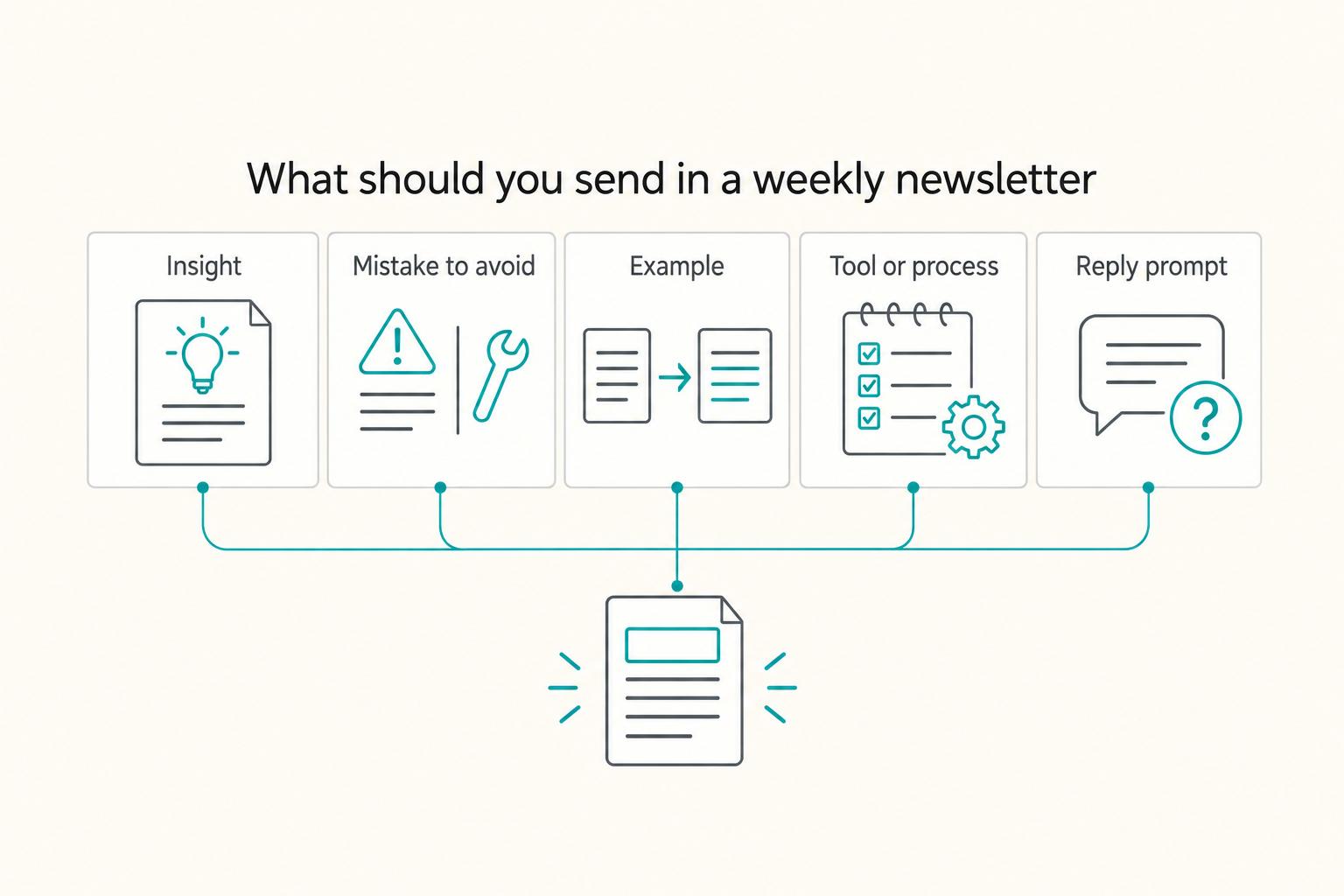
How to Build an Email List for Your Freelance Business
As the CEO of your business-of-one, you need a repeatable system you can actually run.
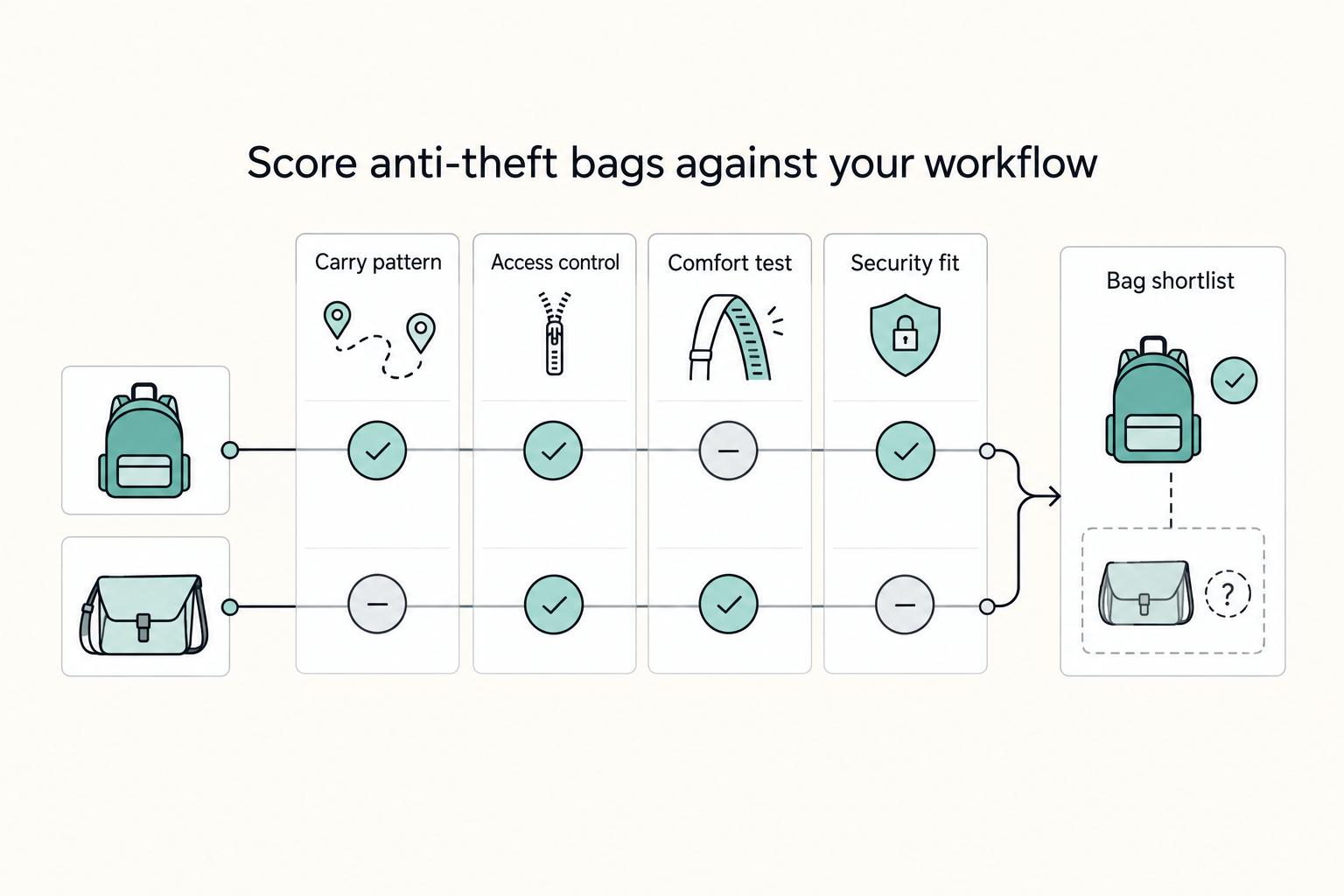
The Best Anti-Theft Backpacks for Digital Nomads
**Choose your anti-theft backpack by running a 10 minute risk-control decision, then lock in a primary pick, a backup pick, and a theft contingency routine.**

How to Build a Travel First-Aid Kit
**Treat your travel first aid kit like a system for long stays, not a vacation pouch.** If you move city to city, you need repeatable coverage for everyday minor problems and a simple way to keep that coverage current. Build once, review it regularly, and stop re-deciding the basics before every move.