
Quick Answer
Start with one scoped collection and enforce a clear token flow: source values, semantic aliases, then bindings in real components. Use figma variables only where reuse, context switching, or state control is real, and defer one-off values. Before publishing, validate the chain in Dev Mode by confirming mode behavior and alias traceability. If names, mappings, or notes are unclear to another reviewer, hold release and tighten structure first.
Architect Your Foundation: How to Prevent "Variable Chaos" Before It Starts#
If you want figma variables to stay useful after the first publish, decide your boundary before you create anything shared. Most cleanup starts with one mistake: reusable values, reusable attributes, and semantic references get blurred together, and every later handoff turns into guesswork.
Step 1. Confirm your sharing scope, then draw a hard line#
Start with plan reality, not naming debates. Figma explicitly recommends choosing the right plan before making components, and that matters because reuse scope changes quickly. On the free tier, you are working within one individual file. Professional supports reuse across different files and projects. Organization supports reuse across teams. If you already know you need a shared library beyond one file, do not architect like a single-file experiment.
Once that is clear, adopt a simple working boundary and stick to it:
| Choose this | When to choose it | Avoid this when | You likely mis-scoped if |
|---|---|---|---|
| Variables | A single value will be reused or may need to switch by context later | The value is one-off and local to one component | Handoff shows repeated raw values and nobody knows which number or color is the one to update |
| Styles | You want reusable attributes applied together at scale | One property inside the bundle needs to change independently | You end up duplicating whole style sets for small differences, then changes drift |
| Aliases | You want semantic names that point back to a smaller base set | You are using them to hide messy base naming | Engineers ask which token is canonical because you have several names for the same intent |
This is not about purity. It is about making the update path obvious. If changing something like a brand link color should happen once, your boundary should make that clear. If the same adjustment still requires hunting through components, styles, and detached values, stop and simplify before you add more.
Step 2. Lock naming, ownership, and descriptions before first publish#
Once the boundary is set, lock the naming before anyone starts building on top of it. A practical pattern is base values as source tokens and intended usage as semantic tokens. In plain terms, that means names like source/color/blue/600 for a raw value and semantic/color/link/default for where it gets used. You do not need a grand theory. You need names that still make sense when someone else opens the file six weeks later.
Set four rules before anything is shared:
- Keep one slash-path structure across the whole library.
- Put state in one consistent place, usually the last segment.
- Assign an owner for additions, renames, and deprecations.
- Add a short description for every shared token that explains intended use.
That governance does two jobs. First, it prevents random path variations like button/primary/hover in one place and hover/button/primary in another. Second, it gives you a lightweight evidence pack for release decisions: owner, purpose, and whether the token is a base value or a semantic reference. Store that note where your team will actually see it, even if it is just a short library page.
Run one quick verification before you publish. Pick three common artifacts, such as a button, link, and input. Ask yourself which name you would change to update text color, spacing, or radius without opening the whole library. If the answer is not obvious, the naming is not ready. For current library-sharing rules, review Figma's guide to libraries. If you need broader file structure first, How to create a 'Design System' in Figma is the better starting point.
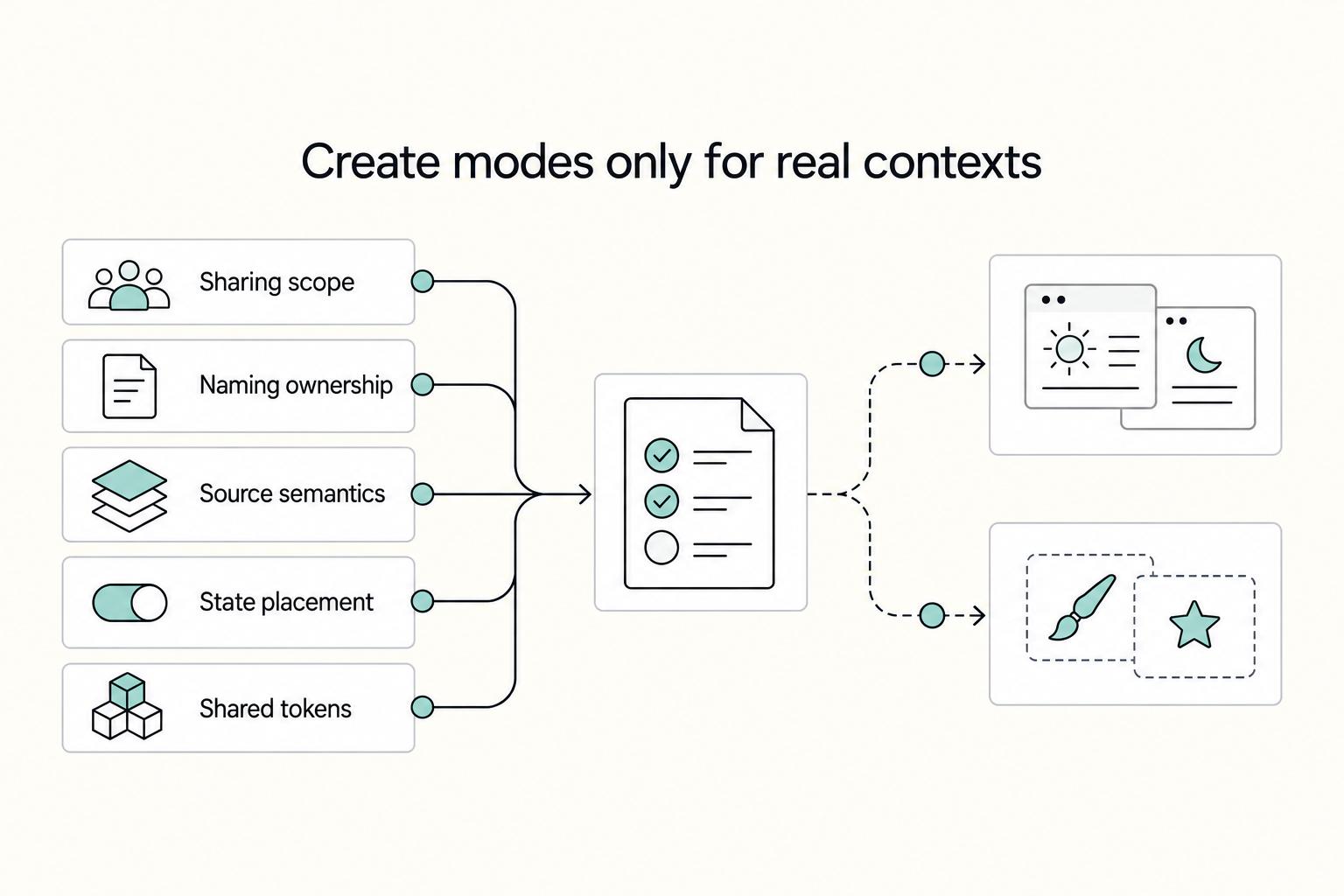
Step 3. Create modes only for real contexts, then prove them in one pilot#
With naming and ownership set, decide where context actually changes values. Create a mode only when you already have a live product context that changes the same set of values together. A current light and dark requirement fits that test. A possible future brand variant, campaign theme, or one-off experiment usually does not.
The fastest validation is a pilot component, not a full library rollout. Build one representative component with enough surface area to expose problems, such as a button or card with text, background, spacing, and an interactive state. Then switch the planned context and check two things: the intended values change together, and the component instances still inherit cleanly from the source component instead of needing local fixes. If you start patching exceptions inside the pilot, defer the mode and tighten the foundation first. For a practical build companion, see Build Reusable Component Systems with Figma Auto Layout.
Before you move on, check this list:
- Your sharing scope matches your current plan: one file, across files and projects, or across teams
- Your boundary between variables, styles, and aliases is written down in one short rule set
- Source and semantic names follow one path pattern
- State placement is consistent
- Every shared token has an owner and short description
- One pilot component survives a context switch without manual cleanup
- Any plan-specific mode or library limits have been verified on your current plan [verify]
Implement with Precision: A Systematic Approach#
Once your boundary is set, the order of operations matters more than speed. Build your variables in four passes so each decision stays traceable when your main components sync changes out to instances.
Step 1. Define source tokens first#
Start with raw values that can stand on their own. A source name should describe the value itself, not the UI role it might serve later. color/neutral/900 or space/300 is a source. text/default or card/padding is not.
Use one decision checkpoint before you create anything semantic: if the name still makes sense without opening a component, keep it raw. If it only makes sense as usage intent, save it for the alias layer. That small pause prevents a common failure mode, where teams bake button, card, and form meanings into the base layer and then duplicate the same underlying value three times.
A quick verification helps here. Pick five names and read them without canvas context. If a designer or engineer cannot tell whether each one is a raw value or a usage label, fix the naming now.
Step 2. Map semantic aliases by value category#
Once the base layer is stable, map the usage layer. Create semantic aliases that point back to those sources. As a team rule, keep aliases within the same value category so tracing stays predictable. A semantic spacing name should point to a spacing source, not to a mixed or repurposed value that only happens to work today.
| Value category | Right use case | Common misuse | Fix now |
|---|---|---|---|
| Number | Spacing, size, radius, layout values that repeat | Naming raw numbers by component too early, like button/padding as a base value | Rename the reusable raw number first, then map the component intent as an alias |
| String | Repeated labels or copy that changes by context | Treating every sentence as a managed token | Keep only repeated or state-based text; leave one-off copy local |
| Boolean | Simple on or off conditions such as visibility states | Using booleans to stand in for structural component differences | Move structural differences back to variants or component properties |
The check at this pass is simple: for any semantic token, you should be able to follow it back to one clear raw source without guessing.
Step 3. Bind values to main components before you spread them#
Bind tokens in the main component first, because edits there propagate to instances automatically. That keeps reuse clean and reduces scattered local fixes. Use variables for single properties that need to change independently, and keep bundled visual treatments in styles when that is the clearer unit.
Test one source change after binding. If the main component updates cleanly but instances need patching, you likely bound too late, overrode too much locally, or skipped the semantic layer.
Step 4. Validate handoff, then pass a release gate#
Before publish, do a short QA pass in the handoff view your team actually uses, including Dev Mode if that is part of your process. Check four things in order:
- Alias traceability: each semantic name resolves back to the intended raw source
- Mode behavior: context changes produce the values you expect
- Raw-value leaks: no accidental local values appear where named tokens should appear
- Naming parity: design names still match the names engineering expects downstream
Then gate the release with owner-ready criteria:
- Draft: sources named, owned, and described
- Mapped: semantic aliases connected and reviewed
- Applied: main components updated and instance behavior checked
- Verified: handoff QA passed, impact noted, rollback path noted
- Team-specific publish requirements: add your own approval, changelog, or consumer-notification step here
If any stage lacks an owner or a rollback note, do not publish yet. That is usually where small naming mistakes turn into library cleanup later.
Govern & Scale: Manage Your System for Long-Term Value#
After your first clean release, the main risk is drift. Scale variables only while you can still explain, in a sentence, what each collection is for, who owns it, and how a change will show up in consuming files.
Step 1. Scope collections before sprawl starts#
Treat collections as control boundaries, not storage buckets. Move forward when a collection has one clear purpose and a mode model that still makes sense across every variable inside it. Pause when you catch yourself adding unrelated values just because they are nearby or because you want fewer collections on paper.
Split earlier than feels necessary if ownership, naming logic, or theme behavior starts to diverge. That matters even more when you are preparing for multiple brands or products. The useful rule is simple: do the prep work before you expand theming, not after. A published example described a single file with 6 collections, which is a good reminder that multiple collections are normal when they preserve control.
Use a parent plus extension setup only after your core layer has held steady through at least one pilot release. If your base names or modes are still moving, extensions will just spread the instability.
Step 2. Pilot one slice and inspect the mapping chain#
Do not roll a broad update through the whole library first. Pick one narrow slice, such as a button family or one content card, and inspect it end to end in Dev Mode and in the code-facing output your team actually reads.
| Check | Healthy signal | Pause and fix when |
|---|---|---|
| Naming parity | Design names and code-facing names still describe the same thing | the library name changed but the downstream name now reads like a different token |
| Alias resolution | A semantic name can be traced back to one obvious source value | you have to guess which raw value sits underneath |
| Mode translation | Theme or state changes produce expected values in the pilot | mode names are doing double duty for theme, state, and component logic |
Your checkpoint is fast: change one source value and verify that the pilot updates with the expected semantic name still intact. A common failure mode is the raw value looking correct visually while the named path disappears in handoff. If that happens, stop expansion and fix the binding before you publish. For the planning side of that review, The Best Tools for Creative Collaboration with Remote Teams gives a useful collaboration checklist.
Step 3. Publish with a small evidence pack#
Before you publish, write a short note another person could review later. Keep it boring and complete:
- Owner
- Scope of change
- Expected impact on consuming files
- Rollout intent
- Rollback plan
- Verification status
- Any team or plan gated publish requirement
If you cannot fill in rollback plan or verification status without hand-waving, you are not ready.
Step 4. Review consumers on a cadence#
Set a review rhythm that matches how often your library changes. In consuming files, check for three things: raw-value leaks where named variables should appear, stale tokens that still exist but no longer represent live usage, and blast radius from pending updates.
Keep cleanup separate from rollout changes. If you are renaming old tokens, deleting stale ones, and adding new modes in the same release, split that work. You will diagnose regressions faster, and consumers will know whether they are adopting a new capability or just cleaning up debt.
Conclusion: Treat the next release as a go or no go decision#
Treat your next figma variables release as a go or no go decision, not a design milestone. If ownership is fuzzy, review notes are thin, or you cannot explain what changes in consuming files, hold the publish.
| Phase | Owner | Required artifact | Release gate |
|---|---|---|---|
| Architect | You | scope note, naming rule, mode plan | each variable still has one clear purpose |
| Implement | You, with engineering review if needed | mapped collection and code-facing naming check | names remain understandable outside the source file |
| Govern | You plus one reviewer | publish note with impact, verification, rollback | another person can review the change without guessing |
Next actions#
Step 1. Audit one release candidate. Outcome: you can review the candidate in Dev Mode and confirm the naming still makes sense when seen through handoff, then check one consuming file to confirm the same intent survives downstream. If the source name reads clearly but the consumer view turns vague or misleading, stop and rename before publish.
Step 2. Publish only with a review packet. Outcome: your note names the owner, scope, expected consumer impact, rollout intent, rollback plan, and verification status. If a plan-specific publishing constraint is still unverified, mark it as unresolved in the packet and hold the release until the current limit is confirmed.
Step 3. Recheck after the update lands. Outcome: one consuming file still uses the intended names and does not quietly fall back to detached raw values or stale tokens. If cleanup, renaming, and theming changes are mixed together, split the next release. If you need a stricter review checklist, Best Figma Plugins for Reliable Client Design Work helps surface repeatable workflow controls.
Frequently Asked Questions
Should you start small?
Yes. Start with one slice another person can review quickly, then expand only after the first release stays understandable in source and consumer files.
When is it safe to publish?
Publish when a reviewer can follow the change, the downstream impact is stated plainly, and rollback is written down before release.
How do you catch drift early?
Compare the source library view with one consuming file after each meaningful update and look for naming drift, unclear value lineage, and tokens that no longer represent live usage.
What should you name first?
Name source values first and map semantic aliases second so the value path stays traceable during review and handoff.
Can styles replace variables?
No. Styles work for bundled attributes, while variables are better when one value needs reuse, context switching, or clearer token lineage.
Try a related tool
Researched and edited by the Gruv editorial team. Gruv builds cross-border billing, payouts, and finance-operations software for global businesses.
Sources
Includes 6 external sources outside the trusted-domain allowlist.
- cs50.harvard.edu/x/gallerytrusted
- publishing.vt.edu/books/33/files/b85e4a8e-a61c-4878-955c-d5e34...trusted
- aclanthology.org/events/emnlp-2025external
- annaarteeva.medium.com/figma-to-code-6313b420ef5aexternal
- aubergine.co/insights/variable-design-101-creating-managi...external
- blog.logrocket.com/ux-design/use-variables-figmaexternal
- designsystemscollective.com/design-system-mastery-with-figma-variables-t...external
- figma.com/blog/how-we-rebuilt-the-foundations-of-compo...external
Educational content only. Not legal, tax, or financial advice.
Related Posts

Value-Based Pricing for Freelancers Under Real Payment Risk
Value-based pricing works when you and the client can name the business result before kickoff and agree on how progress will be judged. If that link is weak, use a tighter model first. This is not about defending one pricing philosophy over another. It is about avoiding surprises by keeping pricing, scope, delivery, and payment aligned from day one.
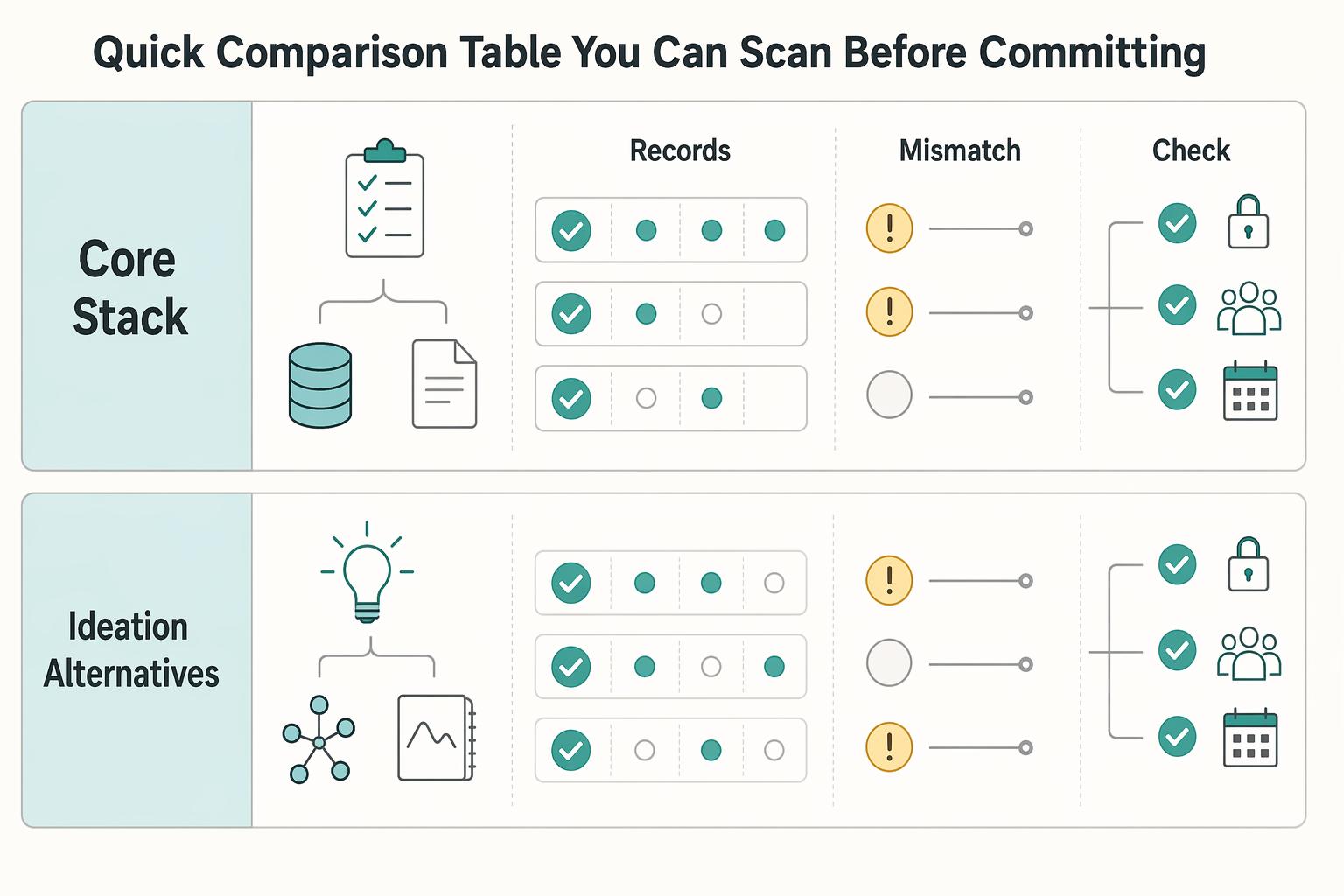
The Best Tools for Creative Collaboration with Remote Teams
As the CEO of your business-of-one, you're not here for vibes; you're here for a repeatable system you can run.
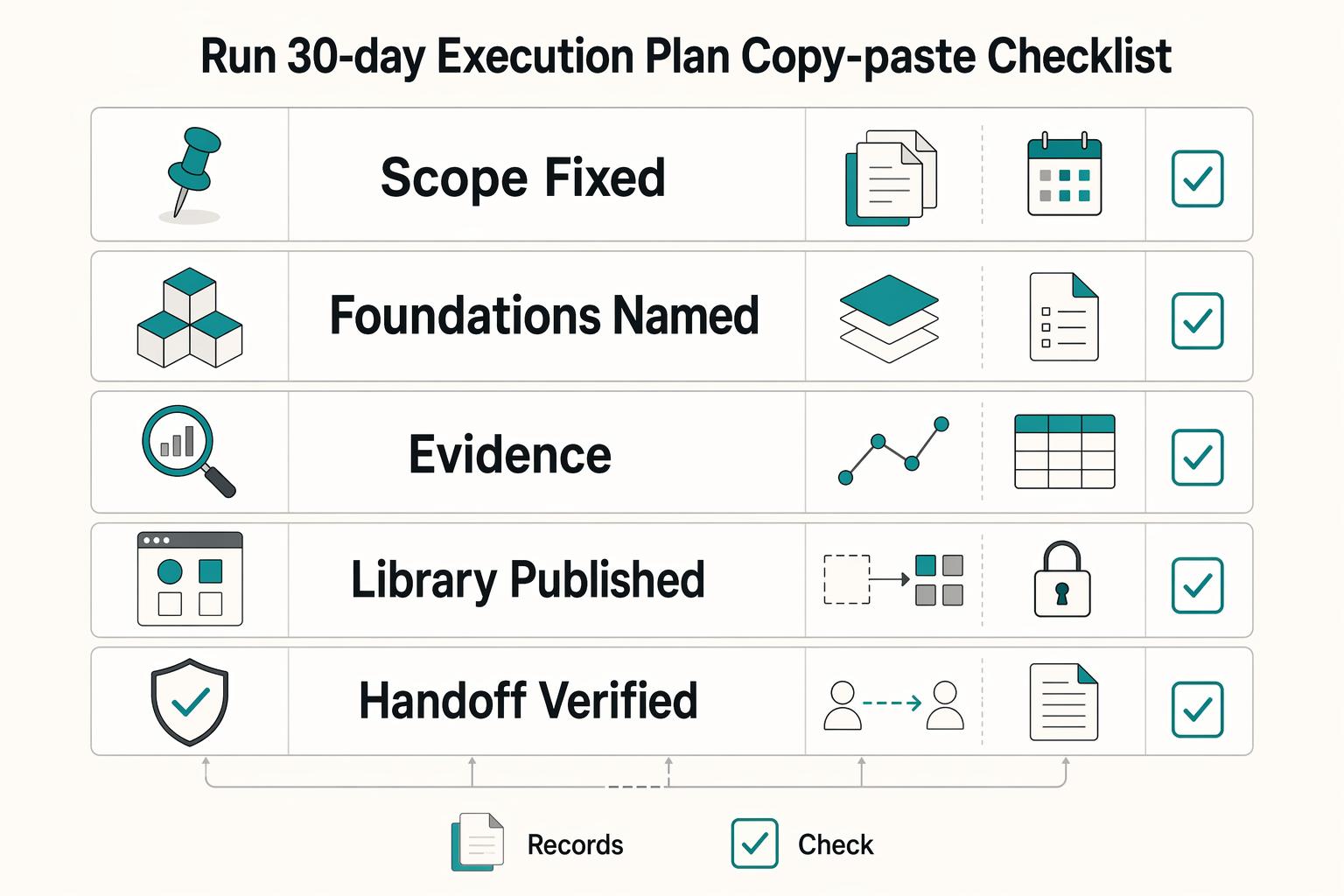
How to Create a Design System in Figma
A **design system in Figma** gives your team shared foundations, reusable assets, and enough documentation to move with fewer repeated decisions. Treat this as a focused v1 build target, not permission to start a side project that drags on for months. The point is not to make files look tidy.