
Quick Answer
Yes - use notion as a crm when your client process stays clear in one database and you can keep records current every week. Start with required properties such as Stage, Owner, Priority, and Follow-up date, then test with three leads and one active client before adding extra views. Keep automation narrow, and use a simple checkpoint: if one record no longer shows status, latest interaction, and next step quickly, simplify or move to a dedicated CRM.
When Notion Works Well as a CRM#
Use notion as a crm only if you want a setup you can keep current every week, not one that looks good right after setup but then drifts. The real value is not the template or the dashboard. It is whether your client records stay easy to scan, quick to update, and reliable enough to drive follow-ups without guesswork.
Notion gives you a practical starting point. Its databases provide a structured place for client data, and database properties let you organize the details that matter. In practice, that means you can keep contacts, deal status, notes, and customer-related documents in one place. You can then track where each person sits in the customer journey. For some independent professionals, that is enough. They need a clear view of relationships and next actions more than they need a heavy sales tool.
This guide is built around a simple goal: help you keep your pipeline clean, your customer journey visible, and your upgrade path obvious. A CRM often breaks down gradually when records lose status, follow-up dates go blank, or nobody can tell what happens next from a single page. If your setup cannot survive a short weekly review, it is already too complicated.
What should you check before you start?#
Set the right expectation first. Notion can organize customer information, related docs, and process notes in one dashboard, but it still depends on consistent upkeep. The best starting point is usually a full-page database in table view because it stays scannable and quick to update as your client list grows. If you jump straight into polished views without a clean table underneath, it becomes harder to verify what is actually true.
Use one checkpoint before you build further. Open a client record and ask whether you can tell the current status, the latest touchpoint, and the next step quickly. If not, the issue is often not missing features. It is unclear fields, messy naming, or too much template clutter.
That is why this is an operating guide, not a template roundup. You will work through decision checkpoints, setup steps, weekly maintenance rules, common failure recovery, and a copy-and-paste closing checklist you can actually use. One question stays in view throughout: when does this stop being a smart Notion setup and start becoming a case for a dedicated CRM? If you already think you may outgrow it soon, keep that in mind as you build so you do not bury your process inside fragile workarounds.
Decide if Notion is the right CRM for your business today#
Use Notion as your CRM if your customer journey runs cleanly in one database with reliable fields; plan a move if your process depends on logic, reporting, handoffs, or automation that no longer fits cleanly.
Notion's own CRM setup focuses on a database with customer details, status, and custom properties, so you can track journey progress without switching tools. That is often enough when the main job is keeping records current and visible. It is less reliable when communication tracking and cross-team coordination become core requirements.
Use this quick stay-vs-move check:
| Criteria | Stay in Notion when | Move out when |
|---|---|---|
| Pipeline complexity | Stages and next steps fit simple statuses and custom properties | You need branching rules, exceptions, or logic you cannot model cleanly |
| Reporting depth | You mainly need clear views of records and stage status | You depend on deeper reporting across many records |
| Team handoffs | Ownership is mostly single-person or handoffs are simple | Multiple people need shared communication context on the same accounts |
| Automation dependence | Manual updates are acceptable | You need automatic activity capture and follow-up prompting |
Working rule: if your setup now depends on complex logic you cannot model with custom properties, move to a dedicated CRM (for example, Salesforce or OnePageCRM) instead of adding fragile workarounds.
One caveat: commentary in this space often raises speed and logic-limit concerns, but a verified numeric breakpoint is not established. So do not wait for a magic record count. Use this one-minute checkpoint instead: Can I run my current customer journey in one database without fragile workarounds? If yes, stay and keep it simple. If no, move before inconsistency becomes your default.
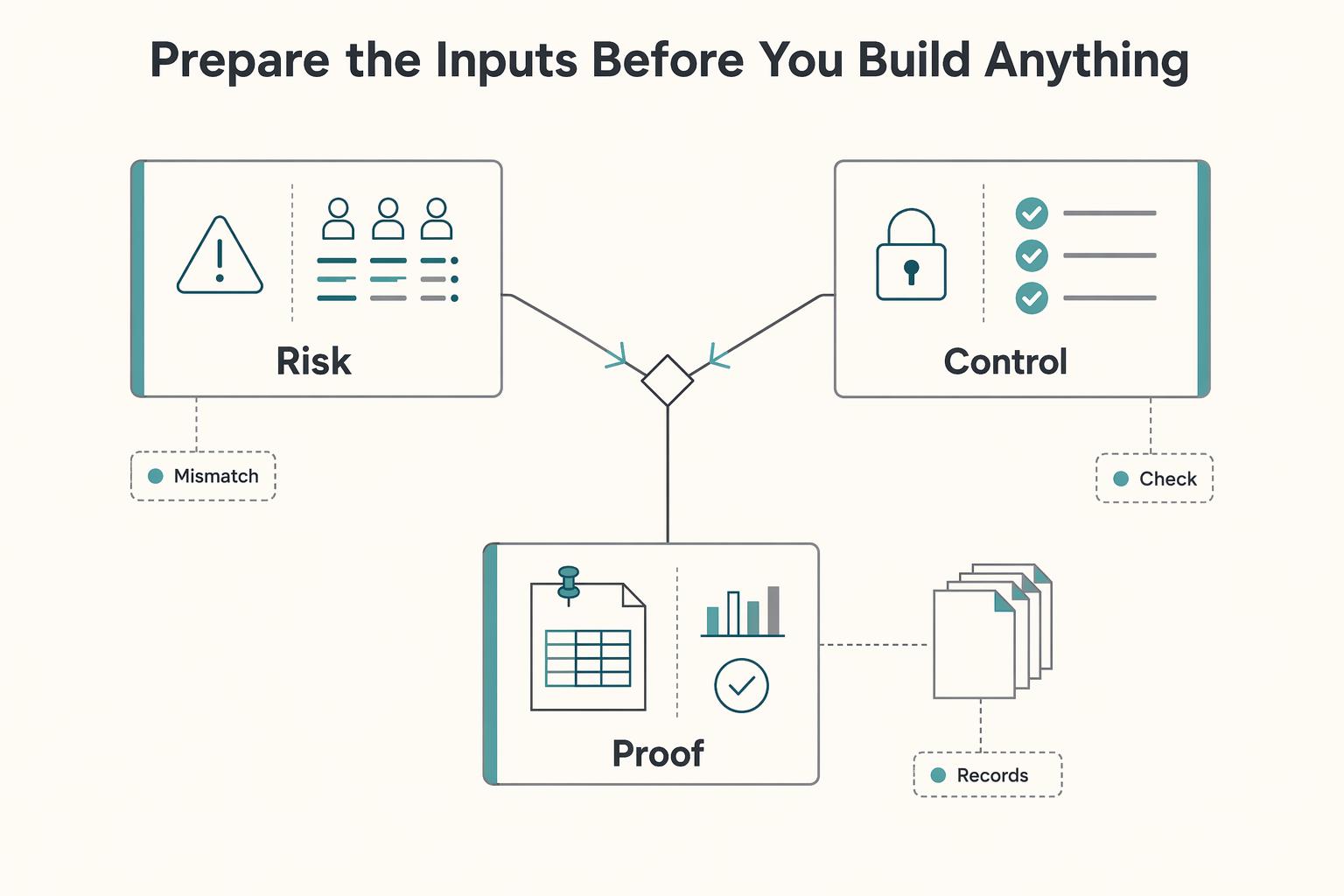
Prepare the inputs before you build anything#
Before you touch templates, define the minimum information each record must carry so every page clearly shows where the account is, what happens next, and what could block progress.
Step 1: Define your core fields first. Start with a small data pack you will track consistently: contact information, pipeline stage, offer type, and next action. Decide these before creating database properties so records stay comparable.
Step 2: Decide your record structure. If one database is enough, keep it simple. If your process already treats companies, people, and meetings as separate entities, model them that way from the start and connect them with relations/rollups instead of cramming everything into one record.
Step 3: Separate required properties from optional context. Anything you need to filter, assign, or review regularly should be a structured property. Use the page body for supporting context like notes, checklists, calendars, and embedded files.
Step 4: Run a quick legibility check. Open one draft client page as if you were a teammate and confirm the stage, next step, and risk are obvious at a glance. Notion supports shared pages, task assignment, and comments, but handoffs only work when the core fields are easy to scan.
This pairs well with our guide on Use Notion API for Freelance Tools With Better Record Control.
Pick a Notion template and strip it down to essentials#
Pick the smallest template that already fits your pipeline, then remove fields before adding anything new. That gives you faster setup and less cleanup later.
Use this quick filter when you compare options in Notion Marketplace:
| Template | Signal | Check |
|---|---|---|
| Personal CRM template | 4.85 based on 76 ratings; reviewer said it was "easy to setup and use." | Strongest lightweight signal in this set |
| Action-Focused CRM with Follow-Up Reminders | Candidate name | Verify the structure matches your process |
| Business OS \ | All-in-One Operations Dashboard | Builder system collection is framed around 5 focus areas and 6 templates |
Keep only the core components Notion's own guidance emphasizes: contact management (so you can store, search, and manage customer information), clear stage tracking, next action, follow-up date, and a communication log. Both customer-relations and client-relations guidance warn against complicated functionality/frameworks that slow you down.
After import, test one sample record: can you find stage, next action, follow-up date, and latest communication quickly? If not, strip more before you build views.
Build the minimum viable Notion CRM in five steps#
Make this usable before you make it pretty. If you're using Notion as your CRM, the minimum viable setup should include only what you need to run day-to-day work and get value now.
| Step | What to set up | Key detail |
|---|---|---|
| Step 1 | One primary CRM database | Use one database for leads, prospects, and active clients; add Stage, Owner, Priority, and Follow-up date |
| Step 2 | Standardized contact information and one record template | Use Primary contact name, Email, Phone, Company, and Latest communication; create one default new-lead template |
| Step 3 | Stage-entry and stage-exit rules | Write a one-line entry rule and one-line exit rule for each pipeline stage |
| Step 4 | Views you will actually use | Daily follow-ups table, Overdue table, and Pipeline by stage board |
| Step 5 | Verification pass with real test records | Add three test leads and one active client, then move them through your full journey |
Step 1. Create one primary CRM database. Use one database as your source of truth for leads, prospects, and active clients. Add the core properties first: Stage, Owner, Priority, and Follow-up date. Keep extra segmentation fields limited so each record answers four questions quickly: where it is, who owns it, how urgent it is, and when you act next.
Step 2. Add standardized contact information and one record template. Consistency beats completeness at this stage. Use the same contact fields on every record (for example: Primary contact name, Email, Phone, Company, and Latest communication). Then create one default new-lead template with starter values and a prompt to log the next follow-up action after the first interaction.
Step 3. Define stage-entry and stage-exit rules. Write a one-line entry rule and one-line exit rule for each pipeline stage. Keep rules visible in the database description or a pinned note so stage movement stays consistent. If a deal can sit in a stage without a clear next action or follow-up date, tighten the rule.
Step 4. Create the views you will actually use. Build only action-driving views: a Daily follow-ups table, an Overdue table, and a Pipeline by stage board (Kanban grouped by Stage). Use table views for cleanup and date checks, and board view for stage flow. Archive views that do not help you decide the next action.
Step 5. Run a verification pass with real test records. Test before you polish. Add three test leads and one active client, then move them through your full journey to confirm records can be tracked end to end in one database. This keeps implementation practical: prepare your data model, then implement and test.
For a step-by-step walkthrough, see How to Create a Client Portal in Notion.
Run a weekly operating cadence so the CRM stays trustworthy#
Your CRM stays trustworthy only if you run it on a fixed rhythm, not with ad-hoc updates.
Step 1. Schedule one weekly review in one canonical status view. Pick a fixed day and time, then review the same views each week. Use that session to close stale items, clarify ownership, and keep status, blockers, and next steps visible in one place. If updates live in private notes or DMs instead, the database stops being your source of truth.
Step 2. Enforce a hard next-action rule in every active sales pipeline stage. If a record has no dated next action, it cannot stay active. Either add the next action, move the record out of the active stage, or close it. This protects follow-up speed, which can materially affect outcomes.
Step 3. Check evidence, not labels, on each active record. Every active client record should show latest contact, current stage, and updated contact information at a glance. Spot-check a few active records each week: if you cannot quickly see who last spoke, where the deal stands, and how to reach them, the record is not reliable enough to guide action.
Step 4. Run a monthly hygiene pass to prevent drift. Use it to remove duplicates, normalize custom properties, and fix inconsistent stage usage early. Also treat parallel trackers as a warning sign: if you start relying on side spreadsheets because Notion feels stale or incomplete, fix the workflow before trust erodes. For examples of stronger pipeline setups, see The Best CRMs with Sales Pipeline Features for Freelancers.
Add automation only where it reduces manual risk#
Use automation only for low-risk data transfer, and keep stage decisions manual.
-
Start with one narrow Unito and Outlook path. If you choose to test those tools, limit the first setup to one high-value flow, such as contact details or recent activity into Notion. Validate a small sample in one filtered Notion source view before expanding so you can confirm the right contact, the right field, and the latest update.
-
Use automation for field updates, not stage ownership. Let the connection handle repetitive updates, but do not let it move records between stages. Changes tied to status, priority, or commercial judgment should stay in your hands inside Notion.
-
Plan recovery before launch. If mapping or sync output looks wrong, pause sync, reconcile from the Notion source view, and relaunch with a narrower field map. Document which fields the automation may touch and who checks them during the weekly review; if the mapping cannot be explained clearly, the scope is already too broad.
Related reading: The Best CRM for Independent Consultants.
Fix common Notion CRM failures before they become revenue leaks#
Small CRM errors can become revenue leakage over time, so fix failure patterns early and keep recovery rules explicit.
| Failure | Recovery | Warning sign |
|---|---|---|
| Too many pipeline stages | Collapse overlapping stages and define a one-line exit rule for each remaining stage | People hesitate to move a deal |
| Inconsistent custom properties | Enforce a required field set for active records and clean historical entries in batches | Views and follow-up tracking become less reliable |
| Template bloat after imports | Archive unused views and fields, and keep one default operator view for daily decisions | A view cannot quickly surface stale records, missing next steps, or duplicates |
| Uncontrolled sync behavior | Treat sync as a controlled layer with documented field mapping and clear conflict handling | Mappings drift or duplicate updates appear |
Failure 1: Too many pipeline stages Recovery: Collapse overlapping stages and define a one-line exit rule for each remaining stage. If people hesitate to move a deal, the stage model is too complex; simplify it, then spot-check active records to confirm consistent stage decisions.
Failure 2: Inconsistent custom properties Recovery: Enforce a required field set for active records and clean historical entries in batches. Inconsistent fields make views and follow-up tracking less reliable, which can hide work that still needs action.
Failure 3: Template bloat after imports Recovery: Archive unused views and fields, and keep one default operator view for daily decisions. If a view cannot quickly surface stale records, missing next steps, or duplicates, trim it further.
Failure 4: Uncontrolled sync behavior Recovery: Treat sync as a controlled layer with documented field mapping and clear conflict handling. If mappings drift or duplicate updates appear, pause sync, reconcile records, and restart with a narrower scope.
You might also find this useful: Using Airtable as a CRM for a Solo Marketing Consultant.
Conclusion and copy paste checklist#
The short version is simple: Notion works as a CRM when your process is disciplined, your pipeline is short enough to manage in one database, and you are honest about where the tool stops helping. If you need constant patching, duplicate views to compensate for logic gaps, or too much manual interpretation, that is your signal to simplify or move on.
That matters because Notion gives you a lot of freedom and a lot of ways to overbuild. Its CRM template category shows 1,442 templates, and that abundance only helps if you stay selective. A CRM template can be "more than just a contact list." It can also support "tracking your sales pipeline." The practical win comes from fewer fields, clearer stage rules, and one view you will actually open every day.
Use the same final checkpoint from the rest of this guide: open a single record and check whether you can understand the contact, current stage, latest interaction, and next step quickly without hunting. If that is not obvious, your custom properties or stage definitions still need work. Another red flag is a template that looks impressive but hides the real operating questions under too many optional fields.
Copy, paste, and use this as your closing checklist before you call the setup done:
- Confirm fit and write it down
Document why you are staying in Notion for now. Keep the decision tied to your current process, not to future possibilities.
- Finalize custom properties and stage rules
Lock the fields you actually need. Notion template examples explicitly support notes and custom properties, so define only the fields required to track leads, interactions, and next steps.
- Build one default operator view and one review view
Your default view should answer "what needs attention now?" Your review view should make stale records, unclear statuses, and missing data easy to spot.
- Test the full customer journey with sample records
Add a few realistic leads plus one active client. Verify that the record can carry contact history, pipeline stage, and next step from first inquiry through delivery without awkward workarounds.
- Add one automation only after manual handling feels stable
This is a control choice. If automation creates confusion, pause it and clean the primary Notion view before expanding anything.
- Run a periodic hygiene review
Review status, next action, and data quality on a schedule that fits your workflow. If a live record has no clear next step, it should not sit in an active stage.
- Trigger an upgrade review when complexity rises
When contacts, next steps, and deals no longer stay clear in one setup, review dedicated options like those in The Best CRMs for Freelancers to Manage Client Relationships.
If you keep the structure lean, Notion stays useful. If you keep adding exceptions, it becomes admin. Want help reviewing your setup? Talk to Gruv.
Frequently Asked Questions
Can Notion be used as a CRM for freelancers and solo service businesses?
It can be, especially when your workflow is simple enough to manage in one database. Notion positions this approach as customizable, with client details and project tracking kept in one place, and contrasts it with more rigid traditional CRM setups.
Who should use Notion as a CRM and who should start with a dedicated tool like Salesforce?
Use notion as a crm when you can map your process with database properties in a single table view. Consider Salesforce or another dedicated CRM when your workflow needs capabilities beyond what you can model cleanly in that setup.
What fields are mandatory in a minimum viable Notion CRM?
This guide does not give a verified mandatory field list, so do not treat any template as authoritative. In practice, your minimum set should let you quickly identify who the contact is, what stage they are in, what happens next, and when follow-up is due. A useful checkpoint is whether one record in your table layout makes those points clear at a glance.
When should I move from Notion to OnePageCRM or another dedicated CRM?
There is no supported hard threshold here, so use a behavior test instead. If your setup depends on repeated manual patching or process workarounds, review dedicated options like OnePageCRM. If next-action discipline is the main gap, a tool built around “what you should do next with every contact” may be a better fit.
How do I choose between Personal CRM template and Action-Focused CRM with Follow-Up Reminders?
Pick the smallest template that already matches how you work today. If a lighter template covers your needs, keep it lean. If you need stronger next-step discipline, the Action-Focused CRM with Follow-Up Reminders is the clearer fit because it explicitly supports follow-up steps, deal management, and pipeline visibility.
Can Unito sync Notion with Outlook without creating duplicate or conflicting records?
This guide does not support any claim about Unito-Outlook duplicate prevention or conflict handling, so do not assume it is solved for you. Treat sync as a controlled layer: define one source of truth, limit the field map, and test with a small set of records before going live. If updates diverge, pause sync and reconcile in your primary Notion view.
What weekly checks keep a Notion CRM reliable as client volume grows?
Grounding here does not provide a fixed weekly reliability checklist, so keep the checks practical: make sure each active record has a clear next action and date, and clean up inconsistent database properties. As volume grows, keep follow-up visibility explicit so records do not stall without a clear next step.
Try a related tool
Researched and edited by the Gruv editorial team. Gruv builds cross-border billing, payouts, and finance-operations software for global businesses.
Sources
Includes 6 external sources outside the trusted-domain allowlist.
- dre.vanderbilt.edu/~gokhale/WWW/papers/Aerospace12_F6.pdftrusted
- sei.cmu.edu/documents/501/2012_019_001_495381.pdftrusted
- blog.boldtech.dev/notion-basics-build-a-crmexternal
- ceiamerica.com/a-6-step-guide-for-crm-implementationexternal
- clarify.ai/blog/using-notion-as-a-crm-a-comprehensive-g...external
- efficient.app/blog/notion-crmexternal
- folk.app/articles/how-to-use-notion-as-a-crm-a-step-b...external
- khehy.com/notion-for-business-the-ultimate-guideexternal
Educational content only. Not legal, tax, or financial advice.
Related Posts

Best CRM for Freelancers Who Need Reliable Client Follow-Up
If your client work is solid but your admin lives across email, notes, calendar alerts, and a spreadsheet, your CRM choice will succeed or fail on operations, not features. That is why so much advice on the **best crm for freelancers** misses the real issue. The main risk is not choosing a tool with too few buttons. It is choosing one that looks polished in a demo but still lets follow-ups slip when work gets busy.

A Guide to Notion for Freelance Business Management
If your workspace feels busy but fragile, you do not need more pages. You need one connected system. Treat your freelance business like a business-of-one and use Notion as the control layer that connects client decisions, delivery, and billing in one place.

The Best CRMs with Sales Pipeline Features for Freelancers
If your follow-up lives across email, a notes app, calendar reminders, and memory, the issue is not effort. It is control. You do not need the **best crm with sales pipeline** on paper. You need a tool you will update in the moment and review regularly, because that is what keeps deals moving.