
Quick Answer
Yes. Use Docker when you need repeatable client onboarding and verifiable handoff, not because containers sound modern. A practical baseline is one client boundary per repo, a committed `docker-compose.yml`, and a committed `.env.example` with real secrets kept out of git. Then run a clean-machine check: start from documented commands, confirm containers come up, and verify the expected app response. If those checks fail, your local process is still relying on undocumented machine state.
Treat your local setup as a business control#
If you work solo, your local setup is a business control, not a personal preference. For local development with Docker, use containerization where it improves handoff clarity and repeatability, without assuming it is always the best fit.
Step 1. Reduce delivery risk by defining a reproducible baseline you can check#
Your first job is not to make local development clever. It is to make it reproducible enough that handoff does not depend on your laptop. In practice, keep build and run expectations visible in repo artifacts and docs.
A simple check can be:
- Rebuild from a clean machine or environment.
- Start the app using only the documented commands.
- Run a short smoke test for the first client-critical flow.
The checkpoint is not "it works on my machine." It is "it starts from the repo and the docs." If the app only runs because of undocumented local setup, you have hidden drift.
There is a real tradeoff here. Docker can help standardize parts of local work, but it can also add another abstraction layer to manage. A pre-container workflow described in the historical discussion used OS X for local work, a local Vagrant Linux VM for test deploys, and staging/live Linux VM deployments with Ansible or Fabric. Docker may simplify some steps, but it can also introduce extra operational overhead.
Step 2. Compare profitability by outcome, not by guessed time savings#
Do not talk yourself into projected efficiency you have not measured. Compare approaches by outcomes in your own client work, then track those outcomes across multiple projects.
| Workflow outcome | Manual local setup | Containerized setup | What you should measure |
|---|---|---|---|
| New machine or clean rebuild | May depend more on local installs and memory | May depend more on project artifacts and documented commands | Time to first successful start on a clean machine |
| Switching between client projects | Can surface version/config conflicts | Can reduce some conflicts, while adding container tooling overhead | Number of setup issues per switch |
| Client teammate onboarding | Can require back-and-forth on prerequisites | Can be more repeatable when project docs/artifacts are clear | Number of clarification messages and failed starts |
The practical recommendation is to keep a small scorecard and decide based on observed support load, rebuild friction, and onboarding outcomes. If you do not see clear gains in your own projects, do not force a full container setup everywhere.
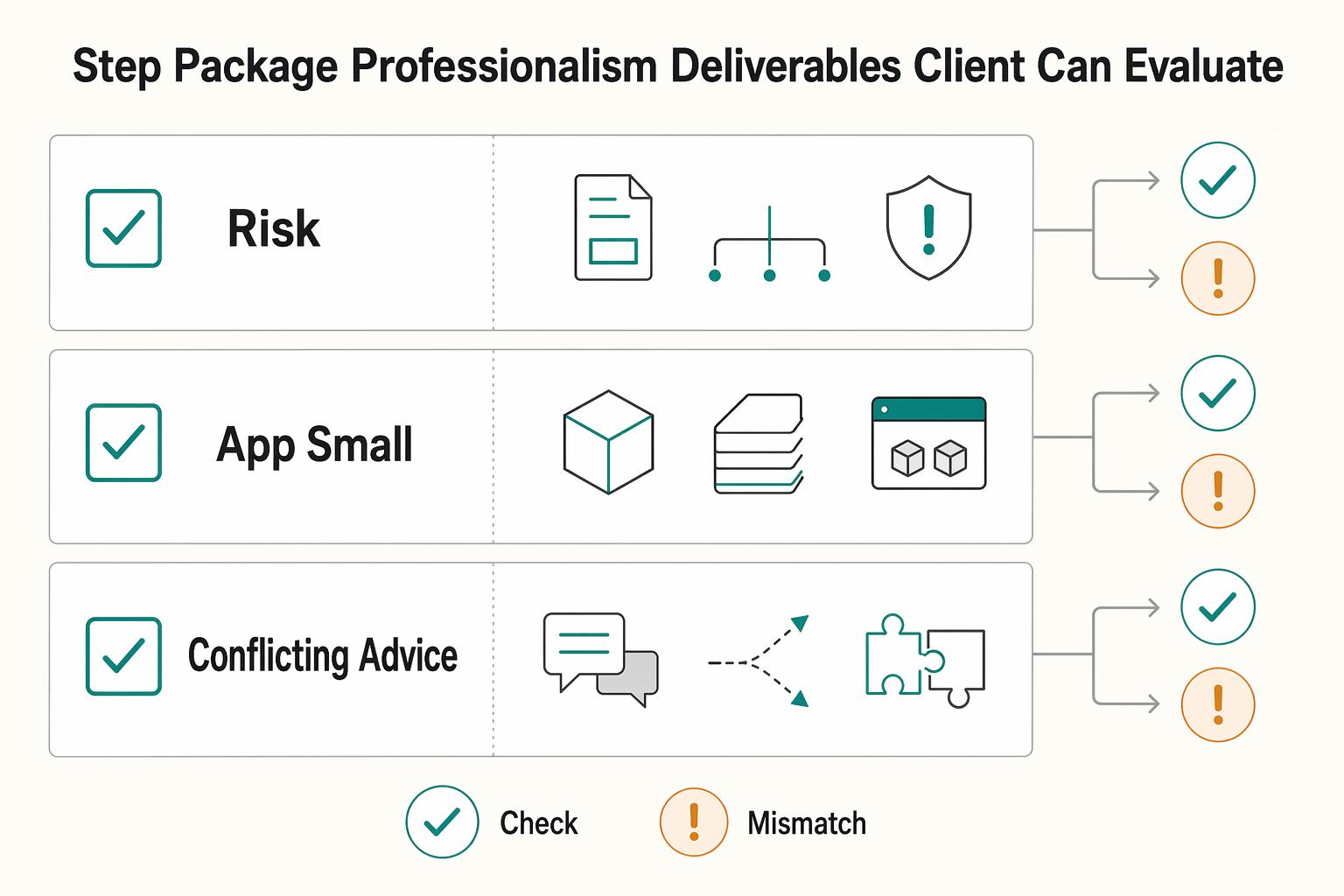
Step 3. Package professionalism into deliverables a client can evaluate#
Clients do not care that you use Docker. They care that another person can understand and run what you built. A practical handoff bundle often includes items like a Dockerfile, docker-compose.yml, startup instructions in README.md, and an env template, but the exact bundle should match the project's risk and scope.
| Project signal | Response |
|---|---|
| Onboarding repeatability and handoff risk are high | Use a fuller containerized setup |
| The app is small and support stays with you in a short engagement | Use a lighter setup |
| Repeated rebuild issues, version conflicts, or handoff questions keep appearing | Add more structure |
Before you call the environment done, ask one blunt question: could a client-side developer follow the repo artifacts and start the project without your live help? If the answer is no, the setup is not handoff-ready yet.
You might also find this useful: A Guide to Continuous Integration and Continuous Deployment (CI/CD) for SaaS.
Keep each client boundary and identifier unique#
If you juggle multiple clients, treat isolation as a repeatable operating rule: keep each project boundary and identifier unique so you do not mix work by accident.
Step 1. Create hard workspace boundaries#
Start with your filesystem, because that is where most avoidable mix-ups begin. Set one client folder, one repo boundary, and one naming pattern you can recognize instantly.
- Keep each client in its own top-level directory (for example,
clients/client-alpha/). - Keep each codebase in its own repo boundary unless a shared repo is intentional and clearly documented.
- Use one client slug consistently in folder names, repo names, and local working labels.
- Before you commit, do a quick boundary check: current folder, repo remote, and client slug should all match the work you are about to push.
This is a uniqueness control. When names overlap or look too similar, operational confusion rises and mistakes become more likely.
Step 2. Scope Compose resources per project#
Inside each client repo, keep that client's docker-compose.yml and name resources so they are clearly client-specific. Apply the same client slug pattern to service labels, network labels, volume labels, and env-file references so you can inspect your local state and quickly spot collisions.
| Risk category | Shared local stack | Clean-room isolation |
|---|---|---|
| Dependency drift | More overlap risk between projects | Clearer per-project boundaries |
| Credential leakage | Easier to reuse the wrong local config | Secrets stay tied to one project context |
| Onboarding friction | Less setup at first, more ambiguity later | More setup upfront, clearer handoff |
| Offboarding confidence | Harder to tell what belongs to which client | Easier to review and remove client-specific assets |
Step 3. Separate secrets and verify isolation over time#
Use .env.example as the committed template, and keep real secrets out of version control. If you use a local secret manager, document how to retrieve secrets in README.md without storing secret values. At project end, rotate credentials you controlled, remove local copies you no longer need, and record what changed.
| Check area | What to review |
|---|---|
| Running containers | Unexpected client names |
| Local volumes and networks | Stale or duplicate identifiers |
| Repos | Committed secrets or stray local secret files |
| Repo remotes | Each repo still points to the correct client destination |
Run a short isolation check on a schedule you will actually keep:
- Review running containers for unexpected client names.
- Audit local volumes and networks for stale or duplicate identifiers.
- Scan repos for committed secrets or stray local secret files.
- Check repo remotes to confirm each repo still points to the correct client destination.
Keep a small isolation log with timestamp, source, event type, and message so you can trace checks over time. Also clean up old logs; unmanaged logs get harder to search and easier to ignore.
Related: How to Calculate ROI on Your Freelance Marketing Efforts.
The First 48 Hours: Turning Onboarding into a Competitive Advantage#
In the first 48 hours, your goal is simple: hand over a repo that runs the same way on a new machine, with clear steps and checks. Your day-one deliverable is a runnable stack, a docker-compose.yml, a .env.example, one startup command, and a short sanity-check list in README.md.
Step 1. Hand over a narrow, testable starting path#
Give people one onboarding path:
- Clone the repo.
- Copy
.env.exampleto a local env file and fill required values. - Verify Docker with
docker run hello-world. - Build and start the stack with the documented command.
- Confirm containers with
docker ps. - Open the app and run a small smoke test.
This keeps onboarding to a small set of Docker commands instead of machine-by-machine package setup, which is where repeatability usually breaks.
Step 2. Make startup behavior easy to debug#
Use Compose to make local multi-service startup predictable, not mysterious. Document dependency expectations, keep startup order intentional, and make optional services explicit so people know what is required versus optional for day one. When startup fails, point readers to the first checks (docker ps, service logs, env values) so they are not guessing.
Also call out tradeoffs early: on macOS Docker Desktop and Windows WSL2, edit-test loops can be slower due to extra I/O/CPU overhead, and some IDE debugging workflows may need extra setup.
Step 3. Keep initialization steps explicit#
If your app needs migrations, seed data, resets, or rollback actions, list those commands as separate onboarding steps in README.md instead of hiding them inside container startup. That keeps first-run behavior predictable and makes retries safer when initialization fails.
| Handoff area | Manual onboarding | Docker onboarding |
|---|---|---|
| Handoff reliability | Varies by machine setup and local package drift | More repeatable when the same Compose workflow is followed |
| Teammate ramp-up time | Measure and verify | Measure and verify |
| Support load in week one | Measure and verify | Measure and verify |
If you want a deeper dive, read Value-Based Pricing: A Freelancer's Guide.
Hand over a version the client can run and verify#
Offboarding is a risk-control step: your goal is to transfer a version the client can run and verify without your memory filling gaps.
Step 1. Freeze one canonical handover bundle#
Hand over one clear package from one named repo state, not scattered files and chat history. A practical bundle can include the source at that release point, Dockerfile, docker-compose.yml (and a production compose variant if you use one), .env.example, plus short run and restore instructions.
| Bundle item | Note |
|---|---|
| Source at that release point | A practical bundle can include it |
Dockerfile | A practical bundle can include it |
docker-compose.yml | A practical bundle can include it |
| Production compose variant | If you use one |
.env.example | A practical bundle can include it |
| Short run and restore instructions | A practical bundle can include them |
Keep startup guidance singular and current. If something is no longer current, label it clearly as archived; if replaced, mark it as deprecated and point to the replacement. That avoids conflicting run paths at transfer time.
Step 2. Test the build path the client will actually run#
Before handover, run acceptance checks against the delivered repo state, not your usual local habits. For multi-stage builds, define the checks up front (for example: lean runtime image, non-root runtime where applicable, lockfile integrity, and a reproducible build path from the tagged state you deliver) and verify them once end to end.
Also verify Dockerfile cache behavior. Docker's Jan 4, 2024 guidance recommends putting app COPY/ADD lower so top layers can stay cached; if a small app-code change forces a full rebuild, you are handing off avoidable delay. If the client validates on Docker Desktop for Mac, note whether VirtioFS is enabled in Settings > General, since that can affect file-sharing performance during edit/rebuild loops.
Step 3. Use an execution checklist, not broad prose#
Make the handover instructions executable in order:
- Build images from the delivered repo state.
- Start services with the documented Compose command.
- Verify health (expected URL, container status, or service response).
- Run migrations/init steps if they are separate from boot.
- Follow the rollback path if startup or migration fails.
- Use documented log/troubleshooting entry points for app and dependencies.
Then have the client run this once and confirm the tested repo state in writing.
| Handover model | Reproducibility | Support burden after handoff | Incident recovery confidence |
|---|---|---|---|
| Source-only handoff | Depends on local setup and undocumented assumptions | Validation needed | Validation needed |
| Containerized handoff with tested docs | Higher when Docker files and instructions stay current | Validation needed | Validation needed |
| Containerized handoff with stale/conflicting docs | Drops even if images build | Often rises because startup path is unclear | Lower until docs are corrected |
Step 4. Close access and retention in writing#
After acceptance, complete a documented offboarding protocol: request credential rotation where relevant, confirm access revocation, delete local artifacts you no longer need, and record the current retention policy after verification.
Finish with a dated note of what was transferred, what was removed, and who owns next operational decisions.
For a step-by-step walkthrough, see How to Use Linear for Agile Project Management as a Freelance Developer.
Conclusion: From Developer Tool to Business Superpower#
The useful way to think about Docker in local development is not as a convenience feature, but as a risk-control habit. You are creating a practical isolated workspace for each client: one project, one isolated environment, one repeatable startup flow.
Step 1. Treat isolation as an operating rule#
The main win is not magic security. It is separation and repeatability. Containers package the app, its dependencies, and system tools so the same setup can run on your laptop, a server, or in the cloud with fewer environment surprises. As a working check, separate service containers should not see each other's processes or files unless you explicitly connect them.
Keep the limit in view. Containers use isolation features like namespaces, but they still share one host kernel. If you need VM-level isolation, do not pretend containers give you that. And if you pull unvetted public images or keep risky defaults, you are adding exposure, not reducing it.
Step 2. Standardize what the client can verify#
What changes in practice is simpler setup and fewer environment surprises when the project is packaged consistently. The checkpoint is just as simple: another person should be able to build the images, start the services, and hit the expected health URL or response without hunting for machine-specific fixes. A red flag is one catch-all setup that blurs boundaries across multiple client projects.
Step 3. Tighten your baseline this week#
You can tighten that baseline this week. Standardize these now:
- Prefer a separate repo or top-level directory per client project.
- Commit an
.env.example, ignore the real.env, and checkgit statusbefore pushing. - Keep startup notes short and test them on a fresh clone.
- Review your base images and remove anything you cannot explain in the final runtime image.
If you do just that, you reduce avoidable setup risk and make handoff easier to validate.
We covered this in detail in The Best Tools for Managing a Remote Development Team's Workflow.
Want to confirm what fits your specific setup? Talk to Gruv.
Frequently Asked Questions
Is Docker good for freelancers?
Yes, if you juggle multiple clients, changing stacks, or eventual handoffs. Treat each client as its own isolated project with its own repo state, container config, and startup notes. If your work is one small app on one stable stack with no collaboration, the overhead may be harder to justify. | Setup approach | What you should set up | What to verify | Main risk | | --- | --- | --- | --- | | Manual host setup | Local language runtimes, databases, and tools on your machine | A second machine can match your versions | Drift and "works on my machine" bugs | | One shared setup across clients | Reused containers and shared config | Which services, ports, and env vars overlap | Cross-contamination between client projects | | One isolated setup per client | Separate compose file, env template, and docs per project | The project starts from its own repo without borrowed config | More files to maintain, but far cleaner ownership |
How do you manage multiple client projects with Docker?
Give each client its own top-level directory or repo, plus its own compose file and env template. The checkpoint is simple: you should be able to start Project B without copying anything from Project A. A red flag is any shared .env, shared local database, or one catch-all compose file powering several client jobs.
What is the most secure way to handle API keys in Docker for local development?
A safe baseline is to keep real credentials out of version control, use placeholder values in setup materials, and verify no secrets are staged before pushing. If you use a secret manager, follow your team policy for runtime injection.
How does Docker improve client onboarding?
It can give the client one repeatable start path instead of a list of machine-specific guesses. Ask them to verify three things from the delivered repo state: images build, services start, and the expected health URL or response works. If any of those fail, fix the image or docs before kickoff.
Can I use Docker Desktop offline?
Yes, you can use Docker Desktop offline, but internet-dependent features will not work. Plan ahead by pulling required images before you disconnect, and do not expect Docker Hub push or pull, sign-in features, or first-time Kubernetes enablement to work offline. If a build fails in this mode on Docker Desktop, try DOCKER_BUILDKIT=0 docker build . as a workaround.
What should I check if a local tool cannot talk to Docker?
On Mac and Windows WSL 2, some tools need an explicit Docker host value even when your CLI already works. Set DOCKER_HOST=unix:///var/run/docker.sock, retry, and confirm the tool is pointed at the same engine as your terminal. If the CLI can list containers but the tool cannot, the problem is often connection config, not your app.
How can I improve Docker's local development performance on a Mac?
Start by writing down your Docker Desktop version and the exact slow point, then test one change at a time and measure your own edit-reload loop before keeping it.
How should I choose base images and structure builds?
Start from a trusted, small base image, and prefer multi-stage builds so the final runtime image only contains what the app needs. Your verification step is to inspect the runtime image and confirm it is not carrying compilers or build-only packages. If you cannot explain why something is in the final image, remove it.
Try a related tool
Researched and edited by the Gruv editorial team. Gruv builds cross-border billing, payouts, and finance-operations software for global businesses.
Sources
Includes 7 external sources outside the trusted-domain allowlist.
- capstone.cse.msu.edu/2009_01/web/archives/files/2024-01/schedules...trusted
- app.engr-sng.com/glossary/detail/loggingexternal
- app.engr-sng.com/glossary/detail/uniqueexternal
- customer-stories.githubapp.comexternal
- dev.to/dev_tips/the-only-docker-guide-youll-ever-ne...external
- docker.com/blog/8-top-docker-tips-tricks-for-2024external
- docs.docker.com/desktop/troubleshoot-and-support/faqs/generalexternal
- docs.docker.com/build/building/best-practicesexternal
Educational content only. Not legal, tax, or financial advice.
Related Posts

Value-Based Pricing for Freelancers Under Real Payment Risk
Value-based pricing works when you and the client can name the business result before kickoff and agree on how progress will be judged. If that link is weak, use a tighter model first. This is not about defending one pricing philosophy over another. It is about avoiding surprises by keeping pricing, scope, delivery, and payment aligned from day one.
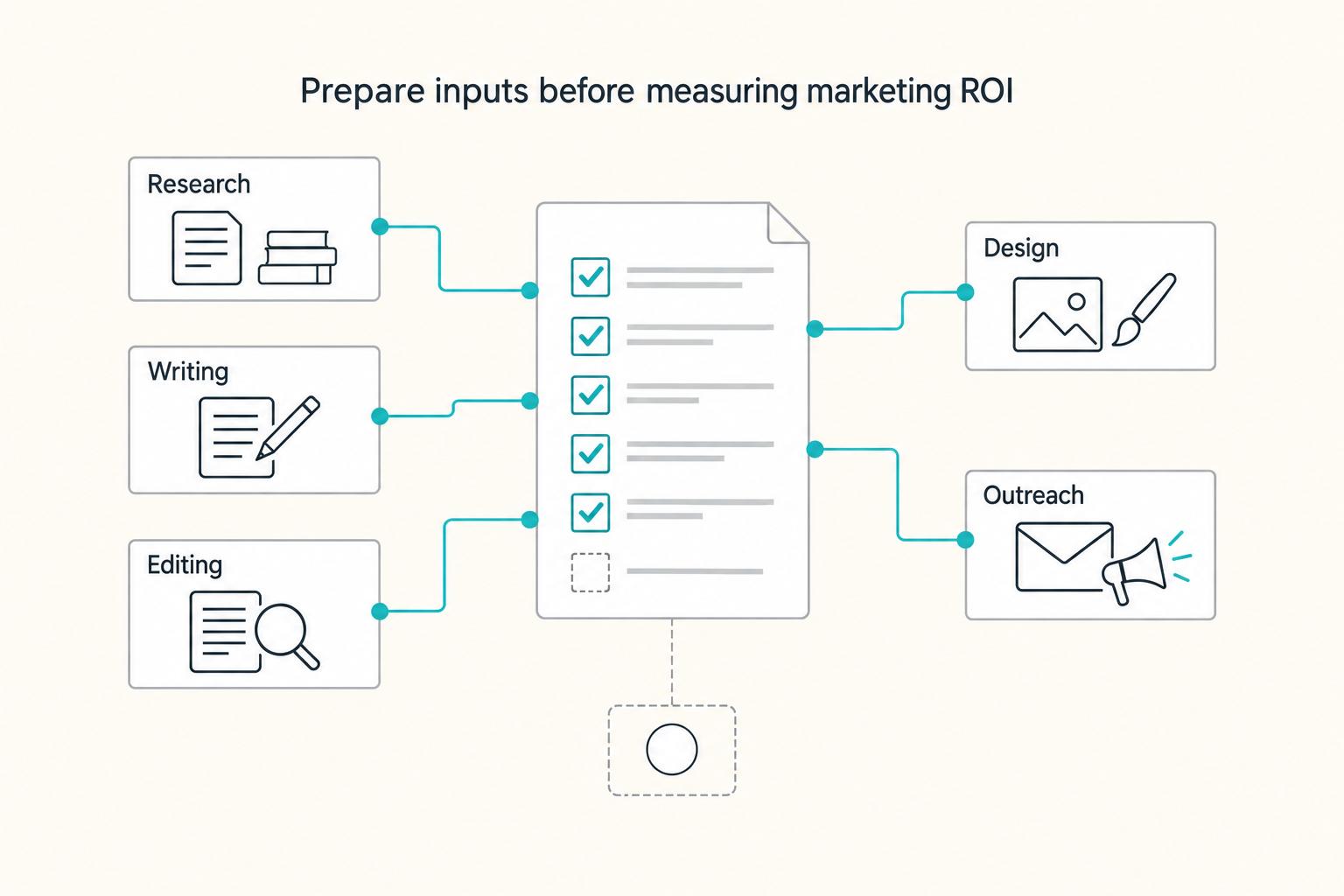
How to Calculate ROI on Your Freelance Marketing Efforts
If you want ROI to help you decide what to keep, fix, or pause, stop treating it like a one-off formula. You need a repeatable habit you trust because the stakes are practical. Cash flow, calendar capacity, and client quality all sit downstream of these numbers.
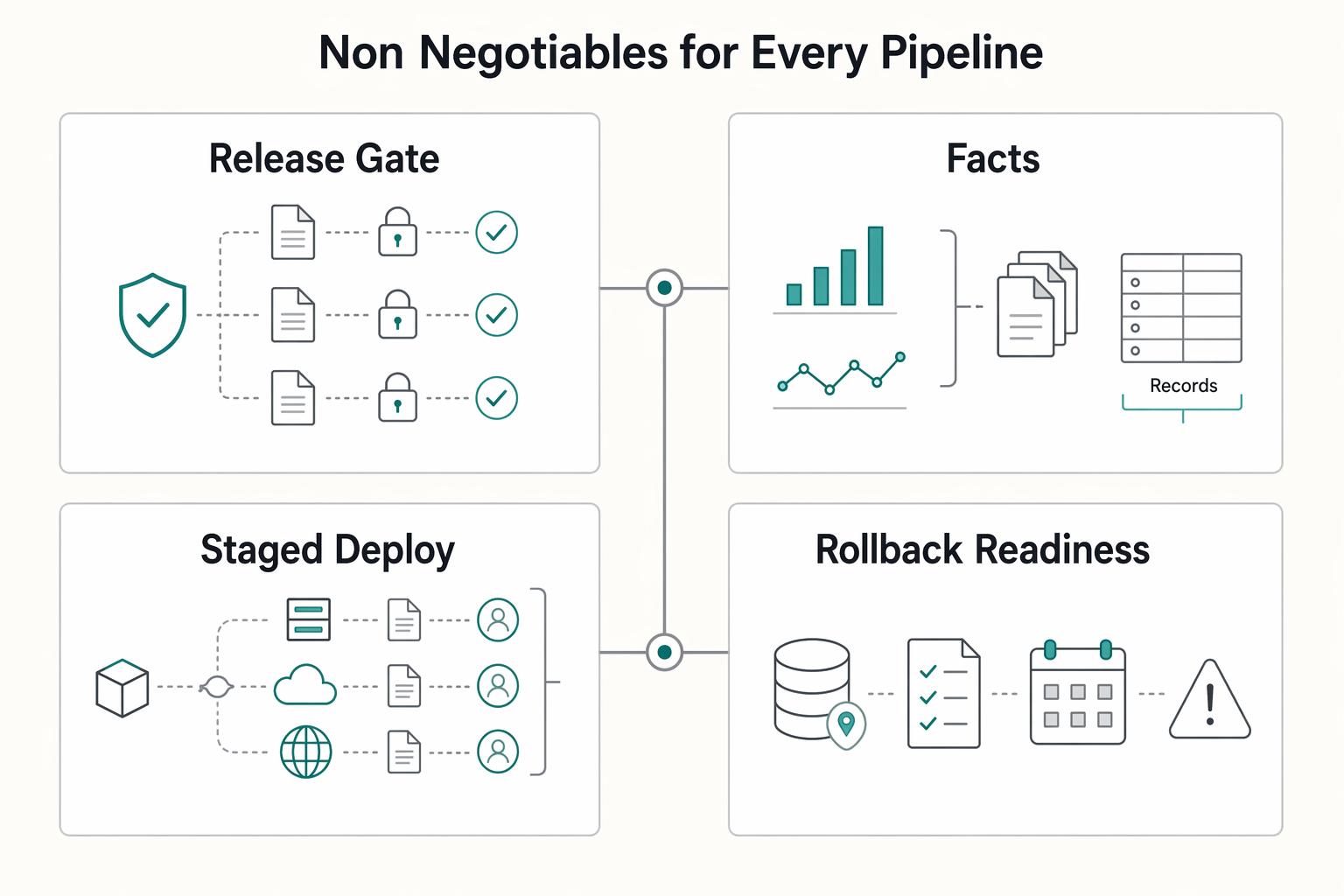
A Guide to Continuous Integration and Continuous Deployment (CI/CD) for SaaS
You are not choosing between speed and safety. You are choosing how much business risk each release can carry. As the CEO of a business-of-one, your release process is part of your risk strategy.