
Quick Answer
Yes. A decision journal for freelancers works best when you run it as a Decision Ledger: log the exact decision question, list exposures, attach verified evidence, project financial impact, then record the outcome and next rule. Use it before committing, not after problems appear. For cross-border work, treat concrete triggers like a 183-day residency threshold, FBAR reporting questions, or unresolved filing assumptions as items to verify or escalate.
Before you build the defensible record your business needs, be honest about why conventional decision journals have failed you. Most of the advice out there is not just too thin for high-stakes work. It is built for a different kind of problem.
The usual approach is built for introspection, not risk management. Its prompts ask what your gut says or how a choice fits your creative vision. That may be useful in other contexts. It does not help much when you are weighing tax residency risk after spending 183 days in a country, checking whether foreign accounts could trigger FBAR reporting, or thinking through Permanent Establishment exposure for a client engagement.
That gap matters because the traditional decision journal is usually:
- Passive and reflective. It looks backward and asks what you learned after the fact. For a business owner, that can be an expensive way to learn. You need a forward-looking record that asks how to reduce risk before you commit.
- Disconnected from financial reality. For a Business-of-One, major choices hit the P&L directly. If your system cannot connect a frustrating project to a weak effective hourly rate, it is not helping you decide.
- Too soft for the stakes. The language of mainstream productivity advice does not match the reality of legal exposure, financial reporting, and contractual obligations. Your record needs to be precise, evidence based, and strong enough to stand up to later review.
Your business does not need a diary. It needs a system of record.
Introducing the Decision Ledger: Your Proactive System of Record#
You do not need a more thoughtful diary. You need a repeatable record that you open before you commit, update as facts change, and close after the results land. That is the practical shift from a reflective journal to a Decision Ledger.
For a freelancer, this is a working record for high-impact choices with compliance, financial, or contract risk. Its job is simple: force the hard question early. How do you de-risk this decision before you commit? If you only write after the mistake, you may still learn something, but you may be learning from a tax penalty, a contract problem, or a project that looked profitable and was not.
A good entry is one consolidated record for one decision cycle, not scattered notes across email, a notebook, and your task app. Think of it like a single accounting entry that captures one full event. If you need to revisit the decision later, you should be able to see the question, the evidence, the expected outcome, and the actual result in one place.
| Ledger field | What you do | Evidence to attach | Business outcome |
|---|---|---|---|
| Situation and high stakes question | Define the exact choice in one sentence and name what is at risk | Client brief, draft contract, travel dates, scope summary | Clear decision boundary instead of vague anxiety |
| Risk and compliance factors | List the trigger points you need to check before saying yes | Regulation notes, jurisdiction guidance, advisor email, policy screenshots | Fewer blind spots during risk review |
| Data and rationale | Record the objective facts that support your choice | Rate math, timeline estimate, contract clause, verified threshold note | A defensible audit trail for why you decided |
| Financial projection and P&L impact | Estimate revenue, costs, time, and likely net profit before work starts | Budget sheet, fee proposal, tax estimate, payment terms | Better-informed pricing and capacity decisions |
| Outcome review and future protocol | Compare actuals against the plan and write the rule you will reuse | Final invoice, hours worked, issue log, post project notes | Better future decisions, including Effective Hourly Rate review |
Build each entry with a practical workflow#
Step 1. Frame the decision precisely. Write the choice as a yes or no question with a real consequence attached. "Should I accept a 4 month client project that requires travel and on site work?" is usable. "I feel unsure about this client" is not. Your checkpoint is simple: another person should be able to read the sentence and understand what action is under consideration.
Step 2. List the risks before you solve them. Name the exposures that matter if you get the call wrong. That might include a tax residency trigger, reporting obligations, contract liability, or delivery risk. Be specific when the facts support it. If travel days matter, write "183 days threshold style trigger, verify current rule for this jurisdiction" rather than assuming the same number applies everywhere.
Step 3. Capture objective evidence. This is where most systems fall apart. Do not write what feels right. Write what you verified. Include the regulation name if you have it, the contract clause you reviewed, the email from an accountant, or the payment terms affecting cash flow. If you cannot point to evidence, treat that as a red flag, not a minor gap.
Step 4. Project the financial reality. Tie the choice to money and time before you proceed. Record expected revenue, direct costs, admin burden, likely tax impact, and the hours you think the work will really take. Use unresolved-state labels when needed, and make clear what still needs verification. For example, write "Tax estimate pending advisor confirmation" or "Current threshold pending official verification." This helps prevent the failure mode where a project looks big on invoice value but weak on net profit.
Step 5. Close the loop with actuals. After the decision plays out, record what happened and what rule you will carry forward. If a project was profitable, note why. If revisions doubled the hours worked and dragged down your Effective Hourly Rate, write that plainly. The goal is not reflection for its own sake. It is a reusable rule such as "For projects with on site travel, require verified jurisdiction notes and a margin buffer before signing."
Start small but do not skip the evidence#
Open a ledger entry whenever a choice could materially affect compliance, cash flow, or delivery. In practice, that includes new client contracts, cross-border work, pricing changes, subcontracting, long travel periods, or any project that would be painful to unwind.
At minimum, attach three things: the exact decision question, one piece of verified external evidence, and a rough financial projection. That small evidence pack is often enough to make the rest of the process useful. It gives you something concrete to test when you assess compliance risk and when you move from pricing guesses to profit decisions.
Related: How to Manage Your Time Effectively as a Freelancer.
Application 1: Mastering Compliance and Tax Risk#
Use your Decision Ledger to make compliance and tax decisions before they become expensive surprises. Open an entry as soon as a new fact pattern could change your risk position, then log what you verified, what is still uncertain, and what action you will take.
Set three status labels in your template: Verified, Pending verification, and Escalate. Do not close an entry without attached evidence and a next review point.
Step 1. Log the trigger event clearly. Start an entry when you plan extended travel, open or use foreign financial accounts, receive a cross-border contract, or consider an entity/tool change with compliance impact. Record the trigger date, jurisdictions involved, the exact decision question, and what is at risk.
Step 2. Capture the minimum fields every time. Use the same minimum fields so your decisions stay consistent and reviewable.
| Risk area | Minimum ledger fields | Evidence artifact | Decision owner |
|---|---|---|---|
| Tax residency exposure | Jurisdiction, planned dates, running day count, current jurisdiction threshold to confirm with a qualified tax adviser, filing questions, next review date | Calendar export, itinerary, local guidance note, advisor email | Named in entry |
| Foreign account reporting | Account location, aggregate balance method, reporting threshold to confirm with the relevant tax authority, reporting question, review date | Statement or balance screenshot, bank correspondence, advisor note | Named in entry |
| Contract risk | Governing jurisdiction, liability note, IP ownership note, PE question, unresolved clauses | Draft contract markup, clause screenshots, client email | Named in entry |
| Entity or tool decisions | Decision question, tax or recordkeeping implications, migration risk, review date | Advisor note, product policy screenshot, sample export/report | Named in entry |
Step 3. Attach evidence, then choose a treatment. After you log the facts, choose a treatment: proceed, renegotiate, pause for advice, or decline. For contract risk, review three points each time: liability exposure, IP ownership and transfer terms, and possible Permanent Establishment exposure. If those points are still unclear after your review, escalate to qualified legal or tax advice and mark the entry Escalate.
Step 4. Close with outcome review. Record what changed, what action you actually took, and what reusable rule you will apply next time. This is what turns one decision into a defensible process.
Minimum viable compliance cadence:
- Create an entry at each trigger event (travel, foreign account changes, cross-border contracts, entity/tool decisions).
- Update active entries while facts are changing.
- Review all Pending verification entries on a fixed recurring schedule.
- Run a periodic scan for repeated issues, missing evidence, and items to escalate.
If you want a deeper dive, read GDPR for Freelancers: A Step-by-Step Compliance Checklist for EU Clients.
Application 2: From Pricing Guesses to Profit Strategy#
Use your ledger to price from profit quality, not invoice size. Effective Hourly Rate is your anchor because it shows what each project was actually worth after the real work was done.
You do not need a perfect model. You need a repeatable record that keeps you from pricing off memory, pressure, or headline revenue.
Step 1. Calculate Effective Hourly Rate from completed work. For each finished project, log invoice total, refunds or discounts, project-specific costs, payment or platform fees, cost categories verified from source records, tax treatment pending adviser verification, and total hours. Count all hours: delivery, scoping, calls, revisions, feedback follow-up, and admin. If pre-sales or revision time is missing, treat the result as incomplete.
Step 2. Compare projects by margin quality, then decide. Rank projects against each other and choose what to keep, reshape, or drop.
| Project profile | Hidden effort found | Margin quality after EHR review | Keep/drop decision |
|---|---|---|---|
| Fixed-fee project with many stakeholder reviews | Extra calls, revision rounds, status emails | Low | Drop, or tighten scope and revision terms before accepting similar work |
| Monthly retainer with narrow deliverables | Steady admin, limited surprises | Medium to high | Keep, and review scope creep monthly |
| Small advisory package with clear boundary | Prep time, follow-up notes | High when tightly scoped | Keep, and test a higher next quote if delivery stays stable |
If a project type shows weak margin quality repeatedly, change the offer design or stop selling it.
Step 3. Run pricing experiments as a closed loop. For each new quote, log five fields: hypothesis, quoted scope and price, buyer response pattern, final terms, and post-project profitability review. Treat no reply as a response pattern, not a maybe, and record it the same way you record explicit yes/no responses.
Step 4. Set currency handling as a policy decision. Before you invoice across currencies, create a ledger policy entry with invoice currency, conversion timing, transfer method, and fallback rule. Record the spread or fee assumption only after checking source records, bank terms, or provider pages so you can review whether profit held after settlement.
For a step-by-step walkthrough, see How to Use OKRs for Freelance Goal Setting and Performance Tracking.
Your First Entry: From One Decision to a Reusable Rule#
Start with one decision that has real operational impact. Skip low-stakes tasks like file cleanup or app-theme changes.
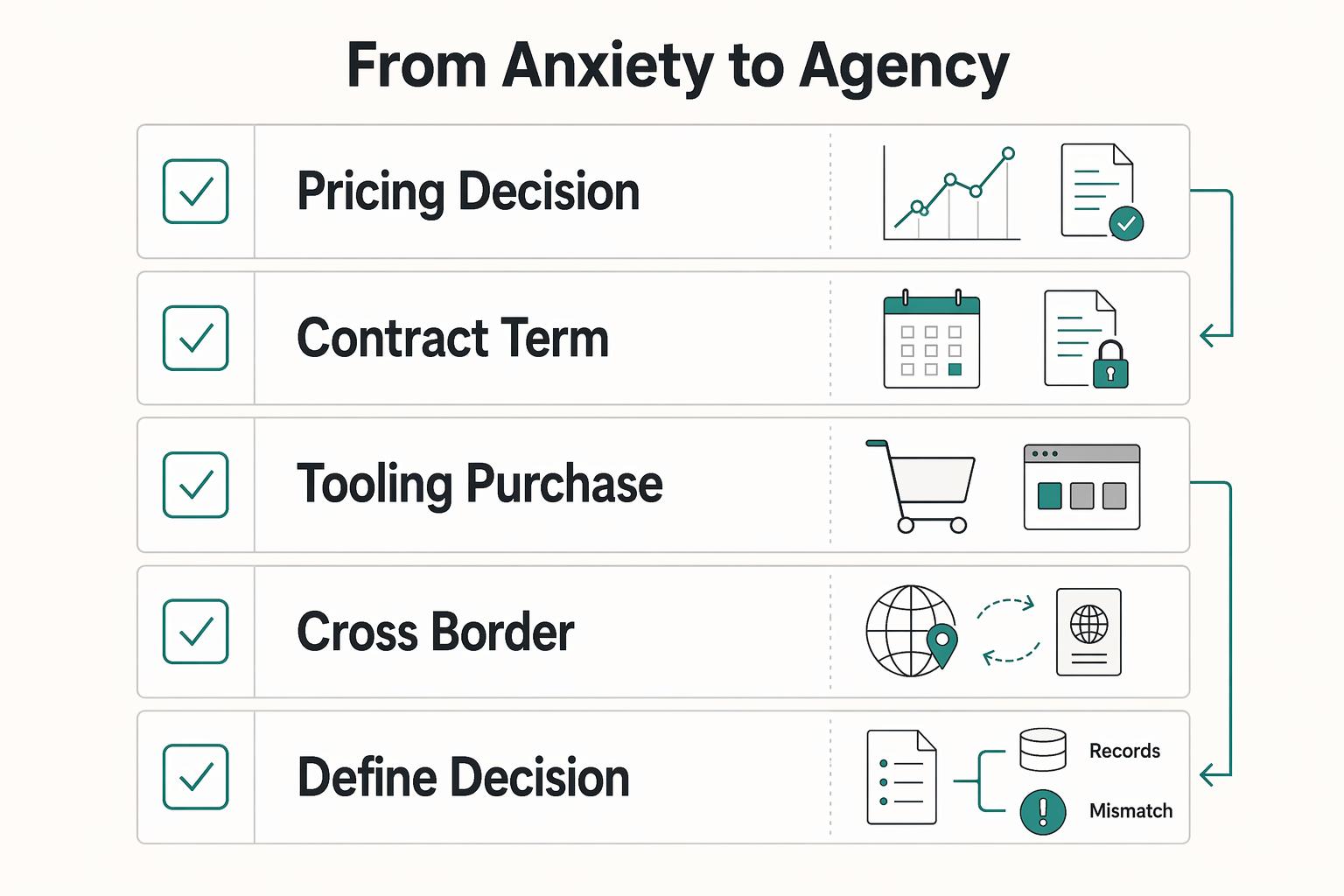
Use this quick filter for your first entry:
- A pricing decision that changed margin, scope, or both
- A contract term you accepted, revised, or pushed back on
- A tooling purchase that changed delivery cost, speed, or data handling
- A cross-border client/project setup with unknown requirements
- Step 1: Define the decision context.
Write the decision as a question, then state why it was active now. Capture the client or project, the real options, any deadline, and what part of your business it affected. Prompt: What was I deciding, why did it matter now, what were my options, and what happened if I delayed?
- Step 2: Scan risks and constraints.
Name the specific exposures in play: margin pressure, timing risk, unclear scope, payment terms, data handling, cross-border unknowns, or dependency on client response. Separate facts from assumptions. If legal meaning, filing treatment, or contract wording is unclear, mark it as needs verified advice.
- Step 3: Attach evidence and assumptions.
Add the records behind your choice: proposal draft, contract redlines, email thread, IM notes, phone-call summary, hours log, vendor pricing page, or cost sheet. In remote work, key context is often split across email, IM, and phone, so gather it in one place. Use unresolved-state labels where needed, such as "Current threshold pending official verification" or "Cost assumptions pending source-record verification."
- Step 4: Record expected impact and the decision.
State expected upside, downside, and operational effect. Note assumptions behind cost, timing, and client behavior. Then write one plain sentence: "I chose to ___ because ___."
- Step 5: Review outcome and define a reusable rule.
When results are visible, record what happened, what surprised you, and what was outside your control. You can influence the other side, but you cannot control their process. End with one reusable rule (for example, a pricing guardrail, contract fallback, intake question, or approval step).
After this first entry, tag it by decision type and stakes, schedule a review, and convert the lesson into a standing protocol. If entries never become a template, clause note, or checklist item, you collect history without improving operations. To keep this from being crowded out by current client work, reserve one-half day per week for future-facing business maintenance and open-entry reviews.
You might also find this useful: How to Conduct a 'Weekly Review' for Your Freelance Business.
Frequently Asked Questions
What should a minimum viable entry include?
Keep the entry short, but complete enough that you can defend it later. Capture the decision question, key risks or compliance factors, the evidence you reviewed, the expected financial effect, and the later outcome. Attach the proof, not just your summary. If you cannot reconstruct why you decided from the entry alone, it is too thin.
How often should I write in it?
Log by trigger, not by habit. If a choice changes money, scope, compliance exposure, contract terms, or your offer design, make an entry before you act. Then review it at named checkpoints instead of making one vague promise to “check later.” A practical pattern is capture now, review after outcome, and run a broader review at your own interval.
What tool should I use?
Choose the tool by criteria first: searchability, access control, audit trail, and exportability. Notes apps, documents in a structured folder, or spreadsheets can all work if you can find entries quickly, restrict access, review version history, and export records without friction. The red flag is choosing a tool because it feels convenient, then discovering the attachments are scattered or the edits leave no trace. Before you commit, test one real entry and one export.
When should I handle it myself, and when should I call an advisor?
Keep it internal when you are comparing business options and the facts are clear enough to document. Consider bringing in an accountant, tax advisor, or legal counsel when the decision depends on legal meaning, filing treatment, contract wording, or a classification question where the applicable standard is unclear. USCIS notes some O-1B petitions may span categories in ways that make the standard unclear, and it expects extensive documentation. If your issue looks like that, log your facts and questions, then escalate with the evidence pack instead of guessing.
Try a related tool
Researched and edited by the Gruv editorial team. Gruv builds cross-border billing, payouts, and finance-operations software for global businesses.
Sources
- cfo.asu.edu/cfo-pdf-site-maptrusted
- glo.texas.gov/sites/default/files/2025-07/glo-cdr-implemen...trusted
- irs.gov/irm/part4/irm_04-046-003trusted
- irs.gov/irm/part21/irm_21-010-001trusted
- oecd.org/content/dam/oecd/en/topics/policy-issues/tax...trusted
- pmc.ncbi.nlm.nih.gov/articles/PMC7332084trusted
- sog.unc.edu/sites/default/files/reports/Making_Smart_IT.pdftrusted
- sos.ms.gov/ACProposed/00020943b.pdftrusted
Educational content only. Not legal, tax, or financial advice.
Related Posts

GDPR Compliance Checklist for Freelancers Working With EU Clients
Start by separating the decisions you are actually making. For a workable **GDPR setup**, run three distinct tracks and record each one in writing before the first invoice goes out: VAT treatment, GDPR scope and role, and daily privacy operations.
How to Manage Your Time Effectively as a Freelancer
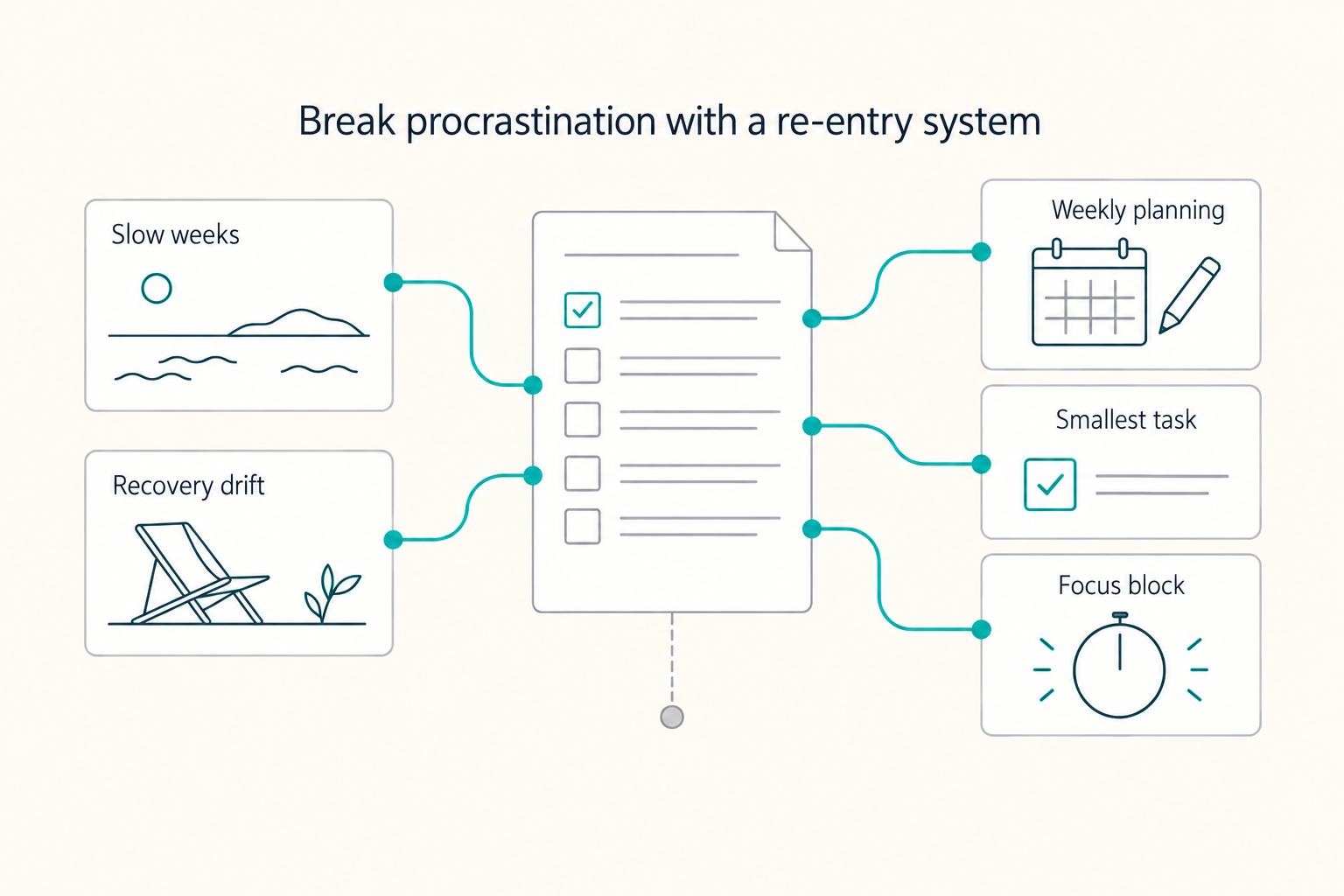
Most freelancers struggle not because they work too few hours, but because they misallocate the hours they have—treating time as an infinite resource rather than a finite business asset with a real cost per unit. The solution is a three-layer operating system: a Time Budget Framework that commits hours to four categories before any client work is booked, a Weekly Operating Template that assigns those categories to specific calendar windows, and a monthly Admin Audit Checklist that reconciles invoicing, bookkeeping, and compliance records. Multi-client orchestration requires a WIP limit, dedicated client windows, and a capacity decision rule run before accepting new engagements. Together, these systems replace reactive decision-making with a repeatable structure that keeps delivery quality consistent, records audit-ready, and the freelance practice operationally durable.
Thinking, Fast and Slow for Freelancers Who Want Better Clients
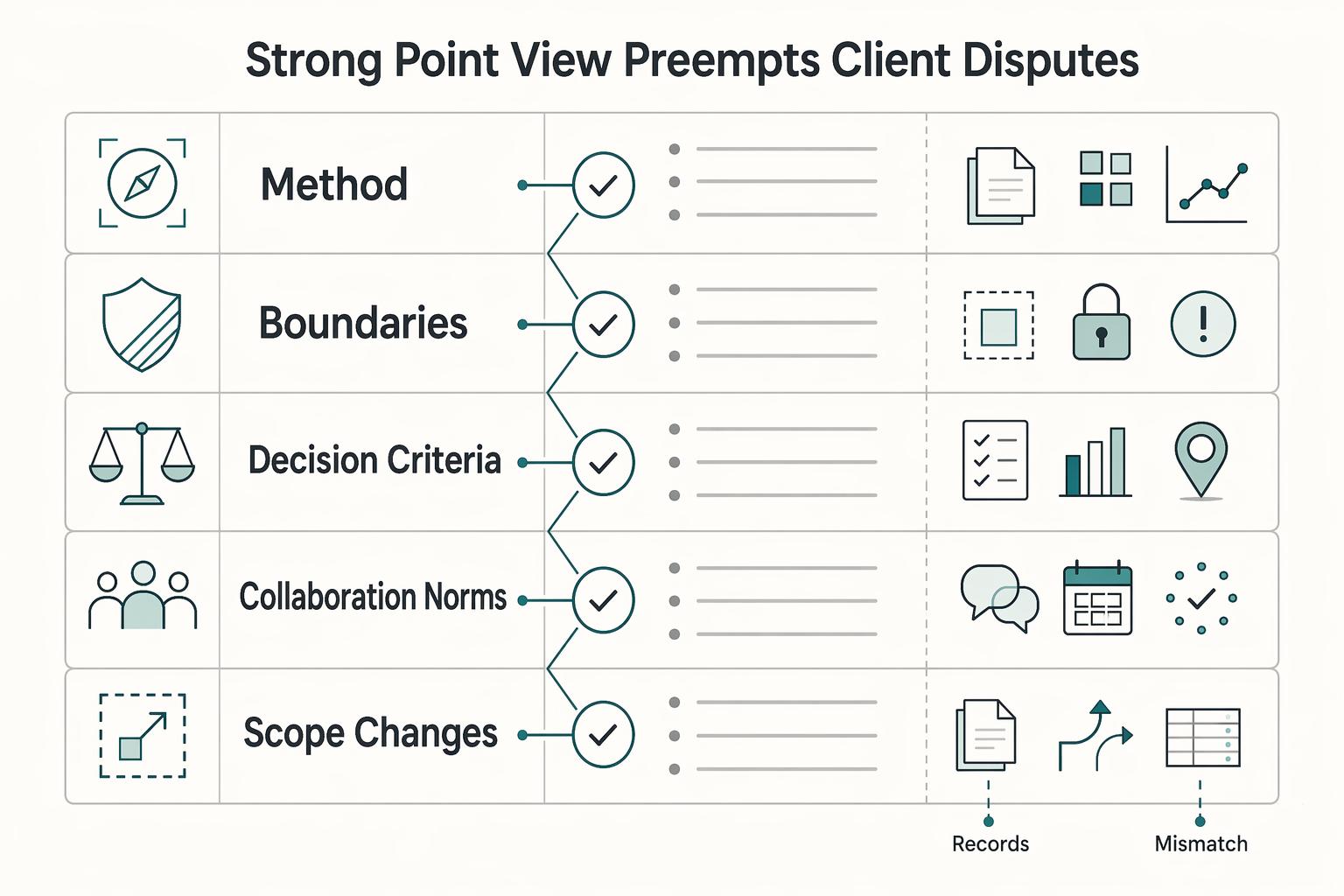
Treat thought leadership as risk control for your business, not just a visibility tactic. The real shift is from fast, reactive client chasing to slower, deliberate asset building. You publish to reduce risk before the next dry month, pricing call, or bad-fit project shows up.