
Quick Answer
Start with a simple operating system for remote employee onboarding: assign owners across manager, IT, and finance/ops, then enforce pre-start checks before day one. The article’s hard gate is practical and clear: device received, login tested, and communication channel working. From there, week one combines async tasks in a shared onboarding issue template with short live check-ins and buddy support. Keep evidence of access, training, and approvals so onboarding stays usable for audits and future handoffs.
How to onboard a remote employee without dropped handoffs#
Step 1. Treat remote employee onboarding as an operating task, not a welcome gesture. If you want fewer dropped handoffs, the goal is not a big HR program. It is a lightweight, repeatable way to orient, equip, and connect a new hire across practical stages like pre-start, first week, and early ramp. For most small teams, that means enough structure to prevent obvious misses without creating enterprise overhead you will not keep up with.
This approach is built for independent professionals, founders, and lean operators who may not have a formal People Ops team. In practice, you still need clear ownership across manager, HR or admin, business operations, and IT functions. The Berkeley guide associated with EAB Global, Inc. is written for leadership, HR, business, and IT audiences. That is a useful reminder that onboarding breaks when everyone assumes someone else owns a task.
Step 2. Define a finished result before you build the checklist. Start by deciding what "done" means. Each onboarding task should have an owner, each owner should have a visible checkpoint, and you should keep proof that access, training, and compliance items were completed. If you cannot answer who requested access, who confirmed training, or where that record lives, your process is still informal.
Keep the proof simple. For many small teams, a shared tracker plus saved completion records is enough. The checkpoint that matters most is day one readiness, because a common failure mode is a new hire arriving without required hardware or access. If that can still happen in your setup, your pre-start handoff is too loose.
Step 3. Keep the process compliance-aware, but know where the line is. This guide is about employee onboarding operations. It is not legal, tax, or accounting advice, and you should confirm interpretation questions with qualified advisors when required. The Berkeley material makes that boundary explicit and also notes the information may not be fully accurate in every case.
In practice, that means you can standardize documents, ownership, and records, but you should not guess on jurisdiction-specific rules. If a hire involves cross-border employment, tax forms, or regulated access, consider pausing permissions or payment-related steps until a qualified advisor confirms what is required. Training and introductions can still move forward while you resolve the legal point.
Step 4. Build only the structure you will actually use. The small-team win is consistency, not complexity. Start with one checklist, one place to log completion, and one review point for exceptions. That is enough to surface gaps early.
Use a simple test. Can you show, after the fact, that the hire received the right access, completed the required training, and had each task handed off to a named owner? If yes, your process is doing its job. If not, add structure only where the handoff failed.
If you want a related example, see How to Manage a Global Team of Freelancers.
Set success criteria and ownership before you invite the hire#
Before you set a start date, define what "ready" means. For onboarding at a distance, set three outcomes up front: clear role expectations, secure tool access that works in practice, and a named human connection point, for example a buddy.
Step 1. Define the three outcomes in writing. For role clarity, document 30/60/90-day expectations, first-week priorities, and who answers role questions. For tool readiness, do not stop at "account created"; confirm the hire can sign in, access the right systems, and begin work without delays. For social connection, name one person for early check-ins and set the first intro.
Step 2. Assign one owner per lane and track tasks in one place. A common split is manager, IT, and finance/ops. On teams with fewer than five people, one person can own two lanes, but no lane should be left ownerless. Keep tasks in a visible onboarding template so ownership, due dates, and blockers are easy to review.
Step 3. Add a simple status check before day one. For each lane, require one status: completed, blocked, or escalated. Run a pre-start checkpoint on a short cadence, and many teams use a 24-hour review window, so delays are visible early. If a lane is blocked, keep "ready for day one" open until the owner logs the fix and evidence, such as access confirmation or a scheduled buddy intro.
This pairs well with our guide on How to Set Up Workers' Compensation Insurance for a Remote Team.
Prepare everything needed before day one#
Day one should focus on orientation and useful work, not setup delays. If the hire does not have the device, working access, and a live communication path, they are not ready to start.
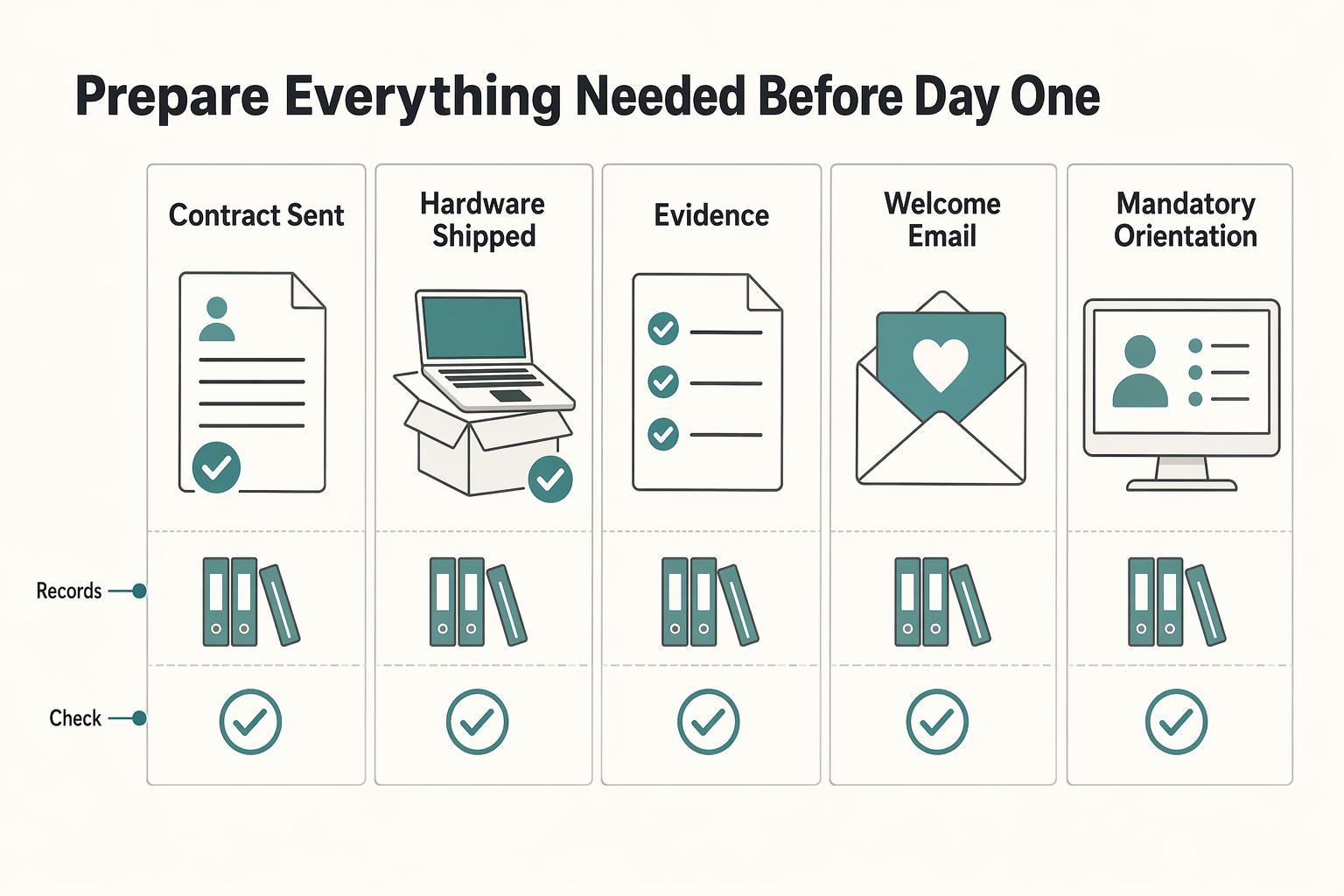
Step 1. Build a pre-start checklist with dates, owners, and proof. Include the items most likely to block the first morning: contract sent, hardware shipped, access requests submitted, and welcome message drafted. Set each due date before the start date so first-day information does not pile up.
Send the welcome email 3 to 5 days before day one, with the first-day schedule, team introductions, and first-week expectations.
| Item | Owner | Due before start | Proof to collect |
|---|---|---|---|
| Contract sent and returned | Ops or HR | Pre-start | Signed copy stored in the hire file |
| Hardware shipped and received | IT or ops | Pre-start | Delivery confirmation and employee receipt confirmation |
| Access requests submitted | IT | Pre-start | Ticket or approval record |
| Welcome email sent | Manager | 3 to 5 days before | Copy of email with first-day schedule and first-week expectations |
| Mandatory orientation mapped | HR or manager | Pre-start | Calendar invite or enrollment confirmation |
If your checklist touches contracts, benefits, tax, or similar regulated areas, treat this as operational guidance, not legal or accounting advice, and confirm sensitive decisions with qualified professionals.
Step 2. Prepare the full tech environment, not just the laptop. Do not mark IT complete at shipment. The hire should be ready across communication tools, file-sharing applications, cloud backup software, and core work accounts with the right permissions.
Schedule a dedicated IT setup block to cover computer security expectations, password management, and the data encryption tools your team uses. Confirm practical readiness: the hire can sign in, access required systems, and use the communication channels needed for work.
Step 3. Map mandatory sessions and enforce a real start gate. If your organization has required orientation sessions, map and schedule them before day one so nothing mandatory is missed.
Use one final verification gate and keep it strict. No day-one start until all three are confirmed:
- Device receipt
- Successful login test
- Communication channel test
If any check is missing, pause the start label, fix the blocker, and record proof before moving forward.
For a step-by-step walkthrough, see A Guide to Employee Handbooks for a Remote-First Company.
Structure week one so async work and live support both happen#
Week one should run on two tracks: async progress on visible tasks and live support to clear blockers quickly. In a remote setup, people miss informal learning moments, so your structure should make questions, status, and ownership explicit from day one.
Protect focused work, then add live support#
Start by making as much of onboarding as possible asynchronous, then add live sessions where they help most. Keep the work in an onboarding issue template so the new hire, manager, and support owners can all see what is complete, blocked, or waiting on someone else.
Use live time to unblock work, not replace it. If week one becomes meeting-heavy, the hire can attend calls and still fall behind on reading, tool setup, and practical understanding of how work moves.
Keep the live rhythm light and useful#
Keep live support short, frequent, and practical. A brief manager check-in plus regular buddy touchpoints usually gives the hire two useful channels: one for priorities and one for everyday workflow questions they might hesitate to escalate.
In manager check-ins, focus on three points: completed, blocked, next priority. In buddy touchpoints, focus on how the team actually works: where norms live, how to ask for help, and which channels fit urgent versus non-urgent communication.
Make sure real work starts by midweek#
By midweek, the hire should complete a small, low-risk contribution. That matches GitLab's principle: encourage early participation in the first two weeks without pressure to contribute heavily.
To keep week one balanced, pair one culture artifact and one operating artifact each day. For example, team norms plus a tool SOP. Validate progress with visible output in the issue template: a completed task, a comment, or a logged question.
Set expectations early that week one is only the start. A solid onboarding baseline can take at least two full weeks, with a third week for team-specific onboarding and training.
You might also find this useful: How to Onboard a New Virtual Assistant Effectively.
Build a security and records trail that survives audits#
Onboarding is not complete until the access trail is auditable. You should be able to show who requested access, who approved it, when it was granted, and when it was tested, all inside one standardized process.
Record the access chain from request to test#
Treat least-privilege access on day one as the baseline, then document the full chain, not just the final account state.
| Step | Required detail |
|---|---|
| Request | who requested access |
| Approval | who approved it |
| Grant | when access was granted |
| Test | when access was successfully tested |
For each tool or device permission, capture those four points in one consistent place, for example your onboarding issue template or a linked access ticket. If testing is missing, treat the item as open even if the account exists.
Keep the evidence pack lean and consistent#
Use a small, repeatable evidence pack:
- account provisioning log
computer securityacknowledgmentpassword managementcompletion
Store sensitive onboarding artifacts behind role-based access, with masked views where possible, and use data encryption tools. Share completion status in team channels, not raw personal details.
This is where teams often fail: evidence gets split across HR checklists, IT tickets, and chat threads. When records are disorganized, even a simple audit request can turn into days of document hunting.
Add approval gates for sensitive actions#
If onboarding touches payouts or finance tools, require an approval gate before any production action. Initial access should not automatically allow live financial actions.
Keep reconciliation-ready records that connect:
- the access request
- the approver
- the grant date
- the first approved production action
A clean joiner trail also reduces later mover/leaver risk, because permission changes and revocations are easier to manage when the original access record is complete.
For a related people-process view, see How to Create an Employee Recognition Program.
Handle cross-border compliance and tax setup early#
Treat cross-border compliance as a gate for money movement, not for learning. You can let a new hire train, shadow, and review materials, but keep financial permissions blocked until required compliance and tax artifacts are complete.
Map required checks before first payout or account access#
Identify required compliance checks early in onboarding and assign clear ownership for each one. In your onboarding record, note what checks apply, who owns each check, and what evidence closes it.
Before any payout, reimbursement approval, or foreign account permission is granted, you should be able to show a named owner and completed status for every required review. If that status is unclear, keep training open and financial actions blocked.
Document the tax form path clearly#
Document the tax form workflow even when finance or an advisor makes the final determination. The record should show which form path applies, where collection happens, who verifies it, and where the final signed copy or submission confirmation is stored.
Avoid vague labels like "tax forms pending." If you cannot retrieve the form path quickly, the handoff between HR, ops, and finance is too loose.
Add reporting checkpoints for international activity#
Add explicit reporting checkpoints when a role may involve foreign financial accounts. If FBAR-related records may apply, note whether the person has signature authority, financial interest, or both, because filing timelines are not the same for every filer.
| FBAR checkpoint | Detail |
|---|---|
| Authority type | Note whether the person has signature authority, financial interest, or both |
| Signature-authority cases covered by FinCEN relief | Due date was further extended to April 15, 2027 for reporting signature authority held during the 2025 calendar year |
| Other individuals with an FBAR filing obligation | Due date remained April 15, 2026 |
| Account value | Record each account's maximum calendar-year value as a reasonable approximation |
| Currency and rounding | Store values in U.S. dollars and round up to the next whole dollar |
| Statements and conversion basis | Periodic account statements can be used when they fairly reflect the maximum, and foreign-currency accounts should include the year-end conversion basis used |
Keep FBAR records usable from day one: record each account's maximum calendar-year value as a reasonable approximation, store values in U.S. dollars, and round up to the next whole dollar, for example, $15,265.25 becomes $15,266. Periodic account statements can be used when they fairly reflect the maximum, and foreign-currency accounts should include the year-end conversion basis used.
Related reading: A Guide to Salary Bands and Compensation for a Global Remote Team.
Choose the right support model for role and team size#
Pick the lightest support model that still gives a new hire clear role guidance, social connection, and fast technical help. For many remote teams, that means manager plus buddy system, with recurring IT office hours added when the role depends on strict computer security, managed devices, or tightly controlled access.
Match support coverage to real remote risks#
Remote onboarding needs a different operating model than in-office onboarding, especially when access delays, missing tools, unclear communication rules, and weaker social connection can slow someone down early. Use this model comparison to set coverage before day-to-day friction starts:
| Model | Best fit | Main risk |
|---|---|---|
| Manager only | Very small team, simple tool stack, experienced hire | The manager becomes the bottleneck for role, social, and access support |
| Manager plus buddy system | Most knowledge-work roles | Buddy exists on paper but does not actively answer small questions |
| Manager plus buddy plus IT office hours | Security-heavy setup, device controls, restricted permissions, multi-app access | More coordination overhead if ownership is unclear |
Checkpoint: in the onboarding record, name who owns role decisions, who handles day-to-day and culture questions, and who handles tool or device issues, if needed.
Adjust by seniority and tool risk#
Senior hires usually need fewer orientation sessions but clearer decision-rights mapping. Junior hires usually need a denser support net, with quicker answers and clearer communication norms, because they have fewer reference points in a remote environment.
When tool access is tightly controlled, treat recurring IT support as part of onboarding design, not an ad hoc ticket fallback.
Keep async for repeatable tasks and live time for judgment#
Use a GitLab-style async task list for repeatable steps like policy reading, setup tasks, and account-access confirmation so execution stays consistent. Reserve live sessions for role-critical decisions, stakeholder introductions, and context-heavy conversations where misunderstanding would slow work or damage trust.
Need the full breakdown? Read A Guide to Harassment Training for Remote Teams.
Fix common onboarding failures before they become attrition risks#
Treat early onboarding friction as a business risk, not a minor annoyance. In a remote setup, first impressions are entirely digital, and neglected onboarding can lead to disengagement, turnover, security vulnerabilities, and wasted time and investment.
Restore momentum when tool access breaks#
If a new hire is blocked from core tools, move quickly to remove the blocker instead of letting issues sit in separate queues. Prioritize the minimum access needed to participate, communicate, and keep onboarding moving while remaining secure.
Clarify near-term expectations when motivation drops#
When success feels vague, disengagement follows. Rewrite near-term priorities in plain language, assign clear ownership, and confirm the hire can explain what matters first without guessing.
Add structure when social connection is weak#
Isolation is an early warning sign in onboarding at a distance. If connection is inconsistent, make introductions and check-ins explicit so the new hire feels supported and knows who to go to for help.
Tighten controls when compliance signals drift#
If onboarding records or controls are incomplete, fix that before you expand sensitive access. Keep onboarding smooth and engaging, but do not let convenience outrun security.
If you want a deeper dive, read Thailand's Long-Term Resident (LTR) Visa for Professionals.
Put this into action this week#
Make onboarding owned and auditable this week: assign every handoff to one owner, one due date, and one verification point.
| Action | Key details | Checkpoint |
|---|---|---|
| Assign owners and publish the onboarding issue template | Use one shared onboarding issue template for each hire, with tasks split across manager, IT, and finance/ops; set pre-start due dates right after signing; hard checkpoint at 48 hours before Day 1 for hardware shipment, account requests, and the week-one calendar | Every task is marked completed, blocked, or escalated, and each blocked task has a named next action |
| Verify day-one readiness before the first live session | Confirm device receipt, successful login, and communication setup before Day 1, including MITVoIP-style calling access when the role needs calls from day one; schedule a dedicated IT setup block and allow up to two hours if needed | Confirm file-sharing/cloud backup access and basic security training on computer security, password management, and data encryption tools |
| Run a visible week-one cadence | Keep week one structured with manager check-ins, named peer support if you use a buddy model, and a defined IT support window for setup blockers | By Friday, the hire should be able to answer clearly: what they are doing next, who can unblock them, and where to ask for help |
| Complete the compliance and tax records that apply to this hire | Depending on worker type, jurisdiction, and payout path, this can include KYC/AML checks, W-8/W-9 collection, Form 1099 tracking logic for contractors, and VAT validation in relevant international cases; keep an evidence trail of who requested access, who approved it, when it was granted, when it was tested, and where required records are stored | If an item is still incomplete, continue training but hold sensitive permissions until it is cleared |
Start with ownership and the shared template, then test day-one readiness instead of assuming it, keep week one visible, and hold sensitive permissions until compliance items close. Missing required tax forms can create filing issues and expose the business to fines or penalties, so if an item is still incomplete, continue training but hold back dependent permissions until it is cleared.
Friendly onboarding helps, but credible onboarding is specific, owned, and verifiable.
Frequently Asked Questions
What is remote employee onboarding, and how is it different from in-office onboarding?
Remote employee onboarding is the process of helping a new hire feel welcomed, connected, and ready to contribute from day one when early touchpoints happen at a distance. The difference is that tool setup, culture explanation, and team connection have to be designed on purpose in a distributed setup, instead of relying on in-person context.
How long should remote onboarding take for most roles?
Do not assume a universal timeline fits every role, so be skeptical of any fixed day count presented as a rule. A practical approach is to treat it in stages: pre-boarding before day one, then structured support and tracked onboarding status after that. The real checkpoint is not the calendar, but whether the person has working access, clear expectations, and clear points of contact when help is needed.
What must be completed before day one starts?
At minimum, finish the pre-start basics so there is no silence after the contract is signed. Confirm communication, share the day-one schedule, and make sure accounts and tools are ready. The verification point is simple and worth enforcing: the hire can log in and use your primary communication channel before the first live session.
Do all remote hires need a buddy, or only certain roles?
Not every hire needs a formal buddy system, and there is no universal rule. What matters is that each new hire has a clearly named contact for practical questions beyond manager check-ins. If you skip a buddy model, assign an explicit peer contact so small frictions do not stack up in silence.
What are the three core pillars of a strong remote onboarding process?
Keep it to three things: working tools, clear culture, and real team connection. If one of those is missing, the hire either cannot do the job, cannot read how the team operates, or does not know who to turn to when blocked. That is why a friendly welcome call alone is rarely enough.
What are the most common reasons remote onboarding fails?
The usual causes map to the same basics: weak pre-boarding, missing tool readiness, unclear culture context, and too little human connection. Another common problem is leaving basic questions unanswered and assuming the hire will figure them out alone. A good failure check is whether the person can explain their near-term priorities, who can unblock them, and how to reach those people.
How do I keep onboarding compliant without adding enterprise-level bureaucracy?
Use a visible onboarding status for each hire and keep a lean evidence trail of required steps and approvals. Store required records in the right system, but do not flood team channels with personal data. If any required document or approval is still incomplete, continue what is safe to continue and hold back dependent permissions until it is complete.
Try a related tool
Researched and edited by the Gruv editorial team. Gruv builds cross-border billing, payouts, and finance-operations software for global businesses.
Sources
- bsaefiling.fincen.gov/docs/XMLUserGuide_FinCENFBAR.pdftrusted
- digitalcommons.pepperdine.edu/cgi/viewcontent.cgitrusted
- downloads.regulations.gov/TREAS-DO-2025-0037-0259/attachment_1.pdftrusted
- fincen.gov/system/files/2025-12/FBAR-FBAR-Filing-Requir...trusted
- fincen.gov/reporting-maximum-account-valuetrusted
- hr.berkeley.edu/sites/default/files/pdf-baf-remote-onboardin...trusted
- hr.mit.edu/managers/remote/onboardingtrusted
- pmc.ncbi.nlm.nih.gov/articles/PMC9934447trusted
Educational content only. Not legal, tax, or financial advice.
Related Posts

Thailand's Long-Term Resident (LTR) Visa for Professionals
For a long stay in Thailand, the biggest avoidable risk is doing the right steps in the wrong order. Pick the LTR track first, build the evidence pack that matches it second, and verify live official checkpoints right before every submission or payment. That extra day of discipline usually saves far more time than it costs.
How to Manage a Global Freelance Team Without Compliance Gaps
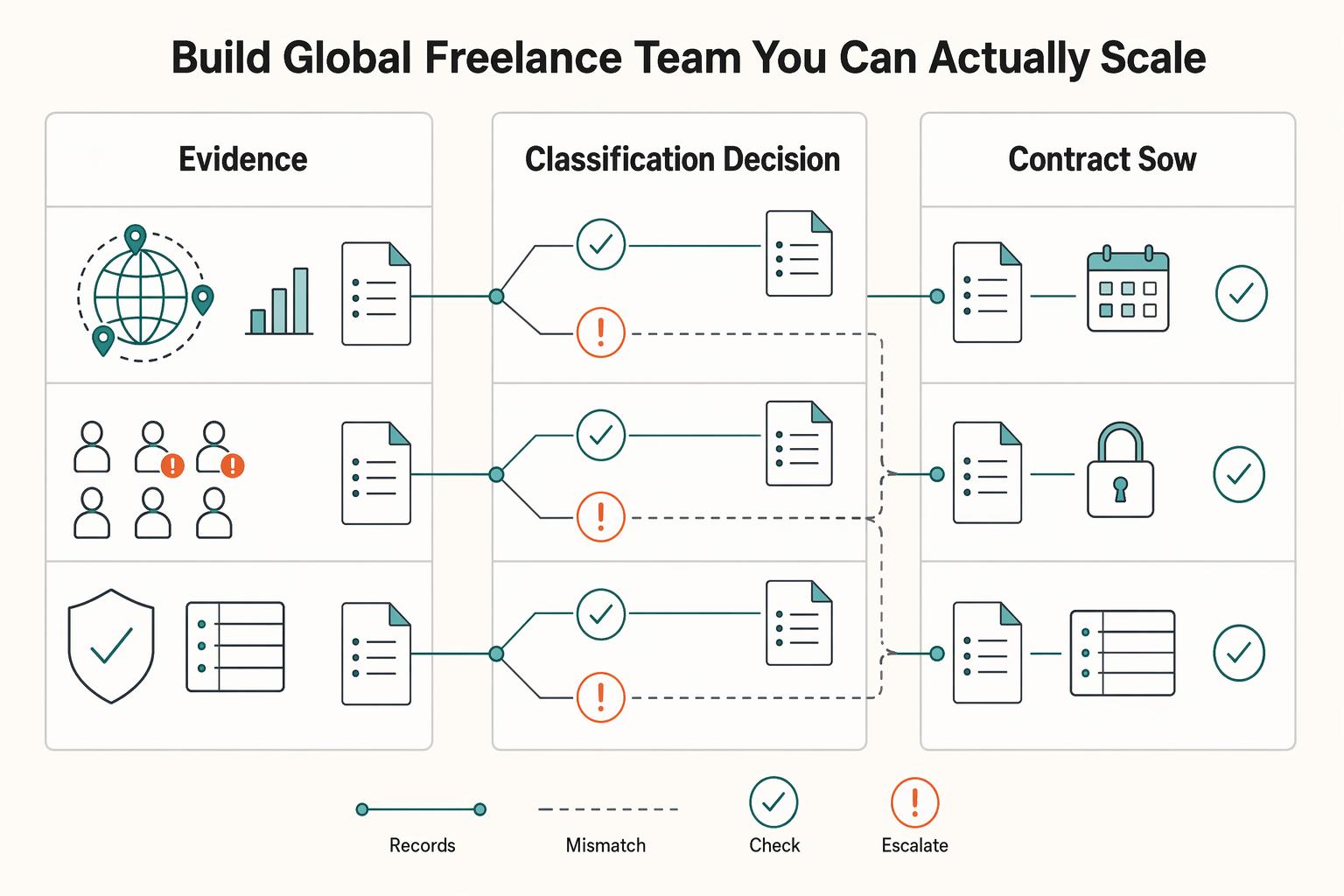
If you want to manage a global freelance team without constant cleanup, use the same intake-to-payout process for every engagement and save an artifact at each gate. Common failure points are instinct-based classification, vague scope, and payments approved in chat with no audit trail.
How to Onboard a Virtual Assistant With Safer Access Controls
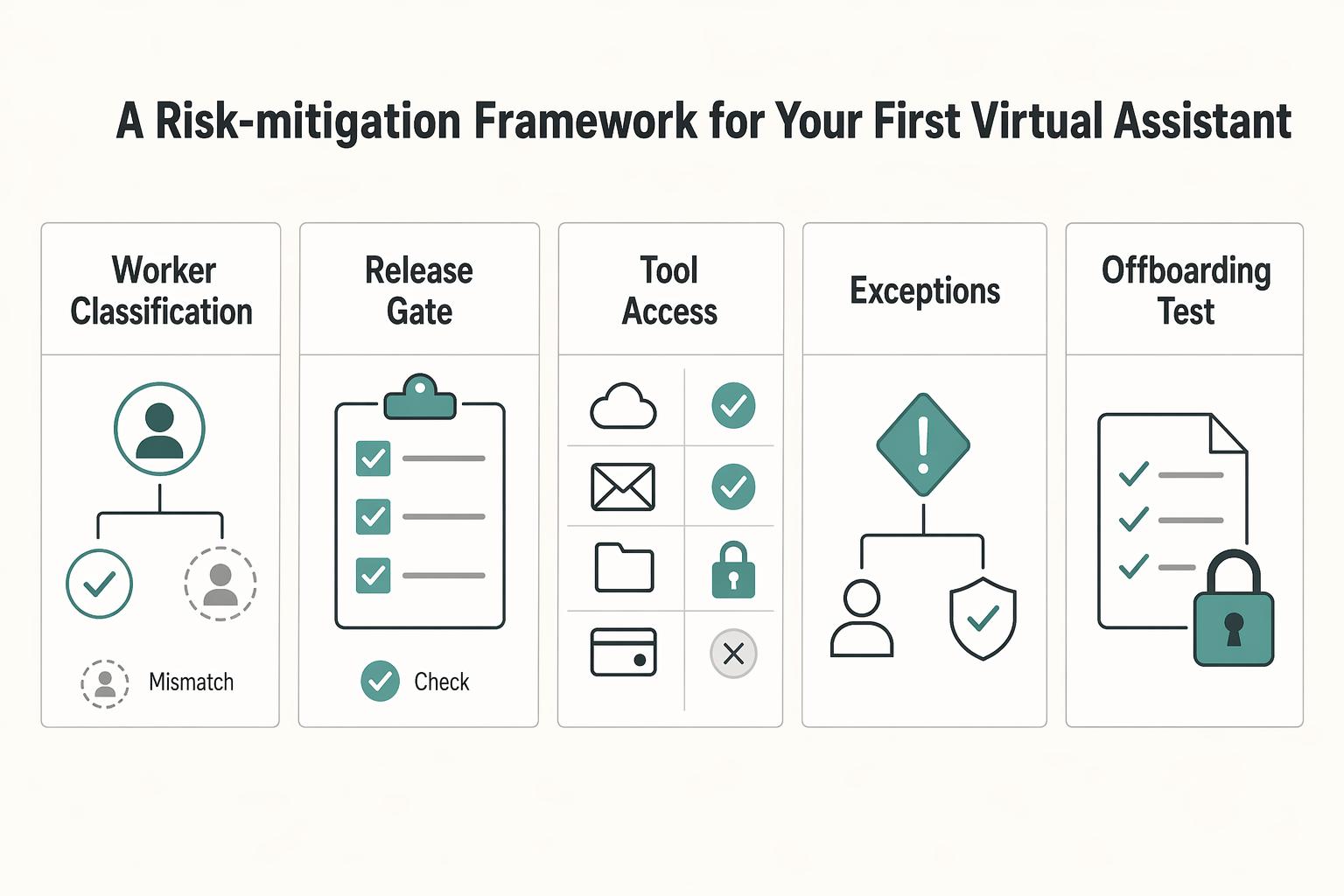
**A safer way to onboard a virtual assistant is to set the relationship boundaries, grant only the access the role needs, and test offboarding before any live handoff starts.** Do not hand off live work until your controls are written, assigned, and tested once. For a first assistant, that is the shortest useful rule. If you want help without creating avoidable risk, run this pre-handoff check before any password, client data, or payment task changes hands.