
Quick Answer
Use a pre-charge workflow: decide the accounting bucket first, confirm SOW approval, and record the vendor cost once in QuickBooks with the receipt attached. Then bill from that same source entry and match bank or card feed activity instead of creating a second expense. For client-paid software subscriptions bookkeeping, the practical rule is to keep one traceable chain from approval to invoice to payment status so renewals do not turn into surprise float.
Stop fronting software costs without breaking your books#
If you regularly buy software for client work, the real risk is usually not the subscription itself. It is the gap between when your card gets charged and when, or whether, your client reimburses you. That gap can tighten cash flow long before it looks serious on paper.
This guide shows how to handle client-paid software subscriptions so your records stay clean, billing stays defensible, and recurring charges do not quietly become your problem. In professional services, invoicing often happens after the work is done while vendors charge on their own schedule.
A small monthly seat can turn into real exposure when renewals stack up, an invoice sits unpaid, or an annual prepay lands before reimbursement. Accounting may show revenue at one point while cash arrives later, so your records need to show both the charge and the collection path.
Before you start#
This guide is for people who buy tools for clients, recharge subscriptions through an invoice, or deal with renewals that create reimbursement risk. It applies whether the vendor bills monthly, annually, or by usage. If you have ever bought a client tool because it was faster to put it on your own card, you are in scope.
The goal is simple. Classify each charge the same way every time, bill it clearly, and keep enough backup that someone else can follow the trail without guessing. In practice, you should be able to move from the vendor receipt to the client approval, then to the invoice line, then to the ledger entry that clears the bank or card transaction. If that chain breaks, month-end gets messy fast. For related process detail, see How to Manage Bookkeeping for Your Freelance Business. We covered the cash-flow angle in How to Calculate Client Lifetime Value (CLV) for Your Agency.
What good looks like#
Good results here are not about fancy reporting. They are about fewer reimbursement surprises, clearer billing, and records that hold up under reconciliation. Before a charge posts, you should already know how it will be classified and how it will appear on the client bill. If you are deciding that during reconciliation, you are already behind.
You should know which subscriptions are truly client-specific, which are your own operating costs, and which renewals need review before the next charge hits. A common failure mode is letting convenience drive the purchase, then sorting out ownership and billing later. That can mix internal software spend with reimbursable spend, leave receipts missing, and trigger client questions about charges they did not expect.
Another failure mode is committing to an annual prepay without a clear reimbursement plan. That can increase your near-term cash exposure even when the subscription supports client work. This is bookkeeping operations guidance, not legal or tax advice. The aim is to help you build a consistent recording and billing process so software costs do not become a quiet cash flow problem.
Prepare your records before the first client charge#
Set this up before any client-funded software charge posts. If you wait for the first renewal or dispute, you are doing cleanup instead of controlled bookkeeping.
| Control | What to capture | Purpose |
|---|---|---|
| Minimum evidence pack | Approved SOW, client written approval, vendor receipt, reimbursement terms, and software entitlement details when available | Lets someone trace the charge from SOW to receipt to client invoice |
| Bookkeeping workflow before purchase | A consistent method to track client-reimbursable charges separately from internal software spend, with invoicing kept in sync | Prevents recurring subscriptions from turning into reconciliation cleanup |
| Seat ownership | Whether the seat is client-owned or under your account before purchase | Sets billing language and reimbursement timing expectations |
| Approval rule | Written approval and billing-cycle alignment before new subscriptions or renewals, including monthly vs annual reimbursement timing | Sets reimbursement timing before purchase instead of after renewal |
- Build a minimum evidence pack. Keep the approved Statement of Work (SOW), the client's written approval, the vendor receipt, and reimbursement terms in one trail. When available, include software entitlement details. Use one test: can someone trace the charge from SOW to receipt to client invoice without extra context?
- Set your bookkeeping process before purchase. Track client-reimbursable software charges consistently and keep them separate from internal software spend. If you use QuickBooks, keep your billable expense handling aligned with how you invoice those charges. For implementation details, see How to Handle Billable Expenses in QuickBooks.
- Decide seat ownership before you buy. Confirm whether the seat is client-owned or under your account, because that changes how you present charges and when reimbursement is expected.
- Use a hard approval rule for new and recurring spend. Do not start a new subscription or renewal without written approval and billing-cycle alignment. For monthly or annual plans, agree reimbursement timing before purchase, not after a renewal notice.
Classify each subscription before you spend a dollar#
Decide the bookkeeping treatment before the card charge, not during reconciliation. For recurring SaaS, the default is usually operating expense (OPEX); if a tool is client-funded, route it through your existing contract and reimbursement policy without changing treatment after the fact.
Step 1 Choose the bucket before the card charge#
Start recurring software in a dedicated account such as Software, Technology, or Subscriptions, then apply your contract policy consistently.
| Bucket | Use this when | Main warning |
|---|---|---|
| Reimbursable expense | Your contract already allows client-specific recharge for this cost | Do not mix shared or internal spend into this bucket |
| Pass-through expense | Your policy and contract require a separate client invoice line | Separate display does not replace correct bookkeeping treatment |
| Operating expense (OPEX) | The subscription is recurring SaaS used across clients, team operations, or internal work | Do not relabel internal tools as client spend later |
| COGS | Your accountant has already set this presentation for your model | Do not create a new COGS rule ad hoc at invoicing time |
If the purchase includes ownership or a perpetual license, confirm treatment before booking it like SaaS. That can be an intangible asset amortized over 3-5 years instead of a recurring expense flow.
Step 2 Lock pricing and scope in writing before purchase#
Set the pricing rule up front: at cost or admin markup. Use the same rule in the Statement of Work (SOW) and on the invoice.
Keep the SOW text, vendor charge, and invoice line aligned on product, billing period, and pricing method. If a subscription has any personal use, only the business-use portion should be treated as deductible business spend.
Step 3 Capture audit-ready support when you record the charge#
Record each charge with the supporting trail: invoice/contract, proof of payment, and the account or card used for the purchase. In QuickBooks terms, that includes selecting the exact bank account or credit card used.
A simple pre-charge check prevents cleanup later: confirm classification, contract pricing rule, and documentation path before the purchase goes through.
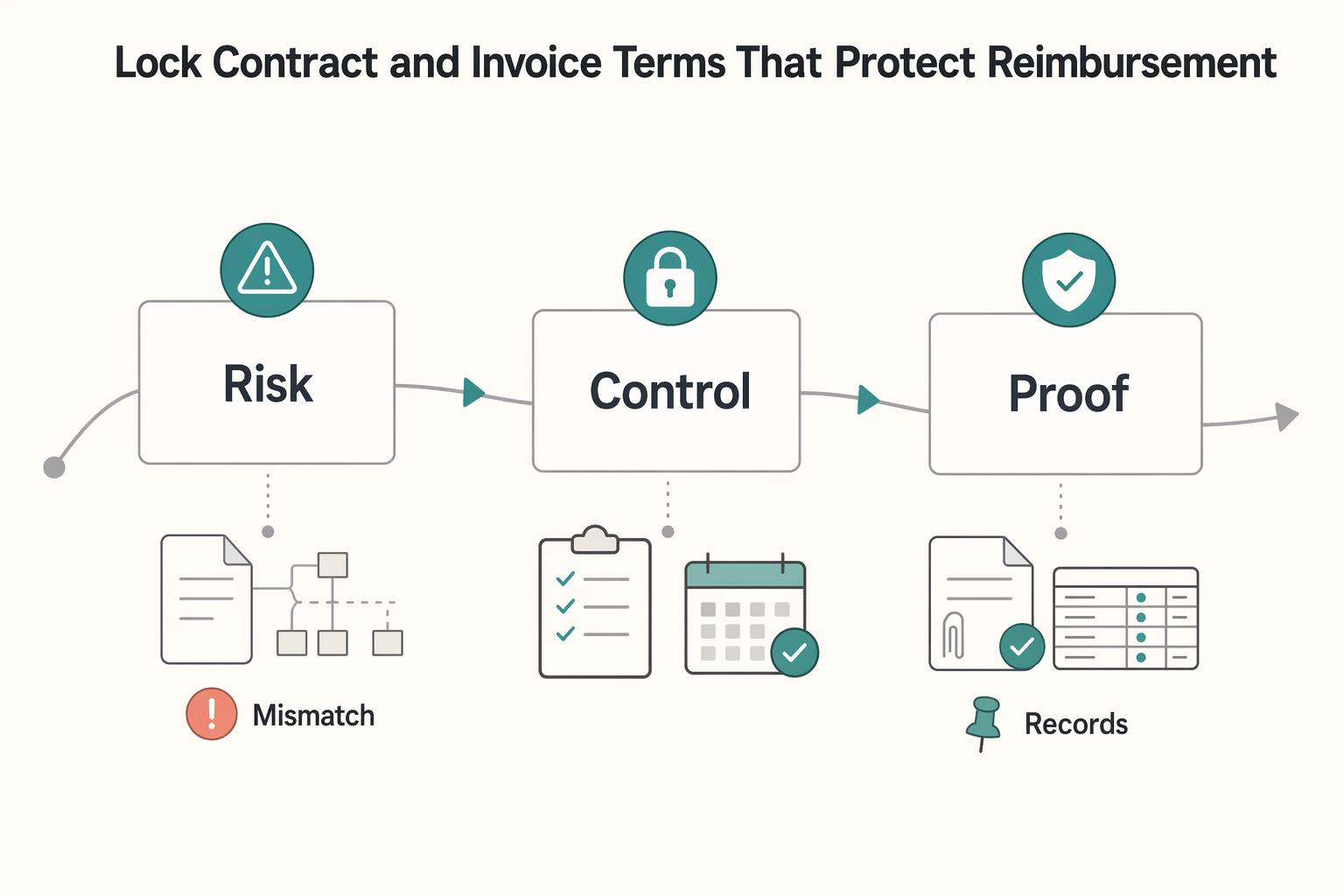
Lock contract and invoice terms that protect reimbursement#
Lock approval and billing rules in writing before the first client-funded charge. Clear approvals and clear invoice templates reduce delay and dispute risk, while messy approval chains and unclear templates do the opposite.
| Term | What to state | Purpose |
|---|---|---|
| Approval control | Require written approval before any new client-funded purchase, upgrade, seat change, or renewal | Prevents avoidable reimbursement disputes |
| Proof and dispute process | Define what records support reimbursement and how billing questions are raised and resolved; keep wording consistent across agreement and invoice format | Keeps both sides using the same rules |
| Billing cadence and payment timing | Document how vendor billing timing maps to client invoicing timing, and state payment terms explicitly | Protects cashflow by removing timing assumptions |
| Subscription-change control | State who can approve plan/client-count changes and how those changes are confirmed before spend | Reduces surprise cost increases from unplanned plan changes |
Step 1 Put approval control into the SOW#
Require written approval before any client-funded software charge, upgrade, seat change, or renewal. Treat spend as unapproved until the agreement is executed and active.
Step 2 Define proof and dispute handling before billing starts#
Set one written process for reimbursement support and billing questions before the first invoice. Keep that process aligned across the SOW, any payment-terms exhibit, and invoice format.
Step 3 Match billing cadence to invoice cadence#
Write timing rules into the agreement instead of handling them ad hoc. If vendor billing and client invoicing run on different cycles, document exactly how reimbursement timing works and reflect it consistently on invoices.
Step 4 Pause new commitments when approval slips#
If approval is delayed, pause the subscription commitment. Wait for written approval, or have the client purchase the subscription directly.
Record charges correctly in QuickBooks step by step#
Use one rule for this whole workflow: post once, match once. Record the original charge once, match the bank/card feed once, and keep every correction as a separate entry so the history stays traceable.
QuickBooks labels can change over time, and some features vary by subscription or region, so follow the accounting path first and the exact button names second.
Step 1 Record the original charge once. Create the source transaction for the subscription in your normal bookkeeping flow, and attach the vendor receipt/invoice to that entry.
Control check: before saving, confirm vendor, amount, billing period, and client/project context match your approval records. Common error to avoid: adding the same charge again when the bank/card feed imports.
Step 2 Mark recharge intent on that same source entry. If the client will reimburse the cost, tag it at entry time using the customer/project or billable/recharge method your setup supports.
Control check: confirm the charge appears under the correct client/project in your open-cost or customer/project view before close. Common error to avoid: leaving recharge decisions for later and rebuilding from inbox receipts. For a deeper walkthrough, see How to Handle Billable Expenses in QuickBooks.
Step 3 Match bank/card activity to the existing entry. When the settlement appears in feeds, match it to the transaction you already posted instead of creating a new expense.
Control check: the feed line shows as matched, and the expense appears only once in the books. Common error to avoid: adding a new expense because bank text differs from the receipt. If a transaction is missing, QuickBooks notes the bank may still be processing it.
Step 4 Invoice from source details, then record payment and adjustments separately. Build the client invoice from the original charge details. If something changes later (for example, a credit, refund, or proration), add a separate adjustment entry instead of overwriting the original charge.
When payment arrives, record it against the open invoice. In current QuickBooks Online/Solopreneur help, the flow is Get paid > Invoices > Record payment, then choose Deposited to and link the payment to the specific transaction. QuickBooks' help is here: recording invoice payments.
Control check: invoice status moves to paid, and the payment points to the correct deposit account. Common error to avoid: editing the original expense to force reconciliation after a dispute or refund. Also note invoice-payment features can be limited in some QuickBooks Online Free and Lite contexts.
| Arrangement | What you post in your books | Close audit check |
|---|---|---|
| Client-direct pay | Usually no vendor software expense in your books when the client paid the vendor directly; invoice only your own services | Filter expenses by vendor name; if a charge appears, verify you actually paid it and have support |
| You pay then recharge | One source charge entry, client/project tagging, support attached, then client invoice tied to the same period | For each item, confirm one source entry, one matched feed settlement, and one client invoice; clear duplicates before close |
| Shared subscription | One full vendor charge entry, then bill only the client-attributable share using your agreed allocation | Recalculate allocation at close; billed share plus retained share must equal the full vendor charge, with the allocation note saved |
If useful, pair this with A Guide to QuickBooks Self-Employed for Freelancers.
Invoice and collect before cashflow gets squeezed#
Invoice reimbursable software charges as soon as they are confirmed, then start collection immediately. If you delay billing, you can end up funding client costs while waiting through payment cycles that may stretch to 60, 90, or 120 days.
- Send the reimbursement invoice right after the vendor charge is final.
If your terms allow it, do not wait for month-end batching. Keep each line tied to the original charge (product, billing period, quantity if relevant, and amount) so the client can verify and approve faster.
- Keep collection records clean and traceable.
Use one consistent process so invoice status and payment status are easy to verify. Match invoice IDs across your payment records and accounting file so each question maps to one invoice and one evidence trail.
- Define escalation triggers before the next renewal date.
Set clear trigger points in writing: late payment under agreed terms, repeated failed payment attempts, or missing approval before renewals or seat changes. Review open reimbursement invoices against upcoming renewals each cycle so you do not fund another period by default.
- Pause new client-funded spend after one unresolved cycle.
If reimbursement is still unpaid or disputed after one full cycle, stop new subscription spend on that client's behalf until arrears are cleared or the client pays the vendor directly. Document the pause and list affected tools, renewals, and restart conditions.
Handle tricky cases without messy rework#
When a subscription case gets messy, make the first decision at the start date: is this a SaaS service contract, or does the customer right create a software intangible asset under IAS 38? That classification drives the rest of the bookkeeping path and reduces rework later.
| Tricky point | What to check first | Grounded implication |
|---|---|---|
| Hosting/SaaS arrangement | Whether you only have access to vendor-hosted software | Typically treated as a service contract (SaaS) |
| Possible intangible asset case | Whether there is a right to take possession of software and run it, or exclusive rights/ownership in customized software | May indicate software intangible asset treatment |
| SaaS implementation spend | Keep implementation costs identifiable from provider fees | IFRS guidance relies on agenda-decision framework, not explicit SaaS fee rules in standards |
| Cross-framework reporting | Whether stakeholders also compare to US GAAP | IFRS and US GAAP can differ, so align treatment before close |
Under IFRS, customer accounting for SaaS is a known complexity area, and standards do not explicitly cover all SaaS provider fees and implementation-cost questions. In practice, teams use the IFRS Interpretations Committee framework (including the 2019 and 2021 agenda decisions) to keep treatment consistent and defensible.
For operational control, document the classification call early and keep each follow-on adjustment traceable to the original transaction trail.
Close each month with a reconciliation checklist#
Use one fixed month-end checklist so subscription reimbursements do not drift into the next cycle. Run the same pass/fail checks across your card, bank, and any clearing account tied to subscriptions.
| Checklist step | Pass | Fail |
|---|---|---|
| Match each receipt to its ledger entry | Each vendor charge has a matching receipt, one ledger posting, and support saved with monthly statements | Receipt is missing, amount/date does not match, or the same charge appears twice |
| Trace each ledger entry to the client invoice line | The invoice line matches plan, covered period, and amount, and still follows your original classification approach | Missing line, inconsistent details, or unclear support |
| Confirm payment status and check the next renewal | The invoice is paid or still within agreed terms, and any upcoming auto-renewal still has current approval and clear reimbursement status | Reimbursement remains unresolved from the prior cycle, or approval is stale or unclear |
| Keep an open-items log until cleared | Each unresolved reimbursement, dispute, credit, or adjustment has an owner, current status, and expected clearing action | Items are stuck in inbox threads with no clear next step |
- Step 1. Match each receipt to its ledger entry.
Pass: each vendor charge has a matching receipt, one ledger posting, and support saved with monthly statements. Fail: receipt is missing, amount/date does not match, or the same charge appears twice (for example, feed import plus manual entry). Keep statements and receipts centralized so this check is faster each month.
- Step 2. Trace each ledger entry to the client invoice line.
Pass: the invoice line matches plan, covered period, and amount, and still follows your original classification approach. Fail: missing line, inconsistent details, or unclear support. For exceptions, use a quick triage path such as missing support, timing mismatch, or duplicate posting, then route to the next action (collect support, carry to next cycle, or reverse/correct).
- Step 3. Confirm payment status and check the next renewal.
Pass: the invoice is paid (or still within agreed terms), and any upcoming auto-renewal still has current approval and clear reimbursement status. Fail: reimbursement remains unresolved from the prior cycle, or approval is stale/unclear. When this fails, review renewal risk before new client-funded spend posts.
- Step 4. Keep an open-items log until cleared.
Pass: each unresolved reimbursement, dispute, credit, or adjustment has an owner, current status, and expected clearing action. Fail: items are stuck in inbox threads with no clear next step. Keep items open until they tie to payment, a correction entry, or written client resolution.
For broader close hygiene, Intuit's month-end close overview is a useful companion. To tighten the surrounding workflow, see How to Manage Bookkeeping for Your Freelance Business and How to Handle Billable Expenses in QuickBooks.
Copy-paste checklist for your next client subscription#
Use this five-step check before any client-funded subscription charge so onboarding stays consistent and reimbursement is easier to track.
- Classify the charge before purchase: reimbursable, pass-through, OPEX, or COGS. Decide first, then post and invoice using that same treatment.
- Finalize written approval in your contract/SOW before purchase or renewal. Keep scope, billing period, and reimbursement terms in one place.
- Record the charge once with complete support. Attach the vendor receipt/invoice and tag the correct client or project so the entry is traceable.
- Invoice as soon as the charge is confirmed and documented. Use a clear line label and matching billing period.
- Run a monthly reconciliation check. Match each charge to invoice and payment status, then follow your escalation policy for unresolved items.
Frequently Asked Questions
How should I book a software subscription paid on behalf of a client?
Start with timing, not billing. Under cash bookkeeping, you record it when cash moves. Under accrual bookkeeping, you record it when the amount is earned or owed. Then follow the treatment you chose in Classify each subscription before you spend a dollar and keep the supporting records tied to the entry.
Is a client software subscription a reimbursable expense or operating expense?
That is a policy and agreement decision, not a universal bookkeeping rule. Use Classify each subscription before you spend a dollar to decide before purchase, then apply that treatment consistently on the charge and the client invoice. If your contract language is vague, confirm with your accountant or internal policy before posting.
Should I bill client software costs at cost or with markup?
Bill only what your agreement already allows. The key section here is Lock contract and invoice terms that protect reimbursement, because your invoice should reflect the approved billing approach, not fix it after the fact. A red flag is when the vendor receipt, approval email, and invoice line describe different plans, seats, or billing periods.
What records do I need to support reimbursement and dispute resolution?
Keep one evidence pack for each charge: vendor receipt or invoice, written client approval, the bookkeeping entry, and the client invoice line for the same period. As a practical checkpoint, make sure you have electronic transaction access, expense reporting software, and no personal-expense commingling before you rely on the books. Treat your accounting software as the system of record, and use billing software for sending invoices or limited balance visibility if you do not want to expose broader financial data. If your current process still lives in spreadsheets, it can become more error-prone as volume grows.
How do I handle monthly subscription charges when client invoices are delayed?
Do not change the bookkeeping method just because billing slipped. Record the vendor charge based on cash or accrual timing, then use Invoice and collect before cashflow gets squeezed and Close each month with a reconciliation checklist to track the open item until it clears. If one cycle stays unresolved, pause new client-funded renewals before the next auto-charge hits.
How should I treat prorated upgrades, cancellations, and annual plans in client billing?
Keep the original transaction visible and record upgrades, credits, or cancellations as separate adjustments so your history still shows the base charge, the change, and the covered period. Before you post or bill, verify that the vendor notice for the upgrade, credit, or cancellation matches the client-facing line item. For a broader reimbursable-expense example, see How to Handle Billable Expenses in QuickBooks.
Try a related tool
Researched and edited by the Gruv editorial team. Gruv builds cross-border billing, payouts, and finance-operations software for global businesses.
Sources
Includes 2 external sources outside the trusted-domain allowlist.
- contracts.hhs.texas.gov/sites/default/files/documents/2024-Aug/HHS00...trusted
- ecfr.gov/current/title-15/subtitle-B/chapter-VII/subc...trusted
- fda.gov/media/137414/downloadtrusted
- michigan.gov/treasury/-/media/Project/Websites/treasury/P...trusted
- uanlink.ohioauditor.gov/training/accounting/manuals/Accounting_Gener...trusted
- uspto.gov/web/patents/classification/uspc705/defs705.htmtrusted
- bigtime.net/blogs/billing-softwareexternal
- clientinvoicing.com/pricingexternal
Educational content only. Not legal, tax, or financial advice.
Related Posts

Hiring a Subcontractor for the First Time Without Costly Surprises
**Start with a risk-control sequence, not an ad hoc handoff.** As the Contractor, your goal is simple: deliver cleanly, control scope, and release payment only when the work and file are complete.

Freelance Bookkeeping for Faster, Safer Client Payments
Control over cash starts with records you trust. When entries are current, categorized, and easy to trace, you spot risk earlier and make calmer decisions about follow-up, spending, and month close.
How to Handle Billable Expenses in QuickBooks
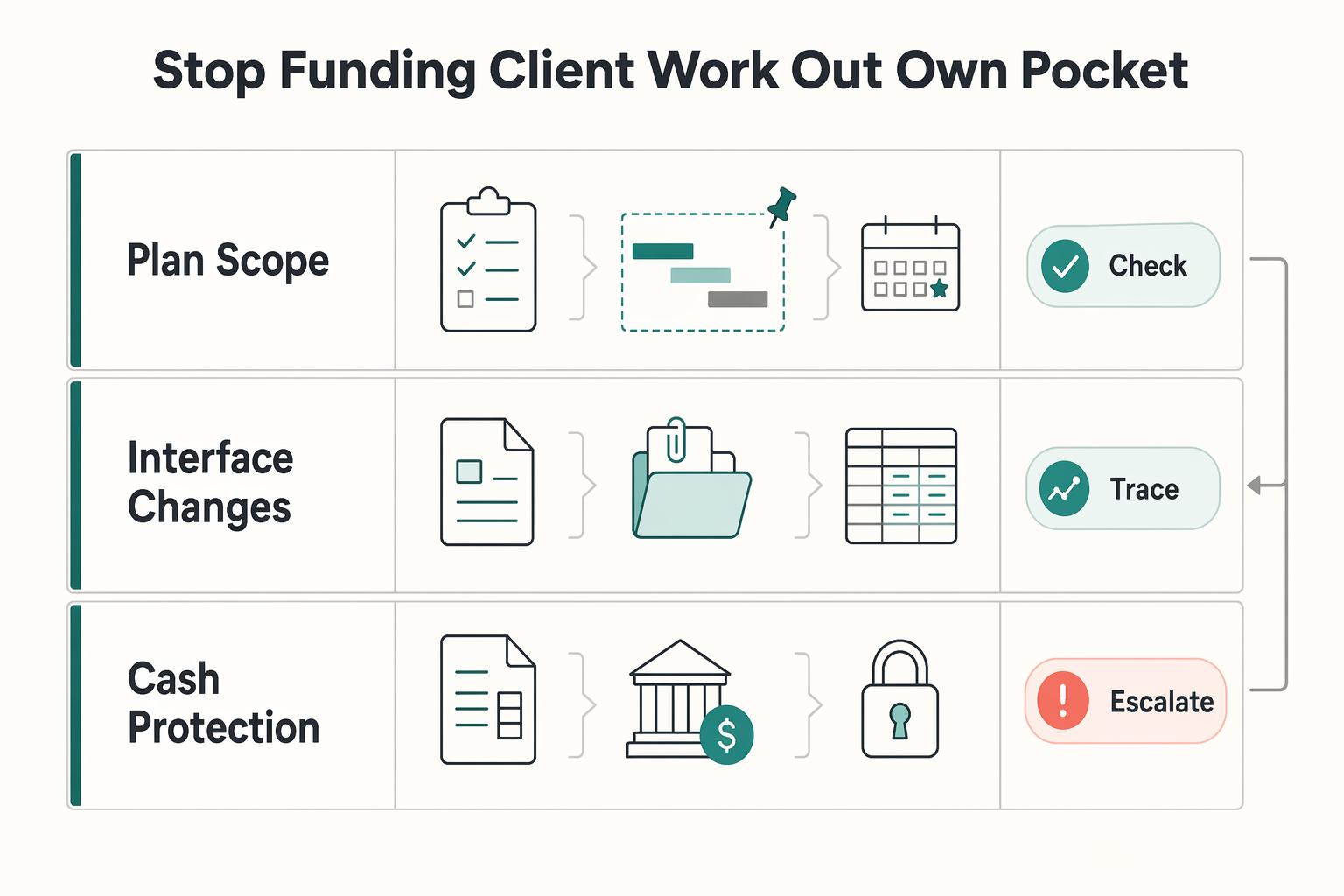
**Treat QuickBooks billable expenses as a reimbursement system, not just a bookkeeping feature, so you recover client project costs through invoices instead of absorbing them.**