
Quick Answer
Start by setting one written feedback system before work begins: define the channel, approver, response timing, and revision rounds in the SOW. Then keep comments tied to the exact deliverable, escalate to a call when written exchanges keep looping, and post decisions back in the same record. Treat any request that adds new work as a change request instead of a normal revision. Finish by reconciling logged changes against invoice lines so delivery and billing stay aligned.
Stage 1: The Alignment Protocol (Before the Work Begins)#
Set the rules before the first draft lands. If you want remote feedback to lead to clean revisions instead of crossed wires, settle the process before anyone starts reviewing. At kickoff, the target is simple: one scoped document, one approved place for feedback, and one clear approval path.
Step 1 Write the feedback rules into your SOW#
Put the feedback rules in your Statement of Work, or whatever scoped work document you use before kickoff. A solid SOW does more than describe the work. It should also set the period of performance, deliverable schedule, performance standards, and any special requirements. For remote work, the review process should live in that same document so expectations stay tied to the work itself.
| SOW item | What to include |
|---|---|
| Work setup | Define the work, delivery location if relevant, timeline, and deliverable schedule. |
| Performance standard | State what acceptable looks like for each deliverable. |
| Feedback channel | Name the official feedback channel and your single source of truth. |
| Turnaround expectations | Set review and implementation timing. |
| Revision rounds | State how many revision rounds are included before a change request is needed. |
| Escalation path | Name what happens if comments get stuck or tone suggests confusion, frustration, or urgency. |
| Roles | Assign who can approve work, request changes, and consolidate stakeholder input. |
Use this checklist in that document:
- Define the work, delivery location if relevant, timeline, and deliverable schedule.
- State the performance standard for each deliverable. In plain English, what does acceptable look like?
- Name the official feedback channel and your single source of truth.
- Set turnaround expectations for review and implementation.
- State how many revision rounds are included before a change request is needed.
- Name the escalation path if comments get stuck or tone suggests confusion, frustration, or urgency.
- Assign who can approve work, who can request changes, and who consolidates stakeholder input.
Verification point: before work starts, a new reviewer should be able to answer three questions from the document alone. Where does feedback go, who approves it, and when is a deliverable considered accepted?
Step 2 Choose one channel for each feedback type#
Start with async. One shared location matters because everyone is working from the same information, not from a mix of DMs, email fragments, and meeting memory.
Set this rule from day one. Routine edits belong in async comments inside the approved location. A recorded walkthrough can help when the issue is visual, layered, or easy to misread in text. A live conversation makes sense for sensitive or behavioral feedback (in person when possible, or by phone/video), or after repeated back-and-forth in writing. A practical trigger is around three exchanges without alignment. After any call, write the decision back into the shared record.
| Setup area | Weak setup | Strong setup |
|---|---|---|
| Channel discipline | Feedback arrives in Slack, email, and meetings | All comments live in one approved project location |
| Response windows | "Reply when you can" | Review and response expectations are written before kickoff |
| Revision control | Unlimited tweaks by default | Included rounds are named, then changes move to a logged request |
| Accountability signals | Anyone can comment, no final owner | One approver and one feedback owner are named per deliverable |
Step 3 Assign ownership and define the handoff standard#
Do not let "the team" own approvals. Name one person to collect comments and one person to approve each deliverable. If several stakeholders will weigh in, require consolidated feedback. Otherwise you end up with conflicting instructions and no clean version history.
What good looks like is boring in the best way. Every feedback item points to a specific deliverable, states the requested change, names the owner, and carries a due date or review window. A handoff is complete only when comments are resolved in the record or converted into a documented change request. That keeps feedback tied to trackable output instead of loose conversation.
For a related operating model, see Performance Management for Remote Teams: A Guide for IT Agencies.
Stage 2: The Execution Loop (Giving High-Stakes Feedback)#
Run feedback as an execution system, not a status ritual. When a comment can change delivery, budget, or trust, reduce ambiguity first: use CLA-R for in-scope work, use SBI to route net-new requests, and pick the channel by decision risk.
| Method | Use when | Keep in the record |
|---|---|---|
| CLA-R | You are reviewing a specific file, draft, or task and the main risk is misinterpretation. | Link the exact deliverable and version, give numbered actions, and request written acknowledgement in the same place. |
| SBI | A revision request may actually change scope. | Name the approved scope or version, describe the request without judgment, and state the impact on timeline, budget, or delivery order. |
| Async comments | The request is straightforward and tied to specific edits in the shared workspace. | Keep notes tied to the exact version. |
| Recorded walkthrough | The feedback depends on sequence, visuals, or layered context that text can blur. | Add a written action list and acknowledgement trail. |
| Live call | Stakes are high, feedback is sensitive, or the team has repeated misunderstandings. | Write decisions back into the shared record after the call. |
Step 1: Use CLA-R when you want clear action without a meeting. Use this when you are reviewing a specific file, draft, or task and the main risk is misinterpretation.
Paste this checklist into your workflow:
- Context: link the exact deliverable, version, and comment thread.
- Loom (or visual walkthrough): add a short recording when sequence or visuals are easy to misread in text.
- Action: give a numbered list of changes, each tied to that deliverable.
- Record: request written acknowledgement in the same place, then close the loop there once complete.
If a reviewer cannot quickly tell what changed, who owns it, and what done looks like, the loop is still too vague.
Step 2: Use SBI to separate valid revisions from net-new work. Use this when a "revision" may actually change scope.
- Treat it as revision feedback if it corrects errors, improves clarity, or brings the work up to the agreed standard.
- Treat it as net-new if it adds work outside the approved deliverable, adds a new approval layer, or exceeds included revision rounds.
Keep the SBI framing neutral:
- Situation: name the approved scope/version under review.
- Behavior: describe the request without judgment.
- Impact: state what it changes in timeline, budget, or delivery order.
Then route out-of-scope items through the formal change-control path already set in your SOW.
Step 3: Choose channel by risk, not habit. Use meetings for decisions and interpretation, not for replaying status already in the record.
| Channel | Use this when | Main failure mode |
|---|---|---|
| Async comments | The request is straightforward and tied to specific edits in the shared workspace. | Notes are vague, unowned, or disconnected from the exact version. |
| Recorded walkthrough | The feedback depends on sequence, visuals, or layered context that text can blur. | Video is posted without a written action list and acknowledgement trail. |
| Live call | Stakes are high, feedback is sensitive, or the team has repeated misunderstandings. | Decisions stay in meeting memory instead of being written back into the record. |
Step 4: Escalate stalled loops early, and make feedback two-way. If feedback stalls, ask for a clear disposition in the record: accepted, revised, or on hold. If ownership is unclear, pause new comments until one person consolidates direction. If the same issue keeps bouncing, move to a live call, decide once, and post the summary back in the shared thread.
Also ask for feedback on your own communication and performance. Many leaders are trained in one-way feedback, but two-way feedback improves discussion quality even if it feels uncomfortable at first. A useful reality check: in one reported context, only 1 in 5 employees said they got feedback weekly, while about half of managers believed they gave it often. That gap is exactly why explicit acknowledgement and two-way checkpoints matter.
If you want a deeper dive, read How to Manage a Global Team of Freelancers.
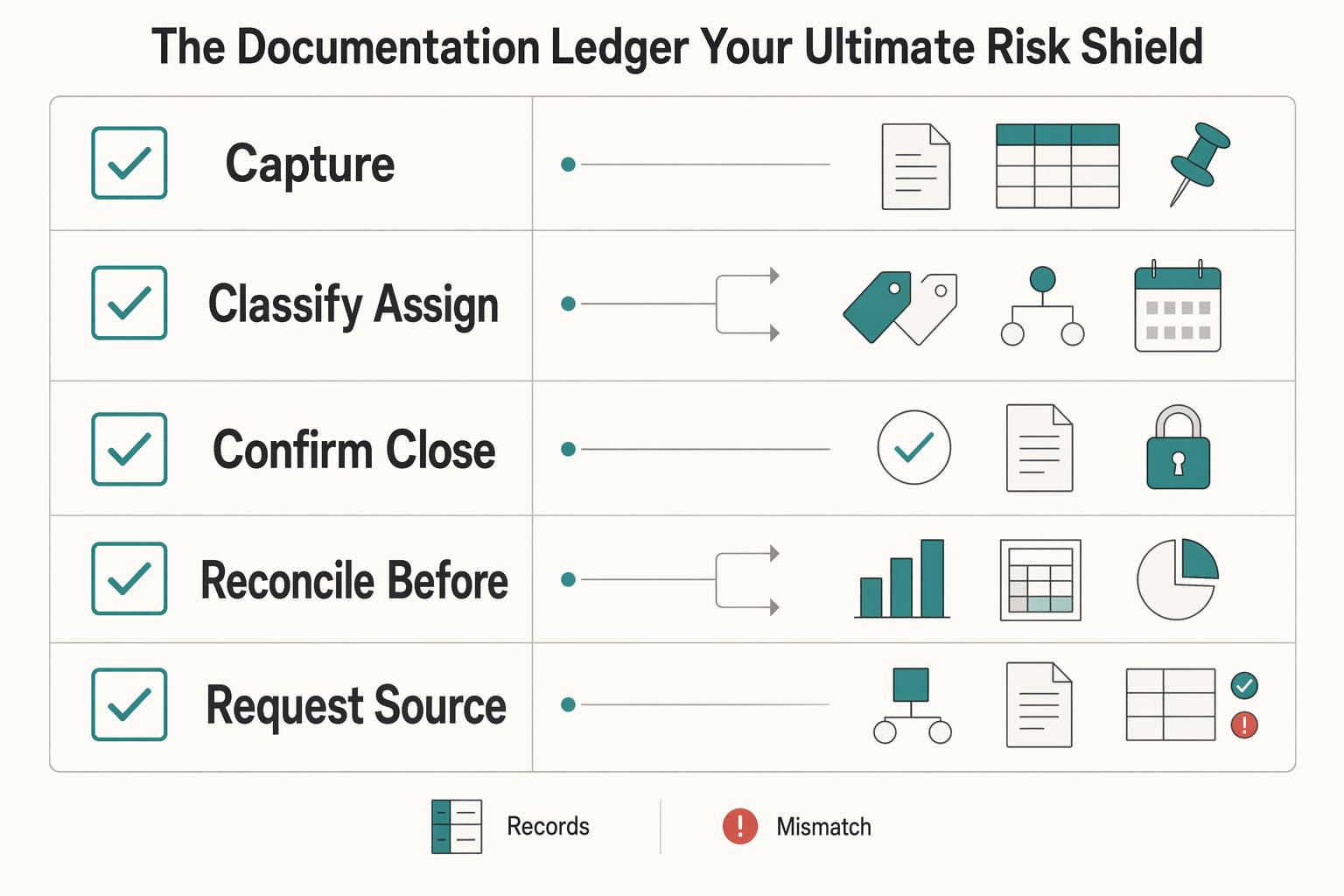
Stage 3: The Documentation Ledger (Your Ultimate Risk Shield)#
Your feedback process is only reliable if every item is traceable from intake to closure in one system. Run your Decision & Change Log as a daily operating habit, not end-of-week cleanup, so you can reconcile decisions, delivery, and billing without guesswork.
| Ledger step | What to do | Evidence or outcome |
|---|---|---|
| Capture | Use a single tracking system for intake and closure and record request source, owner, decision status, linked deliverable, and change-order flag. | Each feedback item is traceable in one place. |
| Classify and assign | Mark each item as in-scope revision or change, then assign one owner. | Separates normal revision from changed work. |
| Confirm, close, and archive | Link each item to the artifact that changed, such as a task card, file version history, commit, or pull request. | Someone outside the thread can see who requested the change, who handled it, what changed, and where the proof lives. |
| Reconcile before invoicing | Match billed changes, log items, accepted deliverable version, and billing reference. | Approvals, delivery, and payment stay aligned. |
Step 1 Capture each feedback item in one place. Use a single tracking system for intake and closure (for example, your existing project board, Jira, or GitHub Issues), and record these fields every time:
| Field | What you record | Why it matters |
|---|---|---|
| Request source | The reporter (who raised the request) | Prevents "who asked for this?" disputes |
| Owner | One assignee responsible for resolution | Keeps items from stalling |
| Decision status | Open, in review, approved, closed, or on hold | Makes the workflow visible |
| Linked deliverable | Exact task card, file version, commit, or invoice line reference | Ties feedback to evidence |
| Change-order flag | Yes/No, plus a short note | Separates normal revision from changed work |
Step 2 Classify and assign before work starts. Mark each item as in-scope revision or change, then assign one owner. If the request adds work outside the agreed deliverable, flag it as a change instead of mixing it into regular edits. If a contract-defined trigger or threshold would decide classification, keep that field pending until you verify it in the signed agreement and supporting records before use.
Step 3 Confirm, close, and archive in that same record. Link each item to the artifact that changed, such as a task card, file version history, commit, or pull request. If you use GitHub, link the issue to the PR so closure is explicit and, when merged to the default branch, can happen automatically. Your quality check: someone outside the thread can still see who requested the change, who handled it, what changed, and where the proof lives.
Step 4 Reconcile before invoicing. Before sending an invoice, run this quick check:
- Every billed change maps to a closed or approved log item.
- Every log item flagged as a change appears on an invoice line.
- The accepted deliverable version is linked next to the billing reference.
This is a professional reconciliation step, not extra admin: match the record to the invoice so approvals, delivery, and payment stay aligned.
For a step-by-step walkthrough, see How to Create a Communication Policy for a Remote Team.
Your Business Is a System; Your Feedback Should Be Too#
Treat feedback as a repeatable operating sequence, not isolated conversations, if you want cleaner handoffs, less rework, and fewer disputes. Run every project through the same governance lens: owner, channel, record, escalation.
| Stage | What you do | Outcome |
|---|---|---|
| 1. Alignment | Set feedback rules before kickoff (owner, channel, cadence, record location). | Fewer avoidable misunderstandings. |
| 2. Execution clarity | Give feedback on the actual work artifact, with one clear next action. | Faster, cleaner delivery decisions. |
| 3. Audit-ready documentation | Record decisions and changes, then escalate unresolved issues with named ownership. | Searchable history and less decision drift. |
Step 1 Set alignment before work starts#
Put feedback terms into your communication plan before work begins. Define which channel to use, how often updates happen, who owns each message type, and where the final record lives. If people cannot clearly answer where feedback goes, who decides, and what happens when there is disagreement, fix that before kickoff.
Step 2 Give feedback where the work is happening#
During delivery, keep feedback attached to the task, file, issue, or review thread tied to the deliverable. Use the lightest channel that still carries nuance, and end with one concrete next action. In fully remote setups, short and frequent check-ins help prevent silence from turning into confusion.
Step 3 Keep the record and escalate cleanly#
After meaningful feedback conversations, write the decision down and share it back in the same project record. If an issue stays unresolved, do not let it drift: name the escalation owner, state the decision needed, and, where practical, target resolution within 3-5 days.
Before your next kickoff, confirm this handoff checklist:
- Owner: who handles routine feedback and who gives final approval
- Channel: where async notes, walkthroughs, and sensitive discussions happen
- Record: where decisions, changes, and follow-ups are logged
- Escalation: what triggers escalation, who joins, and the expected resolution window
You might also find this useful: A Guide to Performance Reviews for Remote Employees.
Frequently Asked Questions
How do I document feedback for a remote contractor or teammate?
Put the feedback where the work already lives: the task card, issue, file comment, or review thread linked to the exact deliverable. Start with the expected outcome, then note the gap, the requested change, and who owns the next step so clarity comes before correction. After you send it, add the same item to your Decision & Change Log with the artifact link and status. If the note only lives in Slack or in your head, it can lead to missed edits and avoidable back-and-forth.
What should I use for asynchronous feedback?
Use an async written note when the work is visible and the person can act without a live discussion, such as design revisions, draft edits, or code review notes. A written async note works for small, specific fixes, a recorded walkthrough helps when tone or visual context may get lost, and a live call is better if the issue is likely to trigger debate or confusion. Whatever channel you choose, post the final action list in the project record and confirm understanding in writing. Short messages can feel colder than intended, and delayed replies can read like dissatisfaction.
How do I stop feedback from turning into extra scope?
Treat every new request as a classification step before anyone starts work: revision, clarification, or change. If it looks like added scope, describe what was agreed, what is now being requested, and the effect on work already in progress. Then move the conversation into the task or change record rather than arguing in chat. Document the outcome beside the deliverable so new requests do not get buried inside ordinary review comments.
How do I raise a payment or process issue without making it personal?
Keep the note about the process, not the person. Point to the invoice, milestone, or approval step that is stuck and ask what is blocking it. Send the first message in the billing or project thread where the record already exists, then summarize any follow-up call in the same place with the next action, owner, and date reference. If the exchange starts to feel tense, move to a call, then close with a short written recap in the shared record.
What channel should I choose for sensitive feedback?
Choose the lightest channel that can still carry the message clearly. Written async works when the issue is factual and narrow, a recorded walkthrough helps when you need nuance without scheduling friction, and a live call is the better choice when tone, emotion, or ambiguity could dominate the exchange. A Slack message can land much harsher than you meant. Whichever channel you use, finish with a short written recap in the shared record so the decision is searchable and not dependent on memory.
How often should I give feedback to remote team members?
Do not wait for problems to pile up. Remote teams need feedback scheduled on purpose because you cannot rely on hallway moments. A practical starting point is deliverable-specific notes as work moves, plus a recurring 1:1 where the first ten or fifteen minutes and the development portion give you room for coaching. One manager’s own checkpoint was at least two pieces of positive feedback every week for each direct report. Log the important points from those sessions in the same project or people record, because avoiding a needed conversation may feel easier in the short term but can prolong weak output and drag morale down.
Try a related tool
Researched and edited by the Gruv editorial team. Gruv builds cross-border billing, payouts, and finance-operations software for global businesses.
Sources
- acquisition.gov/far/8.405-2trusted
- acquisition.gov/far/subpart-43.2trusted
- bu.edu/hr/lifebu/flexible-work/successful-hybrid-te...trusted
- ecfr.gov/current/title-5/chapter-I/subchapter-B/part-430trusted
- ecfr.gov/current/title-48/chapter-1/subchapter-G/part...trusted
- hr.mit.edu/performance/remotetrusted
- irs.gov/businesses/small-businesses-self-employed/ho...trusted
- law.cornell.edu/cfr/text/5/430.206trusted
Educational content only. Not legal, tax, or financial advice.
Related Posts
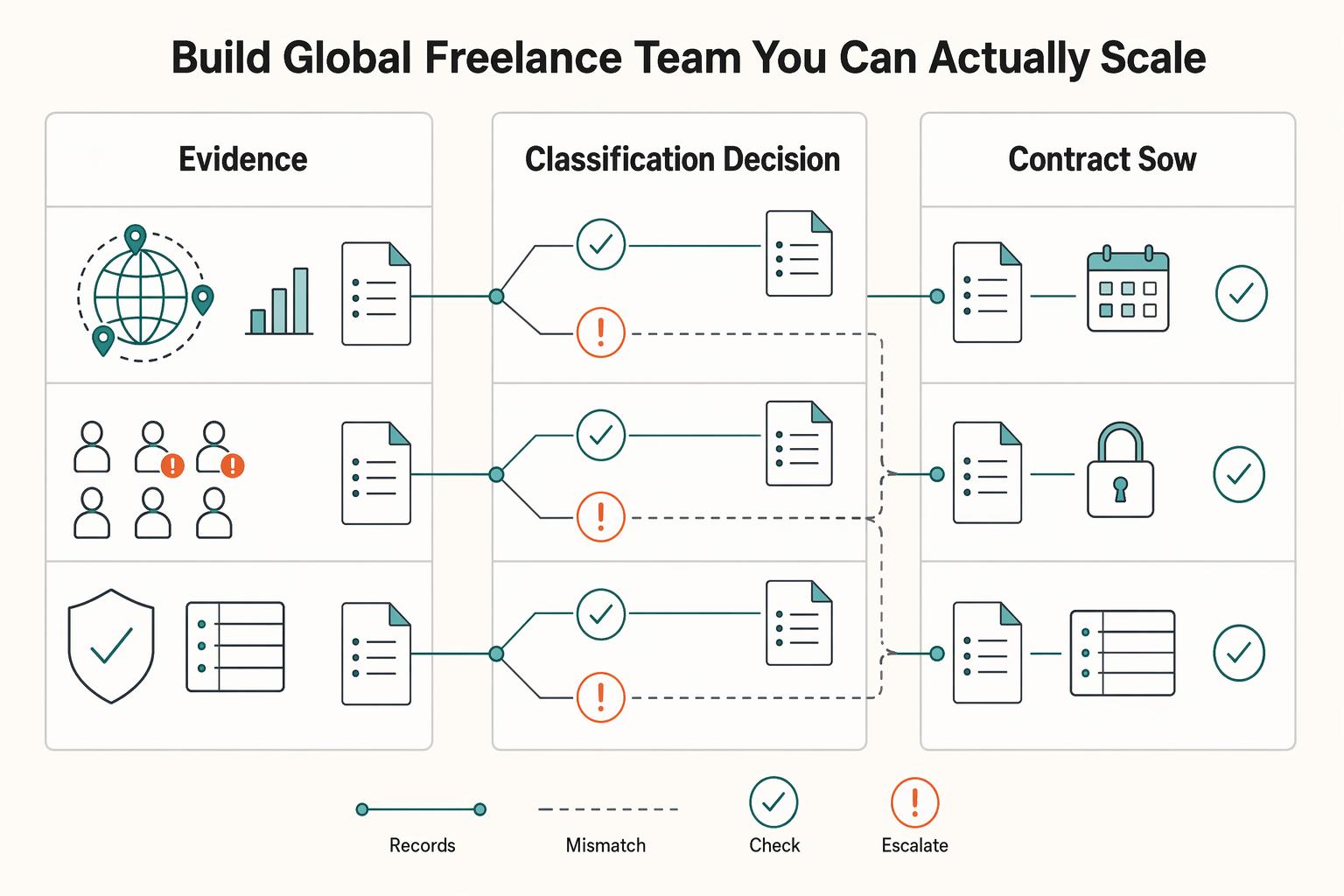
How to Manage a Global Freelance Team Without Compliance Gaps
If you want to manage a global freelance team without constant cleanup, use the same intake-to-payout process for every engagement and save an artifact at each gate. Common failure points are instinct-based classification, vague scope, and payments approved in chat with no audit trail.
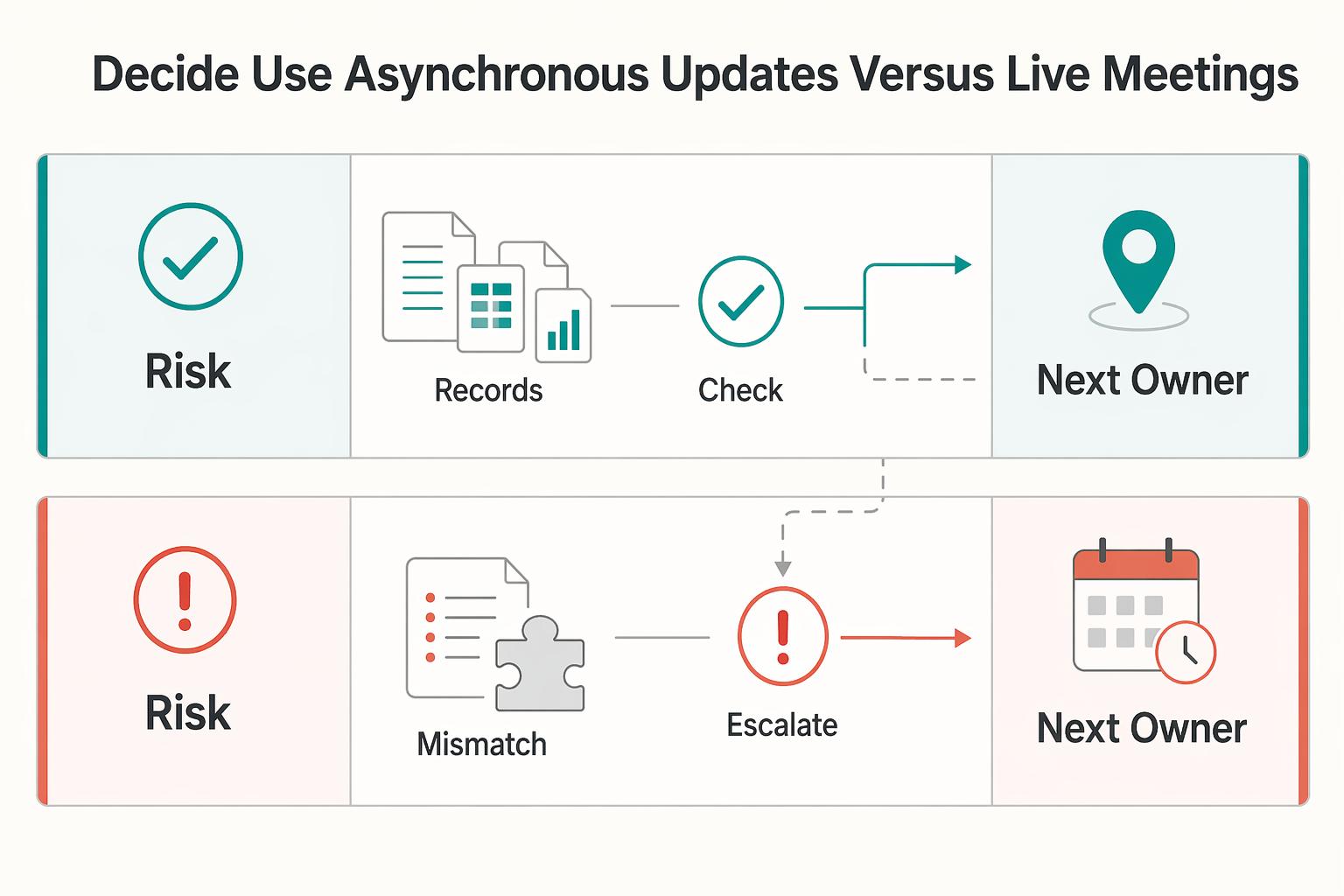
Remote Team Performance Management for IT Agencies
If your remote team performance management feels inconsistent, the problem is often not distance itself. It is ambiguity. Performance breaks down when expectations, feedback, and decisions live in chat history or manager memory instead of a written record you can review. In remote and hybrid teams, documented expectations and [outcome-based measures](https://www.opm.gov/telework/tmo-and-coordinators/performance-management) matter more than office visibility, so your first move is to make the standard visible.
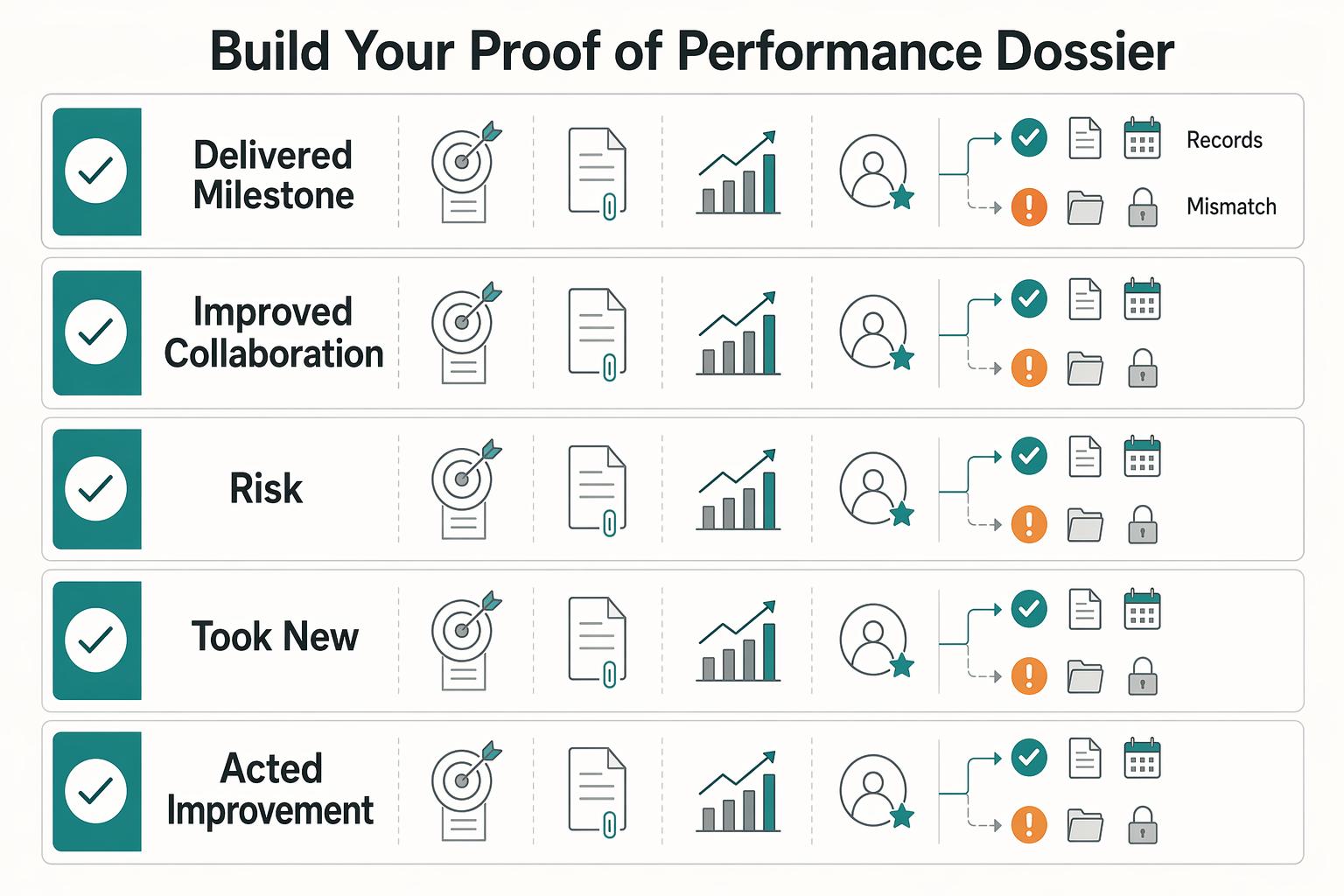
Remote Performance Reviews for Independent Contractors
Go into the call with three things nailed down: the decision you need, the evidence you will show, and the ask you will make. Treat it like a client business review about outcomes, scope, and next-phase terms, not an employee appraisal about approval.