
Quick Answer
Start by fixing identity consistency, then run the FNMT flow with strict continuity from request to retrieval. Use one route (video or in-person), keep a single reference trail, and complete request and download on the same computer and user profile. Right after installation, export a .pfx or .p12 backup with the private key and store the file separately from its password. Before relying on it, confirm access in AEAT and Seguridad Social services.
Why the Certificado Digital Isn't a Chore - It's Your Most Valuable Asset in Spain#
The certificado digital is not a minor admin task. This section does not verify the exact official steps or provider-specific rules. The safer approach is simple: treat the process as an ownership and evidence job before you touch an application screen.
Start by defining control#
Set control first or the rest gets messy fast. Before you begin, write down five basics: the holder identity, the process owner, any delegate's scope, the master document location, and the handoff log. If a provider appears in your route, log its exact name as part of your record, not just "the website." Use this quick decision table to choose your setup:
| Setup | When to choose | Failure signal |
|---|---|---|
| Self-managed | You can complete each step yourself and keep records in one place | You cannot show what was sent, when, and from which account/device |
| Delegated with controls | You need help, but you keep final approval and copies of every submission | Your delegate gives status updates without proof or cannot produce a clear submission record |
| Delegated without controls | Almost never worth it unless you accept cleanup risk later | Files are scattered across email, chat, and someone else's login |
Build the evidence pack up front#
Build your evidence pack before you submit anything. At minimum, that means a dated folder, a running log, and one standard for how you capture proof. Save PDFs, screenshots, confirmation emails, and a note of who acts next. If something breaks later, this is what lets you reconstruct the file without guessing. Use these preflight prompts before you start:
- Holder identity to use: legal identity pending official or application verification
- Document requirements (if any): pending official guidance verification
- Route eligibility (if multiple routes exist): pending current official guidance verification
- Submission reference (if issued): exact issued reference, captured when available
Run every handoff as a transfer protocol#
Every handoff should work like a clean transfer, not a casual update. Record five things each time: what was sent, when, by whom, where the proof lives, and who owns the next step. If you had to rebuild the case tomorrow, the log should be enough. If it is not, pause before moving forward. If you are also mapping admin obligations around mobility and filings, see Tax Guide for Digital Nomads in Thailand.
Once that control is in place, the acquisition steps are much easier to execute cleanly.
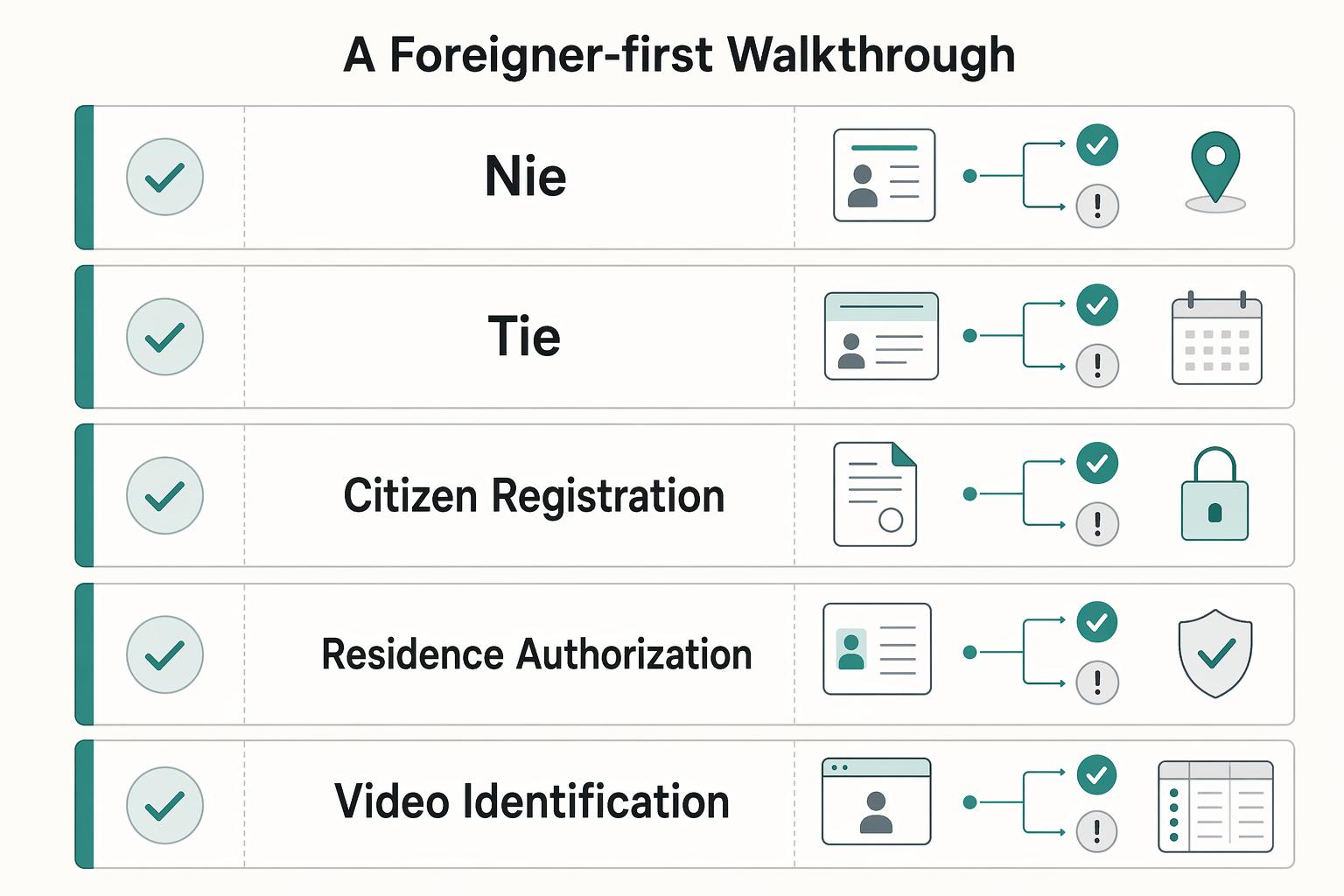
The Zero-Error Acquisition Plan: A Foreigner-First Walkthrough#
If your records are unclear, pause first. You prevent most rework by locking three controls before submission: one holder identity basis, one verification route, and one continuous request-reference trail.
Step 1. Separate identity records before you start. Your goal is simple: identify what each record is and avoid treating different records as interchangeable proof.
| Record | What this is | What this does not prove |
|---|---|---|
| NIE | Your official identification number as a foreigner in Spain | Residency by itself, or certificate eligibility by itself |
| TIE | The physical foreigner identity card for residents that displays the NIE | That underlying request data is correct without verification |
| EU Citizen Registration Certificate | Your EU citizen registration record | That another document type or number can be swapped in without checking |
| Residence authorization | Your residence approval or permit basis | That a certificate route is automatically available for your case |
Pick one holder identity basis and write it exactly once for reuse. For structure, the 2026 UPM procedural guide separates checkpoints for NIE (page 18), TIE (page 20), and FNMT digital certificate (page 31).
Step 2. Run a binary preflight and stop on the first "no."
- Holder legal name matches the chosen identity record exactly: yes / no
- ID number and document type match that same record: yes / no
- You can state which record identifies you vs which one displays/supports status: yes / no
- One verification route is selected and logged: yes / no
- One storage location is ready for request reference and proof files: yes / no
- Current eligibility condition checked against official guidance: yes / no
- Current accepted-document condition checked against official guidance: yes / no
If any answer is "no," do not submit yet.
Step 3. Choose one verification route and keep continuity. Treat route choice as a control decision, then follow the currently published rules for that route.
| Route | Confirm before you commit | Typical breakpoint to watch | If the route fails |
|---|---|---|---|
| Video identification | Prerequisites pending official guidance verification | Holder data does not align with the request record | Fix the mismatch first, then follow current continuity rules before changing channels |
| In-person accreditation | Prerequisites pending official guidance verification | Submitted request details and presented records do not align | Correct the record mismatch and continue under one documented trail |
Step 4. Keep one proof chain from request to install.
| Checkpoint | Required proof | Stop condition | Go condition |
|---|---|---|---|
| Request created | Screenshot/PDF with submitted holder data, date, channel, and request reference | Holder data does not match the chosen identity basis | Holder data and request reference are saved and readable |
| Verification completed | Confirmation tied to the same holder and request reference | Verification cannot be tied to the same holder/reference trail | Same holder identity is visible across request and verification |
| Retrieval and install | Retrieval/install proof saved in the same case file | Trail is mixed, broken, or tied to a different attempt | Retrieval clearly maps to the same holder and request reference |
Step 5. Triage failures in order before retrying.
- Identity-data drift: compare request fields to the chosen record, character by character.
- Channel drift: confirm your verification route trail is still continuous and documented.
- Reference drift: confirm the request reference belongs to this holder and this attempt.
Once this chain is clean, move to security and recoverability controls so issuance does not become an incident later.
Security & Activation Protocol: How to Protect and Leverage Your New Digital Key#
After issuance, your priority is simple: make your certificate recoverable, then confirm it works in the services you actually depend on.
Secure it#
Start with continuity. Download the certificate with the same computer and same user account used for the request, then export a backup with the private key right after installation. Without the private key, you do not have a full signing recovery path. If you are also tightening the operational side of your freelance setup, see A Guide to Local SEO for Freelancers.
| Checkpoint | Pass | Fail |
|---|---|---|
| Backup format | backup is .pfx or .p12 and exported with "Exportar la clave privada." | public cert only, or private-key status is unclear |
| Import test | you can import it on a separate browser profile or second computer | it only works on the original setup |
| Certificate visibility | imported cert appears in the "Personal" certificate store and shows up when the browser asks you to identify/sign | it does not appear for selection |
| Password separation | export password is retrievable and stored separately from the file | password is forgotten or stored with the backup file |
Treat only a .pfx or .p12 export as your valid backup format. If you only exported a .cer, do not treat it as a full recovery copy for signing. Also protect the export password carefully: if you lose it, you cannot recover it.
Use separation as your control rule: keep the certificate file and export password in different places. AEAT also recommends storing the backup on an external device so one damaged machine does not wipe out your only copy.
| Storage option | Dependency risk | Lockout risk | Separation rule |
|---|---|---|---|
| Encrypted external USB or drive | Low | Medium if you keep only one copy or misplace it | Keep export password outside that device |
| Encrypted cloud vault or secure cloud folder | Medium (account-dependent) | Medium to high if recovery depends on the same phone/laptop | Do not store export password in the same account |
| Password manager document storage | High (single-account concentration) | High if you lose access to the manager | Avoid storing file and export password together |
If any one of those checks fails, fix the backup before you rely on the certificate.
Validate it#
Validate early so you are not debugging during a deadline. Use two practical checks: AEAT Mis datos censales and Seguridad Social Informe de tu vida laboral.
In AEAT, confirm you can access census data and, where permitted, consult or modify details like domicile data. In Seguridad Social, confirm you can generate the vida laboral PDF and review whether your history looks correct.
If the browser does not offer your certificate, or it is missing from Personal, treat it as an installation issue first. Try importing a valid copy. If you do not have one, or the certificate is expired/revoked, move directly to new issuance.
If login works but data is wrong, treat it as a portal-record issue. Incorrect AEAT census fields or incorrect vida laboral records are data correction issues, not certificate installation issues.
Recover it#
If exposure is possible, revoke first and investigate second. If a device is lost, stolen, replaced, or wiped, or you suspect certificate/private-key exposure, request revocation immediately. If you still control the certificate, revocation can be done online. Once revoked, the certificate cannot be reused; you must complete a new request flow. Keep the emergency contact route in your file only after confirming it from the official source.
For normal expiry planning, verify your current renewal path early. Renewal is allowed in the 60 días previos a la caducidad only if the certificate has not been previously revoked. Keep any renewal or reissuance condition pending until you verify the current official guidance. If your certificate is still under control and nearing expiry, confirm eligibility and renew before lapse.
Keep Evidence for Every Action and an Official Recovery Path#
Your goal is not one successful login. Your goal is repeatable execution with proof. For any trámite, close it only when three things are true: action done, proof captured, and correction path documented from the same official channel.
Classify the case before you act#
Decide scope first, because scope determines credential, authority, and portal path.
- Are you acting in your own name or for an entity?
- Is this Spain-only, or could it require cross-border recognition?
FNMT separates Certificado de Persona Física from Certificado de representante, and representative types are not interchangeable. If cross-border recognition may apply through Nodo eIDAS, do not assume acceptance in the target procedure. Treat any scope condition as pending until current official guidance confirms which certificate type the procedure accepts.
Use a completion checklist, not memory#
Before you leave the page, confirm this minimum checklist:
| Completion standard | What you keep as proof | Correction path |
|---|---|---|
| Action done | Submission confirmation + date | Official page for correction/amendment in that same channel |
| Proof captured | Channel used + exact procedure page | Same service family, not an unrelated portal |
| Verifiable state | One status check after submission | FNMT Verificar estado or AEAT Mis datos censales when relevant |
If you cannot show what you submitted and where it is corrected, the task is still open.
Run a light maintenance routine#
Keep a simple routine so you avoid preventable resets:
- Continuity check: for FNMT software issuance/reissue, request and download stay on the same computer and same user.
- Record integrity check: confirm certificate status and key data you rely on.
- Renewal readiness check: citizen certificates are valid for cuatro (4) años, renewal opens only in the 60 días antes de la caducidad, and expired certificates cannot be renewed.
Escalate incidents in official order#
When something fails, escalate in this order:
- Verify status first.
- Confirm whether the issue is environment/authentication only.
- If compromise, loss, or theft is plausible, move to revocación immediately.
FNMT states revocation can be requested at any time. If you still have the certificate, revocation can be done online; if not, go to an accreditation office. FNMT also publishes a 24x7 telephone revocation service: 917406848 / 913878337. A revoked certificate cannot be reactivated.
This is operational control: evidence for every action, an official recovery path for every exception, and each new filing starting from a known state. For a step-by-step prerequisite path, see How Remote Freelancers Can Get an NIE Number in Spain. If you want a broader freelancer operations read, see Value-Based Pricing: A Freelancer's Guide.
Frequently Asked Questions
Which credential should you choose first?
Start with who is signing. If it is you personally, a common route is FNMT Persona Física. If you are acting for an entity, stop and verify the representative path first, because FNMT says it issues three representative certificate types and the correct choice depends on your representation role.
Do DNI, NIE, and NIF mean the same thing here?
Treat them as linked labels, not interchangeable ones. AEAT says your personal NIF will generally match your DNI or NIE, and FNMT’s request form requires the identification number to be 9 caracteres. The practical checkpoint is simple: enter your identification data in the exact format required by the active form.
Can you use Cl@ve instead of a certificate?
Only if that service is integrated with Cl@ve and the page offers it. Cl@ve is a credentialed access method based on agreed credentials. The General Administration portal treats the certificate as the method with the highest guarantee, so do not assume one login method will be accepted for every procedure.
Why does same-device continuity matter so much?
Because FNMT requires the same computer and the same user for the download step as for the request step. A common failure is changing user or machine after requesting, then trying to rescue the process later.
What backup actually matters?
For recovery, the backup should be exported with the private key for personal use or backup. If you share that private key copy with someone else, you create a security risk.
What should you do if you think the key was copied or your laptop is gone?
Revoke first. FNMT states revocation can be requested at any time and should be requested when you believe the certificate may have been copied. Do not treat troubleshooting or file recovery as a substitute for revocation after suspected exposure.
Can you rely on an online-only route without checking current conditions?
No. Conditions can change, so verify current eligibility and route requirements before you start. Use the same rule for format-sensitive fields: confirm the active form’s current requirements before submitting.
Try a related tool
Researched and edited by the Gruv editorial team. Gruv builds cross-border billing, payouts, and finance-operations software for global businesses.
Sources
- administracion.gob.es/pag_Home/Tramites/Identificacion-electronica...trusted
- clave.gob.es/clave/usabilidadtrusted
- oecd.org/content/dam/oecd/en/publications/reports/202...trusted
- portal.seg-social.gob.es/wps/portal/importass/importass/Categorias/Vi...trusted
- repositorio.comillas.edu/jspui/bitstream/11531/98976/1/TFM-Valdiviels...trusted
- sede.agenciatributaria.gob.es/Sede/ayuda/consultas-informaticas/firma-digi...trusted
- sede.agenciatributaria.gob.es/Sede/ayuda/consultas-informaticas/firma-digi...trusted
- sede.fnmt.gob.es/certificados/persona-fisica/anulartrusted
Educational content only. Not legal, tax, or financial advice.
Related Posts

Value-Based Pricing for Freelancers Under Real Payment Risk
Value-based pricing works when you and the client can name the business result before kickoff and agree on how progress will be judged. If that link is weak, use a tighter model first. This is not about defending one pricing philosophy over another. It is about avoiding surprises by keeping pricing, scope, delivery, and payment aligned from day one.

Thailand Tax for Digital Nomads Without Residency Mistakes
The most expensive mistakes here happen before anyone opens a tax return. People pick a visa, assume the tax answer comes with it, then try to rebuild the year from scraps after the fact. By then, the damage is usually not one dramatic error. It is a pile of small gaps: an unverified day count, a transfer with no clear purpose note, invoices that do not line up cleanly with payments, and assumptions nobody wrote down when the facts were still fresh.
A Guide to Local SEO for Freelancers
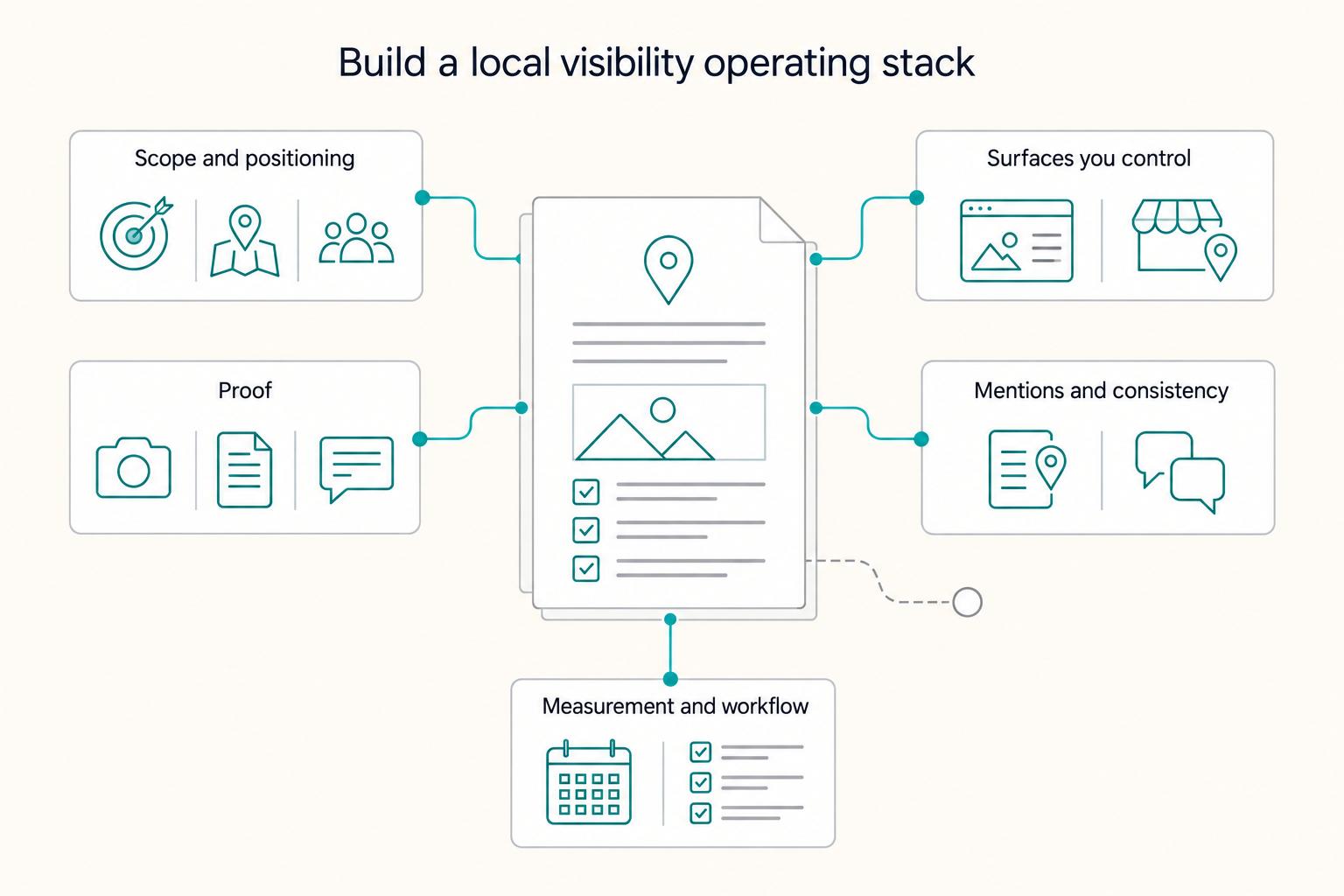
Run local SEO for freelancers like an operator: build one defensible local entity across Google Business Profile, your website, and your proof, then tighten it over time instead of spraying tactics. As the CEO of a business-of-one, you are not collecting "marketing tasks." You are building an asset you can maintain and defend. The goal is stable visibility and trust, not constant fiddling.