
Quick Answer
Choose one recurring task, agree its inputs and output, and name the reviewer and escalation owner. Confirm the appropriate engagement terms and minimum access, try sample data, then run an authorized limited handoff. Expand responsibility based on quality, deadlines, reported exceptions and net owner time saved; a suggested 90-day schedule is not automatic permission.
A virtual assistant can take recurring work off your plate when the task, access and review process are clear. Start with work you can describe and check, such as preparing a meeting agenda, organizing approved source material or drafting a routine update. Measure the time saved after briefing and review rather than assuming that every delegated hour becomes an hour of new capacity.
Before the first handoff, decide what the assistant may do independently, what requires approval and where to raise an exception. A brief, a narrow access plan and a review owner make those decisions visible. When the assignment expands into client commitments, financial changes or sensitive records, reassess its permissions and engagement terms.
The three parts below cover engagement and access, repeatable task instructions, and staged responsibility. The readiness check and suggested 90-day schedule are proposed planning aids, not legal clearance, a universal timetable or a promise that delegation will prevent errors.
Pillar 1: Before You Delegate, Fortify Your Foundation#
Prepare the engagement terms, worker-model review, required access and spending boundaries before live work. A draft with unresolved consequential terms is not clearance to start. Review the actual countries and relationship facts, agree the applicable terms and assign a limited first task when its requirements are ready.
Before you start#
Keep a reviewable record of role, scope, pay terms, access and exception authority. Store identity and tax documents separately in restricted HR/finance storage; the shared task manual should contain only the references and operational instructions the assistant needs. Another authorized operator should be able to explain the arrangement without broad access to personal records.
| Evidence pack item | What it should show |
|---|---|
| Worker-model review | Employee or genuine contractor route, actual control/independence facts, relevant jurisdictions and unresolved questions |
| Agreed engagement terms | Scope, pay/currency/timing, confidentiality/data responsibilities, applicable rights, termination and unresolved items reviewed before commitment |
| Access plan | What the person can touch, what data they will handle, why they need it, and the minimum necessary access on a need-to-know basis |
| Spend policy | What they can spend and who approves exceptions |
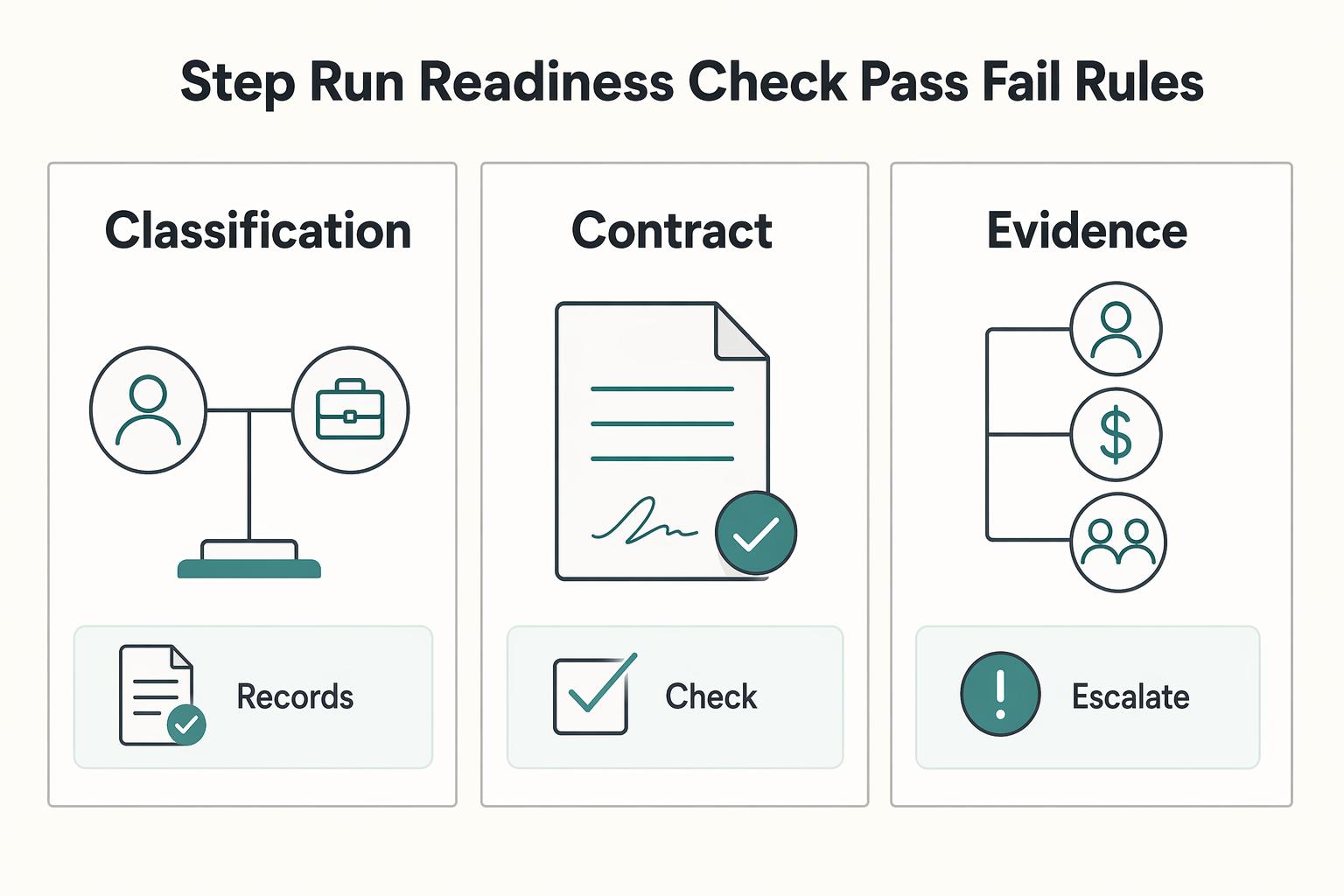
Step 1. Run a readiness check with pass or fail rules#
For US federal tax classification, IRS guidance weighs behavioral, financial and relationship facts together; a contract label or remote location does not settle status. Employment-law and other-country tests may differ. Choose the appropriate employee or contractor arrangement from the actual facts rather than assuming every VA is self-employed.
Use this as a pre-handoff checklist:
- Proceed with the proposed task when the worker model, relevant jurisdictions and consequential engagement terms have been reviewed; internal approval records a decision, not legal status.
- Escalate unresolved control, supervision or cross-border questions before a new commitment or scope expansion. For existing work, address the arrangement promptly while preserving pay and contractual duties.
- Confirm what data the assistant needs, why, the allowed task and who reviews the output.
- Hold the affected access grant if you cannot justify or authorize it; use a smaller suitable task while resolving that boundary.
A common red flag is scope drift. If "calendar help" becomes inbox management, billing support, or client communications, rerun the check before you expand access.
| Area | Basic setup | Mature setup | Upgrade when |
|---|---|---|---|
| Classification and contract | Worker-model review, agreed terms and consequential confidentiality/IP/data questions resolved as needed | Appropriate professional review of applicable law, data handling, rights and cross-border requirements | Reassess when facts, supervision, location or duties change; a more elaborate control setup does not cure misclassification |
| Access control | Separate named logins, least privilege, MFA on every supported account | Permission map by tool, periodic privilege review, end-dated elevated access, offboarding record | Upgrade when admin rights, client data, or financial tools enter scope |
| Money controls | Dedicated spend method, named approver, draft purchase limits, and receipt rules | Separation of duties for request, approval, and reconciliation, plus exception log and monthly review | Upgrade when recurring spend starts, more than one approver exists, or the assistant touches vendor payments |
Step 2. Draft the contract architecture before any work starts#
Agree scope, deliverables or duties, pay and currency, revision/review responsibilities, confidentiality, permitted data handling, applicable IP rights and ending arrangements. Use professional review where the facts or consequences warrant it. For US context, DOL’s 2026 rulemaking page describes a proposed classification rule with a comment period that closed April 28, 2026. A proposal is not an enacted replacement; check the current rule and relevant legal developments when making an actual classification decision. An old “active comment window” is not current guidance.
For US payer documentation, determine the person’s tax status, entity type, where services occur and the applicable payment rules. W-8BEN instructions distinguish foreign individuals from US persons and foreign entities; being physically outside the US alone is insufficient. Where applicable, give the completed form to the requesting payer, not the IRS, through a secure channel. W-8BEN does not classify employment or universally exempt service payments. US-source service compensation may require different forms. For a relationship review, see What to Do If You Have Been Misclassified.
Step 3. Lock down access before the first live task#
Create a named user account with the minimum permissions needed for the assigned work. FTC and NIST guidance supports limiting access to need-to-know tasks and restricting admin rights. Keep primary account ownership and recovery under your organization’s control. Enable supported MFA, preferably phishing-resistant authentication where available, and plan how recovery works without sharing authentication codes. MFA complements permission limits; it does not guarantee that a compromised account or session cannot cause harm.
| Access control | Article guidance |
|---|---|
| Separate accounts | Create separate user accounts and keep primary admin ownership controlled by your team |
| Need-to-know access | Restrict privileges to the minimum necessary |
| MFA and recovery | Enable supported MFA; prefer phishing-resistant options and retain organization-controlled recovery |
| Permission verification | Inspect role/folder/export/sharing settings and test permitted and prohibited actions with non-sensitive data; one successful task cannot prove all access boundaries |
| Credential exposure | For unauthorized sharing or suspected exposure, follow the incident process; approved vault access is not itself evidence of compromise |
Before live access, verify both what the assistant can do and what they cannot: check folder inheritance, exports, shared links and account roles, then use non-sensitive test records. If an unauthorized password disclosure occurs, inform the named security owner, preserve relevant logs and revoke or rotate affected credentials and sessions as appropriate. Check integrations/tokens as well as the password. A routine approved vault workflow differs from sending a credential in chat, and rotating a password alone may not end every session.
Step 4. Set a written money policy with an owner and exception loop#
As a proposed small-business control, separate purchase preparation from approval and review. The assistant may draft a request, the owner authorizes it and another person reviews reconciliation where practical. If staffing prevents full separation, use limits, alerts and a documented independent review. Name the policy owner, approver, exception log and person who checks access at offboarding; this procedure is not a universal legal spending standard.
Define categories, allowed payment method, per-item and total limits, receipt timing and escalation. Example policy: only pre-approved research subscriptions, up to USD 50 per item and USD 100 per month, with a receipt by the next working day. Renewals count toward the total; no splitting purchases to bypass limits, bank-detail changes, transfers or client refunds. Requests outside scope go to the owner before action. These amounts are illustrative choices to agree, not recommended limits for every business. At offboarding, remove access and payment methods, review tokens/sessions and recurring charges, transfer needed file ownership, and preserve required records. Access removal does not erase amounts owed.
Pillar 2: Build a System, Not a To-Do List#
Keep one searchable Operations Manual for recurring tasks and link each task to the current brief or SOP. Chat can still carry updates and clarifications; record consequential changes in the task so execution does not depend on finding an old message. Give the assistant enough context to work without exposing unrelated client or employee data.
Step 1. Build one Operations Manual your assistant can navigate quickly#
If recurring work is scattered across docs, messages, and voice notes, you do not have a reliable system. SOPs are meant for routine or repetitive work, so keep one searchable home for all repeatable tasks.
Keep it simple: one index, procedures grouped by function, and the current version clearly labeled. Use this test: can your assistant find the right procedure, confirm it is current, and start without asking where anything lives? If not, fix the structure before you add more tasks.
Step 2. Use a minimum viable SOP template for every repeat task#
Write SOPs so execution is clear, not implied. A practical minimum template is:
| Field | What to write |
|---|---|
| Owner | Who is accountable for this SOP staying accurate |
| Version | Current version label |
| Trigger | Exact event that starts the task |
| Inputs | What must exist before work begins |
| Outputs | What must be delivered, where, and in what format |
| Exception path | When to escalate and to whom |
| Review owner | Who reviews quality and updates the SOP |
This proposed template covers execution and maintenance. Define completion as the output delivered in the agreed place, correctly named, status updated, unresolved issues recorded and next owner identified. Acceptance and payment still follow the engagement terms; an internal completion pack does not create new unpaid revision duties.
Example: a first meeting-agenda handoff#
Brief: prepare the agenda for Friday’s client call from the approved project notes and previous action list. Deliver a draft in the project folder by Thursday 15:00 UTC, named ClientA-agenda-YYYY-MM-DD, with decisions needed, unresolved questions and proposed owners. The assistant has read access only to that project’s notes and edit access to its agenda folder; they do not send the client message, change scope or access billing. The producer checks factual accuracy and approves the exact draft before sending.
SOP trigger: the weekly review task opens. Inputs: approved notes, call date and action list. Output: agenda draft plus a task update linking it. If the date conflicts, a source is missing or a client commitment is unclear, flag it to the producer by the agreed escalation time; do not invent a decision. After review, save the accepted version and any correction. For a new contractor arrangement, agree the preparation fee and review scope; for an employee, apply the agreed duties and payroll terms.
Step 3. Prioritize documentation with a delegation matrix#
Document tasks in this order: repeatable first, then reversible, then lower-judgment work with visible QA.
| Task example | Repeatability | Reversibility | Judgment load | QA visibility | Document now? |
|---|---|---|---|---|---|
| Calendar scheduling and meeting prep | High | Medium: invitations may already be seen | Low to medium | High | Start with draft agenda/options from approved inputs |
| Preparing approved content for publication | High | Drafts high; public posting limited | Low to medium | High | Document preparation now; retain final publication approval |
| Inbox triage with draft replies | High | Medium | Medium | Medium | After response rules are documented |
| Refunds, billing changes, vendor disputes | Medium | Low | High | Medium | Not yet |
| Admin account changes or privileged access work | Low to medium | Low | High | Low | Keep owner-only or tightly gated |
Use a simple rule: tasks with high repeatability and high QA visibility go first. For sensitive workflows, keep segregation of duties intact so one person does not request, approve, and reconcile the same action.
Step 4. Define escalation criteria and done-state before live handoff#
Write exceptions where the assistant will see them. Missing information, scope changes or possible harm require an escalation; do not encourage guessing merely to reduce interruptions. Separate routine clarification from an urgent incident and state who handles each.
| Done-state element | Requirement |
|---|---|
| Output | Delivered in the agreed location |
| Naming | Correctly named |
| Status | Updated |
| Open issues | Logged |
| Next owner | Identified |
Escalate when:
- required input is missing
- the request is outside scope
- the action changes price or client commitments
- the action has financial or customer impact
- required access is broader than needed
For account-based work, keep least-privilege access and avoid broad shared admin identities. If elevated access is needed, make it specific and removable.
Test the SOP with sample data first, then run an authorized limited live task. Review the output and exceptions against the agreed done-state. A clarification may reveal a missing instruction, changed source data, a tool limitation or a reasonable judgment boundary; it is not automatically evidence of poor performance.
Step 5. Run a recurring go/no-go loop before expanding scope#
Do not scale delegation after one clean run. Use ongoing checks and periodic review, and expect multiple test-and-revise cycles before you widen responsibility.
Before each scope increase, review:
- Time reclaimed: baseline owner time minus briefing, review and correction time for the same task.
- Rework: define what counts as a returned item, the sample size and proposed acceptable level.
- Turnaround: compare delivery with the agreed deadline and record why a delay occurred.
- Interruptions: distinguish routine clarifications from required escalations; never discourage reporting a risk to hit a target.
If apparent time savings come with consequential errors, missed deadlines or unreported exceptions, hold the affected scope increase and repair the process. A rise in properly reported exceptions may be useful evidence, not a reason to suppress escalation. Review the task and costs with the assistant before deciding whether it is ready for wider ownership.
Next sequence: choose a recurring task, agree the brief/SOP and terms, verify access, try sample data, run a limited authorized cycle and revise the instructions. Expand the next task when the evidence supports it rather than requiring a perfect zero-question run.
Pillar 3: A Suggested 90-Day Schedule for Reviewing Responsibility#
Use the following phases as an illustrative review schedule. They are not an employment probation rule or automatic permission promotions. Move more slowly or quickly according to task risk, demonstrated quality, the engagement terms and the assistant’s readiness; access and sensitive decisions still need explicit authorization.
Step 1. Keep Days 1 to 30 limited to reversible, easy-to-review work#
Start with limited work you can inspect before external consequences: drafting calendar options or agendas, formatting a copy of a document, meeting notes and public-source research. Prepare approved copy for review before publication. Sending an invitation or posting publicly may already have customer impact and cannot always be fully undone.
Move forward only when all three readiness signals are stable at the same time: SOP adherence, clean handoff artifacts, and reliable escalation behavior. Clean artifacts mean the output is in the agreed location, named correctly, status updated, open issues logged, and the next owner is clear. Reliable escalation means the assistant flags missing inputs, scope changes, or possible client impact instead of guessing.
If handoff records or exception decisions remain unclear, keep the affected scope limited and review the brief together. Ask for a proposed next step where useful, but a person reporting a possible incident should not wait until they have a solution.
Step 2. Expand Days 31 to 60 with least privilege and approval gates#
Expand responsibility only with tightly scoped permissions and explicit approval ownership. Use least privilege and role-based access so access matches the task, not convenience.
Use a quick matrix to decide delegation mode by reversibility and impact:
| Task | Reversibility | Client impact if wrong | Approval owner | Delegation mode |
|---|---|---|---|---|
| Draft calendar options/agenda from approved inputs | High before sending | Low to moderate; invitations create commitments | Owner confirms external commitments and exceptions | Assistant prepares; agreed routine sending may be authorized separately |
| CRM or project updates from approved source data | Medium | Moderate | You approve changes affecting scope or billing | Supervised ownership |
| Prepare approved content; publish only with authorized release | High for draft; limited after public release | Moderate to high | Named owner gives exact version/channel/time approval | Supervised ownership within the explicit permission |
| Refunds, billing changes, vendor disputes, admin account changes | Low | High | You approve and execute; assistant may prepare | Prep only |
Keep preparation separate from approval for money movement, client commitments and privileged changes where practical. Name one escalation owner and a backup. Ask for what was found, the affected task or record, time sensitivity, what is uncertain and a suggested next step if available. Where action status is uncertain, check the destination before retrying a purchase, sending another client message or issuing a second refund.
As a proposed cadence, review permissions quarterly and whenever scope, personnel, client authorization or risk changes. Remove access promptly when it is no longer needed, including at offboarding; scheduled reviews are not a reason to wait. Record the grant, purpose, owner and expiry for elevated access.
Step 3. Hand off outcomes in Days 61 to 90 only after recurring work stays clean#
Shift to outcome ownership only after repeated clean execution in the earlier phases. Assign outcomes with deliverables, deadlines, inputs, quality checks, and approval gates instead of one-off chat instructions.
Require a completion pack each cycle: final deliverable, saved location, status update, exceptions raised, and one improvement note for the next run. If rework repeats, pause trust expansion and diagnose the root cause before you add scope.
Diagnose the actual cause: brief or source-data problems, an access/tool limitation, workload, unclear approval or an SOP gap. Agree the correction and retest a suitable small sample. Broader outcome ownership does not mean broader admin or financial authority, and internal trust scores do not change employee/contractor status.
You might also find this useful: Deep Work for Freelancers Who Run a Business of One.
What to Keep and What to Delegate as You Scale#
Keep approval authority explicit and delegate execution where the brief, permissions and review process support it. Some routine decisions can be authorized within defined limits; consequential money, legal, client and account changes need their named owner. The assistant’s role should match the actual engagement arrangement rather than an informal promotion label.
Use this filter for every handoff:
- Keep with you: anything that changes money movement, legal position, client commitments, or hiring structure.
- Delegate: tasks with a written method, clear done state, and fast QA.
- Keep with you: exception judgment, approval authority, and sensitive account-change decisions.
Worker status remains a separate decision as responsibilities change. US tax analysis considers control, financial and relationship facts together, while applicable employment-law and other-country tests may differ. A detailed SOP, quality requirement or staged review alone does not settle status; evaluate the real arrangement as a whole.
| Operating area | Owner bottleneck mode | Controlled delegation mode |
|---|---|---|
| Execution consistency | Work lives in memory and chat threads | Work runs from a task brief plus SOP/template |
| Review cadence | Reviews happen only after misses | Reviews are scheduled and tied to delivered output |
| Access governance | Permissions expand informally | Access is role-based and least-privilege by default |
| Decision bandwidth | Admin follow-up crowds out strategy | You spend time on approvals, priorities, and risk calls |
Before you trust any delegated workflow, require a completion pack with these artifacts:
- Task brief: scope, inputs, done state, and deadline.
- SOP/template: linked working method and exception path.
- Review notes: what changed, what passed, and what needs correction.
- Escalation owner: one named person for blockers and incident decisions.
Run a capacity check with current numbers, not static math. Fill in:
- Owner-time benchmark: measure the recurring task before delegation and the briefing/review/correction time afterward.
- Cost: include assistant compensation, tools and other applicable engagement costs; employee costs and contractor fees differ.
- Decision boundary: list which routine actions are authorized and which require the owner or another approver.
Hypothetical weekly comparison: agenda and follow-up preparation takes the owner 4 hours. After delegation, briefing/review/corrections total 1.25 hours, reclaiming 2.75 hours. At an illustrative owner-time value of USD 80/hour, that is USD 220 of capacity; assistant compensation of 5 hours × USD 25 = USD 125 plus USD 15 tools leaves USD 80 of estimated capacity value. This is not cash profit or guaranteed new revenue, and it excludes any other costs that must be added for the actual arrangement. If review grows to 3 hours, only 1 hour is reclaimed: USD 80 capacity less USD 140 listed costs is negative USD 60, suggesting the process or task choice needs review.
If your next gap is permissions and controls, use How to Onboard Your First Virtual Assistant With Boundaries, Least-Privilege Access, and Offboarding. For country/program fit questions, talk to Gruv.
Frequently Asked Questions
What should you hand off first if you are still nervous?
Choose one recurring task you can inspect before it affects others, such as a meeting-agenda draft. Write its inputs, expected output and done-state, keep source access narrow and name the review and escalation owner. A draft reviewed before sending is a better first trial than assuming public posting or client messages can always be undone.
What is the minimum tech stack you actually need?
Use one task list or board, an agreed communication channel and a written brief linked to each task. Add named accounts, appropriate MFA and a searchable SOP index as needed. The table below gives proposed upgrade signals; choose tools that support the task and permissions rather than requiring a particular paid product.
What access should you grant first, and how do you correct mistakes?
Grant the minimum authorized permissions for the assigned task and verify both allowed and prohibited actions with non-sensitive records. Keep recovery and admin ownership controlled. If output is wrong, check the brief, source data, tool limits and approval boundary, then retest a small sample. Escalate suspected credential exposure separately through the incident owner.
Try a related tool
Researched and edited by the Gruv editorial team. Gruv builds cross-border billing, payouts, and finance-operations software for global businesses.
Sources
- cisa.gov/audiences/small-and-medium-businesses/secure...trusted
- csrc.nist.gov/glossary/term/least_privilegetrusted
- dol.gov/agencies/whd/flsa/misclassification/2026rule...trusted
- ftc.gov/business-guidance/blog/2017/08/stick-securit...trusted
- irs.gov/businesses/small-businesses-self-employed/in...trusted
- irs.gov/instructions/iw8bentrusted
Educational content only. Not legal, tax, or financial advice.
Related Posts

What to Do If You've Been Misclassified as an Independent Contractor
If a business calls you an independent contractor but directs your work like an employee, check the rules for the rights you need to recover. A contract label, LLC or Form 1099 does not decide every legal status. Federal wage law, federal employment taxes and state employment laws can use different tests and provide different remedies.
How to Manage a Global Freelance Team Without Compliance Gaps
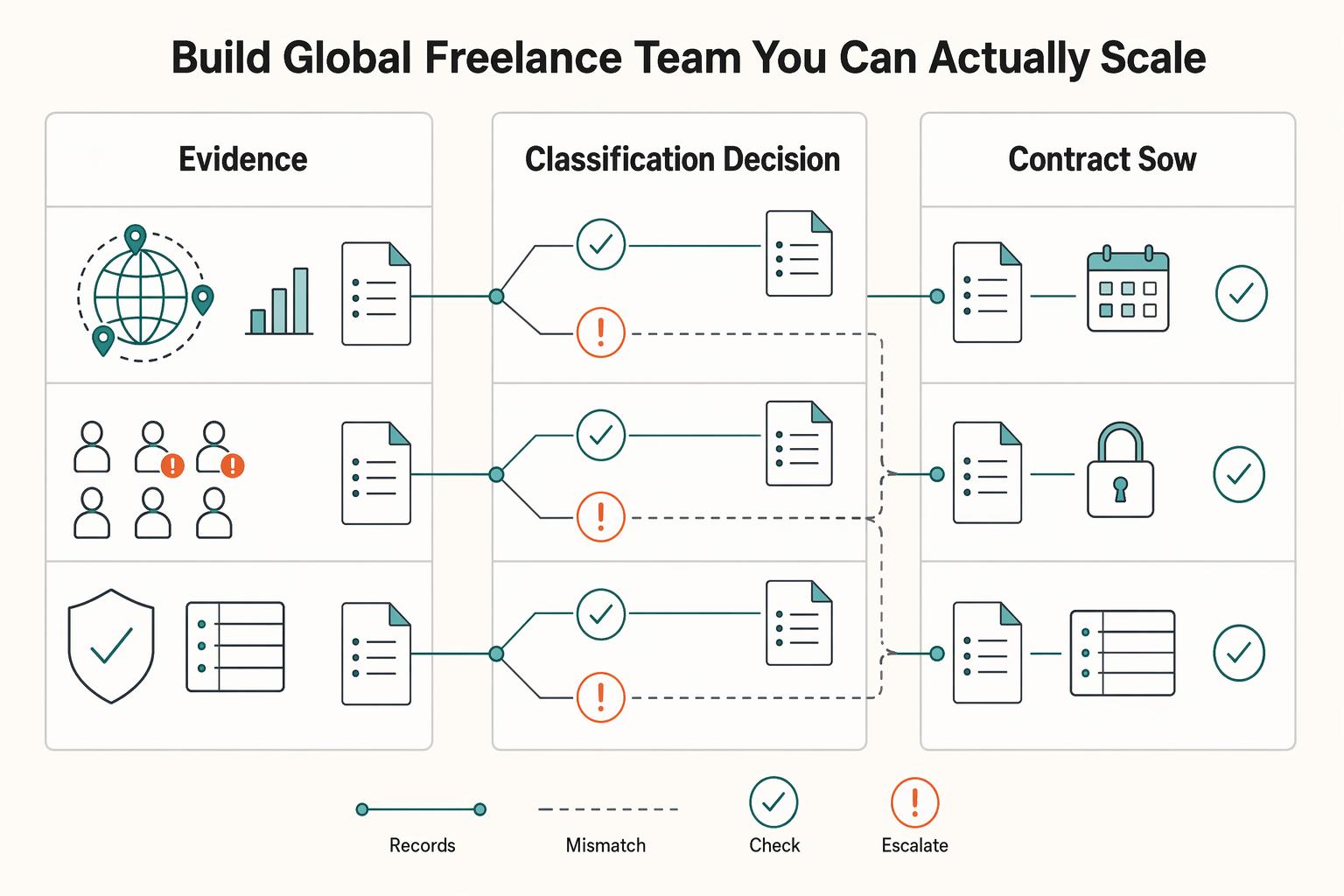
If you want to manage a global freelance team without constant cleanup, use the same intake-to-payout process for every engagement and save an artifact at each gate. Common failure points are instinct-based classification, vague scope, and payments approved in chat with no audit trail.

The Freelance Payment Penalty: A Modeled Audit of Platform Fees, FX Spreads, and Payout Delays
The money rarely disappears through a single, easy-to-spot fee. The real loss is stacked. A marketplace takes its commission, a processor adds a charge for international cards, a bank or payment company converts the currency at a spread, a platform holds the funds before release, and a wire sheds a little to intermediaries on the way in. Each layer looks defensible on its own, but the worker feels the combined result as a smaller deposit and a later payday.