

Quick Answer
Start by deciding the offer shape, then choose tooling that fits that model, and only then produce lessons. To create an online course professionally, lock a clear outline, test one module end to end, and compare options like Teachable, Thinkific, Udemy, OpenLearn Create, and ProProfs Training Maker with one consistent scorecard. Before launch, complete rights and licensing checks, including acknowledgment needs and Creative Commons decisions where relevant. Launch to a small cohort first, track drop-off points, and update on a fixed cadence.
Create an online course like an operator, not a hobbyist#
If you want this to become a real revenue line, treat it like a product decision, not a content project. This guide helps you make the important calls in the right order: define the offer, choose the platform that fits it, and move from outline to published course without avoidable rework.
- Define the business shape before you touch a platform.
An online course platform is where learners take your material remotely, but the delivery model behind it matters more. Some tools are built for live, instructor-led pacing. Others are better for self-paced delivery. Your first checkpoint is simple: write down whether you are selling on-demand lessons, live instruction, or a recurring membership. Skip that step, and you will compare tools on the wrong criteria and rebuild later.
- Choose based on fit, not platform hype.
If you want a durable digital offer, the real question is not which platform looks best in a roundup. It is which one fits how you plan to deliver, update, and support the course. Set your decision criteria before you compare names. At minimum, check delivery style, how easily you can build from scratch, whether the platform helps you monitor learner progress, and whether subscriptions or memberships are central to your offer.
- Treat launch checks as part of the build.
You do not need a perfect setup to launch professionally, but you do need a basic pre-launch checklist. That means a working course outline, draft lessons in place, and a plan to monitor learner progress once students are inside the course. A common failure mode is finishing production first and only then realizing the platform setup does not match your delivery model or offer structure. That kind of mismatch slows publishing and forces edits you could have avoided.
Success here is not feeling inspired. It is moving through a clear sequence with checkpoints: define the offer, compare platforms against your actual business model, run a practical pre-launch check, publish a controlled first version, and improve from learner progress data. If your goal is a serious digital product, that sequence is more useful than another feature roundup.
That sequence runs through the rest of this guide. Each section gives you a practical decision, a way to verify it, and the failure modes worth catching early. If you want a deeper dive, read The Best Ways to Diversify Your Income as a Freelancer.
Gather prerequisites before you build lessons#
Do the setup before you record: a one-page brief, a working asset folder, and a rights log prevent avoidable rebuilds later.
| Prerequisite | What to prepare | Why it matters |
|---|---|---|
| Creator brief | Learner, promised outcome, scope limits, delivery format, and a first course outline with modules and a learning goal for each one | Keeps build decisions focused and helps learners understand what they will achieve |
| Source asset folder | One folder per module with slide drafts, script drafts, worksheet drafts, and draft quizzes mapped to that module's goal | Makes gaps obvious early before recording |
| Rights log | Each image, chart, quote, clip, or template with source, likely owner, whether you created it, and any required content acknowledgments | Clears permission issues before production so one unresolved asset does not delay publishing |
- Write a one-page creator brief.
Define the learner, promised outcome, scope limits, and delivery format you will ship. Then draft your first course outline with modules and a clear learning goal for each one. Clear goals help learners understand what they will achieve and stay motivated, and they keep your build decisions focused.
- Build the source asset folder before lesson production.
Set up one folder per module with slide drafts, script drafts, worksheet drafts, and draft quizzes mapped to that module's goal. This makes gaps obvious early: if a module cannot be explained or checked with a quiz, the lesson usually needs tightening before recording.
- Create a rights log before you use third-party material.
Track each image, chart, quote, clip, or template with source, likely owner, whether you created it, and any required content acknowledgments. If permission is needed, contact the copyright owner directly. If ownership is unclear, remember the split in the records: registrations and recorded documents from 1978 to date are searchable online, while works before 1978 may require a manual records search.
One unresolved asset can delay publishing for an entire module, so clear these checks before production. You might also find this useful: The Best Online Courses for Freelancers.
Choose your offer model before you pick a platform#
Pick your offer model first, then choose the tooling to match it. That keeps you from paying for platform features that do not fit your delivery, pricing, or rights setup.
Start with the inputs you already have#
Use the creator brief, source folders, and rights log from the last section. Before you compare tools, confirm that you can clearly name one buyer, one delivery path, and one revenue model.
Choose one core offer first#
Choose one primary path: standalone course, membership, or coaching. You can layer later, but trying to launch all three at once usually makes pricing, lesson cadence, and support hard to sustain.
| Offer | Choose it when | Notes |
|---|---|---|
| Membership | Value depends on ongoing updates, recurring community, or regular new lessons | Launching multiple paths at once can make pricing, lesson cadence, and support hard to sustain |
| Standalone course | You want lower-touch delivery through on-demand modules and drip content | A low-touch starting point if you are unsure |
| Coaching | Outcomes depend on direct feedback and adaptation per learner | Can be kept as an upsell if you are unsure |
Use this rule:
- Choose memberships when value depends on ongoing updates, recurring community, or regular new lessons.
- Choose a standalone course when you want lower-touch delivery through on-demand modules and drip content.
- Choose coaching when outcomes depend on direct feedback and adaptation per learner.
If you're unsure, start low-touch and keep coaching as an upsell.
Define the learner path before the sales path#
Define the learner path before you define monetization and packaging. Paid client upskilling and free self-learners often need different publishing and rights choices.
Use OpenLearn Create as a rights-check example, not a feature template. Some materials are released under Creative Commons Licence v4.0; some are marked all rights reserved; and where Creative Commons release is not feasible, materials may still be released free under a personal end-user licence. Also, rights outside Creative Commons terms can remain retained or controlled by The Open University. So if your offer depends on paid reuse, remixable assets, or editable digital downloads, verify your rights log item by item instead of assuming "free to access" means commercially reusable.
Practical check: if an asset needs an Acknowledgements section or must be kept intact and in context, treat that as a risk flag for a paid, heavily repackaged offer.
Lock the minimum viable bundle#
Lock your minimum viable bundle before tooling decisions: module count, assessment style, and one optional add-on. For most first launches, that means a fixed number of modules, one quiz format, and one extra resource.
Verification point: each module already has one learning goal and one assessment method. If you still cannot define how your quizzes work, keep designing the offer before you select the platform. Related: How to Create a Productized Service for Your Freelance Business.
Compare platforms with a decision table before committing#
Choose a platform only after you score it against the offer you plan to sell. Many course creation platforms bundle a builder, video hosting, and marketing tools, so feature lists can look similar. A wrong choice can still cost months of work and money, so use one scoring method across every option.
Score each option on the same criteria#
Score all five platforms through the same operating lens. If you change criteria between options, the decision gets harder to trust.
| Platform | Primary route to test | Monetization and audience control (verify) | Workflow and update check | Constraint flag |
|---|---|---|---|---|
| Teachable | Direct brand-control route | Confirm how access, checkout, and learner communications map to your offer | Test draft handling, publish flow, and live-edit speed | Paid commercial route candidate |
| Thinkific | Direct brand-control route | Confirm how access, checkout, and learner communications map to your offer | Test draft handling, publish flow, and live-edit speed | Paid commercial route candidate |
| Udemy | Marketplace-discovery route | Confirm tradeoffs between discovery and direct control for your model | Test listing flow, edit flow, and update turnaround | Use only if marketplace discovery is a core requirement |
| OpenLearn Create | Free/open publishing route | Start by checking rights and license alignment with your plan | Check approval steps, attribution requirements, and update flow | Flag early if your model depends on paid commercial control |
| ProProfs Training Maker | Training-oriented route | Verify ownership and monetization setup against your offer | Run one draft-to-publish test and one live update test | Do not assume fit without direct testing |
Hard rule: if marketplace discovery is required, evaluate Udemy tradeoffs directly. If direct brand control is required, prioritize Teachable or Thinkific first, then move only if workflow tests fail.
Run an operational test before you commit#
Run one real publish test before you commit. Build one sample module with one lesson, one quiz, and one download, then time four actions: save draft, preview as learner, publish, and update a live lesson.
Your pass/fail check is decision flow: can buyers get clear answers in a logical order? When key questions are answered early and clearly, conversion quality improves. If the platform blocks that structure, fix the structure or drop the platform.
If your route includes approval stages, treat them as launch-critical. Keep a compact pack ready (rights log, acknowledgements, final lesson copy, and attached assets) so approval steps do not delay launch week.
Rule out bad fits early#
Use constraint flags to eliminate mismatches early. Open/free publishing paths and paid commercial paths can conflict, so stop evaluating when your rights or operating model do not align.
Apply the same filter to discovery-first options versus direct-control options. One scored table and one real publish test are usually enough to rule out weak fits before migration work starts.
We use the same discipline in How to Create a Cap Table for Your Startup.
Build the course in production order to avoid rework#
Build one module end to end first, then scale. A practical working order is: finalize outline, script the module, record lessons, build quizzes and exercises, add learner resources, then assemble the publish package.
Start by locking the outline as a decision document, not a brainstorm. Confirm module order, lesson goals, and what each lesson should help the learner do. Then focus on one major task at a time as you script and produce that first module, so you can catch overlap, gaps, and pacing issues before they spread.
After recording, build assessments from what the lesson actually teaches. Keep the learning design aligned around clear goals and a mixed format (video, quizzes, exercises), and check that each quiz item can be answered from the lesson and resources you provided.
Use templates for structure, not voice. Reuse a consistent lesson pattern, then rewrite examples and edge cases so they match your audience's real situations instead of generic filler.
Use this done-check before you mark a lesson complete:
| Lesson element | Verify before marking done | Red flag |
|---|---|---|
| Learning objective | States what the learner can do after the lesson | Vague outcome with no action |
| Applied example | Shows one concrete use case or decision | Generic example with no decision point |
| Assessment item | Tests content taught in the lesson | Tests outside knowledge |
| Next action | Gives a clear step to apply the lesson | No exercise, prompt, or follow-up action |
Treat publishing as a full packaging step, not just video upload. Before you scale, verify lesson order, final copy, quizzes, resources, and attached assets in a learner-view test. Once that first module works, copy your workflow into a process template and reuse the checklist for the rest of the course.
Need the full breakdown? Read How to Create a Sales Playbook for Your SaaS Team.
Set legal and publishing controls before launch day#
Before launch, put your ownership, licensing, and publishing rules in writing so your course terms are clear and enforceable.
| Step | Action | Check |
|---|---|---|
| Finalize rights and licensing | For every asset, confirm who owns it, what permission applies, and whether acknowledgment is required | If you cannot answer those three points for an asset, it is not launch-ready |
| Match license to publishing path | If your goal is broad open access, evaluate OpenLearn Create; if your goal is paid growth, keep license and platform terms commercially aligned | Use the direct if-then rule before launch |
| Document publish readiness | Create one launch note with ownership statement, learner terms, support channel, refund policy, and update cadence | Another person should be able to answer all five from that single document |
| Treat approvals as a schedule gate | Add buffer time before public launch and keep launch communications separate from approval timing | A signoff delay should not force a rushed release |
Step 1. Finalize rights and licensing before you upload anything. For every asset (slides, images, worksheets, excerpts, third-party materials), confirm who owns it, what permission applies, and whether acknowledgment is required. If you cannot answer those three points for an asset, it is not launch-ready.
In U.S. context, the Copyright Office report says a standalone "making available" right is not explicitly enumerated and this area is governed by one or more existing exclusive rights. It also says it does not predict future fact patterns, so treat edge cases carefully and document your decisions.
Choose your license model now: all rights reserved, or a Creative Commons route such as CC BY-NC-SA 4.0 if that matches your distribution goals.
Step 2. Match the license to the publishing path. Use a direct if-then rule: if your goal is broad open access, evaluate OpenLearn Create for that model; if your goal is paid growth, keep license and platform terms commercially aligned.
OpenLearn Create is described as an open educational platform for publishing open content, and as a Moodle platform with collaboration, reuse, and remixing tools. Its activity guidance also notes that some activities are only suitable for tutor/teacher-supported courses, so verify the learner experience if your design depends on facilitator support.
Step 3. Document publish readiness in one place. Create one launch note that includes: ownership statement, learner terms, support channel, refund policy, and update cadence. Your check is simple: another person should be able to answer all five from that single document.
Step 4. Treat approvals as a real schedule gate. If your path includes a publication approval stage, add buffer time before public launch. Keep launch communications separate from approval timing so a signoff delay does not force a rushed release.
This pairs well with our guide on How to Create a Channel Partner Program.
Launch with a controlled first cohort and verification checkpoints#
Start with a controlled first cohort, not a full launch, so you can verify the learning flow before you scale. The goal is to spot friction early and fix what blocks completion.
Step 1. Pilot with a limited group and validate the full learner path. Have learners move through the course in order, including quizzes and any staged lesson access, so you can see where progress slows or stops. Focus on real completion behavior, not general positive feedback.
Step 2. Verify delivery experience on real learner surfaces. Test the course from a learner view on the devices your audience actually uses. Confirm lesson playback, access flow, and scheduled lesson release behavior match what you promise learners.
Step 3. Track progress and support signals from day one. Use your platform's built-in analytics for progress tracking, then review those patterns alongside support issues and refund feedback in one operating log. Analytics show where learners drop; support context helps explain why.
Step 4. Release fixes in a predictable cadence. Prioritize updates for lessons that create the most friction, then ship revisions in batches learners can anticipate. Online training content can be updated quickly from a central workflow, but constant silent edits can reduce trust.
Recover quickly from common course-creation failures#
A weak first launch is usually a diagnosis moment, not a reason to quit. If you got one or two signups, or none, retrace your steps, identify what can be improved, and set a clear course of action for the next launch.
| Failure signal | Recovery move | Checkpoint before relaunch |
|---|---|---|
| Very low or zero signups | Treat it as a failed launch. Pause reactive changes and run a structured review of what happened. | You can name what underperformed and why, not just say the launch was "bad." |
| You made the offer, but people were not ready | Prioritize audience readiness before you push sales again. | You have a plan to make sure people know the launch is happening before asking them to buy. |
| The plan feels scattered after launch feedback | Rebuild your course outline into a clear step-by-step plan for the next version. | The next launch has a defined action plan you can execute and review. |
Related reading: How to Create a Signature Talk for Your Freelance Expertise.
Copy-paste launch checklist for your first professional course#
Use this as a working launch document: complete pre-launch tasks, run the live launch, and follow up post-launch. That structure keeps a launch with many moving parts from getting messy.
- Confirm the offer model first.
Decide whether this is course-only, a membership, or coaching. If your value depends on direct feedback and adaptation, coaching can be the better first route. If you have not yet delivered this outcome with real clients, start with coaching or consulting before you productize.
- Finalize the platform decision using your criteria table.
Choose based on fit with your route, not more feature browsing. Compare Teachable, Thinkific, Udemy, OpenLearn Create, and ProProfs Training Maker against the same criteria you already set, then commit to one.
- Lock asset readiness before launch messaging.
Freeze your course outline, finalize lessons, and verify scored quizzes. Do a full pass to confirm the learner flow is complete from first lesson to assessment.
- Close compliance and licensing before publish.
Complete copyright clearance, required content acknowledgments, and your licensing decision (including Creative Commons / CC BY-NC-SA 4.0 when relevant). Keep a small evidence pack with ownership notes and third-party permissions, and treat institutional copyright guidance as a checkpoint, not legal advice.
- Run a pilot cohort on your actual online course platform.
Test real access flow, lesson playback, quiz completion, and any timed release behavior with a small group first. Fix the highest-friction steps before full launch.
- Publish, monitor, and iterate on a fixed cadence.
Treat pre-launch, live launch, and post-launch as separate operating phases. Review learner friction regularly and fix the biggest blocker first instead of overhauling everything at once.
For a step-by-step walkthrough, see How to create 'Feedback Loops' to improve your freelance skills.
Frequently Asked Questions
What does it actually take to create an online course from start to publish?
At minimum, define a clear learner outcome, the starting knowledge level your course is designed for, and a focused outline. A practical readiness check is simple: you know the topic deeply, and your audience is already asking for this material. If either signal is weak, validate first before full production.
How do I choose between Teachable, Thinkific, Udemy, OpenLearn Create, and ProProfs Training Maker?
Start with your offer model and learner needs, not platform names. Use one checklist across options: publishing route, learner experience, admin workflow, and how quickly you need to update content. Pick the platform that best fits that workflow rather than assuming one option is universally best.
What legal basics should I handle before publishing any paid or free course?
Before publishing, confirm the legal requirements that apply to your course with qualified guidance for your jurisdiction and platform.
When should I use memberships or coaching instead of a one-time course sale?
Use a one-to-many course model when the outcome can be delivered consistently to many learners. If your offer depends on ongoing individualized support, use a format that includes that support. Choose based on the level of help learners need to reach the promised result.
What should be in a minimum viable launch checklist for first-time creators?
Build your checklist around real learner concerns, including practical details and deeper objections. Remove filler questions and keep only answers that reduce uncertainty. Confirm the content matches your learner’s starting knowledge level before launch.
How can I use course templates and AI tools without producing generic content?
Use templates for structure, not for your voice, examples, or judgment. AI can assist at every stage, but it is a support tool, not a replacement. You still need to add real cases and practical nuance your learners will recognize.
What should I fix first if learners stop after the first module?
Start by finding the first point where learners get stuck and the question they still have. Tighten that part first and address the underlying objection clearly before rewriting the full course. Early clarity reduces dropout risk.
Try a related tool
Researched and edited by the Gruv editorial team. Gruv builds cross-border billing, payouts, and finance-operations software for global businesses.
Sources
- copyright.gov/help/faq/faq-fairuse.htmltrusted
- copyright.gov/docs/making_available/making-available-right...trusted
- ecfr.gov/current/title-25/chapter-I/subchapter-D/part-23trusted
- johnmarshall.edu/ajmls-students/resources/frequently-asked-qu...trusted
- library.mwcc.edu/copyright/MWCC-policiestrusted
- ogc.harvard.edu/pages/copyright-and-fair-usetrusted
- open.edu/openlearn/education-development/learning/lea...trusted
- open.edu/openlearncreate/mod/oucontent/view.phptrusted
Educational content only. Not legal, tax, or financial advice.
Related Posts
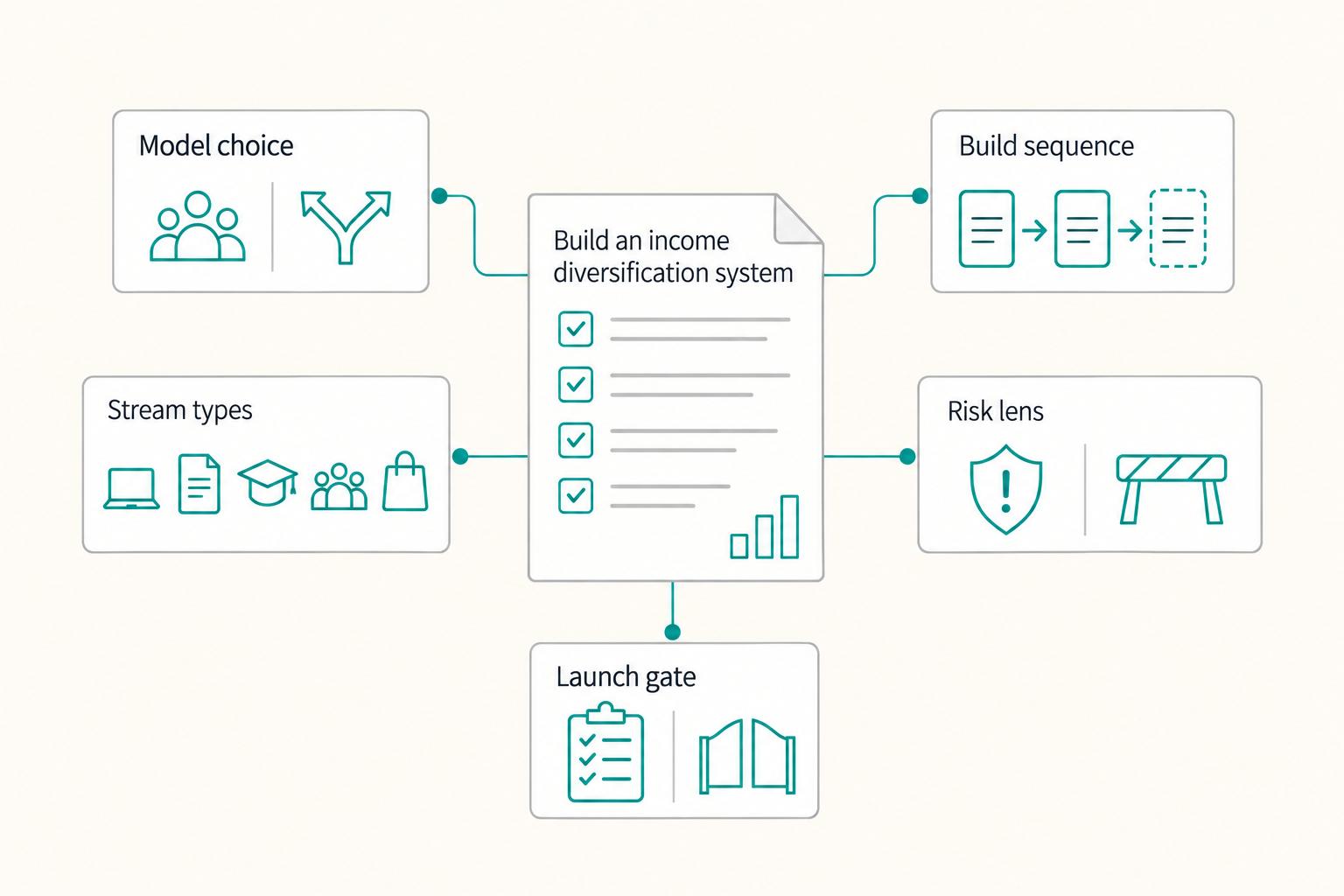
The Best Ways to Diversify Your Freelance Income: A Risk-First Framework
Most freelancers add new revenue lines reactively: a course after a slow month, an affiliate link because someone else said it works, a consulting offer because one client asked for it once. The result is usually the same: more moving parts, unclear priorities, and no real protection when one major client or platform wobbles.

How to Create a Productized Service for Your Freelance Business
If your recent client work produces similar results from similar inputs, you may be ready to turn it into a defined offer. The shift is operational, not cosmetic. You are deciding what you sell, what the client gets, what it costs, and how delivery happens, instead of rebuilding every job from scratch.

The Best Online Courses for Freelancers Building a Stronger Business
If you are already earning well from your craft, your next course should reduce business risk, not teach beginner tactics. The useful filter is simple: map the exposures that can actually hurt your business, then buy learning that closes those gaps faster than you could on your own.