
Quick Answer
Measure your current setup for five workdays before changing anything, then fix the biggest failure point first. Track focus-block completion, discomfort interruptions, and task switching, and use your own ROI formula to judge upgrades instead of guessing. Set up Deep Work, Shallow Work, and Decompression zones with existing furniture, then run a two-minute pre-session reset. If interruptions still dominate, move to written response rules and notification limits so your day is not driven by inbox noise.
A distraction-free home office is not just another expense. It is a business investment that protects your body and helps you sustain higher-value work. This is not productivity theater. It is about looking at your physical space, digital rules, and mental load as operating assets, then deciding what earns its place.
Part I: The Physical Foundation#
Before you buy anything, measure one normal workweek. You can treat your setup like an operating asset, but you do not need to invent a payoff story for every change. You need your own numbers so you can decide whether an upgrade is worth the money, the space, and the friction it removes from your workday.
Step 1. Measure what your room is actually costing you#
Start with a baseline. Track these three things for five workdays before you change anything:
- Focus-block completion: how many planned focus blocks (for example, 60 to 90 minutes) you finished as intended
- Discomfort interruptions: each time you stop to stretch, reposition, stand up, or pause because the setup is bothering you
- Task switching: how often you jump from the main task to email, messages, admin, or a physical nuisance like hunting for a charger
That third metric matters because of attention residue. After a switch, part of your attention stays with the previous task, which can blunt performance on the next one. Use a simple decision formula: (your verified hourly value) x (hours or blocks recovered per month) - total upgrade cost.
If you use any external benchmark for interruption cost, verify it before you use it. One commonly cited figure is 23 minutes and 15 seconds to fully refocus after an interruption.
Step 2. Set up the Three-Zone model without buying furniture#
You may not need more square footage. You need clearer boundaries, so before you buy furniture, apply 5S to the space you already have: Sort, Set in order, Shine, Standardize, Sustain. Then assign three zones:
- Deep work zone: only the current project, core device, and one input tool visible
- Shallow work zone: admin, calls, email, and paperwork
- Decompression zone: a screen-light spot for reading, thinking, or taking notes
If you only have one desk, create zones through position and visibility. Use the center position for deep work. A side stack or closed laptop can hold admin. A separate chair or even a window spot can handle decompression.
Use this checkpoint: if more than one project is left in open view, your deep-work area is not actually set. That matters because open-view objects can raise cognitive load, and visual clutter competes for attention.
| Upgrade | Best use case | Potential focus benefit | Tradeoffs | When to skip |
|---|---|---|---|---|
| Seating | Long sessions with frequent posture readjusting | May reduce discomfort breaks | Cost, fit varies by body | Skip if desk height is the real issue |
| Desk setup | Neck, wrist, or monitor-position strain | May support a more stable working posture | Can create new strain if heights mismatch | Skip until you verify where discomfort starts |
| Lighting | Glare, dim corners, screen fatigue | May make visual focus easier | Extra lamps add surface clutter | Skip if daylight placement solves it |
| Sound control | Shared home, street noise, frequent calls | May reduce speech-driven interruptions | Panels can reduce echo but may not solve outside noise | Skip acoustic treatment if the real problem is household timing |
If you need product help for posture or fit, use one gear guide and stop there: The Best Ergonomic Gear for Your Remote Work Setup.
Step 3. Reduce sensory noise before each deep session#
Fix defaults before you buy gadgets. Face away from visual clutter, close what you are not using, and get loose items out of sight. Intermittent speech is a real failure mode for focus. One cited figure notes that 70 dB of intermittent speech can reduce cognitive-task performance by up to 50%.
Before each deep session, use this 2-minute reset:
- clear the desk to one task
- silence or physically move sound sources
- shut the door or add a soft barrier if possible
- set a glass of water and one note page within reach
- if noise persists, use headphones or low nature sounds around 50 dB
After a week, compare your focus-block completion and discomfort interruptions to the baseline. Keep the change only if the numbers improved or the work felt materially easier to sustain.
You might also find this useful: How to Stay Productive While Working from a Cafe. If you want a quick next step, try the home office deduction calculator.
Part II: Decide Your Response, Project Home, and Notification Rules#
Once your desk is under control, your inbox and alerts usually become the main distraction. The practical move is to decide three things in writing: when you respond, where project truth lives, and which notifications can interrupt focused work. A dedicated workspace creates a mental boundary; your digital setup needs one too.
Step 1. Write communication rules clients can find and reuse#
If expectations stay in your head, they do not protect your time. Put them in the same place clients already check (proposal, onboarding note, or client guide), and keep that location consistent.
Use this client-facing framework:
Communication expectations
Response window: Pending internal policy verification.
Urgent channel: Pending team approval.
Backup escalation path: Pending team agreement.
Change notice: If communication methods or availability change, verify the client-facing location from onboarding or the client guide before publishing the update.
The FCC order in WC Docket No. 16-106 is useful as a process model: meaningful notice, clear timing and placement, required disclosures, and advance notice of material changes. If you handle sensitive information differently by channel, say so clearly and get agreement up front.
Step 2. Keep one source of truth with a simple operating structure#
Your single source of truth should answer three questions fast: what the work is, what changed, and what is final. If those answers live in different places, you will lose time and duplicate decisions.
Use one project home with three parts:
- Project brief: scope, goals, constraints, deadlines, and key links
- Decision log: dated notes for approvals, changes, and key decisions
- Final deliverables: approved files separated from drafts
Add one lightweight governance rule: use one naming/version pattern across the project, and reserve FINAL for approved deliverables only. If an approved file must change, reopen it as a new dated version and log why.
Step 3. Set notification tiers by work mode#
Do not run every channel at the same priority. Define modes in advance so your tools follow your plan, not your mood.
| Mode | Who can reach you | Allowed apps | Ideal tasks | Risk if overused |
|---|---|---|---|---|
| Focus mode | Only pre-approved urgent contacts | Only channels you explicitly allow for urgent reach-outs | Writing, analysis, complex problem-solving | You may delay routine collaboration longer than intended |
| Coordination mode | Clients and collaborators | Standard communication channels you use for day-to-day updates | Scheduling, reviews, approvals, admin | Quick checks can expand into constant context switching |
| Monitoring mode | Broad reach | Most communication channels temporarily open | Short waiting windows for decisions or handoffs | Everything starts to feel urgent and concentration fragments |
Implementation notes:
- Desktop: disable badges, banners, and previews for channels not allowed in the current mode.
- Mobile: use focus/do-not-disturb profiles, limit who can break through, and move high-noise apps off your first home screen during focus blocks.
Step 4. Fix common digital-focus failures early#
Use this checklist when the day starts to feel noisy:
- You check chat constantly
Fix: publish and follow a response window, then batch replies inside it.
- You keep hunting for files or approvals
Fix: move brief, decisions, and final outputs into one project home.
- Everything arrives as "urgent"
Fix: define one urgency channel and one backup escalation path.
- Clients miss availability changes
Fix: post updates in the same onboarding location each time, with advance notice.
Related: A Guide to Cable Management for a Clean Home Office.
Part III: The Mental Environment#
Your biggest remaining distraction is usually unresolved obligations, not your desk or your notifications. Treat Admin Tax and Compliance Anxiety as manageable operating risks: if something keeps resurfacing, give it an owner, a trigger, and a review point.
Step 1. Map the work that keeps stealing attention#
Build a simple Business-of-One workflow map so recurring tasks stop living in your head. For each recurring item (onboarding, invoicing, expense capture, follow-ups, tax document storage, contract checks), track:
- task
- owner (
youorsystem) - trigger
- review cadence pending internal policy verification
If you cannot open one page and see what is waiting, what is automated, and what still needs your judgment, you still have hidden load. Keep these items out of inboxes and chat threads, where household interruptions and blurred boundaries make focus harder to protect.
| Area | Focus impact | Implementation effort | Risk reduction |
|---|---|---|---|
| Admin capture | High | Low | Medium |
| Finance control loop | High | Medium | High |
| Compliance tracking | Medium to high | Medium | High |
Step 2. Turn receivables into a control loop#
Receivables should follow a fixed path, not your memory. Use one workflow: invoice draft, send, reminder sequence pending business record verification, payment confirmation, dispute handling, then exception queue.
Any non-standard case, like partial payment or a billing dispute, should move straight to the exception queue so it does not interrupt deep work. Your checkpoint: every invoice should show current status and last action date at a glance.
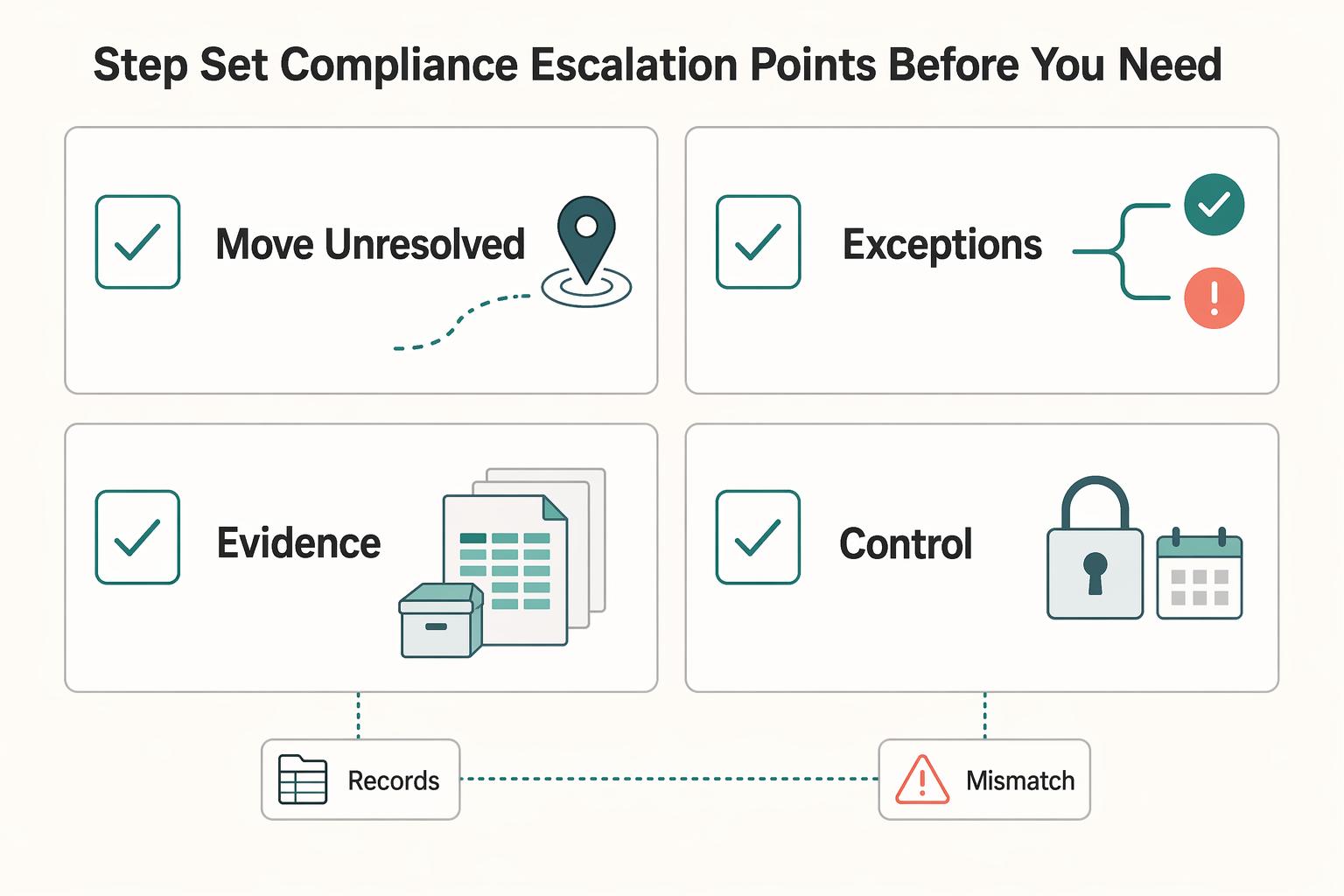
Step 3. Set compliance escalation points before you need them#
For cross-border work, use a decision framework instead of case-by-case guesswork. Define your checks for entity setup, invoicing requirements verified from business records, recordkeeping requirements verified from internal policy, and advisor escalation points.
Use a simple rule: if client country, service type, or documentation needs change, review your current requirement and escalate when the answer is unclear. Repeated "I'll check later" notes are a signal the risk is still sitting in your head.
Weekly mental-load reset checklist:
- Move unresolved admin items into your workflow map.
- Review invoice statuses and route exceptions into the queue.
- Check cross-border clients for missing records or open requirement checks.
- Confirm next week's deep-work blocks are protected by clear boundaries and controlled notifications.
For a step-by-step walkthrough, see The 'Flow State' and how to achieve it as a creative professional.
Run the Physical, Digital, and Mental Layers in Sequence#
Run this as one system, not three separate upgrades. Sequence is the control point: stabilize your workspace first, then standardize communication and data flow, then reduce recurring admin load.
Step 1. Stabilize the physical layer#
Your setup either supports high-value work or drains it. Start with the Three-Zone system: Deep Work, Shallow Work, and Decompression. Your pass/fail check is simple: each task type has a clear place, and physical fatigue is no longer the reason focus drops mid-day. If glare, noise, discomfort, or household spillover still dominate, fix that before you add tools.
Step 2. Standardize the digital layer#
When the room is stable, make communication predictable. Put asynchronous communication protocols in client onboarding, define one destination for each incoming task or file, and set an outage fallback so interruptions do not eat the day. Verify this in writing: if onboarding does not define response expectations and protected focus blocks, the system is not complete.
Step 3. Reduce the mental layer#
After physical and digital controls are in place, remove recurring admin drag. If cross-border invoicing or tax-rule handling stays in your head, it will keep breaking concentration. Keep this as an operating cadence:
- Daily maintenance: Review cadence pending internal policy verification.
- Weekly review: Review cadence pending internal policy verification.
- Quarterly improvement: Review cadence pending internal policy verification.
For upgrade decisions, use the annual ROI logic already introduced: billable-hour value x weekly hours regained x 52.
| Layer | Current state signal | System upgrade | Expected business impact |
|---|---|---|---|
| Physical | You avoid your desk or tire early | Three-Zone workspace with fewer sensory triggers | More reliable focus blocks |
| Digital | Clients interrupt by default or files scatter | Written onboarding rules and one destination per input | Less response churn and less search time |
| Mental | Admin tasks stay in your head | Automation for recurring invoicing and rule-heavy tasks | Less cognitive spillover into client work |
Execution checklist:
- You have a defined place for Deep Work, Shallow Work, and Decompression.
- Your onboarding includes written communication expectations and protected focus blocks.
- Every incoming item has one destination plus an outage fallback.
- Recurring admin and compliance concerns are captured, scheduled, or automated.
- You are applying the physical -> digital -> mental sequence before buying new tools.
If these are true, your home office is operating as a coordinated system, not a collection of isolated fixes. For deeper execution on planning your week, read How to Manage Your Time Effectively as a Freelancer. For program-specific support questions, Talk to Gruv.
Frequently Asked Questions
How do you set up a distraction-free home office if your space is limited?
Claim one consistent work spot and make it visually different from the rest of your home, even if it is just one end of a table. Keep that zone clutter-light, use natural light if you can, support your posture with a real chair, and keep comfort basics stable, including ventilation and a temperature around 68 to 72°F. After one week, check whether your brain treats that spot as “work starts here,” or whether you still drift into household mode when you sit down.
How should you think about ROI without making up productivity math?
Measure before you buy. For one week, track how many uninterrupted 30+ minute focus blocks you get and how many avoidable interruptions break them. Then make one change and compare the next week against your own baseline.
What actually reduces mental distraction when you work from home?
Treat distraction as a system problem, not just a willpower problem. At home, mental drag often comes from household interruptions and weak separation between work and personal life, so improve environment, habits, and boundary setup together.
Should you use short focus sprints or longer deep-work blocks?
Match the block to the task, the chance of interruption, and the output you need. Use short sprints for admin, task starts with high resistance, or days when interruptions are likely. Use longer blocks for analysis, writing, design, or problem-solving that takes time to warm up. If you want help shaping those longer sessions, read A Guide to 'Deep Work' for Freelancers.
What belongs in a practical tech stack for focus?
Choose categories before brands: one place to capture tasks, clear goals, a time-management method, and one contingency for outages. Your setup is incomplete if a routine outage can derail your workday. Every incoming item should have one destination, and you should know what you will do when the connection drops.
How do you set boundaries with family or roommates without constant friction?
Write one simple interruption rule and make it visible. A headphones-on rule works because it removes repeated negotiation, and it pairs well with clearly posted work hours and availability windows. If you keep having to explain your boundaries, the rule is too vague, the exceptions are unclear, or your work hours are not posted.
What if working from home still feels harder than the office?
Assume the problem is local before you assume it is personal. Research context on remote work is mixed, and one strong takeaway is that outcomes depend heavily on home conditions, so inspect the environment, habits, and boundary setup together instead of blaming motivation. Find the one failure mode that shows up most often this week: noise, family interruption, boundary blur, poor seating, or outage risk.
Try a related tool
Researched and edited by the Gruv editorial team. Gruv builds cross-border billing, payouts, and finance-operations software for global businesses.
Sources
- academiccommons.columbia.edu/doi/10.7916/1tng-5a93/downloadtrusted
- asset.library.wisc.edu/1711.dl/4VQ6KX3VNIGSN8Z/R/file-1d7bc.pdftrusted
- hbs.edu/ris/download.aspxtrusted
- iro.uiowa.edu/view/pdfCoverPagetrusted
- ntrs.nasa.gov/api/citations/20210010952/downloads/HSI%20Ha...trusted
- oecd.org/content/dam/oecd/en/publications/reports/201...trusted
- pmc.ncbi.nlm.nih.gov/articles/PMC12333122trusted
- pmc.ncbi.nlm.nih.gov/articles/PMC11305525trusted
Educational content only. Not legal, tax, or financial advice.
Related Posts
How to Manage Your Time Effectively as a Freelancer
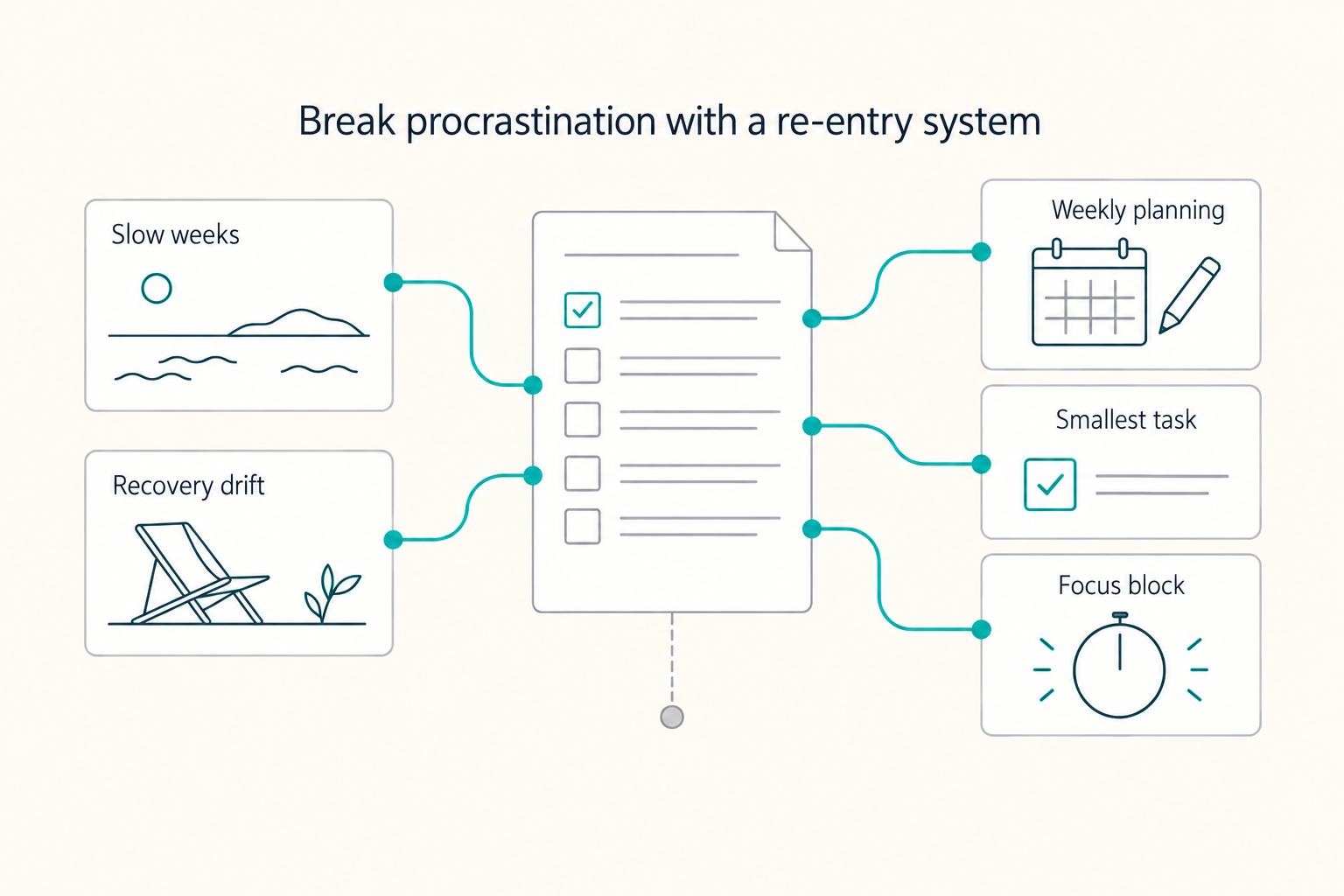
Most freelancers struggle not because they work too few hours, but because they misallocate the hours they have—treating time as an infinite resource rather than a finite business asset with a real cost per unit. The solution is a three-layer operating system: a Time Budget Framework that commits hours to four categories before any client work is booked, a Weekly Operating Template that assigns those categories to specific calendar windows, and a monthly Admin Audit Checklist that reconciles invoicing, bookkeeping, and compliance records. Multi-client orchestration requires a WIP limit, dedicated client windows, and a capacity decision rule run before accepting new engagements. Together, these systems replace reactive decision-making with a repeatable structure that keeps delivery quality consistent, records audit-ready, and the freelance practice operationally durable.
The Best Ergonomic Gear for Your Remote Work Setup
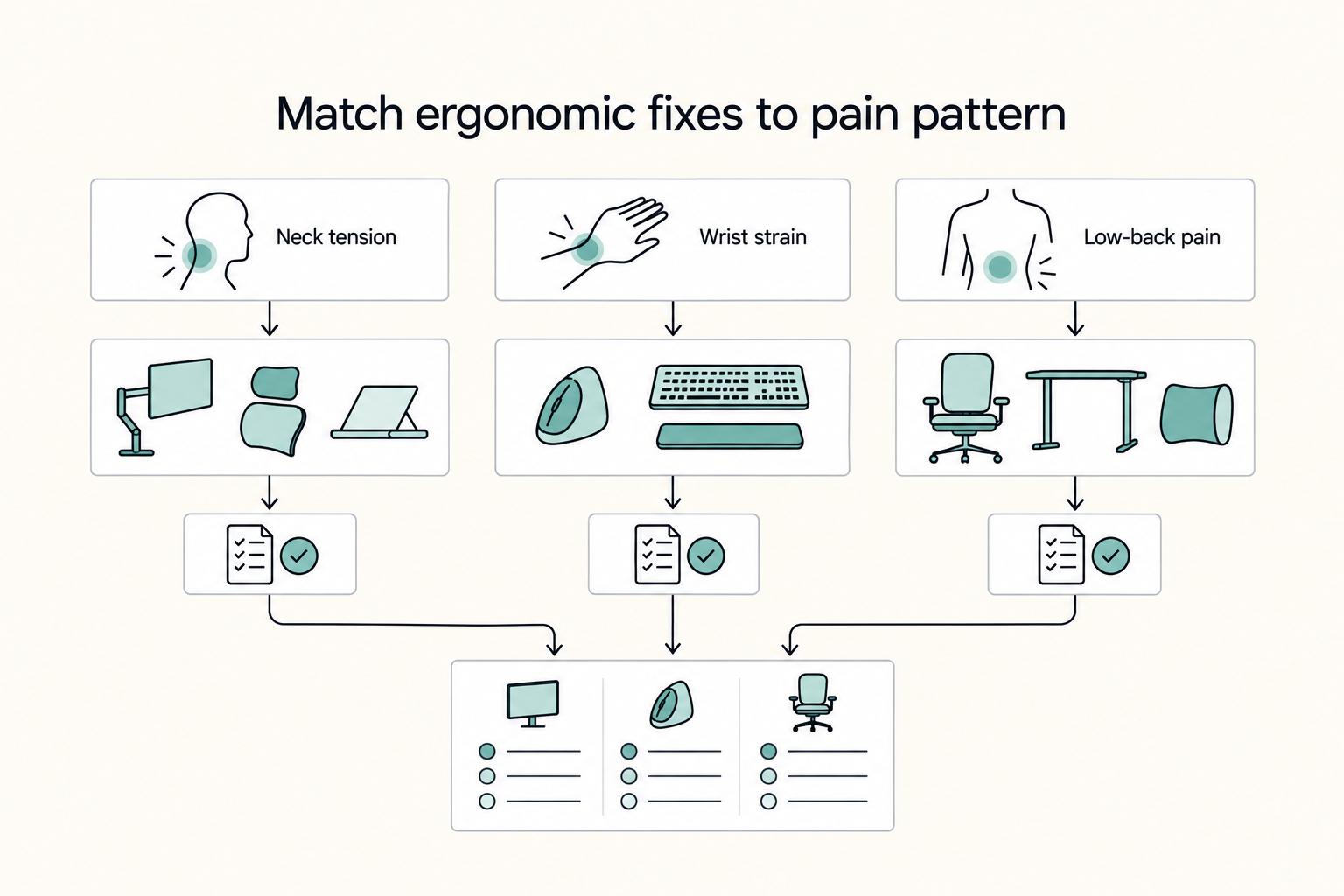
**Treat your ergonomic remote work setup as operating infrastructure, not a comfort splurge.** When posture breaks down, delivery quality and scheduling usually break down right after. Start by setting a baseline that protects your body and your business before you compare products.
Deep Work for Freelancers Who Run a Business of One
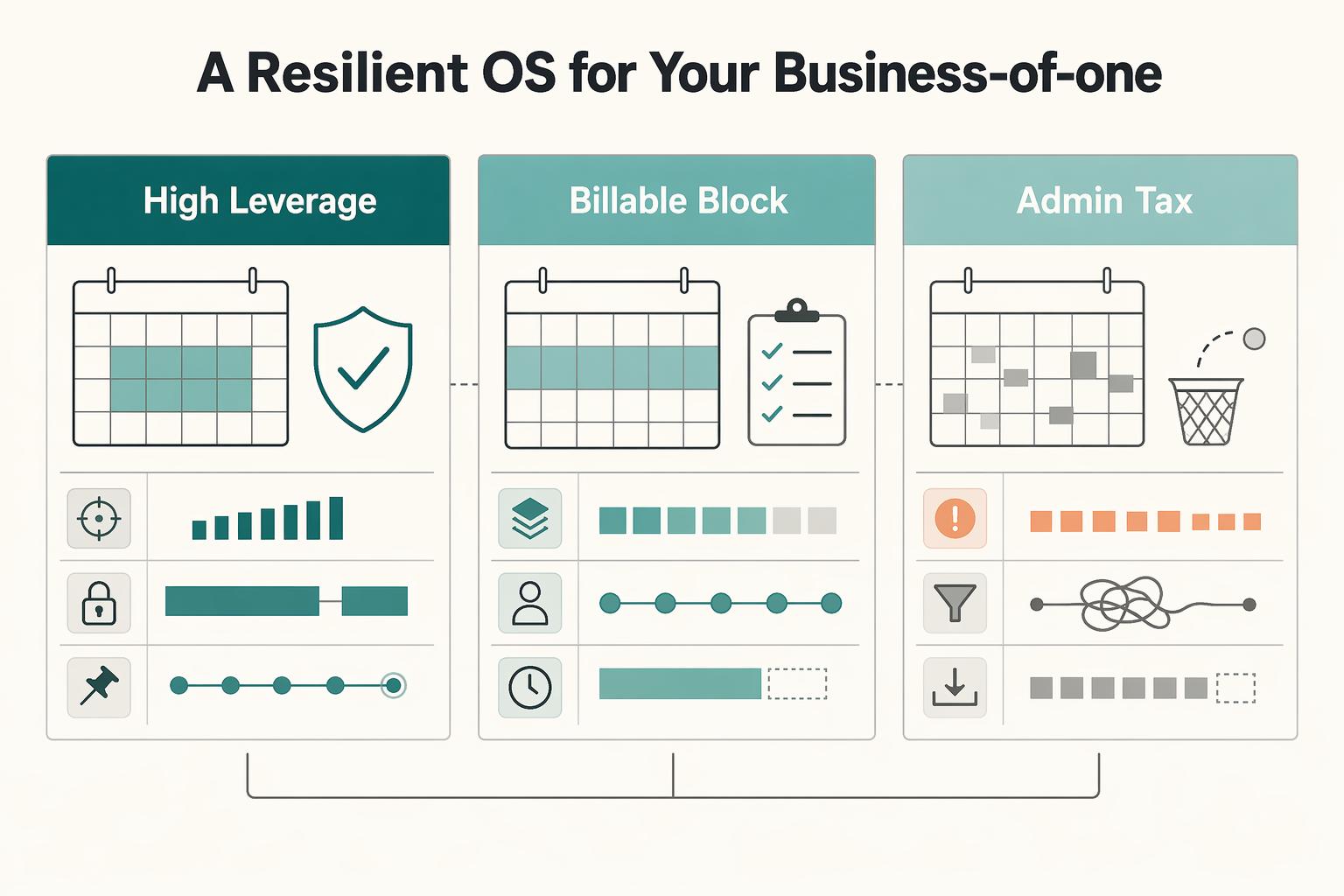
If you run a business of one, deep work is not a lifestyle preference or a generic productivity trick. It is part of how you protect quality and judgment in client work. Context switching quickly becomes an operational risk when you are doing delivery, sales, finance, and admin from the same chair.