
Quick Answer
List the SaaS tools your business relies on, rank the impact of losing each one, and set downtime and data-loss limits for critical workflows. Prepare a separate recovery folder with current records, billing contacts and tested fallback instructions. During an outage, verify scope, communicate impact, activate the appropriate fallback, and reconcile changes before returning to the primary app.
Where the Provider's Responsibility Ends and Yours Begins#
This plan is for a solo business that relies on SaaS tools for billing, communication and delivery. Your provider manages its service under its product and contract commitments; you decide how your business will operate while that service is unavailable. Identify what stops, what can wait and what you can do by hand.
The split is often described as shared responsibility. It does not assign every backup duty to you or guarantee that a vendor will restore every deleted record. Check the product and contract, then document the gaps your continuity plan must cover. Four terms help:
- Business continuity: your documented plan to keep operating and limit outage damage.
- Backup ownership: keeping your own copies, exports, or recovery method instead of relying only on vendor defaults.
- Recovery time objective (RTO): how quickly you need a function back.
- Recovery point objective (RPO): how much data loss you can tolerate.
| Provider responsibility | Your responsibility | Practical consequence if you ignore your side |
|---|---|---|
| Operate and recover the service under its stated commitments | Decide how your business keeps moving when the app is unavailable | You wait on the vendor while delivery and operations stall |
| Provide the backup and restore features stated in the product and contract | Confirm coverage and prepare recovery copies or fallbacks for gaps | A deletion or sync issue may exceed the available recovery options |
| Offer whatever export and restore options their product supports | Verify what you can actually export, restore, and recover | You discover too late that point-in-time or partial recovery is not available |
| Support data access and migration within their product constraints | Document fallback steps for each critical app and dependency | Cross-tool workflows can break, and recovery may depend on vendor support |
Three failure modes tend to show up first when you work alone. Cash collection blocked means your billing, invoicing, or payment admin tool is unavailable right when you need to send invoices or chase payment. Client delivery blocked means files, approvals, or customer messages are trapped inside a tool your client never thinks about. Cross-tool dependency breakage is the subtle one. One app fails, then calendar syncs, automations, forms, or CRM records stop moving with it.
The real tradeoff is convenience versus control. SaaS makes operations lighter, but many products still do not offer fine-grained recovery controls, and moving data out can be complex, slow, or impossible without vendor support. That is why your most important decision is not which vendor promises resilience. It is whether you have your own documented recovery steps for each critical product you rely on.
A real plan is a working document with processes and specific steps. A useful readiness checkpoint is a tabletop test. If you cannot walk through fallback actions for each critical app, the plan is not ready. So start by auditing every tool in your stack by how badly its failure would interrupt your business continuity.
Step 1: Audit Every Tool by Business Impact in One Pass#
Audit every tool by business impact in one pass. Your goal is to separate outages that stop revenue, outages that delay delivery, and outages that are mostly inconvenient.
Classify each tool with three direct decision rules#
Classify each tool by the effect on your own clients and deadlines. A file repository may belong in Tier 1 even if another business treats it as Tier 2.
| Tier | Apply this decision rule | Business impact if it fails | Owner | Fallback expectation | Prepare next in Step 2 |
|---|---|---|---|---|---|
| Tier 1 | If this tool is unavailable today, can you still get paid or deliver the core service clients bought this month? If no, place it here. | Revenue interruption or immediate delivery stop | You | Same-day manual or alternate path | Offline access, current exports, direct communication method, manual transaction or delivery option |
| Tier 2 | If this tool fails, can you still operate for a few days without visible client disruption, even if work is slower? If no, place it here. | Delivery delay, admin backlog, reputational drag | You | Short-term workaround with acceptable delay | Backup copies, alternate tool or manual process, dependency notes |
| Tier 3 | If losing this tool is frustrating but does not block payment or promised delivery, place it here. | Convenience loss only | You | Wait, pause, or skip temporarily | Minimal notes only; no heavy recovery prep |
For solo operators, Tier 1 often includes invoicing, payment admin, primary client email, and your main delivery repository. Tier 2 often includes scheduling, file storage, CRM, proposal tracking, and contract-signing tools. Tier 3 is usually convenience software you can pause without affecting payment or delivery.
Treat ownership as an operating rule: the vendor restores its service, but you own continuity for your business. For each tool, record the owner, admin login location, export location, status page, support path, and any SLA, SOW, or documentation location.
Do not mark a tool as recoverable just because an export exists. If restore has never been tested, mark it as unverified and queue it for Step 2.
Run the audit in one pass#
| Audit step | Detail |
|---|---|
| List every tool | Include billing, payments, email, storage, contracts, CRM, scheduling, support inboxes, forms, and client portals |
| Map dependencies and integrations | Note what breaks if that tool fails and which downstream steps stall |
| Assign each tool to a tier | Apply the decision rules above, not brand preference or subscription cost |
| Flag single points of failure | Mark tools with one admin account, no alternate access, no export path, or one critical integration everything depends on |
Checkpoint: every Tier 1 and Tier 2 tool should have a named owner, a fallback expectation, and a clear Step 2 prep item. Any blank field becomes your immediate follow-up list.
Step 2: Implement Your "Circuit Breakers" for Each Tier#
Turn the audit into recovery decisions by tier. For each tier, set the maximum downtime you can accept (RTO) and the maximum data loss you can tolerate (RPO). Then build preparation around those limits.
| Tier | Objective | Required preparation | Activation signal | Acceptable downtime posture |
|---|---|---|---|---|
| Tier 1 | Keep revenue moving if the primary tool fails | Offline-accessible Code Red folder, payment fallback, billing contacts, verified export routine | You cannot invoice, collect payment, or access billing records in the primary tool | Minimal interruption, same-day manual continuity |
| Tier 2 | Keep delivery and operations moving with controlled friction | Separate backup destination, restore owner, activation trigger, simple switch-over path | Outage or data issue blocks active client work past your defined limit | Short interruption is acceptable if restore or switch-over is clean |
| Tier 3 | Avoid over-planning low-impact tools | Deliberate defer decision plus a review trigger | Repeated failures, or the tool becomes client-facing or revenue-adjacent | Wait, pause, or replace later |
Build your Tier 1 Code Red folder#
For Tier 1, plan for failure at the worst moment. Protect revenue continuity first.
| Folder element | Requirement |
|---|---|
| Access | Store the folder where you can access it without relying on the same billing system |
| Invoice template | Include a plain invoice template you can edit quickly |
| Payment fallback | Use approved receiving instructions that work independently of the failed dependency; record any changes. |
| Billing contacts | Include current client billing contacts |
| Invoice export | Include a recent export of open invoices or equivalent billing records |
| Backup cadence | Set frequency from the acceptable data-loss window and test the recovery path. |
Choose the export or backup frequency from your RPO and the rate at which records change. For example, if losing more than one business day of invoice changes is unacceptable, a weekly export does not meet that objective. Test the available restore or import path and record its limits; opening the file is an access check, not a recovery test.
Define a simple Tier 2 switch-over path#
Tier 2 is about keeping delivery moving, not rebuilding your full stack.
For each Tier 2 tool, document:
- Backup destination
- Restore owner
- Activation trigger
- Switch-over path
Keep recovery copies separate from the primary app, with access that survives an app or account outage. A live sync alone can repeat a deletion or corruption, so retain recoverable versions or a protected backup where supported. For each critical tool, test the restore or import path, or prove that a manual workflow can continue from the export. Encrypt sensitive copies, restrict access, and keep the keys reachable through your recovery process.
Human error can be harder to recover from than obvious outages, so keep restore steps clear. Avoid adding unnecessary complexity that creates new failure modes.
Defer Tier 3 on purpose#
For Tier 3, a defer decision is fine if you make it explicit. Mark these tools as deferred, then set a quick review trigger so priorities stay aligned with business impact.
Use simple triggers: repeated failures, a new client-facing dependency, or movement closer to billing or delivery.
Related: How to Create a Disaster Recovery Plan for Your Freelance Business.
Step 3: Your "Day Zero" Emergency Action Checklist#
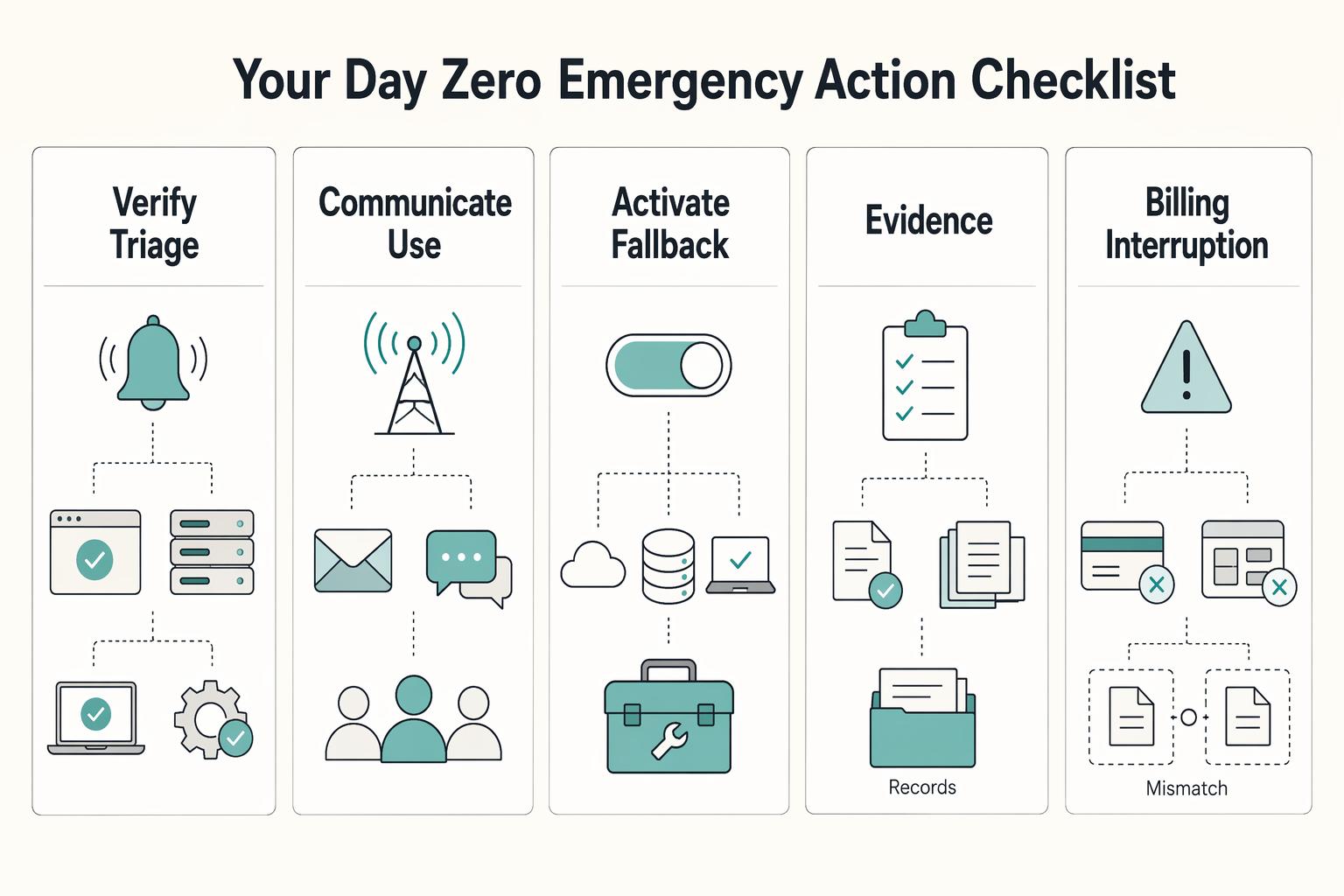
On Day Zero, use this order: verify, communicate, activate, then stabilize and log. Treat alerts as a signal, not proof that recovery is working.
| Response phase | What to do |
|---|---|
| Verify and triage | Confirm whether the provider is reporting an incident on its official status channel, do a quick local sanity check, and identify which Tier 1 and Tier 2 tools are blocked |
| Communicate | Use one message format every time: status, impact, workaround, next update |
| Activate fallback | Activate the fallback by outage type and owner |
| Stabilize and log | Record the timeline, affected tools, fallback activated, and gaps to fix in the next review |
Verify and triage first#
Confirm whether the provider is reporting an incident on its official status channel. Then do a quick local sanity check for access or configuration issues on your side. Identify exactly which Tier 1 and Tier 2 tools are blocked before you take client-facing action. Decision point: if impact is limited, keep the response narrow; if core billing or delivery tools are affected, move to communication and fallback activation.
Communicate with one reusable structure#
Use one message format every time: status, impact, workaround, next update. For clients, keep it outcome-focused: what is affected, what is still running, and how delivery continues. For internal stakeholders, keep it operational: affected tools, current owner, selected fallback, and open checks.
Activate the fallback by outage type and owner#
| Outage type | Owner | Immediate action | Step 2 fallback asset |
|---|---|---|---|
| Billing interruption | Billing owner | Keep invoicing and collection moving manually | Recovery folder: invoice template, independent receiving instructions, billing contacts and current invoice records |
| File access interruption | File/data owner | Switch to the separate copy or export and continue from there | Separate recoverable copy or export with a tested fallback |
| Project-system interruption | Delivery owner | Move active work tracking to the backup workflow | Simple list or sheet switch-over path |
Stabilize and log before you close#
Before returning to the primary app, reconcile the outage log against live records. Match invoice numbers, amounts and payment references; check the provider’s final transaction status before resending a payment request. Record what changed, what remained unresolved and what slowed recovery so the next drill tests those gaps.
We covered this in detail in How to Create a Secure Backup Strategy for Your Freelance Business.
Conclusion: Keep the Plan Reachable, Current, and Rehearsed#
Keep the plan outside the primary tools it protects, rehearse the critical fallbacks and update it when dependencies change. Close each drill or incident by reconciling billing changes and recording the gaps to fix.
For a step-by-step walkthrough, see Build a One-Page Business Continuity Plan for a Natural Disaster. Want to talk through your setup? Talk to Gruv.
Frequently Asked Questions
Who is responsible if your SaaS data is lost?
Responsibility depends on the service and contract. A vendor may provide backup and restore features, while you remain responsible for account configuration, access and continuity choices. Confirm what events its recovery covers, retention limits and who can request a restore. Then prepare a fallback for gaps rather than assuming vendor uptime guarantees recovery of your records.
Is there a simple template you can actually use?
Yes. Keep it lean: classify tools, define fallback actions, and keep a Day Zero checklist you can run under pressure. If a tool is only inconvenient, do not spend Tier 1 effort on it. Mark each app as revenue-stopping, operations-critical, or nice-to-have, then finish the first group before you touch the rest.
How should you back up data from your SaaS apps?
Use a supported export or backup path, save the copy separately, and set its frequency from your acceptable data-loss window. Check that current records and needed attachments are present. Then test a restore or import where supported, or demonstrate that the export supports your manual fallback. Record limitations such as missing history or attachments.
What should you do first if your invoicing app goes down?
Use your defined outage checklist: verify scope, communicate impact and activate the billing fallback. Open the recovery folder, use the current invoice records, and confirm the approved receiving route works independently of the failed tool. Log any invoice or payment changes for reconciliation after recovery.
What do RTO and RPO mean in plain English?
RTO is how long you can afford to be down. RPO is how much recent data you can afford to lose. The practical point is that both should drive your prep, and contracts often express them in hours, which is more useful than vague promises. Write a downtime limit and a data-loss limit for each Tier 1 tool, even if you refine them later.
How often should you test your plan?
Set a regular drill schedule for your most critical workflows and repeat checks after a major tool, access or integration change. A drill should prove you can reach the recovery folder, recover a representative record or execute the fallback, and meet your recovery targets. Keep a dated result and fix any failed step.
What should you ask a vendor before you trust their recovery claims?
Ask what incidents their backups cover, the retention and restore options, recovery targets, support escalation route and available evidence of testing. A SOC 2 report can inform that assessment, but it does not by itself establish that your records or workflow will recover within your target. Compare the commitments with your own RTO and RPO.
Try a related tool
Researched and edited by the Gruv editorial team. Gruv builds cross-border billing, payouts, and finance-operations software for global businesses.
Sources
Includes 2 external sources outside the trusted-domain allowlist.
Educational content only. Not legal, tax, or financial advice.
Related Posts
How to Create a Disaster Recovery Plan for Your Freelance Business
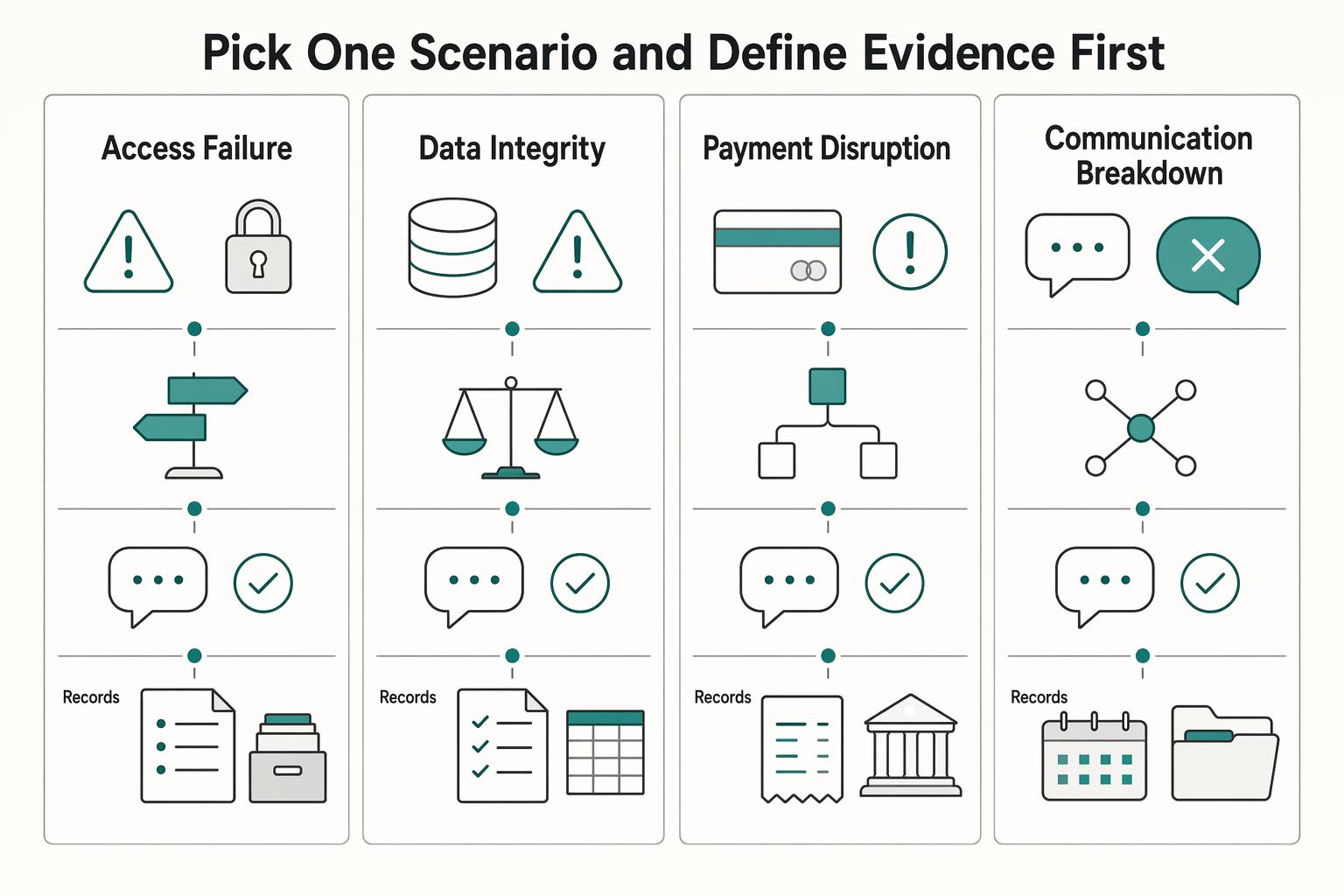
Build this as a baseline to create a freelance disaster recovery plan you can run under pressure: clear recovery targets, a restore order, client-ready messages, and one restore proof record. This helps reduce improvisation during an outage.
The Best Security Scanners for Your Web Application
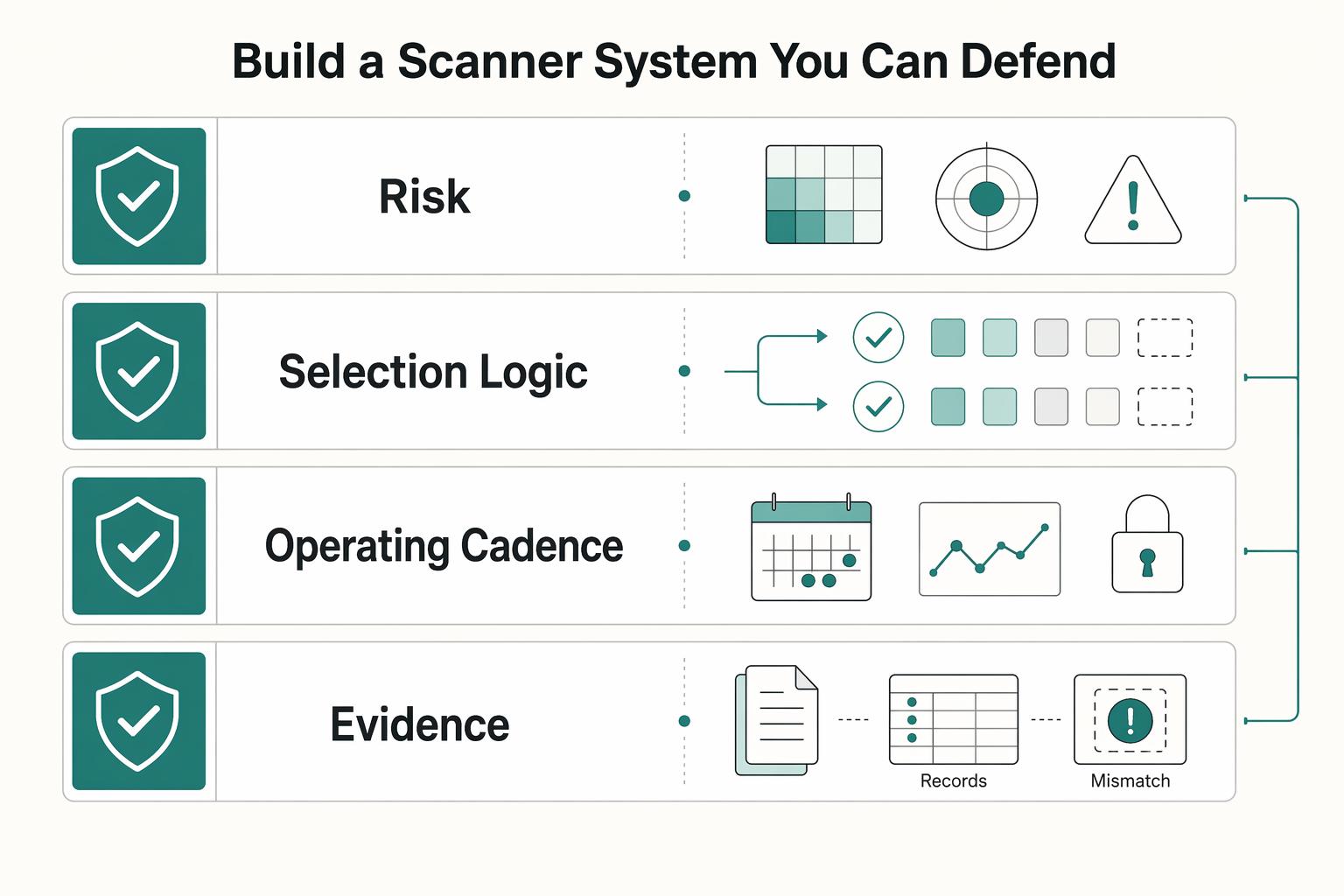
The right scanner stack is the one you can run on a schedule, triage without drama, and explain later with evidence. A web app scanner, or DAST-style tool, tests a live application and flags likely weaknesses. It does not give complete coverage, and it does not make you compliant on its own.

The Freelance Payment Penalty: A Modeled Audit of Platform Fees, FX Spreads, and Payout Delays
The money rarely disappears through a single, easy-to-spot fee. The real loss is stacked. A marketplace takes its commission, a processor adds a charge for international cards, a bank or payment company converts the currency at a spread, a platform holds the funds before release, and a wire sheds a little to intermediaries on the way in. Each layer looks defensible on its own, but the worker feels the combined result as a smaller deposit and a later payday.