
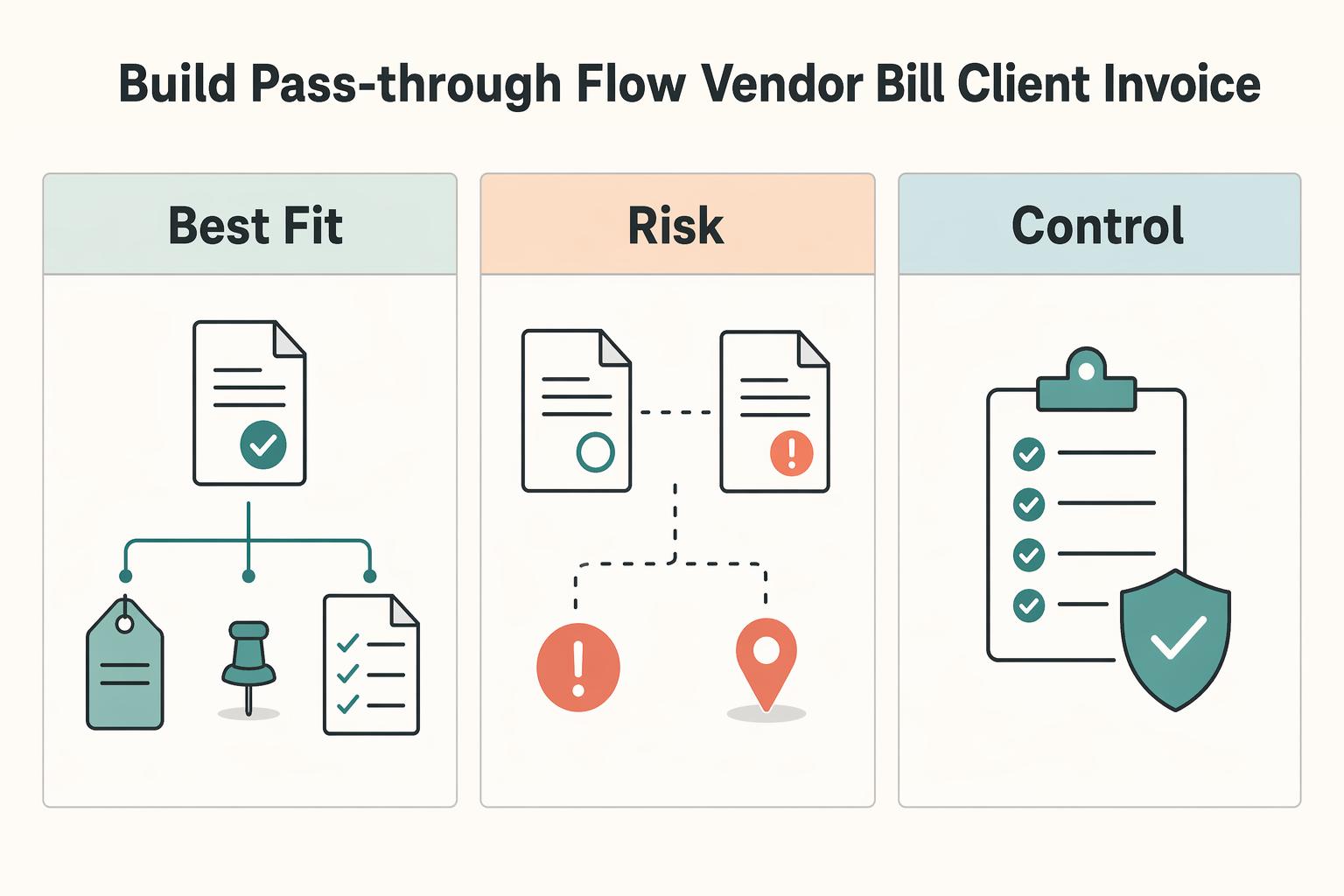
Quick Answer
Use a gated workflow: capture each cost, mark only the recoverable portion as Billable, link the correct customer, then verify proof before invoicing. In QuickBooks, keep uncertain items in For review or Pending instead of auto-posting them. Automate narrow, repeatable rules for stable Money out transactions, but hold mixed-use or unclear ownership charges for manual decisions. Before sending invoices, confirm the pass-through line is present and traceable to the source record.
Start Here and Set the Promise#
If you want better control of client-related costs in QuickBooks, focus on one outcome: costs are tracked clearly, reviewed, and billed intentionally so margin does not leak. This is not generic bookkeeping. It is a reimbursement control process with manual checkpoints before anything reaches an invoice.
Step 1 Define the outcome in operating terms#
Set clear internal labels for client-related costs so tracking and billing decisions stay separate.
That distinction matters because recording a cost is not the same as deciding to recover it from a client. Your process should give each cost a clear path:
- Record the cost.
- Link it to the right customer or project when applicable.
- Make sure support is easy to retrieve.
- Review the draft invoice before send.
Miss any one of those steps and a cost can still look organized in your books while never getting billed.
If you use QuickBooks Online Plus or QuickBooks Online Advanced, project profitability and job costing views can help you compare income against costs and spot work that is losing money. They give you a broad project view. Useful, yes. But visibility is not the same as reimbursement control.
Step 2 Run three decision gates on every client cost#
Run three manual decision gates on every client cost. If a cost fails one, stop and review it before billing.
| Gate | What to confirm | When to stop |
|---|---|---|
| Customer linkage | Which customer or project owner the charge belongs to before treating it as recoverable | If the charge is not clearly linked to the right customer or project |
| Proof readiness | Backup exists and is easy to retrieve before billing | If support is missing or not easy to retrieve |
| Pre-send invoice verification | The draft invoice matches the source cost and key fields are accurate: customer, date, amount, and description | If the draft does not match the source cost before sending |
The first gate is customer linkage. Confirm which customer or project owner the charge belongs to before you treat it as recoverable.
The second gate is proof readiness. Before you bill, make sure the backup exists and is easy to retrieve.
The third gate is pre-send invoice verification. Right before you send the invoice, compare the draft against the source cost and confirm key fields such as customer, date, amount, and description.
Step 3 Draw the automation boundary before you turn anything on#
QuickBooks can help with tracking and visibility. It cannot make every billing judgment for you. That is where most over-automation mistakes start.
| QuickBooks can help automate or simplify | You still need to decide manually |
|---|---|
| Project cost visibility through dashboards, reports, and project profitability views in Plus and Advanced | Whether a specific cost should be charged back to the client at all |
| Labor costs and expenses can update automatically when QuickBooks Payroll and QuickBooks Time are connected | Whether labor or expenses are allowed under your contract or statement of work |
| On-the-spot budget checks using the cost tracking calculator | Whether a cost is fully client-specific, partially shared, or should stay as overhead |
The practical rule is simple: automate repeatable tracking steps, but keep ambiguous classification decisions in manual review.
You are not trying to make every expense flow automatically. You are trying to make sure valid client costs are tracked clearly and reviewed before billing. That is the promise the rest of this setup needs to keep. If you want a deeper dive, read Value-Based Pricing: A Freelancer's Guide.
Decide What You Can Automate and What Stays Manual#
Set the boundary early: automate repeatable classification work, and keep reimbursable decisions in manual review. That is the safest way to reduce missed charges and avoid billing costs that are not ready to defend.
Step 1 Set the order before you switch on convenience features#
Use a fixed sequence: apply automation to familiar patterns first, treat auto-categorization as assistive, and make the final reimbursement call only after review. Categorization can organize a transaction, but it does not confirm that the charge belongs on a client invoice.
A cost is reimbursable only when both are true: customer ownership is validated, and the item is invoice-ready with support. If either is missing, keep it out of billing even if the expense category looks correct.
Use this quick check on any client-related charge:
- Who exactly should reimburse this?
- What support proves that decision?
- Is the line clear enough to survive invoice review?
Step 2 Route each charge with a clear decision matrix#
Use a simple triage so automation does not make context-heavy judgment calls.
| Trigger condition | Outcome | What to do |
|---|---|---|
| Repeat pattern and clearly tied to one client or project | Automate | Let automation classify, then verify customer linkage and support before billing |
| Familiar pattern but ownership is unclear | Manual | Hold for review until someone confirms client-specific vs overhead treatment |
| Ambiguous or mixed-context transaction that could change invoice value if posted wrong | Escalate | Pause automation on that item, review source documents, then split, exclude, or hold |
If posting it the wrong way would change invoice value or project margin, do not auto-post it.
Step 3 Put a risk gate on contextual transactions#
Keep context-heavy items manual by default. The failure is not just miscoding; it is billing from a transaction that looks clean in the books but is not actually recoverable.
Before moving an edge-case item forward, assemble support first: source record, client approval basis, and a short internal note explaining why reimbursement is appropriate. If that support is not clear yet, hold the item and review it manually.
Prepare the Inputs Before You Touch Settings#
If your inputs are messy, automation can look fine while you still miss reimbursements and misclassify costs. Treat setup as a preflight so you do not carry bad data into every later step.
Step 1 Run a short preflight before you create any rules#
Run this in order before you enable automation:
- Confirm feed reliability. Check that bank and card connections are bringing in current transactions consistently, then compare recent account activity to what landed in QuickBooks for gaps, duplicates, or lag.
- Normalize repeat vendor names. Keep naming consistent for the same vendor so pattern-based categorization does not fragment.
- Verify transactions are visible for review before auto-posting. Make sure exceptions stay visible while you test categories, required fields, and approvals.
Before you add integrations or more automation, confirm your company/user roles, chart of accounts, vendors, and banking connections are set up, then standardize required fields and approval rules.
Step 2 Build a required intake checklist for reimbursable costs#
Set the intake checklist before anyone marks a cost as billable. This is an internal control, not a platform default.
| Checklist item | What it must answer |
|---|---|
| Scope | Which costs the client agreed to repay, and what is excluded |
| Proof | What support is required (for example, receipt, vendor bill, approval record, or contract language) |
| Billing timing | When the charge should be invoiced (for example, same cycle, milestone, or held) |
| Dispute handling | Who reviews questions, what backup is sent, and when a charge is paused or revised |
Decision rule: if client ownership is unclear or support is weak, hold the item for manual review instead of tagging it recoverable.
Step 3 Pre-tag costs with a taxonomy you can trust later#
Pre-tag costs on entry so you are not reconstructing intent during invoice prep. Use internal labels with clear meanings:
- Project costs: expenses tied to delivering a specific client job.
- Reimbursable costs: project costs you expect to bill back under the client agreement.
- Non-billable overhead: your operating costs, even when incurred during client work.
Keep project-related spending separate from truly client-payable charges. For a deeper billable-expense workflow, see How to Handle Billable Expenses in QuickBooks. If relevant to your setup, see A Guide to QuickBooks Self-Employed for Freelancers.
Configure QuickBooks So Familiar Costs Flow Automatically#
Set this up in layers: verify feed health first, then apply narrow rules, then add auto-categorization, recurring templates, and receipt capture.
Step 1: Pass the feed-readiness gate before any automation. Connect your bank and credit card accounts, run a manual update, and confirm recent activity is actually arriving in For review. You pass only when recent transactions appear with no obvious gaps, duplicates, or sync lag. If you hit a bank connection error, fix that first. Do not disconnect to "reset" the feed, because that can create duplicates, and older transactions may be unavailable after reconnecting.
Step 2: Enable billable expense tracking, then build narrow bank rules. If you plan to pass costs through to clients, turn on billable expense tracking first so customer-linked expenses can flow through correctly. Design each rule with three parts: scope, condition, and fallback owner. Scope: limit to the correct account and to Money out when appropriate. Condition: use stable details such as repeat vendor text, with up to five conditions if needed. Fallback owner: record outside QuickBooks who reviews exceptions, since QuickBooks does not provide a native fallback-owner field.
A rule is ready only if it covers a familiar, low-judgment expense you can explain in one sentence. If a vendor is mixed-use, descriptors vary, or customer assignment still needs judgment, keep it in manual review.
Step 3: Turn on auto-categorize only after clean review history. Auto-categorize learns from vendor and category history, so weak history creates weak outcomes. Activate it only after you see stable patterns and few manual corrections for those expenses. Roll it back for affected items as soon as misclassification repeats or a client-sensitive cost is categorized incorrectly, and send those transactions back through For review.
Step 4: Use recurring templates only for stable repeat charges. Use recurring templates when amount, timing, and ownership are predictable. Choose Scheduled for fixed repeats, Reminder when you want a prompt before posting, and Unscheduled when you want a saved template used as needed. Keep a short change-control note outside QuickBooks that names who updates each template when client terms, pricing, or reimbursable scope changes, and periodically review recurring templates and their linked accounts.
Step 5: Run receipt capture as a control loop, not a shortcut. Capture receipts at the time of spend, let QuickBooks extract details, then review the created transaction before it affects reimbursement. Treat the item as complete only when it is correctly matched or added and the support is reimbursement-ready: readable vendor, date, amount, plus your required backup. If no match is found or support is weak, escalate it before it reaches billing. Related: Managing a Six-Figure Consulting Project in Asana: A Step-by-Step Guide.
Build the Pass-Through Flow From Vendor Bill to Client Invoice#
Use a fixed operator sequence so recoverable costs do not get recorded and then missed at invoice time: record the cost, mark it billable with the right customer, verify support, add it to the invoice, then run a pre-send check.
Step 1 Record the source cost first. Enter or capture the vendor cost while the date, amount, and business purpose are still clear. Pass this gate only when coding is correct and vendor details are clear enough for later review.
Keep this distinction explicit: billable means eligible to pass through; reimbursed means the line was actually added to a client invoice and moved into your normal accounts receivable lifecycle.
Step 2 Mark only the recoverable portion as billable and link the correct customer. If a charge belongs to one client, assign it there. If it is shared, pause and make the allocation decision before customer assignment.
If you cannot explain the split in one sentence, do not force the full amount to one client. Keep an allocation note outside the accounting record with the split basis, date, and approver.
Step 3 Verify support before anything moves downstream. Use a short gate checklist:
- Correct expense coding
- Correct customer linkage on the recoverable line
- Complete support attached or stored with the transaction
"Complete support" means readable vendor, date, amount, and enough context to justify charging the client. If the cost is unusual, add a short internal note now.
Step 4 Add the billable line to the client invoice and confirm it is present. This is the point where a cost moves from eligible to actively being recovered. Before you finalize, confirm the line is on the invoice, the amount matches the source or approved allocation, and the description is clear to the client.
If an expected line is missing, check the source transaction first: billable status, customer assignment, and linkage back to the original cost record.
| Decision point | Immediate rebill | Batched rebill |
|---|---|---|
| Best fit | Faster cash recovery when support is ready now | Grouped project billing when you have review capacity |
| Main tradeoff | More invoice touches, lower omission exposure | Fewer invoice events, higher risk of deferred items being missed |
| Required control | Pre-send proof check on each invoice | Fallback tracker for deferred items with owner and due date |
Step 5 Run the same pre-send check every time. Before any invoice leaves, confirm each pass-through line has support, shared costs were allocated before billing, and any billable item not invoiced has a documented reason.
If you batch reimbursements, keep a simple tracker outside QuickBooks with: source date, vendor, amount, client, and planned invoice date. That control keeps deferred items visible until billed. If you want a deeper walkthrough on the mechanics, see How to Handle Billable Expenses in QuickBooks. For a step-by-step walkthrough, see How to Invoice for 'Billable Hours' vs. 'Project Fees' in QuickBooks.
Run a Weekly Review Queue That Catches Missed Reimbursements#
Use this weekly queue as your backstop so reimbursable costs do not get miscoded, duplicated, or missed on client invoices. In QuickBooks, downloaded transactions stay in For review or Pending until you Match, Post, or add them, so this is where recovery gaps are easiest to catch before they turn into write-offs.
-
Review in risk order, not arrival order. Start with uncategorized items, unfamiliar vendors, and any suggested match you cannot verify quickly. Review rule-applied items after that; they still need review. QuickBooks flags these as transactions you should check every day; this weekly pass is your catch-up control.
-
Run one decision sequence on every transaction. If a record already exists in QuickBooks, use Match to link it and prevent duplicates. If no record exists, categorize and Post only when the suggestion is correct. For any pass-through cost, treat this as a strict go/no-go gate: move forward only when it is billable + customer-linked + proof attached. If any part is missing, hold it or route it for billing approval.
-
Fix errors at the source immediately. If you spot a duplicate feed item, remove the duplicate before you continue. If QuickBooks suggests the wrong record, use Find other match instead of forcing a bad match. If you posted the wrong match, use Undo so it returns to Pending, then correct it. If proof is missing, request and upload the receipt or vendor bill, then re-check before invoicing.
| Status | Required proof | Next owner |
|---|---|---|
| Cleared | Correct category or valid match confirmed | Bookkeeping reviewer |
| Pending evidence | Receipt, bill, or client-charge explanation missing | Purchaser or project owner |
| Ready to invoice | Billable checked, customer linked, proof attached | Billing owner |
Related reading: The Best Way to Handle Shared Expenses with a Freelance Collaborator.
Recover Fast When Automation Misfires#
When automation misfires, protect cash first: stop new invoice changes, verify each affected charge manually, and rebill only after the record is clearly supportable. QuickBooks-specific recovery controls and exact step behavior are not confirmed, so treat the recovery path as uncertain until your bookkeeper or accountant validates it.
| Error type | Where to fix it | Required proof | Who approves |
|---|---|---|---|
| Misclassified or duplicated charge | Original transaction record (manual review) | Source document that supports the correction | Bookkeeper |
| Wrong client allocation or billable treatment | Original transaction record plus billing review | Documentation showing why the charge is client-recoverable | Billing owner or project owner |
| Ambiguous or disputed reimbursement | Hold from invoicing | Source document and client/scope context | Accountant |
Use this go/no-go check before rebilling: if category, client linkage, billable intent, or supporting documentation is unclear, do not rebill yet. Hold the charge and route uncertain treatment to accountant review.
Use a Copy and Paste Monthly Reconciliation Checklist#
Use one monthly checklist as your close gate: every approved reimbursable should end as invoiced, unbilled, held with reason, or needs correction. Treat these as working labels in your process so nothing gets marked "done" without a clear outcome.
Build one month-end list of approved pass-through costs, then reconcile that list to what actually reached client invoices. Keep the list tied to source documents; if you use LedgerDocs with QuickBooks Online, transaction creation plus attached documents in one step can make this review faster and easier to verify.
| item | status | owner | blocking issue | next action |
|---|---|---|---|---|
| [vendor / date / amount / client] | invoiced | your name | none | confirm the invoice line and sent status |
| [vendor / date / amount / client] | unbilled | your name | not yet added to invoice | add to next approved invoice cycle |
| [vendor / date / amount / client] | held with reason | your name | dispute, scope question, or intentional hold | document hold reason and review date |
| [vendor / date / amount / client] | needs correction | your name | wrong customer, missing proof, duplicate, or coding issue | correct source record, then recheck |
Before you mark any row complete, run the same four checks: customer match, billable intent, source proof present, and invoice linkage confirmed. If any check fails, keep or move the row to needs correction.
Close only when all approved reimbursables are resolved and any remaining variance is documented as Add verified variance threshold here after review. For a deeper workflow on billable handling, see How to Handle Billable Expenses in QuickBooks.
Put This Into Practice This Week#
Use a controlled rollout this week: start with one client and one repeatable cost, review it daily, and scale only after the setup stays consistently clean.
Step 1: Start with one recurring template#
In QuickBooks Online, go to All apps > Accounting > Recurring transactions and create one template for a cost you see often. Choose the type on purpose:
- Scheduled: runs automatically for recurring transactions (other than invoices).
- Reminder: QuickBooks creates it on schedule, and you still edit/send it.
- Unscheduled: you create and send each one manually when needed.
For Scheduled or Reminder templates, set the Interval carefully so frequency matches reality. If your screen does not match older help videos, use the in-app Search bar.
Step 2: Run a daily review decision#
Treat daily review as your control point. Accept an item only when the category, billable intent, and customer assignment are clear. If any part is unclear, hold it for manual resolution.
Step 3: Expand only after repeatable clean cycles#
Do not expand after one good day. Add clients or cost types only after multiple clean cycles with consistent categorization and customer linkage, and with source records you can retrieve quickly if questioned.
Step 4: Close with a reusable monthly checklist#
Use one operating-close checklist each month so follow-up is visible and auditable.
| check | evidence | owner | status |
|---|---|---|---|
| Template appears and runs as expected | Recurring transactions list | You | Open |
| Interval still matches the real cadence | Template settings | You | Open |
| Reminder items were edited/sent intentionally | Reminder-created transactions | You | Open |
| Unscheduled items were created/sent when needed | Transaction history | You | Open |
| Held exceptions have a follow-up date | Exception note or task | You | Open |
For a broader workflow, read How to Use QuickBooks Online to Manage Multiple Currencies as a Freelancer.
Frequently Asked Questions
Can QuickBooks Online fully automate pass-through expenses?
Not completely. Sync can still fail, so billing decisions still need review. Before invoicing, confirm the customer link, verify exact account-name matches, and stop any item that shows as unsynced, duplicate, or status-mismatched.
What is automatic versus manual in the review queue?
Automatic handling can move data into QuickBooks or across connected tools, but you still need a manual hold step before invoicing. Keep anything with an exact-match problem, a deleted customer issue, a duplicate risk, a status mismatch, or an unsynced status out of invoicing until you correct the source record and recheck the result.
When should I trust automation and when should I force manual review?
Trust automation only after key checks pass: valid customer record, exact account-name match, and no sync errors. Force manual review when a name mismatch, duplicate risk, status mismatch, or sync error appears. If you see duplicate invoices or payments, Invalid Reference Id, or Duplicate Document Number Error, do not invoice from that output record. Fix the reference, numbering, or matched record first, then verify the corrected transaction is the one tied to the client bill.
How do I avoid missing reimbursable costs when creating a client invoice?
Do not assume that a captured expense is ready for invoicing. A charge can appear in your books and still fail in the billing flow when the related invoice or payment is unsynced, the customer record is deleted, or the status does not line up across systems. Before sending the invoice, trace each reimbursable line back to the related transaction and confirm it is in a clean sync state. If you want a deeper billing walkthrough, see How to Handle Billable Expenses in QuickBooks.
What is the minimum setup you should trust for automation?
Start with the smallest set of records you can verify quickly and repeat consistently. If names and customer records are messy, more automation can spread errors faster. Use short, consistent names, watch for exact account-name matching and field format limits such as Min:0 Max:100 supported, and verify a few transactions all the way from source cost to invoice before you expand your use of automation for expense tracking.
What should you do when a transaction falls outside the automated path?
Treat it as a manual exception on purpose, not as a minor delay. If the record is blocked by a closed-period invoice, deleted customer, or failed sync, do not push it into invoicing. Hold the item for review, correct the blocking issue in the source or related record, and only then retry or rebuild the billing step after you verify the status is no longer unsynced.
Try a related tool
Researched and edited by the Gruv editorial team. Gruv builds cross-border billing, payouts, and finance-operations software for global businesses.
Sources
Includes 7 external sources outside the trusted-domain allowlist.
- fvcc.edu/wp-content/uploads/2022/04/FVCC_Catalog_2012...trusted
- accountants.intuit.com/taxprocenter/wp-content/uploads/2021/10/The-...external
- artsyltech.com/QuickBooksexternal
- chargezoom.com/blog/automating-accounts-receivable-with-qui...external
- depositfix.com/blog/quickbooks-automationexternal
- finoptimal.com/resources/quickbooks-automation-expense-trac...external
- help.taxdome.com/article/488-quickbooks-integration-manually-...external
- instagram.com/reel/DVHNOcsEqLBexternal
Educational content only. Not legal, tax, or financial advice.
Related Posts

Value-Based Pricing for Freelancers Under Real Payment Risk
Value-based pricing works when you and the client can name the business result before kickoff and agree on how progress will be judged. If that link is weak, use a tighter model first. This is not about defending one pricing philosophy over another. It is about avoiding surprises by keeping pricing, scope, delivery, and payment aligned from day one.
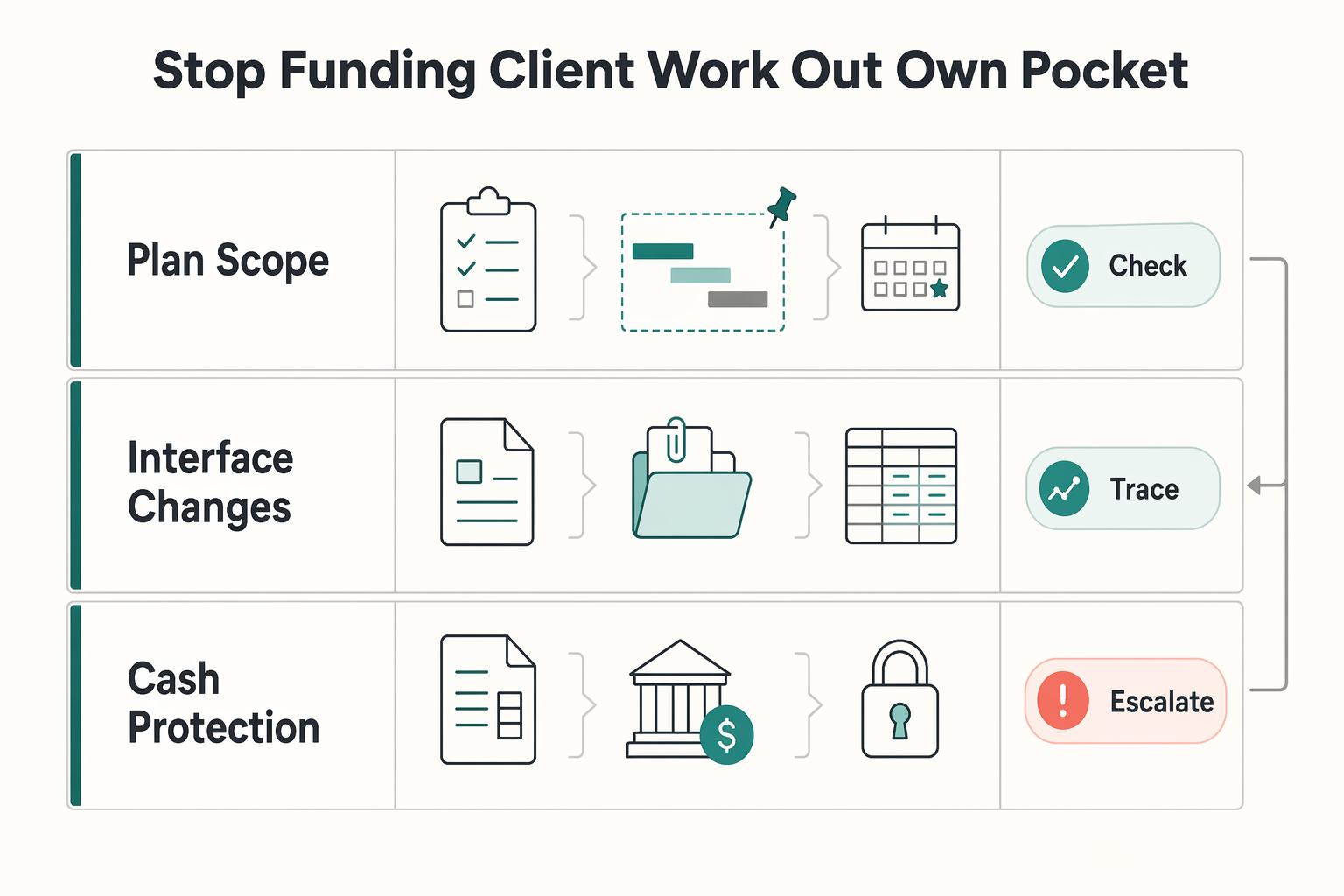
How to Handle Billable Expenses in QuickBooks
**Treat QuickBooks billable expenses as a reimbursement system, not just a bookkeeping feature, so you recover client project costs through invoices instead of absorbing them.**
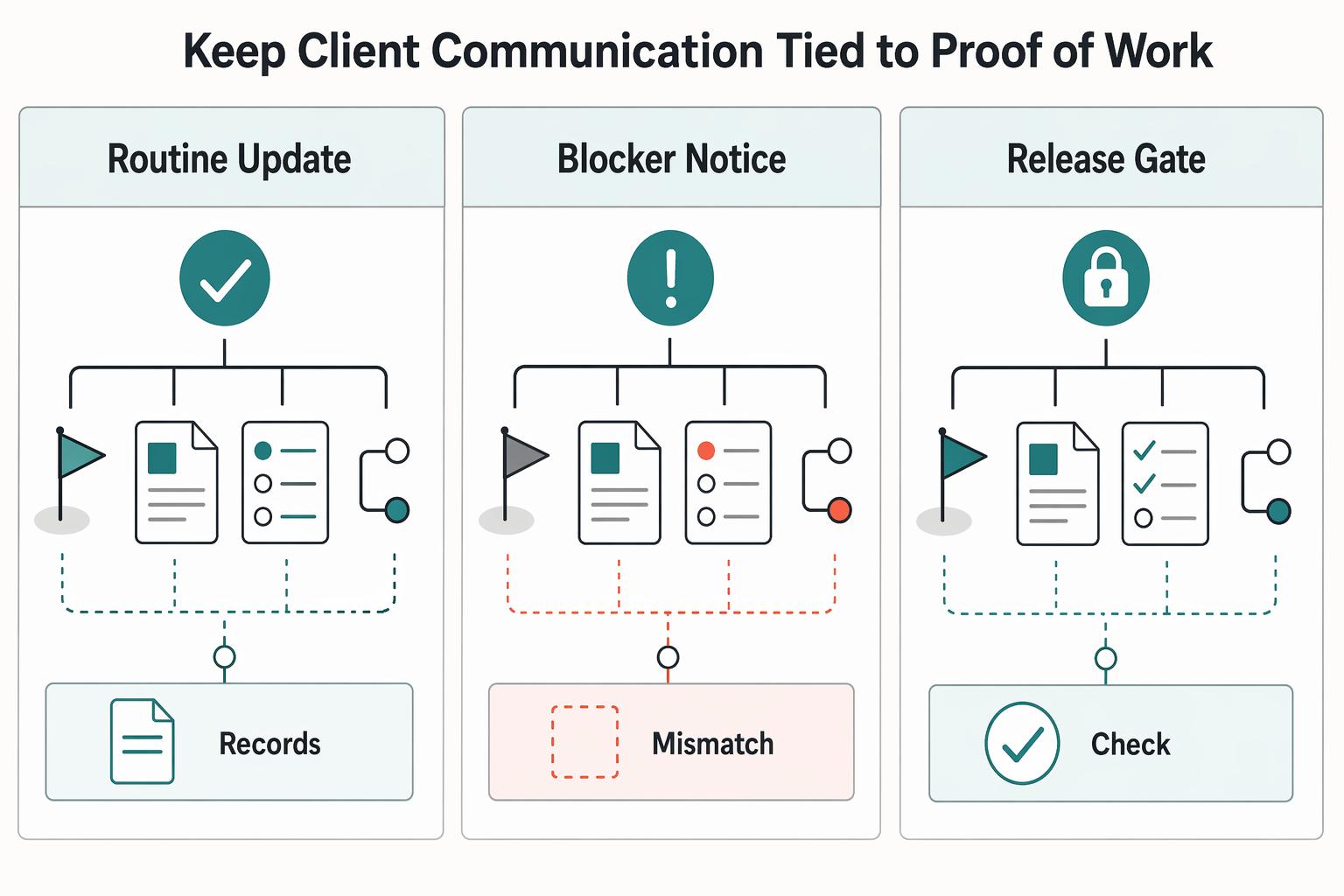
Managing a Six-Figure Consulting Project in Asana
If your delivery record is split across email threads, meeting notes, chat messages, and your own memory, you take on avoidable risk before the project even starts. The goal here is simple: set up one consistent working record for ownership, deadlines, dependencies, and status decisions so nobody has to guess what happens next.