

Quick Answer
Use W-9 for the appropriate U.S. payee. Check line 1, federal tax classification and the matching TIN, applying owner rules for a disregarded entity. Follow the actual signature/certification instructions, send the form to the requester through a secure channel and keep the exact copy. Foreign payees need the payment-appropriate W-8 or Form 8233 path; a U.S. EIN alone does not make W-9 correct.
Choose the correct tax form before filling a W-9#
Form W-9 gives a requester your U.S. taxpayer name, identification number and applicable certifications for information reporting. Start by deciding whose tax status and income the form documents. A U.S. citizen living abroad normally remains a U.S. person for this purpose; a foreign contractor does not become eligible for W-9 just by obtaining a U.S. EIN.
The requester is the client, payer or other party requesting your tax information for information reporting. Give the form to that requester, not the IRS. In contractor onboarding, accurate intake helps align payee setup, any withholding and later reporting records.
The TIN must correspond to the person named on line 1. For a sole proprietor or a disregarded single-member LLC, that is generally the owner, not simply the trade name printed on an invoice. When signing is required or requested to establish U.S. status, read Part II carefully: it covers the TIN, backup-withholding status, U.S. person status and any FATCA exemption code.
| Choice | Payment setup | Correction loops | Reporting cleanup risk |
|---|---|---|---|
| Submit now with uncertainty | Higher chance the requester sets up your payee record with data you already doubt | More likely to trigger re-requests and explanations after onboarding starts | Higher risk of TIN mismatch issues and backup withholding questions |
| Pause and verify first | Slightly slower upfront, cleaner setup | Fewer re-requests and less back-and-forth | Lower risk of unwinding bad identity data later |
Verify the name, tax classification and TIN against the relevant records, such as your tax return and SSN/EIN information. You may need more than one record; IRS rules do not impose a universal “single current document” test. Never copy a business EIN next to an owner's name without checking the owner/disregarded-entity instructions.
Run this pre-submit triage#
Before you open the form, do these four things:
| Triage step | What to confirm | Why it matters |
|---|---|---|
| Confirm the scope | The requester actually needs a W-9 for information-return reporting; if U.S. versus foreign tax status is unclear, sort that out first | Helps avoid forcing the wrong form |
| Verify the identity record | Name, federal tax classification and matching TIN under the IRS instructions | Part II certifies TIN correctness and backup-withholding status |
| Choose the handoff route | The real requester or payables contact who should receive the form | You give the form to the requester, not to the IRS |
| Create a retention file now | Save the exact version sent, plus the date and recipient, in one folder | IRS guidance says the W-9 should be kept in requester files for four years |
- Confirm the scope
Make sure the requester actually needs a W-9 for information-return reporting. If your U.S. versus foreign tax status is unclear, sort that out first instead of forcing the wrong form.
- Verify the identity record
Confirm whose name belongs on line 1 and which TIN belongs with it. Use tax and identification records as needed, and resolve conflicting records. The form's owner-versus-entity rules matter more than making every entry come from a single document.
- Choose the handoff route
Identify the actual requester or payables contact who should receive the form. Do not treat a W-9 as something you file with the IRS.
- Create a retention file now
Save the exact version you sent, plus the date and recipient, in one folder. That makes follow-up easier, and IRS guidance says the W-9 should be kept in requester files for four years.
Do not guess about tax status or sign a false certification. Ask for clarification promptly, but remember that a delay does not suspend withholding duties: a payer may have to backup-withhold 24% of covered reportable payments when required TIN information is missing or incorrect. Missing W-9 paperwork is not, by itself, a universal legal right to freeze the entire earned fee.
If W-9 is inappropriate, choose the form that matches the payee and payment. A foreign individual may need W-8BEN for foreign status in the appropriate context, W-8ECI for eligible effectively connected income, or Form 8233 for an applicable personal-services treaty exemption. Foreign entities have separate W-8 routes. Get payment-specific advice rather than treating every foreign freelance fee as a W-8BEN case.
Build the Mental Model Before You Fill Anything#
W-9 is the tax-intake record, not a tax return or proof that worker classification is correct. It is used for U.S. persons, including resident aliens. Citizenship, residence and entity classification must be evaluated under U.S. tax rules; the customer's country, a local visa or a U.S. bank account alone does not settle the question.
Sort the forms by job#
| Form | Who completes it | Primary use in this workflow | When it is used |
|---|---|---|---|
| W-9 | U.S. payee, including applicable U.S. owner of a disregarded entity | Name/TIN and relevant certifications for the requester | Tax intake and updates when required |
| 1099-NEC | Payer where reporting rules require it | Reports qualifying nonemployee compensation | Year-end reporting; thresholds, payment methods and exceptions depend on the applicable year |
| W-8BEN or other foreign-payee form | Eligible foreign payee using the appropriate form | Documents foreign status or applicable tax treatment | Select by person/entity, income and withholding context; not a replacement chosen solely by client nationality |
One guardrail matters here: 1099-NEC is for certain nonemployee payments, and generally not for employee wages. If a client is blurring worker classification, resolve that first instead of using a W-9 as a shortcut.
Follow the record, not the PDF#
Identify the correct tax payee, match line 1 and Part I, then complete the remaining fields under the instructions. Requester guidance recommends keeping W-9s for four years. That is requester recordkeeping guidance, not an instruction to expose a full TIN in ordinary project emails or public folders.
Run a pre-fill verification check#
Before opening the form, confirm the following:
- The name belonging on line 1 under the owner/entity instructions.
- The matching SSN, ITIN or EIN as appropriate for that payee.
- Federal tax classification and relevant exemption/line 3b facts.
- The verified requester and its secure receiving channel.
If the tax payee, classification or correct form remains unclear, resolve it with the requester or a qualified tax adviser. Separate that legal question from routine file naming or software setup; a polished PDF cannot make the wrong payee correct.
Decide If W-9 Is Appropriate Before You Submit It#
Submit the correct information through the requester’s process. Confirm U.S. status, line 1/TIN matching and applicable certification requirements. Use the official IRS form or an acceptable requester substitute; the IRS instructions recognize substantially similar substitute forms and compliant electronic collection.
Use two gates before you submit#
Whether a W-9 is appropriate comes down to two gates:
Check 1: Correct tax payee and TIN. Line 1 identifies the person whose income is being reported; Part I supplies that person's appropriate TIN. For a disregarded LLC, follow the owner rules. The form also has an “Applied For” procedure when a TIN has been requested, with withholding consequences that depend on payment type.
Check 2: Appropriate certifications. Read the relevant Part II statements before signing. Generally, nonemployee service payments require a correct TIN but not the signed certification unless you were notified of a previously incorrect TIN; a withholding agent may still request a signature to establish U.S. status. Apply the actual instructions rather than declaring every unsigned W-9 invalid.
If status or entries are uncertain, obtain help before making a false statement. A foreign individual or foreign owner of a disregarded entity generally uses the appropriate W-8 or Form 8233 path, even if the entity was formed in the United States or the owner has a U.S. TIN.
| Decision | What is true right now | Likely operational outcome |
|---|---|---|
| Submit now | Correct payee, tax classification, matching TIN or appropriate Applied For procedure, and required certifications | Cleaner payee setup and fewer correction loops |
| Pause and verify | Status or entries uncertain; resolve promptly without assuming withholding duties stop | Small delay now, lower risk of mismatch and withholding friction later |
Resolve tax-status and identification questions promptly#
Check these issues before using or signing the form:
- Uncertainty about U.S. person status or the appropriate owner/entity form.
- Conflicting line 1, classification or TIN records.
- Uncertainty about a required certification or an IRS withholding notice.
- A missing TIN that needs the actual Applied For and withholding procedure.
- A requester record that differs from the form: explain the correction rather than reproducing the error.
Prevent the correction loop before it starts#
Lock one authoritative version before sending. Complete the form from your verified name-and-TIN record, send that exact copy to the requester, and keep the same version in your own files. If the requester's records conflict with what you submitted, resolve the mismatch directly instead of assuming a new PDF alone will fix it.
That helps reduce later mismatch risk. CP2100/CP2100A notices are triggered when payee name or TIN data is missing or does not match IRS records. Those notices can lead to backup withholding workflows. When backup withholding applies, the payer may have to withhold at a flat 24% rate in specified cases, including when TIN data is not furnished correctly.
If you receive a request that appears inconsistent with your status, ask the tax/payables contact what payment and reporting obligation it covers. A form generator can help draft entries after that decision; it cannot determine tax residence, treaty eligibility or the correct withholding form.
Complete Form W-9 With a Pre-Submit Verification Sequence#
A good W-9 process is simple: verify first, certify only what you can support, then lock the exact file you send. A form that looks complete is not automatically ready for a requester who may use it for an IRS information return on income paid to you.
Use this four-step checklist#
| Step | What to do | Guardrail |
|---|---|---|
| Verify the tax payee | Identify U.S. status and whether line 1 names the owner or entity | Use relevant records; one-source-document is not an IRS requirement |
| Fill lines 1–7 and Part I | Apply classification, exemption and TIN instructions | Do not pair a disregarded LLC's name/EIN as though it is automatically the taxpayer |
| Apply Part II requirements | Read the actual signature/certification instructions | Correct TIN remains required even where a signature is not |
| Send and retain the exact form | Use the verified requester channel and record the date | Protect the TIN; keep current and superseded copies clearly labeled |
- Verify the source record first.
Start with the correct tax payee, then verify the line 1 name and TIN using relevant tax and identification records. A current tax return, SSN record or EIN documentation may serve different parts of that check. Do not invent a single-document requirement or automatically reject valid entries because supporting records are separate.
- Complete the form from that record, then do a sanity pass.
Complete the fields in order. Line 1 names the taxpayer; line 2 carries a different business or disregarded-entity name; line 3a states federal tax classification. Check line 3b only in its specified flow-through ownership context. Apply exemption codes only where eligible, enter the usable mailing address and supply the matching TIN in Part I.
- Treat the certification section as a certification step.
For ordinary nonemployee services, the form generally does not require a signed certification unless you were notified of an incorrect TIN; the requester may require a signature to establish U.S. status. If signing, do not certify something false. Cross out item 2 when the IRS has notified you that you are currently subject to backup withholding for underreported interest or dividends. That is distinct from fixing a name/TIN mismatch.
- Create a delivery-ready file and lock the version.
Do a final requester-view review, then save the exact copy you will send. Keep that exact sent version with recipient and date, and treat it as the authoritative copy for later updates.
Before step 2, confirm that you are using the current IRS W-9 package and requester instructions, shown as 03/2024.
| Payee example | Line 1 / line 2 | Line 3a and Part I |
|---|---|---|
| U.S. citizen freelancer living in Spain; sole proprietor | Alex Rivera / Rivera Design, if that is the trade name | Individual/sole proprietor; owner's SSN or owner's EIN if the sole proprietor has one |
| U.S. individual owns a disregarded single-member LLC | Alex Rivera / Rivera Design LLC | Owner's classification; owner's SSN or owner's EIN if available, rather than the LLC's separate EIN |
| LLC elected S-corporation tax status | Entity name shown on its tax return / different trade name if any | LLC with S code; entity EIN |
| Foreign individual owns disregarded U.S. LLC | Use the appropriate foreign-owner form path | Do not submit W-9 solely because the LLC has a U.S. EIN |
These are invented examples, not completed taxpayer forms. For the first two, confirm the owner's actual name/TIN and status; do not insert a client's tax number or publish a real TIN in a shared example. Lines 5–6 give the mailing address the requester should use. Line 7 and the requester name/address area are optional. Most individual freelancers should not invent exempt-payee or FATCA exemption codes.
If you have applied for a TIN, follow the official “Applied For” procedure and sign/date as directed. The usual 60-day waiting rule described for interest/dividends and certain readily tradable instruments does not extend to ordinary service payments. For an illustrative $1,000 covered service payment subject to 24% backup withholding, the payer remits $240 to the IRS and pays $760 to the payee. It is tax withholding, not a discount or a full-payment freeze, and the withheld amount can be credited on the payee's tax return.
Separate cosmetic completion from real readiness#
| Checkpoint | Looks complete | Actually ready to certify |
|---|---|---|
| Name and TIN | Every box is filled | Line 1 and Part I identify the correct tax payee under the IRS owner/entity rules |
| Other fields | Optional and required fields are filled | Entries are consistent with your current record, and optional entries are used only when they apply |
| Address | An address is typed in | Address is readable and usable for the requester's payee record |
| Certification section | The form appears certified | Applicable signature requirements followed; any signed statements accurate |
| File control | A draft exists | The exact sent version is saved with recipient and date and marked as the reference copy |
Keep adjacent filings out of this step#
Form W-9 has a narrow job: provide your correct TIN to the requester. Keep Form 8938 and FBAR analysis in separate tracks.
Form 8938 is attached to your annual return and filed by that return's due date, including extensions. If you do not have to file an income tax return for the year, Form 8938 is not required. Filing Form 8938 also does not remove any separate FBAR requirement.
When a Form 8938 threshold question is still open, record it as a separate pending check instead of treating it as part of W-9 completion.
Do the final requester-view review#
Review the form from the requester's perspective: correct payee, classification, TIN, address and applicable certifications. Compare it with any existing vendor record, explain corrections and use the approved receiving channel. Keep your exact sent copy with the date and recipient.
You might also find this useful: A Guide to Form 1099-K for Freelancers Using Payment Apps.
Send, Store, and Update W-9 Like an Operator#
Once you sign, version control can become a major risk. Keep one clear record of who requested your W-9, who received it, which file is current, and where your proof is stored.
Give the completed W-9 to the requester, not the IRS. Sign when required by the applicable instructions or requested to establish U.S. status; do not treat signature exceptions as permission to omit the correct TIN.
Use one controlled handoff#
- Confirm the requester and the exact receiving channel, such as a finance contact, vendor portal, or other controlled electronic channel the requester uses.
- Send the reviewed current IRS form or acceptable requester substitute, with any required signature. Do not use an IRS draft marked not for filing.
- Save proof of transmission and, when practical, receipt or readability confirmation.
- File everything into one record thread right away.
Use clear file naming so current versus old is obvious, for example: W-9_Rev-03-2024_ClientName_2026-03-25_CURRENT.pdf. If you replace it, mark the prior copy as superseded and keep only one file labeled current.
Define your single source of truth#
Use one folder or client thread per requester as your single source of truth. Keep:
- the current completed form, with any required signature
- superseded files
- send proof and any receipt confirmation
- related payee communications about name, TIN, address, entity classification, or replacement form
This keeps stale copies from circulating and reduces avoidable mismatch issues. The IRS states the TIN must match the name on line 1 to avoid backup withholding, and the cited backup withholding rate is 24%.
| Update method | Clarity | Traceability | Error risk |
|---|---|---|---|
| New complete W-9 through the requester's controlled channel | High | High when sent file and proof are stored | Lowest practical risk |
| New complete W-9 through another controlled electronic handoff, including fax if used by requester | Good when recipient and date are clear | Good when transmission proof is saved | Moderate if storage is inconsistent |
| Edited old PDF without clear current or superseded labeling | Poor | Weak when multiple copies exist | High |
| Address-only update through the requester's verified procedure | Can be appropriate where no name/TIN/certification change is involved | Record the update and request confirmation | Use a replacement form for changes requiring one; do not transmit full TINs in casual email |
Store it like sensitive data#
Treat W-9 files as sensitive data. Limit access to people handling vendor onboarding or tax records, use controlled sharing channels, and label the current version clearly so stale copies do not keep circulating.
For retention, note that IRS independent-contractor guidance says the W-9 should be kept in requester files for four years; treat that as requester-focused guidance and verify your own applicable retention window.
Related reading: A Deep Dive into Form 5472 for Foreign-Owned US LLCs.
Avoid the Failure Modes That Create Tax Headaches#
Two common W-9 failure modes are stale records and rushed Part II certification.
Audit the two failure points first#
Start by checking whether the underlying record is still current. If your name-and-TIN record is stale, requesters may file information returns from outdated data, and the instructions state that the TIN must match the line 1 name to avoid backup withholding.
Review Part II and the actual notice before signing. Cross out item 2 for the specified IRS underreported-interest/dividend notice. A first name/TIN mismatch “B” notice usually requests a signed corrected W-9; a second qualifying “B” notice requires SSA/IRS validation rather than simply another W-9. Follow the notice and Publication 1281.
Ask whether the line 1 name, Part I TIN and classification match the actual taxpayer, and whether any signed certifications are accurate. Signature rules vary by payment type, and a requester may ask for a signature to establish U.S. status. Do not confuse having no signature requirement with having no TIN requirement.
Do not patch stale data with side notes#
For a changed name or TIN, provide a new W-9 to the affected requesters and identify the replaced version. Changes to exempt-payee status also require updated information in the specified circumstances. A mailing-address change can be handled through the requester's verified update process; a new signed form is not the universal rule for every administrative change.
| Correction method | Consistency across requesters | Information-return mismatch risk | Cleanup effort later |
|---|---|---|---|
| Patch by email or notes | Low | Higher practical risk | High |
| Reissue one complete corrected W-9 to all requesters | High | Lower practical risk | Lower |
If mismatch requests repeat, identify whether they are informal vendor corrections or IRS “B” notices. A second qualifying notice has a different validation procedure. Confirm the correct name/TIN and follow the notice rather than repeatedly sending the same PDF.
Recovery checklist when something is off#
| Correction step | What to do | Record effect |
|---|---|---|
| Confirm the current line 1 name and matching TIN | Verify the current name-and-TIN pair before correcting anything | The TIN must match the line 1 name to avoid backup withholding |
| Read the actual IRS notice | Distinguish a name/TIN B notice from an underreporting certification notice | First B notice commonly needs signed W-9; second qualifying notice needs SSA/IRS validation |
| Prepare one complete corrected form | Replace the form when required by the change or first B notice; use required validation for a second qualifying B notice | Replace stale records with one complete corrected form |
| Send the corrected version to each requester holding the stale record | Ask them to refresh the payee file | Do not rely on scattered email fixes |
| Save the corrected file, send proof, and a short change log | Keep the correction thread | IRS small-business guidance says requesters should keep W-9 records for four years |
Line 3b applies when a partnership, including an LLC taxed as a partnership, trust or estate with foreign partners, owners or beneficiaries provides W-9 to a partnership, trust or estate in which it has an ownership interest. It is not a box every sole proprietor checks because they work abroad or sell to foreign customers.
Keep the guardrail simple: give the W-9 to the requester, not the IRS; maintain one current version; and replace stale copies with one complete corrected form.
For more on that, read Optionality for Freelancers Who Work Across Borders.
Handle Cross-Border Complexity Without Guessing#
When cross-border facts are in play, keep W-9 in its lane. It is a narrow intake step, not your full analysis. Keep W-9, Form 8938, and FBAR on separate tracks so you do not certify one obligation based on assumptions from another.
| Track | What it does | What it does not do |
|---|---|---|
| Form W-9 intake or certification | Gives the requester your correct TIN and certifications; give it to the requester, not the IRS. | Does not determine Form 8938 or FBAR filing duties. |
| Form 8938 evaluation | Tests whether you must report specified foreign financial assets and attach Form 8938 to your annual return, including extensions. | Does not replace FBAR. |
| FBAR evaluation (FinCEN Form 114) | Tests whether foreign financial accounts trigger a separate FBAR filing. | Is not filed with the IRS and is not replaced by Form 8938. |
W-9 line 3b is limited too. It can indicate certain foreign partner, owner, or beneficiary facts in some flow-through entity contexts, but it is not a full foreign-asset reporting analysis.
Use a sequence, not a guess#
- Confirm the W-9 payee's U.S. status and owner/entity classification.
- Evaluate Form 8938 independently using the applicable filer category, threshold and exceptions.
- Evaluate FBAR independently for a U.S. person's financial interest or signature authority over covered foreign accounts; aggregate value exceeding $10,000 at any time can trigger filing, subject to exceptions.
- Resolve tax status or ownership questions that affect W-9 without certifying guesses.
- Do not hold an otherwise valid W-9 hostage to an unrelated, unfinished foreign-asset reporting calculation.
Build a defensible evidence file#
Keep the basis for each determination separate: W-9 payee/status/TIN, Form 8938 filer/asset/threshold analysis, and FBAR account/authority/value analysis. An unresolved foreign-asset question does not necessarily prevent a correct W-9 submission. Record unanswered questions and seek help without representing a completed analysis you have not performed.
For a step-by-step walkthrough, see Form T2125 for Canadian Freelancers Without Filing Guesswork.
Align Client Onboarding So Payment and Tax Records Stay Clean#
Collect the appropriate tax information early so the payer can report accurately and apply withholding correctly. Missing or incorrect TIN documentation may require backup withholding; it does not create a universal rule that all earned payments must stop. Review the contract, applicable payment law and the actual withholding obligation separately.
Keep the intake packet practical: a finished W-9 with current taxpayer details such as legal name, business structure, and taxpayer ID information. This is not cosmetic. W-9 data is later used for Form 1099-NEC reporting, so inaccurate payee data can create reporting issues at tax time and extra cleanup work. Proper W-9 management also helps reduce penalty risk and maintain a cleaner audit trail.
| Intake approach | Payment flow | 1099 accuracy | Correction workload |
|---|---|---|---|
| Correct early tax intake | Payee data and applicable withholding can be set before payment | Better basis for year-end reporting | Fewer preventable corrections |
| Tax intake unresolved at payment | Apply the actual withholding and payment rules; no automatic full-fee freeze | Missing or incorrect records need prompt correction | May require notice handling and later reporting cleanup |
Use this checkpoint before payout setup:
- Request the appropriate tax form early, confirming payee status and classification.
- Verify line 1/Part I and applicable certification requirements.
- At payment, apply actual withholding duties and agreed/legal payment terms; missing paperwork alone is not a universal full-fee hold.
Keep W-9 information current so payment reporting stays accurate.
| Checkpoint | New complete W-9 reissue | Piecemeal corrections |
|---|---|---|
| Current document on file | Current complete form with signature where required | Unclear mix of old form and informal name/TIN changes |
| Version control | Clear current versus superseded copy | Verified address-only updates can be appropriate; name/TIN changes need proper documentation |
| Name-and-TIN handling | Name and TIN are revalidated together on one form | Updates can become fragmented across records |
Finish with the correct payee, entries and handoff#
Submit accurate information for the correct taxpayer. Resolve uncertain tax status or entries promptly, and sign only statements you can support when a signature is required or requested. Use the IRS instructions rather than relying on a blanket signed-form or pre-payment freeze rule.
Use a practical close: verify the tax payee and entries, send through a controlled requester channel, and update the form or record when required. Preserve the exact submitted version, the date and any correction instructions. W-9 can support several information returns; it is not itself the return.
Timing can add pressure. Requesters often ask for this one-page form during onboarding or before first payment, and many send a blank copy to complete. Speed should not replace verification.
| Approach | Stress | Rework risk | Record clarity |
|---|---|---|---|
| Verify, then submit | Lower | Lower | One current file supports the payee record |
| Submit, then fix | Higher | Higher | Old and corrected versions can conflict |
Closeout checklist#
- Confirm whose income and tax status the form documents.
- Check line 1, line 3a and Part I under the owner/entity rules.
- Apply actual certification and signature requirements.
- Send through the verified secure requester channel.
- Keep the exact submitted copy with recipient/date and appropriate restricted access.
- Update names/TINs or applicable exemption information properly; follow IRS notice procedures.
- Mark replaced versions as superseded.
If residency, ownership or withholding is uncertain, consult the appropriate tax adviser and requester before certifying a guess. A U.S. citizen abroad can still use W-9; a foreign person with a U.S. TIN may need a different form. Gruv software or a generator does not determine those tax facts.
Keep tax intake connected to the vendor record and year-end reporting while restricting access to full TINs. Any software you use must support the actual payer process, retention policy and correction notices; automation does not change the legal form or payment requirements.
Frequently Asked Questions
What is Form W-9 for freelancers?
Form W-9 gives a requester a U.S. payee's name, TIN and applicable certifications for information returns. U.S. persons include citizens and resident aliens, and certain domestic entities. For a disregarded entity, apply the owner's status and identification rules. Follow the signature instructions for the payment rather than assuming every W-9 must be signed.
Do I send Form W-9 to the IRS or to my client?
Send Form W-9 to the requester, not to the IRS. In most cases, that is the client or team handling information returns. On the IRS independent-contractor page, requester-side guidance says the W-9 should be kept in files for four years.
What information must match on a W-9 to avoid issues?
The TIN in Part I must match the person named on line 1 under IRS instructions. A sole proprietor generally enters the owner's name; a disregarded single-member LLC generally uses the owner's name and TIN, with the LLC on line 2. Covered missing/incorrect-TIN payments may require 24% backup withholding. A foreign-owned disregarded U.S. LLC does not automatically use W-9 just because it has an EIN.
Why does a client ask for Form W-9 before paying me?
The payer wants accurate tax intake for information reporting and any required withholding. Early collection helps, but the form does not determine worker classification or make missing paperwork a universal right to hold the entire earned fee. Confirm the correct requester and send through a secure channel.
When should I update a previously submitted Form W-9?
Provide a new W-9 when the account's name or TIN changes, and update applicable exempt-payee information when required. For an address-only change, use the requester's verified procedure. A first IRS B notice can request a signed corrected W-9; a second qualifying notice requires SSA/IRS validation instead. Label superseded copies and keep the correction record.
When should a globally mobile freelancer pause and talk to a tax professional?
Seek advice when U.S. status, owner/entity classification, the correct TIN or a required certification is uncertain. Foreign payees need the appropriate W-8 or Form 8233 route for the payment context. Form 8938 and FBAR are separate evaluations; unfinished foreign-asset calculations do not automatically invalidate an otherwise accurate W-9.
Watch
Form W-9 Guide for Independent Contractors
Try a related tool
Researched and edited by the Gruv editorial team. Gruv builds cross-border billing, payouts, and finance-operations software for global businesses.
Sources
- irs.gov/pub/irs-pdf/fw9.pdftrusted
- irs.gov/instructions/iw9trusted
Educational content only. Not legal, tax, or financial advice.
Related Posts
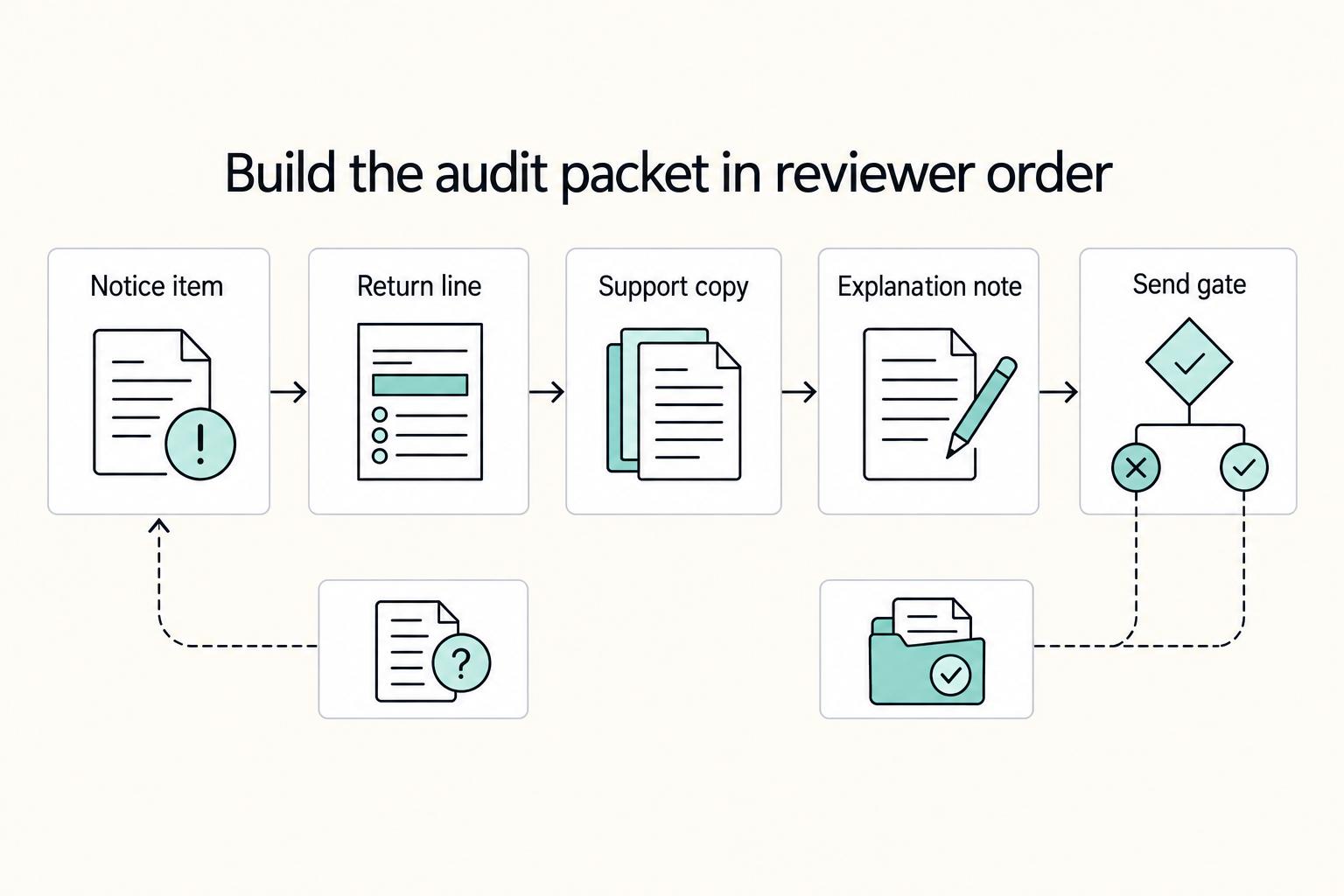
How to Prepare for an IRS Audit
Treat an IRS audit as a records check, not a contest. Your job is to show, item by item, how what you filed ties back to the records behind it.
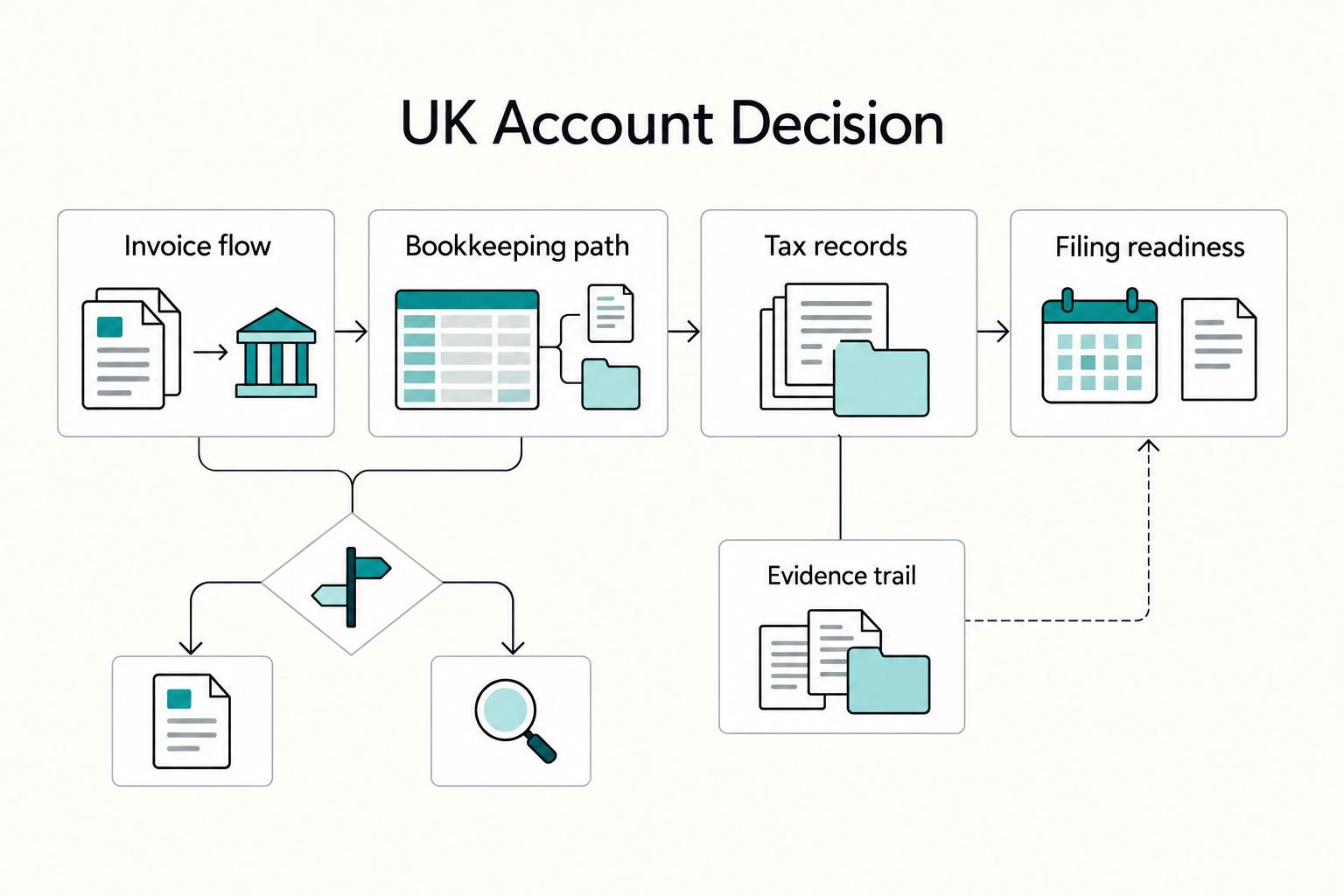
The Best Bank Accounts for Freelancers in the UK
For mainly GBP invoices, start by comparing Starling’s sole trader account, Monzo Business Lite and Tide Free. Each has a no-monthly-fee option, but cash handling, paid bookkeeping tools and international payments can change the total. For regular overseas receipts, compare Wise Business alongside a UK current account. Product prices below were checked on 2 October 2026.

The Freelance Payment Penalty: A Modeled Audit of Platform Fees, FX Spreads, and Payout Delays
The money rarely disappears through a single, easy-to-spot fee. The real loss is stacked. A marketplace takes its commission, a processor adds a charge for international cards, a bank or payment company converts the currency at a spread, a platform holds the funds before release, and a wire sheds a little to intermediaries on the way in. Each layer looks defensible on its own, but the worker feels the combined result as a smaller deposit and a later payday.