
Quick Answer
Write a DevOps SOW with named repositories and environments, explicit exclusions, deliverable artifacts, acceptance tests, client dependencies, and review owners. Define a change-order process and payment schedule, including any deposit, retainer, or milestone triggers. Agree document precedence and keep technical acceptance distinct from billing readiness.
Set the scope before the work begins#
A DevOps statement of work is not paperwork for its own sake. It is the document that keeps delivery and payment tied to the same agreed terms. When a client says they need help with cloud infrastructure, deployment stability, or automation, the SOW is where that broad ask becomes a project you can deliver without quietly absorbing extra work.
The distinction that matters early is simple. The Statement of Work is the full project document between client and service provider. It can set responsibilities, liabilities, work terms, timetable, payment terms, expected outcomes, and more. The scope of work is the narrower layer inside that document that defines what is included, what is excluded, and where the project boundary sits. If those two layers get blurred, small misunderstandings can turn into disputes about time and invoices.
That boundary matters even more in DevOps work because the client often buys an outcome in loose language. "Improve deployments," "stabilize infrastructure," or "set up automation" may be reasonable goals, but they are not deliverables. They do not tell you whether production incident response is included, whether pipeline changes cover all repos or one service, whether security hardening is part of the job, or whether post-launch support is limited or open ended. If included work and excluded work are not written down plainly, expectations can drift and scope creep follows.
For freelancers and consultants, that is not just a delivery problem. It can also become a cash flow problem. A document that links expected outcomes to a timetable and payment terms gives you something concrete to point to when a milestone is complete or when a request falls outside the agreed scope. Without that, you can end up doing review rounds, environment fixes, or emergency changes that were never priced, while the client still thinks the original fee covers everything needed to "make it work."
A useful early check is practical. Before you treat any draft as ready, confirm that it names the expected outcomes, matches them to actual deliverables, and ties the schedule to real dependencies. Also check that payment terms fit the way the work will be accepted. One common failure mode in software work is cost and time overruns, and vague SOWs can make that worse because they leave too much open to reinterpretation after work starts. Another is a polished document with goals and dates but no explicit exclusions, which is exactly how scope creep gets in.
You do not need a bloated contract to avoid that. You need a document that is plain enough to sign quickly and specific enough to hold up when pressure shows up halfway through the engagement. If you want a broader software reference point, see A Guide to the Statement of Work (SOW) for a SaaS Development Project. And if your project will involve ownership questions around scripts, configurations, or deployment assets, the IP side is worth reading too: Structuring the Intellectual Property Clause in an SOW for a Freelance AI/ML Engineer.
The goal of this guide is practical, not academic. You should come away with a statement of work you can reuse, adapt, and defend when a client asks for "just one more thing." The sections that follow focus on the parts that usually break first: scope boundaries, deliverables and acceptance criteria, change control, risk allocation, and payment terms. For the full breakdown, read Positioning for Consultants Who Want Cleaner Scope and Control.
What a DevOps SOW actually commits both sides to#
A DevOps SOW should commit both sides to clear delivery terms, ownership, and operating rules so the work stays transparent and disputes are less likely.
| Item | What to include |
|---|---|
| Project Objectives | Intended business outcome |
| Deliverables | What will be produced for each objective |
| Roles and Responsibilities | Who provides inputs, who does the work, and who approves completion on each side |
| Operating paragraph | Cadence, decision owner, escalation contact, and how dependencies are handled when inputs or access are delayed |
In this context, the Statement of Work (SOW) is the project document that sets delivery terms between client and service provider, while the Scope of Work is the boundary layer inside it. Keep both explicit so "help with infrastructure" does not become open-ended work.
Write this section objective-first, then map each objective to a concrete deliverable and named responsibilities on both sides. State the outcome, name what gets delivered, and specify who supplies inputs, who executes, and who signs off.
Use the SOW as the delivery layer, and keep broader legal and commercial terms in the main contract. If support, incident response, or ongoing operations are included, define them as specific services or time-bounded deliverables instead of implied expectations.
Close with one operating paragraph that names cadence, decision owner, escalation contact, and what happens when access or client inputs are delayed. That single paragraph often determines whether delivery runs cleanly once execution starts.
You might also find this useful: A Guide to the Statement of Work (SOW) for a SaaS Development Project.
Also useful: How to Structure an SOW for a Retainer-Based Consulting Engagement.
Define scope boundaries before any build work#
Define scope before build work starts, or routine delivery can be treated as open-ended support. In practice, write each item as: result, deliverable artifact, and explicit exclusion.
Keep this in the Scope of Work section inside the broader Statement of Work. A simple rule is to pair every promised outcome with proof of completion and a matching exclusion, so "set up the pipeline" is not read as "also fix app builds, handle incidents, and support indefinitely."
Make each boundary testable#
Use an in-scope vs out-of-scope table a non-technical approver can scan quickly. Write lines so later requests can be checked against named repositories, environments, tools, and outputs.
| Area | In scope | Out of scope |
|---|---|---|
| Pipeline | Build or modify the named CI/CD pipeline for listed repositories, branches, and environments; deliver config changes and handoff notes | Application code fixes to make builds pass, extra repositories/environments not listed, or ongoing support after handoff |
| Incident response | Perform one defined activity (for example, alert-path validation, an incident drill, or a readiness review); deliver findings or recommendations | 24/7 on-call, live incident handling beyond the stated activity, or recurring operational duty |
| Tooling | Configure or integrate specifically named tools required for agreed deliverables | Tool selection, procurement, license administration, org-wide migrations, or support for tools not expressly listed |
The table works only when each in-scope line produces a visible artifact (such as updated pipeline config, a findings memo, or an integration change record). The exclusion is equally important because it prevents implied support from being read into the original promise.
Use this red-flag test: if a request adds a repository, environment, tool, support period, or operational duty not already named, treat it as out of scope until updated in writing.
Put client dependencies in execution order#
List client-side dependencies in the order you need them, and make each one verifiable:
| Dependency | What to verify |
|---|---|
| Resources | identify client owner, technical contact, and approver |
| Access | confirm repository, cloud, and tool access is granted and tested |
| Approvals | confirm required internal approvals are documented in writing |
| Environment readiness | confirm target environment exists, is reachable, and has required prerequisites |
| Review inputs | collect current architecture notes, configs, and decision feedback by the agreed date |
Next to that checklist, state the consequence path clearly: when dependencies are late, incomplete, or unusable, schedule and effort are adjusted under the agreed pricing and change terms.
To reduce kickoff ambiguity, include a short pre-build gate and define what counts as completion evidence (for example, accepted invites, permission proof, ticket IDs, environment URLs, and approval emails). If gate completion is not documented, scope and timeline disputes are much harder to resolve.
Match the delivery model to volatility#
Choose the commercial model based on how stable the scope is. Use fixed scope when repositories, environments, outputs, and review paths are known; use a retainer when ongoing incident involvement or shifting priorities are expected.
| Model | Best fit | Main risk if mismatched |
|---|---|---|
| Fixed scope | Stable boundaries and known deliverables | Variability turns into "that was included" disputes |
| Retainer | Ongoing operations and changing priorities | Blurred boundaries unless support vs project work is clearly separated |
Decision cue: if support expectations are likely to move week to week, a retainer is usually the cleaner contract shape; if boundaries are stable and testable, fixed scope is usually cleaner.
If support is likely, state it as a defined support period or separate service. Related reading: A Guide to the Statement of Work (SOW) for a SaaS Development Project, and How to Write a Scope of Work for an SEO Campaign.
Write deliverables and acceptance criteria a client cannot reinterpret#
If "done" is subjective, scope will drift. Write each deliverable as a pass/fail record: what was delivered, where proof is stored, which test decides pass/fail, and who signs off.
Use one structure for every line item: artifact, proof, acceptance test, sign-off owner. If one is missing, disputes show up after delivery.
Turn each deliverable into a pass/fail record#
Use labels that force objective review. "Artifact and proof" and "Pass/fail test" leave less room for interpretation than descriptive language.
| Deliverable | Artifact and proof | Pass/fail test | Sign-off owner |
|---|---|---|---|
| Pipeline configuration | Committed pipeline config in the named repository, with commit hash, repo path, and run log or build artifact location | Passes only if the pipeline runs for the agreed repository, branch, and environment, and the run record is retrievable from the stated location | Named client approver |
| Deployment automation | Deployment script or job definition in the agreed location, plus test deployment execution record | Passes only if the agreed service deploys to the named environment using documented steps, without undocumented manual intervention | Named client approver |
| Monitoring setup | Alert rules, dashboard export, or config file, plus test alert evidence to the stated destination | Passes only if listed alerts trigger, route correctly, and the client can access the delivered dashboard/config in the stated location | Named client approver |
| Incident drill output | Written drill summary with scenario, timeline, findings, and actions in the agreed document location | Passes only if the scheduled drill occurs and the summary is delivered in the named location | Named client approver |
| Handover notes | Handover document covering config locations, operating notes, access assumptions, and support boundary | Passes only if the client can locate delivered assets using the handover and the file is delivered in the agreed location | Named client approver |
Be explicit about the evidence path: repository path, artifact URL, ticket ID, shared folder path, or document filename. If artifacts may change, label the submitted version with a date or version tag so review is tied to a fixed checkpoint.
Replace vague acceptance words like "satisfactory" or "meets expectations" with a checkable record. If a reviewer cannot verify completion by opening a file, run log, or named output, tighten the line before signature.
Make review and payment follow the agreed commercial terms#
For milestone-priced work, name the deliverable and acceptance record that releases each invoice. Define deposits, retainers, time-based billing, and reimbursables separately where agreed; final acceptance is not every invoice's trigger.
Agree a review deadline before signing, with written rejection tied to a failed acceptance test and an escalation path if the reviewer does not respond. State any deemed-acceptance mechanism explicitly and have it reviewed for the contract's jurisdiction.
Use written approval by the named approver as the acceptance record (email, ticket comment, signed acceptance form, or other contract-approved channel). Treat informal meeting notes or chat-only acknowledgments as weak evidence unless the contract says otherwise.
Add this guardrail for failed acceptance: if a deliverable fails a stated test, remediation is limited to fixing that defect so the original test can pass. Requests that add repositories, environments, tools, features, integrations, support duties, or new documentation are net-new scope and must follow change terms.
If you want a broader model for aligning scope and acceptance language, this companion guide is useful: How to Write a Scope of Work for a Mobile App Development Project.
Related: How to Write a Scope of Work for a HubSpot Implementation Project.
Set change order rules that stop scope creep early#
Scope creep is easiest to control when every new request goes through a written change order before work starts. Put that process directly in the Statement of Work so scope, schedule, and budget changes are reviewed as governance decisions, not handled informally.
| Step | Action |
|---|---|
| Request | Capture the request in writing, even if it starts on a call or chat |
| Impact analysis | Describe the effect on project scope, timeline, budget, assumptions, and dependencies |
| Commercial update | Record the fee, milestone, or schedule adjustment |
| Written approval | Confirm the client-side approver and get written sign-off |
| Execution | Start only after approval is received |
| Change log update | Add the approved change to a dated change log entry |
Use this sequence for added work: request, impact analysis, commercial update, written approval, then execution. Pause the affected additional work while approval is pending; continue unaffected obligations and follow any separately agreed emergency-response authority.
Use a short call script: "Happy to do this; I'll send a change order with timeline and cost impact before we proceed." It keeps momentum without letting unpaid work slip in.
Separate defects from new scope so normal fixes do not become untracked expansion:
- Defect remediation: correcting an in-scope deliverable that did not meet agreed acceptance criteria.
- New scope: adding work, obligations, or outcomes not listed in the SOW, which requires change-order review.
Related reading: How to Write a Scope of Work for a Podcast Production Series.
Allocate legal risk before production access#
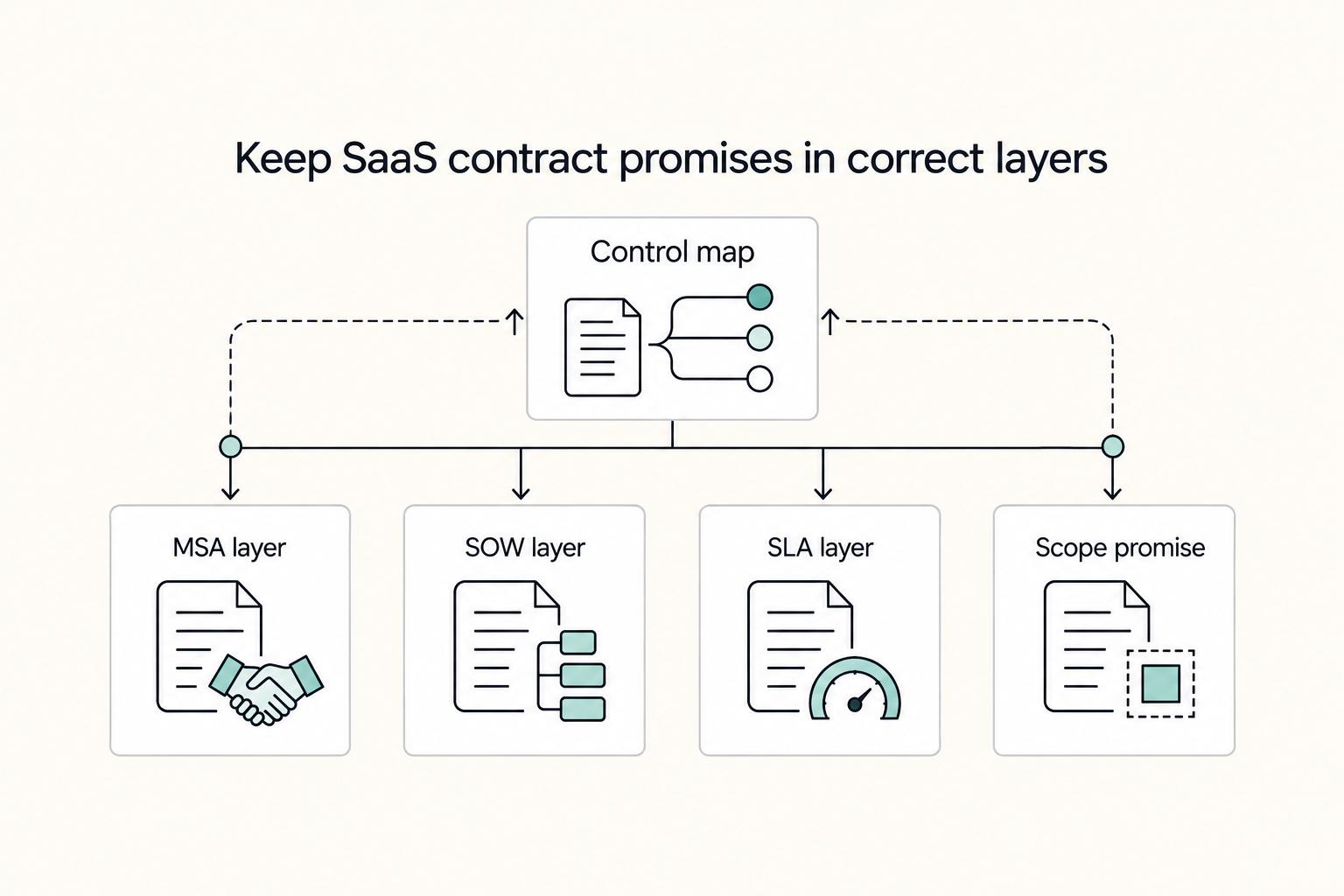
Before production access, agree how the SOW, master agreement, and order form interact. State an order of precedence and how authorized project-specific exceptions are recorded. The document hierarchy is a negotiated contract term, not a universal rule.
Use a short written control set before kickoff:
| Control point | What to write clearly | Why it protects both sides |
|---|---|---|
| Agreement precedence | State the negotiated order of precedence and how authorized exceptions are documented | Prevents conflicting dispute, liability, or delivery terms across documents |
| Deliverables responsibility matrix | For each deliverable, list provider responsibility and customer responsibility | Keeps ownership explicit when incidents, delays, or handoffs happen |
| Security/compliance baseline | Name required security or compliance requirements in writing (with version/label where applicable) | Avoids being judged against undocumented rules |
| Change Order trigger | Require a formal Change Order and revised estimate when requirements are redefined beyond estimate limits | Approved changes may affect schedule, resources, charges, and other SOW terms |
| Signature checkpoint | Use signature blocks as the binding approval point before access-sensitive work | Confirms each party has read and agreed to the current terms |
One more boundary to keep clean: compliance-related support is not the same as legal or regulatory advice, so do not let that responsibility drift through informal requests.
For a step-by-step walkthrough, see Structure Change Control in an Agile SOW Before Scope Creep Starts.
Handle cross-border payment and compliance constraints up front#
Separate technical acceptance from payment administration. State invoice triggers, required backup, approvers, currency, due dates, and applicable onboarding requirements. A missing billing document does not by itself change whether the agreed technical work was delivered.
Check the billing entity, purchase-order reference where required, signed pricing schedule, and invoice submission route before work starts. Assign an owner to resolve document mismatches so valid invoices reach the agreed approver.
Match payment mechanics to the pricing model#
If pricing type changes, required approval evidence changes too. Put that in writing.
| Commercial model | Trigger | Evidence to attach | Approver | Failure mode if omitted |
|---|---|---|---|---|
| Firm-fixed-price | Agreed deposit or milestone trigger | Contract payment schedule; acceptance record where required, deliverable version, and invoice amount | Named client signoff owner | Technical completion is accepted, but billing is disputed |
| Fixed price level-of-effort | Approved effort unit reached, subject to any NTE cap | Effort report, covered period, pricing basis | Budget owner or engagement manager | Delivered work is challenged against spend authority |
| Labor hour or T&M | Approved labor entries submitted | Time records, rate basis, reimbursables support, approver name | Contract-named time approver | Invoice backup is rejected and processing stalls |
Keep two rules explicit:
- Document why the selected pricing model fits the work and state any spending cap.
- If travel or other costs are reimbursable, specify approval, eligible categories, limits, receipts, and currency treatment before costs are incurred.
Assign owners for compliance inputs#
Use a short responsibility map so missing inputs are visible early.
| Required input | Owner | Submission channel | Validation step | Escalation if missing |
|---|---|---|---|---|
| Pricing support and any nonstandard line-item justification | Consultant | Contract intake route named by client | Check against signed pricing schedule and line items | Procurement or contract owner |
| Billing entity and remittance details | Consultant | Invoice onboarding channel | Match legal entity details to signed agreement | Contract owner before kickoff |
| Approval path for invoices/milestones | Client | Internal procurement/finance route | Name one primary approver and one backup | Executive sponsor |
Record technical go-live approval and billing readiness as separate decisions with named owners. Define which security or operational dependencies genuinely block release; route invoice or tax-document exceptions through their own process under the agreed terms.
For a parallel contract pattern, see Gruv's guide to a SaaS development SOW. Related reading: What is a 'Statement of Work' vs. a 'Master Service Agreement'?.
Pre-signing review checklist for freelancers and consultants#
Before you sign, do one final clause-level check: if a dispute starts, can you point to the exact sentence that defines what is included, what is excluded, who owns each task, and what "done" means?
| Check | What to verify |
|---|---|
| Scope boundaries | Scope is explicit about included and excluded work so requests cannot quietly expand after kickoff |
| Deliverables and acceptance | Each deliverable is written precisely and tied to clear acceptance language to reduce "incomplete work" payment disputes |
| Owners and resources | Roles, responsibilities, dependencies, and required resources are assigned to named owners |
| Timeline artifacts | Milestones, start/end dates, and key dependencies are clearly listed |
| Core fields | Project name, client name, and other core identifying fields are complete and consistent |
| Agreement linkage | If an MSA or master agreement exists, the SOW is clearly linked and consistent with it |
If any row is unclear, treat the draft as incomplete and fix it before kickoff planning.
For a step-by-step walkthrough, see A Cloud Architect's Guide to Structuring an SOW for a Multi-Cloud Migration Project.
Use the SOW generator to draft the scope table, then review each dependency and acceptance test with the client.
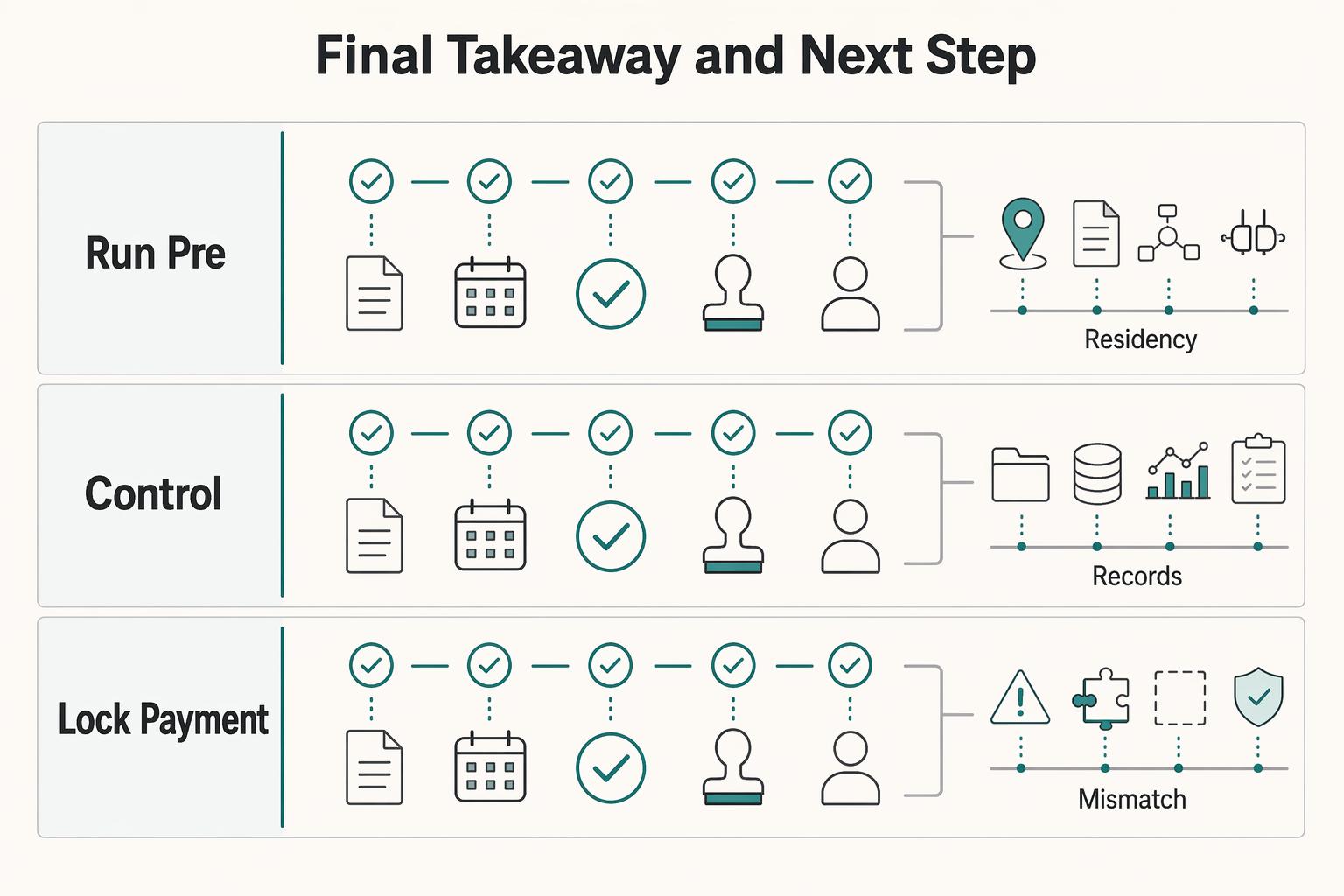
Final takeaway and next step#
Your SOW should do two jobs: control delivery and control risk. Do one final dual read before signing: first as the client who may assume extra cloud work is included, then as the consultant checking dependencies, approval gates, and risk boundaries.
| Action | What to confirm |
|---|---|
| Run the pre-signing check first | Confirm inclusions, exclusions, milestones, payment triggers, client dependencies, and who approves each item. |
| Trigger change control at the first real expansion | Pause the affected added work and obtain written scope, cost, and schedule approval; follow separately agreed emergency authority. |
| Lock payment and compliance ownership before kickoff | Name owners for invoicing, approvals, and applicable documentation; distinguish technical acceptance from billing readiness. |
Convert every broad promise into five checks: deliverable artifact, review method, acceptance signal, named approver, and owner. If "set up monitoring" means dashboards, alert rules, access handoff, and a demo, list each one. If a neutral third party cannot see what evidence proves completion, the wording is still too loose.
Use this order:
- Run the pre-signing check first. Confirm inclusions, exclusions, milestones, payment triggers, client dependencies, and who approves each item.
- Use change control for added work. Record scope, cost, schedule, and dependency effects; obtain the agreed approvals before implementation.
- Assign payment and documentation owners. Define billing triggers and due dates, required records, approvers, and a recorded exception path.
If you want a close comparison point, read A Guide to the Statement of Work (SOW) for a SaaS Development Project. If your deal also depends on country-specific setup, Germany Freelance Visa: A Step-by-Step Application Guide is a useful companion.
Frequently Asked Questions
What should a DevOps SOW always include?
Start with the core contract pieces: scope, objectives, deliverables, work standards, schedule, acceptance criteria, and payment details. Then verify that each deliverable maps to a clear checkpoint and agreed criteria. If completion language is vague, tighten it until someone can verify it against what was agreed.
How is a DevOps SOW different from a generic software development SOW?
DevOps work needs explicit boundaries for repositories, environments, deployment authority, monitoring, incident response, and handover. A generic software SOW may leave those operating duties implied. Name the assets, access, tests, and support period so ongoing operations are not silently included.
How do I prevent scope creep without slowing down delivery?
Define inclusions and exclusions before work starts. Price and approve requests that change deliverables, duties, constraints, or timelines before implementing the added work. Continue unaffected commitments and use any agreed emergency-response procedure when needed.
What deliverables and milestones should be defined before kickoff?
Define outputs a client can review, not activity labels. Tie each output to acceptance criteria and a schedule checkpoint. Before kickoff, agree on what evidence will be used to confirm completion.
Who owns security, compliance, and incident response obligations in the contract?
Assign ownership in writing instead of assuming it will sort itself out later. State what is in scope, what the client must provide, and what is out of scope. If terms are broad, narrow them to specific tasks and acceptance checkpoints.
When should I use a change order instead of absorbing the request?
Use a change order when the request changes the agreed scope, objectives, deliverables, constraints, schedule, criteria, or payment details, not when only your internal method changes. Absorbing scope changes informally can increase time and cost overrun risk.
What should I check first if the client is in another country?
Confirm the core contract elements in writing before work starts: scope, deliverables, criteria, schedule, and payment details. List required client documents or approvals as explicit dependencies and define what is out of scope. Do not assume one fixed checklist works for every jurisdiction.
Try a related tool
Researched and edited by the Gruv editorial team. Gruv builds cross-border billing, payouts, and finance-operations software for global businesses.
Sources
Includes 1 external source outside the trusted-domain allowlist.
Educational content only. Not legal, tax, or financial advice.
Related Posts

Germany Freelance Visa Application Path for Freiberufler and Gewerbe
Choose your track before you collect documents. That first decision determines what your file needs to prove and which label should appear everywhere: `Freiberufler` for liberal-profession services, or `Selbständiger/Gewerbetreibender` for business and trade activity.
A Guide to the Statement of Work (SOW) for a SaaS Development Project
Before coding starts, agree what the client will receive, how it will be tested and when you can invoice. Those decisions protect delivery time and cash flow more directly than a broad promise to implement the platform.

The Freelance Payment Penalty: A Modeled Audit of Platform Fees, FX Spreads, and Payout Delays
The money rarely disappears through a single, easy-to-spot fee. The real loss is stacked. A marketplace takes its commission, a processor adds a charge for international cards, a bank or payment company converts the currency at a spread, a platform holds the funds before release, and a wire sheds a little to intermediaries on the way in. Each layer looks defensible on its own, but the worker feels the combined result as a smaller deposit and a later payday.