
Quick Answer
Start with a two- or three-tool trial using the same project headline, summary, call to action, and contact route in each option. The right portfolio builder is the one you can keep operating: confirm domain control, confirm an export path, and make a next-day edit on the same project before deciding. Use Behance or Dribbble for discovery if useful, but route serious inquiries to your own site and drop any option that creates contact friction.
How to Choose a Portfolio Tool You Can Keep Updating#
Choose the tool you can still maintain in 12 months, not the one that only looks good this weekend. A strong portfolio setup should help you show proof, collect inquiries, and keep pages current as client work grows.
An online portfolio is a website that presents work samples, links, and testimonials. The option set is wide. One reviewed roundup covers 10 free and low-cost tools, from simple one-page sites to no-code builders. That range is useful, but it also adds noise when you need to decide fast.
Use this shortlist logic before testing themes:
- Discovery-first platforms (for example, Dribbble): best when sharing works-in-progress, getting feedback, and networking are the immediate goals.
- One-page starters: best when you need a clean page live quickly.
- No-code builders (for example, Webflow): best when you want visual editing and a built-in inquiry path without coding.
- Scalable site direction: best when your portfolio is likely to expand into a broader site.
Before you commit, run a simple three-part check on your top two options. Publish one project, add a working contact form, and update that same project the next day. Keep the project scope identical in both tests so your comparison is fair. If one option slows basic edits or breaks the contact path, remove it before you spend more time on design.
A practical way to keep this clean is to prepare one small test pack before you start. Include the same project headline, the same project summary, the same call to action, and the same contact route. Reusing one pack across tools prevents accidental bias and makes it easier to spot real friction.
Final filter: check review dates. If a comparison is older, such as January 10, 2023 or March 6, 2025, confirm current product behavior before launch. Old snapshots can still help with structure, but your final decision should depend on what you can verify now.
How This List Chooses Tools and Who Should Skip It#
Use this list if you are choosing a long-term setup. Skip it if you only need a temporary profile page.
Run the same checks in the same order every time:
- Commitment level: decide first whether you need a durable setup or a short-term profile.
- Client-readiness: freelancers often juggle proposals, contracts, tasks, emails, and invoices, so your setup should keep proof of work clear and contact easy.
- Execution support: favor tools that help you assign tasks, set deadlines, and share progress updates.
- Validation in your account: before committing, run a quick live publish and inquiry-flow check in your own workspace.
- Maintenance burden: more options are not always better. One freelancer-tool write-up highlights 8 task views and over 50 templates, which can also raise setup and upkeep load.
This sequence helps you avoid a common mistake: choosing by visual polish first, then discovering workflow or maintenance limits later. If the core checks pass, you can compare templates and style. If the core checks fail, design quality will not fix a setup that is hard to sustain.
Who should use this: freelancers building a durable client channel. Who can skip this: people shipping a short-term page for social proof who are comfortable changing setups later.
Decision checkpoint: if you only need near-term social proof, use a lightweight setup. If this channel needs to last, run the full checklist.
Evidence age still matters. Common references in this space span June 4, 2020, May 15, 2024, and Dec 25, 2025. Widely repeated Upwork 2021 figures (36% / 70 million and 51% for post-grad workers) are background context, not a current demand forecast. Use dated material for framing, then validate your final setup with live checks in your own account.
Quick Comparison Matrix You Can Scan in Two Minutes#
Use this matrix to build a 2-3 tool shortlist based on what you can verify yourself, not borrowed rankings.
As of March 2026, one freelancer-labeled comparison source in this research set is actually about stock portfolio management software, and another source failed to load. Because of that, this section does not prefill ownership levels, setup speed, or tradeoffs for specific tools.
| Tool | Domain control verified | Export path verified | Update effort verified | Keep for shortlist |
|---|---|---|---|---|
| Behance | Yes / No | Yes / No | Yes / No | Keep / Drop |
| Dribbble | Yes / No | Yes / No | Yes / No | Keep / Drop |
| Carrd | Yes / No | Yes / No | Yes / No | Keep / Drop |
| Carbonmade | Yes / No | Yes / No | Yes / No | Keep / Drop |
| Adobe Portfolio | Yes / No | Yes / No | Yes / No | Keep / Drop |
| Wix | Yes / No | Yes / No | Yes / No | Keep / Drop |
| Squarespace | Yes / No | Yes / No | Yes / No | Keep / Drop |
| WordPress | Yes / No | Yes / No | Yes / No | Keep / Drop |
| GoDaddy Managed WordPress | Yes / No | Yes / No | Yes / No | Keep / Drop |
| Webflow | Yes / No | Yes / No | Yes / No | Keep / Drop |
| Readymag | Yes / No | Yes / No | Yes / No | Keep / Drop |
Run it in three passes:
- Set non-negotiables first. Mark domain control and exportability as pass/fail before comparing design.
- Test each candidate the same way. Confirm the three checks with your own process.
- Drop any tool that fails a non-negotiable, even if it looks better at first glance.
When you fill this matrix, add one short note per row about why a candidate passed or failed. That note can help later if you revisit the shortlist after new client work arrives. Without notes, it is easier to repeat the same tests and reopen old decisions from scratch.
A useful sequence is to complete all domain checks first, then all export checks, then all update checks. Grouping by criterion can help keep your judgment consistent. If you jump between criteria for each tool, differences in mood or time pressure may distort the results.
If platform risk matters for your pipeline, keep only options that pass all three checks. If two tools tie, pick the one that made updates feel clearer and faster during your test pass.
Behance and Dribbble When Discovery Matters More Than Ownership#
Use Behance or Dribbble when discovery is the immediate objective and full control is not your first priority.
- Behance: stronger when your work needs depth and context. It is positioned as a complete portfolio platform for full projects, case studies, and process breakdowns, and projects can appear in Google search results.
- Dribbble: stronger when quick exposure and engagement matter more. It is framed as a visual-first community for inspiration, networking, and jobs, with built-in job and freelance project discovery, but weaker support for deeper storytelling.
The key tradeoff on both platforms is control. Visibility is algorithm-driven, so you cannot fully control how your work is surfaced. Treat each as a discovery channel, then direct serious prospects to your owned portfolio as the canonical destination.
To make that handoff work, keep your positioning consistent across profile and site. Use matching project titles, matching cover images, and one clear next step. If profile language and site language conflict, visitors may hesitate.
You can still see engagement signals without qualified inquiries. If likes rise while serious messages stay flat, review your profile-to-site path first. Start with clearer project framing and a clearer contact route before considering a full redesign.
Carrd and Carbonmade for the Fastest No-Code Launch#
Choose Carrd or Carbonmade when you need a portfolio live quickly with minimal setup.
| Option | Brief use | Key differentiator |
|---|---|---|
| Carrd | useful for a focused one-page launch when speed is the top priority | if you have a few strong projects ready, a tight single page can keep your positioning clear and help you publish quickly |
| Carbonmade | useful when visual project presentation matters most to prospects | presentation-focused structure with simple editing so prospects can scan work quickly |
| Upgrade path to a larger CMS build | launch fast on a compact site, then move when content and structure needs expand | set the trigger in advance, such as when you need broader service pages or a larger multi-page structure |
- Carrd
Brief description: useful for a focused one-page launch when speed is the top priority. Key differentiator: if you have a few strong projects ready, a tight single page can keep your positioning clear and help you publish quickly.
- Carbonmade
Brief description: useful when visual project presentation matters most to prospects. Key differentiator: presentation-focused structure with simple editing so prospects can scan work quickly.
- Upgrade path to a larger CMS build
Brief description: launch fast on a compact site, then move when content and structure needs expand. Key differentiator: set the trigger in advance, such as when you need broader service pages or a larger multi-page structure.
The tradeoff is straightforward. Fast-launch tools reduce setup friction, but they may feel limiting as your portfolio grows. Free builder tiers can also include branded domains or ad-related limits, which may weaken first impressions.
Treat this as a staged decision, not a permanent identity choice. First publish a credible core page, then improve structure after real client feedback. Waiting for a perfect multi-page build can delay launch and leave you without a stable link when prospects ask for proof.
Before launch, assemble a small content pack so updates stay easy. Keep one folder for project summaries, one folder for visuals, and one note with current contact details. This reduces copy drift and can make future migration less painful if you later move to a broader setup.
Adobe Portfolio for Creative Cloud-Centered Workflows#
Adobe Portfolio can be a practical option when you want a polished portfolio website online quickly.
It appears in the same comparison set as Wix and Webflow, so it is a reasonable option when speed and clear presentation matter most. In 2026, a professional portfolio site remains a core credibility signal. That makes content quality as important as platform choice: include clear work samples, useful links, and testimonials so prospects can evaluate you quickly.
- Adobe Portfolio
Brief description: a portfolio option included in mainstream comparisons with other builders. Key differentiator: keep each project entry easy to scan with your role, visuals, outcome, and a clear contact step.
- Adobe Portfolio plus a discovery channel
Brief description: use the portfolio as your owned destination and a separate discovery channel when relevant. Key differentiator: keep project titles and cover images aligned so prospects see one consistent body of work.
- Planned move to a larger CMS or Webflow
Brief description: Adobe Portfolio can cover a focused showcase; if requirements expand, you may need to review broader builders. Key differentiator: define your upgrade trigger early and keep project copy, testimonials, and image assets organized for cleaner migration.
The tradeoff is simple: a focused portfolio setup can help you ship quickly and stay clear, while broader site requirements may eventually call for a larger builder.
A practical edit rule here is to favor clarity over decorative volume. If a project page cannot communicate role, process, and result quickly, reduce visual noise and simplify copy. This keeps the portfolio useful for decision-makers who scan fast.
When you pair this setup with another discovery channel, keep one canonical version of each project summary and reuse it across both places. Consistent language lowers maintenance effort and helps avoid contradictory claims across channels.
Wix and Squarespace for All-in-One Business Growth#
If you want one site to handle both portfolio presentation and core client steps, Wix and Squarespace can be practical all-in-one options.
Portfolio website builders are built for publishing without code, and the best options are positioned to help you launch quickly with professional design and built-in growth tools. A strong site should showcase your experience and help attract clients.
Use this decision filter:
- Keep key client steps in one place when possible, including custom intake forms, proposals, and invoicing.
- Choose the editing experience you can maintain after launch, not just what looks best on day one.
- Keep budget visible from the start. In the 2026 roundup context, Squarespace is shown with a starting paid plan of $16/month.
The practical goal is clear: pick the platform you can update reliably, then use built-in tools in one place to simplify workflow and stay organized from first inquiry to active project.
One useful check is to complete your own inquiry path as if you were a client. Open the site on mobile, scan one project, and try to send an inquiry without prior context. If you pause to interpret labels or hunt for the contact step, revise the page structure before launch.
Another check is editorial discipline. Keep page naming and section order stable as you grow. Consistent structure helps returning visitors and reduces time spent cleaning up navigation when you add new services.
WordPress and GoDaddy Managed WordPress for Long-Term Control#
If your portfolio is turning into a full business website, choose WordPress for long-term control only if you will maintain it consistently. Consider GoDaddy Managed WordPress when you want the same CMS base and prefer a potentially lighter operational role, but verify scope first.
| Option or rule | Best fit | Tradeoff / risk | Verification checkpoint |
|---|---|---|---|
| WordPress | you need room to expand content and service lines over time | flexibility increases, and maintenance responsibility increases with it | keep a monthly log for security monitoring, staged updates, backup-and-restore tests, uptime checks, and performance checks |
| GoDaddy Managed WordPress | you want the same CMS foundation and a potentially lighter operational load | one roundup cites GoDaddy plans starting at $9.99/month, but it does not define the managed scope | confirm in writing what the plan covers for updates, security responsibility, and support expectations |
| Decision rule for moving from Wix or Squarespace | your plan includes steady publishing and expanding service content, not only a design preference change | waiting until pages and assets are scattered | maintain one migration file with page copy, media names, and form fields from the start |
Upkeep is not just occasional updates. A practical maintenance lens is to review security coverage, support quality, pricing, and WooCommerce readiness, then follow a consistent routine.
- WordPress
Best fit: you need room to expand content and service lines over time. Tradeoff: flexibility increases, and maintenance responsibility increases with it. Verification checkpoint: keep a monthly log for security monitoring, staged updates, backup-and-restore tests, uptime checks, and performance checks.
- GoDaddy Managed WordPress
Best fit: you want the same CMS foundation and a potentially lighter operational load. Tradeoff: one roundup cites GoDaddy plans starting at $9.99/month, but the roundup does not define the managed scope. Verification checkpoint: confirm in writing what the plan covers for updates, security responsibility, and support expectations.
- Decision rule for moving from Wix or Squarespace
Move when your plan includes steady publishing and expanding service content, not only a design preference change. Failure mode to avoid: waiting until pages and assets are scattered. Verification checkpoint: maintain one migration file with page copy, media names, and form fields from the start.
This section rewards discipline more than speed. If you skip maintenance records, small issues can stack up and become expensive later. If you keep clear records, even complex sites remain manageable because you can see what changed and why.
Treat your migration file as a live asset, not a last-minute rescue document. Update it whenever you publish new pages, rename media, or adjust form fields. Keeping this file current is one of the easiest ways to reduce migration stress when priorities shift.
For managed plans, insist on written scope before you commit. You are not only buying hosting. You are buying expectations about update responsibility, support boundaries, and incident response. Clear scope helps avoid disputes when something breaks at the wrong time.
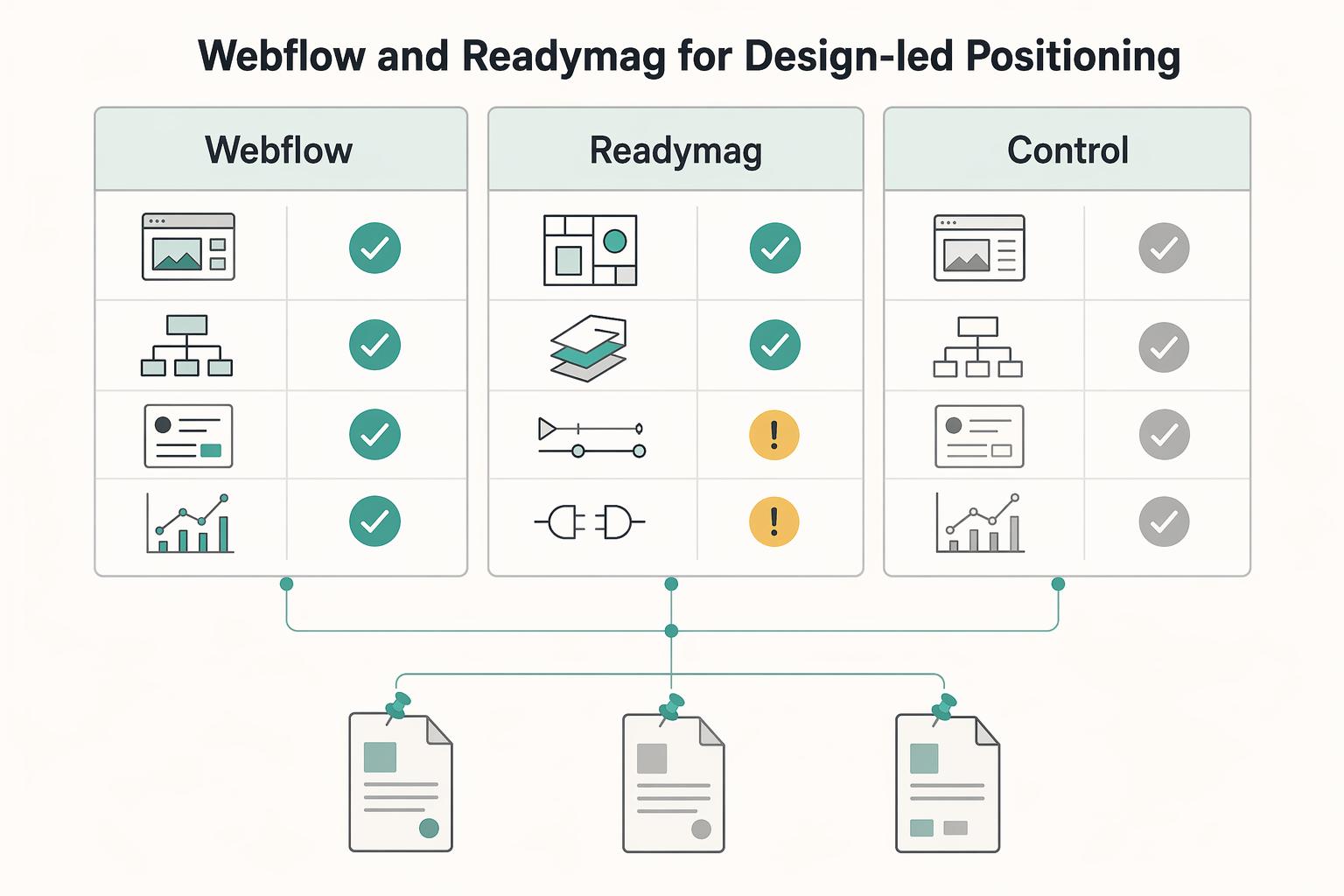
Webflow and Readymag for Design-Led Positioning#
For design-led positioning, test Webflow and Readymag against your client path, not only visual preference.
| Item | When to test | Why include it |
|---|---|---|
| Webflow | when you want one site to present work and guide prospects to services and inquiry pages | It appears in a UX portfolio roundup labeled updated for 2026 and in a freelancer website-builder comparison published on Feb 10, 2026. |
| Readymag | when narrative presentation is central to how you showcase projects | It is listed alongside Webflow in a Dec 31, 2025 roundup of top free portfolio builders. |
| Carrd and Squarespace as your control group | build the same two sample pages in Carrd or Squarespace and compare outcomes against Webflow or Readymag | This keeps the decision tied to clarity and client response instead of tool complexity. |
- Webflow
Consider testing Webflow when you want one site to present work and guide prospects to services and inquiry pages. It appears in a UX portfolio roundup labeled updated for 2026 and in a freelancer website-builder comparison published on Feb 10, 2026.
- Readymag
Consider testing Readymag when narrative presentation is central to how you showcase projects. It is listed alongside Webflow in a Dec 31, 2025 roundup of top free portfolio builders.
- Carrd and Squarespace as your control group
Build the same two sample pages in Carrd or Squarespace and compare outcomes against Webflow or Readymag. This keeps the decision tied to clarity and client response instead of tool complexity.
One freelancer-focused comparison states that 74% of clients review portfolios before contacting a freelancer. Use that as a pressure test: if visitors cannot quickly find your offer, scope, and next step, design is not supporting trust yet.
Run a short checkpoint before a full migration:
- Ask a few peers to find your service offer and inquiry path quickly.
- Require each test page to include one proof element: outcome, deliverable, or before/after context.
- Keep one client-ready evidence file with project summaries, engagement scope, and timeline ranges so site copy stays specific.
Red flag: a polished case-study flow that never states who you help, what you deliver, or how to start. Keep Behance for discovery if useful, but route serious prospects to the version with the clearest buying path. For a broader benchmark, compare your shortlist with The Best Website Builders for Freelancers.
A common risk is that aesthetics improve while buying clarity declines. Protect against that by testing with real tasks. Ask reviewers to identify service scope, project proof, and contact route quickly. If any step causes hesitation, simplify wording and page order before adding visual complexity.
Keep a short decision note after each test cycle. Record what changed, what improved, and what still blocks a clean inquiry path. This note turns subjective design debate into concrete iteration and helps you avoid redoing the same edits.
Choose by Business Stage and Risk Tolerance#
Choose by risk tolerance and test results, not by a fixed stage-to-platform rule.
Stage mapping should be treated as a hypothesis to test rather than settled guidance. Run your own checklist-based tests to confirm which platform best fits your current business stage before committing.
Use stage ideas as test tracks, not conclusions:
- Early-stage options (speed) as a launch experiment.
- Growth-stage options (structure) as an operations experiment.
- Scale-stage options (control) as a change-management experiment.
A practical way to use these tracks is to define one goal per stage and one risk to monitor. For an early launch, the goal might be fast publishing and the risk might be unclear contact flow. For growth, the goal might be stronger service clarity and the risk might be update fatigue. For scale, the goal might be consistent operations and the risk might be process drag.
If Google or marketplace discovery drives lead flow, run your own checklist-based tests rather than assuming one platform path is better.
Red flag: choosing for template aesthetics before documenting operating requirements and test criteria.
Launch Checklist Before You Send Your Portfolio Link#
Before you send your portfolio link, use a real launch checklist as a release gate, not a quick final glance.
Treat launch as phased work before, during, and after publish so key details are not missed. One widely used launch structure spans 50 tasks. You do not need to copy every item, but you do need a repeatable sequence.
- Lock your message before tool-level edits
Define what you do, who it is for, and the outcome you help create, then align core pages to that promise.
- Lead with proof that builds credibility
Use clear project writeups that show what you worked on and what changed, not generic captions. A strong portfolio helps establish credibility and expertise.
- Keep your own website as the primary destination
Use your site as the source of truth, then route discovery traffic back to it. If you publish elsewhere, keep one clear contact path on your main site.
- Run technical checks before sharing
Do a final pass on essentials like site speed and core user flow so prospects can review and contact you without friction.
The checklist is easier to run when you keep a consistent sequence: message clarity, then proof, then routing, then technical checks. If you invert that order, you may spend time polishing pages before core information is ready.
Build a small working pack before launch and keep it close to your editor. Include project summaries and contact details, plus any notes you want reflected in project writeups. This can keep your copy specific and reduce last-minute rewrites.
Use a short pre-send review every time you share your link:
- Confirm your headline matches your strongest proof project.
- Confirm each featured project states role, deliverable, and outcome.
- Confirm your contact route works on mobile and desktop.
- Confirm your main site remains the destination for serious inquiries.
One avoidable risk is sending the link after visual polish but before contact testing. It can look finished while still creating friction for inquiries. Treat contact testing as a release condition, not an optional cleanup task.
After launch, keep a simple revision rhythm tied to recurring questions from prospects. If people ask for the same missing detail, add it to the page directly. This helps keep the site useful instead of drifting toward purely decorative updates.
Related: How to Write a Press Release for Your Freelance Business.
Pick the Tool You Can Trust in 12 Months#
After the FAQ, the final decision is straightforward: choose the option that matches how you sell and deliver work today, then verify it still holds up under client pressure over the next year.
In practice, trust comes from three things: smooth deal flow, records you can retrieve quickly, and upkeep you can sustain. Use the same shortlist test across each candidate so the decision reflects fit, not visual preference.
Four checks before you commit#
- Stage-fit check: publish the same proof-of-work project in each option with the same headline, project story, and contact action.
Pick the one you can update fastest after real prospect feedback.
- Discovery-to-deal check: test whether a lead can select a package, sign a contract, and pay a first deposit in one mobile-friendly session.
Fewer handoffs between discovery and agreement can reduce drop-off at a known failure point.
- Take-home check: compare what you keep after fees, commissions, and subscriptions using your expected payment pattern.
Fast setup helps, but free entry can still include variable charges.
- Continuity check: confirm you can retrieve emails, files, contracts, and payment records quickly in one workspace.
When issues arise, retrieval speed is safer than scattered records.
Treat founder-authored platform advice as directional input, not final proof. Use it to shape a shortlist, then trust your own checkpoint results.
Set an upgrade trigger before launch based on repeated handoff friction or deal loss, so you switch deliberately instead of waiting for avoidable stress.
To make this decision durable, keep a short decision record with your pass/fail notes, unresolved risks, and planned next review. This creates continuity when priorities change and helps you defend the decision with evidence instead of memory.
The practical next step is simple. Run one final shortlist pass with identical test materials, choose the highest-confidence option, and publish. Keep your test materials and records organized from day one. That balance gives you momentum now while making future reviews easier.
Frequently Asked Questions
What is the best freelance portfolio tool for beginners?
Do not assume there is a single objectively best option. Start with a tool that has clear getting-started guidance, then publish one complete proof-of-work project before polishing design. If you cannot ship a usable page quickly, choose a simpler option. A useful beginner rule is to judge tools by completion speed, not feature depth. Getting a first live version out quickly helps you spot real friction earlier.
Should I use a portfolio platform or build a full website?
Choose the format you can maintain consistently while keeping your message clear. A platform may help you publish quickly, and a full site may give you more control over structure and presentation. In either case, make sure prospects can see your proof of work and contact you without friction. If your current demand is simple, start simple and document what breaks. If your demand is broader, prioritize a setup you can update regularly without constant rework.
What should be on a freelance portfolio website before I send it to clients?
Include clear proof of work first. The portfolio should also be easy to navigate on mobile so clients can review your work quickly. Before sharing, confirm your contact path works end to end. Add one strong project summary that states your role and result in plain language. When in doubt, clarity beats volume.
Which no-code tools are best if I need to launch quickly?
The best no-code choice is the one that helps you publish a credible first version fast. Prioritize completion, then improve structure and visuals after launch. If a tool slows your first publish, reduce scope and ship a smaller version. Use the same test project in each candidate before deciding. A fair comparison reveals friction quickly and helps you avoid choosing on style alone.
How do I choose between `Behance`, `Carrd`, `Wix`, `Squarespace`, and `Carbonmade`?
Use the same sample project and the same contact path in each option, then pick the one you can update most reliably. If two options seem equal, choose the one that felt simpler and faster to update during your test project.
When should I move from a simple portfolio tool to `WordPress` or `Webflow`?
Keep your focus on publishing clear proof of work and maintaining regular updates. If you are considering a move, document your needs first and validate whether your current setup can still meet them before deciding.
Try a related tool
Researched and edited by the Gruv editorial team. Gruv builds cross-border billing, payouts, and finance-operations software for global businesses.
Sources
Includes 4 external sources outside the trusted-domain allowlist.
- grants-neubauercollegium.uchicago.edu/data/virtual-library/fetch.php/Freelancing%2...trusted
- peopleofprint.com/best-of/8-website-portfolio-tools-for-freela...external
- twine.net/blog/30-freelancer-tools-for-success-and-gro...external
- upwork.com/resources/freelancers-toolkit-tools-everyone...external
- wix.com/blog/website-launch-checklistexternal
Educational content only. Not legal, tax, or financial advice.
Related Posts

Georgia 1% Tax for Entrepreneurs Without Filing Surprises
Treat Georgia's 1% tax path as a compliance question first and a rate discussion second. The goal is a setup you can defend under review, not a shortcut that fails at filing time.
The Best Website Builders for Freelancers
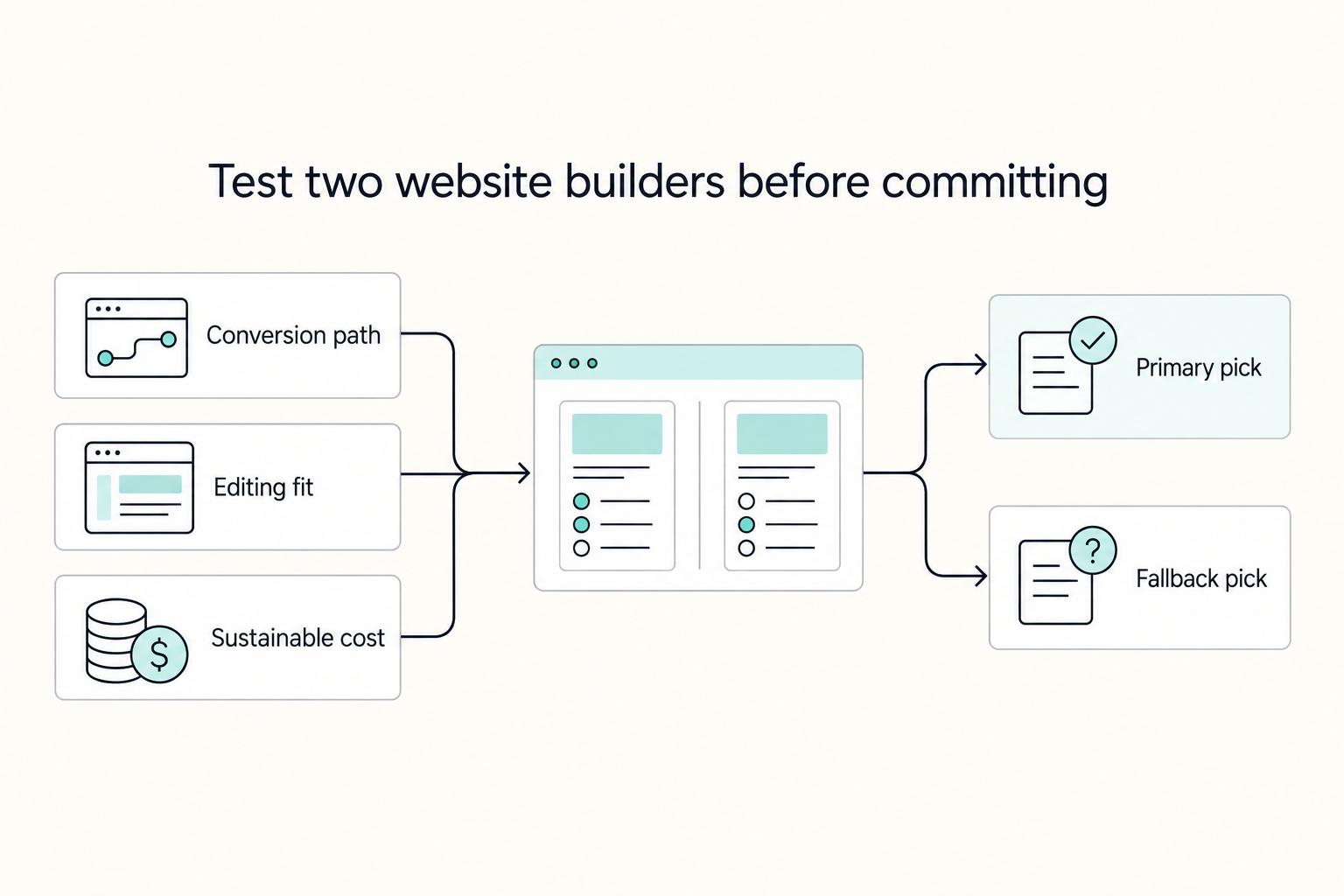
If you are trying to choose the **best website builder for freelancers**, stop looking for a universal winner. The right pick is the one that fits your conversion path, your editing habits during busy client weeks, and a budget you can actually sustain.
How to Write a Press Release for Your Freelance Business
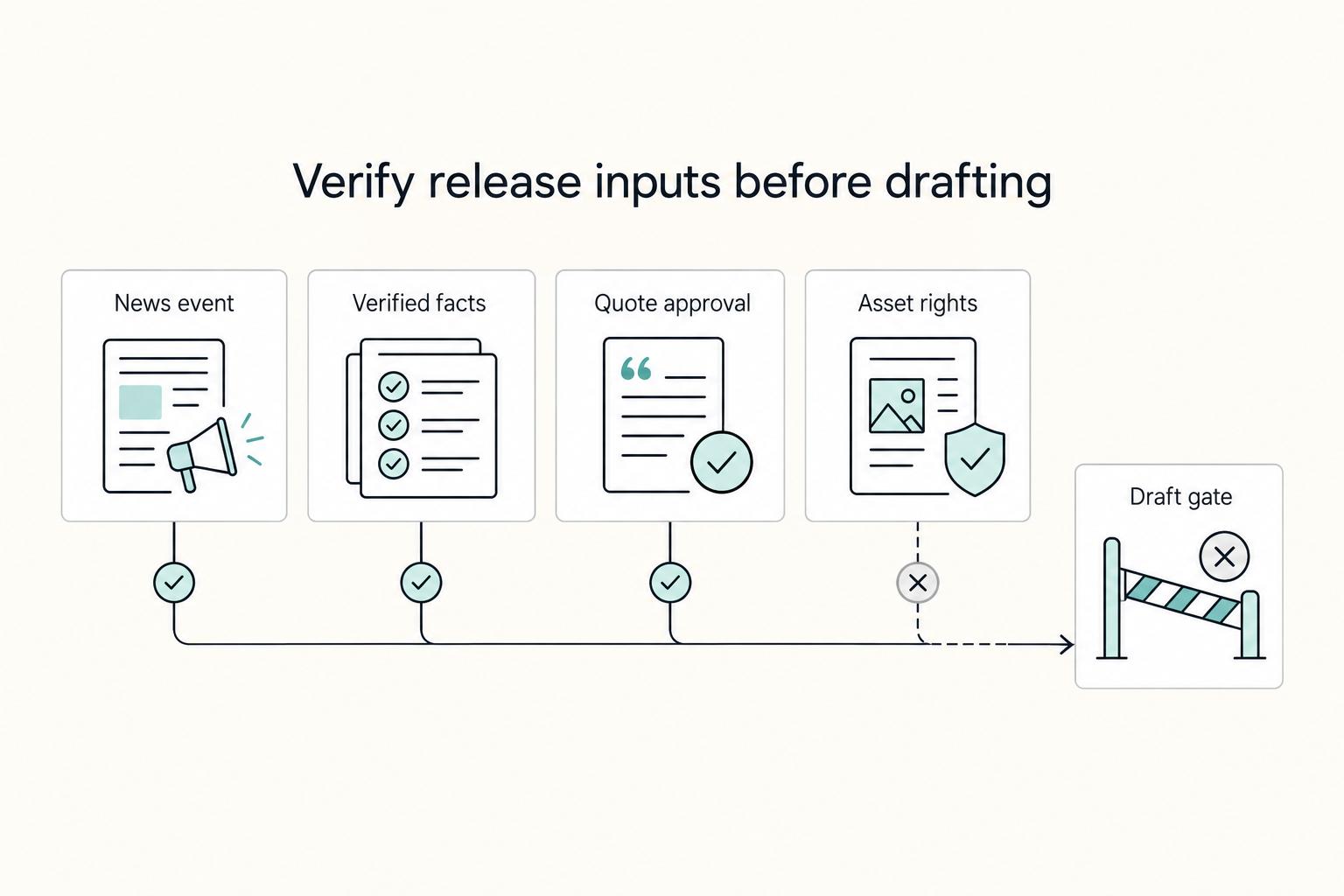
You can write this yourself, and that is often the right first move before you decide whether outside help is needed for complexity or messaging risk. If you want a press release your business can publish without role confusion or inflated claims, make the key decisions before drafting. A press release is a document you send to media contacts to share a news item.