

Quick Answer
Pick two finalists, then run both through one live client cycle before choosing. For best personal finance apps freelancers are considering, keep only the option that passes five checks in practice: sync status, invoice timestamp, payment-status visibility, export quality, and security basics like MFA. Use a primary hub plus a support tool when needed, and keep record exports so a change like Mint’s January 1st, 2024 shutdown does not break continuity.
What Freelancers Need From a Finance App#
If you are choosing among the best personal finance apps freelancers can use, start with payment risk, not popularity. The goal is simple: keep cash flow visible enough to act early when income slows or bills stay fixed.
Freelancers with irregular income deal with uneven revenue while expenses still arrive on schedule. When spending outruns incoming cash, savings drop and debt pressure grows. That is why the focus here is on tools that support clear weekly decisions, not just attractive dashboards.
The scope is narrow on purpose. This is for people who invoice clients, track payment status, and handle delays and fee pressure. It is not aimed at teams that need advanced accounting, ERP, or full tax and payroll in one tool.
By the end, you should be ready to choose a primary app and supporting tools, then use the same checklist with each new client:
- A primary hub for income and spending visibility.
- Support for invoicing and payment-status follow-up.
- Bill reminders and due-date tracking.
- Automation and account connections that reduce manual cleanup.
Keep one guardrail in place from day one: do not rely on a single platform without an export and records plan. Product changes happen, and the Mint shutdown is a reminder that continuity is part of cash protection.
How to Choose the Right App for Your Freelance Cashflow#
Choose based on friction in your cash decisions, not brand visibility. The right app should help you handle irregular income, taxes, and business expenses inside one weekly routine.
Start with a fit filter before you compare features. Gig workers and independent contractors often have less predictable income and more cash streams to track. One cited survey context puts primary-income reliance at 21 percent in 2021 and 61 percent in 2023. That helps explain why day-to-day visibility can matter more than feature breadth.
- Solo freelancer: You invoice clients directly and handle admin yourself. Prioritize irregular-income handling so each deposit gets a clear job when it lands.
- Creator business: You manage multiple revenue streams and recurring software costs. Prioritize account sync so tracking does not collapse into spreadsheet cleanup.
- Small service team: More than one person touches billing or expenses. Prioritize invoicing plus receipt capture in one shared process.
- Needs beyond this guide: If you need deeper accounting controls or payroll services, use this list as a shortlist and validate against broader finance requirements.
Use broad app roundups to discover options, then apply your own freelancer scorecard during live weekly activity. Keep the same sample invoices and expense categories across candidates so you are comparing tool behavior, not differences in test setup.
| Scorecard criterion | Priority | What to verify in a short live test |
|---|---|---|
| Invoicing fit | High | You can create, send, and track invoices without duplicate manual entry. |
| Payment visibility | High | You can quickly see invoice status in one view. |
| Automatic tracking | Medium | Bank-account sync reduces constant manual transaction upkeep. |
| Reporting depth | Medium | You can pull a high-level cash summary fast enough to guide next-week spending. |
| Irregular-income handling | High | You can allocate uneven deposits when they arrive, including a tax reserve category. |
| Month-end clarity | High | You can review a clean month-end summary without spreadsheet rework. |
Decision rule: if client payment risk is your biggest pain, prioritize payment visibility over extra budgeting features. Track four checks during testing: invoice timestamp, reminder status, payment-status check, and month-end summary note. If those checks break under real use, keep testing.
Related: A Guide to Creating a Freelance 'Press' or 'Featured In' Page.
Quick Comparison Table for Fast Shortlisting#
Use this table to pick two finalists quickly, then test both with live weekly data before committing.
Broad lists help with discovery, but they do not prove fit for freelancer cashflow. With variable income, shortlisting works better when you test connection reliability, export friction, cash visibility, and security controls alongside feature depth.
| App | Best for | Strongest cashflow benefit | Key limitation | Ideal companion app |
|---|---|---|---|---|
Quicken Simplifi | Budgeting candidate to evaluate | Depends on live testing with your own transactions | Strengths are not validated here; test sync, export, and security early | Tax/compliance tooling if your business needs grow |
YNAB | Budgeting candidate to evaluate | Depends on whether the budgeting method fits your habits | Method fit is personal and should be tested in live use | An invoicing tracker if client billing is part of your workflow |
FreeAgent | Tax and compliance-oriented freelancer processes | Depends on how well it supports your receipts and invoicing routine | If you only need personal budgeting, compare it with lighter budgeting tools | A budgeting app for daily allocation |
Harvest | Candidate to evaluate in your shortlist | Depends on live testing with your own transactions | App-specific capability claims are not validated here; verify in live testing | A budgeting app with reliable account connectivity |
Rocket Money | Candidate to evaluate in your shortlist | Depends on live testing with your own transactions | App-specific capability claims are not validated here; confirm with live data | An invoicing-focused tool for client follow-up |
MoneyWiz 2026 | Candidate to evaluate in your shortlist | Depends on live testing with your own transactions | App-specific capability claims are not validated here; test before committing | An accounting or invoicing app with receipt capture |
If you are moving from Mint or Personal Capital, use them as orientation points, not one-to-one replacements. Monarch can be a useful benchmark candidate as long as it runs through the same checks.
Use this shortlist cadence as a test routine, not a guarantee:
- Pick 2 finalists from the table.
- Run a live test with actual invoices and expenses.
- Keep one stack only if it passes your checks consistently.
During testing, log five checks: sync status, invoice timestamp, payment-status check, export check, and a security check covering encryption, MFA, and aggregator trust. If missed receipts or late invoices keep appearing, treat that as a red flag.
Quicken Simplifi for All-in-One Personal Visibility#
Quicken Simplifi can work as a personal visibility hub when you want one place to review cash flow, spending, and planning. It is framed around connected account visibility, cash-flow projection, and customizable reporting that can support a weekly money review.
Compare it against nearby alternatives instead of forcing a winner claim. This section does not support a full feature-by-feature verdict against Monarch. Mint serves as a reference point, with one forum user noting they discovered the shutdown on January 1st, 2024.
Pros
- Clear personal visibility across cash flow, spending, and planning.
- Reporting and projections can be enough for weekly personal cash decisions.
- Promotional Personal Simplifi pricing is shown at
$2.99/monthbilled annually.
Cons
- Depth may fall short when invoicing and collections are the main bottleneck.
- Invoicing is marketed under Quicken's separate Business and Personal tier, not Simplifi Personal.
- If payment follow-up slips, personal reporting alone may not be enough.
Use one weekly checkpoint before you accept new project scope: confirm incoming client payments, review fixed costs, and confirm remaining buffer runway from projected cash flow.
Decision checkpoint: keep Quicken Simplifi as your hub if personal-finance clarity is the primary need. If collections start slipping, pair it with an invoicing-first tool or test Quicken's Business and Personal tier, shown at $3.99/month billed annually.
YNAB for Irregular Income Control and Budget Discipline#
YNAB can be a strong fit when income is uneven and you want strict allocate-before-spend discipline. Its zero-based budgeting method, often described as giving every dollar a job, is designed to surface tradeoffs earlier instead of leaving surprises for month-end.
That structure matters when bills stay fixed but client payments move around. Category-based planning often gives you a clearer next move than a visibility-only dashboard. Category balances can also be adjusted in real time as income changes.
Use this manual allocation flow whenever client money clears:
- Record the payment and assign dollars to priority categories first, such as tax reserve, operating spend, owner pay, and emergency runway.
- Fund near-term non-negotiable bills due before the next expected deposit.
- Assign discretionary spending last so optional costs do not outrun current cash.
- Recheck categories after unplanned expenses and rebalance immediately.
A practical checkpoint is straightforward because trial start does not require a credit card. Test through a normal cycle and a high-pressure week, then verify after each deposit that all dollars are assigned and priority categories remain covered.
Keep the tradeoff clear: if strict category discipline helps reduce stress from volatility, YNAB may be a good match. If you prefer a different workflow, test EveryDollar or Lunch Money against the same weekly checks. Budgeting tools still do not replace advanced accounting, tax, or payroll tools.
Freeagent for Invoicing-Led Freelance Operations#
If unpaid invoices are your bigger risk, test Freeagent before adding another budgeting layer. Treat this as an evaluation guide, not a product verdict, because Freeagent-specific evidence is limited in the current draft.
| Check | Action | Verify |
|---|---|---|
| Estimate flow | If estimates are available, create one | It can move cleanly into an invoice |
| Expense link | Add one expense | It can be linked to the same client context as the invoice |
| Invoice workflow | Send the invoice, set a due date, and schedule one follow-up | A due date and one follow-up are set before closing the task |
| Receivables view | Open receivables if available | Overdue invoices are easy to spot |
| Plan details | Open plan details | Limits that affect invoice volume or teammate access |
Freeagent pricing, trial terms, and full feature depth are not confirmed. One broad roundup includes freelancer details for Xero, not Freeagent, with a listed starting price of $13.00/mo. and a 30 day trial. Use that only as a process reminder to open plan details before committing.
Use a structured comparator, and treat broad freelancer tool roundups as directional input until your own testing is complete.
Run this checklist during one live client cycle:
- If estimates are available, create one and confirm whether it can move cleanly into an invoice.
- Add one expense and check whether it can be linked to the same client context as the invoice.
- Send the invoice, set a due date, and schedule one follow-up before closing the task.
- Open receivables, if available, and verify overdue invoices are easy to spot.
- Open plan details and note limits that affect invoice volume or teammate access.
If that flow holds, keep Freeagent in consideration for invoicing-led operations. If it breaks, run the same checklist in another candidate tool and compare the results step by step.
Harvest for Billable Time and Client Profitability#
Use Harvest when your main risk is late or missing time logs. It is built for time discipline and billable visibility. Treat it as a time-and-billing tool, not a full personal finance hub.
| Step | Action | Check |
|---|---|---|
| Time logging | Log work with a live timer or end-of-day entry | Stay consistent |
| Entry type | Mark entries as billable or non-billable | Where non-billable time is growing |
| Invoice mapping | Generate the invoice from tracked time | Each line maps to dated entries |
| Hours mix | Check billable versus non-billable hours before sending | Client-level profitability pressure |
| Late invoice review | If an invoice goes out late, verify whether hours were logged late first | Fix that behavior before changing tools |
Billable hours are time spent on client project work, and missed entries can directly reduce what you invoice. Harvest ties time tracking to invoicing and reporting, which helps reduce duplicate admin and improve billing accuracy.
Run this one-week live test with one client:
- Log work with a live timer or end-of-day entry and stay consistent.
- Mark entries as billable or non-billable, then review where non-billable time is growing.
- Generate the invoice from tracked time and confirm each line maps to dated entries.
- Check billable versus non-billable hours before sending, then review client-level profitability pressure.
- If an invoice goes out late, verify whether hours were logged late first, then fix that behavior before changing tools.
The main failure mode is habit drift. Logging drops, then invoice quality and reporting quality drop with it. Detailed time logs can support billing disputes as evidence of work timing, but they do not guarantee a legal outcome.
Rocket Money for Subscription and Spending Leak Control#
Use Rocket Money as a recurring-cost control layer, not a complete money-recovery tool. It fits best when software and service subscriptions quietly erode margin.
Recurring charges are designed to be frictionless, and inertia can keep billing running after signup. The impact adds up quickly. Five unused subscriptions at $15 per month equals $900 per year. Subscription-management tools are most useful when they close the gap between expected spend and actual outflow.
- Link accounts and confirm automatic detection captured recurring charges from your latest statement period.
- Mark each recurring charge as keep, cancel, or review, and begin cancellations.
- Clean category labels so recurring tools are grouped consistently, not buried in misc categories.
- Annualize retained subscriptions by multiplying the monthly total by 12 and compare that figure with your planned software budget.
- Before finalizing linked data access, check encryption standards, bank-aggregator reputation, and privacy-policy clarity.
Set expectations clearly. One source in the draft describes quick wins but notes limits on deeper recovery actions. The same material says it does not handle refund recovery for late deliveries, product-recall matching, or class-action filing. Use it to reduce forward leakage, then handle recovery and dispute work through separate channels.
MoneyWiz 2026 for Multi-Account Tracking Across Devices#
Treat MoneyWiz 2026 as a candidate to validate, not a default selection. A listing labeled MoneyWiz includes two concrete checkpoints, Alternatives to MoneyWiz and Write a Review, but feature details should be confirmed directly with the app.
The same page includes adjacent text about other products, including a Monarch Money line and a promotional claim about 80+ countries and 35+ cities. Do not treat nearby ad text or alternatives text as product evidence.
Weekly reconciliation pass#
Run the same reconciliation process across all candidates with the same account set and invoice log.
- In your ledger, mark expected client payments as
arrived,pending, orfollow-up needed. - In each app, try to map those same statuses without changing your structure mid-test.
- Log friction in plain terms, such as unclear labels, extra steps, or missing context.
- Save a short weekly note so the final decision comes from repeatable checks, not a single impression.
Before you make a final call, remove unrelated evidence notes that do not speak to app behavior.
Build a Two-App or Three-App Stack Based on Your Stage#
Choose your stack by job separation first. Start with two tools by default and add a third only when your records show repeated admin drag.
| Stage | Start with | Add a third app only if |
|---|---|---|
| Solo | One tool for time tracking, for example Toggl Track, plus one tool for invoicing and accounting, for example Wave | You keep losing core work time to admin even with a clear two-tool setup |
| Growing freelancer | One central invoicing and accounting process, and avoid splitting billing records across tools | Planning or follow-up keeps slipping because the two-tool setup is no longer clear enough |
| Small team | One shared billing process, then keep owner-level planning separate from day-to-day billing | The team may need a separate planning view that does not interfere with billing execution |
For Quicken Simplifi, YNAB, Harvest, Freeagent, Monarch, and Lunch Money, this section does not verify stage fit or full feature depth. Treat them as shortlist placeholders and validate with live trial data.
Keep one practical constraint in view. Wave's free accounting can include useful basics like unlimited invoicing and tax-ready expense categorization, while payroll and payment processing may still cost extra. If you add a net-worth tracker such as Help Personal Dashboard, account for advisor outreach as a tradeoff. One month-long tester reported about ~$400/year in identified hidden fees, but that outcome is anecdotal and not guaranteed.
Client Onboarding Checklist That Protects Cashflow#
Protect cashflow at onboarding by aligning invoice setup and follow-up controls before work scales.
| Checklist item | What to lock in | Why it helps |
|---|---|---|
| Payment terms and invoice setup alignment | Confirm billing details relevant to the engagement (such as scope, rate, due-date rules, currency, and payment method) and map them into your invoicing workflow | Invoicing tools work best when they match your business model, and clear setup reduces avoidable rework |
| Lightweight client record | Keep one client file with key billing details, key contacts, and agreed billing rules | A single record reduces confusion when invoices are drafted, reviewed, and sent |
| Payment execution and tracking | Enable online payment from invoices when available, and monitor paid versus unpaid status on a fixed cadence | Visibility into paid and unpaid invoices supports faster follow-up |
| Recurring and retainer controls | Use recurring schedules when the engagement fits, and set retainer depletion alerts where available | Automation reduces manual handling and helps prevent billing gaps |
Use repeatable verification checkpoints for each new client:
- Invoice sent confirmation: record invoice ID, send date, and currency.
- Payment status check: review paid versus unpaid status at your chosen cadence and log blockers.
- Follow-up log: record who followed up, when, and through which channel (in-app or manual).
- Month-end records: save the reconciliation export when available, or keep a manual month-end snapshot.
For risk control, flag overdue patterns early and document each follow-up step. Do not prioritize convenience during setup. Keep security and data governance in scope alongside features when choosing and operating finance tools.
Use a repeatable invoice template so every new client starts with clear terms and fewer payment delays: Generate a freelance invoice.
Red Flags That Make an App Look Good but Perform Badly in Practice#
Treat rankings as discovery tools, not final decisions on payment reliability. If cash flow depends on timely client payments, your process has to prove itself in live use.
| Red flag | Warning | Response |
|---|---|---|
| Broad roundup with no freelancer payment gate | A broad best-apps list can narrow options, but it is not enough by itself | Check whether your process covers payment expectations and follow-up, not just feature breadth |
| Anecdotes treated as proof | Community threads and personal posts can raise useful questions, but they are not decision-grade evidence | Use them to form a hypothesis, then validate against your own client operations |
| No clear path when follow-up gets messy | A setup can look polished and still break down when communication slows | Set payment expectations early, keep deliverables clear, and document out-of-scope billing terms |
| Stale guidance or no operational validation | Some guidance is date-limited, so freshness matters | Recheck timestamped sources before acting, then track invoice sends, payment timing, and follow-up timestamps in live work |
- Broad roundup with no freelancer payment gate
Use broad lists to narrow the field, then test whether your own process still holds once invoices, reminders, and follow-up enter the picture.
- Anecdotes treated as proof
Community threads and personal posts can surface useful failure modes, but they are not decision-grade evidence. Use them to form a hypothesis, then validate it against your own client operations.
- No clear path when follow-up gets messy
An app can look polished and still break down when communication slows. Your process should keep holding when payment expectations are set early, deliverables are clear, and out-of-scope billing terms are documented.
- Stale guidance or no operational validation
Freshness matters. If a source is timestamped, such as Dec. 7, 2025, recheck it before acting, then track invoice sends, payment timing, and follow-up timestamps in live work.
One decision rule remains reliable: if a tool adds friction to follow-up or weakens your payment process, reject it even if the feature list looks strong.
Conclusion#
The final choice is not the app with the longest feature list. It is the setup you can maintain consistently while keeping payment timing and cash position clear during real client cycles.
Rankings are still useful for shortlisting, but read how they are built before you trust the order. NerdWallet says it evaluates picks using features, user reviews, and usability, and also discloses that partner compensation can affect what is highlighted and placement. Forbes Advisor also discloses partner-link commissions and states those commissions do not affect editorial evaluations.
Use scope and freshness as your filter. Match each roundup to your use case, then verify how current it is, for example a list marked Audited & Verified: Mar 8, 2026, 10:34pm.
When two options are close, pick the one you will keep updated during busy weeks. YNAB syncs bank accounts, auto-imports transactions, and produces reports, while also requiring ongoing maintenance. It offers a 34-day trial and supports up to six people on one account.
Write down why the winner passed and where it still creates friction so your next review starts from evidence instead of memory.
Take one concrete next step now. Shortlist two options, run the same evaluation workflow in both, and keep the one you can maintain consistently in practice. If card acceptance is part of that decision, pair this with Should Your Freelance Business Accept Credit Cards?.
If your stack is working but cross-border payments still create friction, compare a freelancer-ready setup focused on status tracking and payouts. Explore Gruv for freelancers.
Frequently Asked Questions
What is the best personal finance app for freelancers with irregular income, and when does `YNAB` beat `Quicken Simplifi`?
Do not assume there is a single winner or a direct YNAB versus Quicken Simplifi verdict. Freelancer income is often less predictable and spread across multiple cash streams, so fit should prioritize income variability. Choose the option that helps you plan around irregular income, track incoming invoice payment dates, and keep a consistent weekly review habit.
Do freelancers need both a budgeting app and an invoicing app, or can one tool like `Freeagent` cover enough?
For many freelancers, budgeting alone is not enough when payment timing is the main risk. You need spending control plus clear visibility into incoming invoices and payment dates. Treat whether Freeagent alone covers both well as unconfirmed, so a two-tool setup is reasonable when one tool cannot do both clearly.
Which features matter most if your top goal is getting paid on time instead of tracking every category?
Prioritize invoice-timing visibility, cash-flow forecasting, and clean separation of business and personal expenses. Category detail is secondary if expected inflows and payment timing remain unclear. Also watch manual tagging load, since heavy upkeep can reduce consistency.
How should I compare app tradeoffs between simplicity, reporting depth, and total cost of ownership?
Match each roundup to your use case first, because budgeting roundups and gig-worker finance roundups are not interchangeable. Then check freshness before deciding. One major budgeting list is marked audited on Mar 8, 2026, while another guide is dated October 21, 2025. For cost, compare only the features you actually use, because full cross-tool pricing comparisons are not provided here.
What is the minimum weekly finance routine to avoid missed invoices and surprise shortfalls?
No routine guarantees perfect outcomes, but a lightweight weekly checkpoint is still a practical baseline. Keep it simple: connect accounts, set categories, and review weekly. In that review, confirm invoice status, expected payment dates, and whether spending still fits expected inflow to reduce inconsistent tracking risk.
Which warning signs show an app is helping with spending but not actually reducing payment risk?
Treat it as a warning sign when spending views look clean but invoice timing and expected inflow stay unclear. Another warning sign is repeated manual recategorization that crowds out weekly review and invoice checks. If spending tracking improves but payment visibility stays weak, keep that tool for budgeting and use a stronger invoicing process for payment operations.
Try a related tool
Researched and edited by the Gruv editorial team. Gruv builds cross-border billing, payouts, and finance-operations software for global businesses.
Sources
Includes 4 external sources outside the trusted-domain allowlist.
- ssa.gov/history/pdf/Downey%20PDFs/Personal%20Respons...trusted
- cashflowcalendar.app/blog/top-7-budgeting-apps-for-freelancersexternal
- cpaforfreelancers.com/keep-your-freelance-finances-on-track-with-t...external
- devopsschool.com/blog/top-10-personal-finance-budgeting-apps-...external
- scmgalaxy.com/tutorials/top-10-personal-finance-budgeting-...external
Educational content only. Not legal, tax, or financial advice.
Related Posts
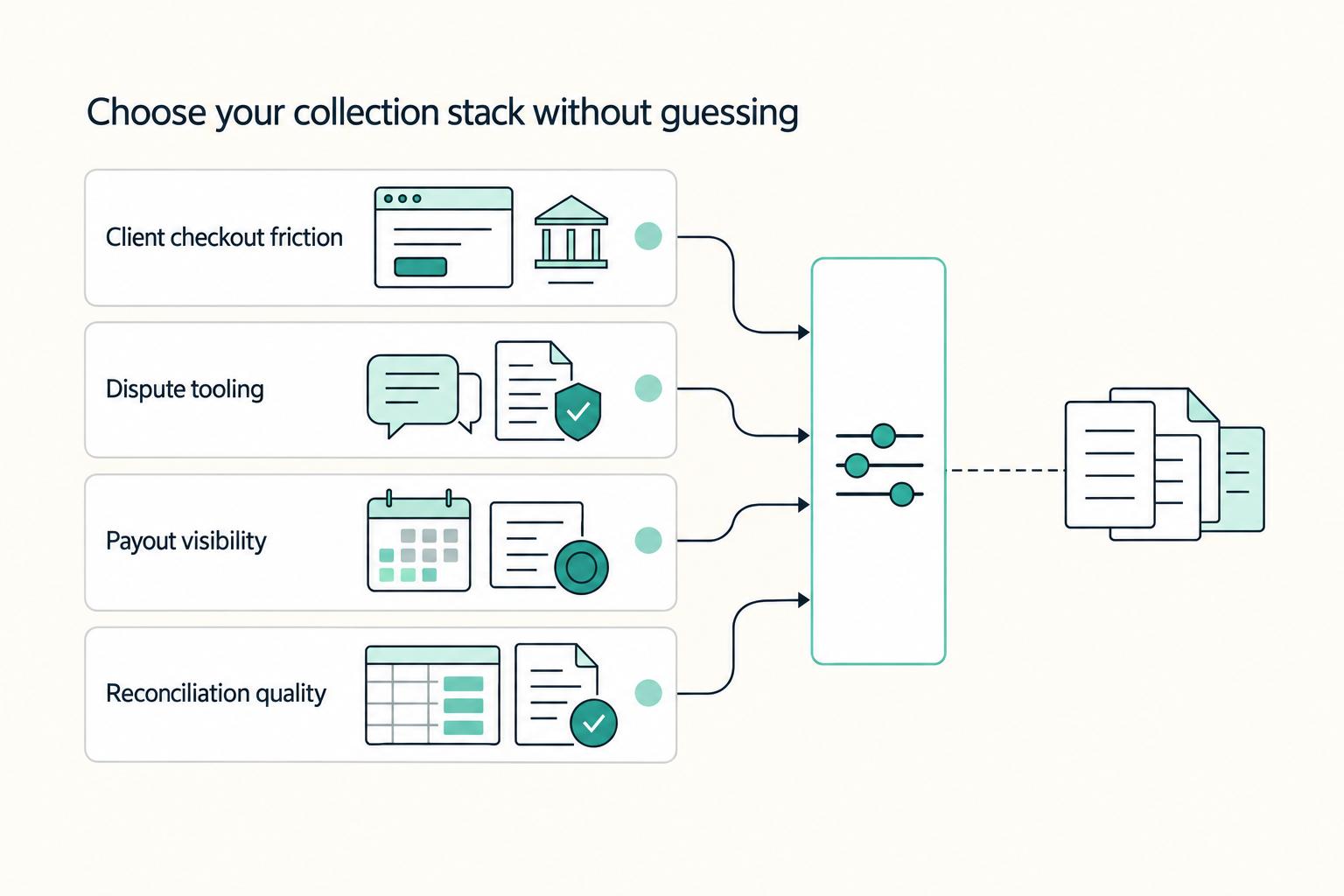
Should Your Freelance Business Accept Credit Cards?
Offer card payments, but stay in control of how money reaches you. The goal is not a smoother checkout screen. It is predictable cash you can use to run the business.
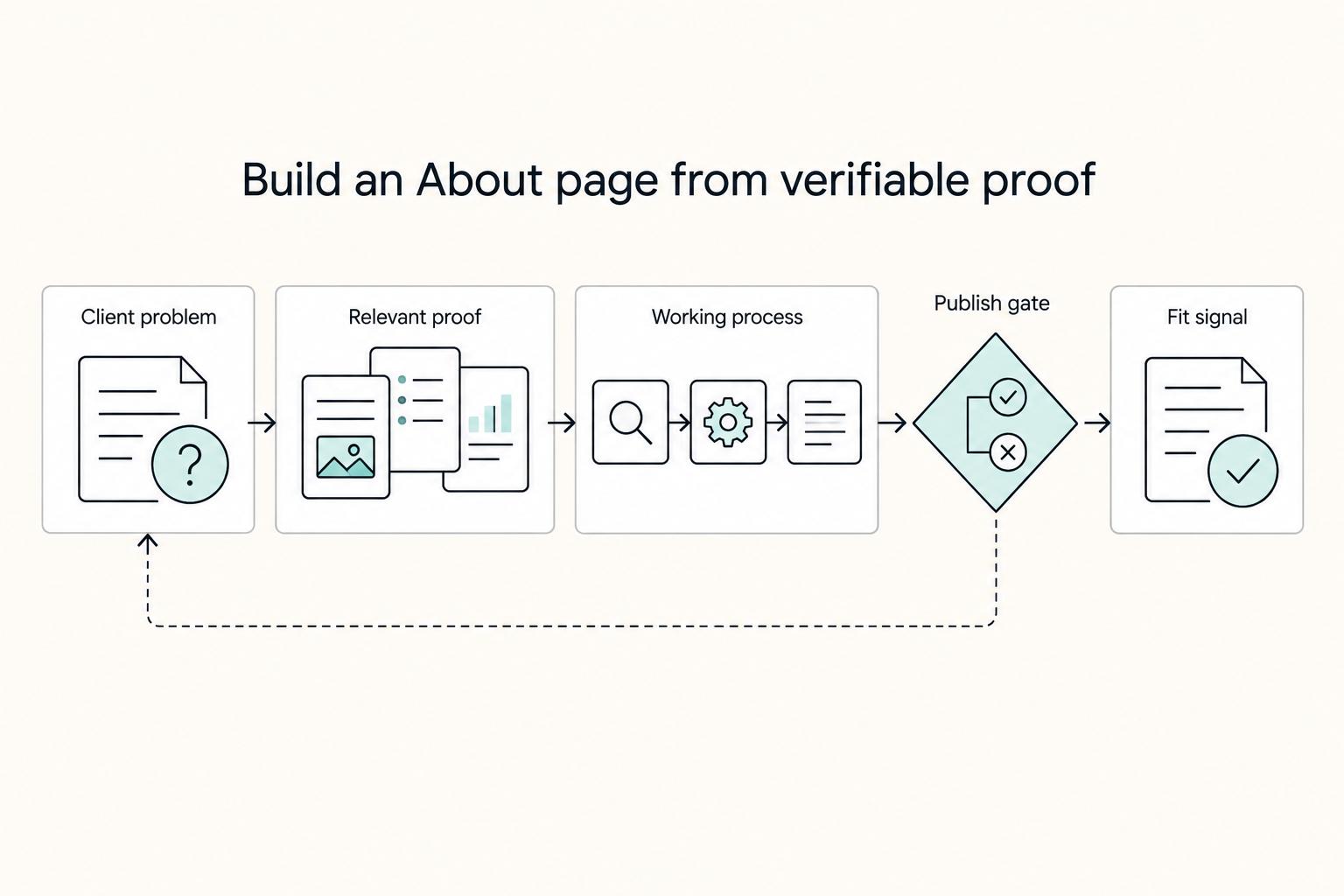
How to Write a Compelling 'About Me' Page for Your Freelance Website
Your About page shapes who reaches out, what they expect, and how awkward that first call feels. If it attracts the wrong people, you can spend billable time on generic inquiries that were never a fit.

Build a Freelance Press Page Clients Can Verify
Your freelance press page should do two jobs at once: help prospects assess your credibility quickly, and keep weak, inflated, or poorly sourced claims off your site. Treat it as a short evidence archive on your website, not a brag wall.