

Quick Answer
Choose the option that keeps follow-ups visible, reminders dependable, and invoice handoffs clean in live use. The best crm for freelancers is not the flashiest demo; it is the system you can trust from inquiry to paid status with minimal cleanup. Use a repeatable trial with one new lead, one active proposal, and one closed job, then confirm the same record stays accurate through stage changes, reminders, and export checks before committing long term.
How to pick a freelance CRM on operations fit, not feature count#
If your client work is solid but your admin lives across email, notes, calendar alerts, and a spreadsheet, your CRM choice will succeed or fail on operations, not features. That is why so much advice on the best crm for freelancers misses the real issue. The main risk is not choosing a tool with too few buttons. It is choosing one that looks polished in a demo but still lets follow-ups slip when work gets busy.
| Lens | What to check | Failure sign |
|---|---|---|
| Ownership clarity | Open 1 real inquiry and confirm the current stage, last interaction, next action, and who owns that action | You have to piece the next step together from inbox search and memory |
| Reminder reliability | Attach a reminder to a contact, move the deal forward, and verify the reminder still surfaces where you will actually see it | The reminder exists somewhere in the tool but not in the place you check during a normal workday |
| Export and evidence trust | Export trial records and confirm contact details, notes, dates, and status fields come out clean enough to audit or move later | The tool makes the record view, sample export, or one completed follow-up trail hard to keep |
For a solo business, CRM is not an abstract software category. It is the operating chain from inquiry to pipeline to follow-up. In plain terms, it is where you manage client interactions across that cycle and keep enough context in one record to act quickly. When records and actions are split across tools, follow-ups fall through the cracks, details get mixed up, and opportunities slip by.
Use one standard throughout this guide: choose for failure prevention first, convenience second. Solo operators do not have much room for admin error, and you do not need enterprise complexity built for a 500 person sales team. A useful CRM should reduce repair work, not create more of it. In practice, that means testing with live records instead of trusting the feature list.
- Ownership clarity
Open one real inquiry and check whether the record makes the next step obvious. You want to see the current stage, the last interaction, the next action, and who owns that action, whether that is you or the client. If you have to piece that together from inbox search and memory, your pipeline is already weaker than it looks.
- Reminder reliability
Follow-up reminders matter more than extra modules. In a trial, attach a reminder to a contact, move the deal forward, and verify that the reminder still surfaces where you will actually see it. Some tools tie reminders directly to contact records and even auto-prioritize them in a color-coded task list. That is the behavior to look for. A common failure mode is a reminder existing somewhere in the tool but not in the place you check during a normal workday.
- Export and evidence trust
Treat data portability and record quality as part of the buying decision. Before you commit, export your trial records and confirm the basics are usable. Contact details, notes, dates, and status fields should come out clean enough to audit or move later. Keep a small evidence pack while testing, such as screenshots of the record view, a sample export, and one completed follow-up trail. If the tool makes that hard, do not assume migration will be easier later.
This guide uses those three lenses: a quick comparison table, a scenario-based shortlist, and a practical setup checklist before you commit. If you want a deeper dive, read Value-Based Pricing: A Freelancer's Guide.
Who this shortlist is for and how we score each CRM#
This shortlist fits you if you run the full client cycle yourself: win the work, deliver it, send agreements, invoice, and follow up. It is a weaker fit if your decision depends on procurement workflows, layered permissions, or a long internal rollout. Company-size labels are secondary here. The main test is whether a tool reduces dropped follow-ups, admin drag, and messy records in normal use.
| Check | Live action | What to confirm |
|---|---|---|
| Pipeline visibility | Open all 3 records and confirm each shows current stage, last interaction, and next action on one screen | The next step is clear without multiple clicks |
| Reminder reliability | Set 1 follow-up reminder on each open record, move the deal forward, and verify where reminders appear in your daily view | Reminders remain visible after edits and do not disappear into low-visibility tabs |
| Contract to invoice continuity | Take 1 accepted proposal and run it through contract and invoice steps | Client details, scope, dates, and amounts carry forward cleanly |
| Handoff integrity | Send 1 closed deal across to a separate project or accounting tool and review the new record field by field | Owner, dates, and status survive the handoff without duplicates or blank fields |
| Export usability | Export the same 3 records and open the file immediately | Contact details, notes, dates, and status fields are usable for audit, cleanup, or migration |
Use shortlist pages for discovery, not proof. Many tools sound similar, and some pages are built to drive a trial signup. To compare fairly, run the same trial inputs in every CRM so you judge workflow behavior, not demo polish.
Use the same 3 records in each trial: 1 new inquiry, 1 active proposal, and 1 recently closed job. Score each option with these observable checks:
- Pipeline visibility
Open all 3 records and confirm each shows current stage, last interaction, and next action on one screen. If you need multiple clicks to find the next step, the pipeline is likely to stay fragile.
- Reminder reliability
Set 1 follow-up reminder on each open record, move the deal forward, and verify where reminders appear in your daily view. Prioritize tools where reminders remain visible after edits and do not disappear into low-visibility tabs. Note bugs or lag as part of reliability.
- Contract to invoice continuity
Take 1 accepted proposal and run it through contract and invoice steps. Check how much you retype. Client details, scope, dates, and amounts should carry forward cleanly.
- Handoff integrity
If you use a separate project or accounting tool, send 1 closed deal across and review the new record field by field. Confirm owner, dates, and status survive the handoff without duplicates or blank fields.
- Export usability
Export the same 3 records and open the file immediately. Confirm contact details, notes, dates, and status fields are usable for audit, cleanup, or migration. If you are moving from spreadsheets, tie this directly to your migration checklist.
Weight scores by your real failure mode:
| If this is breaking first | Weight these checks highest |
|---|---|
| Missed follow-ups | Pipeline visibility, Reminder reliability |
| Admin slows billing | Contract to invoice continuity |
| Records break across tools | Handoff integrity, Export usability |
If you want more options before scoring, browse the tool directory, then return to this scorecard and grade each option the same way. For related reading, see How to Create a Client Welcome Packet That Wows.
Quick comparison table you can scan in two minutes#
Use this as a triage table, not a final ranking: keep candidates that pass one real workflow check, and cut any tool that fails a stop condition early.
This evidence pack does not verify day-to-day product performance for HoneyBook, Moxie, Brevo, or Baseqore. Use roundup lists to discover options, then trust only what you can confirm with live records in your own trial.
| Tool | Fast-fit hypothesis | What is verified here | Trial checkpoint before you keep it | Red flag to cut it early |
|---|---|---|---|---|
| HoneyBook | Test first if you want fewer app hops across client work. | Confirmed: this pack has no HoneyBook pass/fail trial evidence. Unverified: pipeline movement, reminder execution, contract-to-invoice carryover, export readability. | Move 1 real inquiry to won, then create a contract and invoice from the same client record. | You must retype client details, scope, dates, or amount by hand. |
| Moxie | Test first if you want broad solo-business coverage in one place. | Confirmed: this pack has no Moxie pass/fail trial evidence. Unverified: reminder behavior after stage edits and daily-view visibility. | Update 1 active proposal, change its stage, and confirm the follow-up reminder still appears in your main daily view. | Stage changes hide, reset, or bury the reminder. |
| Brevo | Test if you are comparing general CRM software before a freelancer-specific tool. | Confirmed: this pack has no Brevo pass/fail trial evidence. Unverified: contract and billing continuity for freelance admin, plus export readability. | Import your 3 live records, edit one deal, then export and check notes, dates, and status fields. | Export strips key fields or is too messy to audit and migrate. |
| Baseqore | Keep as a later test, not a first-pass favorite. | Confirmed: validation is thin and has no Baseqore pass/fail trial evidence. Unverified: all four core checks. | Run the visual pipeline test with 1 new inquiry and confirm last interaction and next action are clear on one screen. | You cannot tell the next step without extra clicks or guesswork. |
After you eliminate weak fits, use the scenario section to choose based on your actual failure mode: follow-ups, admin drag, or handoff mess.
Best CRM picks by freelancer scenario#
Choose based on your current failure point, not the best-looking demo. For most freelancers, the practical needs are lead tracking, follow-up reminders, and proposal management, so the better tool is the one that stays reliable from first contact to outcome with minimal repair.
Run the same trial on all four tools so your comparison is fair: import 3 live records by CSV, map stages to Initial Contact → Proposal Sent → Negotiating → Won/Lost, then move one record through your normal flow.
| Tool | Best-fit scenario | Confidence from available evidence | Must-pass trial action | Cut it immediately if |
|---|---|---|---|---|
| HoneyBook | Your biggest pain is continuity from inquiry to signed work to payment in one record. | Low. Verify inquiry-to-payment continuity, reminder reliability, and stage integrity in your own trial. | Move 1 real inquiry to won, then create the contract and invoice from that same record. Confirm client details, scope, dates, and amount carry forward without retyping. | You must re-enter key details, or payment status disconnects from the original record. |
| Moxie | Your main pain is dropped follow-ups, and you need reminder behavior to hold after edits. | Low. Verify reminder execution after stage edits and day-to-day stage reliability in your own trial. | Update 1 active proposal, change its stage, and confirm the follow-up reminder still appears in your daily working view. Complete one reminder and confirm the next action is still clear. | Stage changes hide, reset, or bury reminders, or next steps become unclear without digging. |
| Brevo | You want to test a general CRM path first, with portability as a hard requirement. | Low. Keep confidence low until export quality is proven in your trial. | Import your 3 live records, edit one deal, then export immediately. Check whether notes, dates, statuses, and contact history stay readable for audit or migration. | Export strips needed fields, history becomes hard to trace, or one record no longer shows what happened. |
| Baseqore | You want a later-stage test after stronger candidates pass, with pipeline clarity first. | Low. Treat it as unproven until traceability and export behavior are clear. | Run a visual pipeline test with 1 new inquiry and confirm last interaction, current stage, and next action are visible on one screen. Then verify the record can be exported in usable form. | You cannot see what happens next without extra clicks, or portability remains unclear. |
Pressure-test HoneyBook and Moxie for workflow continuity, not interface polish. With HoneyBook, verify that one record stays accurate from inquiry through payment state. With Moxie, verify that reminders survive stage changes without manual cleanup.
Use a stricter gate for Brevo and Baseqore. Before you commit, verify both a clean CSV import and a readable export history.
Rank finalists in this order: reliability, repair effort, flexibility. Then move to the next decision: all-in-one versus modular.
All-in-one versus modular tools without the hype#
Use one decision lens: choose the setup that fixes your highest-cost failure first. If your losses come from broken handoffs between inquiry, agreement, invoicing, and reminders, start all-in-one. If your bigger risk is lock-in while your process keeps changing, start modular.
| Setup | When it fits | What can break | What to verify live |
|---|---|---|---|
| All-in-one bundle | You want fewer handoffs, less re-entry, and one place to manage continuity | The record can split once you move from lead work to agreements, invoicing, and follow-up edits | Run 1 real record through lead or opportunity flow, web-to-lead if you use forms, email integration, agreement creation, invoicing, and 1 reminder after a stage change |
| Modular stack | Your pre-sale process is steady, but delivery or operations change enough that you need component-level flexibility | Ownership drift when multiple tools each hold part of the same client story | Assign system-of-record roles up front, then test handoffs with exports and imports and keep a quick-start migration checklist |
| Lean modular start | You need better follow-up discipline now but are not ready for a bundled platform | False visibility across tools, especially after a deal moves to won and billing happens elsewhere | After 1 live deal closes, confirm billing status is visible enough for accurate follow-up and confirm any plan or integration constraints before you rely on them |
All-in-one bundle#
Choose this when you want one client record to carry the full path from first contact to payment status.
- When it fits: You want fewer handoffs, less re-entry, and one place to manage continuity.
- What can break: A polished interface can still split the record once you move from lead work to agreements, invoicing, and follow-up edits.
- What to verify live before committing: Run one real record through lead/opportunity flow, web-to-lead (if you use forms), email integration, agreement creation, invoicing, and one reminder after a stage change. If details, dates, amounts, or next actions stop carrying forward, the simplicity is mostly interface-level.
Vendors position this model as single-platform simplicity, sometimes as directly as "One platform. One price. No extras." with claims like $19/month versus $80+/mo for separate tools. Treat those as positioning, not proof for your workflow.
Modular stack#
Choose modular when one tool should not own everything.
- When it fits: Your pre-sale process is steady, but delivery or operations change enough that you need component-level flexibility.
- What can break: Ownership drift. If multiple tools each hold part of the same client story, your review process turns into reconciliation.
- What to verify live before committing: Assign system-of-record roles up front (pre-sale history and follow-ups, delivery execution, billing and payment state), then test handoffs with exports and imports, not memory. Keep a quick-start migration checklist, especially for anything still in spreadsheets.
Switching systems is hard, so assume migration friction and test for it early.
Lean modular start#
Use this as a low-commitment path: basic CRM for pipeline visibility, separate invoicing, and only the add-ons you actually need.
- When it fits: You need better follow-up discipline now but are not ready for a bundled platform.
- What can break: False visibility across tools, especially after a deal moves to won and billing happens elsewhere.
- What to verify live before committing: After one live deal closes, confirm billing status is visible enough for accurate follow-up, and confirm any plan or integration constraints before you rely on them.
Do not let flashy AI features break ties. Clean handoffs should.
For a step-by-step walkthrough, see The Best CRMs with Sales Pipeline Features for Freelancers.
Red flags that make freelancers regret a CRM choice#
Reject a CRM trial when you cannot clearly see what happened, where your data lives, or which tool owns the next step. The demo is not the test. Your test is whether one live client record moves from contact capture to follow-up, agreement, invoice, and status updates without manual repair.
| Red flag | How it shows up in your day-to-day | How to test it quickly | What failure looks like |
|---|---|---|---|
| Unclear export scope | You do not know what you can take with you later | Export one contact and verify notes, key fields, and readable pipeline history in the file | Export is thin, field names are hard to interpret, or key history stays trapped in the app |
| Silent automation failures | Reminders or stage updates look fine until a lead goes cold | Move one real record through a stage change and one timed reminder, then confirm the action actually fired | No visible warning, no clear error, and you only notice after follow-up is overdue |
| Too many tools for core steps | Sending a contract or booking a call requires constant app-hopping | Count how many apps you must touch from inquiry to signed agreement and scheduled call | Copy-paste work, mismatched dates, and no single source of truth |
| Brittle multi-tool handoffs | Your CRM, billing app, and delivery tool show conflicting record states | Push one live record across systems and compare contact details, amount, and status | Duplicate records, stale fields, and reconciliation across two admin panels |
| Review-page optimism | Rankings describe features, not operating limits in your workflow | Use your own checklist against normal client work, not sample data | The tool scores well in reviews but breaks on your real process |
Your highest-risk failures are usually quiet ones. A common pattern is unclear lifecycle definitions, inconsistent fields, duplicate records, and integrations that silently drift, even when feature lists look strong. If you run email through the platform, test deliverability in your own environment too. One practitioner reported a 15% inbox and 85% junk split during a trial; treat that as a warning to verify, not a universal benchmark.
If your setup needs multiple tools just to handle basic steps like contracts and scheduling, stress-test handoffs early. Reject the CRM if one live record cannot move cleanly with readable exports and visible status at each step. Continue testing only when failures are easy to detect and quick to fix during the trial. This pairs well with The Best Invoicing Software for Freelancers in 2026.
30-day setup checklist from first inquiry to paid invoice#
Keep month one narrow: you are not trying to enable every feature, you are proving your process is dependable. Your pass condition is simple: one client record moves from inquiry to contract to invoice to paid status without manual repair, silent failures, or fragmented handoffs.
| Week | What you set up | What you test with live records | Failure signal | Fix before moving on |
|---|---|---|---|---|
| 1 | Minimum pipeline, required fields, owner rules | Move 1 real inquiry through each early stage | A record can sit with no owner or no next action date | Remove optional stages and make owner + next action required |
| 2 | Contract-to-invoice handoff | Send 1 real contract and 1 invoice using normal terms | You re-enter client details, amount, or due date, or payment status is hard to see | Shorten the handoff path or keep billing in the same workflow where possible |
| 3 | Core automations only | Trigger follow-up, stage update, and overdue reminder on 1 live record each | An action does not fire, fires late, or fails with no visible warning | Assign a fallback owner and reduce automation count |
| 4 | Reports, exports, cleanup rules | Export contacts, deals, notes, and billing data into a real file | Export exists but fields are cryptic, thin, or missing history | Rename fields, remove custom clutter, and retest export |
-
Week 1: lock your minimum pipeline. Set required fields for contact name, service, source, stage, owner, and next action date. You pass only if every open record has an owner and a dated next step.
-
Week 2: pressure-test the highest-risk handoff. Move one real deal from signed agreement to sent invoice and check whether data stays connected. You fail if invoicing requires re-entry or if payment status sits outside the client workflow, because that is where delays and visibility gaps start.
-
Week 3: automate only what protects follow-through. Start with acknowledgment, stage-change task creation, and overdue reminder; log trigger, expected action, and fallback owner for each. You pass only when each action fires on time and leaves visible evidence in the record.
-
Week 4: validate the output file, not just the export button. Export the data you would need to operate elsewhere and read it as a working file. You pass only if another person can understand client progress and billing history from that export alone.
If you cannot pass all four weeks without workarounds, do not commit annually yet. If you are replacing an existing stack, treat this as your go/no-go gate before migration validation and parallel record checks.
You might also find this useful: Curated Marketplaces vs. Open Platforms: A New Model for Sourcing Talent.
Migration and verification checklist before you commit for a year#
Do not choose annual billing until the new CRM proves it can run live work in parallel without constant cleanup. A successful import is only the start; your real gate is whether records, reminders, billing handoffs, and history stay reliable under normal use.
A step-by-step process with a migration checklist is safer than a feature-led decision, especially when CRM evaluation can run for 3-6 months and some teams still switch within two years after a poor fit or failed implementation. Treat this phase as a proof test for one outcome: your data acts as a single source of truth across real client touchpoints.
| Risk area | What you test in live work | Failure signal | Required fix before cutover |
|---|---|---|---|
| Migration mapping coverage | Import a small sample of contacts, deals, invoices, notes, tasks, templates, and key automations; compare source vs destination field by field | Empty fields, merged values, wrong labels, misplaced notes | Rebuild the mapping sheet, retest the sample, then run bulk import |
| Source-of-truth control during overlap | Run both systems for one billing cycle with one named owner resolving conflicts | Stage/payment/reminder mismatches with no clear final record | Assign one temporary system of record and one decision owner for conflicts |
| Verification logging | Keep a weekly pass/fail log (date, record, issue, owner, fix) across live records | Repeating defects, missing fixes, or unresolved tickets marked "closed" | Keep overlap active, fix root causes, and verify in the next cycle |
| Automation and handoff reliability | Trigger follow-ups, task creation, overdue reminders, then move one real client from inquiry to contract to invoice to paid | Silent failures, tasks auto-completing without input, duplicate or late actions, invoice formatting breaks, manual re-entry | Reduce automation scope, add fallback owners, repair handoff path, and retest with visible record history |
| Export usability outside the CRM | Export contacts, pipeline, notes, and billing data and open files outside the platform | Cryptic headers, missing stage history, unclear standalone timeline | Rename or remap fields, remove clutter, and rerun export checks |
-
Build the migration inventory before bulk import. List each record type and required field, then assign a clear destination and owner for every mapping decision. Pass only when a sample import lands exactly as expected, including stage labels, invoice references, and notes.
-
Set source-of-truth ownership for the overlap window. If old and new systems disagree, one person must decide which record is authoritative and log the correction. Without that rule, parallel running creates noise, not evidence.
-
Run a weekly verification log until failures stop repeating. Track missing inquiries, duplicate reminders, stage-history gaps, and disconnected touchpoints that break interaction history. Any silent automation failure is a serious defect, even when the client does not notice it yet.
-
Stress-test the cross-tool path, not just in-app screens. Move a real record end to end and compare each status across systems. If billing details need re-entry, statuses conflict, or formatting breaks, treat that as a cutover blocker.
-
Check export reality and cross-border accountability. Your exported files should be understandable outside the CRM without guesswork. For cross-border workflows, get explicit written ownership for payout visibility and compliance handling across your CRM and payment stack before you cut over.
Use a strict go/no-go rule: commit annually only when the same core workflow is stable across repeated live runs with low manual repair, clear history, and usable exports. If defects keep recurring week to week, keep verification open and delay annual commitment. For the full breakdown, read Best Video Conferencing Tools for Freelancers in Client Meetings.
Conclusion#
Use a simple standard to choose now: pick the CRM that stays dependable in daily use with the least manual repair. For a solo operator, admin mistakes get expensive fast, so reliability should beat feature count.
- Prioritize reliability
You do not need the longest feature list. You need a tool that keeps day-to-day follow-up and invoice tracking clear without sending you back to email, spreadsheets, and memory. The differentiator is whether it reduces repeat admin instead of adding enterprise-style complexity that slows you down.
- Verify with live work
Shortlist for fit, then test with real inquiries, real notes, and one real path from lead to paid invoice. Open a live client record and check three things: last touchpoint, next action, and payment status. If any of that still requires copy-paste or a second app, the demo has not earned your trust.
- Protect clean records
A useful CRM should act as a centralized database for client and project information, not a partial record that goes stale. If updates rely on manual effort after every task completion, or you still create invoices manually in a different app, expect outdated records and avoid a long commitment.
- Commit only after stable performance
Choose the option that holds together under your actual operating load, not just during a polished trial hour. In 2026, many tools are framed around more automation, but the right choice is still the one that behaves cleanly during daily follow-up, handoffs, and billing. Shortlist fit, verify live behavior, then commit only when your chosen CRM stays stable in routine use.
If your case has edge conditions, such as country-specific support or unusual operating requirements, talk to Gruv. Related reading: The Best Calendar and Scheduling Apps for Freelancers.
Frequently Asked Questions
Do freelancers really need a CRM?
Usually, yes, if your leads, follow-ups, and client notes already live across email, spreadsheets, and memory. A CRM becomes useful the moment scattered records make details easy to miss or income less predictable. In your trial, check one live week of inquiries and confirm you can see every lead, next action, and last touchpoint in one place instead of hunting through separate tools.
What features should you prioritize first?
Start with pipeline visibility, reminders, and invoicing or payment tracking. Those are the controls most likely to improve follow-up consistency and protect cash flow. Extra automation can wait until the basics behave on real records. Test one live path from inquiry to invoice and verify that stage changes are visible, reminders fire as expected, and payment status updates without extra manual copy work.
Is a free CRM enough for you?
It can be, especially while your client load is still manageable. The real limit is not just the price tag. It is whether you are still managing reminders, invoice chasing, or status tracking outside the tool every week. During trial, count your repairs for one billing cycle. If you keep copying client details, rebuilding tasks, or checking payment status somewhere else, the free option is probably costing you more time than it saves.
What is the difference between CRM and project management tools?
Your CRM should own the pre-sale and relationship side: lead tracking, deal stages, reminders, communication history, and often invoicing. Your project management tool should own delivery: tasks, dates, execution steps, and what happens after the work is sold. Test the boundary at the handoff by moving one real client from won deal to active work. Then check whether client details, scope notes, due dates, and invoice references stay connected instead of getting trapped in silos or forcing copy-paste across separate platforms.
How should you choose between CRM options?
Choose based on your most expensive failure, not the cleanest demo screen. If you mainly lose work to dropped follow-up, prioritize a visual pipeline and next-action clarity. If your bigger problem is invoice friction, focus on integrated invoicing, payment tracking, and reminders. In trial, run one real client path end to end. Keep a simple pass-or-fail note on follow-up visibility, handoff quality, and whether the record stays readable without constant cleanup.
When should you worry about data portability?
Before you commit long term, not when you are trying to leave. Portability is worth testing during trial because export quality varies by tool. Export core records and confirm they are understandable outside the app so a new system can follow the client history with minimal guesswork.
What is the final decision rule?
Pick the option that stays reliable under real client load with minimal manual repair. If follow-ups go missing, handoffs get muddy, or invoice status needs constant checking, keep testing or keep looking. The best CRM for freelancers is the one that holds together in live work, not the one that looks most complete in a demo.
Try a related tool
Researched and edited by the Gruv editorial team. Gruv builds cross-border billing, payouts, and finance-operations software for global businesses.
Sources
Includes 8 external sources outside the trusted-domain allowlist.
- addtocrm.com/tools/crm-tools-for-startupsexternal
- authencio.com/blog/best-crm-for-consultants-freelancers-guideexternal
- dev.to/theawesomeblog/best-free-crm-tools-for-freel...external
- evolvedmetrics.com/best-crm-for-freelancersexternal
- freelancehustle.ai/blog/crm-for-freelancersexternal
- jetpackcrm.com/blogexternal
- lagrowthmachine.com/crm-software-examples-2026external
- monday.com/blog/crm-and-sales/crm-for-freelancersexternal
Educational content only. Not legal, tax, or financial advice.
Related Posts

Value-Based Pricing for Freelancers Under Real Payment Risk
Value-based pricing works when you and the client can name the business result before kickoff and agree on how progress will be judged. If that link is weak, use a tighter model first. This is not about defending one pricing philosophy over another. It is about avoiding surprises by keeping pricing, scope, delivery, and payment aligned from day one.
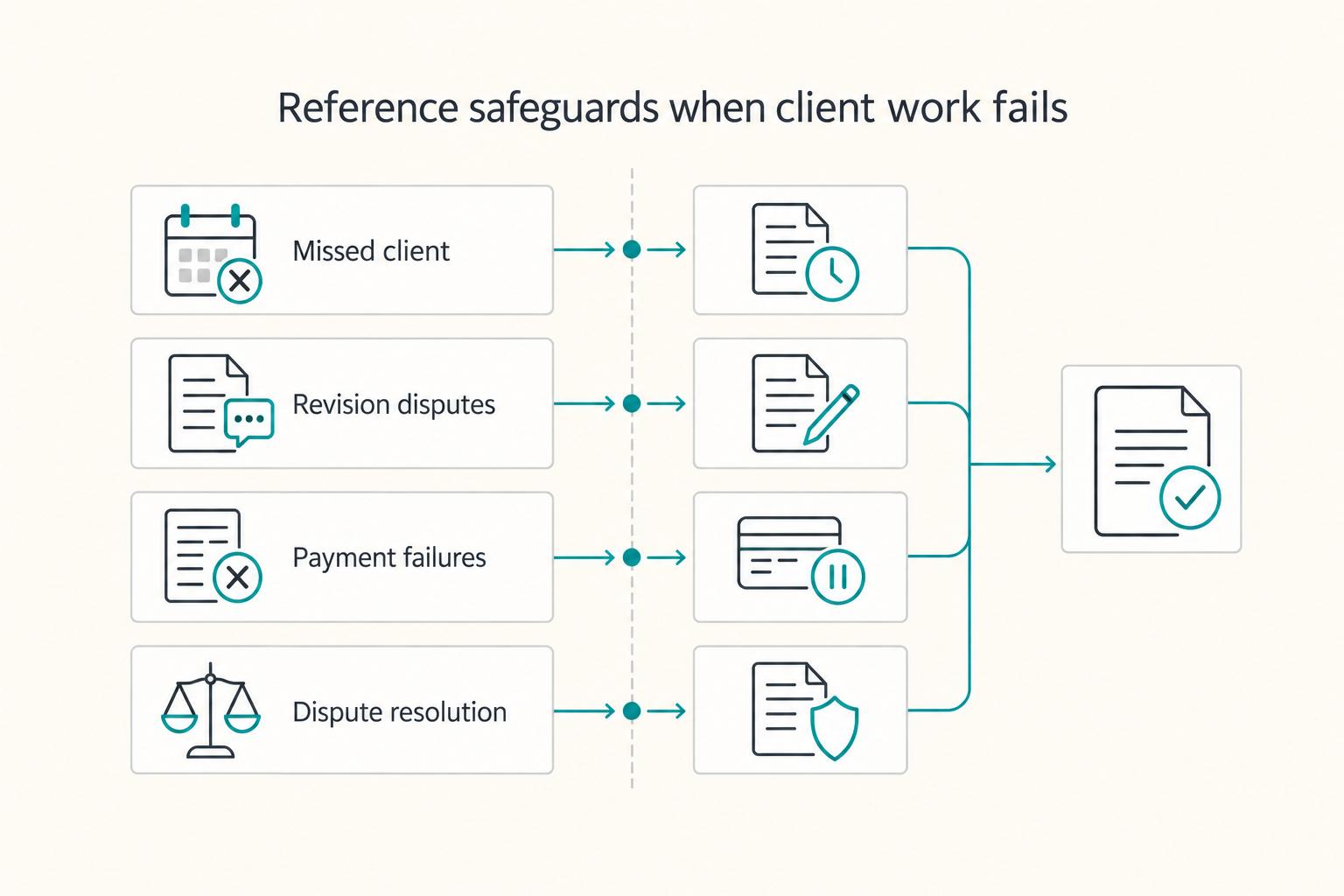
How to Create a Freelance Client Welcome Packet That Actually Protects You
**A welcome packet is one of the first repeatable documents that shows a client you run this like a real business, and it starts doing that work before the kickoff call even happens.**
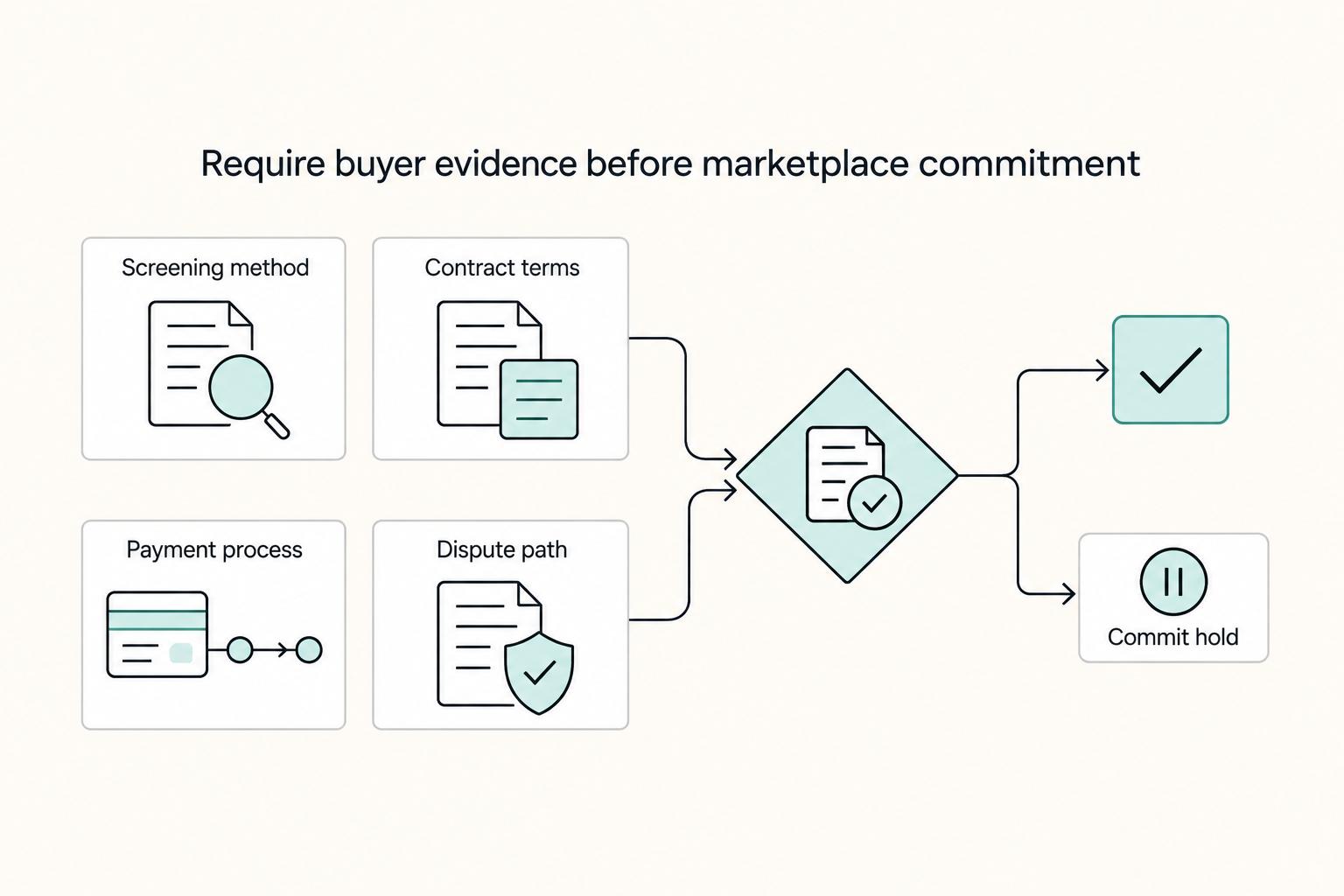
Curated Marketplaces vs Open Platforms for Sourcing Talent
Skip the usual ranked-list mindset. The useful decision is which hiring model fits your next role: a curated freelance platform, a curated listing service, or an open platform. Choose based on risk, speed, and cost control, then verify before you commit budget.