

Quick Answer
Start with one decision and pick a single primary dashboard: GA4 for deeper segmentation, or Plausible/Fathom for lower upkeep. Then run the same proof test once: one form submit, one primary button click, and one menu-link click, each recorded once after processing. Keep event names plain (like contact_form_submit), reconcile against your form tool or scheduler, and hold a fixed weekly review before adding any second analytics layer.
Stop guessing: pick the right analytics stack in 10 minutes (and run it in 1 hour)#
Start with one sequence and keep it boring. Decide the business question. Choose one primary reporting source. Verify tracking against the origin. Then review it on the same day each week. That order matters more than which tool wins your shortlist.
Many freelancers do not need more analytics. They need one place they trust. If you cannot trace a number back to its source of truth, treat it as an estimate, not a fact. That is the real filter here. Feature count matters less than whether the data survives a basic check against the system where the action actually happened.
Use one decision to choose one primary source#
Begin with a near-term decision that would change what you do next. Good prompts are specific: which service page leads to inquiries, whether your booking button gets used, or which traffic source sends qualified leads. "Understand user behavior" is too broad to help you choose or configure anything.
| Step | What to do | Verification |
|---|---|---|
| Write the decision | Fill in: "I need to decide whether [page, channel, or path] is helping [inquiry, booking, or sale]." | Choose a near-term decision that would change what you do next. |
| Choose one primary reporting source | Record one tool as the place you will review traffic and conversions each week. | Do not let a second dashboard answer the same question yet. |
| Define two plain language events | Use names such as contact_form_submit or book_call_click. | If naming is already getting clever, your tracking is getting harder to maintain. |
| Verify against origin data | Trigger each action yourself once. | Confirm it appears once in the expected report after the tool's normal processing window. |
| Set a weekly review rhythm | Review on the same day, in the same reports, and end with one written action. | If the review gives you five observations and no decision, tighten the setup. |
Then pick one primary source for acquisition and conversions. This is the dashboard you will reconcile back to origin data before you trust it. If your form tool, scheduler, or ecommerce platform is where the conversion actually happens, that origin data is your check. Accuracy comes down to whether you can trace the numbers back to your source of truth.
A simple first pass looks like this:
- Write the decision
Fill in: "I need to decide whether [page, channel, or path] is helping [inquiry, booking, or sale]."
- Choose one primary reporting source
Record one tool as the place you will review traffic and conversions each week. Do not let a second dashboard answer the same question yet.
- Define two plain language events
Use names you can explain without translation, such as contact_form_submit or book_call_click. If naming is already getting clever, your tracking is getting harder to maintain.
- Verify against origin data
Trigger each action yourself once, then confirm it appears once in the expected report after the tool's normal processing window. Verify the expected check window in the tool's current vendor documentation before setting a timing threshold.
- Set a weekly review rhythm
Review on the same day, in the same reports, and end with one written action. If the review gives you five observations and no decision, tighten the setup.
Score for operator fit, not ambition#
The right choice is usually the one you will still open when client work is busy. Slow tools get ignored. Overbuilt setups create naming drift, duplicate events, and arguments about which number is real.
| Factor | What a high score looks like | What a low score looks like |
|---|---|---|
| Setup effort | You can install it, trigger one core conversion, and confirm where it should appear | You expect debugging, custom definitions, or outside help before basic reporting works |
| Weekly operating burden | One short review answers your main question without exports or spreadsheet stitching | You need several dashboards to explain a single result |
| Governance ownership | One person owns access, changes, and review cadence | Ownership is unclear, access is messy, and nobody knows who approves tracking changes |
| Event naming discipline | Event names are plain, stable, and documented in one note | Similar actions are named differently, duplicated, or left unexplained |
| Decision usefulness | The reports point to one next action on page, channel, or conversion path | You get lots of numbers but no clear decision |
| Overlap risk | Add-ons can answer a different question without replacing the primary source | Two tools end up reporting the same KPI and erode trust |
If two options score close, choose the simpler one. Total cost of ownership is not just subscription price. It also includes setup time, maintenance, and the attention you burn keeping reports clean.
Add a behavior layer only when one question remains unanswered#
A second tool earns its place only when you can name the gap in one sentence. Not "I want deeper insights." More like: "I know this page gets traffic, but I still cannot tell why visitors stop before clicking the contact button."
That is when a behavior layer makes sense: a separate tool for the "why," while your core reporting stays responsible for traffic and conversions. Good trigger conditions are practical:
- You can see visits and conversions, but abandonment on one important page is still unexplained.
- Your origin system confirms conversions happened, but your primary reports do not explain the path to that action.
- You are about to change a key page and need evidence of friction before you test a revision.
The red flag is overlap without clarity. Buying an all-in-one platform because it has everything, then never finishing the tracking setup, is a common failure mode. Another is trusting margin or performance reporting that leaves out fees, refunds, or ad spend. If the number cannot be reconciled to origin data, do not let it drive decisions.
Once your baseline is stable, your next move is usually testing, not stacking more tools. If you need help turning weekly findings into site changes, read A Freelancer's Guide to A/B Testing Your Website and Emails. You might also find this useful: The Best Tools for Managing Your Freelance Social Media Presence.
Selection criteria: the freelancer-first decision matrix (and who this list is for / not for)#
Use this matrix if you want one analytics setup you can trust, review weekly, and act on without cleanup work. For most solo operators, the right tool is the one that keeps one decision clear on a busy Tuesday, not the one with the most features.
Qualify yourself fast#
Use this section if most of these are true:
- One site, one owner: You run one freelance site and you install, verify, and review reporting yourself.
- One concrete decision: You need to decide something specific, like which page drives inquiries or whether LinkedIn sends qualified visits.
- One weekly review: You can commit to one recurring check in one primary reporting view.
- One simple conversion path: Your core actions are form submits, booking clicks, or outbound contact clicks.
Skip this section if you need multi-property reporting, multiple approvers, or enterprise BI. If your question is referral quality, a practical GA4 check is Traffic acquisition with Session source/medium or Session campaign, filtered for the source domain.
Score for operator fit, then pick one primary source#
If setup fails basic verification or the weekly review becomes reporting maintenance, it is the wrong primary tool.
| Factor | Fast check | Failure sign | What to do if low |
|---|---|---|---|
| Setup and verification | Install, trigger one core action, confirm it appears once in the expected report | You cannot confirm whether the event fired | Do not use it as your primary tool |
| Decision usefulness | You can see source, landing page, and core conversion clearly enough to pick a next action | You see activity but no decision | Choose the simpler option |
| Weekly operating burden | One short review answers the main question without exports or stitching | Review time turns into cleanup | Your review habit will break |
| Event naming discipline | Event names are plain, stable, and documented in one note | Similar actions create duplicate or unclear metrics | Clean naming before rollout |
| Consent support | Tool + setup match your consent approach and records. Confirm current consent requirements with your legal or compliance advisor. | Governance gaps appear after install | Pause selection until verified |
| Retention ownership | One person owns retention settings, access, and review cadence. Current requirement pending vendor documentation and policy verification. | No one can explain what is retained or who changed it | Assign ownership first |
Practical QA matters more than feature comparisons. If you use GA4 with Google Tag Manager, enable Click URL, Click Classes, Click ID, and Click Text, configure link-click events, then test one primary CTA, one menu link, and one outbound link once each. Confirm each appears once where expected, then decide tool fit. That is why implementation-oriented guides on click tracking are useful.
Watch for referral traffic being classified as direct when referrer data is stripped. If attribution matters, add UTM tagging and verify in a GA4 Exploration table using session source as the dimension and sessions plus conversions as metrics. After that baseline is stable, improve the measurement or page before adding another dashboard. The next step is usually iteration: A Freelancer's Guide to A/B Testing Your Website and Emails.
Related: Best Freelance Portfolio Tools for a Website You Can Keep Updating.
Google Analytics 4 vs Plausible vs Fathom: which should you pick?#
Pick based on what you can sustain weekly: reporting depth, privacy/governance workflow fit, and maintenance load. Choose GA4 when you truly need deeper segmentation and complex event tracking; choose Plausible or Fathom when you want simpler reporting with lower ongoing overhead.
Switching later is costly in practice because your event names, saved reports, and review habits become tied to one tool. So compare them as an operator, not as a feature wishlist.
Quick comparison#
| Tool | Best fit | Privacy and governance checks | Weekly maintenance tradeoff | Pricing status |
|---|---|---|---|---|
| Google Analytics 4 | Best when you need deeper analysis, including complex event tracking and audience segmentation. | Treat compliance as an implementation task: verify consent handling in your setup, assign one owner for retention/access review, and keep event names plain and documented. | Highest burden of the three in cited comparisons; free usage is also described as subject to sampling on larger datasets. | Third-party snapshot only: core GA4 shown as Free*, with GA360 enterprise features noted at $150,000+ annually. Confirm current pricing with the provider before relying on it. |
| Plausible | Best when straightforward traffic and conversion visibility is enough, and advanced segmentation is not a priority. | Comparisons describe a no-cookie, no personal-data-collection approach, but still verify consent handling, retention/access ownership, and event naming discipline in your workflow. | Lower overhead, with a depth tradeoff: cited comparison flags limited advanced segmentation. | Third-party snapshot only: $9/month. Confirm current pricing with the provider before relying on it. |
| Fathom | Good fit when you want a simple paid tool from day one and your reporting needs are straightforward. | Keep the same implementation checks: consent handling, retention/access ownership, and stable event naming. Also note cited comparisons describe proprietary code, so claims are not inspectable via open source code. | Lower setup friction, but cited comparisons note less depth (for example, user flow and funnel limitations). | Third-party snapshot only: $14/month, and paid from day one in the cited comparison. Confirm current pricing with the provider before relying on it. |
Pass this before you commit#
Run one identical validation test on each final candidate:
| Test item | Action | Pass condition |
|---|---|---|
| Form submit | Trigger one form submit. | It appears once in the expected report. |
| Primary button click | Trigger one primary button click. | It appears once in the expected report. |
| Menu-link click | Trigger one menu-link click. | It appears once in the expected report. |
| Event names | Record exact event names in one place. | Near-duplicate metrics are avoided later. |
| Ownership | Assign one owner for consent handling checks, retention/access review, and the weekly analytics review. | Consent handling checks, retention/access review, and the weekly analytics review have one owner. |
- Trigger one form submit, one primary button click, and one menu-link click.
- Confirm each action appears once in the expected report.
- Record exact event names in one place to avoid near-duplicate metrics later.
- Assign one owner for consent handling checks, retention/access review, and the weekly analytics review.
Practical rule: pick GA4 only if you can name the deeper analysis you need right now. Otherwise, Plausible is usually the cleaner default when simplicity and open-source transparency matter, and Fathom is the simpler paid path when you want speed over depth. After setup, the better next move is optimization work, not another dashboard: A Freelancer's Guide to A/B Testing Your Website and Emails. For a step-by-step walkthrough, see The Best Analytics Platforms for SaaS Businesses.
The best website analytics tools for your freelance website (by real-world use case)#
Use case should drive this decision. Choose one primary source of truth for acquisition and conversions, run it weekly, and add a second layer only when one specific behavior question remains unanswered.
| Real-world use case | Start with | Limitation to accept upfront | Add a second layer only when |
|---|---|---|---|
| You need one weekly view that connects traffic sources to inquiries or booked calls. | GA4 | Strong for event tracking, but it has a steeper learning curve, and many teams still find it weak for explaining why people convert or not. | Your form submit, primary button click, and menu-link click each appear once in reports, but you still cannot locate the pre-inquiry drop-off. |
| You want a simple weekly dashboard you will actually review and act on. | Plausible | Treat plan and feature assumptions as unverified until current vendor pricing and feature documentation is checked. | After repeated weekly reviews, a plain-language behavior question still cannot be answered from your primary dashboard. |
| You want a lightweight paid setup and will keep it only if reporting stays obvious. | Fathom | Treat plan and feature assumptions as unverified until current vendor pricing and feature documentation is checked. | The basic validation test passes, but a required path or handoff question is still unclear. |
Practical picks#
- GA4 for lead generation: Use one weekly decision prompt: "Which source drove qualified inquiries this week?" If you are on Wix, confirm the
G-measurement ID is set in Marketing Integrations, and account for prerequisites like a connected domain and premium plan. Also assign retention ownership: one cited GA4 range is 2 to 14 months on the free property, with one excerpt also citing up to 10 million events per month. - Plausible for simple review: Keep a weekly rhythm on sources, top pages, and one conversion event. If most traffic comes from outreach or publishing, compare what you see with your channel cadence in A Freelancer's Guide to LinkedIn Marketing.
- Fathom for minimal upkeep: Keep the same weekly review habit, and avoid dashboard overlap early. One primary source stays in charge until you can state the missing answer in plain language.
Once your baseline is reliable, prioritize improvement over extra charts. A Freelancer's Guide to A/B Testing Your Website and Emails is the next practical move.
If you want a deeper dive, read The Best Meditation and Mindfulness Apps for Freelancers.
What should you track first on a freelance website? (the "no-regrets" measurement plan)#
Track only what helps you make one urgent decision first, then expand after the baseline is trustworthy. Your first setup should prove one conversion path works and stay small enough to review weekly.
Use this checklist in order:
-
Write the decision first. Name the decision, the primary conversion, the pages that lead to it, who reviews the report, and how often. If you cannot state the question in plain English, your scope is too broad.
-
Split required baseline signals from optional diagnostics. This keeps you out of early tracking sprawl and avoids disconnected, half-trusted reporting silos.
| Signal type | Track first |
|---|---|
| Required baseline | Traffic source, landing page, and one primary conversion event (for example, contact form submit or booked-call completion) |
| Optional diagnostic | Main CTA click, menu-link click, or one step before the form |
Verify the expected check window in current vendor documentation before setting a timing threshold.
-
Run the same QA loop every time. Trigger one test action, confirm it appears once in the expected report, then reconcile it with a real inquiry record (like your inbox or scheduler). Save a dated screenshot or short QA note. If reporting counts and inquiry records drift, fix that before adding anything else.
-
Set hygiene and ownership rules. Keep event names consistent, avoid sending personal data in event fields, and implement tracking in a consent-aware way for your stack and jurisdiction. Assign one owner for review cadence and retention settings so this does not quietly break over time.
If your setup is GA4, How to Set Up Google Analytics 4 on Your Freelance Website is the next practical step. After your baseline is stable, move to optimization with A Freelancer's Guide to A/B Testing Your Website and Emails. If consent or compliance handling is unclear for your country or program, Talk to Gruv.
What is the first thing I should track?#
Track one conversion you actually care about, plus the source and landing page that produced it. That gives you immediate decision value without extra noise. It also creates a clean baseline you can trust before expanding.
When should I add more events?#
Add events only when weekly review exposes one specific blind spot, such as not knowing where people drop before inquiry. If you cannot name the missing answer in one sentence, do not add another event yet. A focused first insight builds trust; early expansion without that usually creates cleanup work.
How do I know if my setup is trustworthy?#
Use the same QA loop every time: trigger the action, confirm one recorded event, and reconcile it with a real inquiry record. Keep a short dated note or screenshot so you can compare over time. If those records do not line up closely enough for decisions, pause expansion and repair the baseline first.
Frequently Asked Questions
What is the first thing I should track?
Track one conversion you actually care about, plus the source and landing page that produced it. That gives you immediate decision value without extra noise. It also creates a clean baseline you can trust before expanding.
When should I add more events?
Add events only when weekly review exposes one specific blind spot, such as not knowing where people drop before inquiry. If you cannot name the missing answer in one sentence, do not add another event yet. A focused first insight builds trust; early expansion without that usually creates cleanup work.
How do I know if my setup is trustworthy?
Use the same QA loop every time: trigger the action, confirm one recorded event, and reconcile it with a real inquiry record. Keep a short dated note or screenshot so you can compare over time. If those records do not line up closely enough for decisions, pause expansion and repair the baseline first.
Try a related tool
Researched and edited by the Gruv editorial team. Gruv builds cross-border billing, payouts, and finance-operations software for global businesses.
Sources
Includes 8 external sources outside the trusted-domain allowlist.
- almcorp.com/blog/google-analytics-4-questions-answeredexternal
- baslondigital.com/post/12-best-website-analytics-tools-for-you...external
- bootstrap.build/articles/best-web-analytics-toolsexternal
- ccrps.org/clinical-research-blog/top-freelance-clinica...external
- cometly.com/post/analytics-tools-for-marketing-teamsexternal
- dashboardly.io/post/most-accurate-analytics-toolsexternal
- datasag.com/blog/analytics-tools-compared-plausible-fath...external
- eesel.ai/blog/ai-blog-writing-tool-with-internal-link...external
Educational content only. Not legal, tax, or financial advice.
Related Posts

LinkedIn for Freelancers Who Want a Predictable Client Pipeline
Treat LinkedIn as two jobs you run at the same time: a credibility check and a conversation engine. If you only chase attention, you can get noise. If you only send messages, prospects may click through to a thin profile and hesitate.
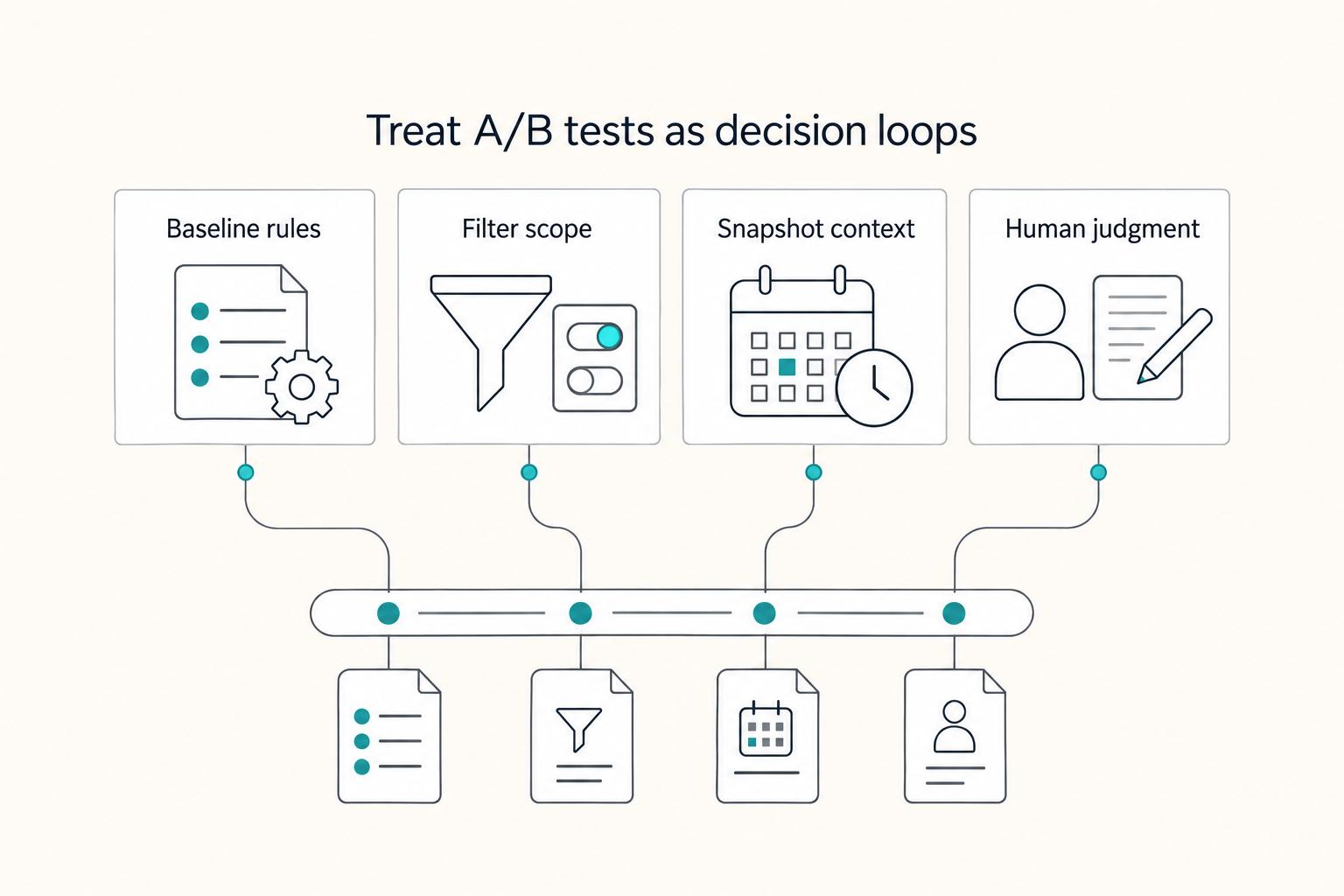
A Freelancer's Guide to A/B Testing Your Website and Emails
**A/B testing can help only when your process is explicit.** If **a/b testing for freelancers** is going to help your business, it needs boring rules. The useful version is not "test more ideas." It is knowing when to launch, when to pause, and when to close a test so you can make one clean decision.
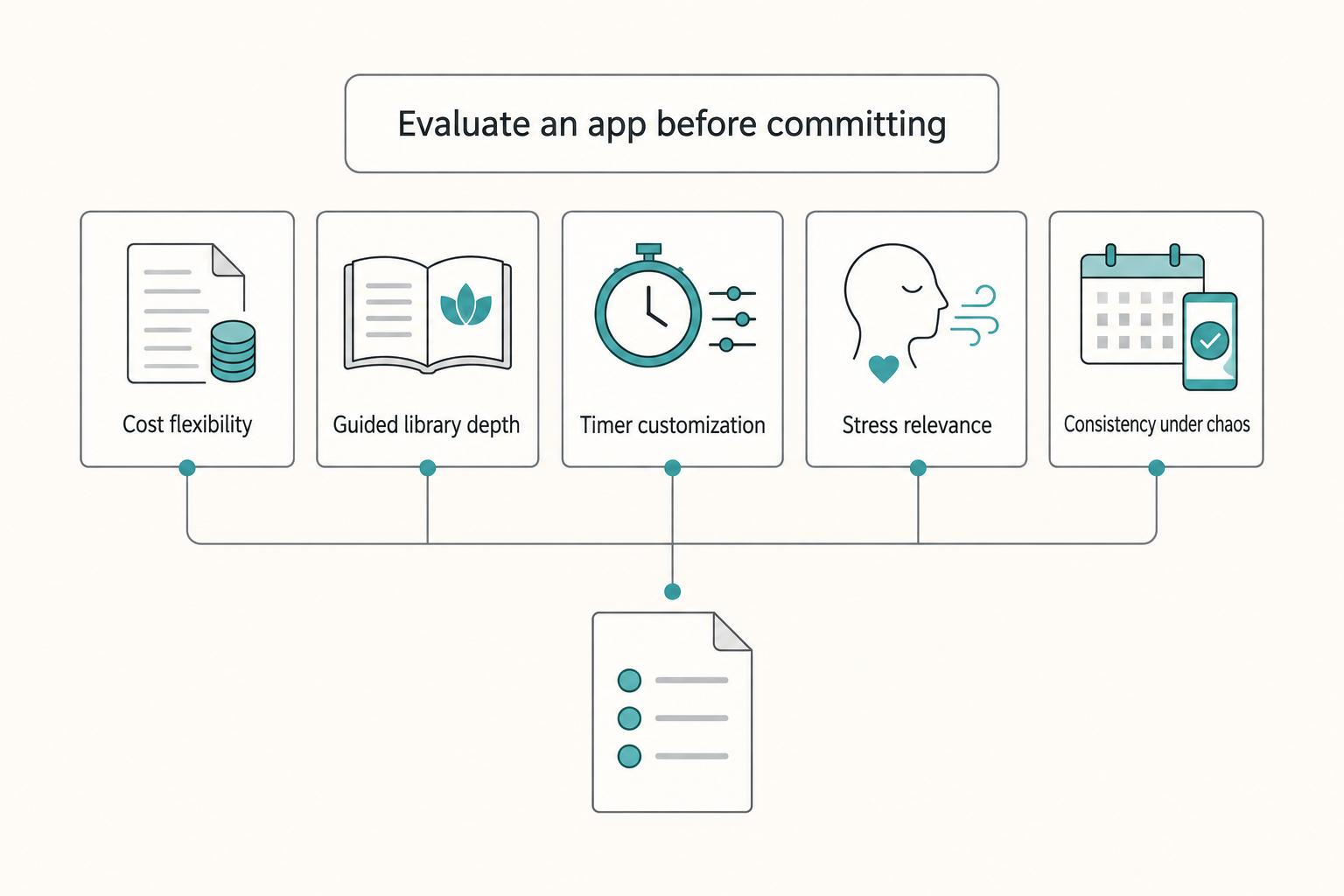
The Best Meditation and Mindfulness Apps for Freelancers
Freelance work breaks generic wellness advice. Working for yourself demands responsibility and accountability, and your schedule shifts fast, context switching drains attention, and stress spikes when delivery risk climbs. As the CEO of a business-of-one, your mind is part of your delivery stack. You own the outcome, so your mindfulness routine has to protect energy and mental health during real deadlines, not just on calm days.