
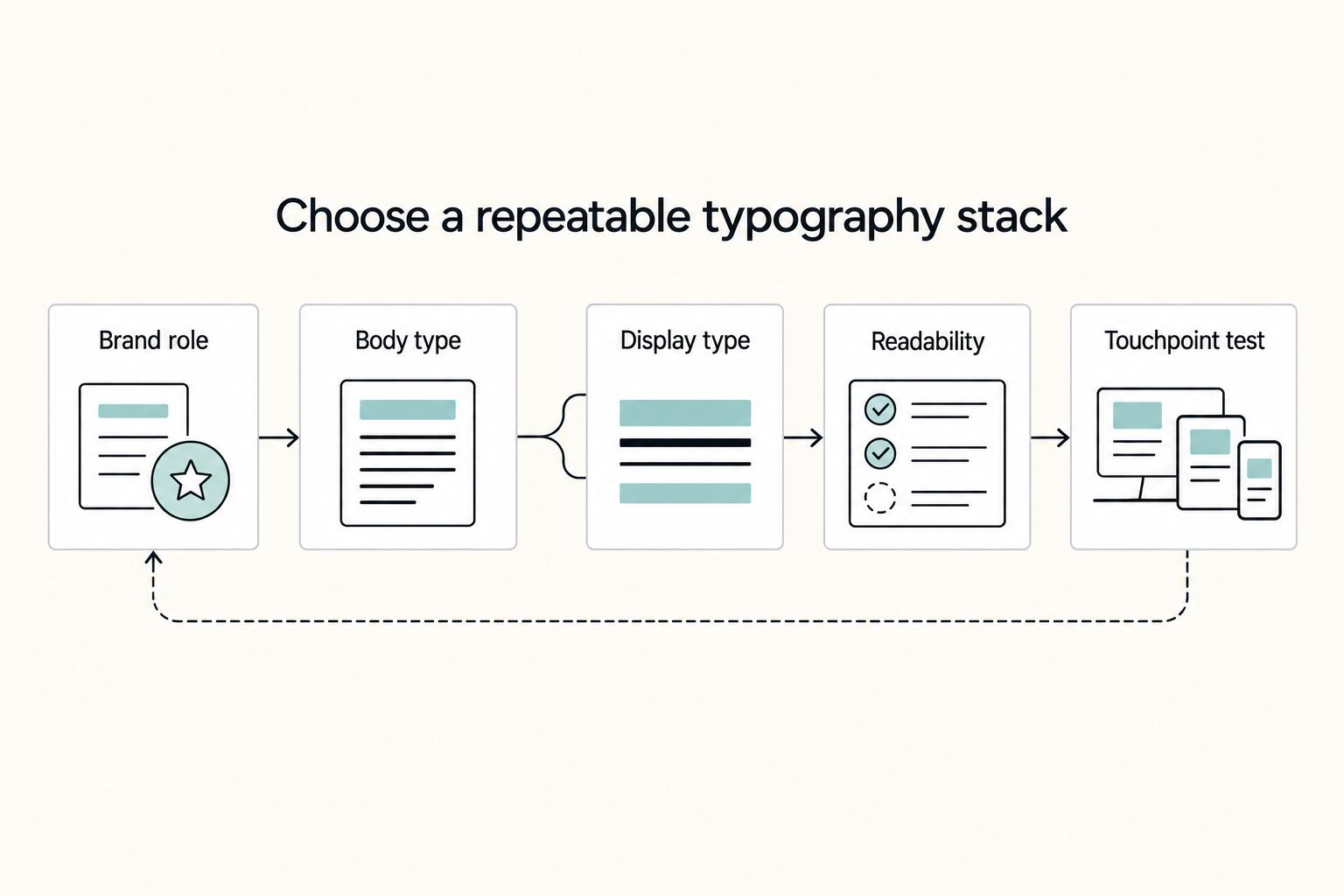
Quick Answer
Pick a small, repeatable setup: one dependable family for body text and UI, plus one restrained accent if you need contrast. Then test the same line in a homepage hero, proposal cover, invoice, and social post before rollout. Keep wordmark choices separate from everyday reading styles, and document approved usage in your brand style guide. That sequence gives you consistency without constant redesign.
Why typography in branding is a system decision, not a typeface selection#
Good typography in branding is less about finding a beautiful typeface and more about making a small set of choices you can repeat everywhere your business appears. When those choices are clear, your identity is more likely to stay recognizable as you add pages, proposals, invoices, decks, and social assets instead of drifting a little every time something new gets made.
Typography is formally the study of letterforms, but in brand work it has a more practical job. It sets tone, shapes feeling, and changes how your message lands. That matters because type is doing real work even when nobody calls it out directly. The same headline can feel calm, premium, direct, technical, or careless depending on the treatment around it.
For an independent professional, the hard part is usually not picking one good typeface. It is making decisions that survive real operating conditions. You might be building your website one day, sending a proposal PDF the next, and posting a service graphic after that. If each asset gets its own improvised type choice, your presentation can start to feel inconsistent fast. A cohesive brand presence usually comes from shared standards and reusable resources, not repeated redesign.
This guide focuses on that operational side. It is not about abstract design theory or type design craft like drawing letterforms from scratch. It is about practical choices: how to select a workable setup, define rules people can follow, and check whether those rules hold up across the materials your business actually uses.
Use a simple checkpoint: take one message and place it in four real contexts such as a homepage hero, a proposal cover, an invoice, and a social post. If the type still feels like the same business in each place, you are close to a usable standard. If it only works in a polished logo mockup or one website section, that is a red flag. You do not have a brand decision yet. You have a one-off design choice.
The main tradeoff is straightforward. Expressive type can add personality, but every extra family, style, or exception can make consistency harder to maintain. That is why this guide stays focused on selection, rules, and quality control. By the end, you should be able to choose your stack, document how it is used, and review your materials with the same discipline you already bring to pricing, proposals, and delivery.
For a step-by-step walkthrough, see Color Psychology in Branding for Premium Positioning.
Build the mental model before you pick any fonts#
Start by defining terms, because unclear language leads to unclear decisions. A typeface is the overall design, a font is the specific usable style/file within that design, and a font family is the related set of weights and styles.
In branding, typography is not decoration; it is visual communication that shapes recognition and consumer perception. Your type system needs to do four jobs at once:
- Distinction: help your brand avoid a generic look.
- Consistency: stay stable across pages, proposals, decks, and other touchpoints.
- Coherence: make headlines, body text, and labels feel like one system.
- Communication: keep the message easy to read and accept.
A quick reality check: keep the words the same and change only the type treatment. The tone can shift from serious to casual, premium to technical, or clear to careless without changing the copy. That is why this is a business decision, not just an aesthetic one.
Reported testing has also shown that presentation can affect how statements are received: one summary described statements shown in six randomly assigned fonts across more than 45,000 quiz results. Treat type as a credibility variable you should test, not as a purely visual preference.
Before choosing, list the exact family and styles you plan to use, then test one line across a homepage hero, a proposal heading, and body text. If the voice shifts too much or one context looks improvised, fix the system before rollout.
Translate brand personality into type decisions you can defend#
Start with 3 to 4 brand traits from your brand identity, then evaluate every serif or sans-serif option against those traits before reacting to style. This keeps the choice tied to business goals, not personal taste.
Your brand identity system is the visual representation of the brand across assets, and typography is one element inside that system. Brand personality is subjective, but it still shapes whether people notice you, trust you, and buy from you, so unclear traits quickly turn the process into a preference debate.
Start with traits, then narrow the field#
Write a tight trait set such as calm, expert, direct, modern. If traits conflict, your type choices will conflict too.
Use a simple rule:
- If trust and clarity are the priority, begin with cleaner, high-legibility families.
- If options feel clear but generic, add personality through controlled display use (for example, headlines or wordmark treatment), not every line of body copy.
Test each shortlisted family with the same real copy in:
- a homepage hero
- a service-page paragraph
- a proposal heading and subheading
- one small utility use, such as a button or label
This catches a common miss: a choice that looks strong in a logo mockup but weak in long-form reading.
Compare tone by contrast, then check misfires#
Use concrete contrasts instead of vague labels:
- Playful can feel friendly, but may read too casual.
- Serious can feel credible, but may read cold.
- Traditional can signal stability, but may look dated.
- Modern can feel efficient, but can become generic.
Defend choices with examples, not category assumptions. You are not proving that serif always means trust or sans-serif always means clarity; you are checking whether a specific family supports your stated traits across real brand touchpoints.
If two options both fit, keep the one that still reads comfortably in body text. Distinction that only works in a logo mockup is not durable brand expression.
Choose your type stack with a comparison table#
Choose your stack by comparing pairings against the same four criteria, then select the option you can apply consistently across real assets. Keep the decision at stack level, not single-font level.
| Stack candidate | Primary typeface | Secondary typeface | Legibility | Personality fit | Web availability | Cross-platform consistency | Decision note |
|---|---|---|---|---|---|---|---|
| A | Workhorse for body/UI | Controlled accent for headlines | ___ | ___ | ___ | ___ | ___ |
| B | Serif-led body system | Plain sans support | ___ | ___ | ___ | ___ | ___ |
| C | Neutral sans system | Same family or close companion | ___ | ___ | ___ | ___ | ___ |
Use this as your working rule: one dependable family does most body/UI work, and one restrained accent family adds contrast where needed. Avoid stacking multiple expressive families if consistency is the priority.
Use family range as the tie-breaker#
If two options perform similarly, pick the family with clearer hierarchy options (weights/styles) so you can handle body text, headings, emphasis, and utility text without rebuilding the system later.
Verify before final selection#
Run the same real content through these four assets before you lock the stack:
- homepage hero
- service page paragraph
- invoice PDF
- proposal cover
Only lock the stack after the pair still feels readable, controlled, and consistent across those outputs.
Related reading: How to Design Merch Your Audience Will Actually Buy.
Decide when a custom wordmark is worth it#
A custom wordmark is worth it when your name needs to carry most of your recognition and you can handle the extra review and rollout work. If budget or attention is tight, build your wordmark from an existing typeface first, lock your core typography system, and revisit custom lettering after your main assets are stable.
A wordmark logo is a text-only logo where the brand name itself is the logo, so the choice is mostly about distinctiveness versus operating overhead.
| Option | Uniqueness | Cost | Timeline | Scalability | Maintenance |
|---|---|---|---|---|---|
| Wordmark from an existing typeface | Lower by default, since other brands can use the same typefaces | Usually lower effort | Usually faster to approve and ship | Often easier to scale when the typeface is already reliable across uses | Simpler to maintain in day-to-day production |
| Custom wordmark (created or modified letterforms) | Higher potential distinctiveness through brand-specific letterforms | Higher effort, not just financially | Usually slower because refinement and approval cycles are heavier | Can scale well, but needs careful testing across sizes and contexts | Heavier ongoing control to keep spacing, exports, and versions consistent |
The key tradeoff is not that custom is automatically better. Custom work gives you tighter control over rhythm, weight, and attitude, but it also adds implementation overhead. For orientation, wordmark-led brands such as Google, Coca-Cola, and Disney show how powerful name-first identity can be, but smaller brands should not assume the same path or level of customization is necessary.
Practical rule: if your current issues are readability, hierarchy, or consistency across real assets, solve the system typography first and defer custom lettering until that foundation is stable.
Lock readability and hierarchy before rollout#
Lock your readability and hierarchy rules before rollout, or the system will drift even if your type choices are good. In practice, typography problems usually come from missing logic, which leads to blurred hierarchy, repeated debates over tiny changes, and inconsistent assets.
Name the text roles and lock non-negotiables#
Stop ad hoc styling first. Define text roles you actually use, at minimum: body, H1, H2, caption, and callout. For each role, set fixed point size, leading, and kerning/tracking rules for both web and document use, and treat those as defaults, not suggestions.
This prevents the common drift pattern: one file gets tightened copy, another gets a larger heading, and soon you are debating 1px differences and duplicating styles. Keep body text stable and readable, and document any exceptions (like display or callout treatments) so they stay contained.
Define hierarchy as relationships, not isolated styles#
Make hierarchy explicit by defining how roles relate to each other. H1 should clearly outrank H2, H2 should be distinct from body, and captions should read as secondary without becoming cramped. That relationship is what keeps pages, decks, and PDFs scannable.
| Text role | Primary use |
|---|---|
| H1 | Page titles and major section openers |
| H2 | Section breaks with consistent spacing |
| Body | Default reading style |
| Caption | Support text that remains readable in exports |
| Callout | Selective emphasis, not a second body style |
Document those relationships with examples from your own assets so people see the rule in context, not as isolated styles.
Also review line length and wrapping in real layouts. If desktop lines are hard to track, narrow the measure. If mobile headings wrap awkwardly, reduce display treatment or rewrite the line before launch.
QA where hierarchy usually breaks#
Run a short pre-rollout QA pass in known failure zones:
- Review each text role on desktop and mobile, especially early breakpoints.
- Export a client-facing PDF and check body, headings, and captions in the exported file.
- If print matters, test-print a sample page to catch weak or crowded text.
- Compare key assets side by side (for example homepage, service page, proposal cover, invoice) to catch spacing drift.
Keep the governance balanced: overly rigid rules slow publishing, while overly loose rules weaken recognition. Lock non-negotiables for roles and hierarchy, then allow a small set of documented exceptions.
Turn decisions into a brand style guide your team can follow#
Turn your typography decisions into one working Brand style guide your team can apply without guesswork. The point is a central reference that keeps outputs consistent and helps people make the right call without checking with you on every asset.
Keep the typography section short and explicit. Document approved font family choices by role, the fallback stack to use when primary files are unavailable, and a clear hierarchy map for H1, H2, body, caption, and callout. Include the exact size, leading, and any tracking exceptions you already approved, then add a few do/don't examples so the boundary between acceptable and off-brand is obvious.
If your team says "brand guidelines" instead of "brand style guide," use whichever term they recognize. In practice, those labels are often used interchangeably, so usability matters more than naming.
Build the handoff pack people will open#
A guide is more useful when it ships with a practical handoff pack:
- logo files in the approved versions your team actually uses
- heading and body presets for your main publishing tools
- template docs for recurring outputs such as proposals, invoices, decks, and one-pagers
- a one-page typography QA checklist for pre-publish review
Use that checklist to catch common drift early, like fallback styles in exported files or heading/body role swaps.
Tie the rules back to the mood board#
Connect each approved type choice to your mood board direction so visual intent and production rules stay aligned. Without that bridge, teams can pick "close enough" styles that fit the layout but shift how the brand feels.
Decide who can change the rules#
Set governance in writing so standards do not erode as more people contribute:
- who approves new type choices or substitutions
- when exceptions are allowed
- where changes are logged
Without clear guardrails, multi-team execution can dilute identity and weaken trust. Keep approval with one owner or a very small group.
Related: How to Create a Brand Style Guide for a Client.
Run a pre-publish typography QA checklist on every key touchpoint#
Your typography QA is only complete when it passes in real, published formats across your key touchpoints.
Use one repeatable sequence every time:
- Draft real content.
- Apply approved type styles from your brand style guide.
- Check readability in a quick skim and a full read.
- Validate consistency against the guide.
- Publish only after it passes both checks.
This order keeps you from approving mockups instead of client-facing work. Type can look fine with placeholder copy, then break when real content is longer or denser.
Review touchpoints as one inventory, not isolated files: website pages, pitch deck, proposal template, invoice, and social graphics. Check the format people actually see, such as live pages, exported PDFs, sent invoice layouts, and final social assets.
Red flags to catch before launch:
- mixed fallback fonts beside approved typefaces
- broken hierarchy (body text competing with headings)
- spacing drift across sections, slides, or template pages
- logo or wordmark misuse (retyping, stretching, or unapproved styling)
Before you ship, compare each asset to the exact style-guide rules for family by role, hierarchy, and spacing pattern. If assets feel inconsistent, treat it as execution drift first, not automatically an identity reset. Brand identity is what you define; brand image is what people perceive, and those can diverge in practice.
Final checkpoint: skim first, then read deeply. If clarity fails in either mode, fix hierarchy and spacing before publishing.
Conclusion#
Strong brand typography comes from repeatable choices, not flashes of taste. The real win is not finding a clever typeface once. It is deciding what your brand uses, where it uses it, how it scales, and what gets rejected when someone improvises.
If you want this to hold up in client work, stop treating type as a mood board decision and start treating it as an operating rule. Good typography supports usability, legibility, accessibility, consistency, and credibility across touchpoints. That matters because consistency is what turns a few design choices into a recognizable experience people can trust, whether they meet you on a website, in a proposal PDF, or on an invoice.
Your next move is practical. Pick your stack: one dependable workhorse family for body and UI, plus one controlled accent choice if you truly need it. Set clear readability rules for the places you actually publish, including web pages, proposal documents, captions, and callouts. Then document those rules in your Brand style guide so nobody has to guess what "close enough" means.
That guide is the handoff point that keeps standards from drifting. At minimum, it should name the approved font family choices, any fallback stack, the hierarchy map for headings and body copy, and a few usage examples of what to do and what to avoid. If your wordmark is custom or otherwise locked, store that separately from editable text styles so nobody rebuilds it with a similar face and introduces drift.
Before you call the work finished, verify it in the formats that create the most friction. Check the same approved styles on desktop and mobile, then open the exported PDF and read it at normal viewing size. If headings overpower the content, spacing shifts between assets, or fallback styles appear because a file is missing, the problem is operational, not aesthetic. Fix the rule, update the guide, and replace the template source so the same error does not repeat next week.
This is where the payoff shows up. Once your type decisions are documented and tested, new assets can become easier to produce and review because the team is choosing from approved options rather than reinventing hierarchy every time. The output also reads as more credible because the visual voice stays stable. That is the practical goal: not typographic novelty, but a brand that is clear, dependable, and easier to maintain as your business grows.
Frequently Asked Questions
What is typography in branding, in one practical sentence?
Typography in branding is the visual use of words to make your message clear while reinforcing how your brand is recognized and felt. It is not decoration first. Its job is to help people read, understand, and remember you.
What is the difference between a typeface, a font, and a font family?
In everyday work, people often use these terms loosely, and this section does not establish a strict technical split between them. The useful move is to define your terms in your own brand guide and stay consistent. If your team keeps mixing those labels, confusion usually shows up later in templates, exports, and website handoff.
How does typography influence brand perception and consumer sentiment?
Type choices shape perception because they affect clarity, tone, and credibility at the same time. Readers do not only process the words themselves. They also react to whether the text feels calm, direct, formal, warm, or hard to trust, which is why typography can influence emotional response and recognizability.
What is the difference between a wordmark and a secondary typeface?
This section does not establish a strict technical definition for those terms. The practical takeaway is to treat signature brand lettering and everyday reading typography as intentionally documented choices, then apply them consistently so clarity and recognizability are preserved.
How many font families should a small professional brand use?
There is no single correct number for every small brand. The practical rule is to use only as many as you can apply consistently across your real assets without weakening hierarchy or introducing drift. If your homepage, proposal PDF, invoice, and social graphics already feel hard to keep aligned, adding another family is more likely to create noise than distinction.
How do I balance brand personality with readability in real client assets?
Start with communication, then add personality where it does not get in the way of the message. A good check is to test the same approved styles in a homepage section, a proposal page, and an invoice or PDF export. If body text becomes tiring, hierarchy collapses, or headings overpower the content, the expressive choice is doing too much. When in doubt, keep your most readable option for body copy and reserve stronger personality for controlled display use.
Try a related tool
Researched and edited by the Gruv editorial team. Gruv builds cross-border billing, payouts, and finance-operations software for global businesses.
Sources
- brand.bastyr.edu/typographytrusted
- communications.uoregon.edu/sites/default/files/2023-02/UO%20Style%20Gui...trusted
- congress.gov/bill/119th-congress/house-bill/3838/texttrusted
- dev-design.va.gov/4861/foundation/typographytrusted
- digital.charleston.edu/issue/winter-2025trusted
- farmingdale.edu/courses/index.shtmltrusted
- grants.nih.gov/grants/guide/rfa-files/rfa-mh-03-005.htmltrusted
- parks.ny.gov/sites/default/files/C003648QuestionsandAnswe...trusted
Educational content only. Not legal, tax, or financial advice.
Related Posts

How to Manage Your Personal Brand as a Freelancer
Your brand is not a mood board. Think of it as the experience people have of your work: the promise you make, the proof you can show, and the way you present yourself across client touchpoints. Get that clear first, and your fit is easier to read from profile to proposal.
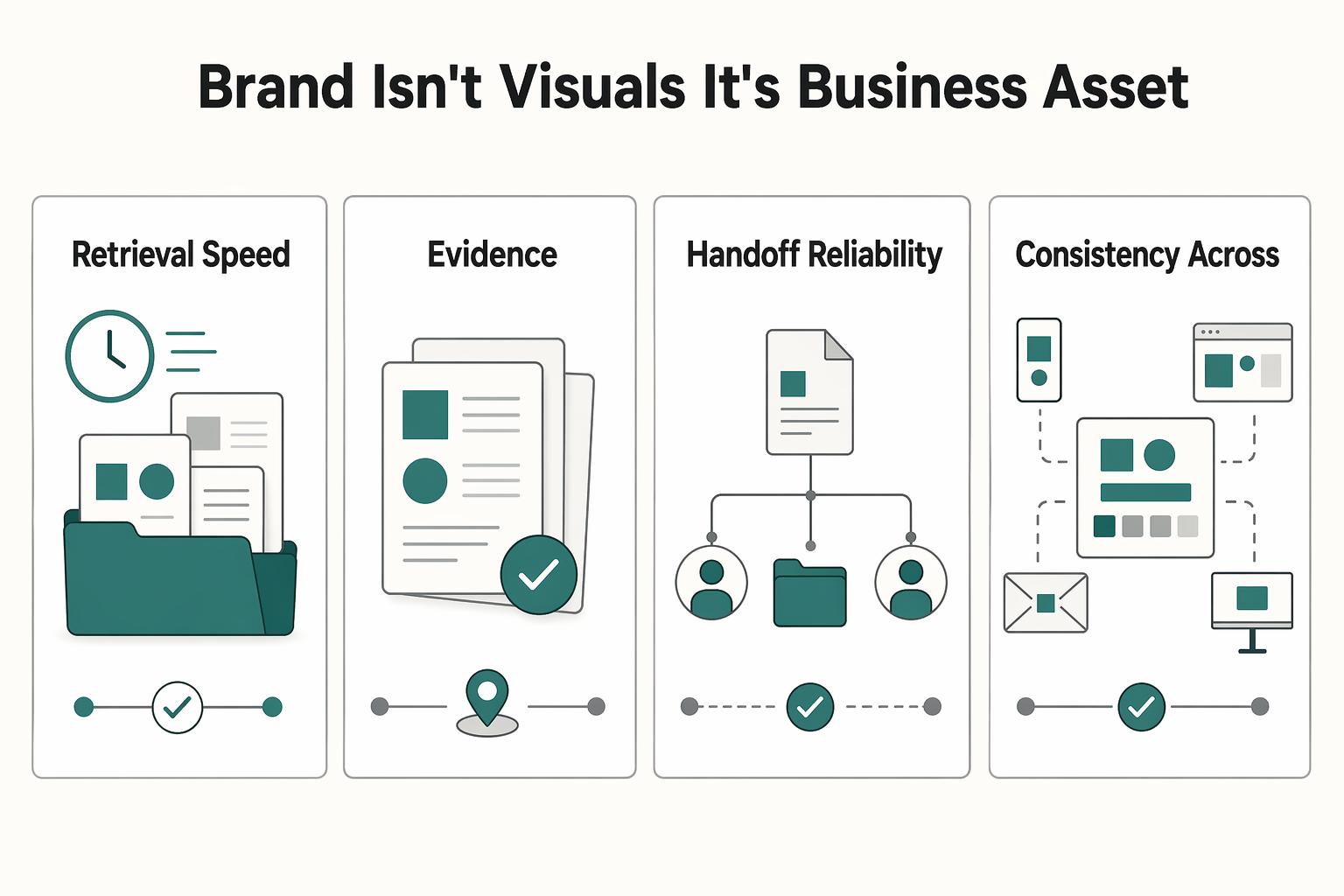
How to Create a Brand Style Guide for a Client
If you work alone, your guide does not need to be a full brand book. It should work as a control document. Standardize the few choices that keep coming up so your proposals, reports, invoices, decks, and delegated work look and sound like they come from the same business.
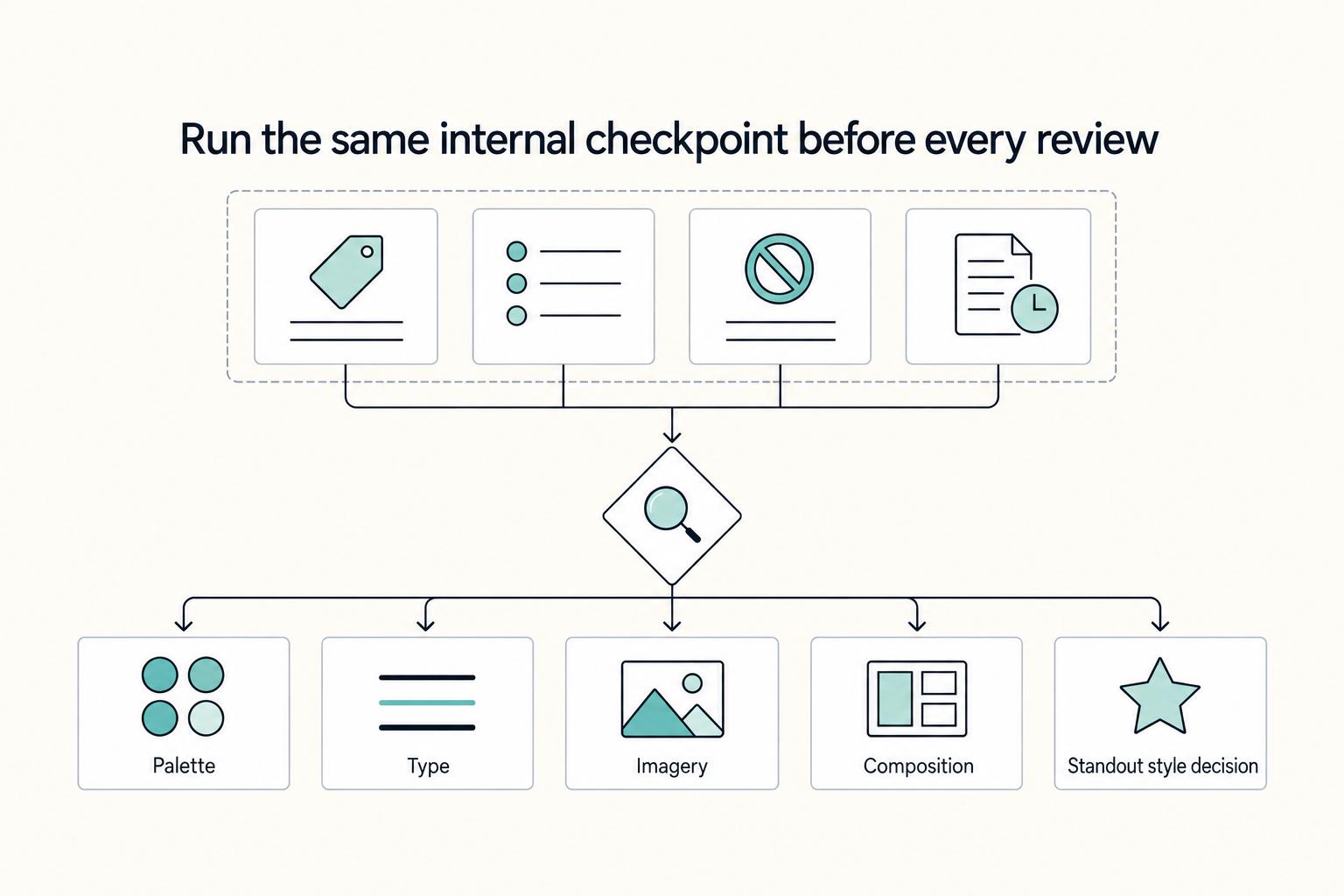
How to Build a Strategy-Led Mood Board for Branding Projects
**Step 1. Treat misalignment as a rework risk.** If you and the client are not aligned on what the brand should communicate, design execution turns into guesswork. Scope and feedback drift, and teams end up revisiting the same decisions. In many branding projects, the problem is not a lack of ideas. It is weak agreement on which ideas actually fit the brief.